
SOFTWARE DATABASE / RELEASE RECORD
VERSION 2.54.0Scania XCOM ECU Engineering and Diagnostics Workbench 2.54.0
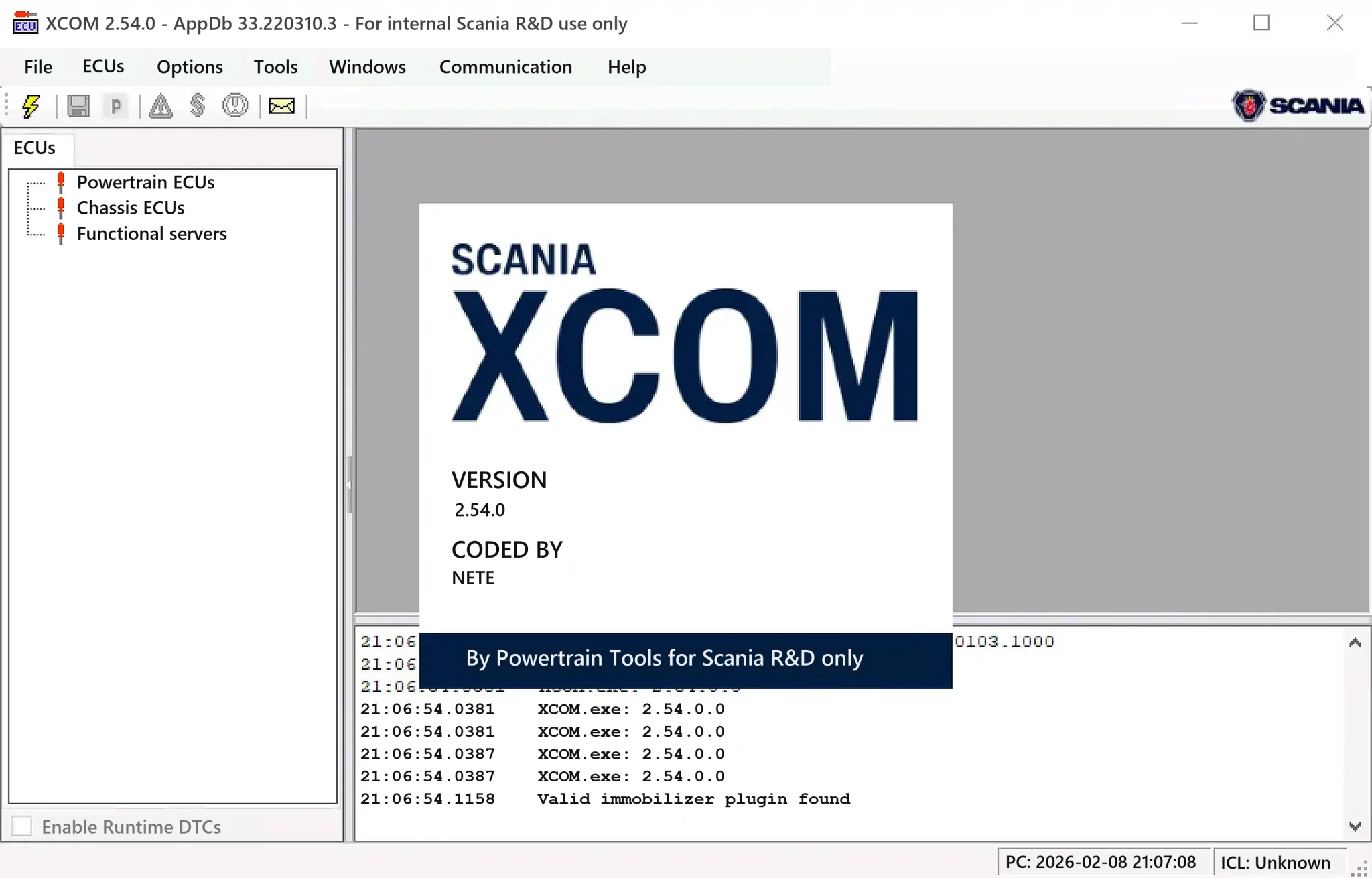
Scania ECU engineering and diagnostics workbench with Powertrain, Chassis and Functional server groups, live data, session logs and AppDb-based functions.
Categories
Vehicle references
Overview
Scania XCOM is an engineering and diagnostics workbench for communicating with Scania ECUs, carrying out service and engineering jobs, and examining live data and logs. Its interface arranges targets into Powertrain ECUs, Chassis ECUs and Functional servers, giving technicians a structured view of control units and their available functions within one workspace.
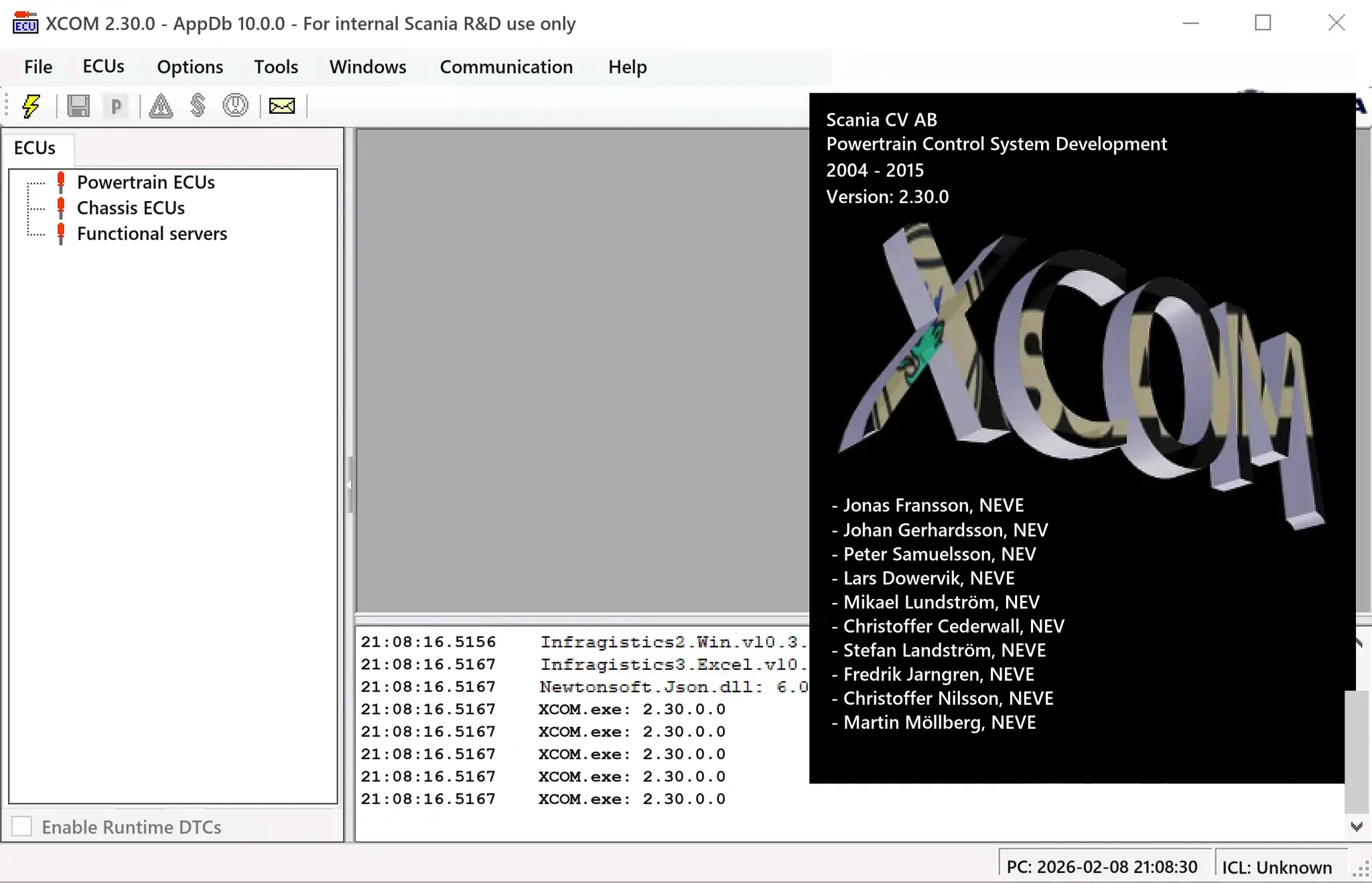
This package contains two builds with different generations of application databases. XCOM 2.54.0 is shown with AppDb 33.220310.3 and newer runtime-environment messages. XCOM 2.30.0 uses AppDb 10.0.0 and an earlier presentation style. Actual ECU support depends on the AppDb and plugins installed in the environment.
Version notes and differences
- XCOM 2.54.0: The newer AppDb generation, 33.220310.3, accompanies broader modern workflows and updated logging and plugin-detection messages.
- XCOM 2.30.0: The earlier AppDb 10.0.0 is commonly retained for legacy compatibility and older test environments whose specific definitions depend on that database generation.
- Both builds use the same overall ECU-grouping approach: Powertrain, Chassis and Functional servers.
Highlights
- A tree view separates Powertrain ECUs, Chassis ECUs and Functional servers.
- Session-based communication is accompanied by a console that records status information and events.
- The AppDb supplies ECU definitions and determines which functions are available.
- The workbench-style workflow suits test benches and service-validation tasks.
- Plugin extensions are supported when the required components are present in the environment.
Package contents
xcomsetup_2.30.0.0_fix.rarScania XCOM.zipAuthorization Controller.exeRead This First-Installation Instructions.txtrunasdate path put.txtrunasdate USE help.pngrunasdate.zipXcom setup_2.54.0.0_SMAP.exe
Compatibility notes
- The application displays the restriction “For internal Scania R&D use only”. Use it only with the necessary legal authorization and valid licensing.
- Coverage relies on the installed AppDb and available plugins, and can differ according to ECU generation and firmware.
- Any included date or time helpers should be used solely to keep controlled test environments consistent, never to circumvent licensing or access controls.
Basic usage
- Install the required build and confirm that its AppDb contains the definitions needed for the target ECUs.
- Start XCOM and choose the appropriate ECU group: powertrain, chassis or functional server.
- Set up communication for the interface and the laboratory or workshop environment in use.
- Run only documented functions that you are authorized to use, checking the log for confirmations and error messages.
Operating systems
- ECU workbenches of this type commonly run in 64-bit Windows environments. Exact support depends on the drivers, interfaces and deployment configuration.
Minimum system requirements
- CPU: A dual-core processor running at 2.0 GHz or faster.
- RAM: At least 8 GB; 16 GB is recommended.
- Storage: 5 GB of free space for the applications and databases.
- Network: Optional, depending on the laboratory setup and any server components.
- Admin rights: Administrator privileges are required to install the software and interface drivers.
Disclaimer
- Editorial index only: The descriptions, screenshots and file inventory are reference material for identifying the software.
- No endorsement or affiliation: Product names and trademarks remain the property of their respective owners.
- Licensing and laws: Users are responsible for complying with vendor license terms and local regulations. No methods for bypassing protection are provided.
- Risk notice: Incorrect ECU operations can damage equipment or vehicles. Use the software only for lawful servicing and within controlled environments.
Technical Compatibility
Supported Modules
Operating Systems
System Requirements
- Windows; 64-bit environments commonly used, with exact support dependent on drivers and deployment
- CPU: Dual-core 2.0 GHz or better
- RAM: 8 GB minimum; 16 GB recommended
- Storage: 5 GB free for applications and databases
- Network: Optional, depending on laboratory setup and server components
- Administrator rights: Required for installation and interface drivers
Screenshots
Related Software

Windows workshop utility for calculating PIN and key-related service data from supported ECU, dashboard and body-module dumps, with a searchable coverage database.
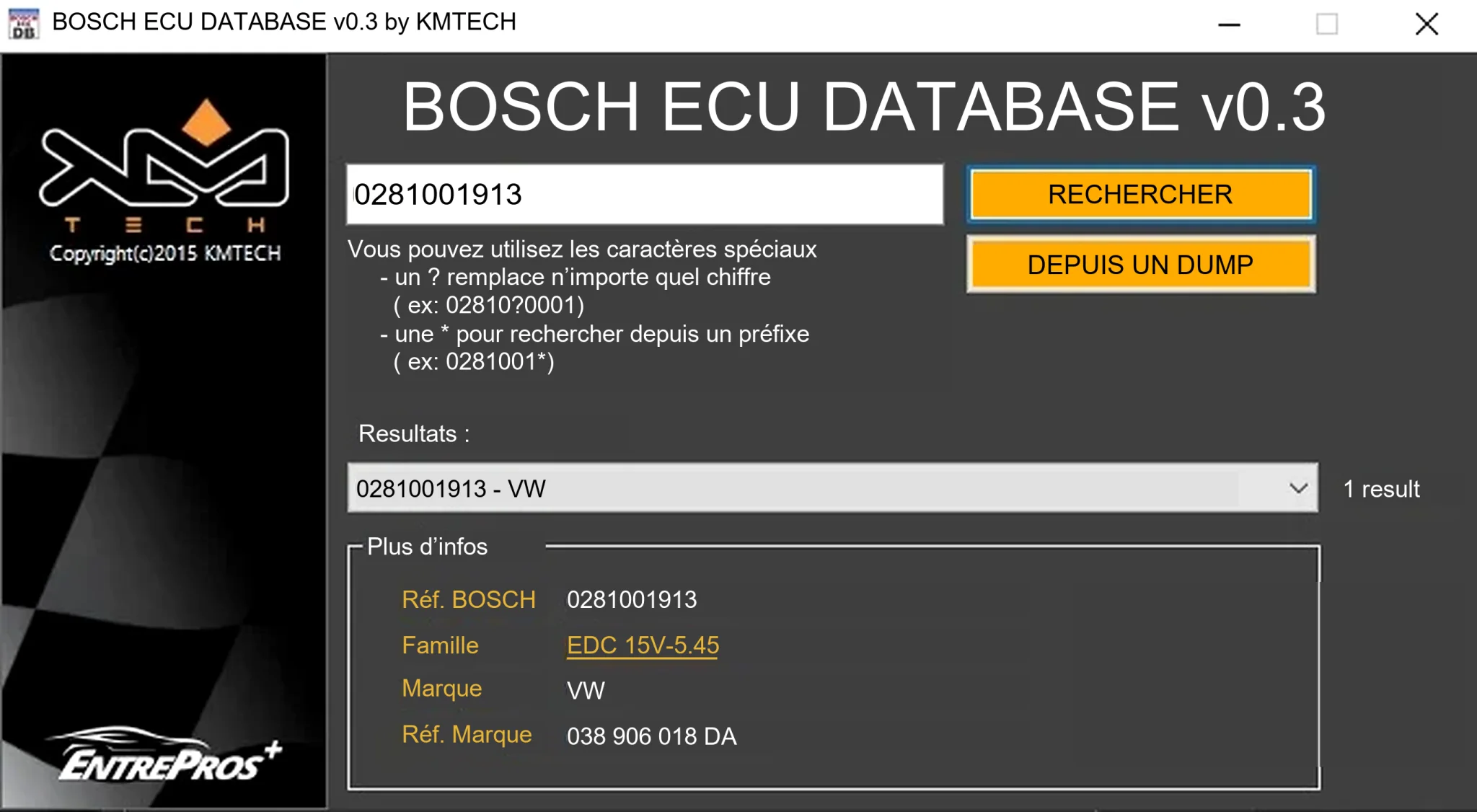
Offline Windows reference tool for Bosch ECU part numbers, controller families and OE cross-references, with exact, wildcard, prefix and binary-dump identifier searches.
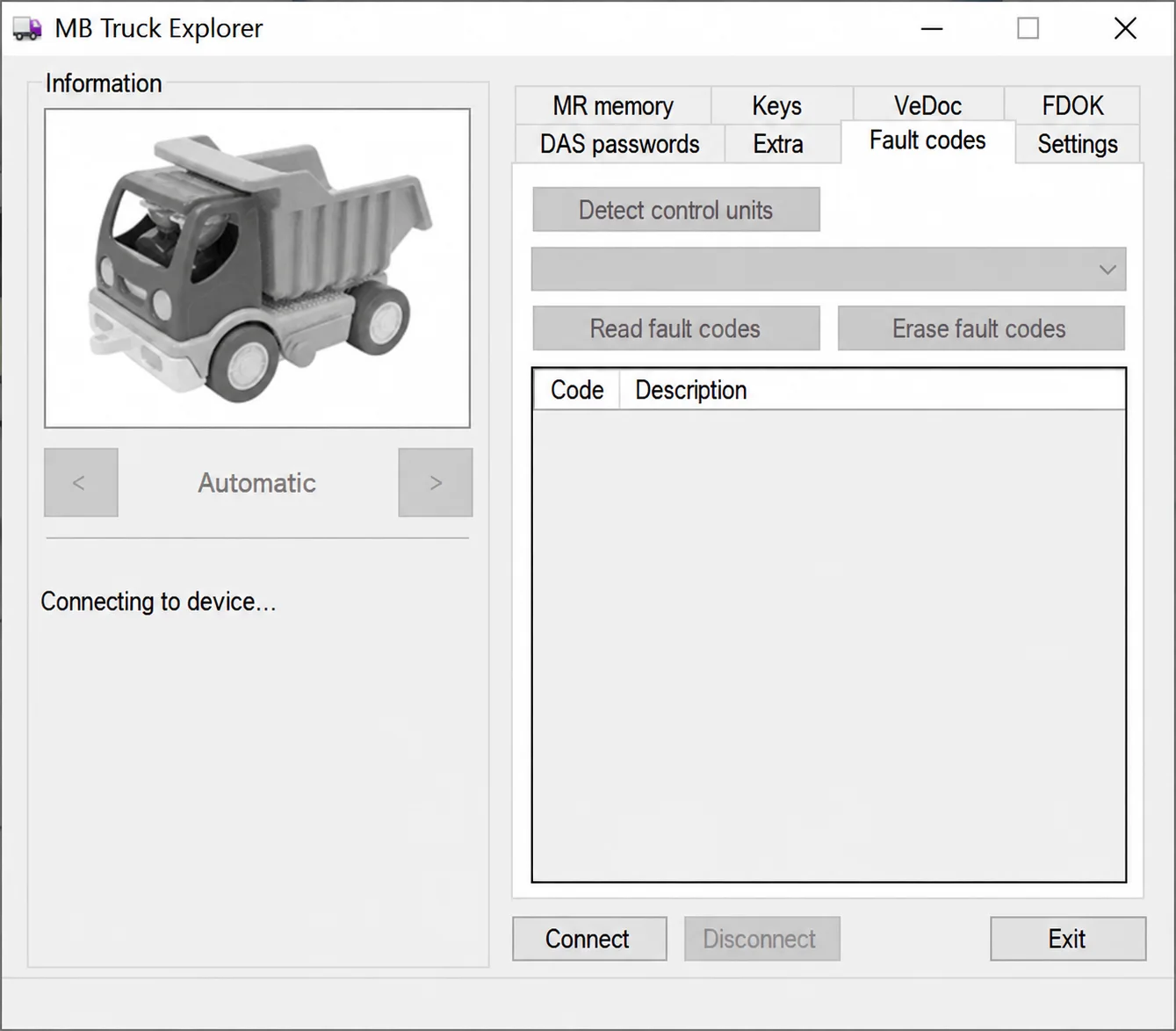
Legacy Windows heavy-vehicle service software for compatible VEI hardware, with licensed MR/PLD memory, key, VeDoc, FDOK, DAS and fault-code functions.

Windows calibration-file utility with manufacturer and ECU selection menus for EGR, flap, Hotstart, DTC and related service functions.

Volvo VIDA 2015A workshop environment for vehicle identification, guided fault tracing, wiring diagrams, service documentation and parts reference.
Detroit Diesel Diagnostic Link (DDDL) Full Suite 6.5 / 8.19 / DRS 6.31
v6.5 / 8.19 / DRS 6.31Detroit Diesel and Mercedes-Benz MBE workshop suite combining DDDL legacy and modern diagnostics, DRS reprogramming, live data, service tests and parameter functions.