
SOFTWARE DATABASE / RELEASE RECORD
VERSION 5.5 (collection label)Renault DDT2000 and DDT4All Diagnostic Software with DDT Database 5.5
Windows Renault and Dacia diagnostic collection with DDT2000 installers, DDT4All packages and DDT Base 11.2021 ECU definitions.
Categories
Vehicle references
Overview
Renault DDT2000 and DDT4All is a Windows diagnostic collection for supported Renault and Dacia control units. It combines DDT2000 installation archives, several separately labelled DDT4All packages and a DDT ECU-definition database.
5.5 is the collection / additional-package label. It is not the version of every component. The DDT2000 installers, DDT4All release and dated ECU database must be identified separately; a higher package number does not establish newer software or broader coverage.
What Can You Use It For?
- Fault diagnosis: inspect and clear trouble codes on control units supported by the selected application and definition.
- Live data: observe parameters and operating states during fault investigation.
- ECU identification: scan supported modules and choose an appropriate diagnostic definition.
- Configuration: inspect or change settings when the matching ECU definition exposes the necessary functions.
- Advanced DDT4All work: design or modify parameter screens, issue diagnostic requests and record data for analysis.
Functions are driven by ECU-specific definitions. The application, loaded database, actual control unit and diagnostic adapter all affect what is available.
DDT2000 and DDT4All — What Is the Difference?
DDT2000
DDT2000 is the diagnostic environment associated with the DDT ECU-definition format. Definitions provide control-unit parameters, diagnostic requests and configuration screens.
The documented DDT2000 folder contains:
DDT_v4.0.9.2_setup_full_ALLIANCE.zip— full setup archive.Pack_DDT2000_4.0.9.1.zip— a separate additional pack.How to install.txt— installation instructions.
The full setup and additional pack are distinct components with different version labels. Follow their installation instructions and intended order rather than treating them as two interchangeable installers.
DDT4All
DDT4All is a separate open-source diagnostic application able to use compatible DDT2000 ECU definitions. It supplies its own user interface and supports appropriate OBD adapters, including ELM327 and OBDLink SX. It offers an alternative application for DDT-based diagnosis; it is not an update installed over DDT2000.
DDT4All is an open-source project, but that does not establish a single license covering the DDT2000 files, every separately packaged build and the ECU-definition database in this collection.
DDT4All Packages Included
DDT4All 3.0.6
The supplied archive is named ddt4all-3.0.6.zip. Release notes for this version identify theme/interface fixes, serial-communication corrections, revised vehicle-list and addressing information, and work toward ELS27 V5 support. Development work on an adapter does not prove every hardware revision is fully supported.
DDT4All 5.5
A further package is supplied under the 5.5 label. This label should not be compared numerically with the separate 3.x project-release line. Its exact build identity and differences require checking the package itself; the label alone does not confirm that it is newer than 3.0.6.
DDT4All Dacia
The collection also identifies a Dacia-labelled package. DDT4All can already work with appropriate Dacia definitions. Actual control-unit coverage follows the loaded database and adapter compatibility, not the package name. The specific modifications or additions in this package are not established.
DDT Base 11.2021
DDT Base 11.2021.zip is a separate ECU-definition archive. Such definitions describe parameters, diagnostic requests and the screens used by compatible DDT applications.
November 2021 is a database label, not the application version or the catalog publication date. Updating DDT4All does not automatically replace its ECU definitions. The date also does not guarantee support for every Renault or Dacia model sold by November 2021.
DDT4All Interface Reference
The image below is an authentic DDT4All 3.0.4 connection-screen reference with a French interface on Linux. It illustrates the application family, including interface selection, serial ports, language, baud rate, Wi-Fi endpoint and connection / editing modes. It is not a screenshot of the 5.5-labelled archive or the included 3.0.6 build. This catalog entry covers the Windows collection.
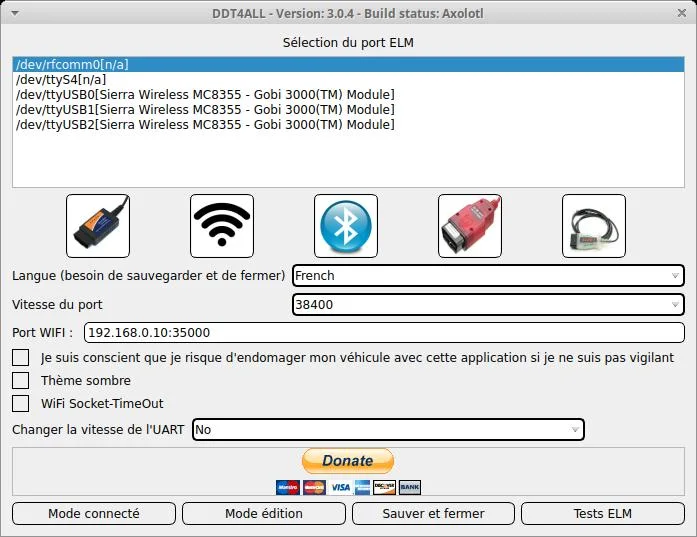
DDT4All 3.0.4 interface reference, French/Linux; included package versions are documented separately above.
Compatibility and Requirements
- Windows: the cataloged collection is for Windows. A single minimum Windows version or architecture for every component is not established.
- Diagnostic interface: use an adapter supported by the particular application and build, with its correct driver and connection settings.
- DDT4All adapters: ELM327 and OBDLink SX are documented examples. Do not transfer this compatibility claim automatically to DDT2000.
- ECU definitions: choose a definition matching the real control unit; database presence alone does not prove full model-year or hardware coverage.
- Installation dependencies: follow the instructions for each package. Source-code runtime requirements do not necessarily describe a packaged Windows installer.
- Backups: record original settings before any configuration write.
Important Precautions
Review identification and live values before attempting configuration changes. Save the original configuration and use Expert Mode or write functions only when the selected parameters and intended operation are understood. An incorrect diagnostic request or setting can disrupt vehicle operation.
The collection description does not establish universal Renault / Dacia compatibility, a shared adapter specification for both applications, or a verified executable checksum. Version and database labels should be checked independently for the component being used.
Technical Compatibility
Operating Systems
System Requirements
- Windows PC; shared minimum version and architecture for all packages not confirmed
- Diagnostic adapter supported by the selected application and build
- Correct adapter driver and connection settings
- ECU definition matching the actual control unit
- Original configuration backup before write operations
- Follow component-specific installation instructions
Screenshots
Related Software
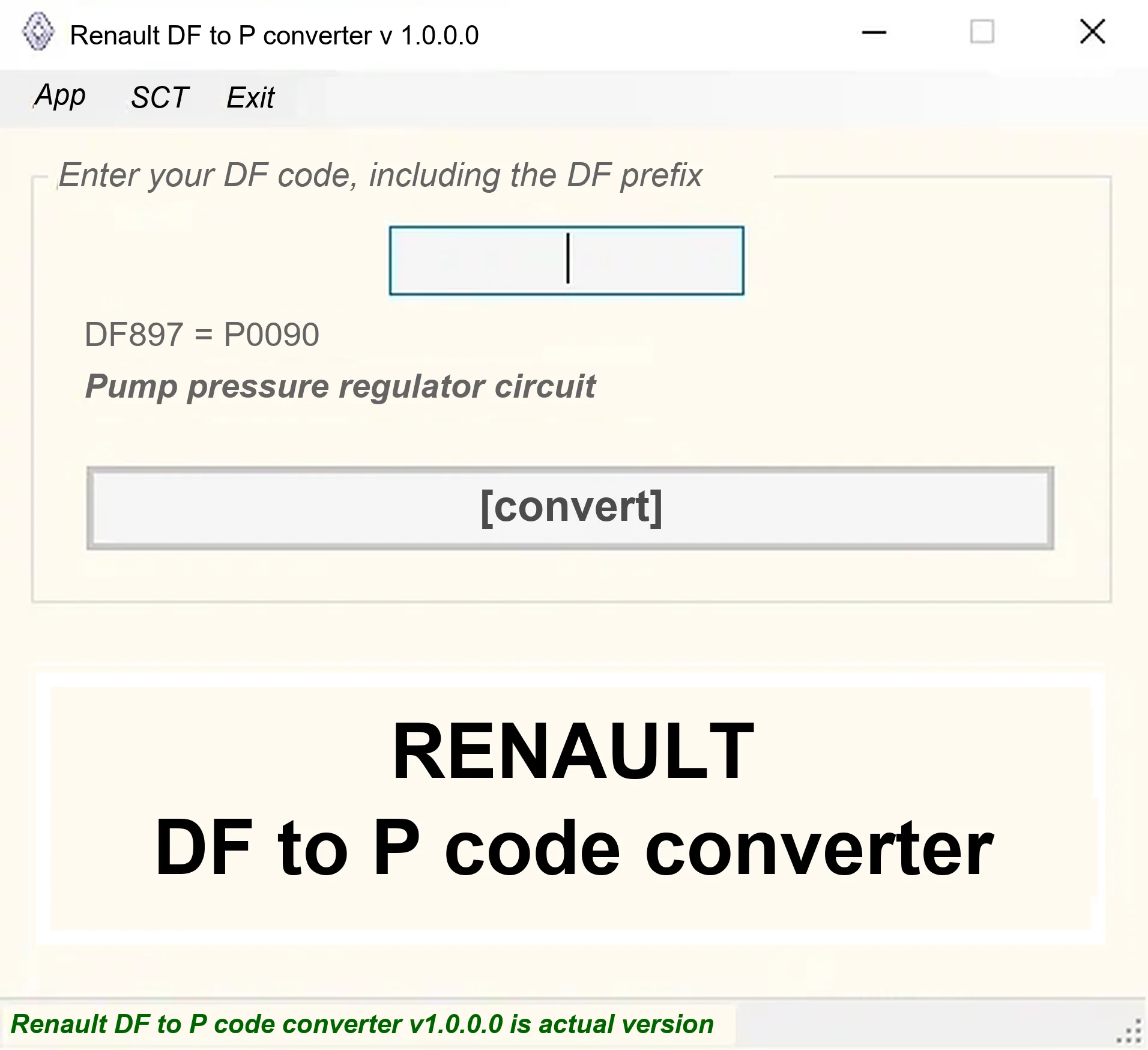
Offline Windows DF-to-P fault-code lookup for Renault diagnostic reports, with descriptions and a companion ECU Info number-prefix reference utility.
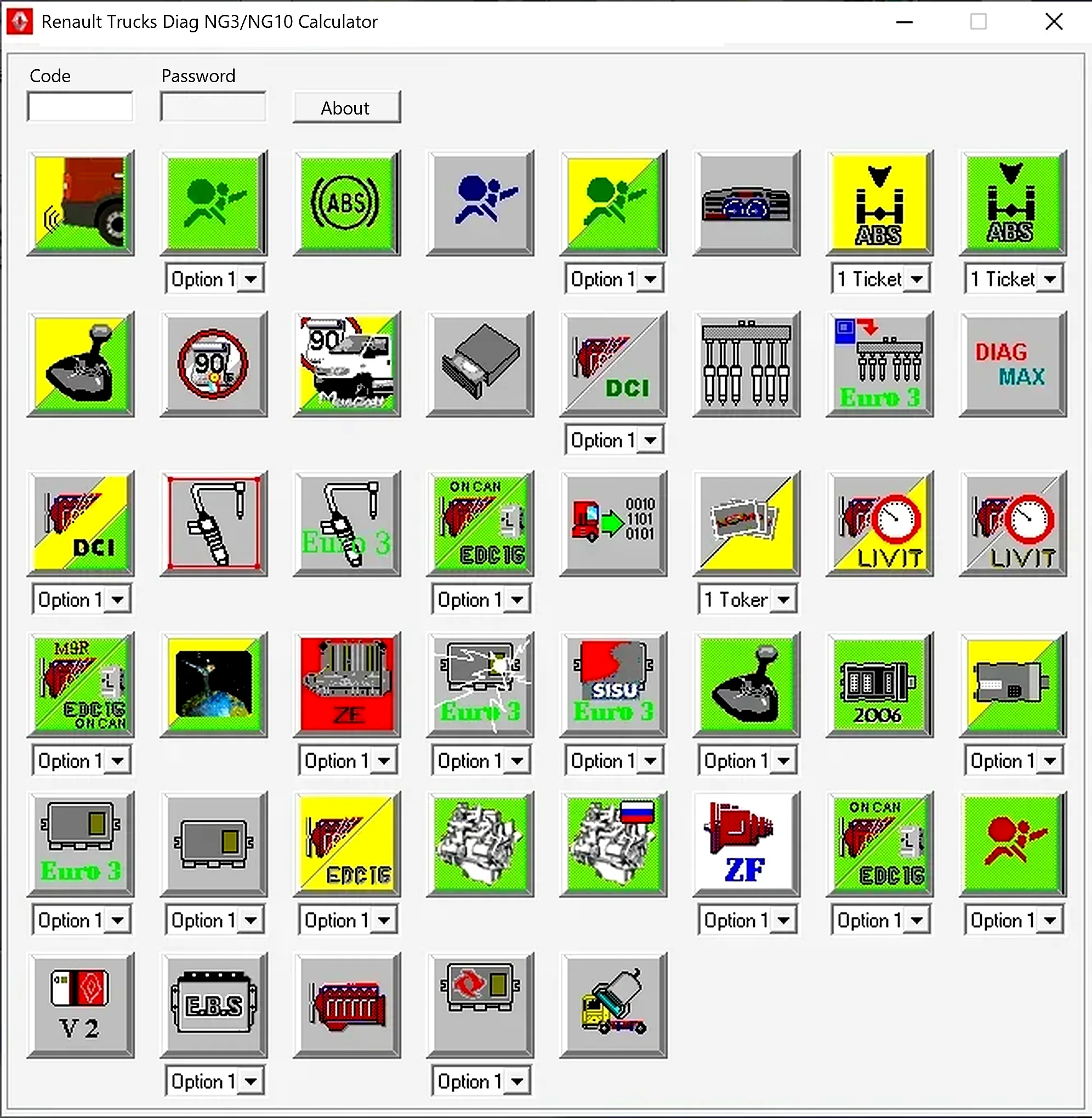
Legacy Windows code/password companion for authorized Renault Trucks Diag NG3/NG10 protected parameters, with system-specific option, ticket and token profiles.
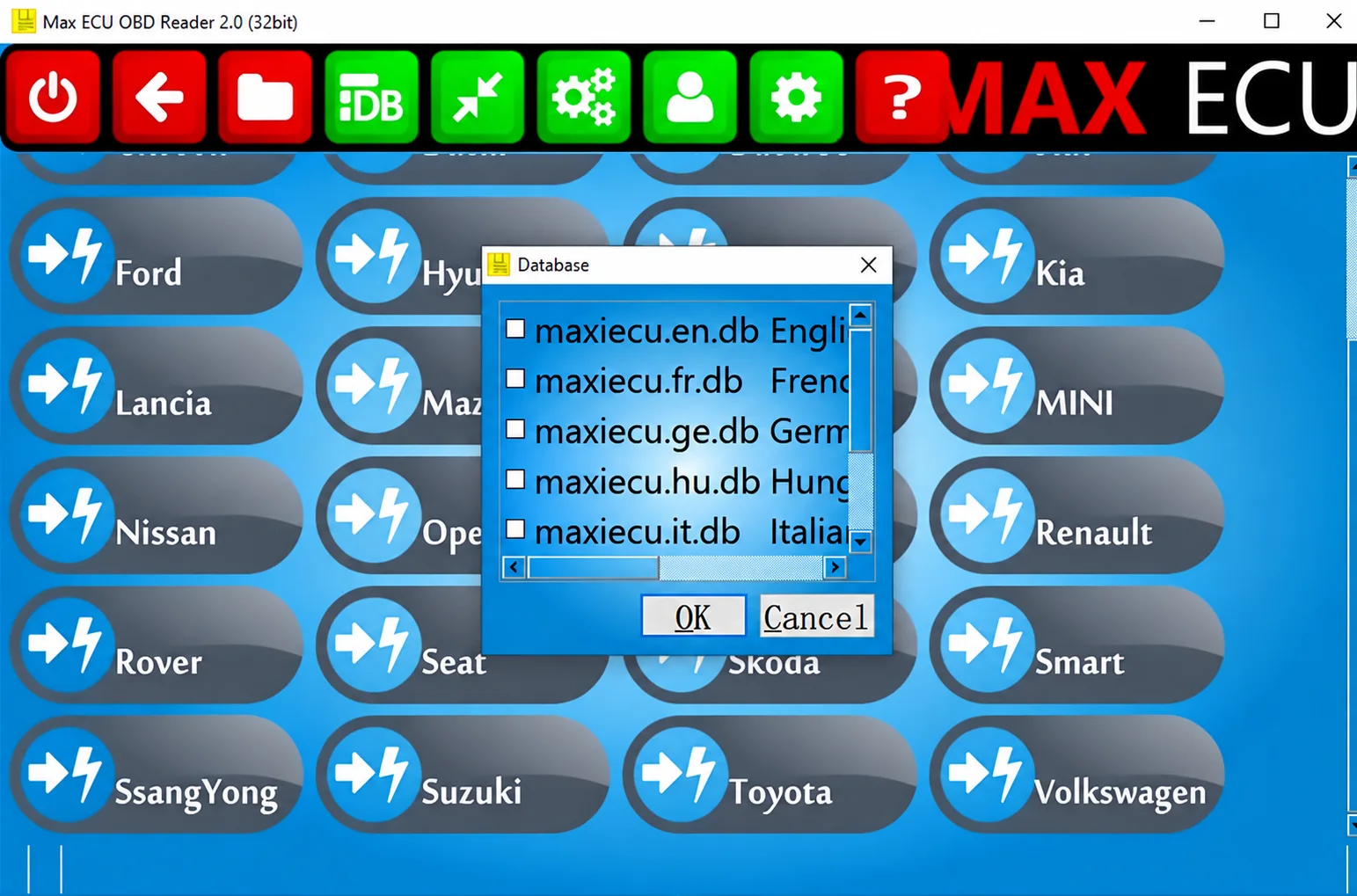
Legacy Windows multi-brand diagnostics with generic OBD, licensed manufacturer modules, live data and supported service functions using compatible MaxiECU hardware.
Windows BIN analysis and DTC editing utility for supported Bosch, Delphi, Continental, Siemens, Visteon and other ECU strategies.

Windows automotive key database and cutting-control software for compatible Miracle machines, with profile search, bitting entry, blade preview and saved cutting jobs.

Offline Windows reference tool for Bosch ECU part numbers, controller families and OE cross-references, with exact, wildcard, prefix and binary-dump identifier searches.