
SOFTWARE DATABASE / RELEASE RECORD
VERSION 0.1.0.0Renault Trucks NG Calculator - Protected Parameter Access Tool 0.1.0.0
Legacy Windows code/password companion for authorized Renault Trucks Diag NG3/NG10 protected parameters, with system-specific option, ticket and token profiles.
Categories
Vehicle references
Overview
Renault Trucks NG Calculator is a legacy Windows companion for authorized service procedures in Renault Trucks Diag NG3 and NG10. It calculates a password from the challenge shown by a protected diagnostic operation and provides profile-specific option, ticket or token selections.
The calculator is not a complete diagnostic installation and does not connect to a truck independently. The matching Renault Trucks diagnostic software, communication interface and approved service procedure are still required. Its role is limited to the request-code/password step for compatible protected parameters.
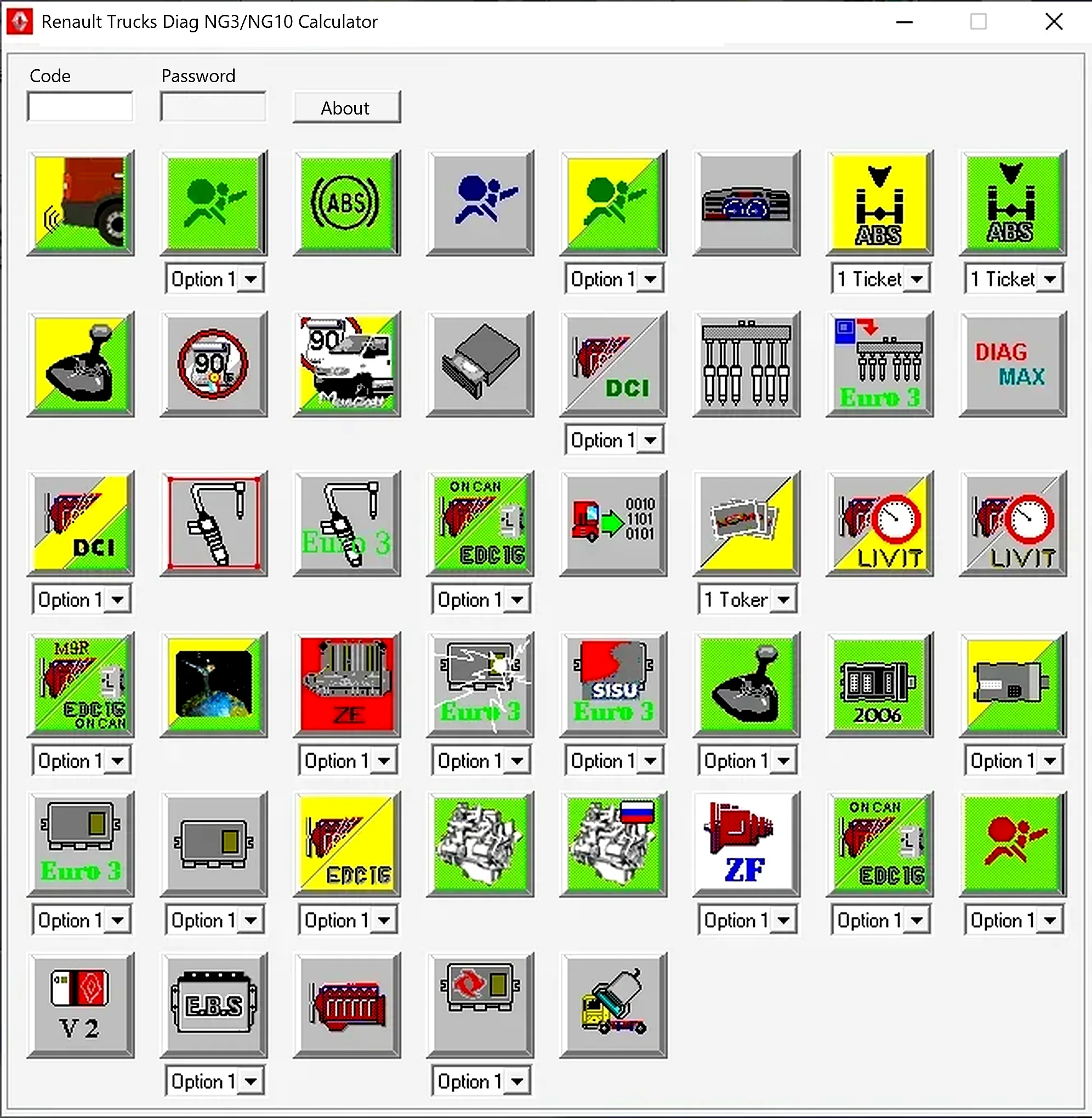
Main Function
- Accept the challenge displayed by a compatible protected diagnostic operation.
- Select the matching system or operation icon.
- Choose an option, ticket or token setting when provided by that profile.
- Calculate the corresponding password for the authorized diagnostic session.
The challenge, icon, profile setting and diagnostic operation must relate to the same truck and session for the result to be meaningful.
Systems Represented in the Interface
The original interface contains groups and symbols for ABS, airbag, engine/ECU, DCI, transmission and ZF-related operations, together with Euro 3, Euro 4, Sisu and EDC variants and additional chassis or cab functions. It also shows the code/password fields and the selectors attached to particular profiles.
These are menu representations, not a verified coverage matrix for every truck, control unit or software version. Identify the actual vehicle and diagnostic prompt before selecting a profile.
Diagnostic Platform Context
NG3 and NG10 belong to older Renault Trucks diagnostic environments and hardware generations. Legacy product documentation describes this calculator as a dealer-password companion for protected parameters and ticket/token workflows. Its scope concerns those older service systems rather than current online OEM environments.
Support for an NG3/NG10 calculator procedure does not establish support for later Renault Trucks Tech Tool or Volvo-based diagnostic platforms.
Authorized Workflow
- Identify the truck using its VIN privately and record the model, production year and engine.
- Connect the correct Renault Trucks interface and establish a stable diagnostic session.
- Open the approved protected parameter or service routine.
- Record the displayed challenge and the exact operation name.
- Choose the corresponding calculator icon and option/ticket/token setting.
- Enter the challenge carefully and calculate the password.
- Return the result to the same diagnostic session without switching vehicle or operation.
- Record the original parameter, approved replacement value and final verification.
Parameters and Safety
Protected settings can affect speed limits, brakes, suspension, transmission, engine behavior, emissions, body configuration and other safety-critical functions. Obtain the relevant Renault Trucks service instruction and confirm authorization before changing a parameter.
Do not use the calculator to override fleet policy, tamper with regulated limits or make changes outside an approved repair or configuration procedure.
System Requirements
Legacy supplier documentation lists Windows 2003, XP, Vista, 7, 8 and 10. This is a reported legacy compatibility list rather than independent ECUDB testing of those systems. The documented practical setup recommends:
- A 32-bit-compatible Windows environment, preferably an isolated VM for the calculator.
- At least 1 GB of RAM and 100 MB of free storage.
- The complete three-file calculator directory kept together.
- A separately licensed and configured Renault Trucks Diag NG installation.
- A compatible diagnostic interface and the correct vehicle cables.
- Regulated battery support for long configuration sessions.
- Administrator access only when required by the legacy diagnostic stack.
Newer Windows environments may require compatibility settings. Keep legacy software in a controlled workshop environment rather than disabling security protections on a general-purpose business computer.
Troubleshooting
- Rejected password: confirm that the challenge is still valid and the original diagnostic operation and session remain active.
- No matching icon: stop and check service documentation instead of choosing a similar-looking system.
- Different results for different settings: establish whether the diagnostic prompt requires an option, ticket or token profile.
- Application will not start: keep the EXE, DLL and INI together and check a 32-bit-compatible Windows VM.
- Lost diagnostic connection: restore communication and obtain a fresh challenge rather than reusing an old password.
- Parameter change refused: check user permissions, vehicle state, ECU prerequisites and the applicable service bulletin.
Package Contents
The documented distribution contains the calculator executable, its companion DLL and the INI configuration file. Preserve all three in the same functional directory.
Preparation notes report a successful archive test and extraction, with per-file sizes and SHA-256 records and static inspection of both executable-format files without running them. The executable components are unsigned. These are documented preparation statements, not an independent archive, checksum or execution check performed by ECUDB.
Privacy, Authorization and Records
Challenge strings, passwords, VINs and fleet settings are sensitive workshop information. Keep active codes and passwords out of public discussions. Use the application only for a truck you own or are explicitly authorized to service, record who approved the change and retain before/after diagnostic reports in the workshop record.
Limitations
The calculator does not include OEM service instructions, determine whether a modification is legal, validate a truck's configuration, program an ECU or guarantee compatibility with newer diagnostic suites. Use it as a narrowly scoped legacy aid within a documented professional service process.
Technical Compatibility
Operating Systems
System Requirements
- Legacy supplier compatibility list: Windows 2003, XP, Vista, 7, 8 and 10; this list is not independent ECUDB OS testing.
- 32-bit-compatible Windows environment; an isolated VM is recommended for the calculator.
- Documented practical recommendation: at least 1 GB RAM and 100 MB free storage.
- Keep the calculator EXE, companion DLL and INI together.
- Separately licensed and configured Renault Trucks Diag NG installation.
- Compatible diagnostic interface and correct vehicle cables.
- Regulated vehicle battery support for long configuration sessions.
- Administrator access only where required by the legacy diagnostic stack; newer Windows may need compatibility settings.
Screenshots
Related Software

Windows automotive key database and cutting-control software for compatible Miracle machines, with profile search, bitting entry, blade preview and saved cutting jobs.
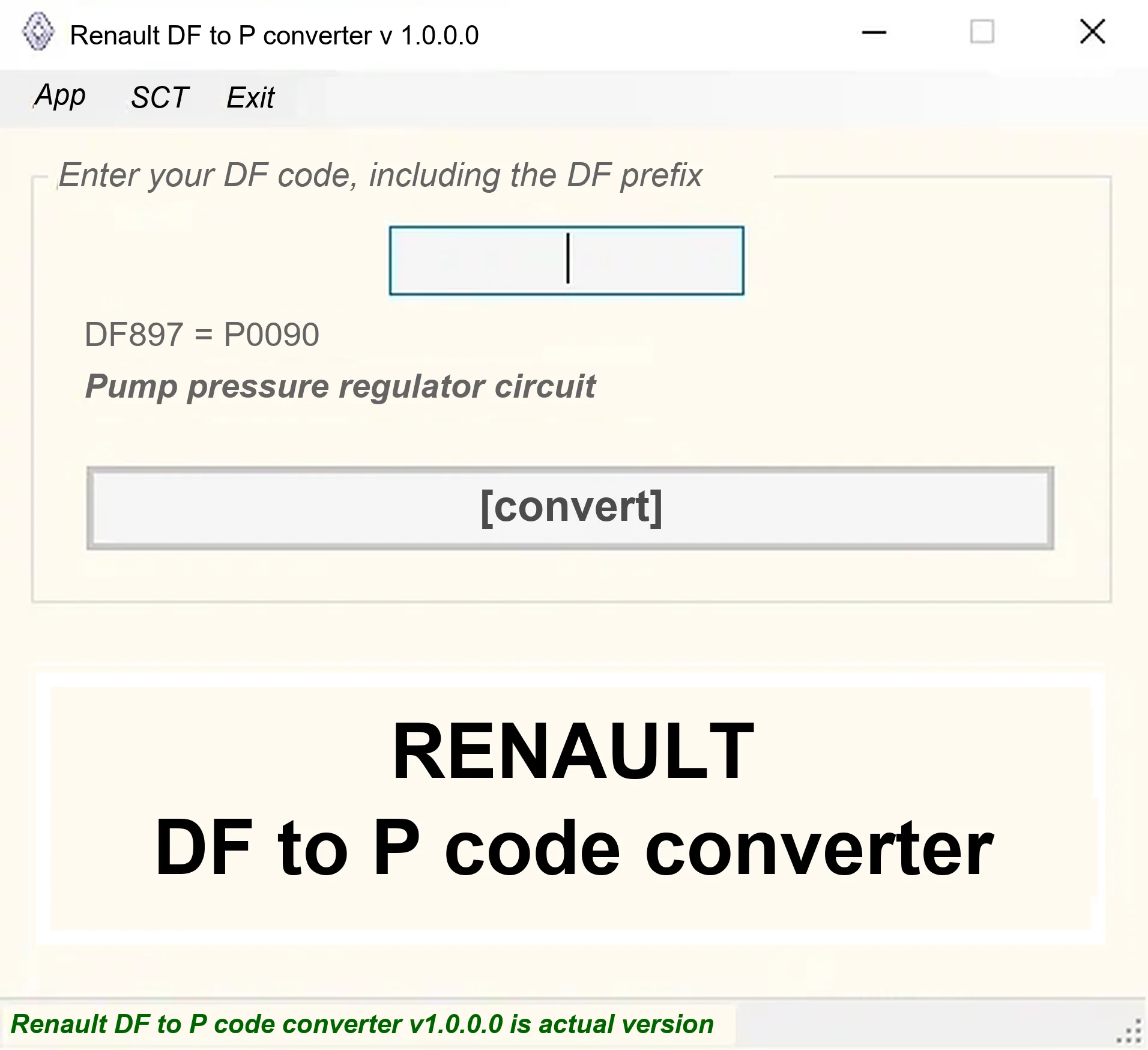
Offline Windows DF-to-P fault-code lookup for Renault diagnostic reports, with descriptions and a companion ECU Info number-prefix reference utility.

Offline Windows reference tool for Bosch ECU part numbers, controller families and OE cross-references, with exact, wildcard, prefix and binary-dump identifier searches.
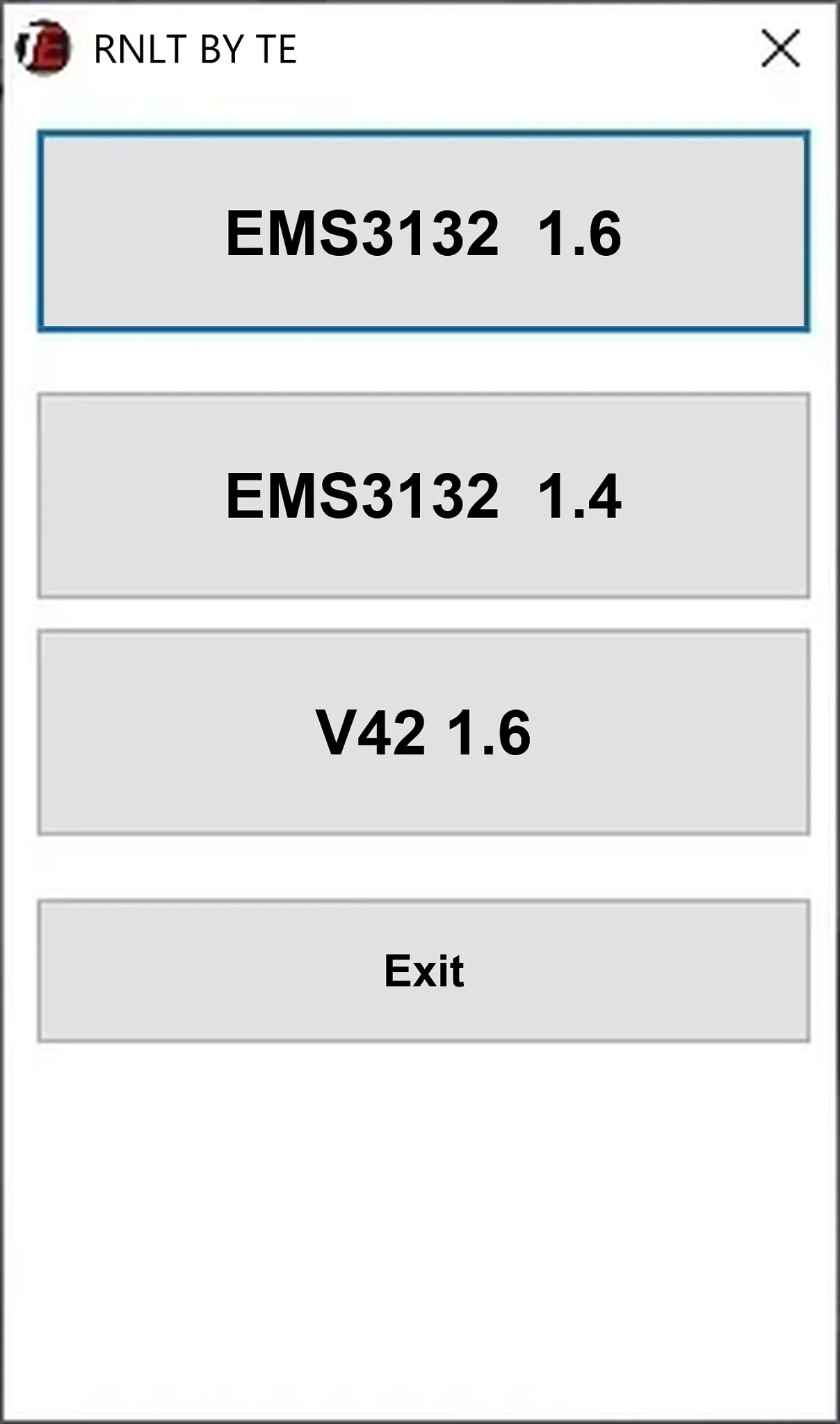
Offline Windows cold-start calibration file utility for Renault EMS3132 1.6, EMS3132 1.4 and V42 1.6 ECU reads.
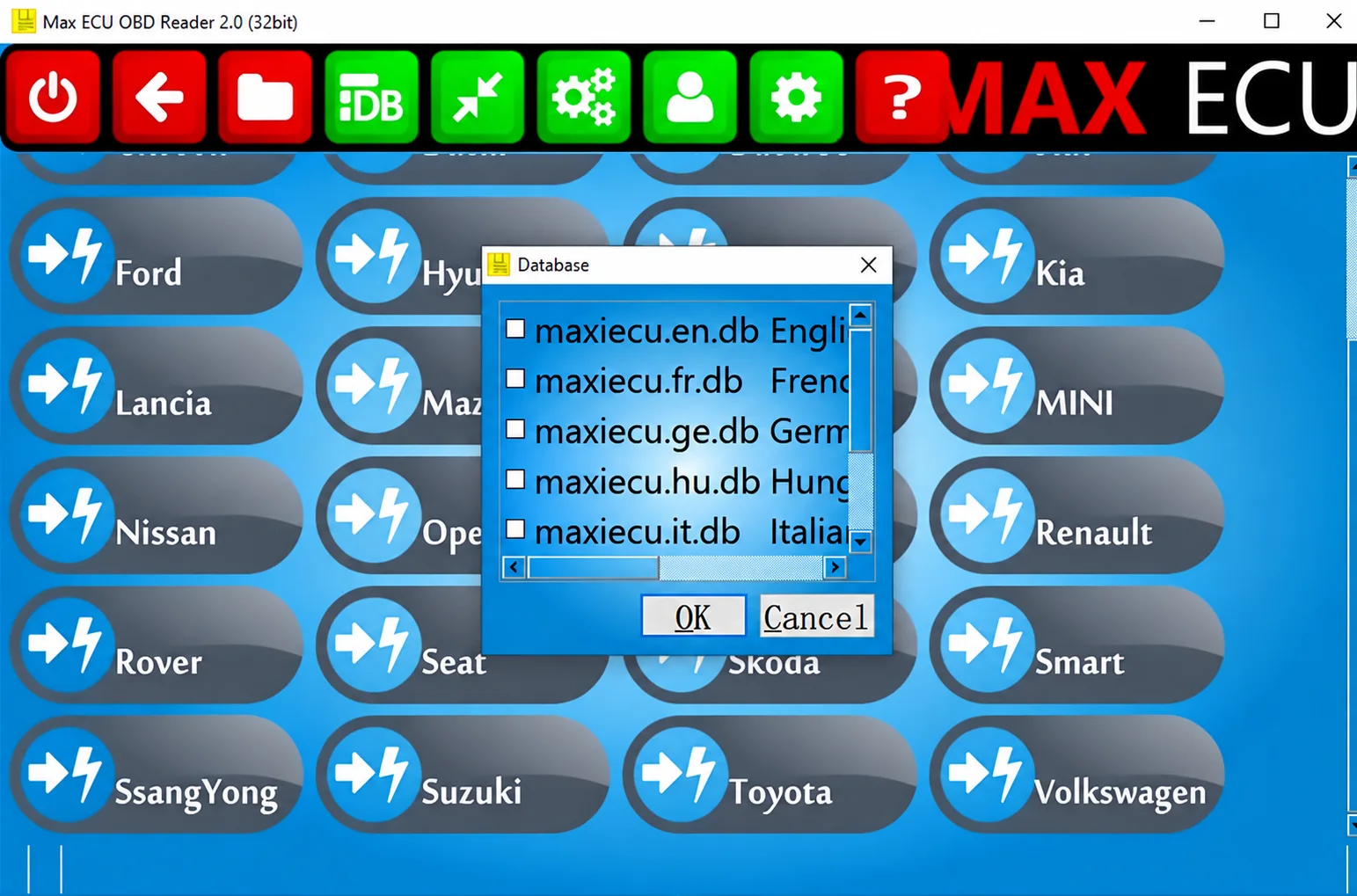
Legacy Windows multi-brand diagnostics with generic OBD, licensed manufacturer modules, live data and supported service functions using compatible MaxiECU hardware.
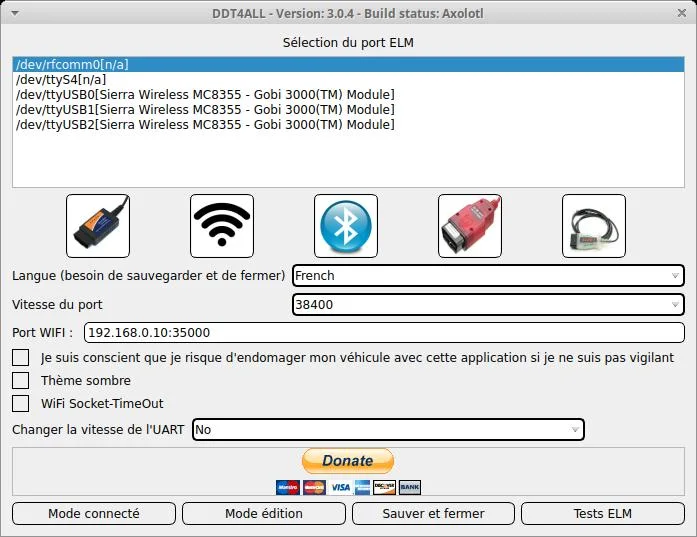
Renault DDT2000 and DDT4All Diagnostic Software with DDT Database 5.5
v5.5 (collection label)Windows Renault and Dacia diagnostic collection with DDT2000 installers, DDT4All packages and DDT Base 11.2021 ECU definitions.