
SOFTWARE DATABASE / RELEASE RECORD
VERSION 2.53Nissan DataScan II - Diagnostics & ECU Adjustment Suite 2.53
Windows diagnostics for supported Nissan and Infiniti Consult II/DDL2 K-line modules, with ECU identification, live data, graphs, logging, playback and supported adjustments.
Categories
Vehicle references
Overview
Nissan DataScan II is a Windows diagnostic and ECU-adjustment application for Nissan and Infiniti vehicles whose modules communicate using Consult II / DDL2 over K-line. It provides control-unit identification, live readings, graphs, recorded-session analysis and diagnostic trouble-code functions. Selected active tests and adjustment procedures are available when the connected controller supports them.
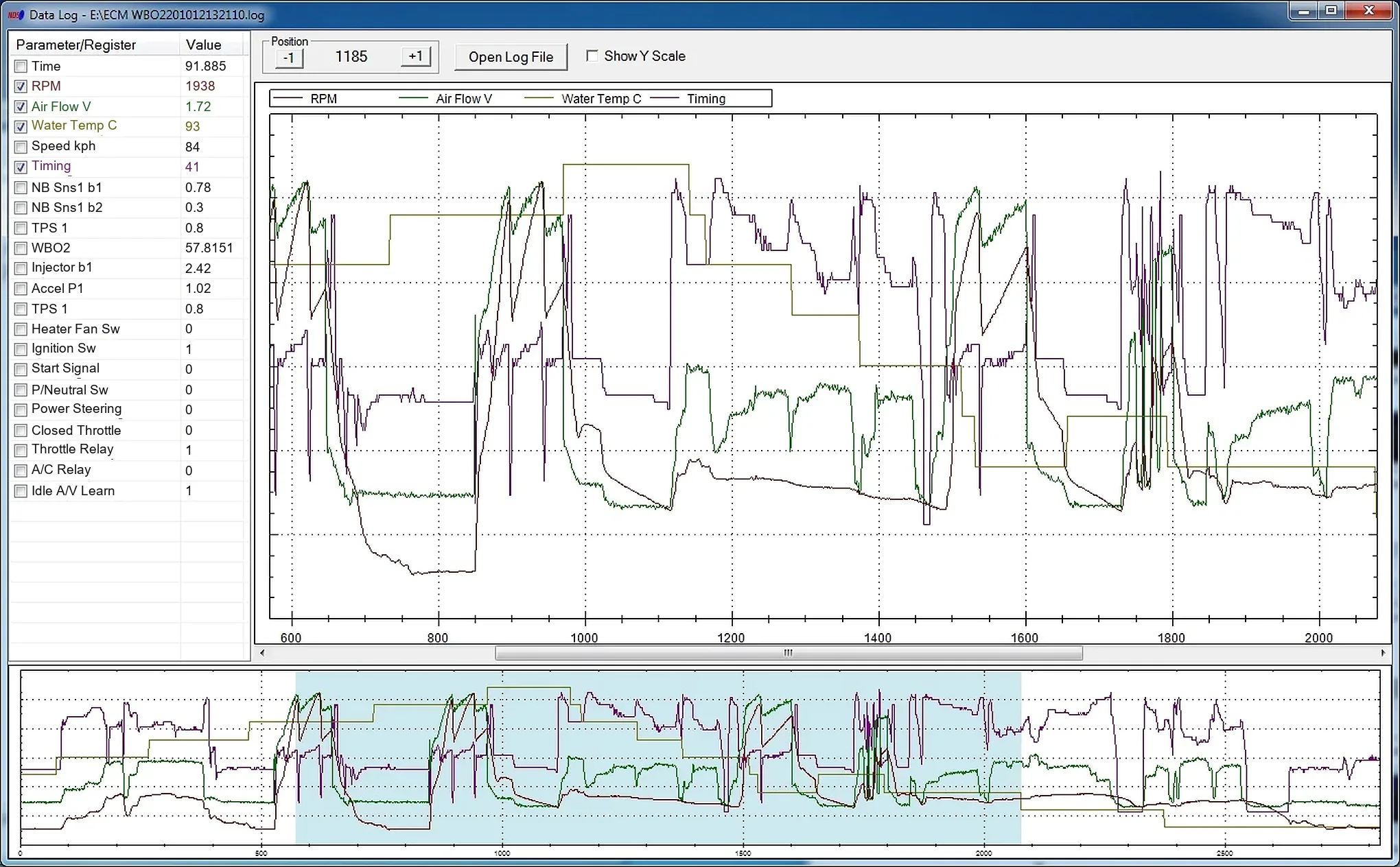
Supported vehicles, ECUs and files
The principal documented vehicle range is approximately 2001–2008. Listed examples include 350Z Z33, Almera N16, Almera Tino V10, Altima L31, Frontier D40, Maxima A33/A34/J31, Micra K11/K12, Murano Z50, Note E11, Pathfinder R50, Primera P11/P12, Pulsar N16, Quest and Sentra SE-R. These examples do not guarantee access to every controller in a vehicle.
Supported systems can include ECM, BCM, TCM, ABS, SRS and diesel ECM. Protocols may differ between modules on the same car: a controller using DDL1 or CAN remains outside this DDL2 K-line workflow even if another module can be accessed.
- Nissan and Infiniti Consult II DDL2 modules using K-line communication through a compatible 16-pin adapter.
- Petrol-engine controllers, selected diesel ECMs and BCM, TCM, ABS or SRS modules where the individual unit uses the supported protocol.
- Vehicle-dependent active tests and adjustments only where those operations are implemented by the target ECU.
Functions
- Control-unit and fault information: read module identification and diagnostic trouble codes.
- Live readings and graphs: display engine and sensor data in lists or multi-channel graphical views.
- Recording and playback: log data to CSV, replay a saved recording and analyse an earlier diagnostic session.
- Tests and adjustments: run supported active tests and ECU adjustments, including idle-related procedures where the controller permits them.
- Documentation: consult the English or Russian manuals supplied with the package.
System and hardware requirements
- A Windows computer. This entry concerns the Windows PC software.
- A compatible Consult II K-line/DDL2 USB interface and a stable, correctly selected COM port.
- The appropriate CH341 or PL2303 driver if the cable uses that chipset. The archive separates the two driver families into their respective directories.
- Stable ignition and battery conditions, plus the correct Nissan service procedure for any adjustment or active test.
Recommended workflow
- Identify the communication protocol used by the intended module and confirm that it is DDL2 rather than DDL1 or CAN.
- Install the driver appropriate to the cable, select its COM port and start by reading the ECU identification.
- Save the existing fault codes and record a baseline data log before clearing memory or performing adjustments.
- Carry out active tests only under safe conditions, then check the final idle, throttle and diagnostic fault status.
Package contents
The documented package retains the application installer, activation files, PDF manuals in English and Russian and separate CH341/PL2303 driver directories. It also contains several legacy installers. The package preparation described in the documentation did not involve running any of those installers.
Important limits
A Nissan built within the approximate year range does not necessarily use DDL2, and different controllers in a single vehicle may require different diagnostic protocols. Verify compatibility per module. An ELM327 does not replace the Consult II K-line interface required for this Windows workflow.
Technical Compatibility
Supported Modules
Operating Systems
System Requirements
- Windows PC
- Compatible Consult II K-line/DDL2 USB interface and stable COM port
- Correct CH341 or PL2303 driver for the cable chipset
- Stable ignition and battery conditions
- Correct Nissan service procedure for adjustments and active tests
Screenshots
Related Software

Windows calibration-file utility with manufacturer and ECU selection menus for EGR, flap, Hotstart, DTC and related service functions.

Windows workshop utility for calculating PIN and key-related service data from supported ECU, dashboard and body-module dumps, with a searchable coverage database.

Windows EEPROM and flash-dump toolkit for supported IMMO PIN, IMMO OFF, virgin, radio PIN, MEDC17 checksum and special repair workflows, including BMW EDC15 ISN in 1.0.4.
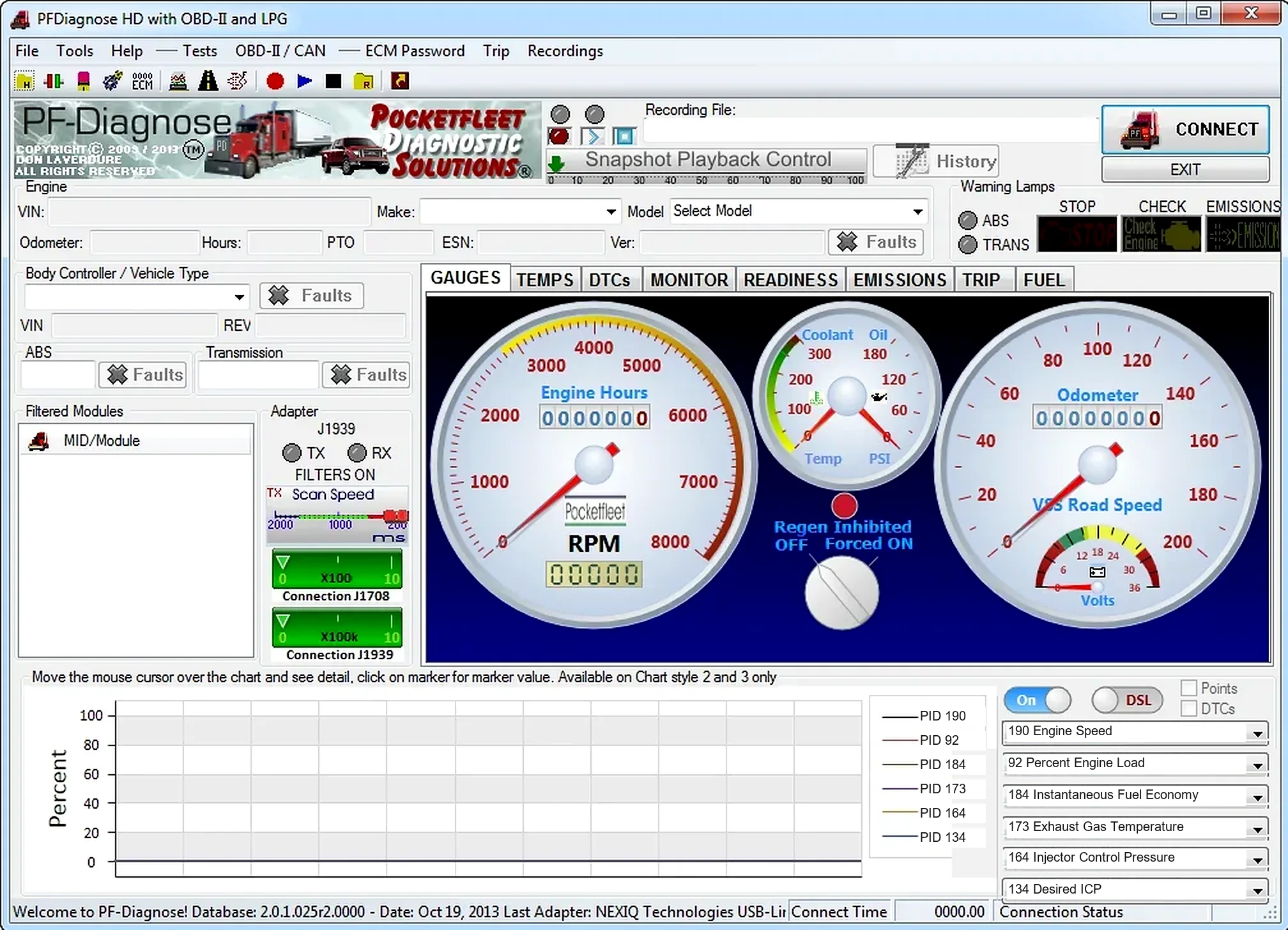
Windows heavy-duty and light-duty diagnostics through compatible RP1210/J2534 interfaces, with DTCs, live data, gauges, emissions monitors, trip information and session recording.
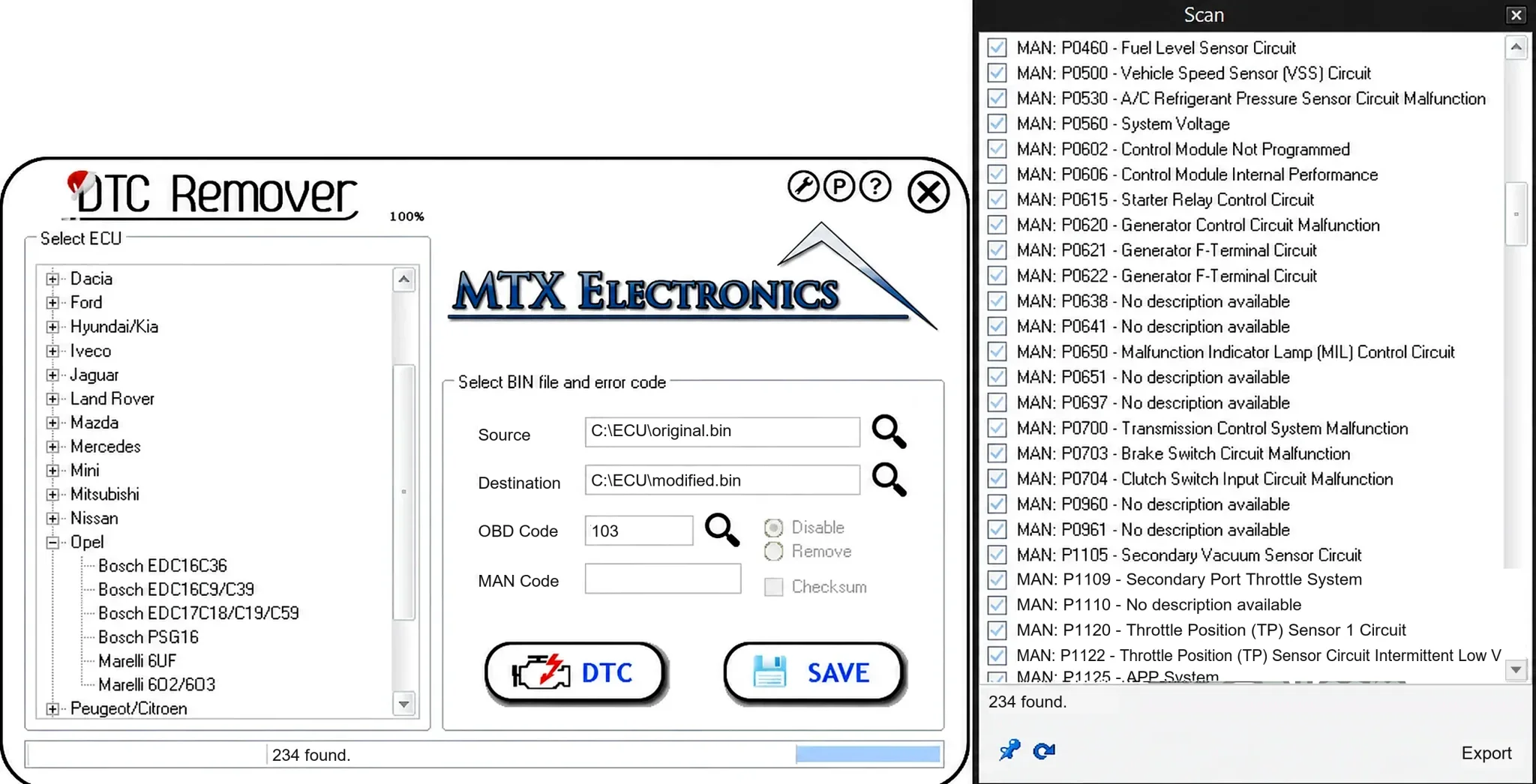
Windows BIN-file editor for locating and modifying supported ECU diagnostic trouble-code entries, with ECU-specific Disable/Remove actions and checksum validation requirements.
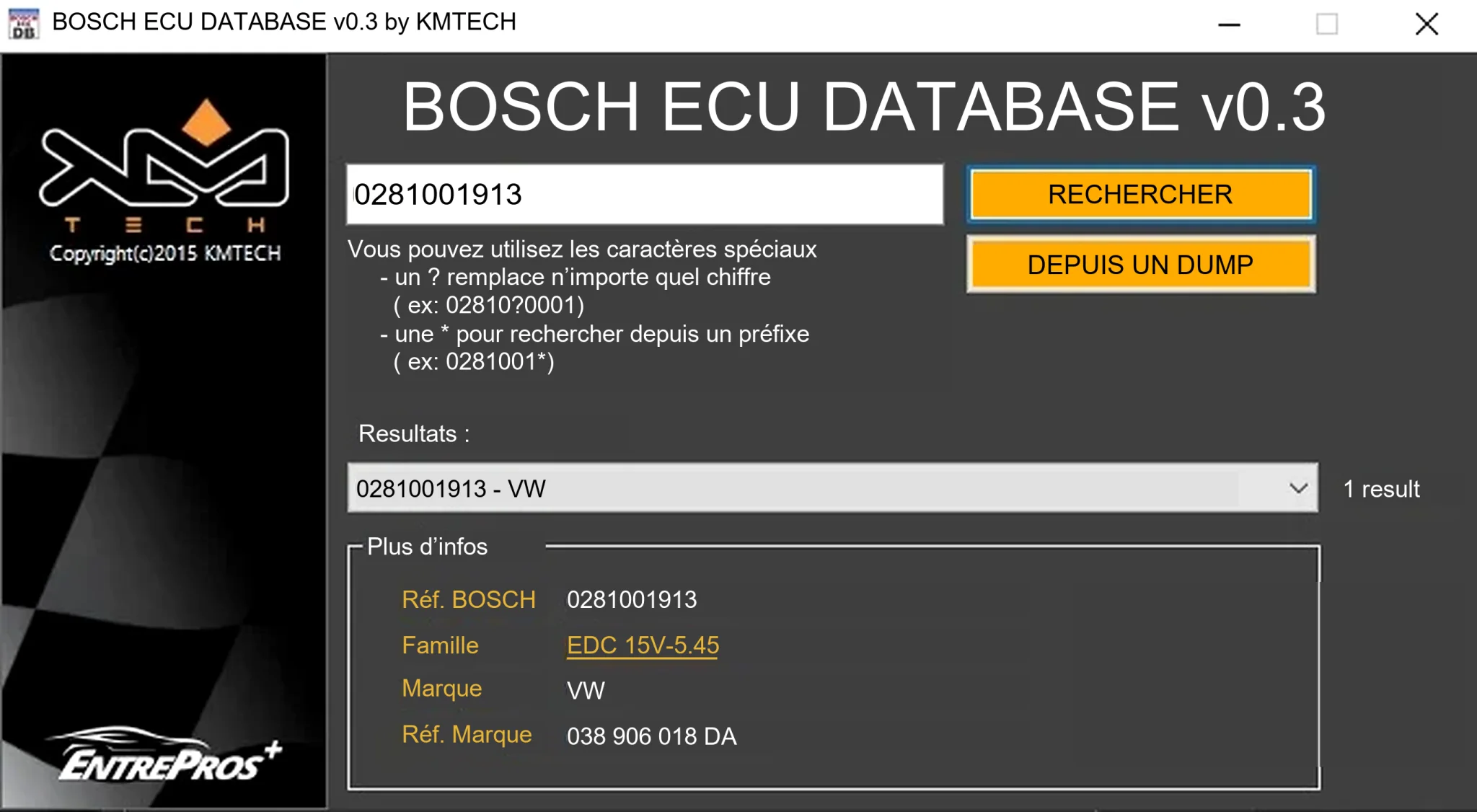
Offline Windows reference tool for Bosch ECU part numbers, controller families and OE cross-references, with exact, wildcard, prefix and binary-dump identifier searches.