
SOFTWARE DATABASE / RELEASE RECORD
VERSION 0.2Mazda ASBuilt Data Editor - Module Configuration Tool 0.2
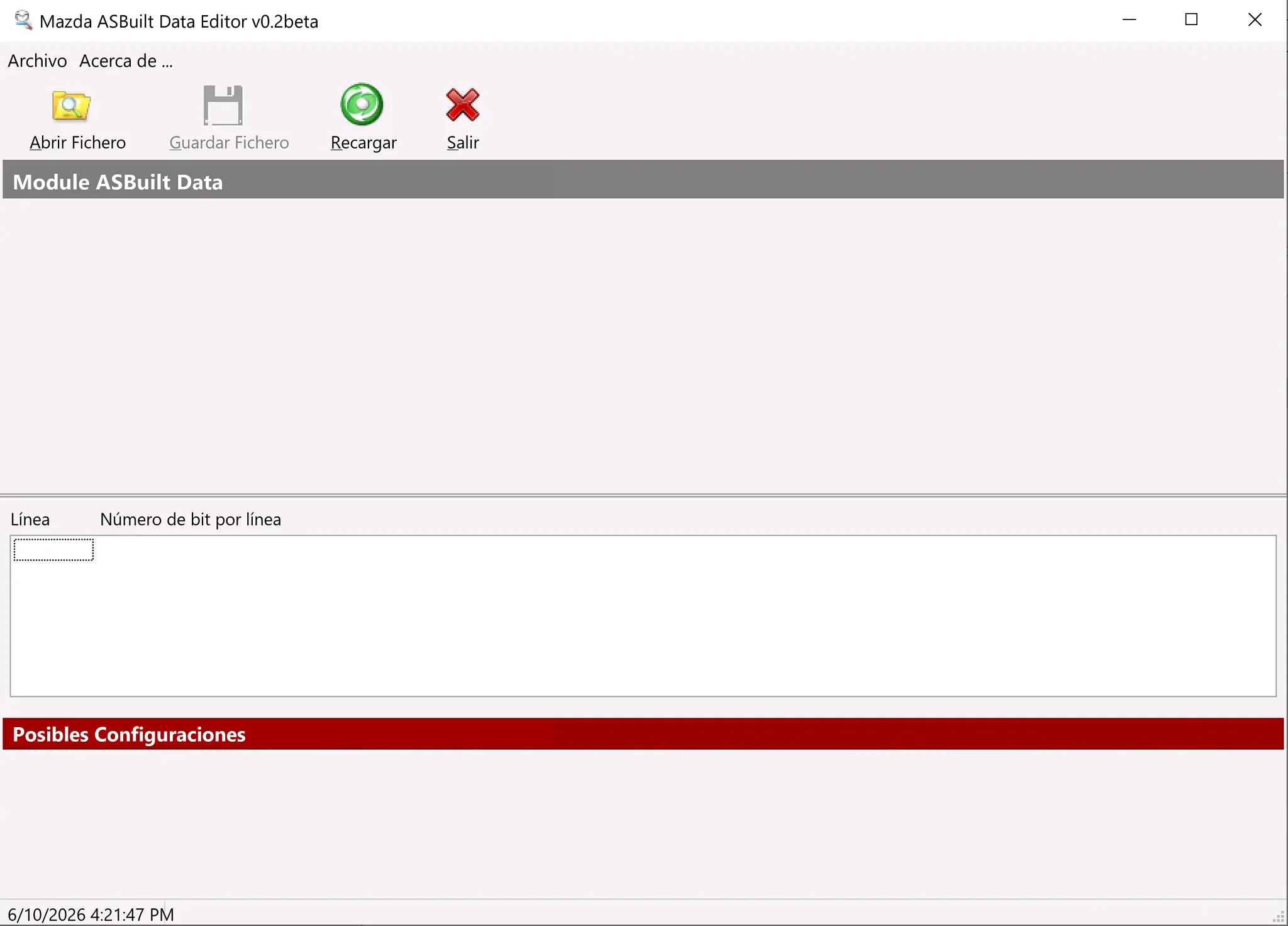
Offline Mazda ASBuilt configuration-file editor with line-by-line hexadecimal and bit editing, configuration choices and a Spanish interface.
Categories
Vehicle references
Overview
Description
Mazda ASBuilt Data Editor is a configuration-file utility for opening, inspecting and modifying Mazda ASBuilt data. Its structured workspace lets users work through module configuration entries one line and one bit at a time, supporting vehicle customization, feature activation and module retrofit work. The illustrated interface identifies the build as v0.2beta.
Highlights
- Open ASBuilt data files directly and save the edited result.
- Edit hexadecimal configuration entries line by line and adjust individual bits.
- Inspect module parameters together with the available configuration choices.
- Make configuration-file changes offline.
Supported Hardware
The editor works offline with ASBuilt files. These configuration files can be obtained through Mazda diagnostic applications such as FORScan or Mazda IDS, using interfaces such as ELM327, OBDLink or VCM II.
Supported Languages
The user interface is in Spanish.
Package contents
Mazda ASBuilt Data Editor.exe7B7.vmp
Compatibility notes
The application is intended specifically for Mazda ASBuilt data structures. Keep a valid backup of the original module configuration before applying customized bit settings to the vehicle.
Basic usage
- Launch the editor and use Abrir Fichero to open the original ASBuilt file.
- Select the module configuration line and the bit to change, using known configuration parameters as the reference.
- Review the changes in Posibles Configuraciones.
- Choose Guardar Fichero to save the modified file locally.
- Use the chosen diagnostic application, such as FORScan, to write the updated ASBuilt configuration to the vehicle's module.
Operating systems
Windows 10 and Windows 11.
Minimum system requirements
- CPU: Intel Core i3 or equivalent.
- RAM: 2 GB.
- Storage: 10 MB of available space.
- Network: offline operation is supported.
- Admin rights: required for saving files locally.
Disclaimer
This entry is provided for educational and reference purposes; no software files are hosted here. License keys, patches and protection-bypass methods are not supplied. Users are responsible for legal compliance, vehicle safety and any equipment damage arising from their work. Use is at your own risk.
Technical Compatibility
Operating Systems
Screenshots
Related Software

Windows calibration-file utility with manufacturer and ECU selection menus for EGR, flap, Hotstart, DTC and related service functions.

Windows workshop utility for calculating PIN and key-related service data from supported ECU, dashboard and body-module dumps, with a searchable coverage database.
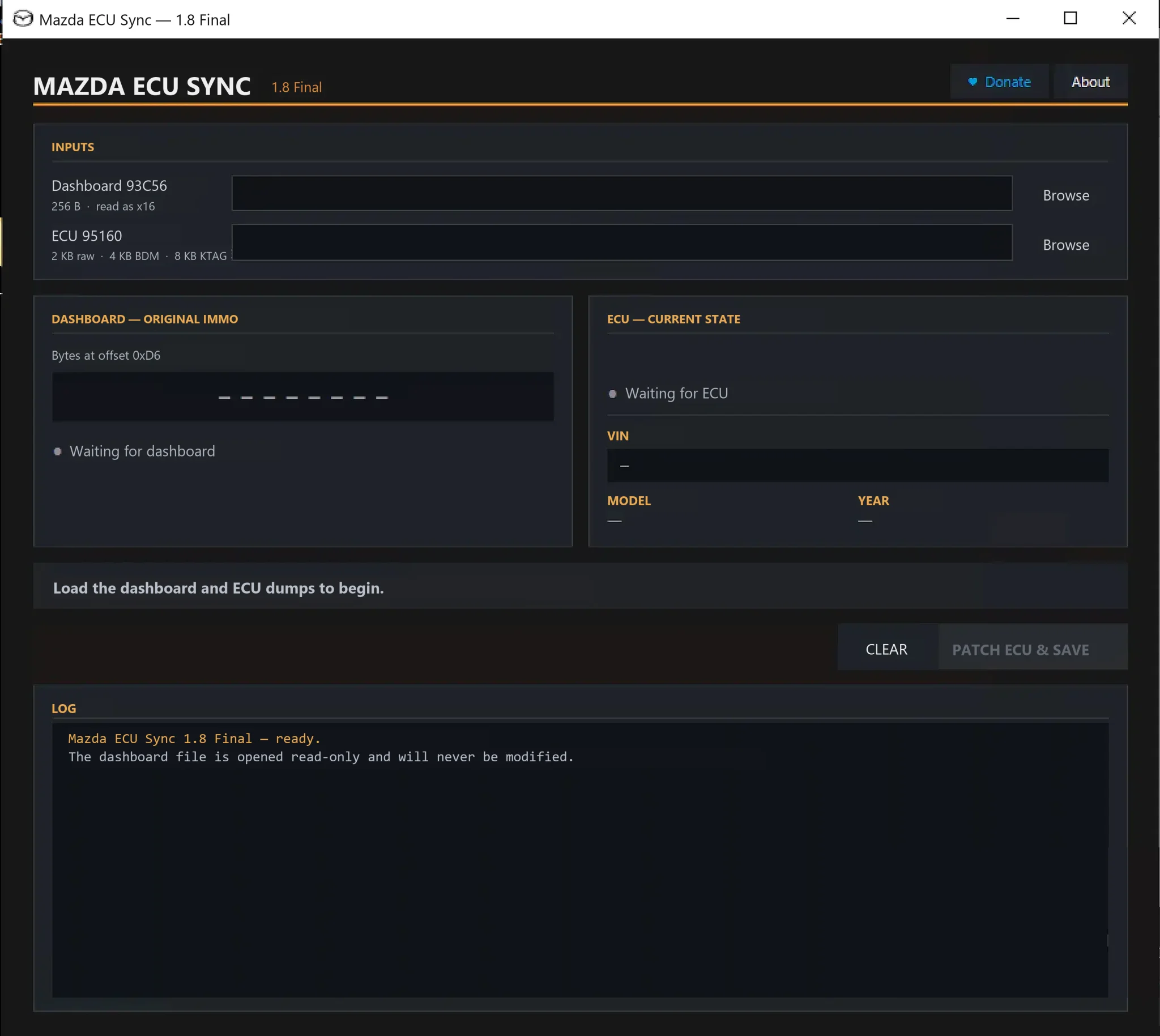
Windows immobilizer synchronization utility for compatible Mazda 93C56 dashboard and 95160 ECU dumps, with read-only dashboard analysis and separate ECU output.
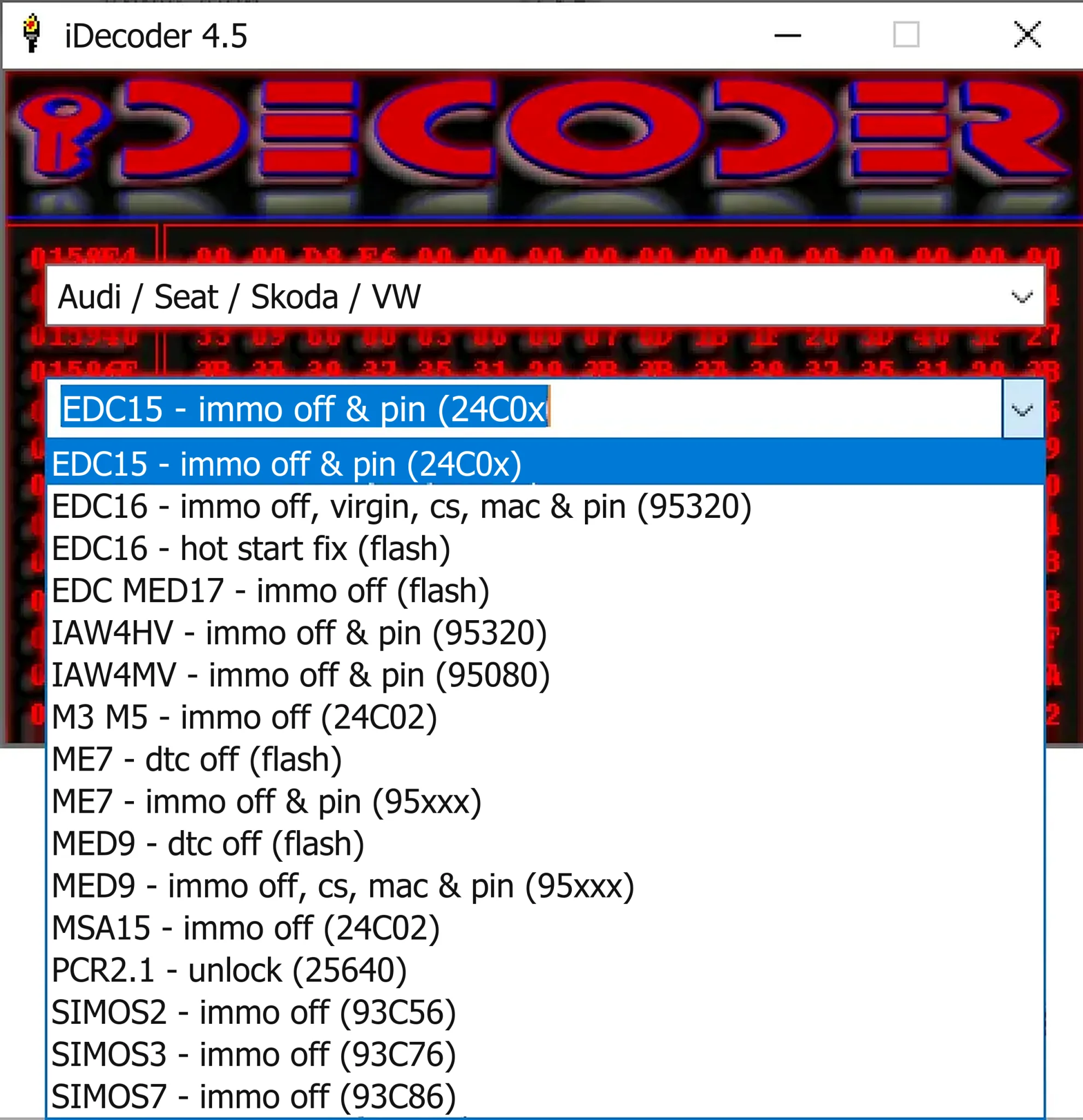
Offline Windows dump-processing utility for supported ECU, immobilizer, dashboard and body modules, with IMMO, PIN/VIN, virgin, ISN and DPF/EGR/DTC functions.
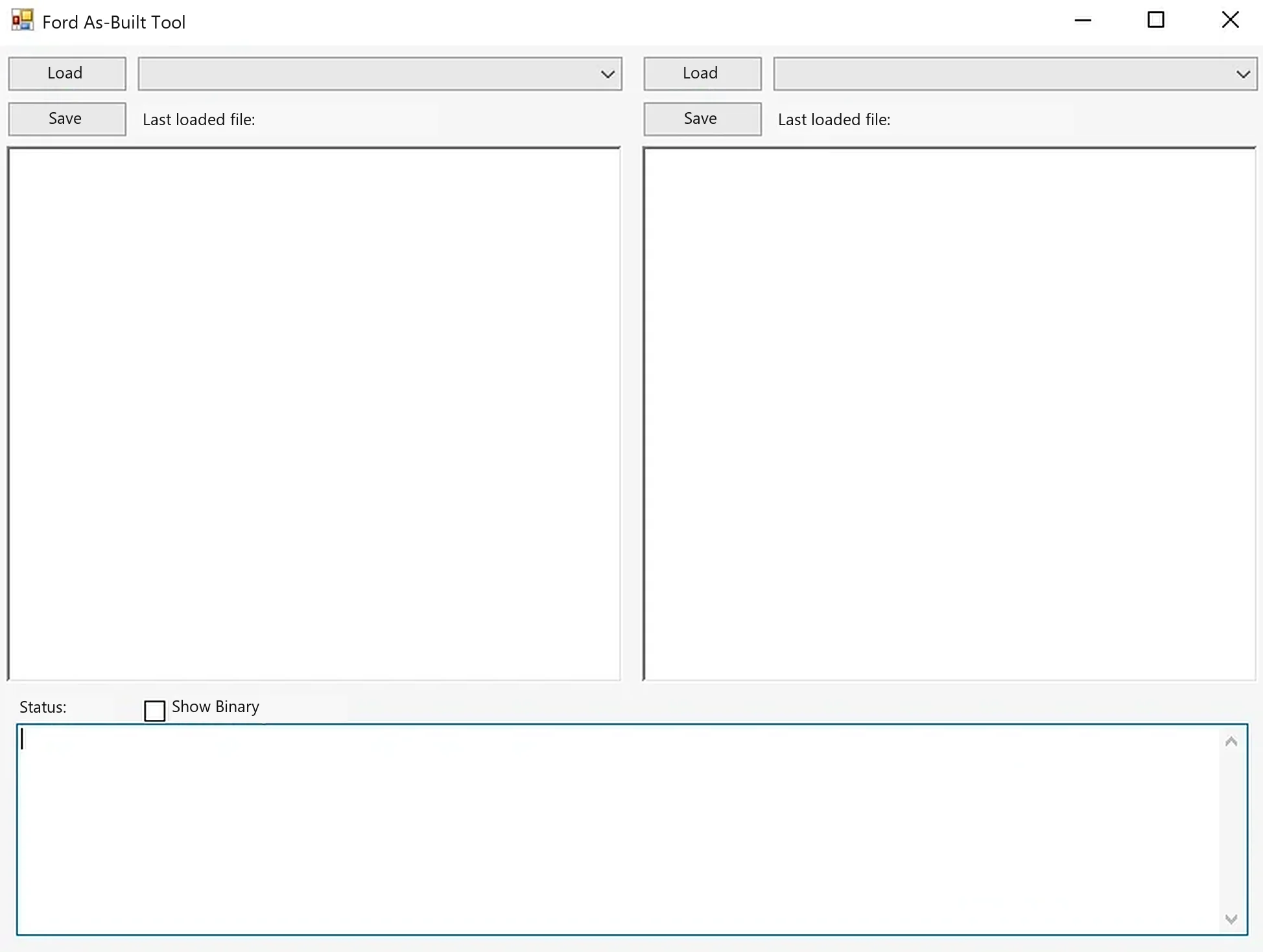
Portable Windows comparator for Ford and Mazda As-Built configurations, with factory AB and FORScan ABT input, module selection, hexadecimal/binary views and ABT saving.
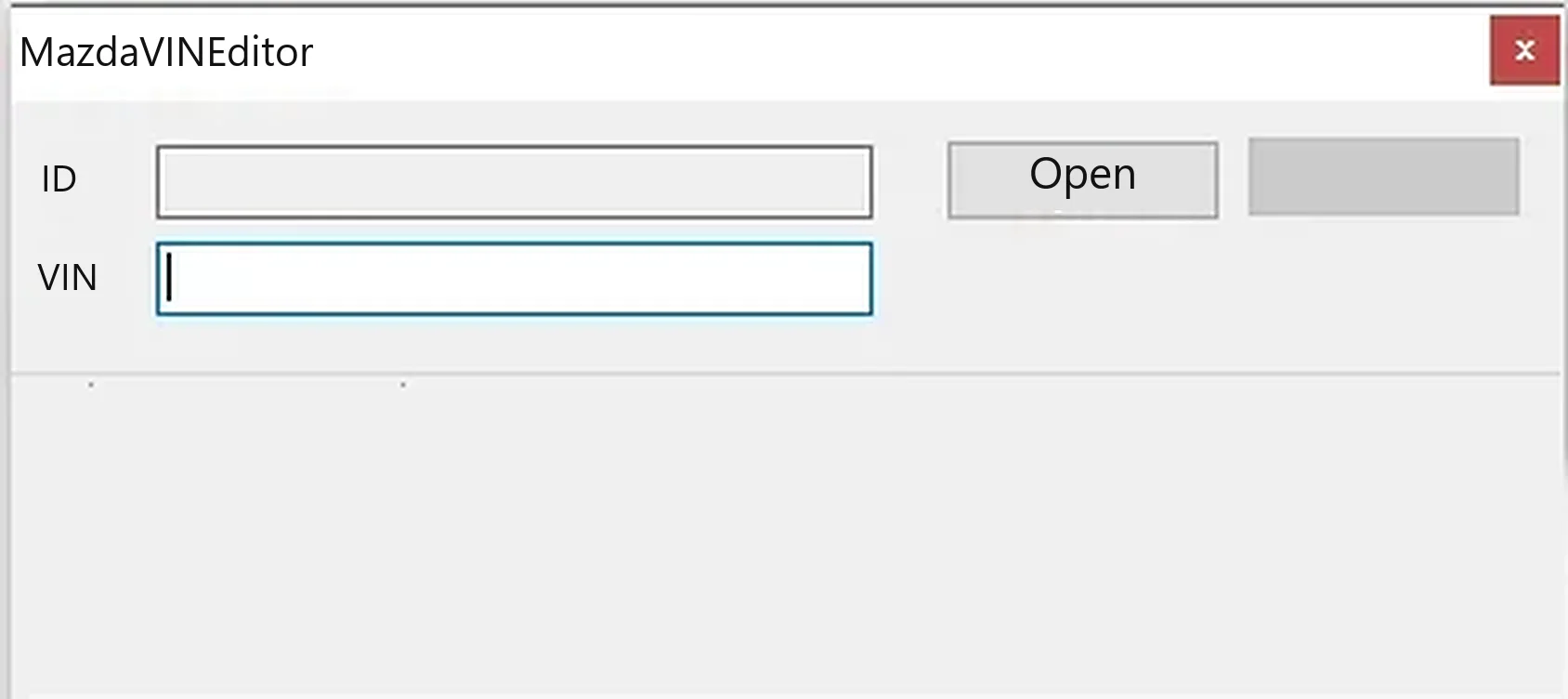
Offline Windows utility for locating and replacing the 17-character VIN in supported Mazda ECU firmware binaries, with firmware ID detection and separate output saving.