
SOFTWARE DATABASE / RELEASE RECORD
VERSION 1.0.0.2Mazda VIN Editor - ECU Firmware VIN Utility 1.0.0.2
Offline Windows utility for locating and replacing the 17-character VIN in supported Mazda ECU firmware binaries, with firmware ID detection and separate output saving.
Categories
Vehicle references
Overview
Mazda VIN Editor is a compact Windows application that works offline to find and replace the vehicle identification number in a compatible Mazda ECU firmware file. Before an edited copy is saved, the interface shows the firmware identifier it has detected together with the VIN already stored in the binary. This makes the utility useful for controlled module-replacement and data-correction tasks where the exact ECU file is already available.
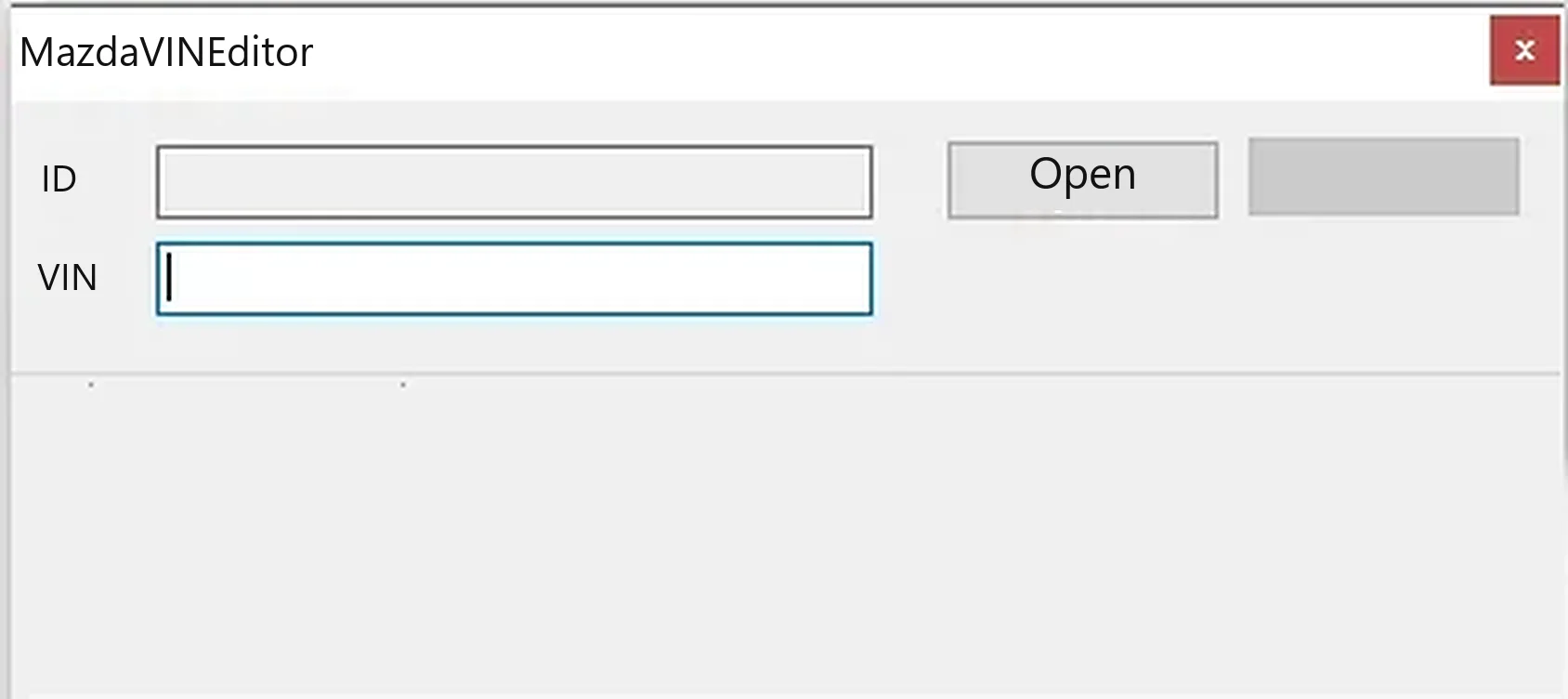
Supported vehicles, ECUs and files
There is no published comprehensive list of supported Mazda models, production years or ECU types. Support depends on whether the application understands the firmware's internal VIN layout; the vehicle brand alone is insufficient to establish compatibility. A recognized file should produce a credible firmware ID and display its existing 17-character VIN before a replacement is entered. If recognition fails or either result is blank, stop rather than proceeding with an unsupported file.
- Mazda ECU firmware binaries using a VIN-storage structure that this application implements.
- Offline files obtained with a separate programming device. The utility does not communicate with the vehicle over OBD.
- Replacement of the VIN in a recognized firmware region. This does not extend to general immobilizer synchronization or complete ECU cloning.
Functions
- Open a firmware file: load an ECU binary and review the identifier detected from its contents.
- Read the stored VIN: locate and display the existing identification number when the file layout is supported.
- Save a replacement: enter the full new VIN and select a separate destination for the modified file.
- Preserve the original: use a working copy and a distinct output filename so the source binary remains untouched.
System and hardware requirements
- A Windows computer. The documented package consists of one portable, unsigned x86 executable.
- A complete, original ECU read made with a compatible bench, boot-mode or approved reflash tool.
- Confirmed ECU hardware and software identification, together with a valid target VIN containing exactly 17 characters.
- A separate method for checking the checksum, plus programming and recovery equipment suitable for the particular ECU.
Recommended workflow
- Calculate a hash of the untouched original and keep an archived copy. Open a separate working copy in the editor.
- Check the displayed firmware identifier and existing VIN against the intended module and vehicle before making any change.
- Enter the replacement VIN carefully, save the result under a different filename and compare every modified offset with the original.
- Check the output file size and validate its checksum before programming. After the programming procedure, use diagnostic equipment to verify the VIN and check the DTC status.
Package contents
The package contains the standalone VIN-editing utility. It does not supply a Mazda interface driver, a firmware database, a checksum application or ECU flashing software; these remain separate requirements where needed for the service procedure. The available package documentation describes static inspection without executing the program.
Important limits
A completed VIN text replacement does not establish that the resulting binary is ready or safe to program. Some controllers retain vehicle identity in more than one location, and the repair may require immobilizer or configuration operations in addition to changing the VIN field. Use the utility only with a recognized layout, and do not attempt to force an unsupported firmware file through the process.
Technical Compatibility
Supported Modules
Operating Systems
File Formats
System Requirements
- Windows PC; portable unsigned x86 executable
- Complete original ECU read from a compatible bench, boot or approved reflash tool
- Confirmed ECU hardware/software identity and valid 17-character target VIN
- External checksum validation and suitable programming/recovery equipment
Screenshots
Related Software
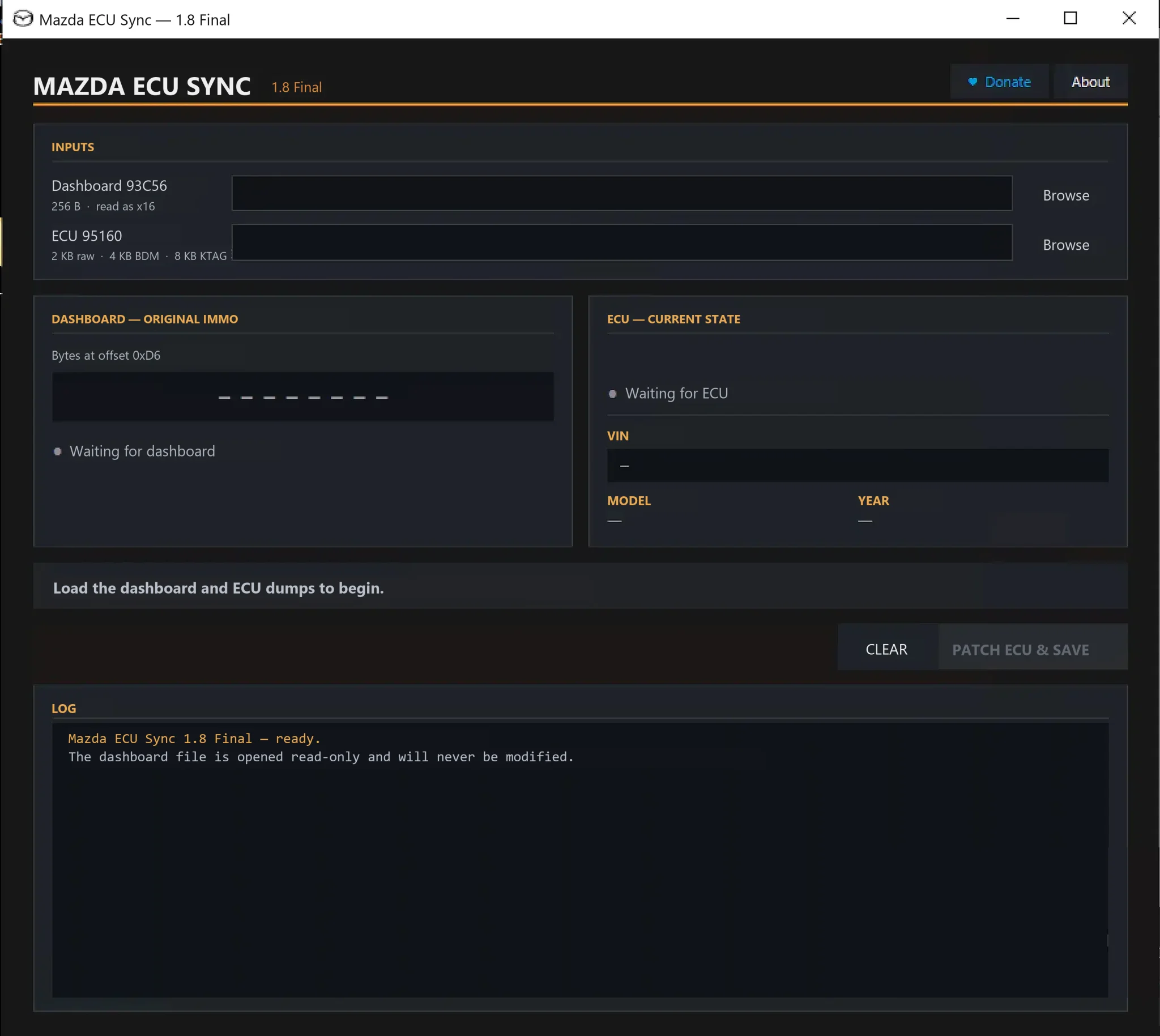
Windows immobilizer synchronization utility for compatible Mazda 93C56 dashboard and 95160 ECU dumps, with read-only dashboard analysis and separate ECU output.
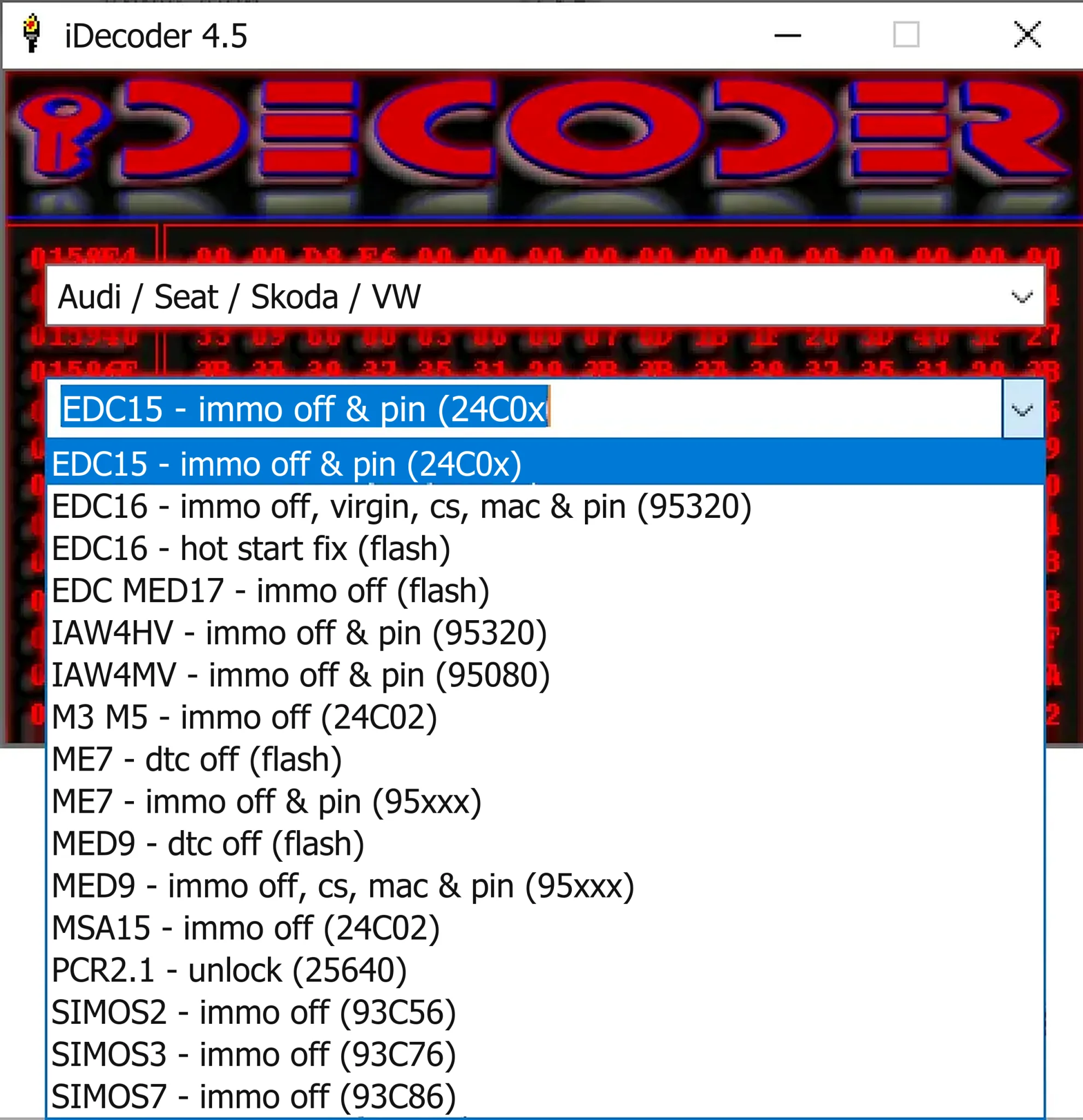
Offline Windows dump-processing utility for supported ECU, immobilizer, dashboard and body modules, with IMMO, PIN/VIN, virgin, ISN and DPF/EGR/DTC functions.
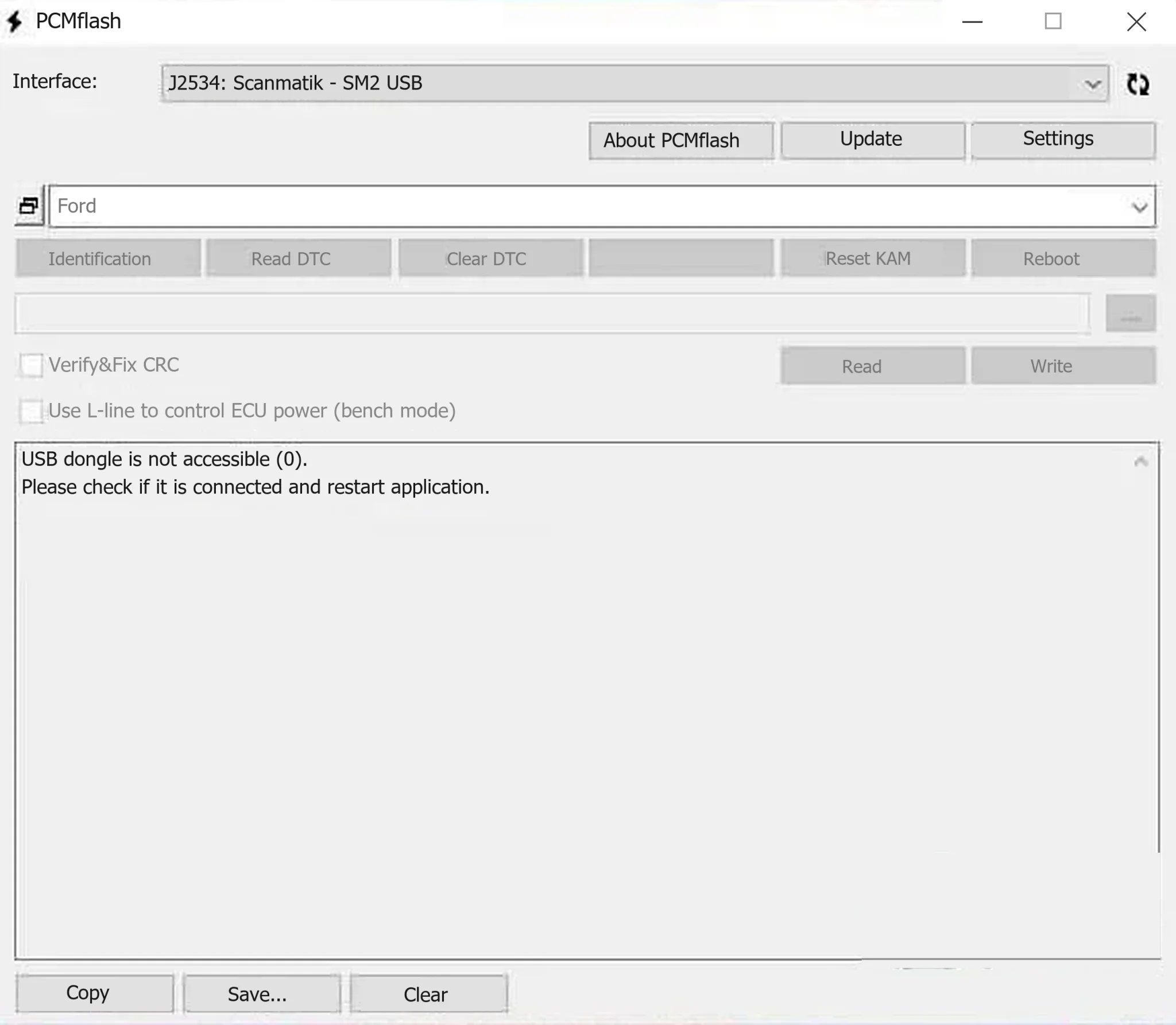
Modular Windows ECU and TCU programming through J2534 interfaces, with licensed protocol-dependent identification, diagnostics, flash/EEPROM access and OBD, bench or boot workflows.
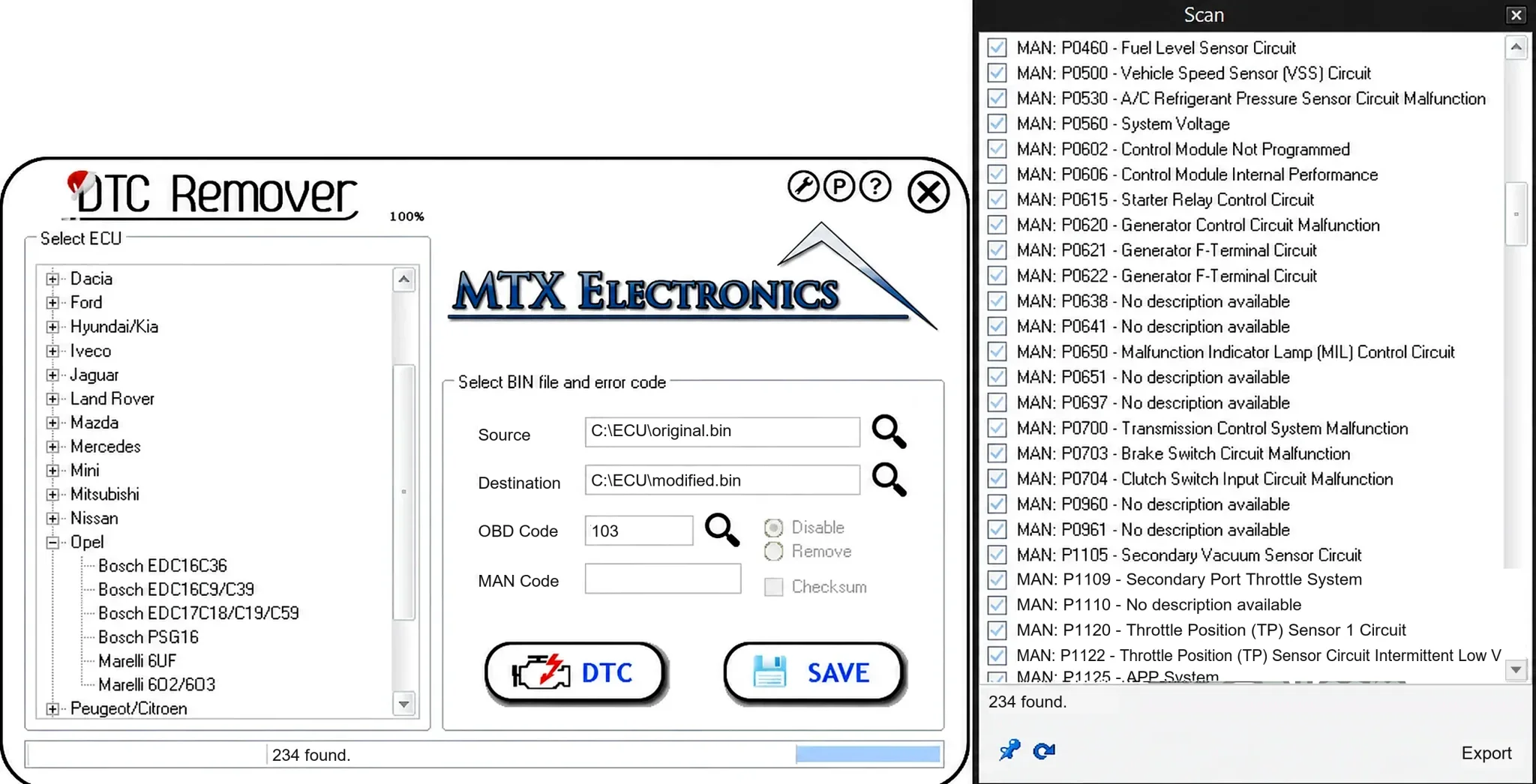
Windows BIN-file editor for locating and modifying supported ECU diagnostic trouble-code entries, with ECU-specific Disable/Remove actions and checksum validation requirements.
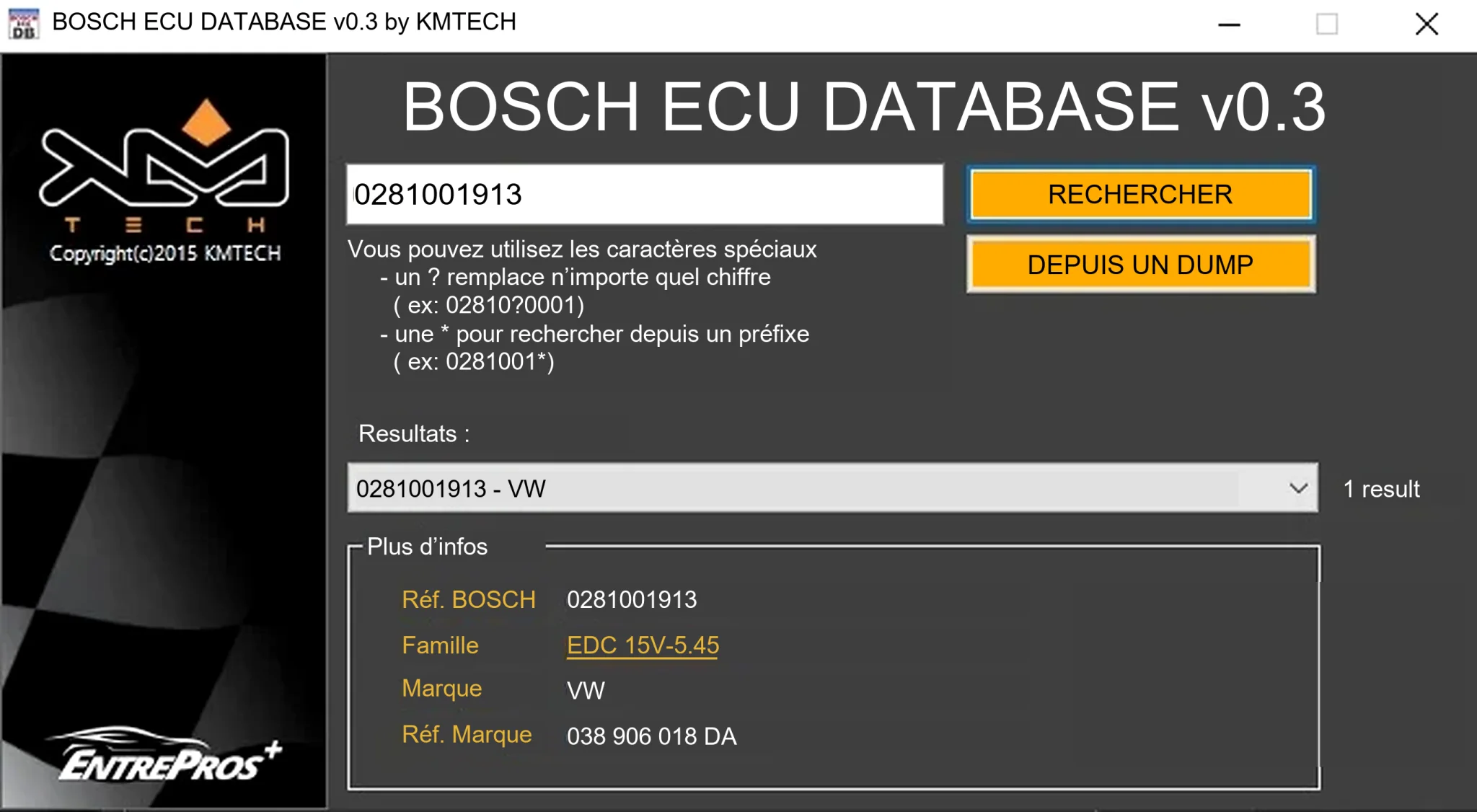
Offline Windows reference tool for Bosch ECU part numbers, controller families and OE cross-references, with exact, wildcard, prefix and binary-dump identifier searches.
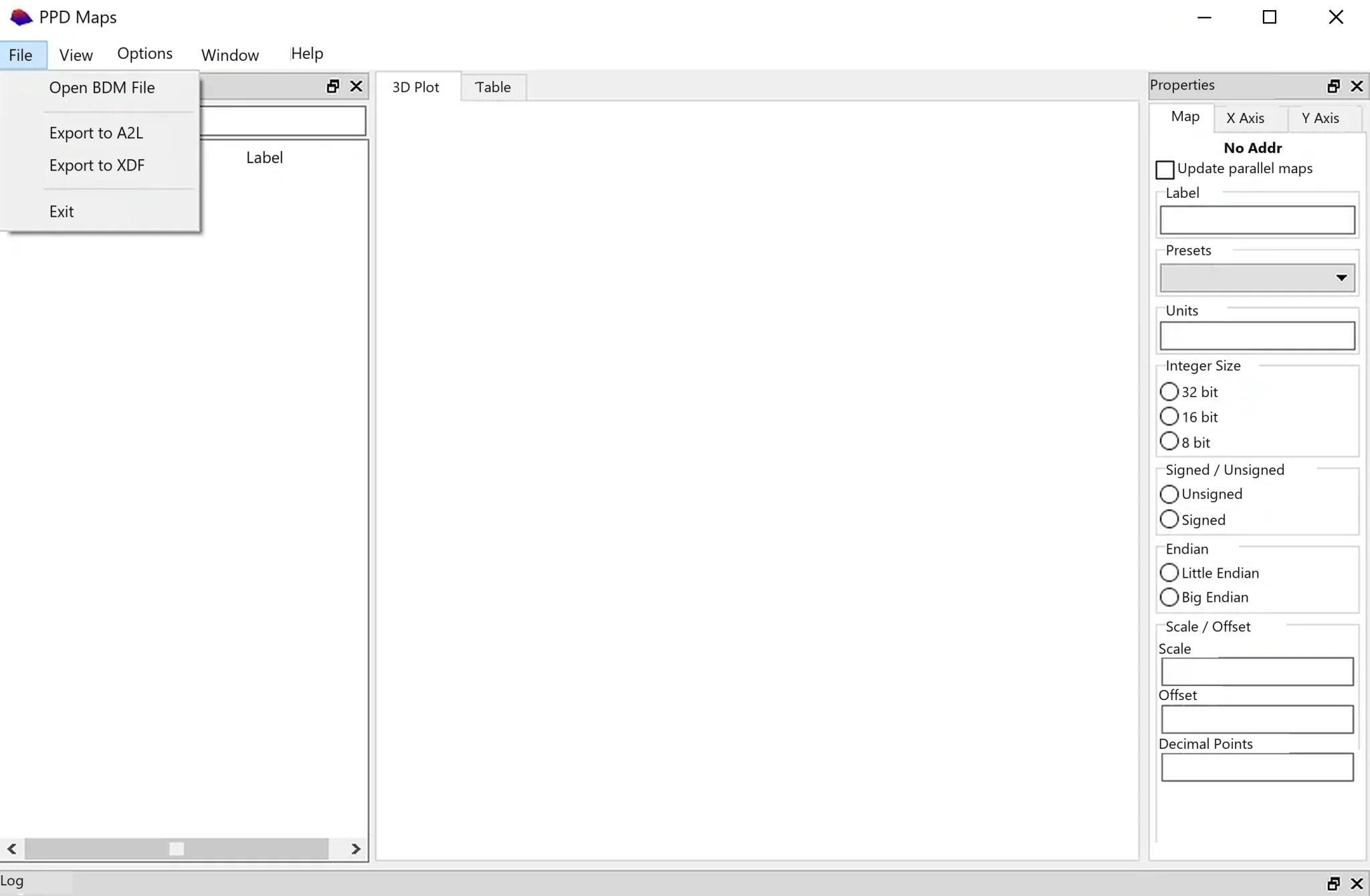
Windows map and axis detection for supported Siemens PPD/SID full BDM binaries, with table and 3D views, DTC analysis and XDF/A2L definition export.