
SOFTWARE DATABASE / RELEASE RECORD
VERSION 1.0.4521.15085MAF-Calc - Mass Air Flow Sensor Diagnostic Calculator 1.0.4521.15085
Offline Windows calculator that estimates intake airflow in g/s and air mass per stroke from engine data for comparison with live MAF readings.
Categories
Overview
MAF-Calc estimates how much air a four-stroke engine draws in at a given operating point. It uses engine displacement, RPM, manifold absolute pressure, intake-air temperature and cylinder count to calculate total airflow and air mass per stroke. Technicians can use those figures as a theoretical reference when comparing live readings from a scan tool.
The calculator runs offline and has no vehicle connection or electrical MAF sensor test. Interpret the estimate alongside recorded MAF, MAP, IAT and RPM readings, fuel trims and the engine’s mechanical condition.
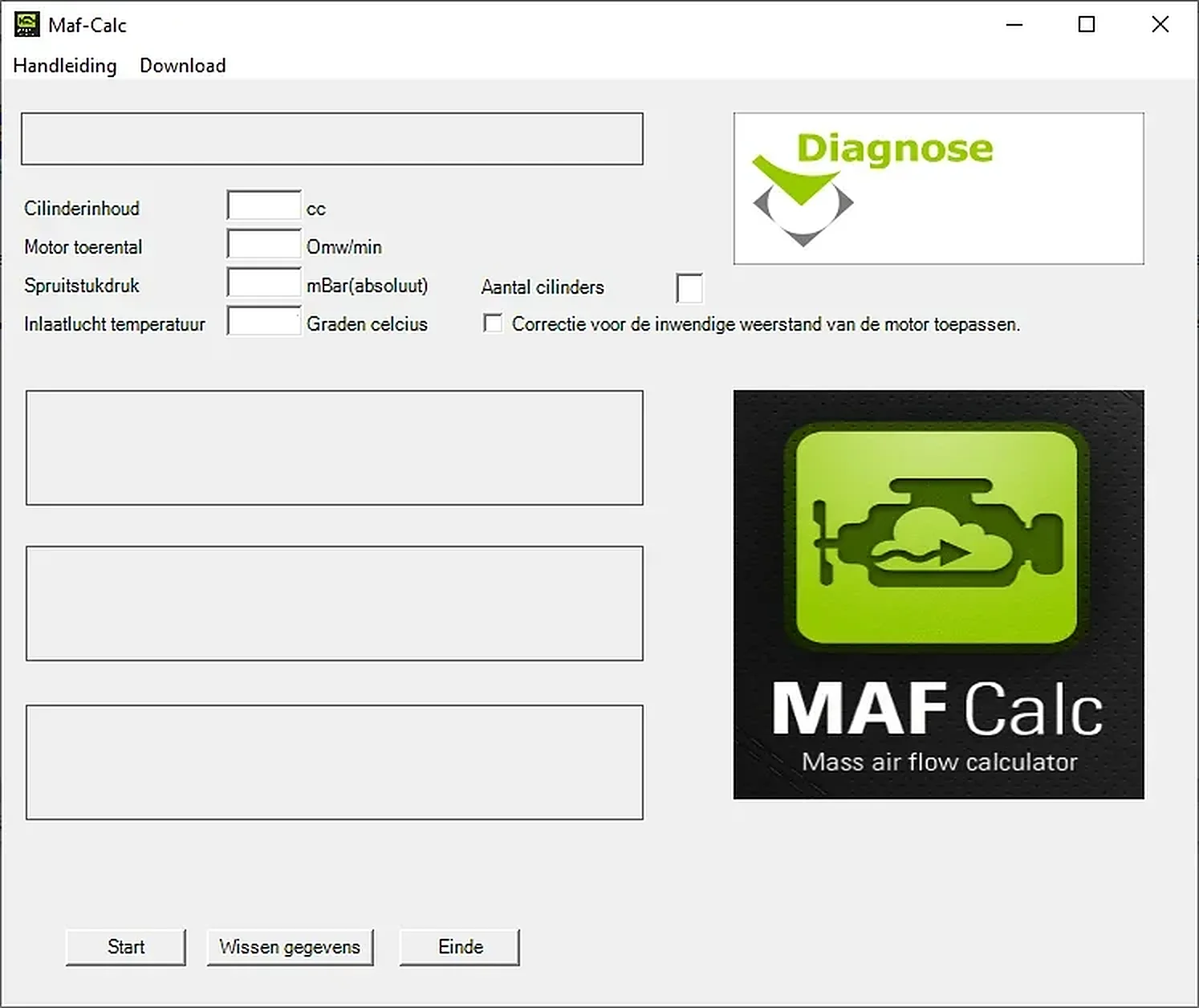
Inputs available in the calculator
- Engine displacement: Enter total engine capacity in cubic centimetres.
- Engine speed: Use the RPM recorded at the same operating point as the other readings.
- Intake-manifold pressure: Enter absolute pressure in mbar. Gauge boost and manifold vacuum use a different reference.
- Intake-air temperature: Enter the temperature in °C from the manifold or the closest representative sensor.
- Cylinder count: The calculator uses it to determine air mass per cylinder per intake stroke.
- Internal-resistance correction: The interface offers a checkbox for this optional model adjustment.
The screenshot shows the Dutch interface. Embedded resources also contain English and German interface text. Use plain numeric values and check that the calculator interprets decimal separators correctly under the active Windows regional settings.
Outputs and diagnostic meaning
The calculator reports grams per second and grams per stroke. Compare g/s directly with a live MAF PID in the same unit. For cylinder charge reported in mg/stroke, multiply the calculator’s g/stroke figure by 1,000 before comparing.
The estimate follows speed-density principles. In a four-stroke engine, one intake cycle spans two crankshaft revolutions, and air density depends on absolute pressure and temperature. Actual cylinder filling varies with volumetric efficiency, valve timing, throttle position, turbo response, EGR flow, intake restrictions and exhaust backpressure. Use the result as a reference for the conditions tested.
How to collect matching live data
- Bring the engine to normal operating temperature and check battery voltage and basic mechanical condition.
- At a stable operating point, log RPM, MAF, MAP and IAT at the same timestamp.
- Check the vehicle specification and enter the exact displacement and cylinder count.
- Express MAP as absolute mbar. Convert from kPa if needed and check the pressure reference before entering a boost or vacuum reading.
- Run the calculation with the optional correction off and on, then record both estimates.
- Compare the estimate with measured MAF and review fuel trims, requested and actual boost, and EGR command alongside it.
- Repeat the comparison at idle and at one or more controlled load points.
For loaded tests, record the data for later review, have a second technician monitor it, or use a suitable chassis dynamometer procedure. Keep the driver’s attention on the road.
Interpreting a mismatch
A reading below the estimate can be associated with a dirty or biased MAF sensor, intake restriction, a leak downstream of the sensor, inaccurate MAP or IAT readings, excessive EGR, restricted exhaust, low compression or a valve timing or turbo control issue. A reading above the estimate can reflect incorrect assumptions about unmetered air, sensor bias, inaccurate engine data, pressure-unit errors, the position of a boost leak or an unsuitable volumetric-efficiency assumption.
A MAF range or performance code calls for further checks. Compare the reading against manufacturer specifications where available, verify wiring, supply voltage and ground, check related sensors and smoke-test the intake where appropriate before replacing parts.
Naturally aspirated, turbocharged and EGR engines
At part load, a naturally aspirated engine usually has manifold pressure below barometric pressure. Under boost, a turbocharged engine can exceed atmospheric pressure, and charge-air temperature matters to the density estimate. Add current barometric pressure to a gauge boost reading to obtain absolute pressure.
With active EGR on a diesel engine, recirculated exhaust displaces some fresh air, so flow measured at the air filter can differ from total cylinder charge. Check commanded and actual EGR position and the manufacturer’s air-mass specification when evaluating the MAF reading.
System requirements
- Windows desktop capable of running a legacy 32-bit Windows Forms application.
- Microsoft .NET Framework 2.0 runtime components, available through .NET Framework 3.5 on supported Windows versions.
- A local folder with permission to run the portable executable.
- A scan tool or data logger that records RPM, MAF, MAP and IAT with known units.
The documented package contains a single unsigned portable executable and comes without an installer, driver or vehicle database. Legacy runtime setup varies by Windows build. Use an isolated workshop environment for testing and scan the file with current security tools before running it.
Units and common input errors
1 kPa = 10 mbar. For example,100 kPa absolute = 1,000 mbar absolute.- Convert displacement in litres to cubic centimetres before entering it.
- Use intake-air temperature. Substitute coolant or ambient temperature only when the diagnostic procedure explicitly calls for it.
- Use readings from the same operating point. Mixing idle and loaded measurements distorts the comparison.
- Check whether the scan tool uses
g/s,kg/h,mg/strokeor another unit.
If the values differ by roughly a factor of ten, check the units and pressure reference first. Apply only the conversion that matches the recorded units.
Package and safety notes
The executable has menu entries for legacy online help and downloads. Those pages may be unavailable. The calculator itself works offline. The package documentation describes a static inspection and reports no execution during preparation. Executable safety has not been established.
Use MAF-Calc alongside manufacturer test procedures and calibrated measuring equipment. When sharing a result, include the vehicle, engine code, operating condition, units and raw live data so another technician can reproduce the comparison.
Technical Compatibility
Operating Systems
System Requirements
- Windows desktop capable of running a legacy 32-bit Windows Forms application.
- .NET Framework 2.0 components, available through .NET Framework 3.5 on supported Windows versions.
- Local permission to run the portable executable.
- Scan tool or data logger for RPM, MAF, MAP and IAT in known units.
Screenshots
Related Software
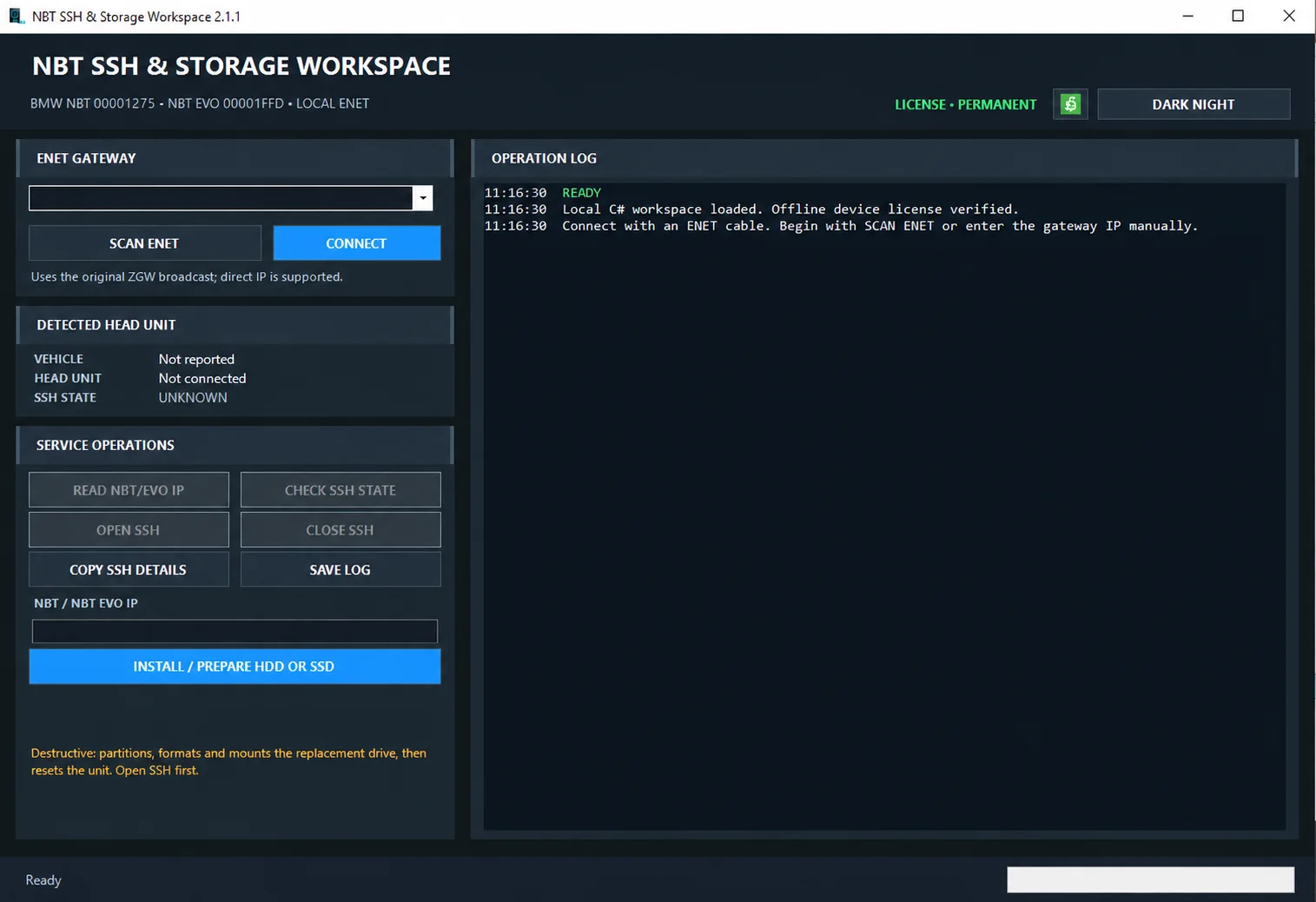
Windows ENET utility for identifying supported BMW head units, managing SSH access and preparing replacement HDD/SSD storage.

Windows calibration-file utility with manufacturer and ECU selection menus for EGR, flap, Hotstart, DTC and related service functions.

Volvo VIDA 2015A workshop environment for vehicle identification, guided fault tracing, wiring diagrams, service documentation and parts reference.

Detroit Diesel Diagnostic Link (DDDL) Full Suite 6.5 / 8.19 / DRS 6.31
v6.5 / 8.19 / DRS 6.31Detroit Diesel and Mercedes-Benz MBE workshop suite combining DDDL legacy and modern diagnostics, DRS reprogramming, live data, service tests and parameter functions.
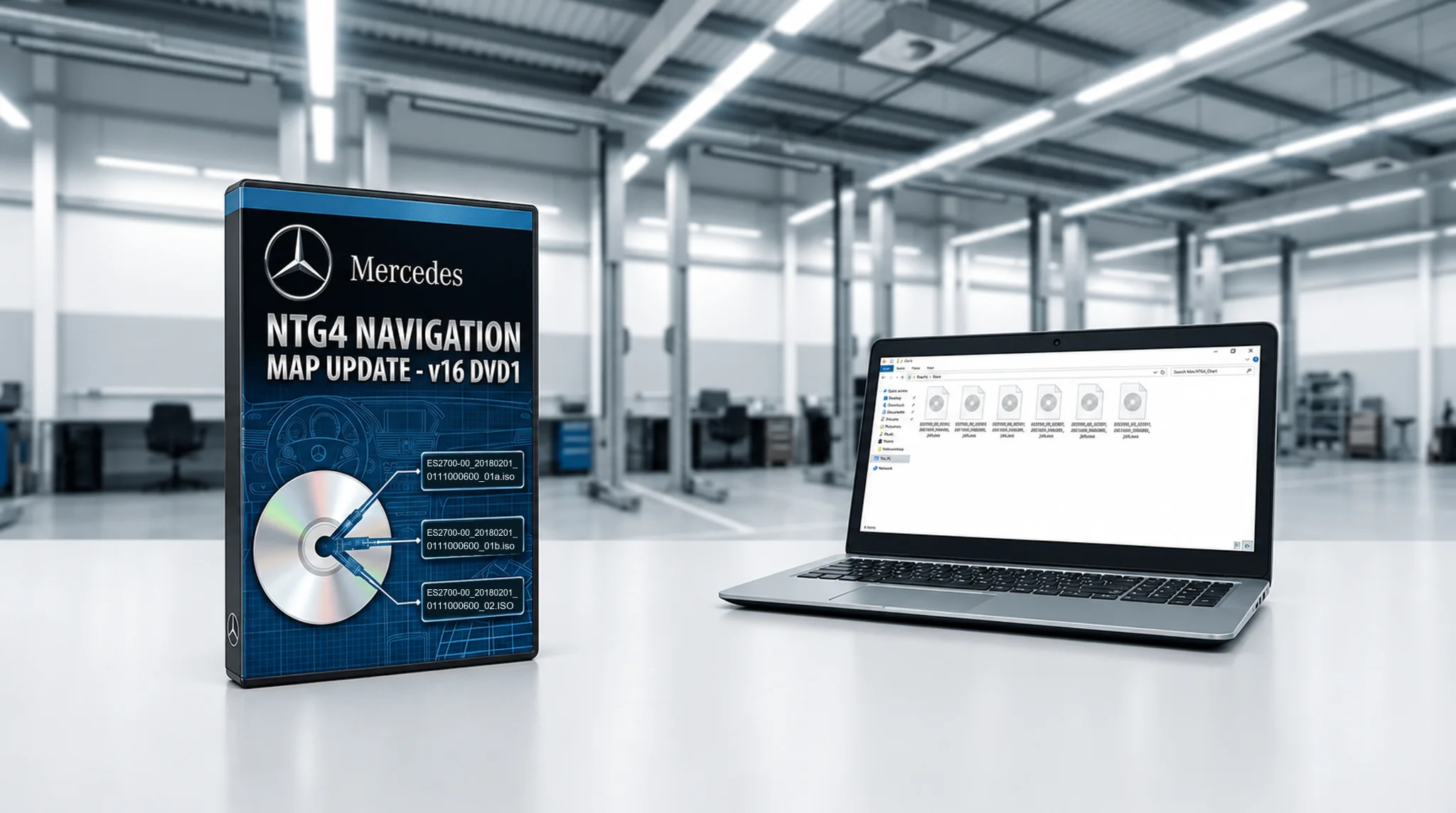
NTG4 v16 DVD1 split ISO package for preparing navigation map media for compatible Mercedes-Benz infotainment systems, with three original image filenames and media-handling guidance.

Mercedes-Benz telematics service disc image 2218270100.nrg for supported COMAND update workflows, with vehicle and head-unit applicability confirmed by VIN and the diagnostic prompt.