
SOFTWARE DATABASE / RELEASE RECORD
VERSION 1.0Fiat Multijet EGR Deactivator - ECU File Utility 1.0
Offline Windows utility for EGR-related file processing on supported Fiat Group Multijet ECU binaries, with separate output for comparison and programming.
Categories
Vehicle references
Overview
Fiat Multijet EGR Deactivator is a compact offline utility for supported Fiat Group diesel ECU binaries where an authorized calibration workflow calls for an EGR-related file change. It opens an existing read and produces a modified result for review.
The utility does not connect to a vehicle, diagnose the cause of an EGR fault or read and write the controller.
Confirmed Scope
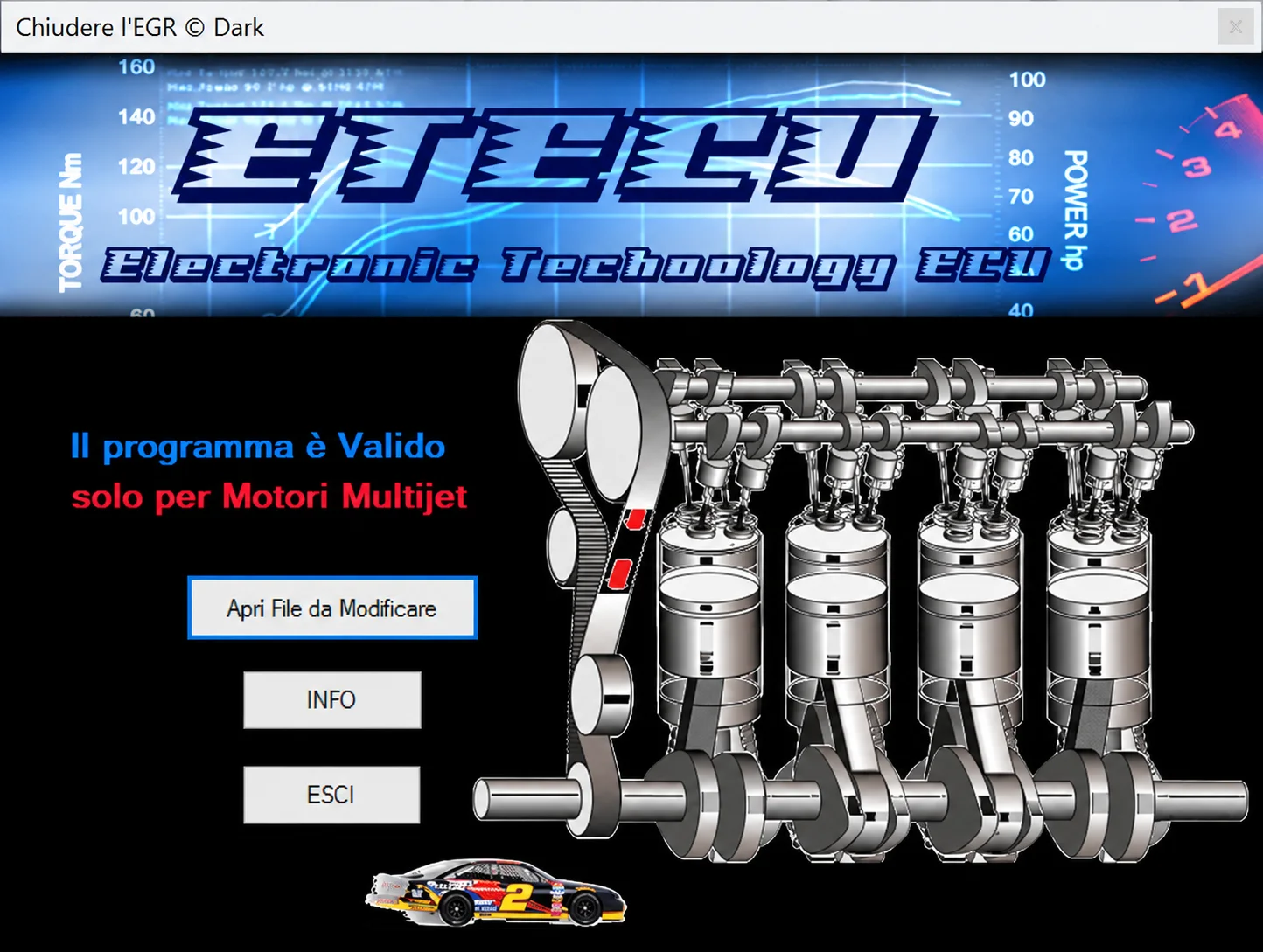
The interface states “Il programma è Valido solo per Motori Multijet”: the program is valid only for Multijet engines. The documented package does not supply a reliable list of supported vehicle models, engine codes, ECU part numbers or software revisions.
Do not infer universal compatibility with Fiat, Alfa Romeo, Lancia, Jeep, Opel or other vehicles using related diesel engines. Establish support using the exact ECU label, Bosch or Marelli controller family, engine code, hardware/software identification, input-file type and byte length. The Multijet name alone does not establish that a file is safe to program.
What the Utility Does
- Open a binary already read from the ECU.
- Process the supported EGR-related calibration region.
- Save a separate output for inspection and subsequent programming.
- Keep processing offline so the original and output can be compared.
The illustrated controls are Apri File da Modificare, INFO and ESCI. The utility does not remove hardware, repair a stuck valve, diagnose wiring or airflow problems, reset learned values or guarantee checksum correction for every controller. These tasks require separate mechanical, diagnostic or programming work.
Required Tools and Preparation
- A Windows computer for the portable file utility.
- An OBD, bench, boot or BDM programmer proven for the exact ECU.
- Stable regulated power for ECU reads and writes.
- A complete diagnostic scan, including air-mass, boost and EGR command/position information.
- Two matching original reads and a protected recovery copy.
- ECU-appropriate checksum and binary-comparison tools.
Diagnose the initial complaint before editing. Potential EGR fault sources include the valve, cooler, position sensor, vacuum control, wiring, intake deposits, airflow meter and boost leaks. A file change does not replace repair of a mechanical or safety fault.
Recommended Workflow
- Record vehicle, engine and ECU identification and relevant diagnostic faults.
- Confirm that the intended work is lawful and technically justified.
- Read the ECU twice using the correct mode and compare the hashes.
- Protect the original and open a working copy.
- Apply the file operation and save the output separately.
- Verify file length, modified regions and checksum handling.
- Program under stable voltage and perform read-back or write verification when supported.
- Clear faults after repair, then validate live data, boost control and drivability.
Compatibility and Legal Limitations
EGR strategy forms part of a certified emissions calibration. Disabling emissions equipment may be prohibited on public roads and can affect inspection, registration and environmental compliance. Use the utility only where the intended work is legally permitted, such as an authorized off-road, competition, development or controlled repair context.
The program cannot establish whether a binary is original, tuned, corrupt or taken from another vehicle. Do not process an unknown file or program the result into a controller with different hardware or software identification.
Troubleshooting
File rejected: confirm a genuine Multijet application, identify the ECU family and check whether the input is full flash or a calibration-only read.
Unchanged result, no-start or checksum fault: restore the original and review the read/write method before proceeding. Persistent EGR-related faults require proper checks of sensors, wiring and mechanical components.
For support, provide the engine code, ECU manufacturer and part numbers, read tool/mode, original/output sizes and redacted DTCs. Keep complete customer binaries and VINs private.
Package Notes
The documented archive contains a single native Windows utility extracted from a tested package. Preparation notes describe an unsigned executable and static inspection without execution; these are documented observations, not an independent ECUDB binary test.
Use an isolated workshop computer and perform your own local security scan. No malware-free claim is made.
Technical Compatibility
Supported Modules
Operating Systems
File Formats
System Requirements
- Windows computer for the portable native utility; exact supported Windows versions and architecture are unspecified.
- OBD, bench, boot or BDM programmer verified for the exact ECU.
- Stable regulated supply for reads and writes.
- Diagnostic equipment for air-mass, boost, EGR command and position checks.
- Two matching original reads and a protected recovery copy.
- Controller-appropriate checksum and binary-comparison tools.
- Exact engine code, ECU family, hardware/software identifiers and input-file type/length.
Screenshots
Related Software

Offline Windows reference tool for Bosch ECU part numbers, controller families and OE cross-references, with exact, wildcard, prefix and binary-dump identifier searches.
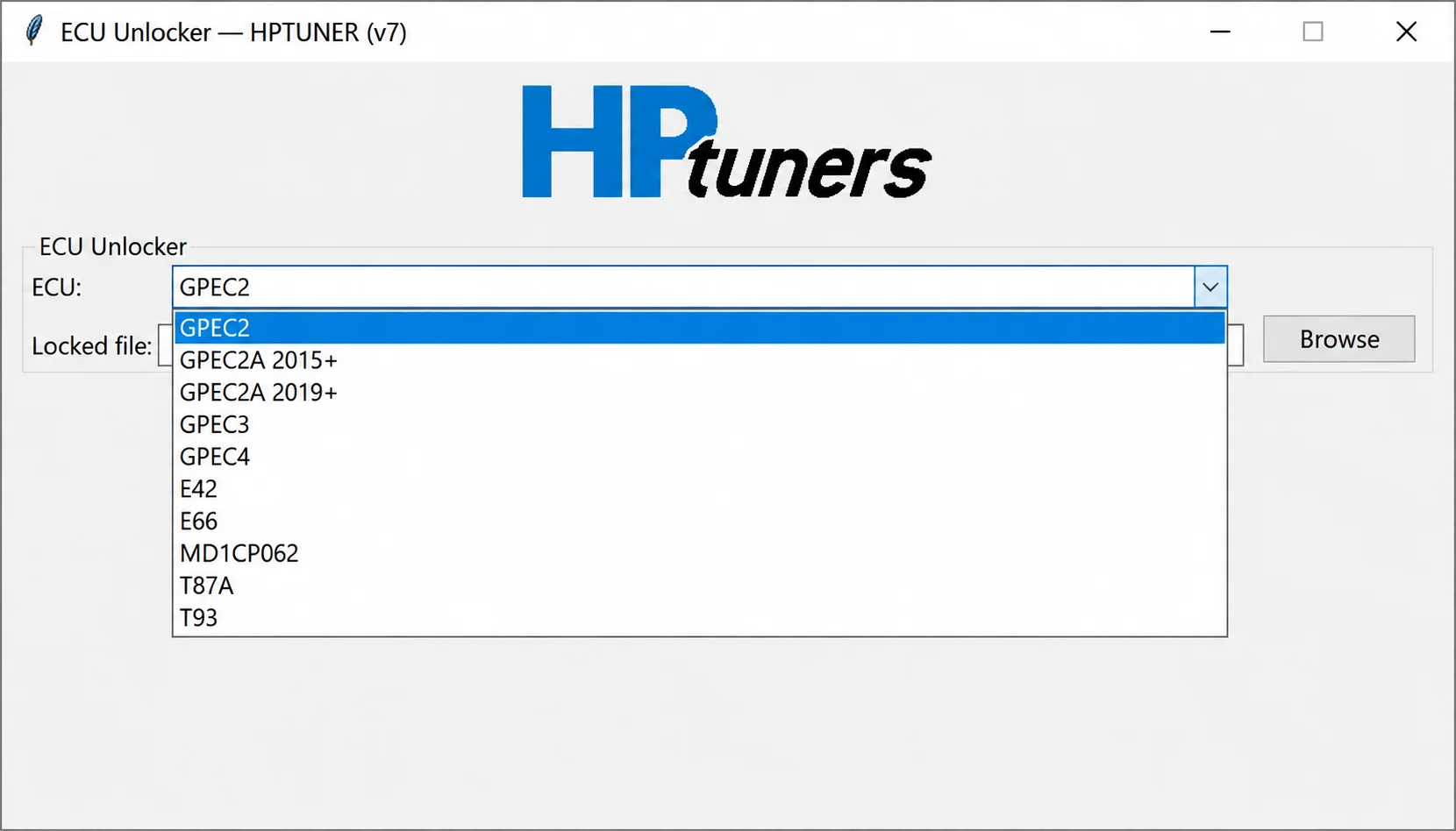
Offline controller-file processing for supported GPEC, E42, E66, MD1CP062, T87A and T93 reads, preparing working files for compatible calibration workflows.
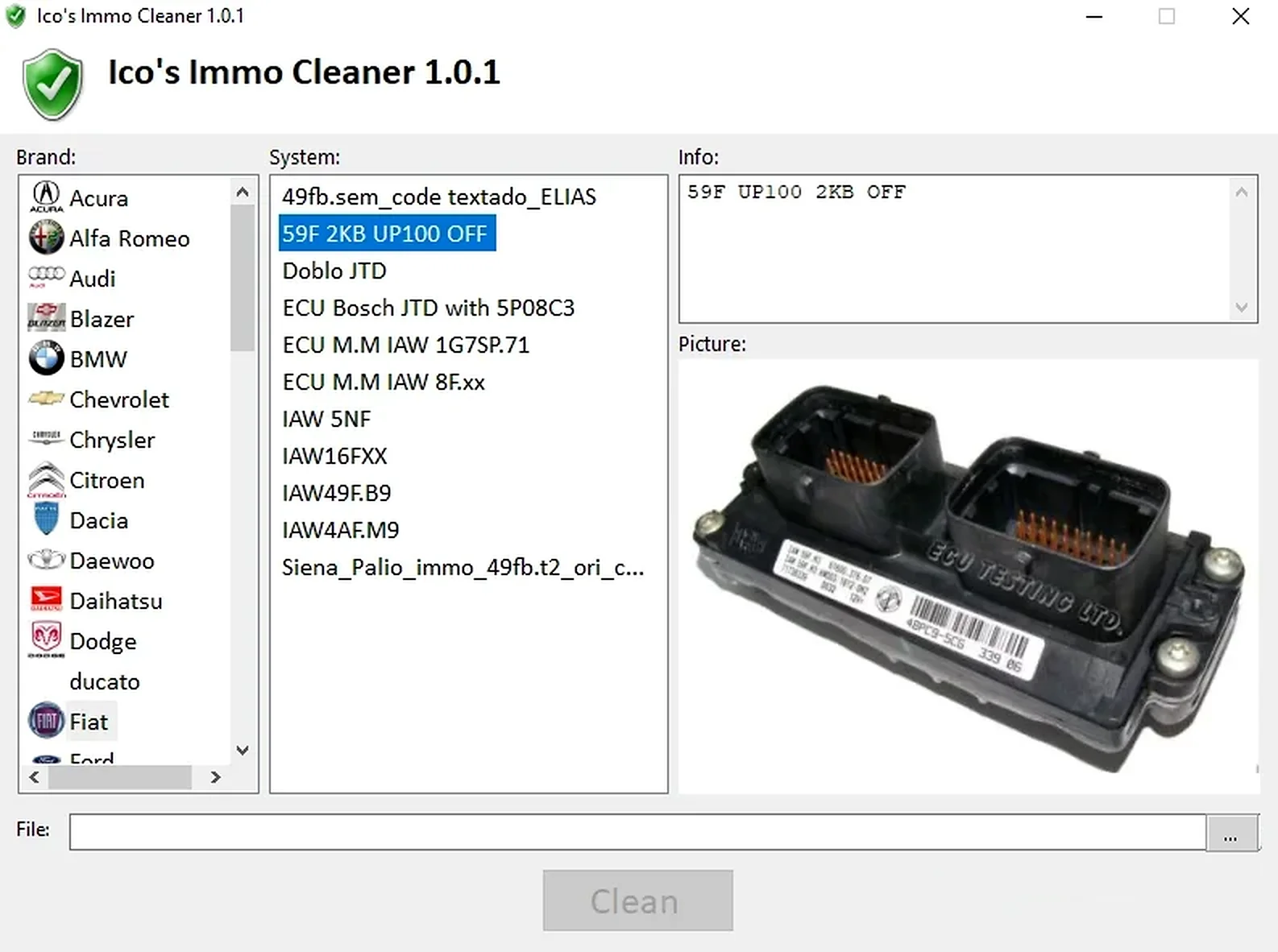
Offline Windows processor for supported ECU EEPROM and flash dumps, with brand/system selection, controller-specific clean, virgin and off templates, and reference images.
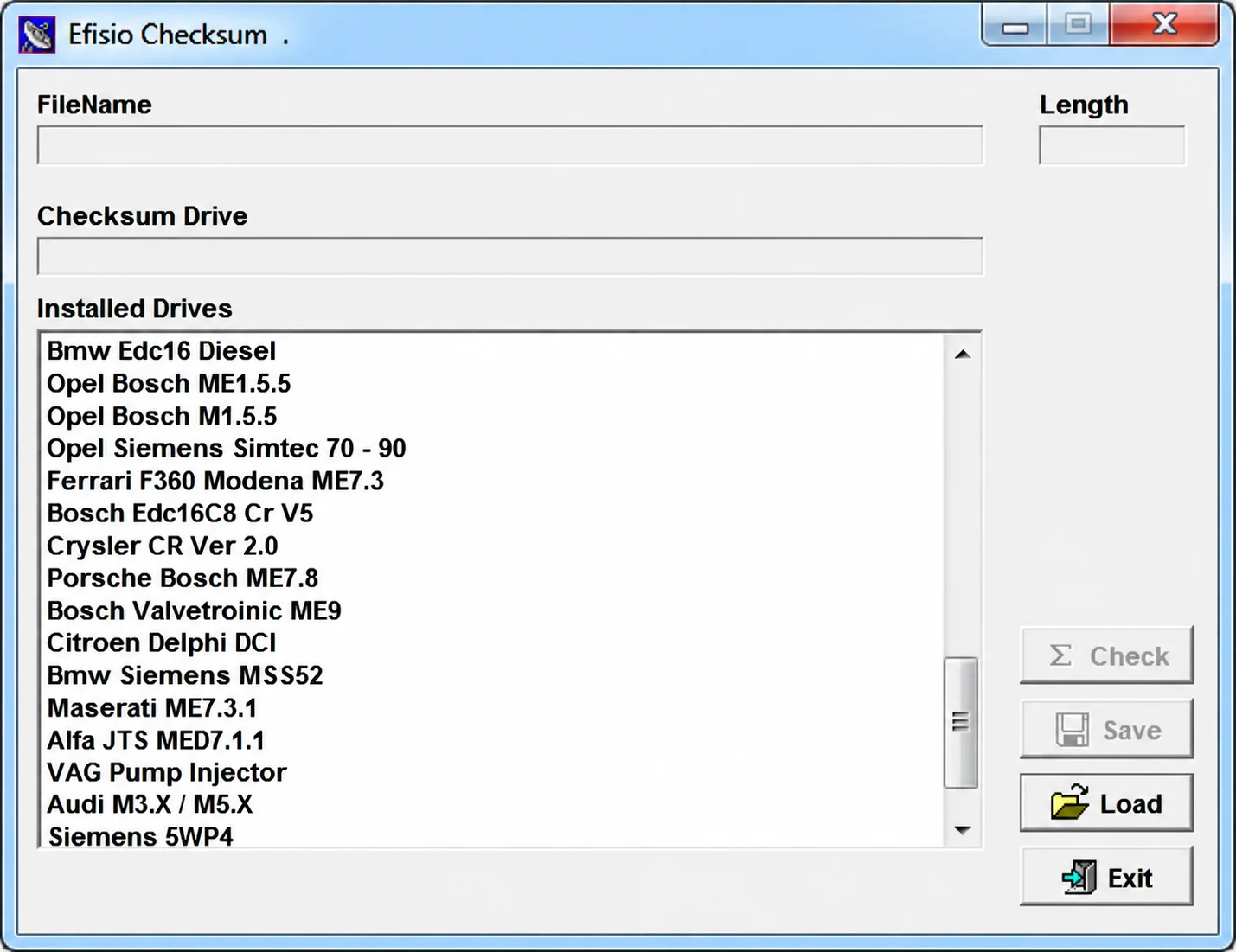
Modular Windows checksum utility for supported ECU binary files, with controller-specific DLL drivers, file-length display, checksum checking and corrected-copy saving.
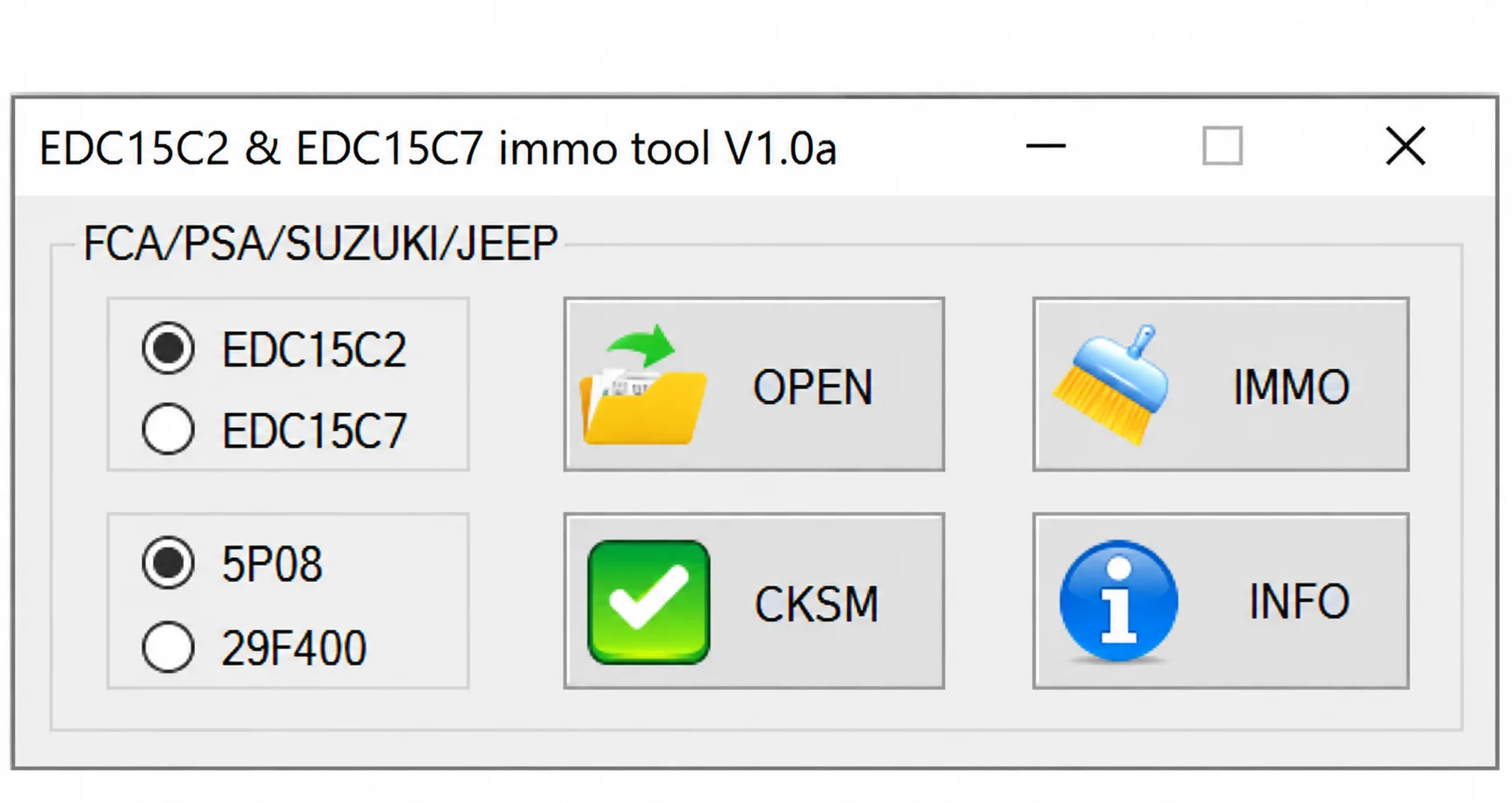
Offline Windows utility for IMMO Off and checksum processing of supported Bosch EDC15C2 and EDC15C7 memory files for selected FCA, PSA, Suzuki and Jeep applications.
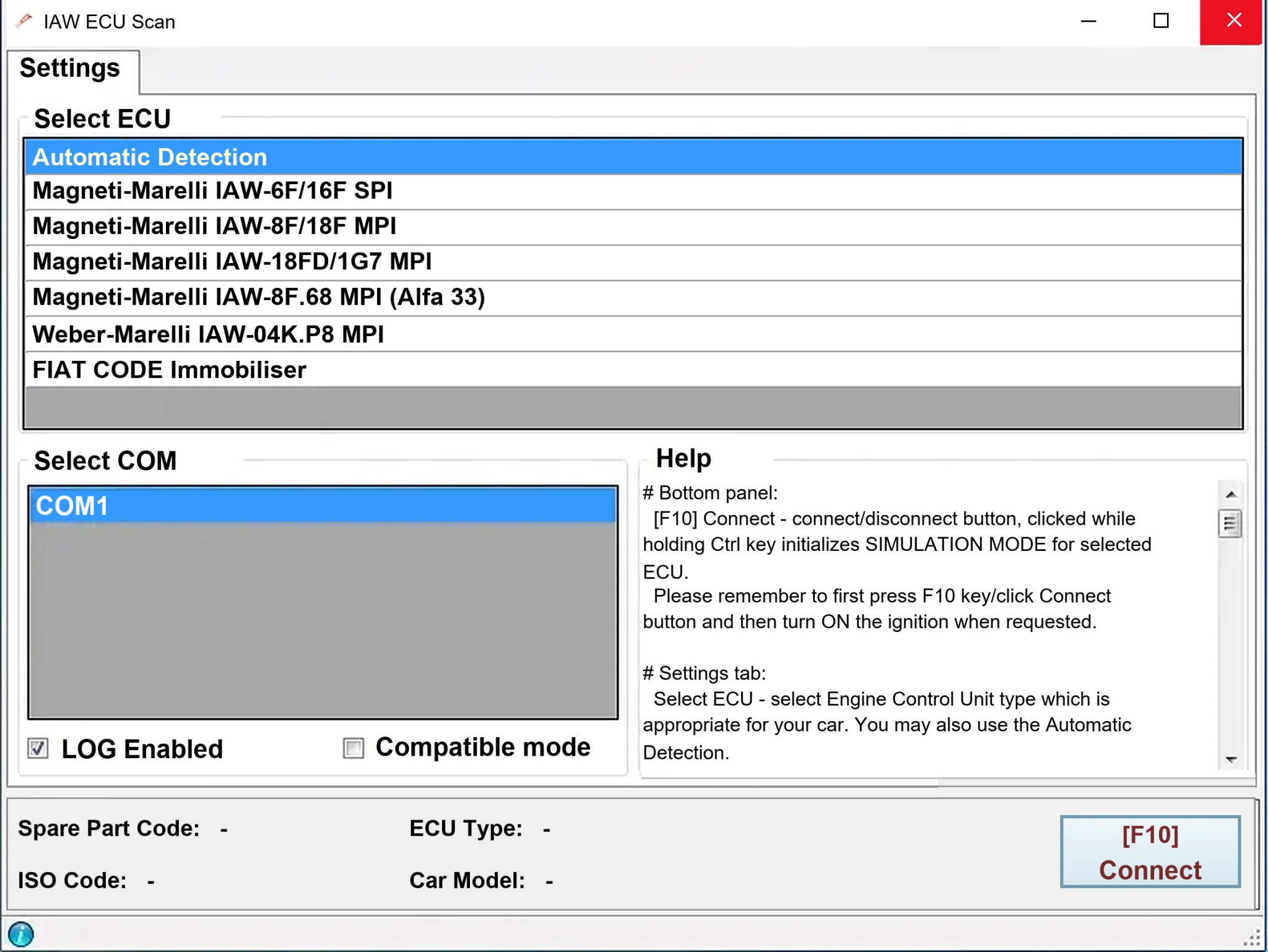
Windows diagnostics for selected legacy Magneti Marelli IAW ECUs in Fiat, Lancia and Alfa Romeo vehicles, using a KKL K-line interface for identification, faults and live data.