
SOFTWARE DATABASE / RELEASE RECORD
VERSION V42Evolic - Renault and Dacia ECU File Utility V42
Offline Windows utility for selected Renault and Dacia ECU binaries, with family-based sensor, calibration, immobilizer and three-level cold-start routines.
Categories
Vehicle references
Overview
Evolic is an offline file utility for selected Renault and Dacia engine-management systems. It processes a binary already obtained using separate programming equipment, applies the selected supported routine and saves a new working file for comparison before programming.
Its routines are organized by ECU family and cover sensor-related, calibration, immobilizer and cold-start operations. Evolic does not connect to the vehicle, automatically identify its ECU or replace the bench/boot equipment used to read and write the controller.
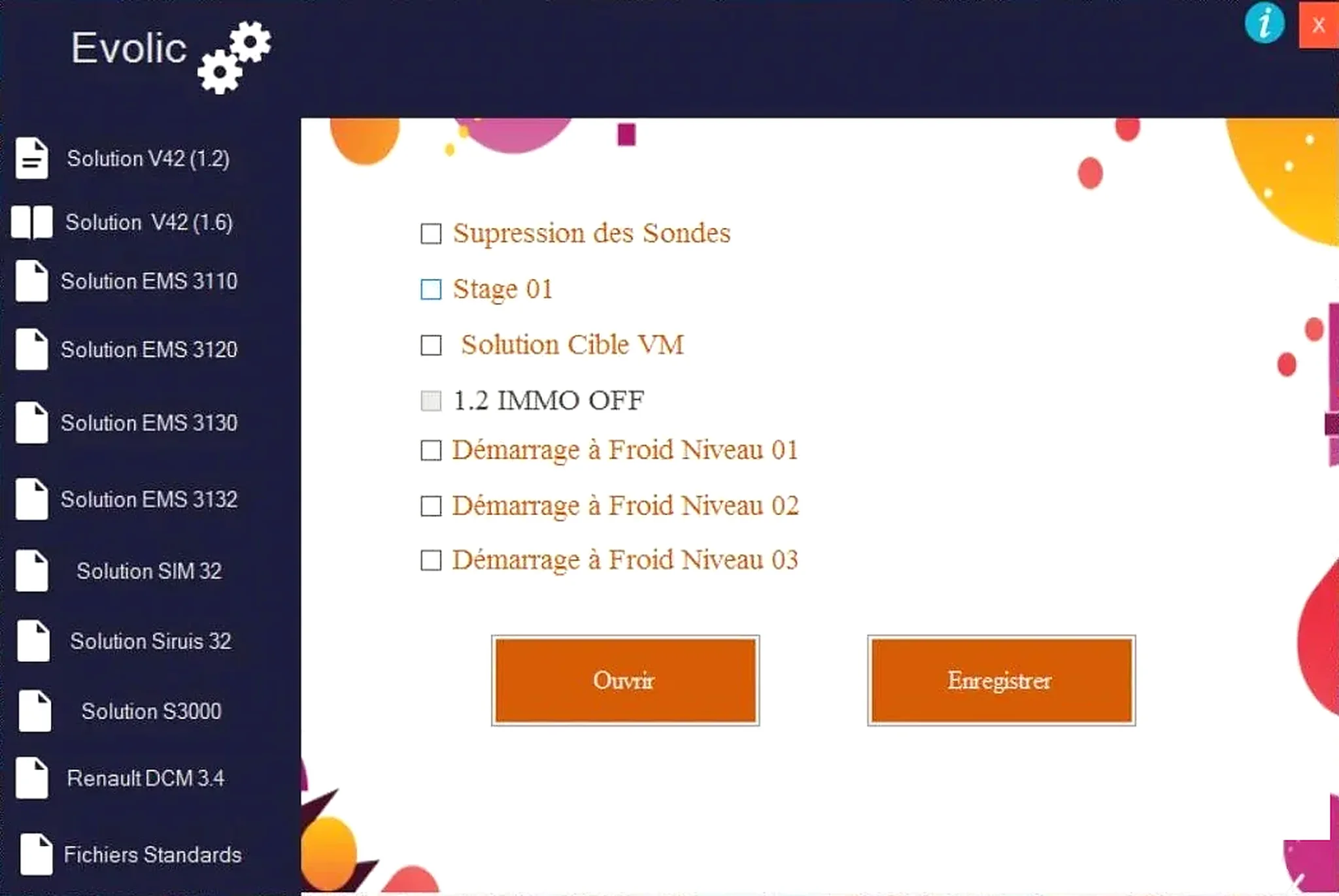
Controller Families in the Interface
- EMS 3110
- EMS 3120
- EMS 3130
- EMS 3132
- SIM 32
- Sirius 32
- S3000
- Renault DCM3.4
- Two additional engine/application groups: Solution V42 (1.2) and Solution V42 (1.6).
The menu also includes Fichiers Standards. These labels describe the supplied interface; they do not prove compatibility with every Renault or Dacia model, engine or software revision carrying a similar ECU name. Check the controller label, processor or memory type, full file length and exact calibration identification.
Functions Exposed by the Program
- Sensor/probe routine: the displayed Supression des Sondes option for supported files.
- Predefined calibration: Stage 01.
- Target-VM routine: Solution Cible VM, where available in the chosen profile.
- Immobilizer operation: 1.2 IMMO OFF on the indicated small-engine profile.
- Cold-start adjustment: Démarrage à Froid Niveau 01, 02 and 03.
- File handling: open the input using Ouvrir and save the processed result using Enregistrer.
Not every routine documents its changed byte ranges or checksum algorithm. An available button does not establish support for an arbitrary binary. Compare each output with the untouched original and stop if the length changes or an implausibly large region is modified.
Required Equipment and Input Information
- A Windows computer able to run a legacy native 32-bit application.
- A bench, boot, BDM or other compatible flasher for the exact ECU.
- A verified pinout and regulated power supply.
- Two matching original reads of the required flash or EEPROM region.
- Vehicle model, engine code, ECU manufacturer, hardware number and software number.
- Controller-appropriate checksum and binary comparison tools.
- Diagnostic equipment for the initial scan and checks after programming.
Vehicle communication hardware, interface drivers and pinouts are not included. The technician must obtain the correct compatible input file separately.
Recommended File Workflow
- Record vehicle and ECU identification before removing or opening the controller.
- Read the required memory twice and confirm matching hashes.
- Retain an untouched original outside the application folder.
- Select only a controller group and operation established for the exact software layout.
- Open a working copy, make one change at a time and save with a new filename.
- Compare file length and every modified region using a hex or calibration tool.
- Check or correct checksums as required by the intended programming method.
- Program with stable voltage, verify the write and complete diagnostic validation.
Compatibility and Legal Limits
Renault-family vehicles can use unrelated ECU, immobilizer and emissions architectures within one model generation. An ECU family name alone is insufficient. Treat an unknown software number or file layout as unsupported.
Sensor and emissions-related calibration changes may be unlawful for road vehicles. Use these functions only where the intended work is lawful and technically justified, such as controlled development, authorized repair or off-road competition. Diagnose mechanical faults before modifying files.
Troubleshooting and Recovery
File rejected: establish whether the programmer produced a full read, calibration segment or EEPROM file, then confirm the selected profile expects that structure.
No-start, checksum fault or abnormal operation after programming: restore the original and verify the write method before trying another edit.
For support, provide the ECU family, hardware/software numbers, engine code, read tool and mode, original/output sizes and redacted fault information. Keep full customer binaries, VINs and immobilizer secrets private.
Package Notes
The documented archive contains one unsigned 32-bit Windows executable. Its embedded metadata identifies the product and supplied release line. Package notes report archive testing and static inspection without executing the application; these are documented preparation observations, not an independent ECUDB binary test.
Use an isolated environment and perform your own local security scan before use.
Technical Compatibility
Supported Modules
Operating Systems
File Formats
System Requirements
- Windows computer able to run a legacy native 32-bit application; exact supported Windows versions are unspecified.
- Bench, boot, BDM or compatible flasher for the exact ECU.
- Verified pinout and regulated power supply.
- Two matching original flash/EEPROM reads and an untouched backup.
- Exact vehicle model, engine code, ECU manufacturer and hardware/software identification.
- Controller-appropriate checksum correction and binary comparison tools.
- Diagnostic equipment for pre-scan and post-write validation.
- Hardware, interface drivers and pinouts are not included.
Screenshots
Related Software

Offline Windows reference tool for Bosch ECU part numbers, controller families and OE cross-references, with exact, wildcard, prefix and binary-dump identifier searches.
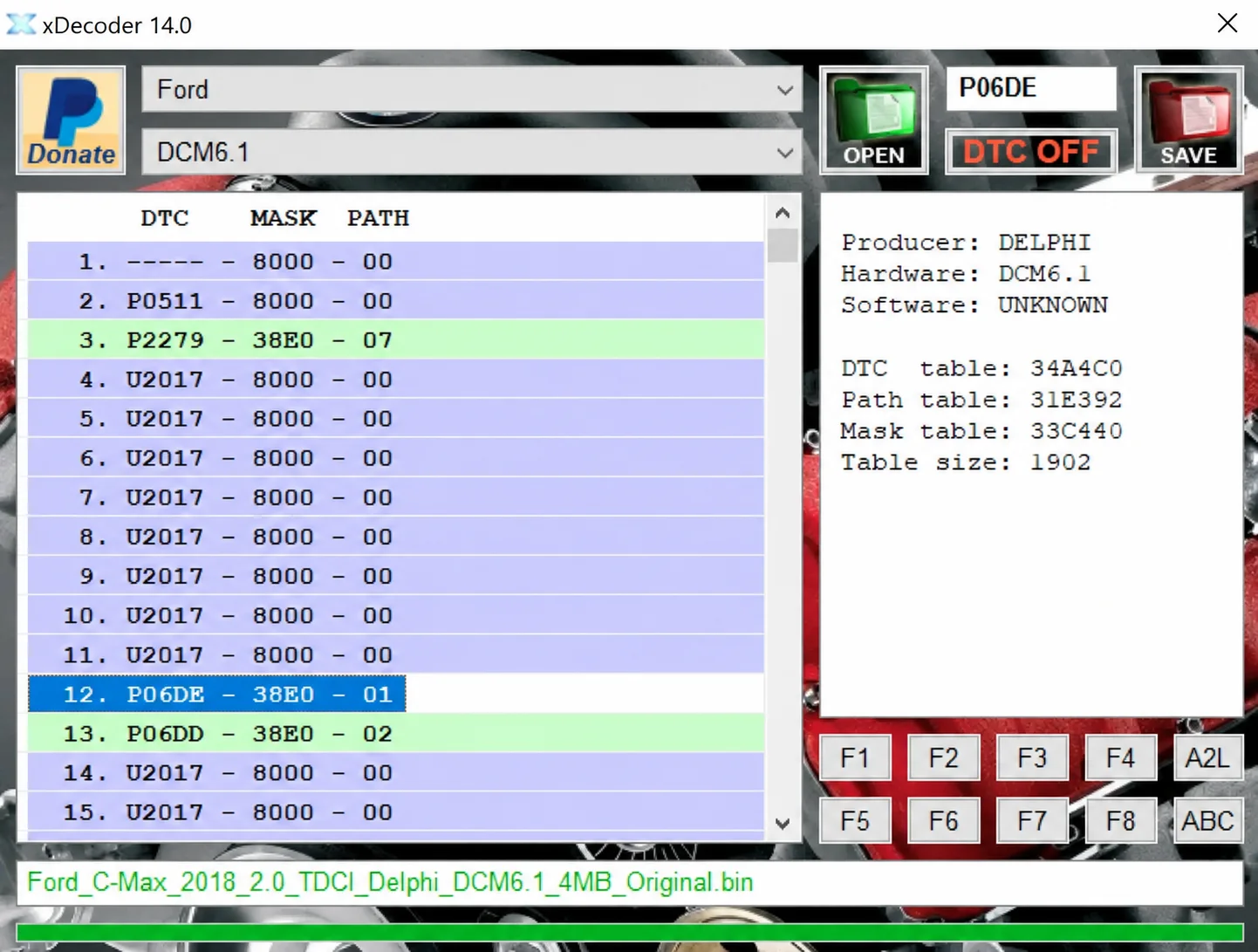
Windows BIN analysis and DTC editing utility for supported Bosch, Delphi, Continental, Siemens, Visteon and other ECU strategies.
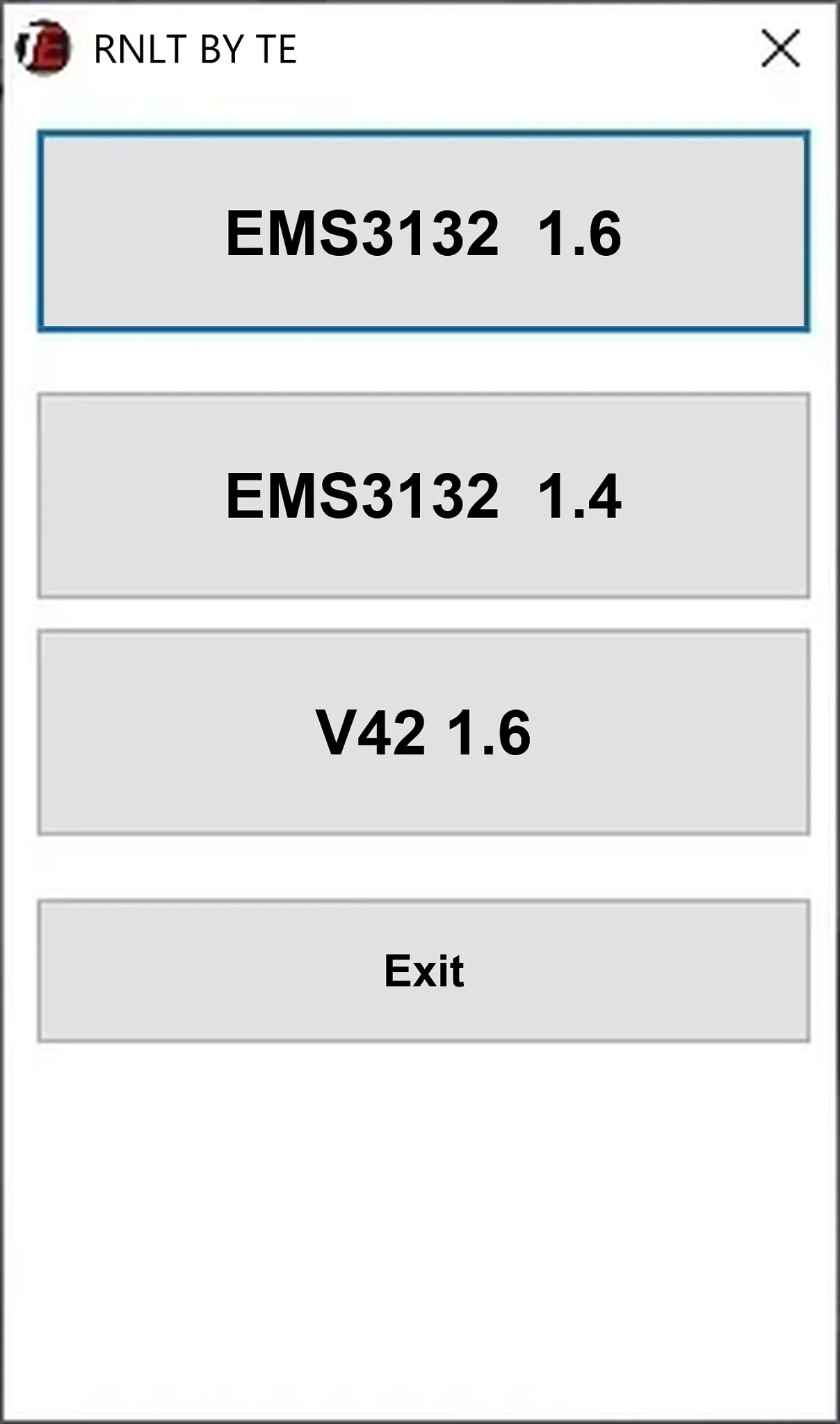
Offline Windows cold-start calibration file utility for Renault EMS3132 1.6, EMS3132 1.4 and V42 1.6 ECU reads.
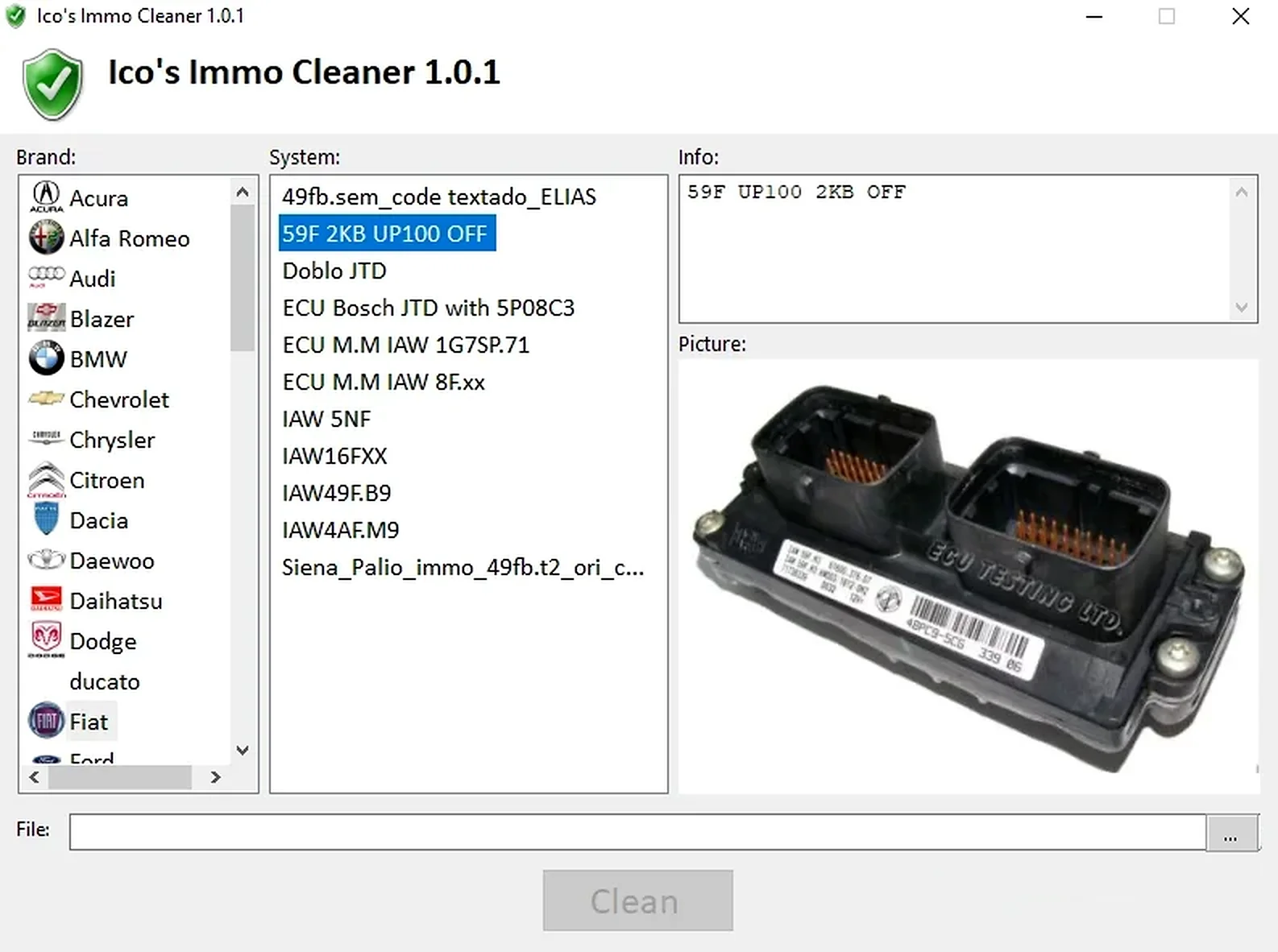
Offline Windows processor for supported ECU EEPROM and flash dumps, with brand/system selection, controller-specific clean, virgin and off templates, and reference images.
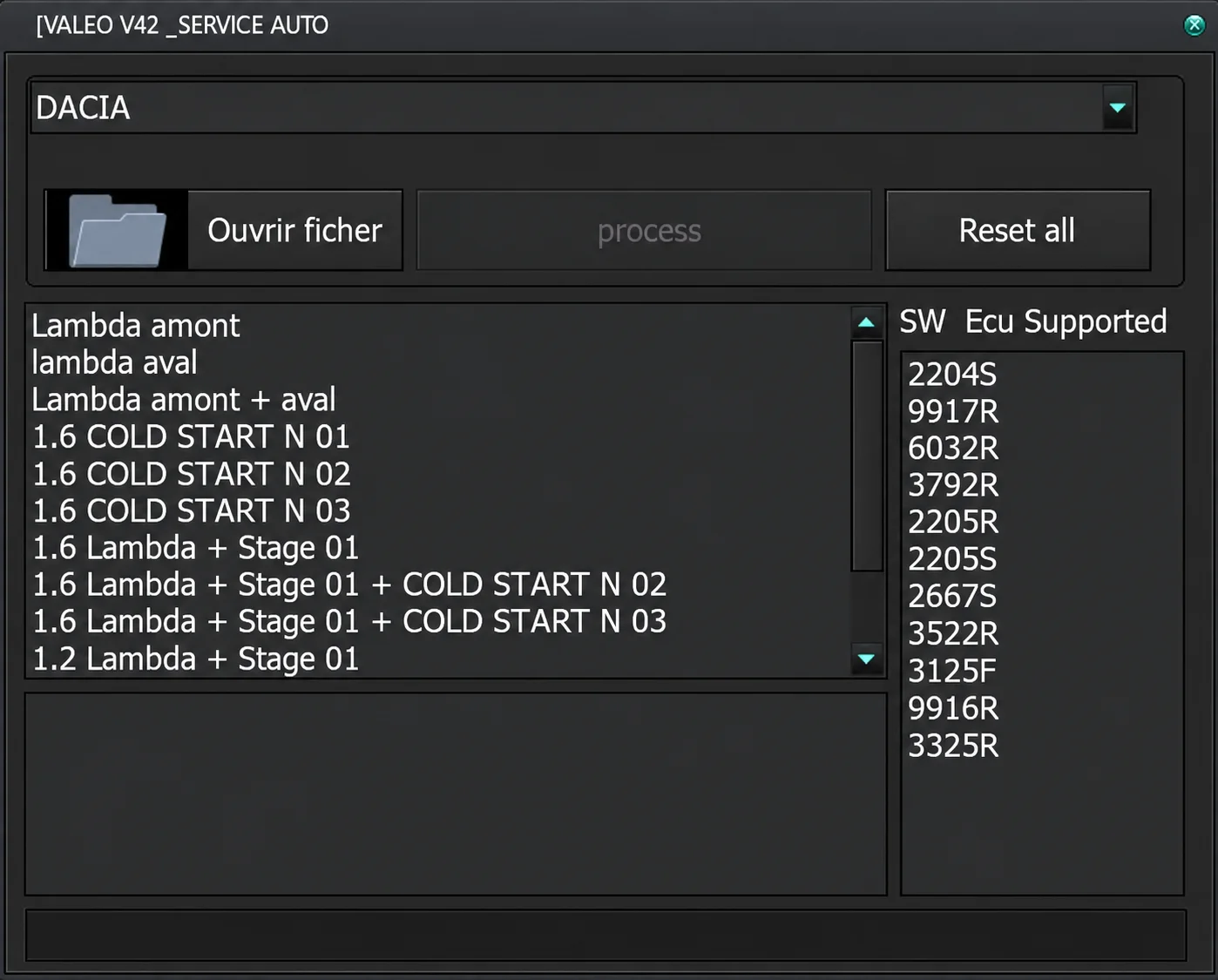
Offline Windows editor for recognized Renault and Dacia Valeo ECU binaries, with lambda-related, cold-start and combined stage operations gated by supported software IDs.
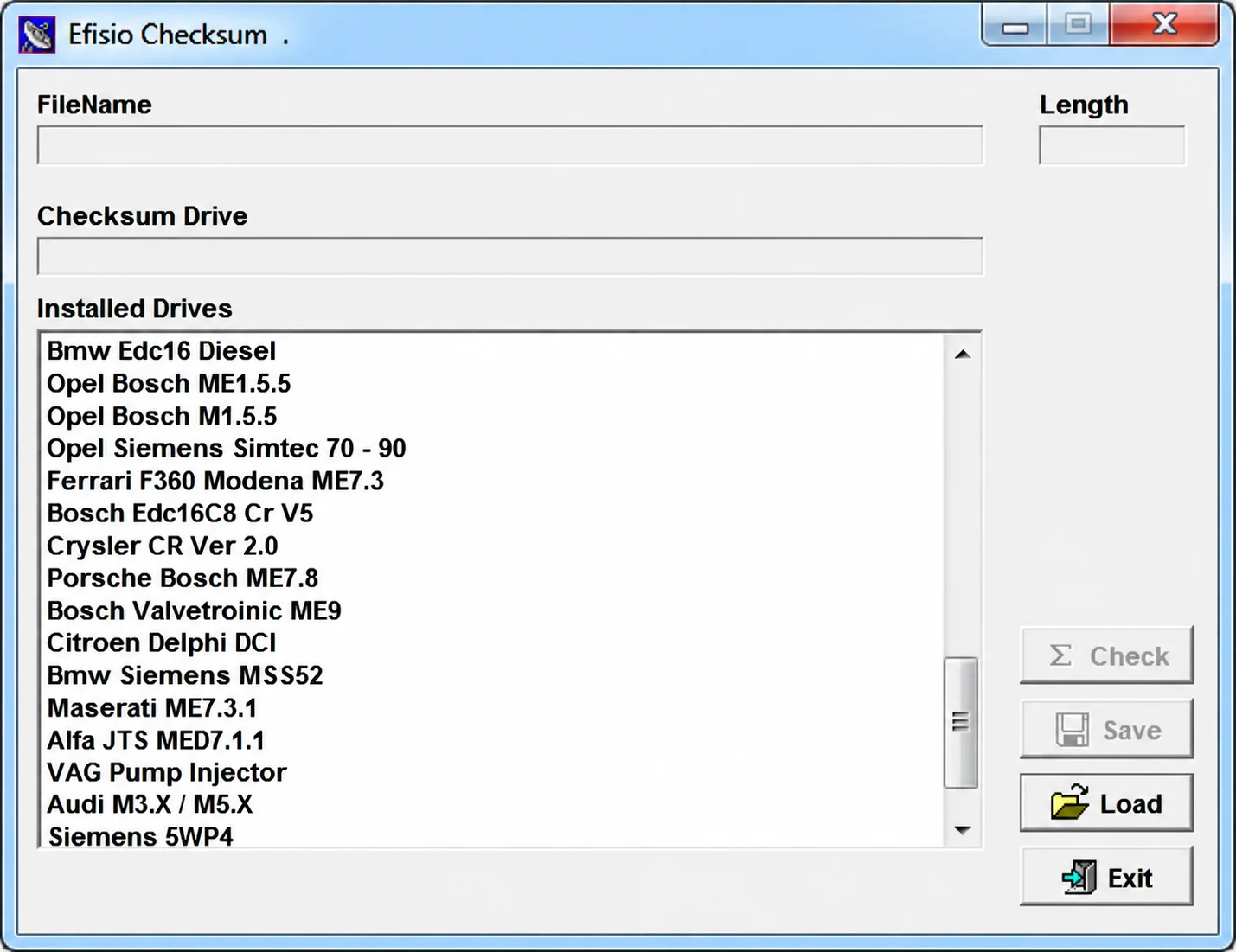
Modular Windows checksum utility for supported ECU binary files, with controller-specific DLL drivers, file-length display, checksum checking and corrected-copy saving.