
SOFTWARE DATABASE / RELEASE RECORD
VERSION 5.0.68 (07.2025)CLAAS WebTIC Offline Repair Manuals and Wiring Diagrams 5.0.68 (07.2025)
Offline CLAAS repair-manual and wiring-diagram workspace with machine filters, HTML/PDF viewing and the 5.0.68 English/Russian database dated July 1, 2025.
Categories
Vehicle references
Overview
Description
CLAAS WebTIC Offline is a browser-based technical-documentation workspace for finding, opening and reading service material without an internet connection. It brings repair manuals, component documentation and electrical wiring diagrams into one local interface, giving workshop technicians a consistent way to look up the procedures, drawings and reference information needed during everyday maintenance and repair work.
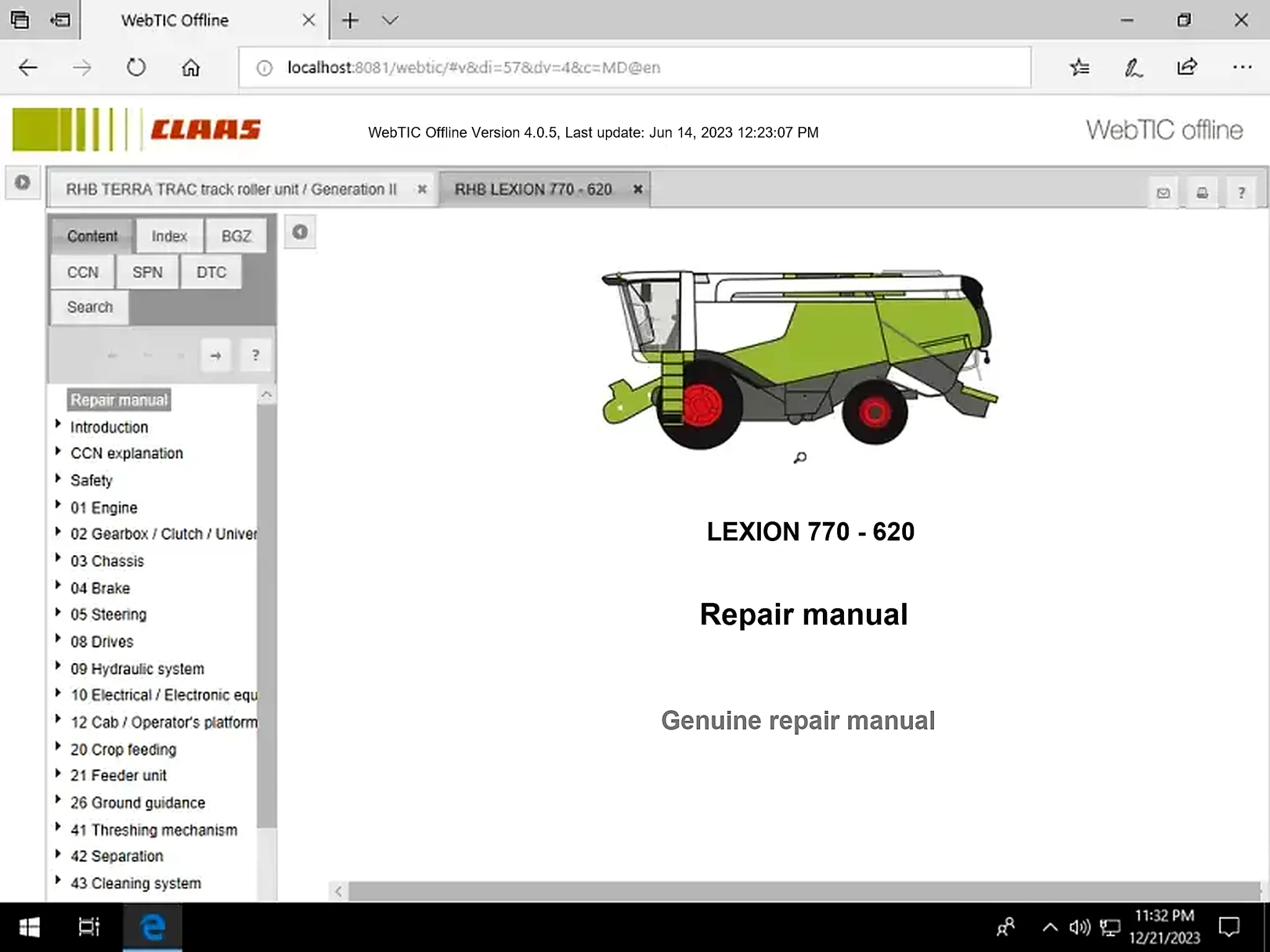
Version: the current package is 5.0.68 (07.2025), with database identifier 2025_07_01, dated July 1, 2025. The earlier package described in the original overview is 07.2024.
Language: the 5.0.68 database package includes English (EN) and Russian (RU). The original documentation examples use English (en).
Type: offline documentation and technical-information viewer, launched locally and accessed through a browser.
Why WebTIC Offline is useful
- One place for documentation: manuals and PDF documents open through a consistent viewer, reducing the need to move between unrelated folders.
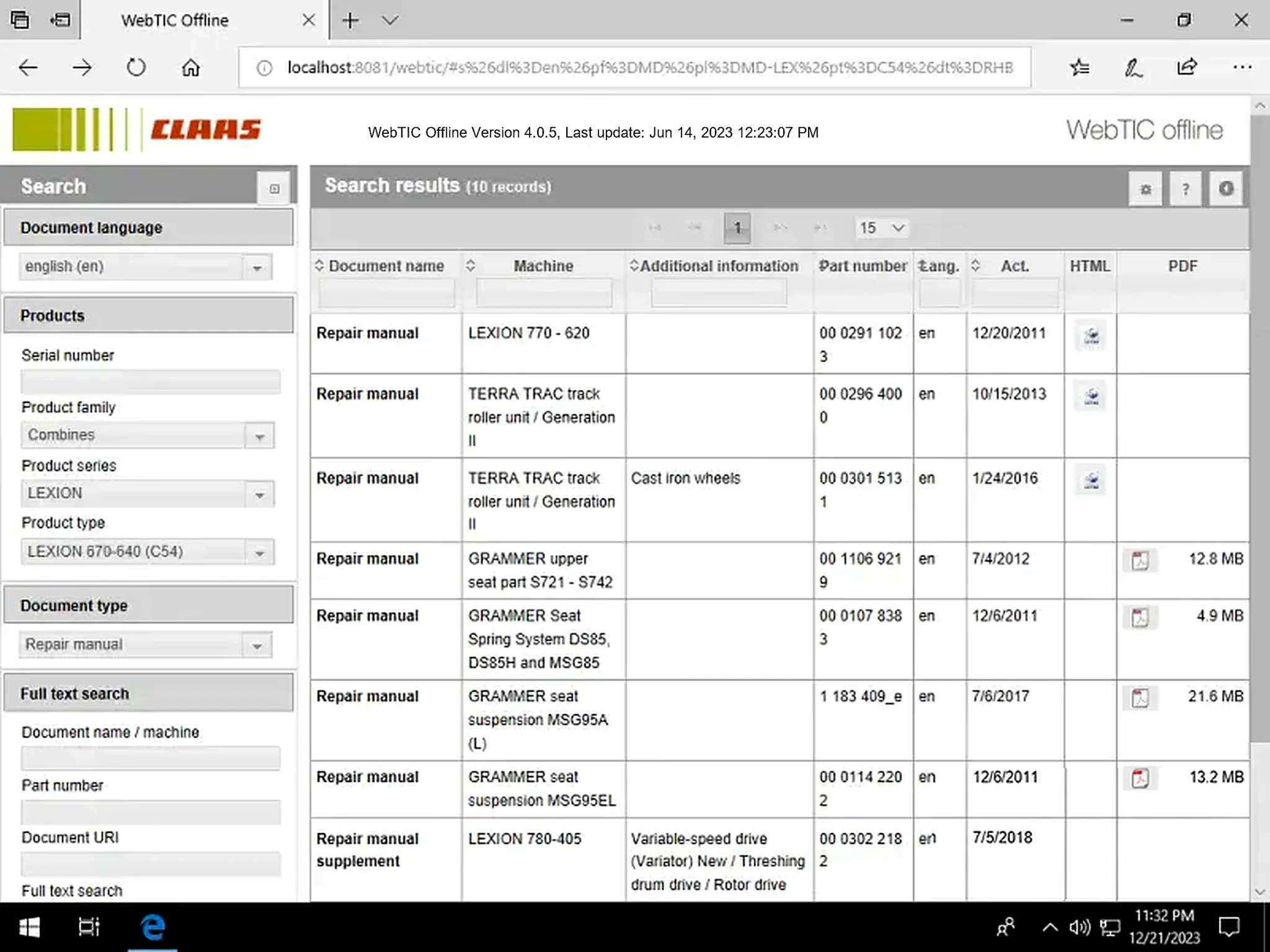
- Quick filtering: narrow the document list by product family, series, product type, document type, part number and other available criteria.
- Search-first workflow: enter a machine name or keyword to locate the required material, then open its HTML or PDF version directly.
- Workshop friendly: the material supports service tasks such as repair procedures, component removal and installation, diagram consultation and reference-data lookup.
What you can do inside the interface
- Search and browse technical documentation by machine and document category.
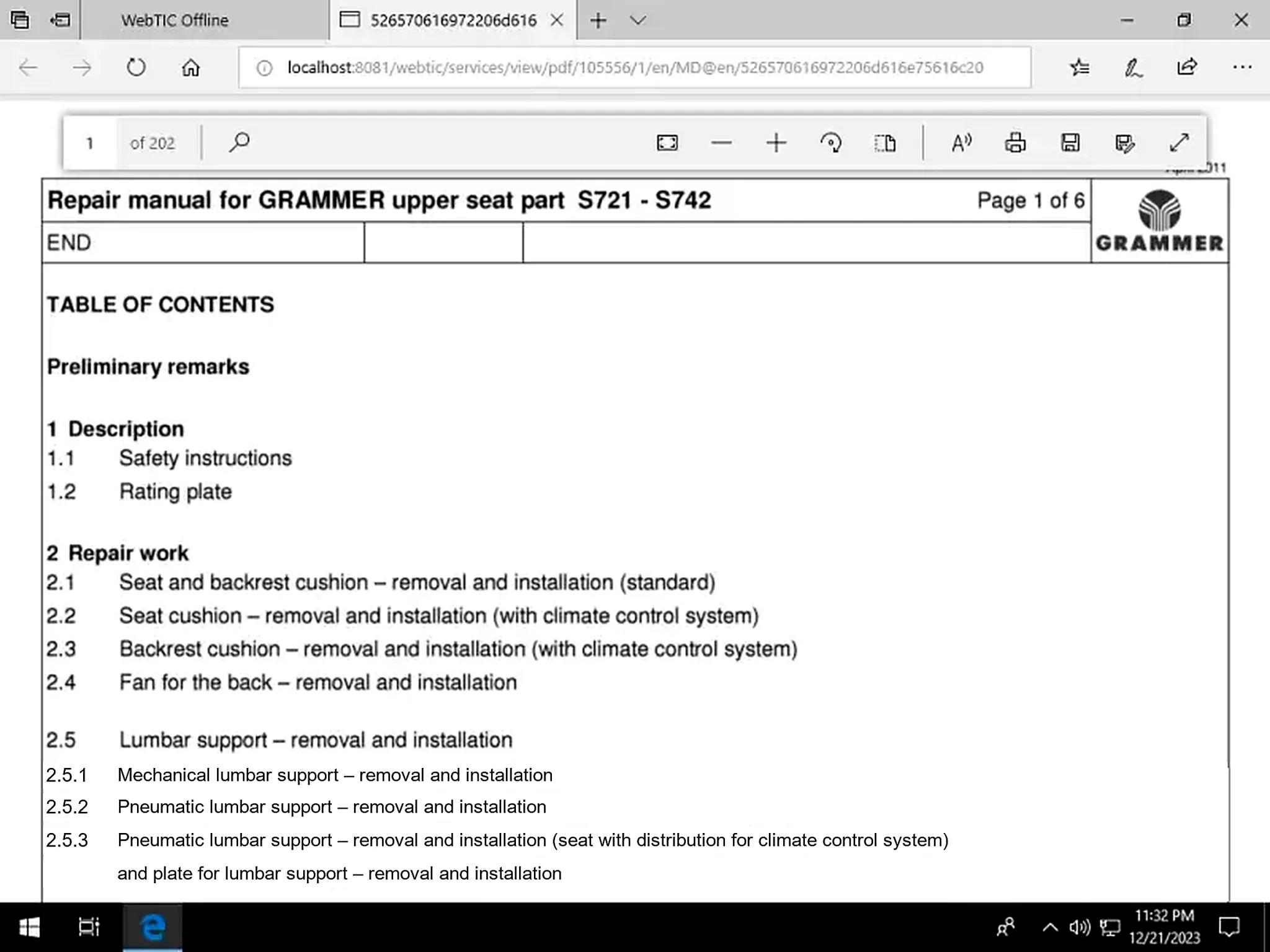
- Open the available material as HTML pages or PDF files.
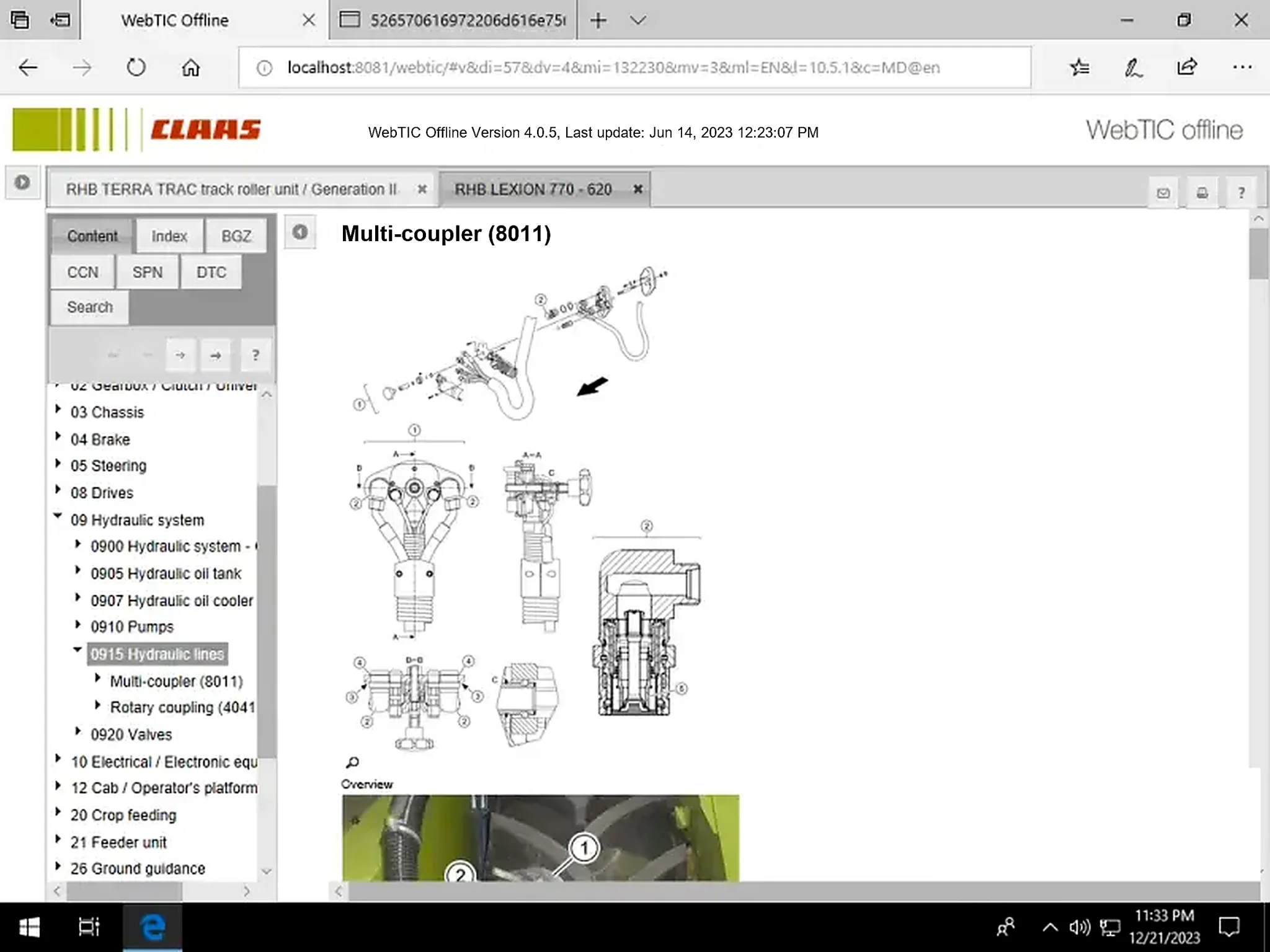
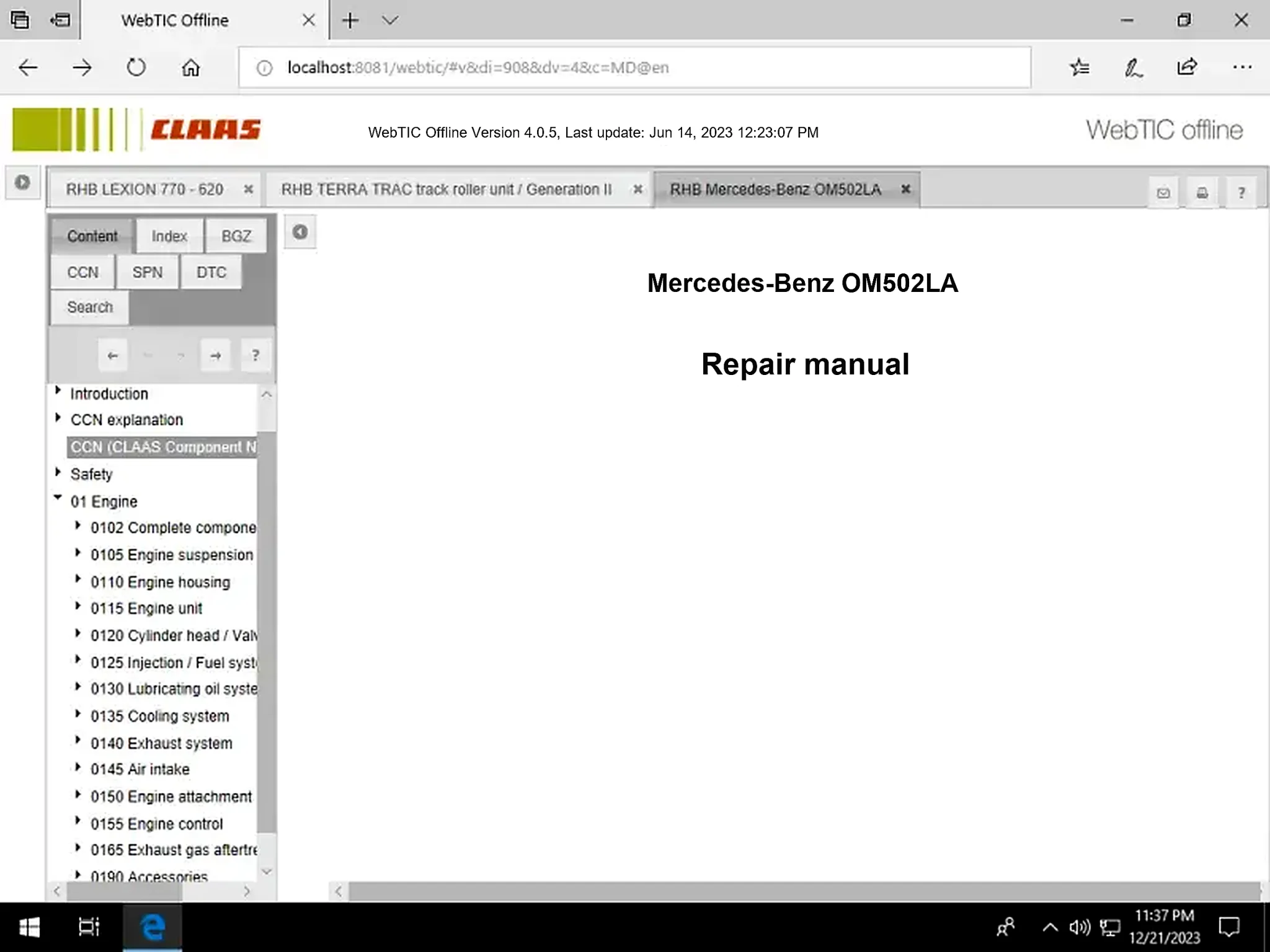
- Follow the chapter and section navigation tree used by the repair manuals.
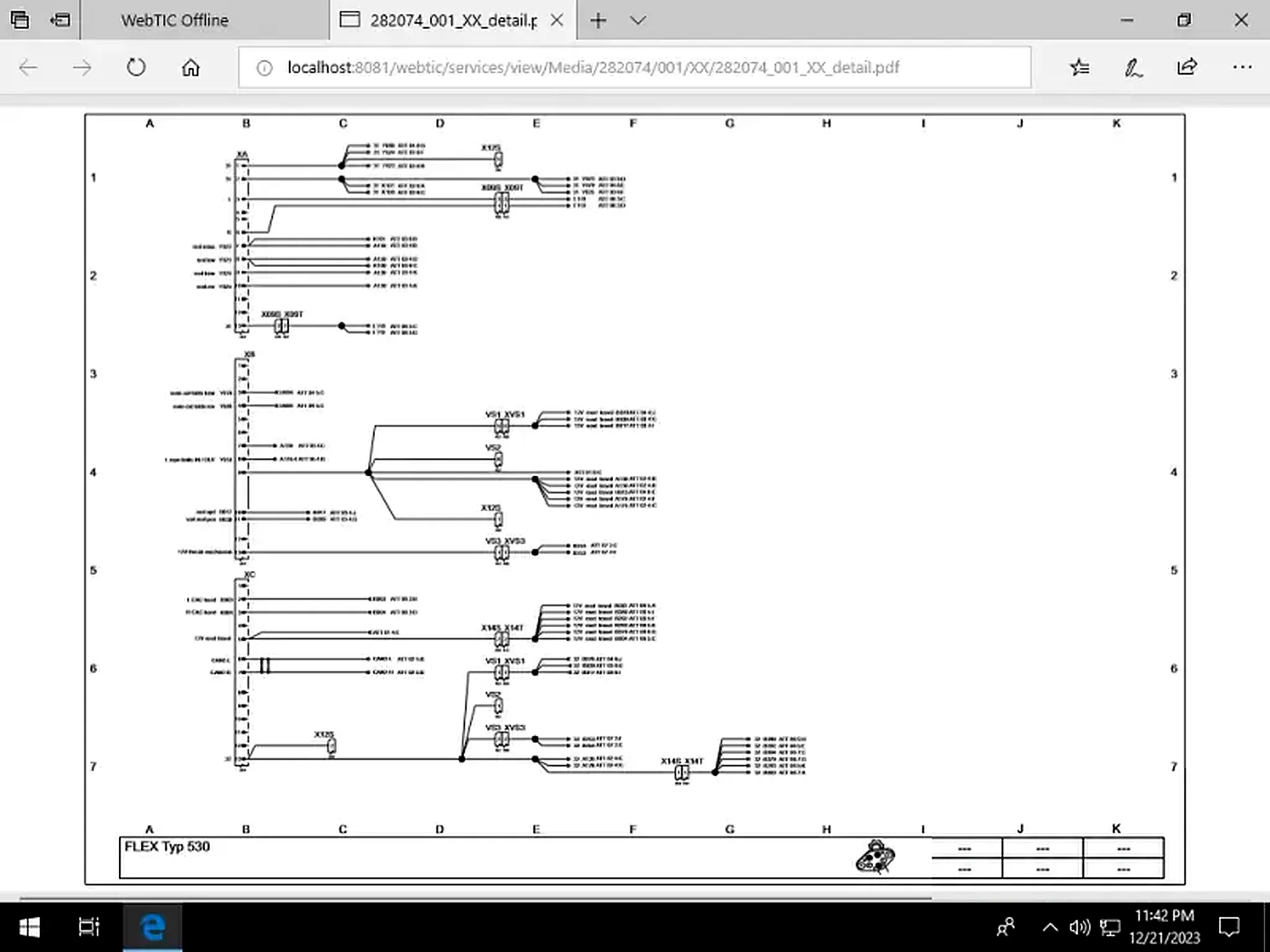
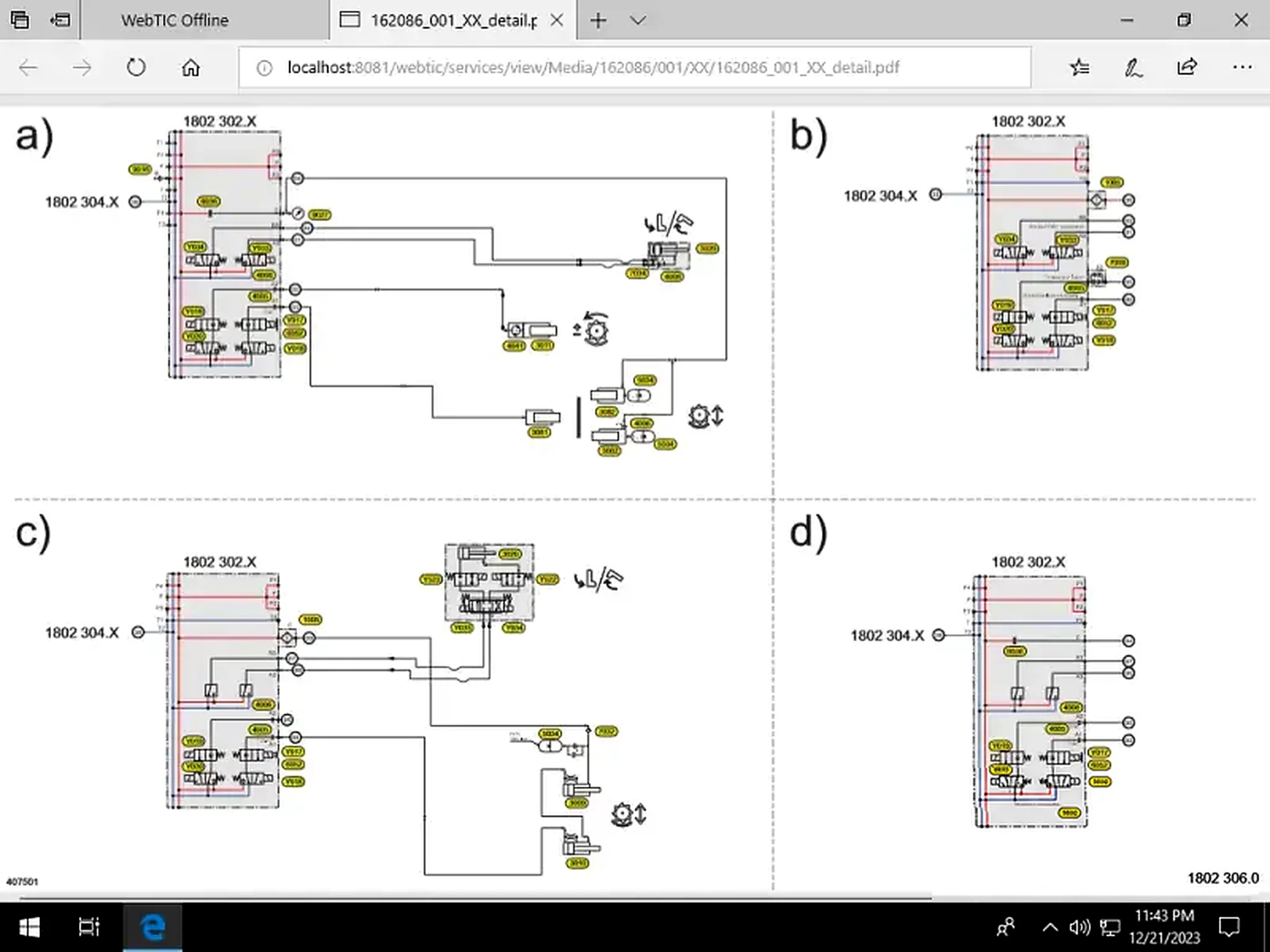
- View technical drawings and electrical wiring diagrams within the document viewer.
- Work entirely offline after the local installation has been completed and the application launched.
Documentation examples shown in the screenshots
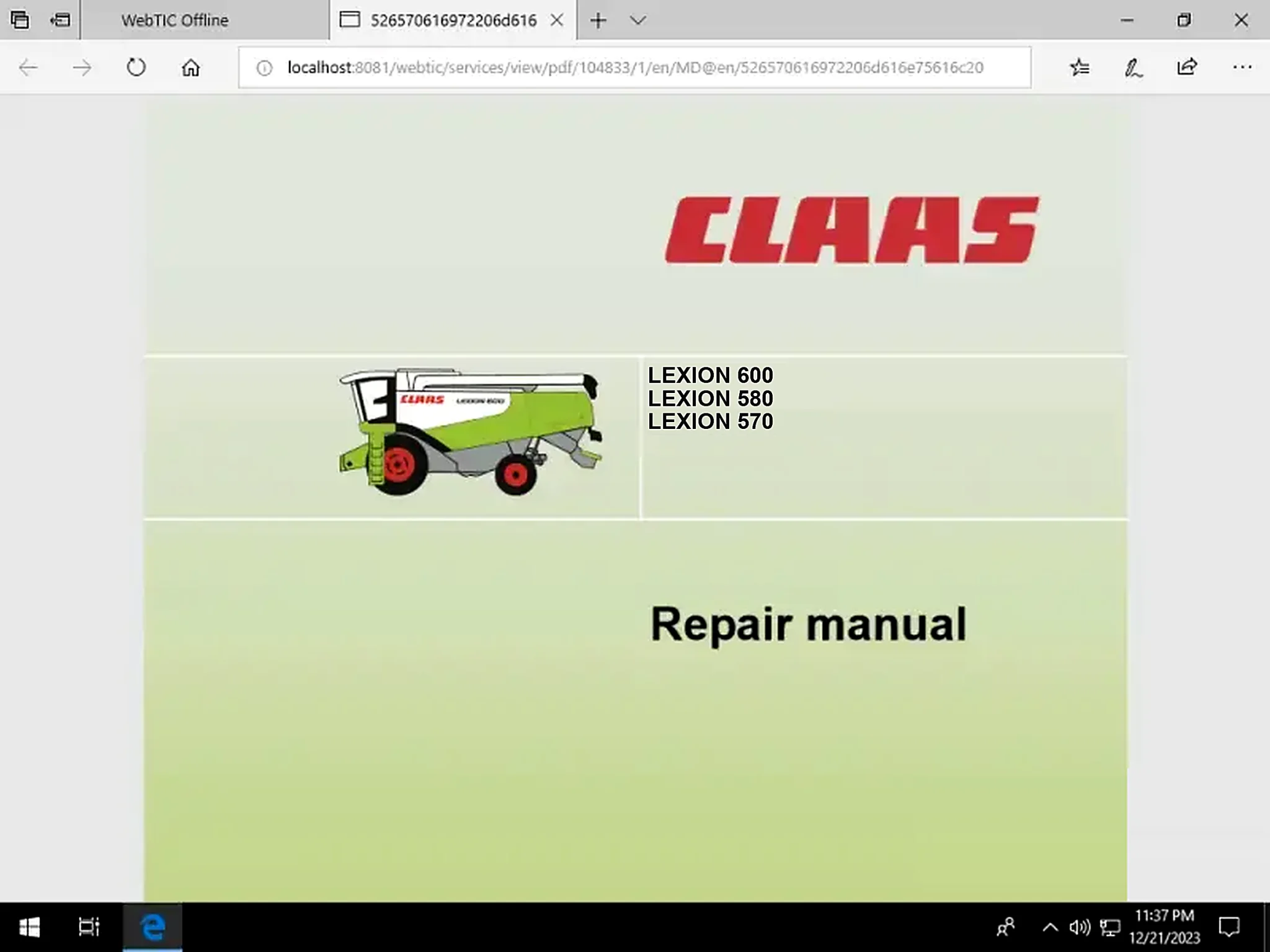
- LEXION repair manuals and supplementary manuals.
- TERRA TRAC documentation.
- Component manuals, including GRAMMER seat documentation.
- Engine repair material, illustrated by the Mercedes-Benz OM502LA repair manual.
- Electrical schematics and wiring-diagram pages.
Installation and launch (typical offline setup)
- Run the installer located in the
2. SETUPfolder. - After installation, start WebTIC Offline using the created shortcut or the included launcher.
- Open the local application in a modern browser; Microsoft Edge or Google Chrome is recommended.
- Set Document language to English (en) and begin searching for the required documentation.
System requirements (recommended)
- OS: Windows 10 x64 or Windows 11 x64.
- Storage: approximately 110 GB of free space for a comfortable installation.
- RAM: 8 GB or more is recommended for smoother browsing.
- Browser: Microsoft Edge or Google Chrome.
Package contents
1. FIRST\2. SETUP\3. CLAAS.rar
5.0.68 database update: WebTIC_Offline_5.0.68_en_ru_2025_07_01 contains the complete standalone database files, prepared for installation or integration with an existing setup. It updates the offline service documentation, repair manuals and wiring diagrams for CLAAS agricultural machinery, with the English and Russian database content noted above.
Official resources
CLAAS is the manufacturer referenced by this documentation. Consult the manufacturer's official resources for current product information. All documentation rights belong to their respective owners. This catalog entry provides information; no application or documentation files are hosted or distributed through the article.
Technical Compatibility
Operating Systems
System Requirements
- Windows 10 x64 or Windows 11 x64
- Approximately 110 GB free storage for installation
- 8 GB RAM or more recommended
- Microsoft Edge or Google Chrome
- Offline access after local installation and launch
Screenshots
Related Software
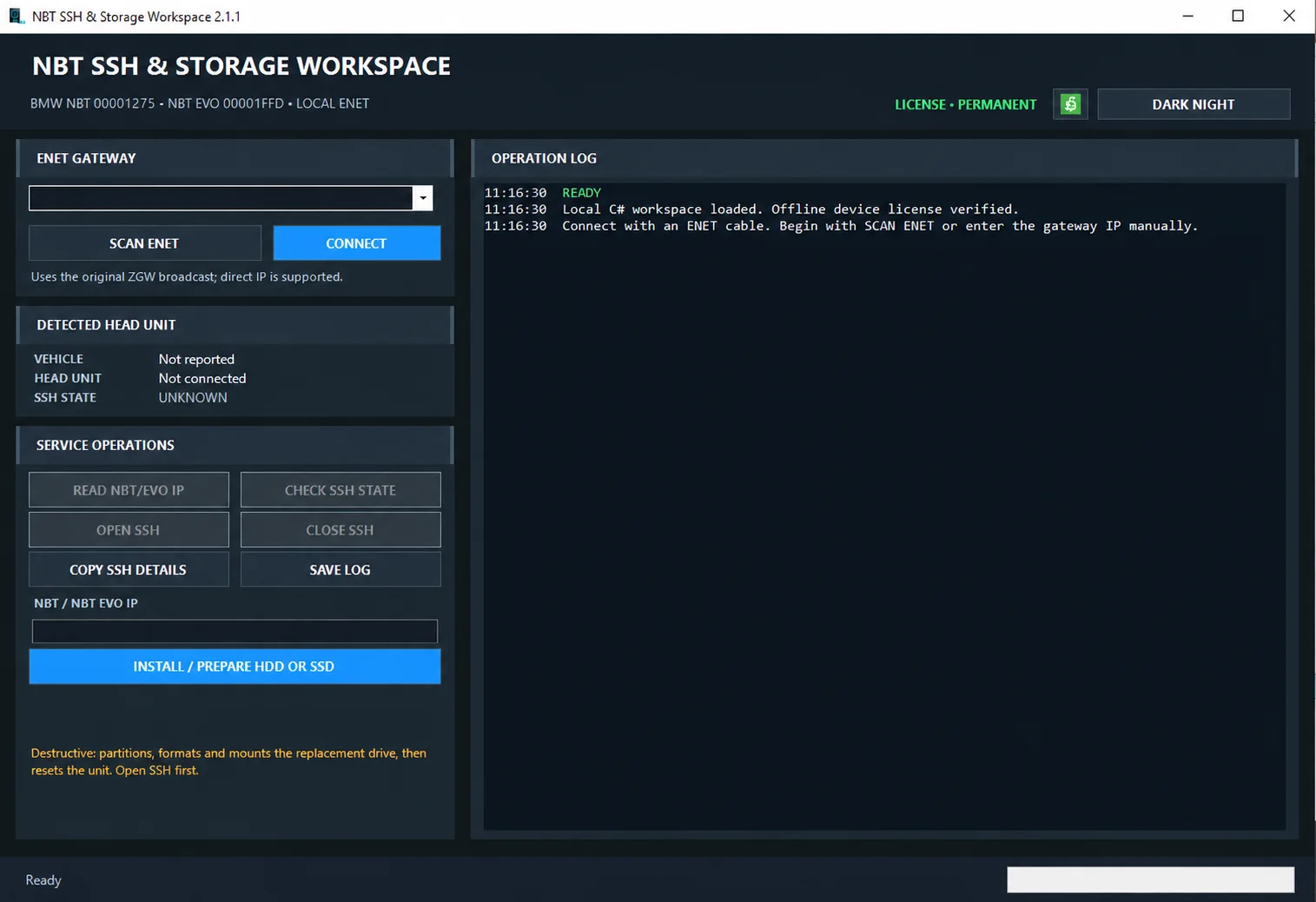
Windows ENET utility for identifying supported BMW head units, managing SSH access and preparing replacement HDD/SSD storage.

Windows calibration-file utility with manufacturer and ECU selection menus for EGR, flap, Hotstart, DTC and related service functions.

Volvo VIDA 2015A workshop environment for vehicle identification, guided fault tracing, wiring diagrams, service documentation and parts reference.

Detroit Diesel Diagnostic Link (DDDL) Full Suite 6.5 / 8.19 / DRS 6.31
v6.5 / 8.19 / DRS 6.31Detroit Diesel and Mercedes-Benz MBE workshop suite combining DDDL legacy and modern diagnostics, DRS reprogramming, live data, service tests and parameter functions.
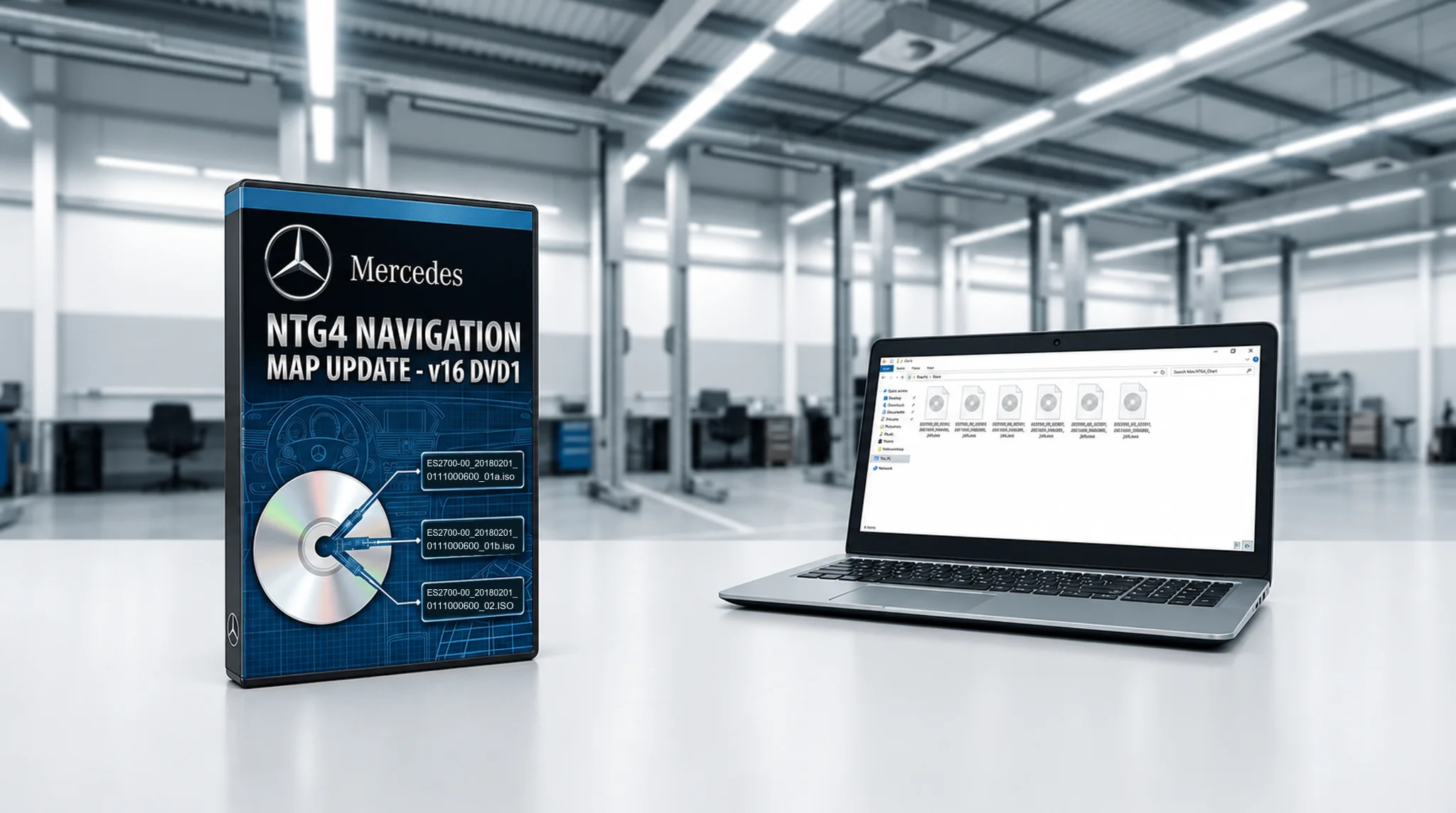
NTG4 v16 DVD1 split ISO package for preparing navigation map media for compatible Mercedes-Benz infotainment systems, with three original image filenames and media-handling guidance.

Mercedes-Benz telematics service disc image 2218270100.nrg for supported COMAND update workflows, with vehicle and head-unit applicability confirmed by VIN and the diagnostic prompt.