
SOFTWARE DATABASE / RELEASE RECORD
VERSION 9.2.2396Bosch VCI Manager for J2534 PassThru and Network Setup 9.2.2396
Bosch VCI Software RNM and GxE installer collection with VCI discovery, updates, wireless setup, API logging and J2534 connection configuration.
Categories
Overview
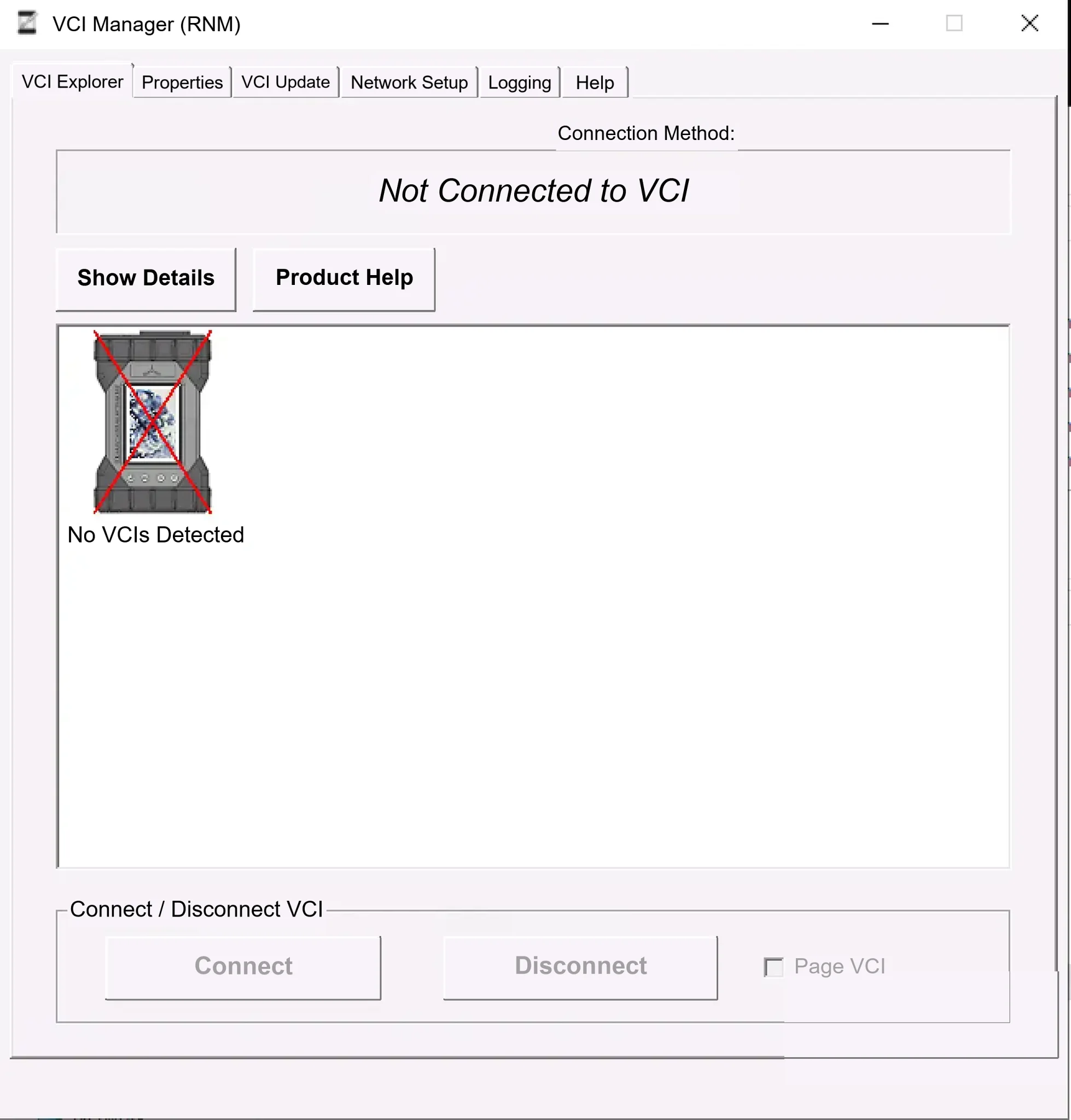
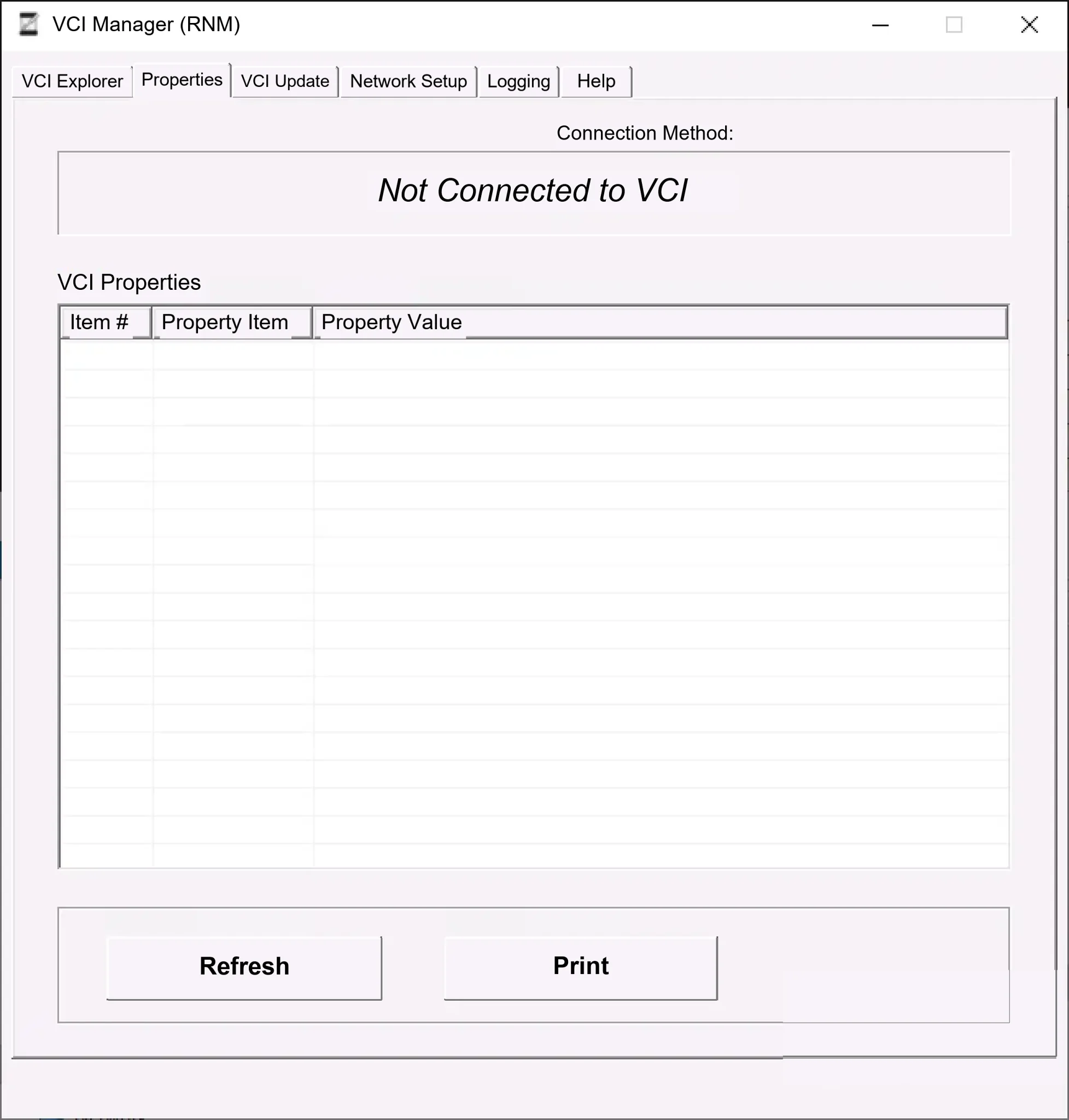
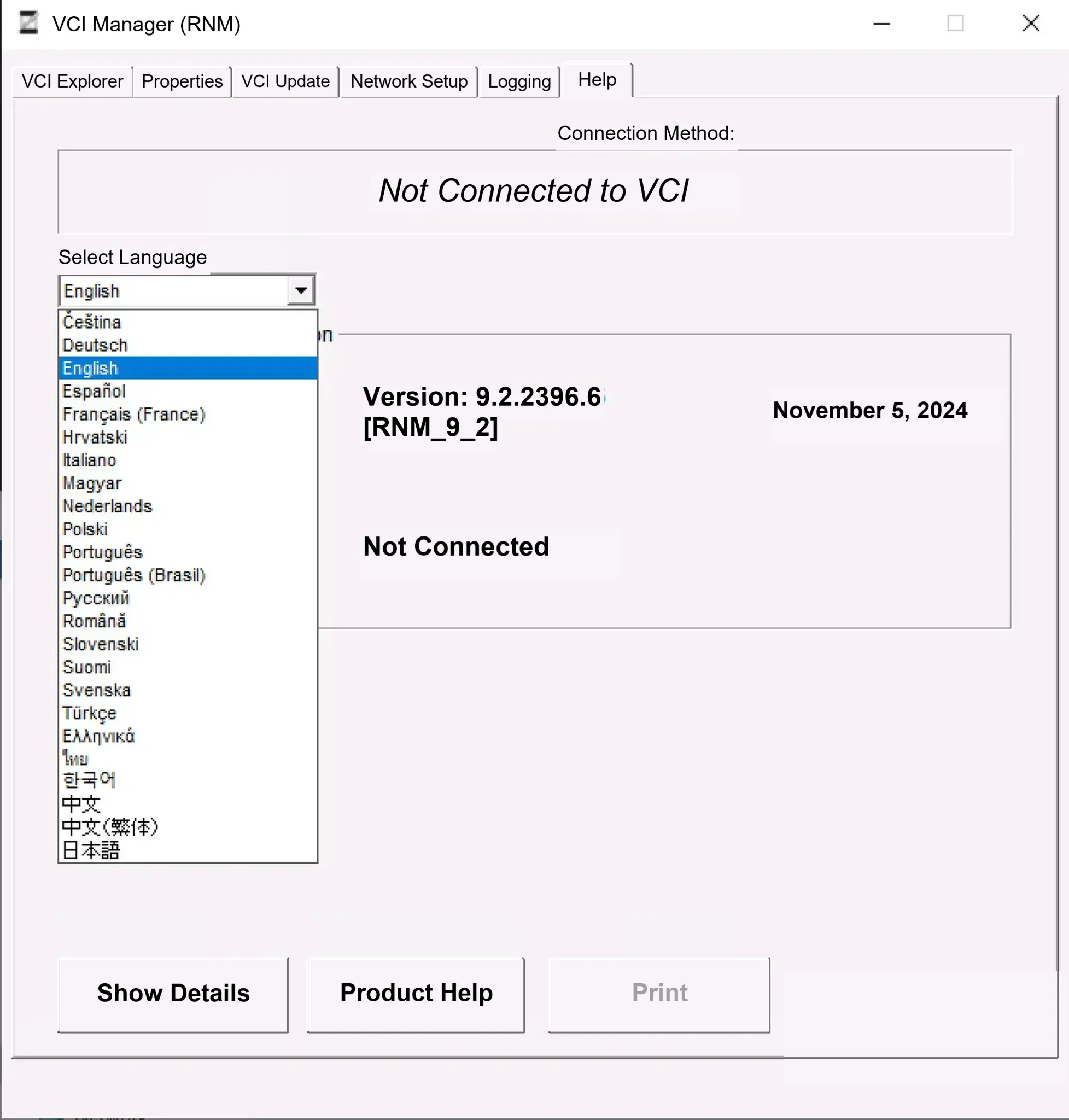
This collection brings together several Bosch VCI Software (RNM) releases and GxE installer builds for managing a compatible Vehicle Communication Interface. VCI Manager shows connection status and basic device properties, offers firmware-update options and wireless-network configuration, and provides diagnostic logging controls. The package also includes J2534 configuration utilities for setting default-device behavior and the automatic connection order used in PassThru workflows.
Highlights
- VCI Manager (RNM) provides device discovery and a clear view of connection status.
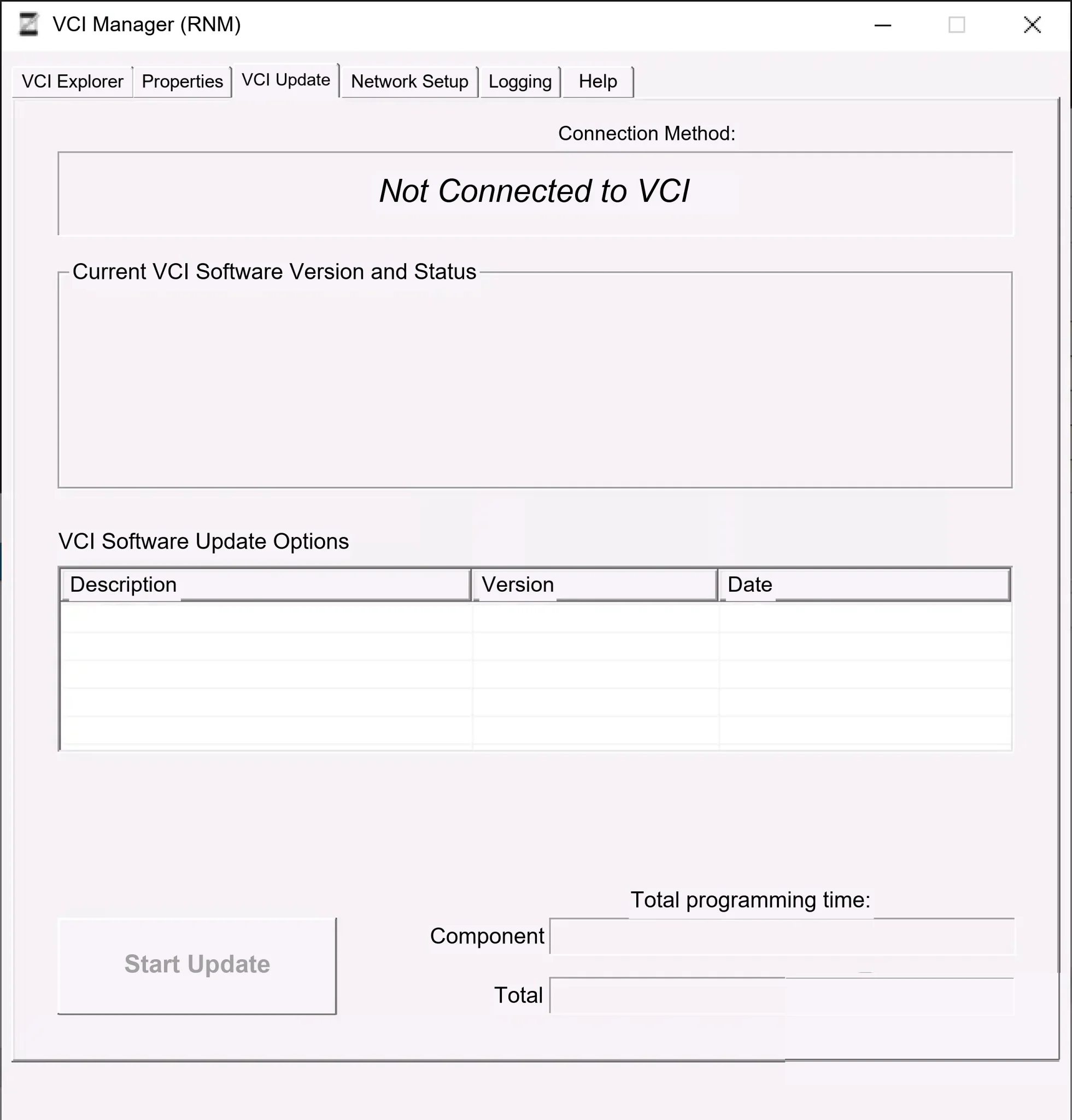
- The VCI Update page applies supported VCI software updates once a device has been detected.
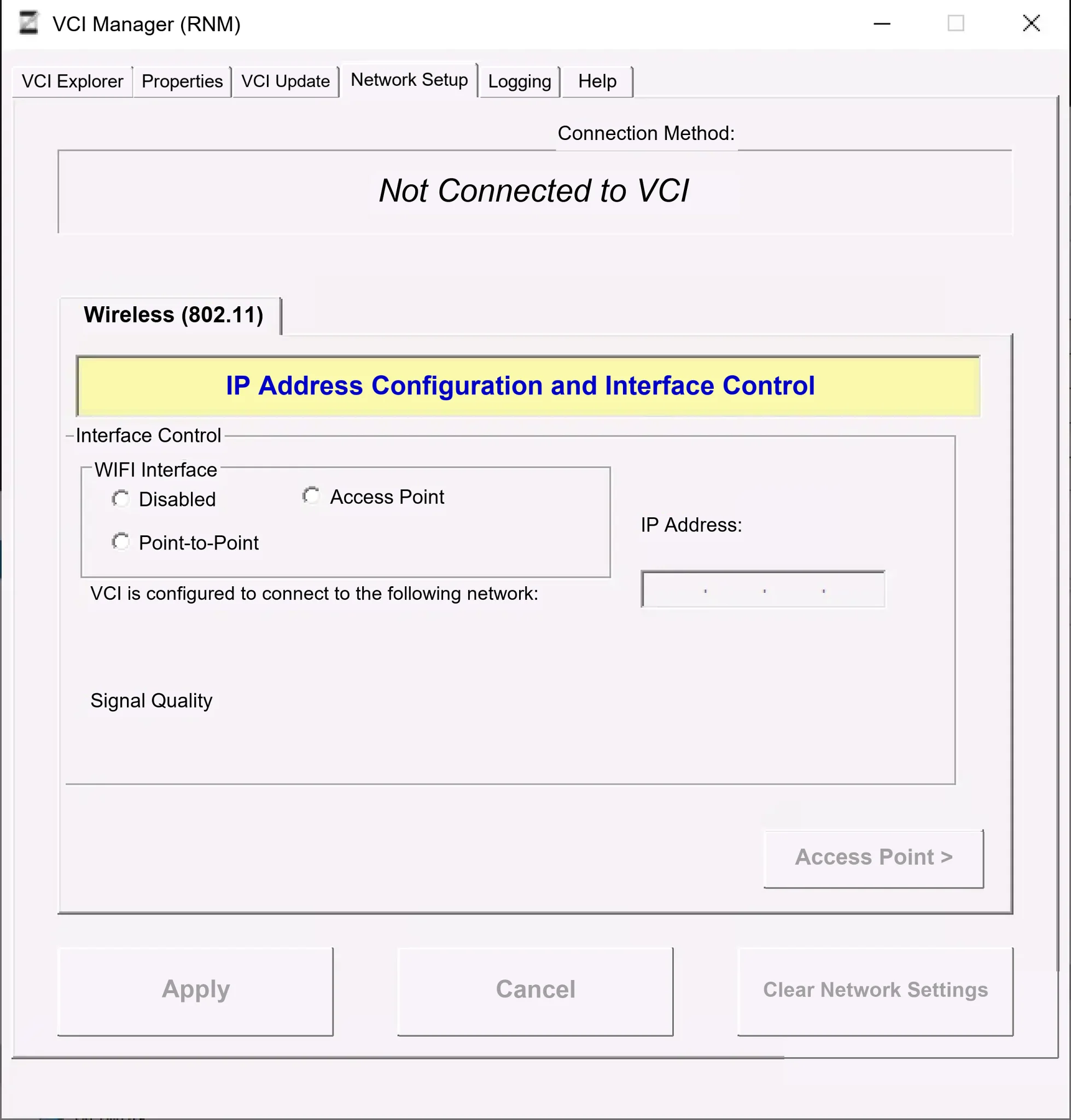
- Network Setup manages wireless interfaces, including access-point and point-to-point modes.
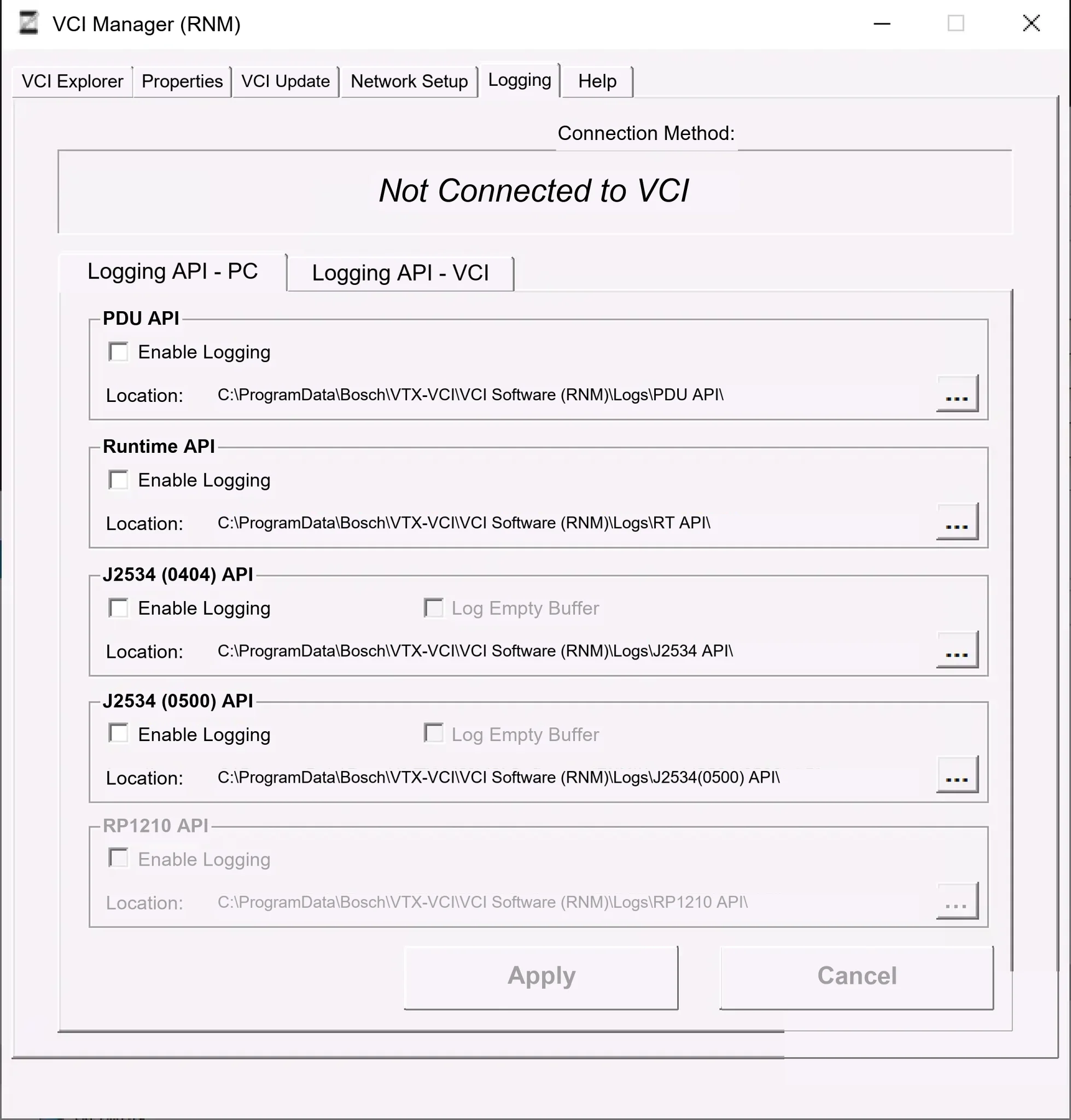
- Logging controls cover PDU API, Runtime API, J2534 API profiles and RP1210 API logging.
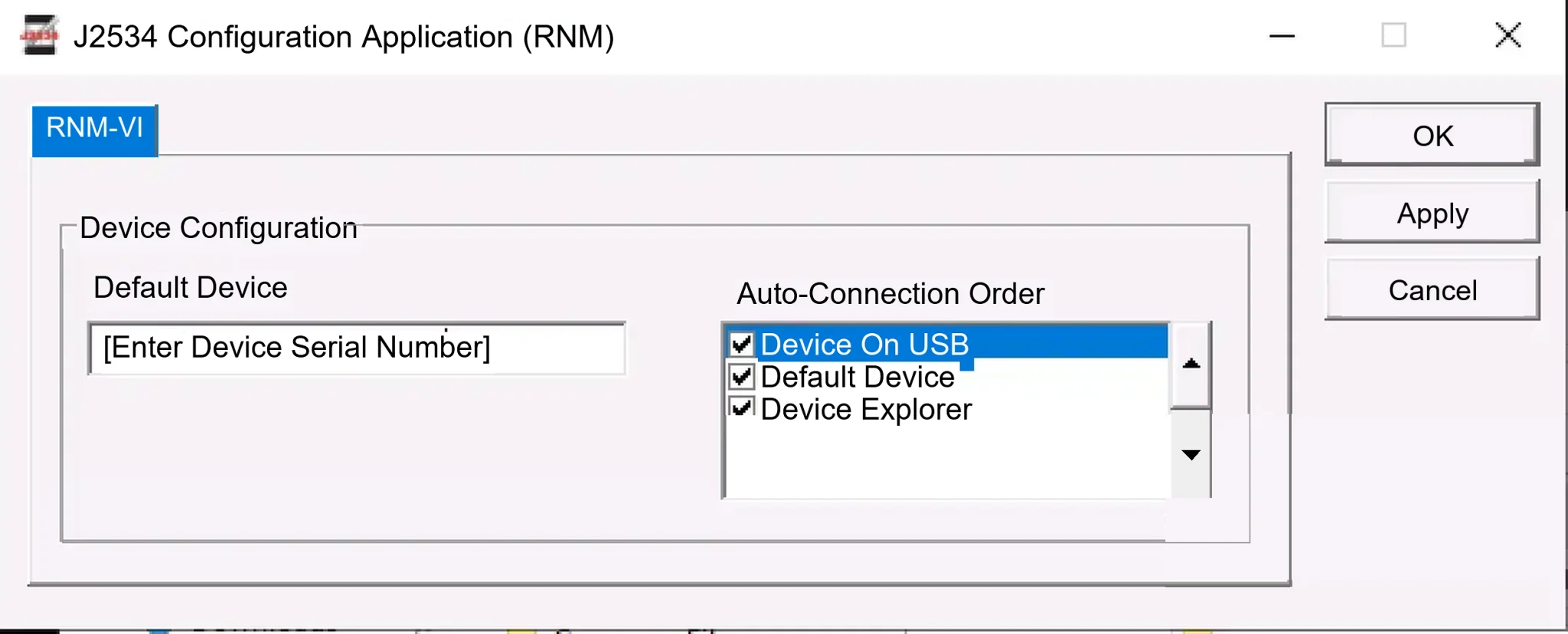
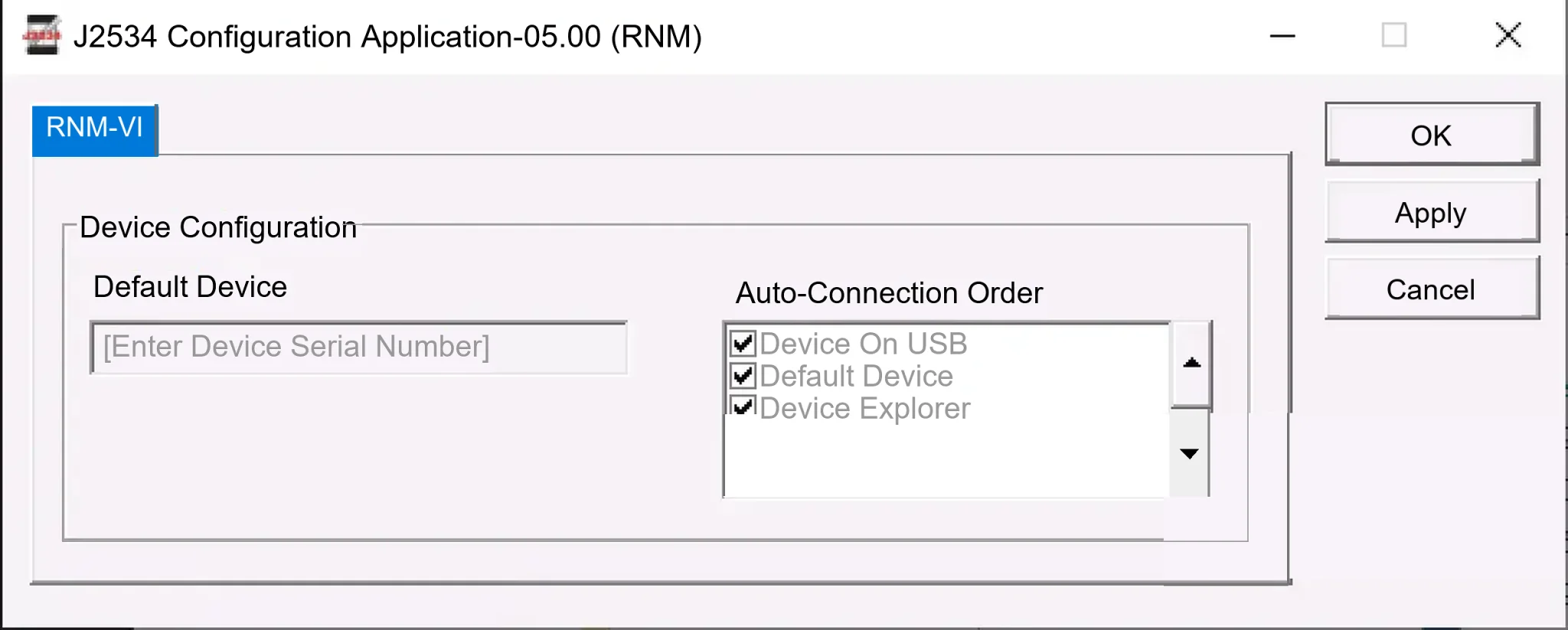
- The J2534 Configuration Application defines the default device and automatic connection order.
- Multiple installer builds support controlled deployment and troubleshooting.
Package contents
9.0.1422.248.exe9.2.1530.7 24 June 2022.exe9.2.1845.18 4 May 2023.exe9.2.2119.32 2 February 2024.exe9.2.2396.6 5 November 2024.exeGxE_Installer 6.1.4.0.msiGxE_Installer 7.2.0.5.msiGxE_Installer 7.3.2.0.msi
Compatibility notes
- Intended for Bosch VCI Software (RNM) environments with supported VCI hardware.
- Device discovery depends on the installed drivers, connection method and hardware revision.
- J2534 operation is determined by the VCI model and the protocols required by the vehicle.
- The available wireless and IP settings vary with VCI firmware and adapter type.
- Driver installation, updates and system-wide configuration changes may require administrator privileges.
Basic usage
- Install the required RNM release and the matching GxE installer package if it is needed.
- Attach the VCI over USB, or use Network Setup to configure a supported wireless mode.
- Launch VCI Manager and verify that the interface is listed in VCI Explorer.
- Review the device information in Properties. Use VCI Update only while a device is connected.
- If required by the workflow, set the J2534 defaults in the J2534 Configuration Application.
Operating systems
- 64-bit Windows 10 or Windows 11 is commonly used for RNM-based VCI administration.
- Earlier Windows releases may be usable when supported by the drivers and vendor requirements.
Minimum system requirements
- CPU: Dual-core processor at 2.0 GHz or faster.
- RAM: At least 4 GB; 8 GB recommended.
- Storage: At least 2 GB of free space.
- Network: Needed only for wireless VCI modes and supported update services.
- Admin rights: Recommended for installation and driver configuration.
Disclaimer
- Editorial reference: Descriptions and filenames are supplied for identification and reference.
- No endorsement or affiliation: Trademarks and product names remain the property of their respective owners.
- Licensing and EULAs: Users must comply with vendor licensing terms and local law. No bypass methods or keys are supplied.
- Safety and warranty risk: An incorrect configuration or update can interrupt diagnostic work and affect vehicles or equipment. Proceed at your own risk.
- Security and integrity: Prefer official distribution sources where possible, check hashes and scan downloads before use.
Technical Compatibility
Operating Systems
System Requirements
- Windows 10 or Windows 11, 64-bit, commonly used; older releases depend on driver and vendor support
- CPU: Dual-core 2.0 GHz or better
- RAM: 4 GB minimum, 8 GB recommended
- Storage: 2 GB free minimum
- Network: Required only for wireless VCI modes and supported update services
- Administrator rights: Recommended for installation and driver setup
Screenshots
Related Software
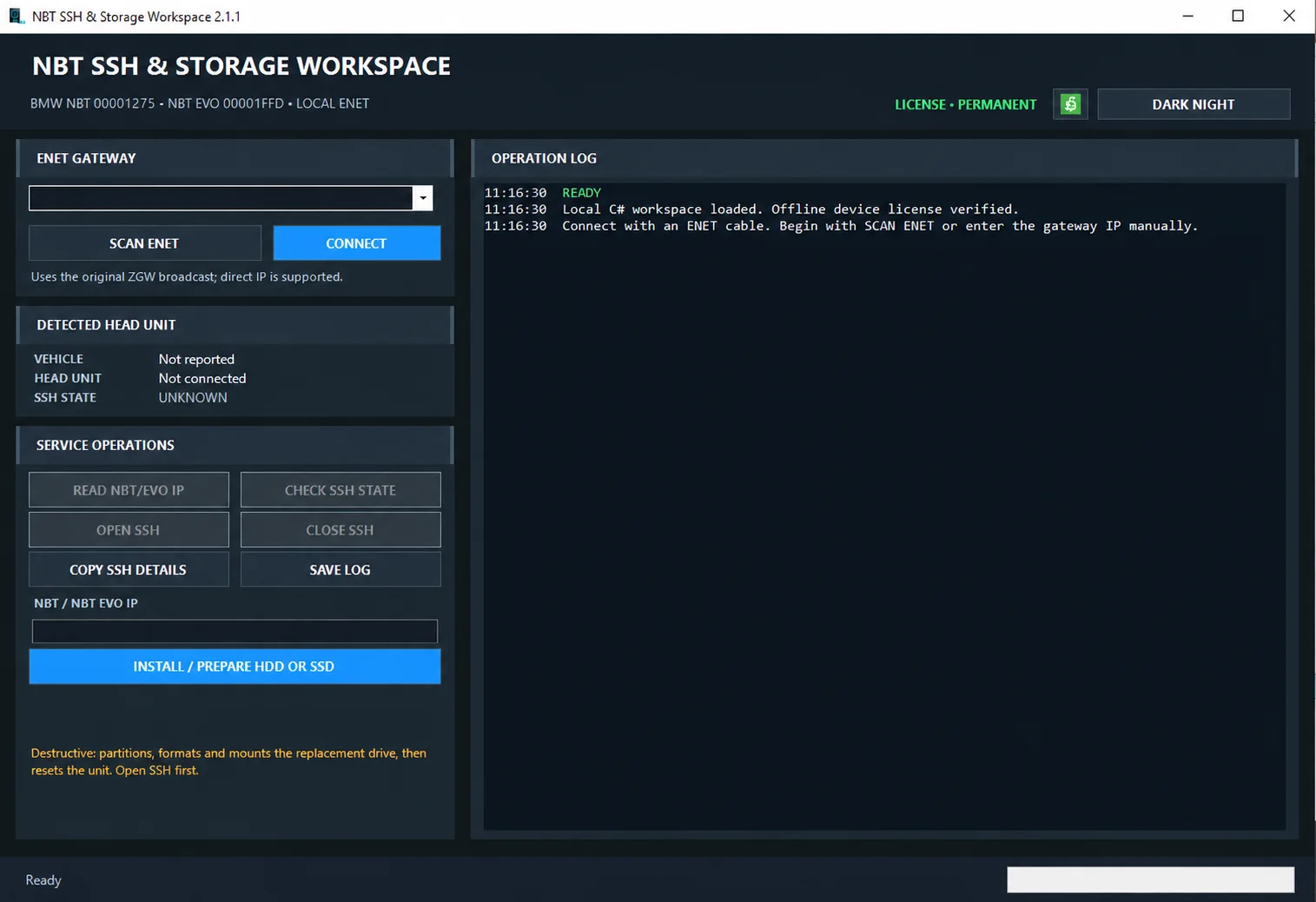
Windows ENET utility for identifying supported BMW head units, managing SSH access and preparing replacement HDD/SSD storage.

Windows calibration-file utility with manufacturer and ECU selection menus for EGR, flap, Hotstart, DTC and related service functions.

Volvo VIDA 2015A workshop environment for vehicle identification, guided fault tracing, wiring diagrams, service documentation and parts reference.

Detroit Diesel Diagnostic Link (DDDL) Full Suite 6.5 / 8.19 / DRS 6.31
v6.5 / 8.19 / DRS 6.31Detroit Diesel and Mercedes-Benz MBE workshop suite combining DDDL legacy and modern diagnostics, DRS reprogramming, live data, service tests and parameter functions.
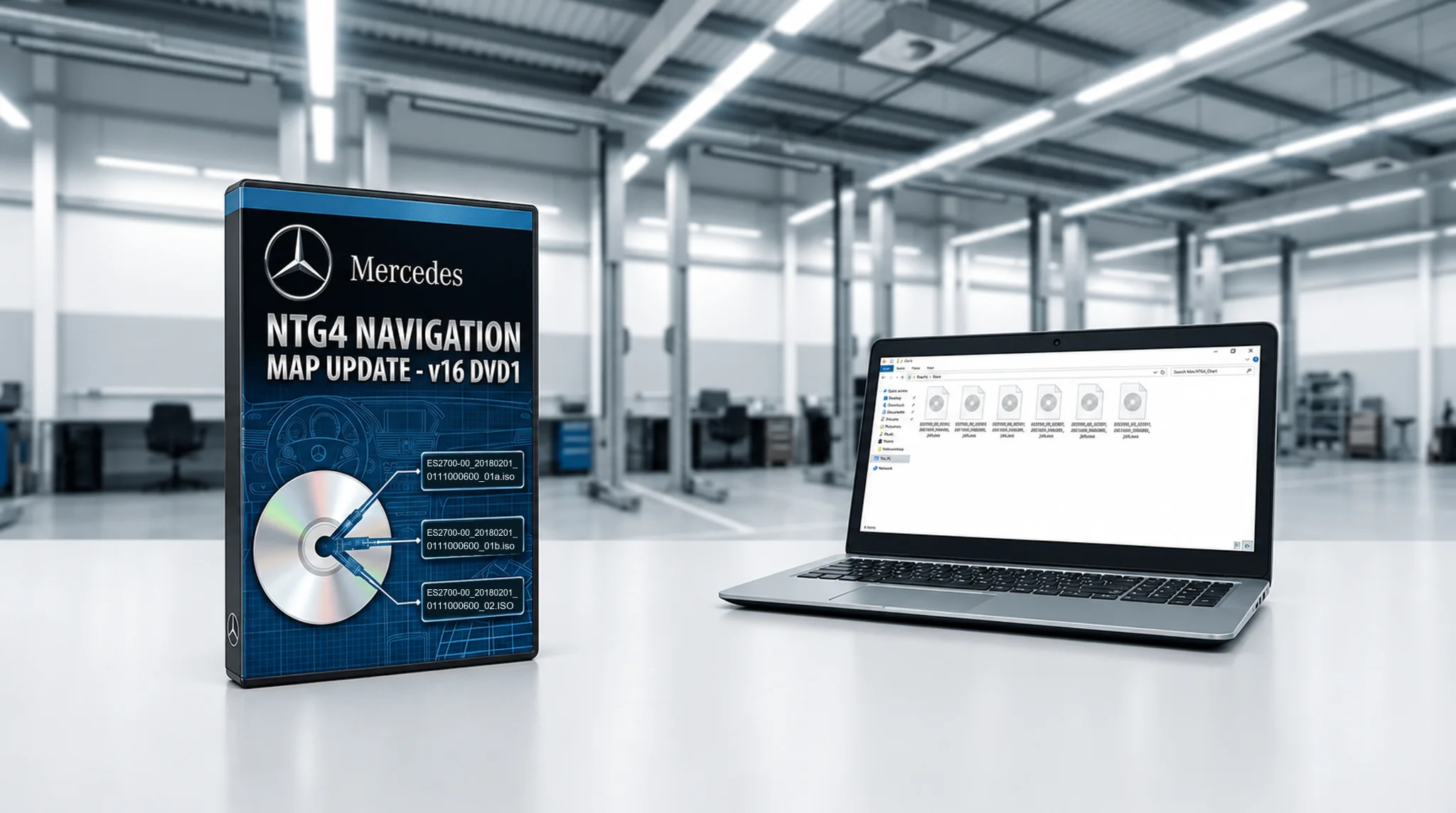
NTG4 v16 DVD1 split ISO package for preparing navigation map media for compatible Mercedes-Benz infotainment systems, with three original image filenames and media-handling guidance.

Mercedes-Benz telematics service disc image 2218270100.nrg for supported COMAND update workflows, with vehicle and head-unit applicability confirmed by VIN and the diagnostic prompt.