
SOFTWARE DATABASE / RELEASE RECORD
VERSION 1.4Binary ASCII Inspector - String Extraction and Dump Analysis Tool 1.4
Offline ASCII string extraction from binary files, with length limits, character filters, keyword search and sorting by offset or string length.
Categories
Overview
Description
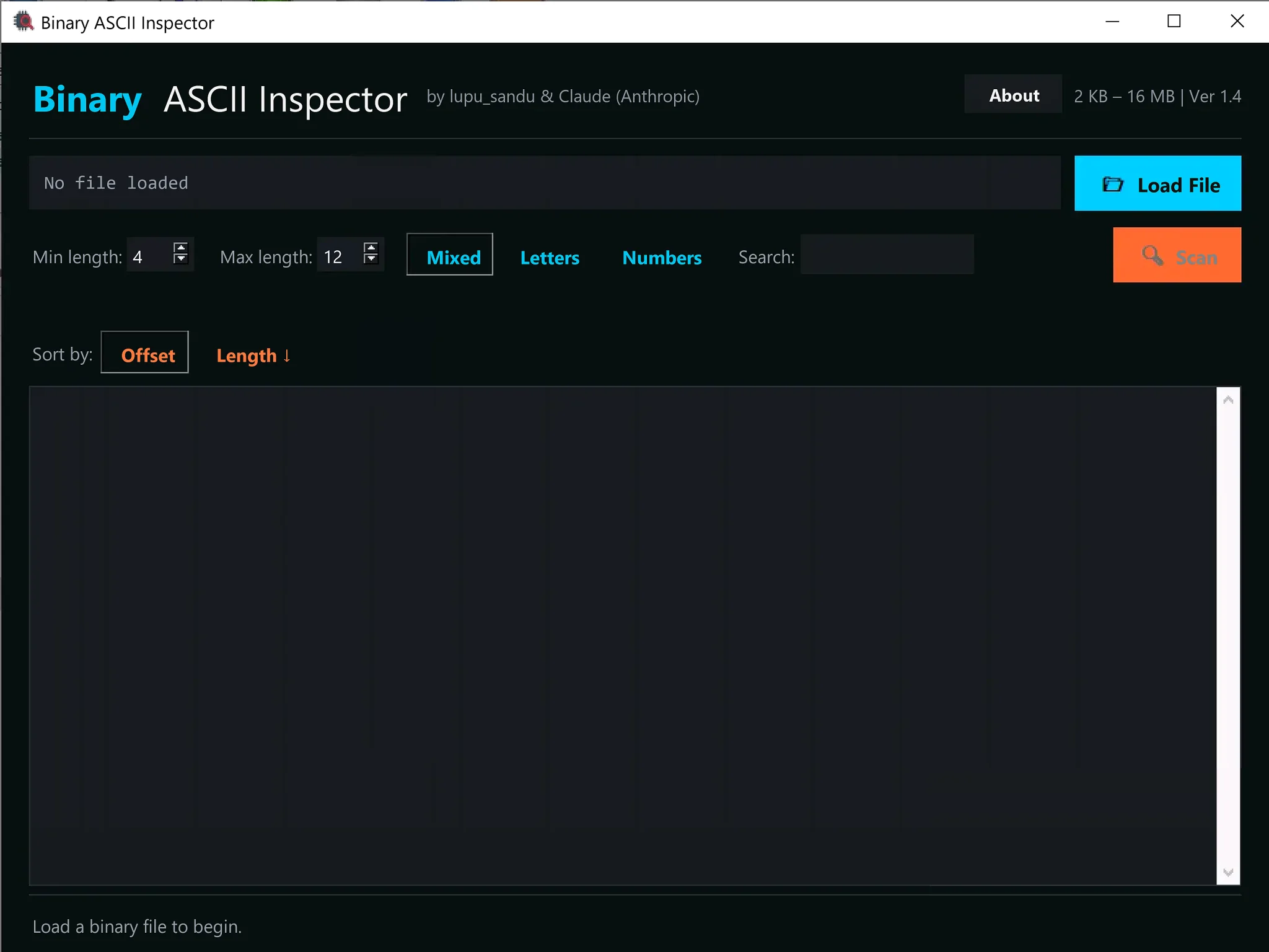
Binary ASCII Inspector is a standalone analysis utility that reads raw binary files and extracts human-readable ASCII strings. It is intended for reverse-engineering work, EEPROM dump inspection and finding text, identifiers or part numbers embedded in firmware. The stated input range is 2 KB–16 MB, with adjustable filters to narrow the extracted results and make the data easier to examine.
Highlights
- Set both minimum and maximum string lengths to control which sequences are extracted.
- Choose Mixed, Letters or Numbers character filtering.
- Use the integrated search to locate specific text in the inspected binary's results.
- Sort extracted data by its file offset or string length.
- Scan firmware and memory dumps with a workflow designed for fast string inspection.
Supported Hardware
The utility processes binary files offline and does not need a vehicle interface. It accepts dumps obtained with standard EEPROM or MCU programmers.
Supported Languages
English.
Package contents
Binary ASCII Inspector.exe
Compatibility notes
The stated compatibility covers raw binary inputs such as .bin, .hex and .dump. The file-size requirement is strictly between 2 KB and 16 MB.
Basic usage
- Select Load File and open the raw binary dump.
- Adjust Min length and Max length to reduce irrelevant or noisy matches.
- Choose the required character filter: Mixed, Letters or Numbers.
- Press Scan to extract ASCII sequences that match the selected settings.
- Use Search to find keywords, VINs or part numbers within the results.
Operating systems
Windows 10 and Windows 11.
Minimum system requirements
- CPU: Intel Core i3 or equivalent.
- RAM: 2 GB.
- Storage: 20 MB of available space.
- Network: offline operation is supported.
- Admin rights: standard user permissions are sufficient.
Disclaimer
This entry provides educational and reference information; no software files are hosted here. License keys, patches and protection-bypass methods are not supplied. Users assume responsibility for legal compliance, vehicle safety and any equipment damage. Use is at your own risk.
Technical Compatibility
Operating Systems
File Formats
Screenshots
Related Software
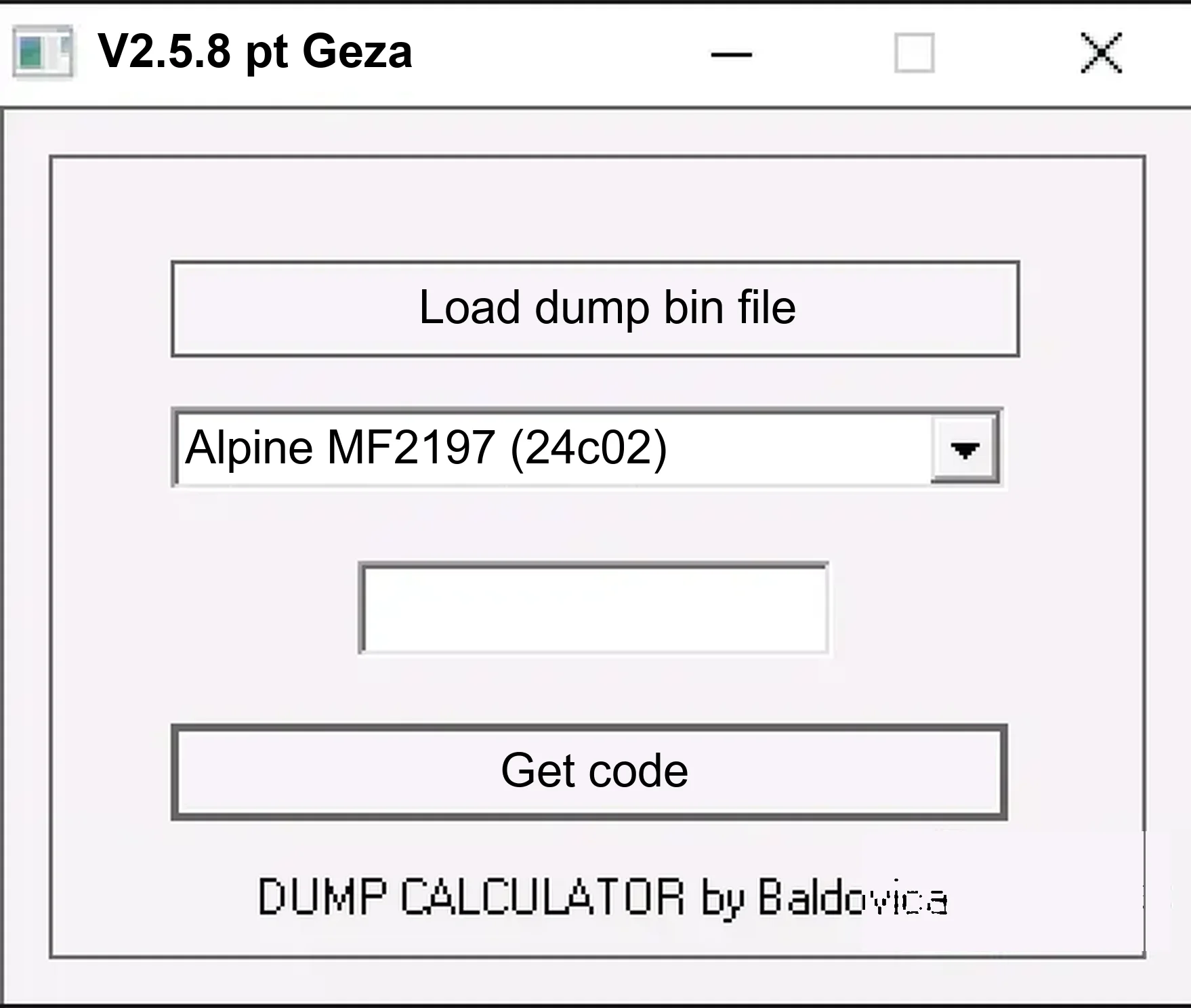
Windows EEPROM BIN dump calculators for supported car-audio head units, including V2.5.8 pt Geza presets and the V2.8.3 calculator build.

Collection of 1,350+ UPA-USB scripts for EEPROM and MCU work, covering odometer, IMMO, airbag reset, radio codes, PIN extraction and ECU virginization.
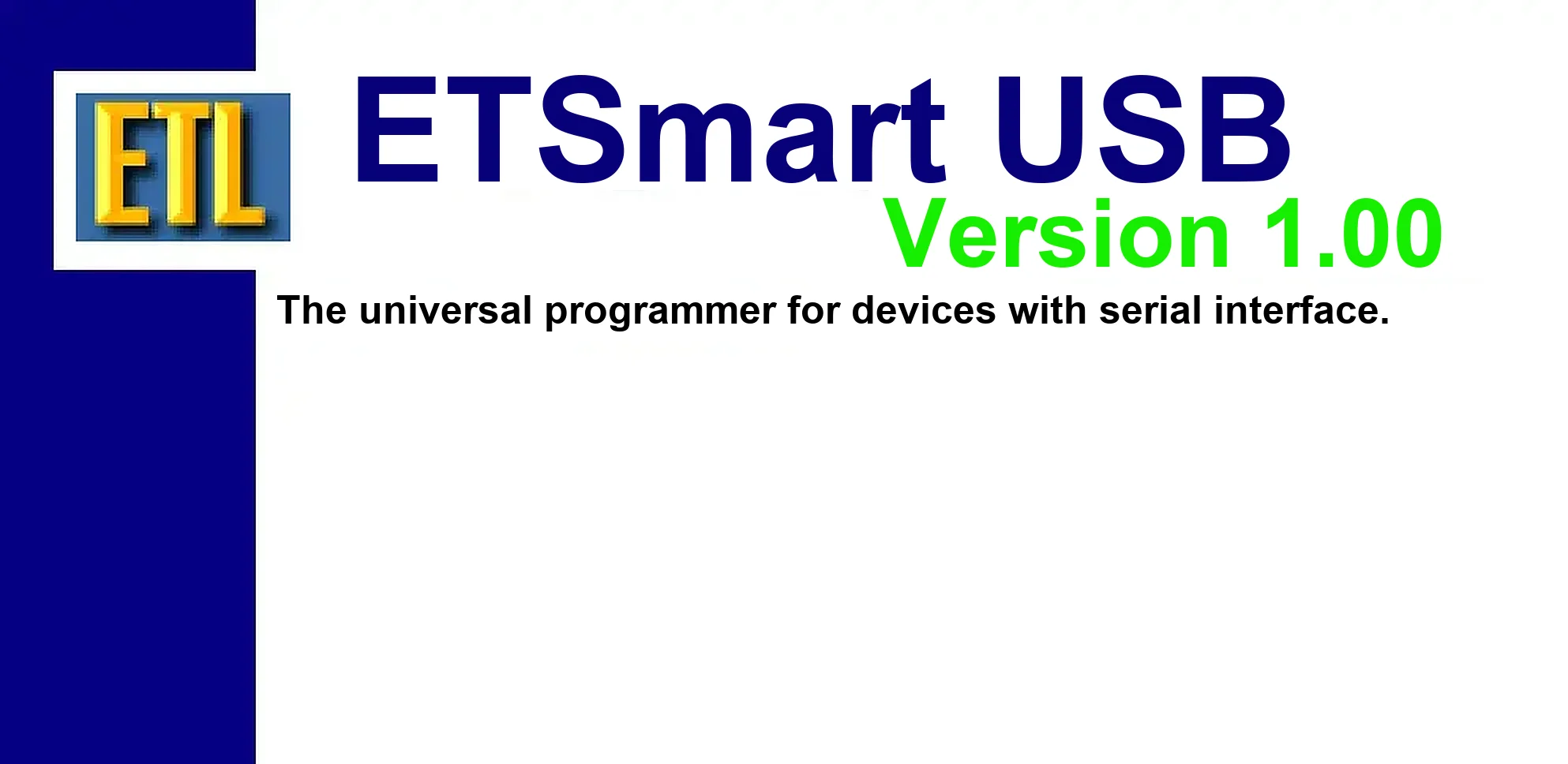
Legacy Windows serial-memory programmer with 24C64 EEPROM handling, a BIN buffer editor, configurable page-write settings and adjustable target VCC.
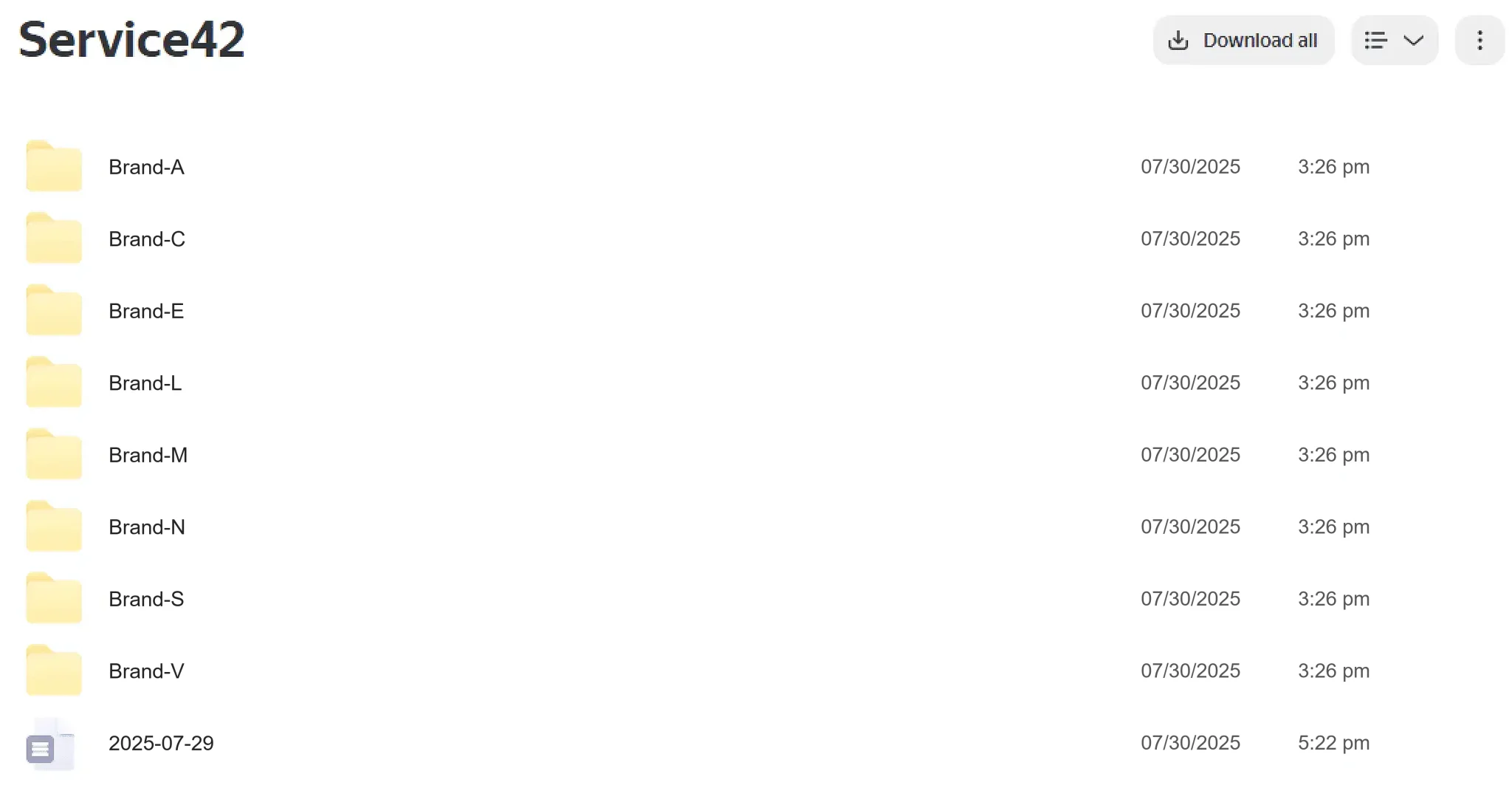
VAG factory flash-data archive with over 184 GB and 35,341 files, organised by brand for ODIS Engineering ECU updates, repair, programming and retrofit work.
Windows EEPROM-file utility for Bosch MED9.5.10 petrol ECUs, with CRC/P0601 checksum repair, 95080/95320 dump editing, ECU identifiers and backup/restore.
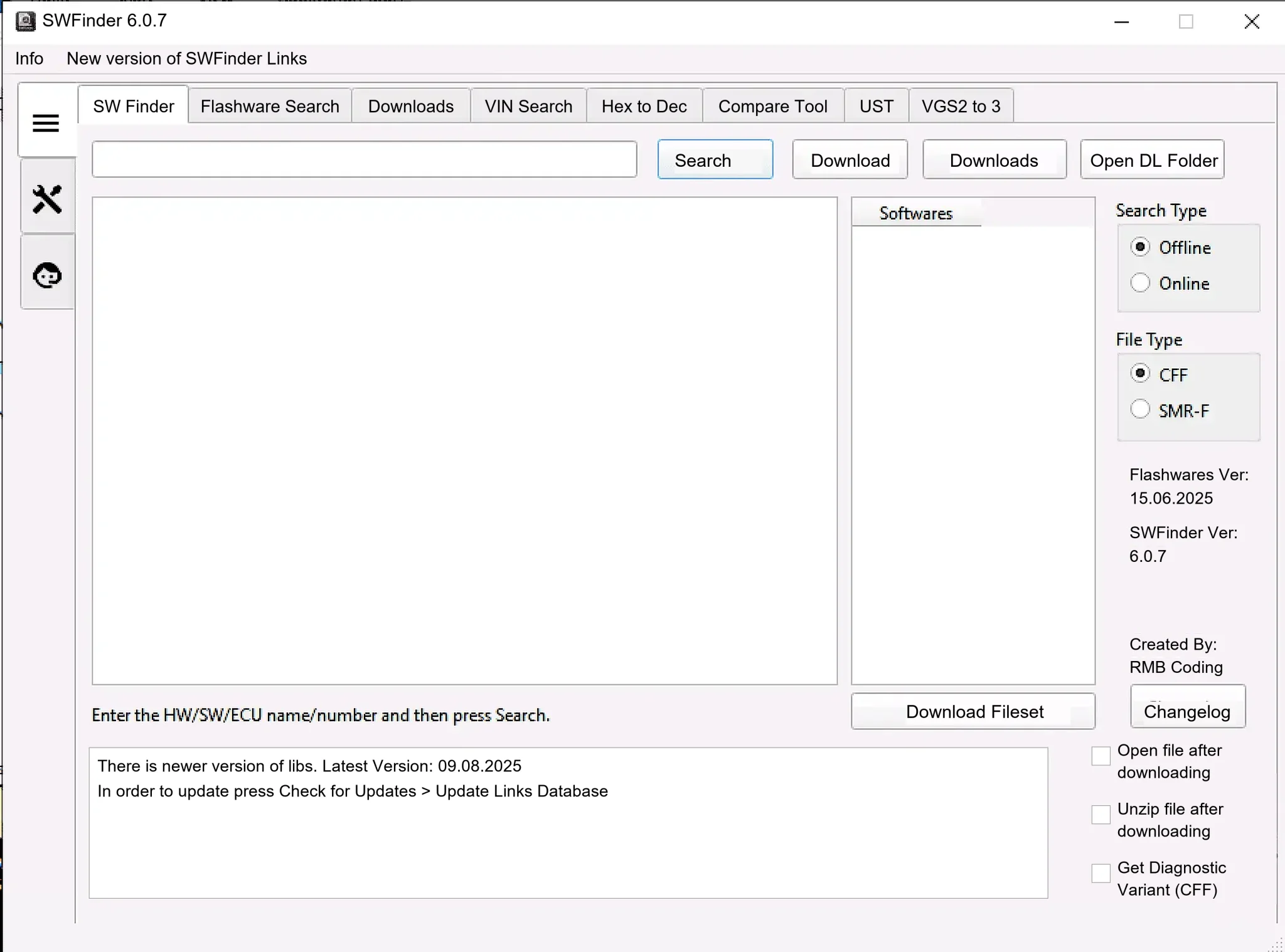
Mercedes-Benz CFF and SMR-F flashware search with offline libraries, online link databases, VIN lookup, coding comparison, SCN helpers and file inspection.