
SOFTWARE DATABASE / RELEASE RECORD
VERSION 6.0.9SWFinder - Mercedes Flashware Finder & VIN/SCN Helper (CFF / SMR-F) 6.0.9
Mercedes-Benz CFF and SMR-F flashware search with offline libraries, online link databases, VIN lookup, coding comparison, SCN helpers and file inspection.
Categories
Vehicle references
Overview
SWFinder 6.0.7 — find the right Mercedes flashware fast (CFF / SMR-F)
SWFinder by RMB Coding is a lightweight Windows application for technicians and calibrators who need to locate, check and download Mercedes-Benz ECU software packages. It handles CFF and SMR-F files using either offline libraries or online link databases. Firmware searches, VIN decoding, SCN and variant checks, and file inspection are brought together to simplify preparation for coding and flashing work.
What SWFinder does
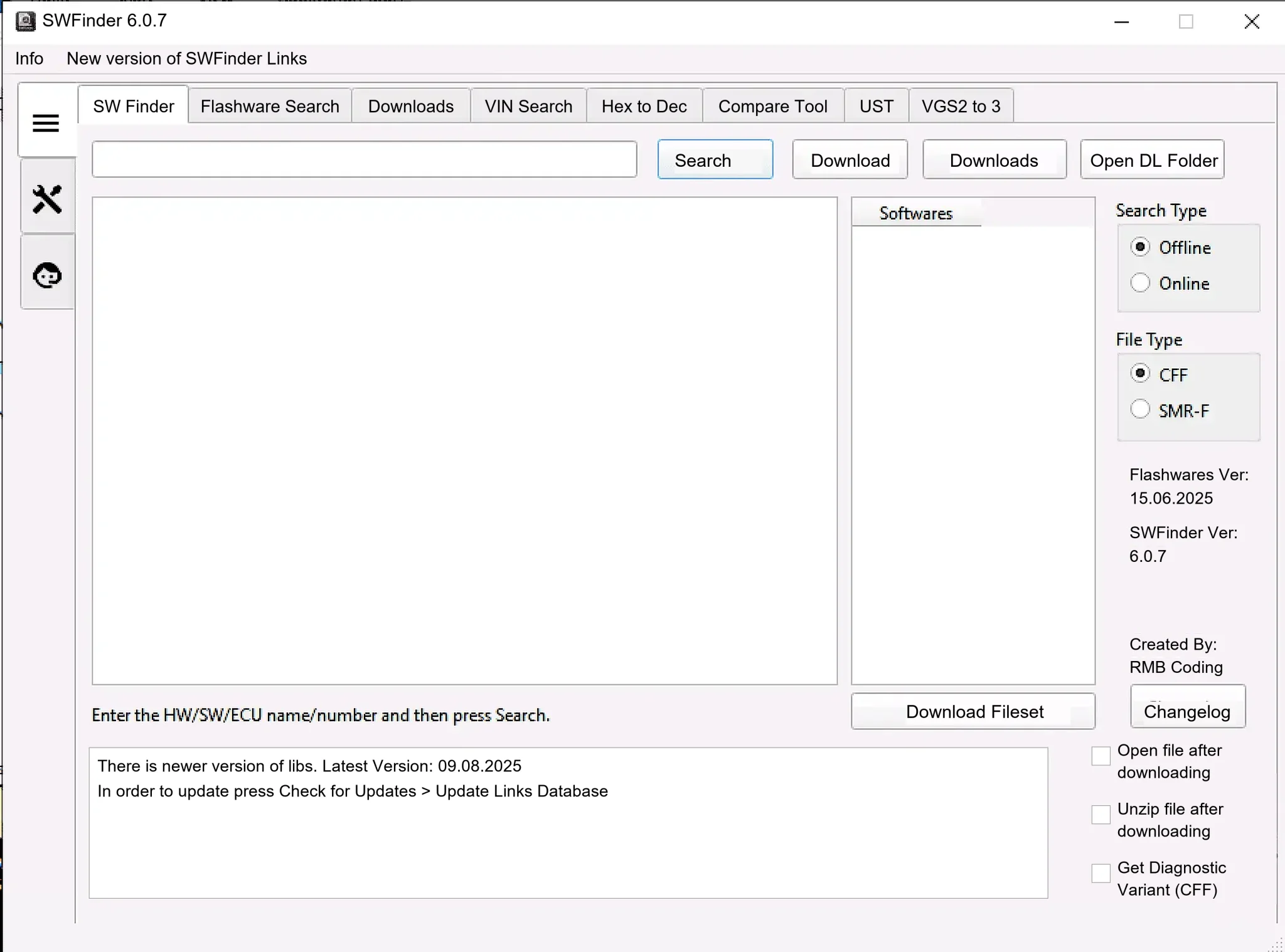
- Flashware search (CFF/SMR-F): Search by hardware or software identifier, ECU name or part number, narrow the results by file type and download with one click. Automatic opening and extraction are optional.
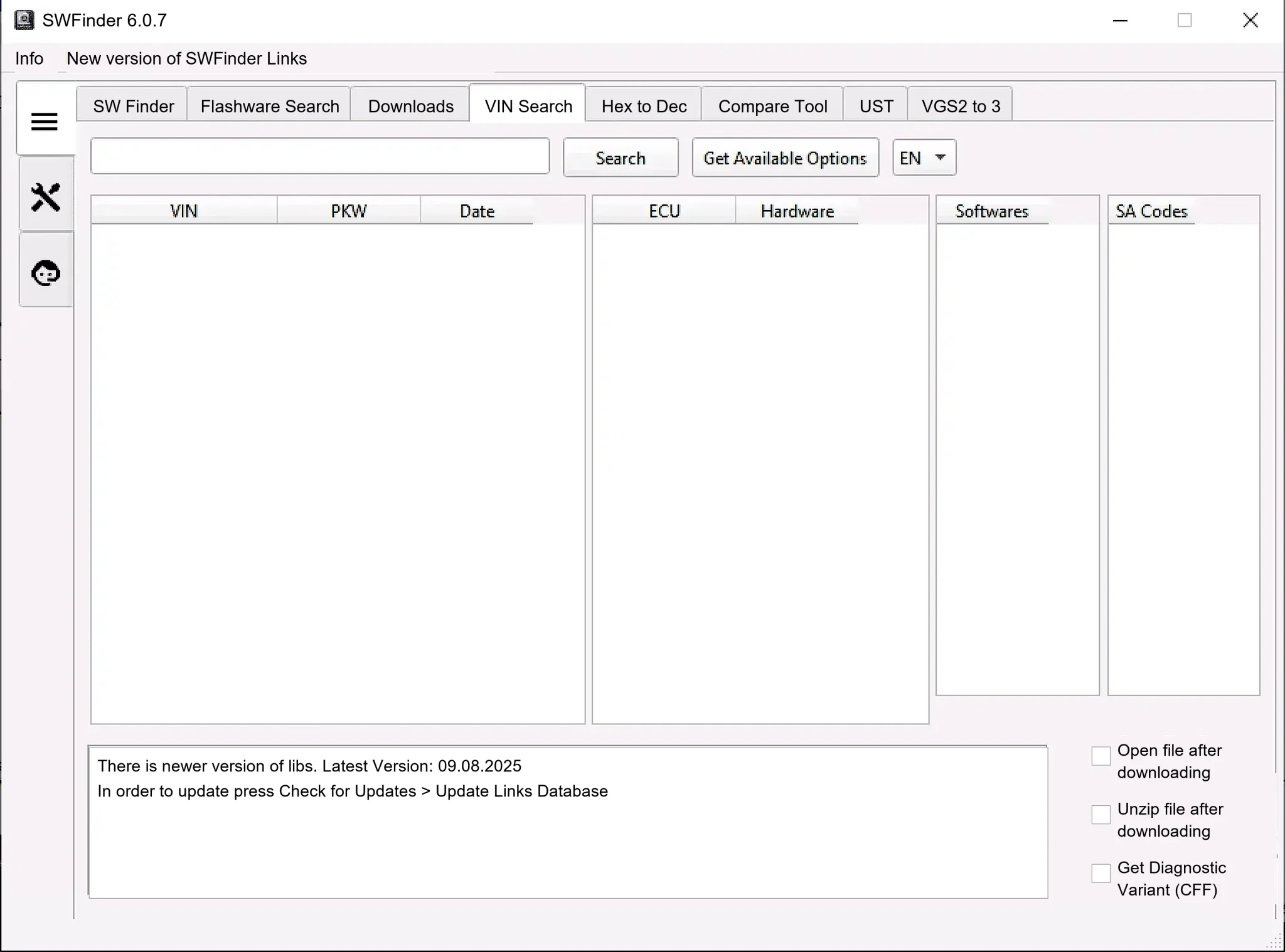
- VIN search: Decode a VIN to retrieve the ECU list, hardware identifiers, available software versions and SA factory-option codes.
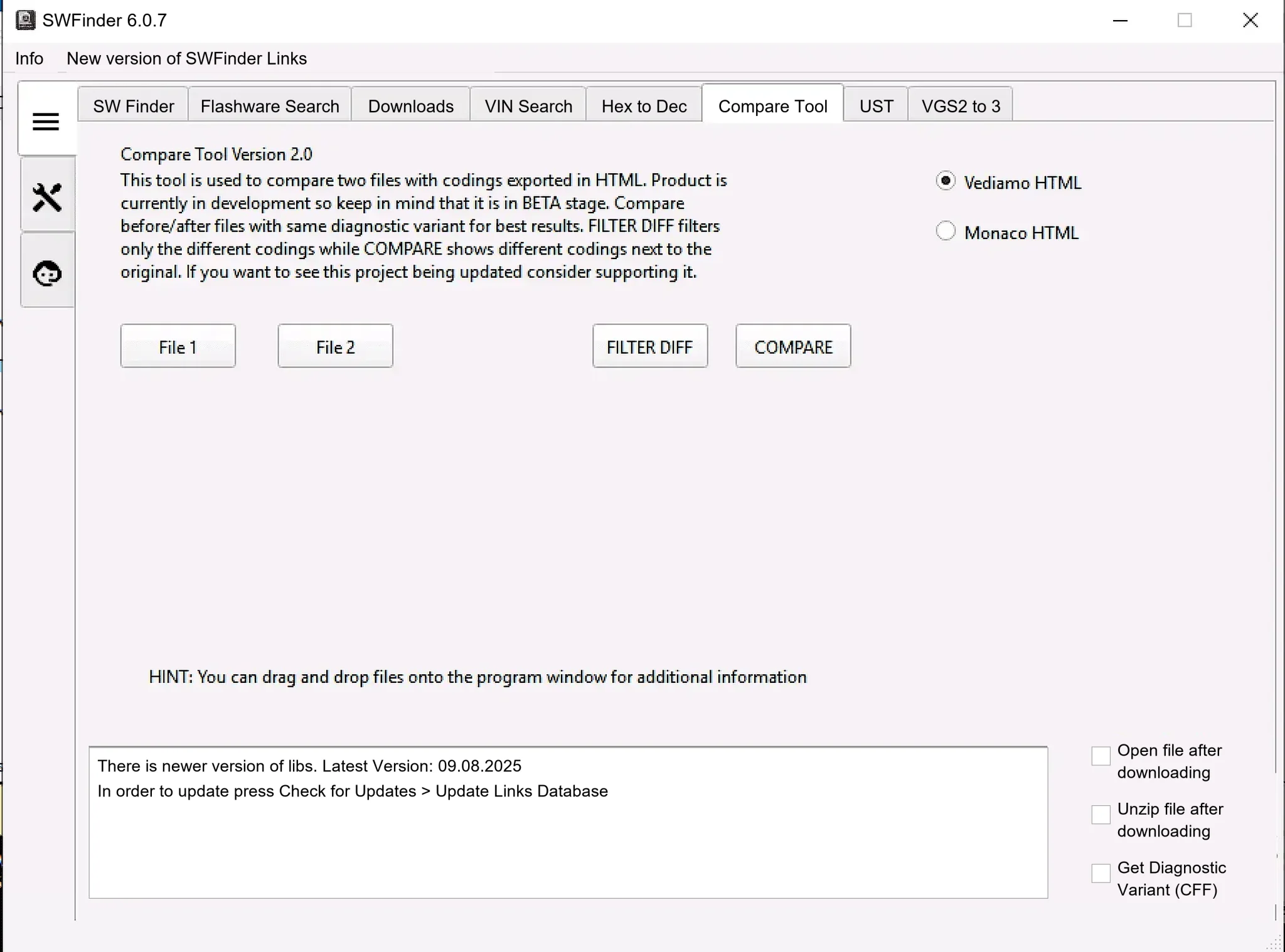
- Compare codings: Open Vediamo HTML or Monaco HTML coding exports, then use COMPARE or FILTER DIFF to examine the differences.
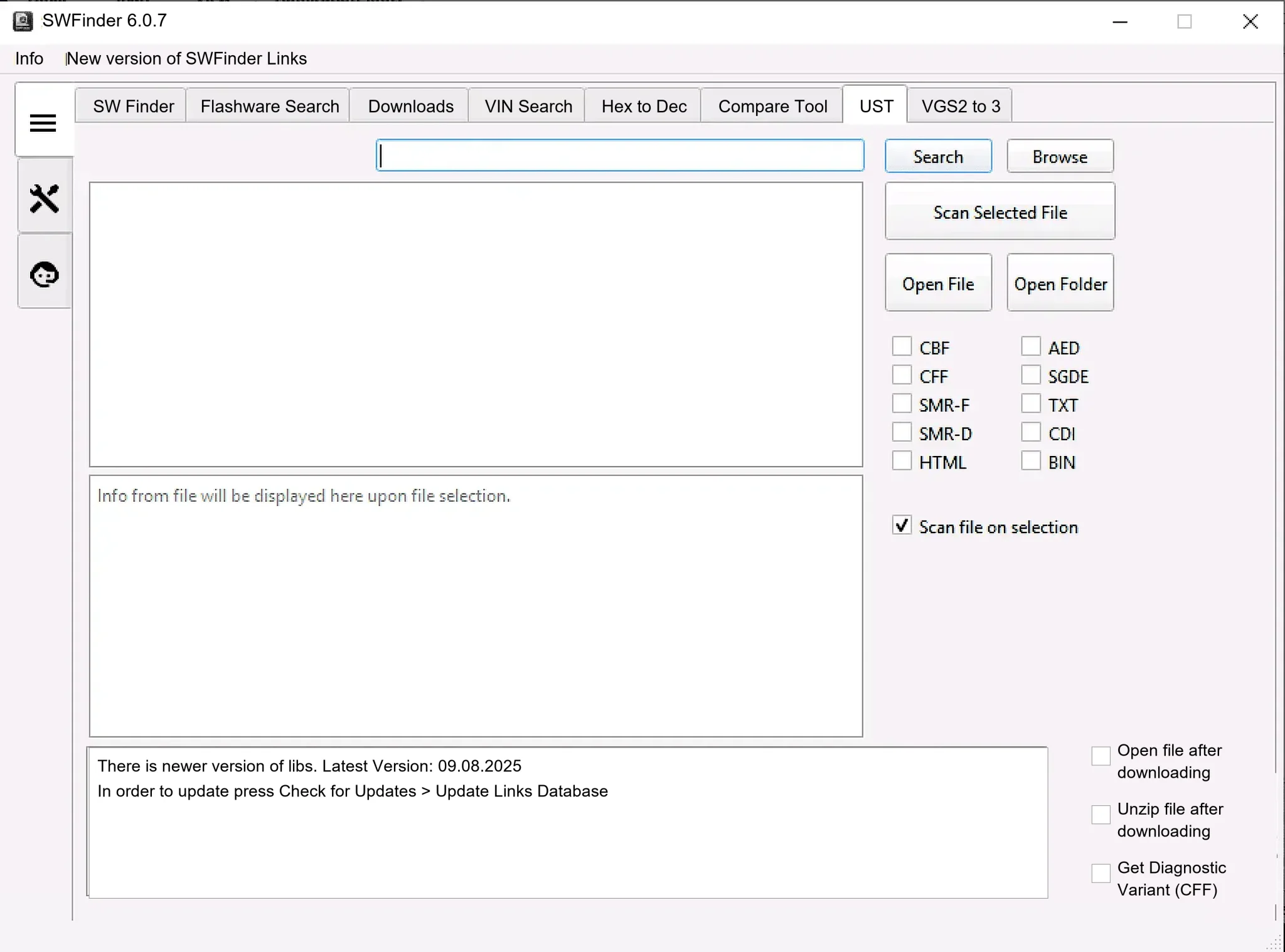
- UST / file scanner: Inspect an individual file or a folder and identify supported formats automatically: CBF, CFF, SMR-F/SMR-D, AED, SGDE, TXT, HTML, CDI and BIN.
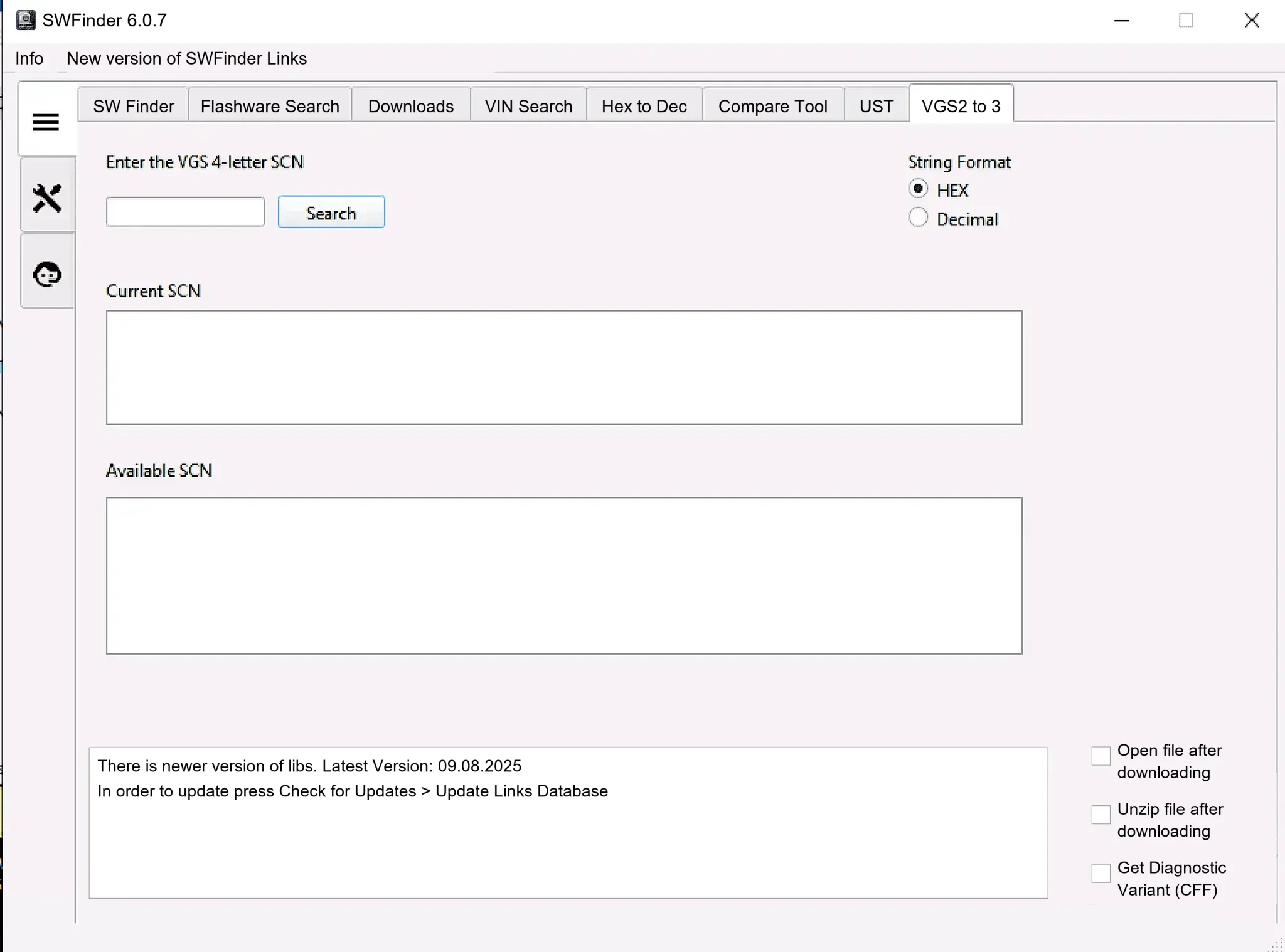
- VGS2→3 helper: Enter a four-letter SCN to compare current and available SCN information, with hexadecimal or decimal input.
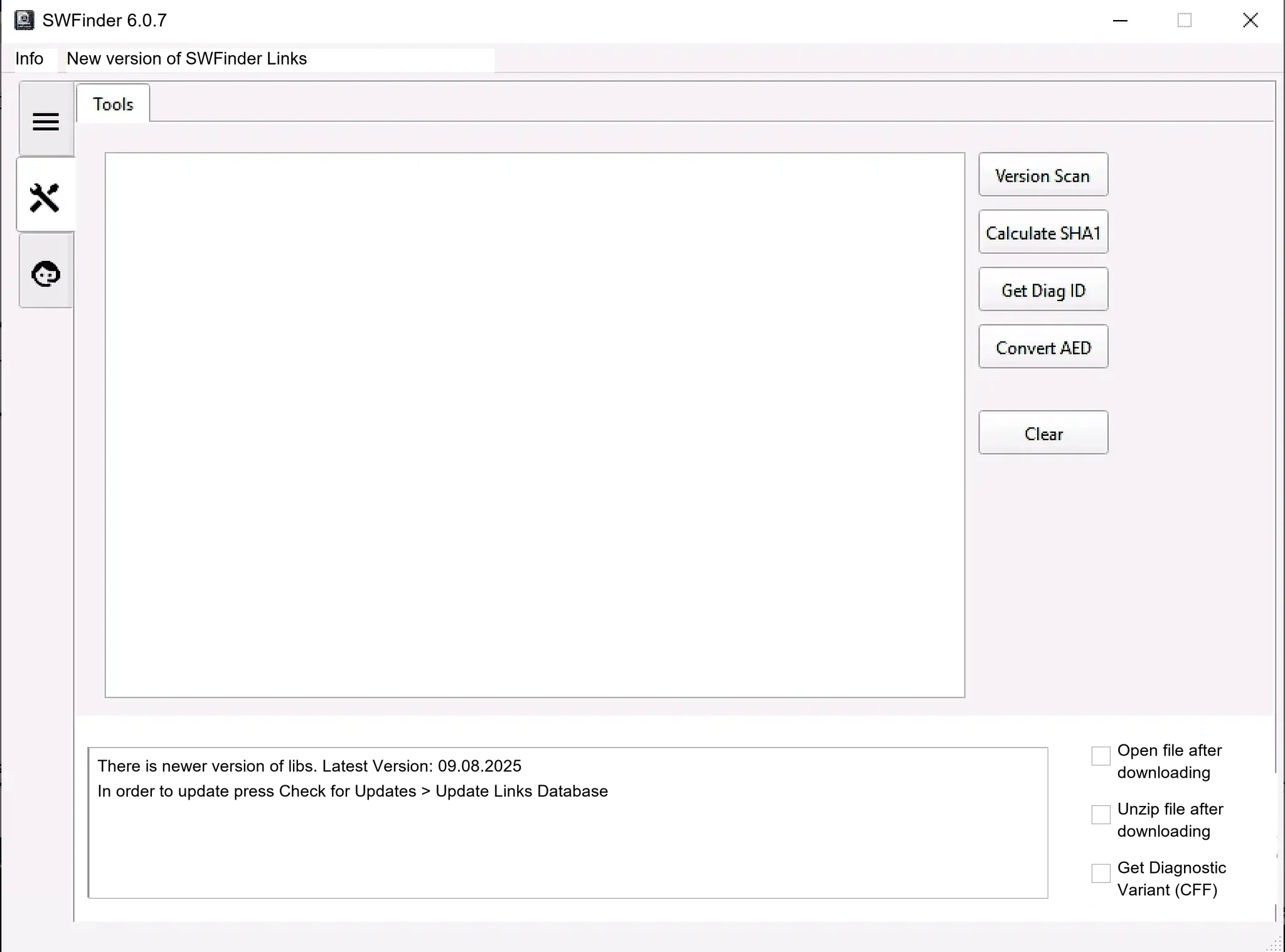
- Utility toolbox: Access Version Scan, SHA-1 calculation, Diagnostic ID reading, AED conversion and a Hex↔Dec converter.
- Library control: Check the Flashwares Ver and Links Database date, and refresh the references through Check for Updates → Update Links Database.
Why it’s useful
- Saves time: ECU-update and variant-change preparation is easier when the relevant searches are available in a single window.
- Reduces errors: Hardware/software matching, VIN-filtered results and coding comparisons shown side by side help identify unsuitable selections.
- Works offline: Local libraries support workshop environments that do not have a continuous internet connection.
Walk-through of the main tabs (per screenshots)
- SW Finder: Enter an HW, SW or ECU number, select Offline or Online and CFF or SMR-F, review the Softwares list and download a complete fileset.
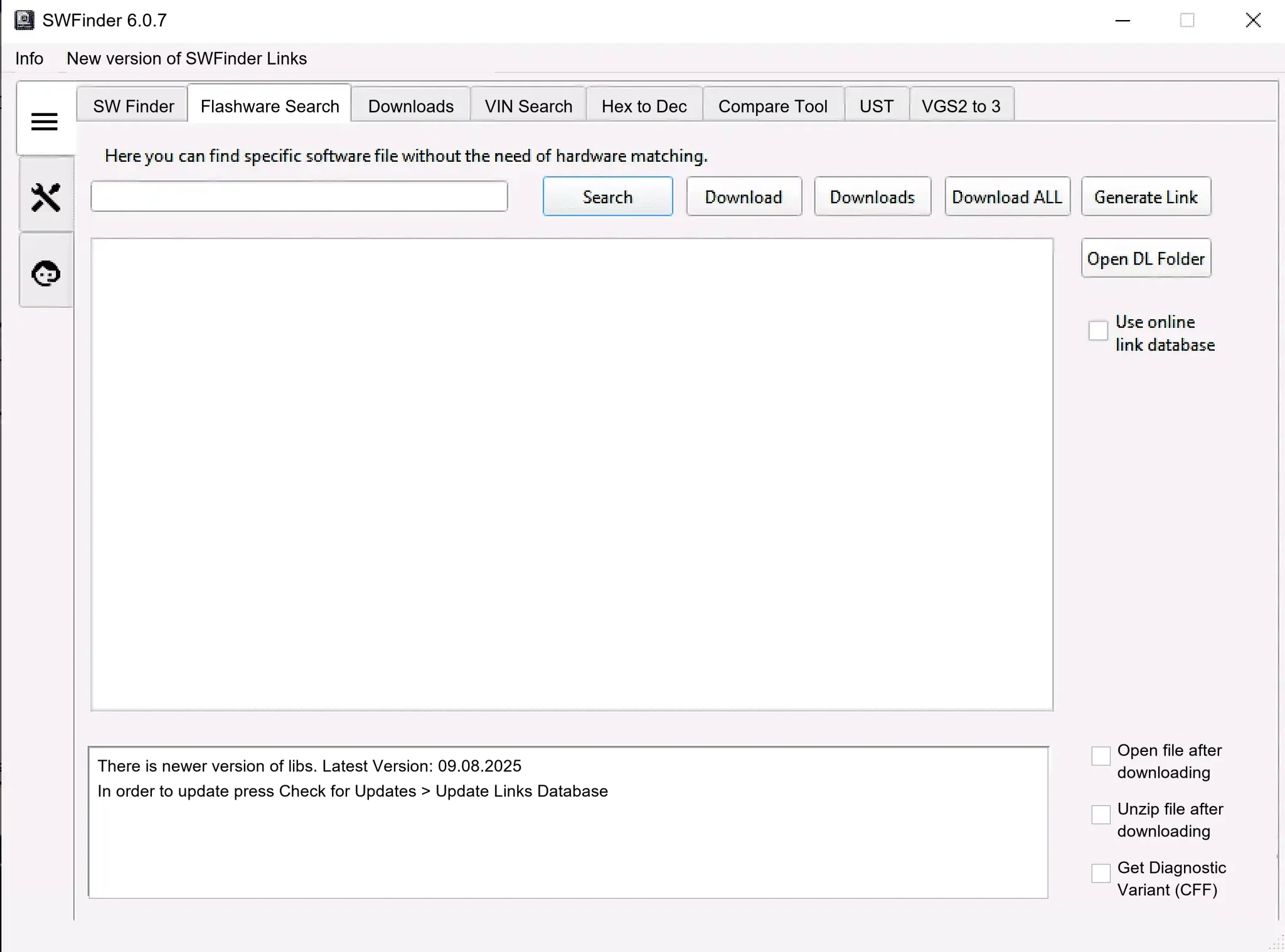
- Flashware Search: Retrieve a particular filename or number directly, create a shareable link or download several results together.
- Downloads: Follow ongoing transfers and open the download directory quickly.
- VIN Search: View ECU, Hardware, Software and SA-code results for the supplied VIN. Get Available Options further refines the selection.
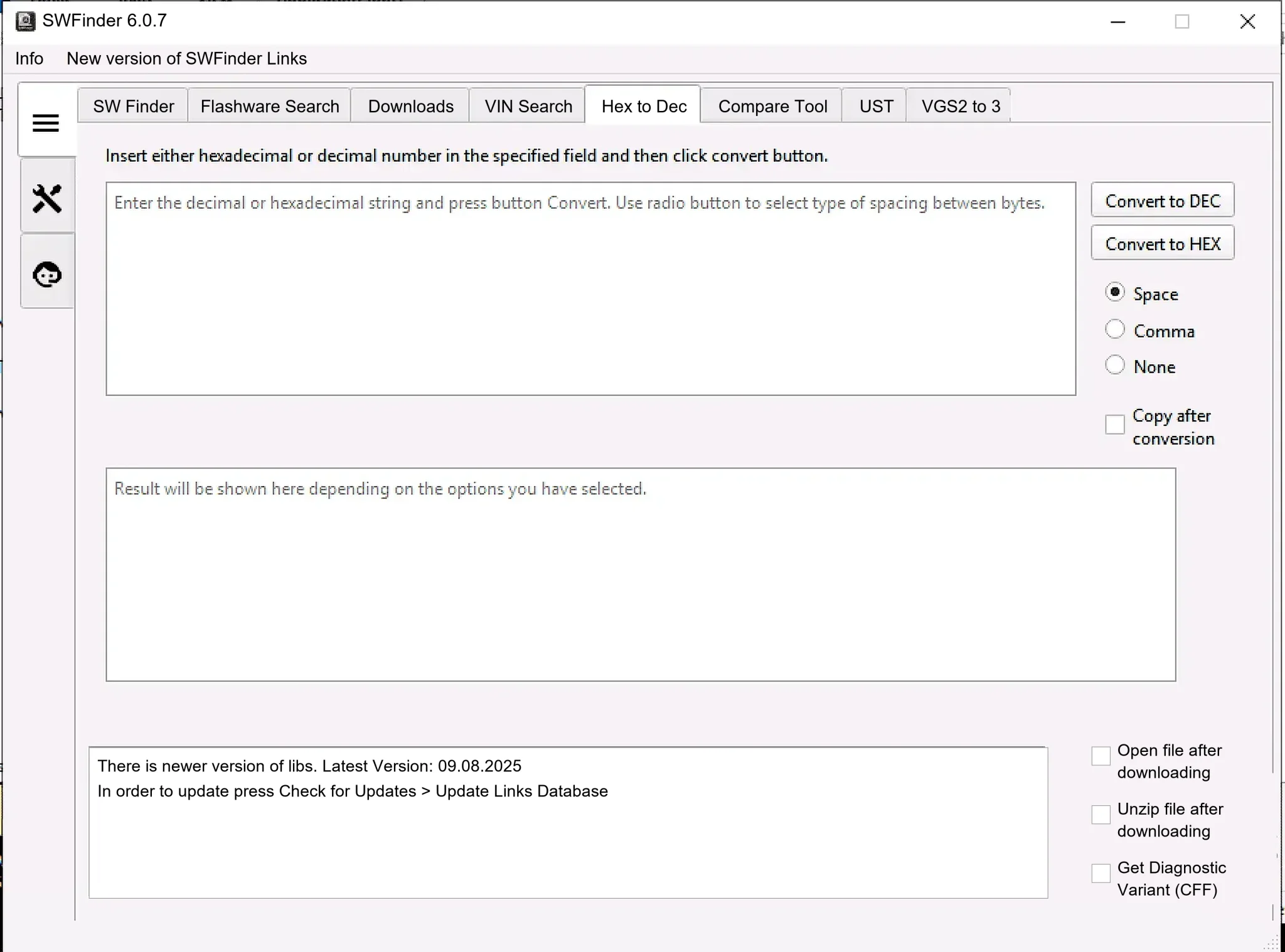
- Hex to Dec: Convert coding and SCN values immediately, with spacing presets and automatic copying.
- Compare Tool: Load two exports. FILTER DIFF displays only changed codings, while COMPARE places the original and new values alongside each other.
- UST: Search or browse files, or scan a selected file to show its metadata. Supported formats include CBF, CFF, SMR-F, SMR-D, AED, SGDE, TXT, HTML, CDI and BIN.
- VGS2 to 3: Check 7G-Tronic control-unit conversions using the four-letter SCN helper.
- Tools: Run Version Scan, calculate a SHA-1 hash, use Get Diag ID or Convert AED, and clear the workspace quickly.
Suggested workflow
- Start SWFinder and select Check for Updates → Update Links Database to refresh the references.
- Choose Offline for a local library or Online search, then select CFF or SMR-F.
- Search by part number, HW/SW identifier or ECU name. Alternatively, use VIN Search to find matching packages.
- Download the required files, optionally enabling Open file after downloading or Unzip after downloading.
- If needed, export the codings from the diagnostic suite and review them in Compare Tool before flashing.
Compatibility
Documented testing was performed on Windows 10 LTSC (2019). Compatibility is also listed for Windows 7, 8, 10 and 11 in x86 and x64 environments.
Minimum system requirements
- OS: Windows 7 or later, 32-bit or 64-bit.
- CPU: Dual-core processor at 2.0 GHz or faster.
- RAM: 4 GB minimum; 8 GB recommended.
- Storage: 1–5 GB of free space for libraries and downloads.
- Display: 1366×768 resolution or higher.
Notes
How the files can be used depends on the diagnostic environment and its licensing. Confirm hardware and software compatibility before flashing, and preserve backups of the original coding and SCN data.
Disclaimer
This description draws on interface captures and publicly available details for educational and archival reference. Any referenced files are held by third-party services and may have been uploaded by unidentified users. This article does not host or distribute the software or accept responsibility for external content. Follow the applicable OEM policies, software licences and local laws.
Technical Compatibility
Operating Systems
File Formats
System Requirements
- Windows 7 or later (32-bit or 64-bit)
- Dual-core CPU at 2.0 GHz or faster
- 4 GB RAM; 8 GB recommended
- 1–5 GB free storage for libraries and downloads
- 1366×768 display or higher
Screenshots
Related Software
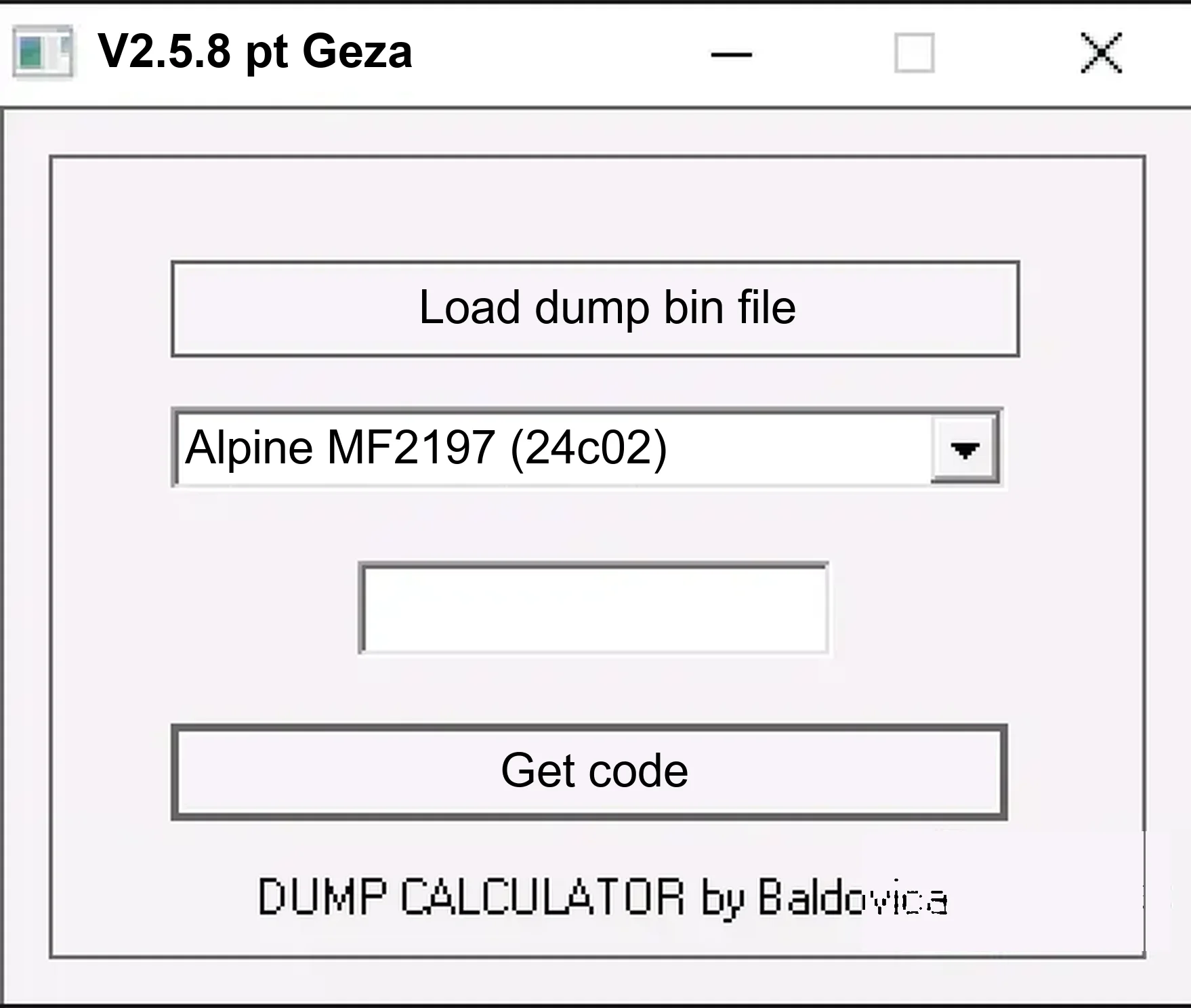
Windows EEPROM BIN dump calculators for supported car-audio head units, including V2.5.8 pt Geza presets and the V2.8.3 calculator build.

Windows EEPROM and flash-dump toolkit for supported IMMO PIN, IMMO OFF, virgin, radio PIN, MEDC17 checksum and special repair workflows, including BMW EDC15 ISN in 1.0.4.
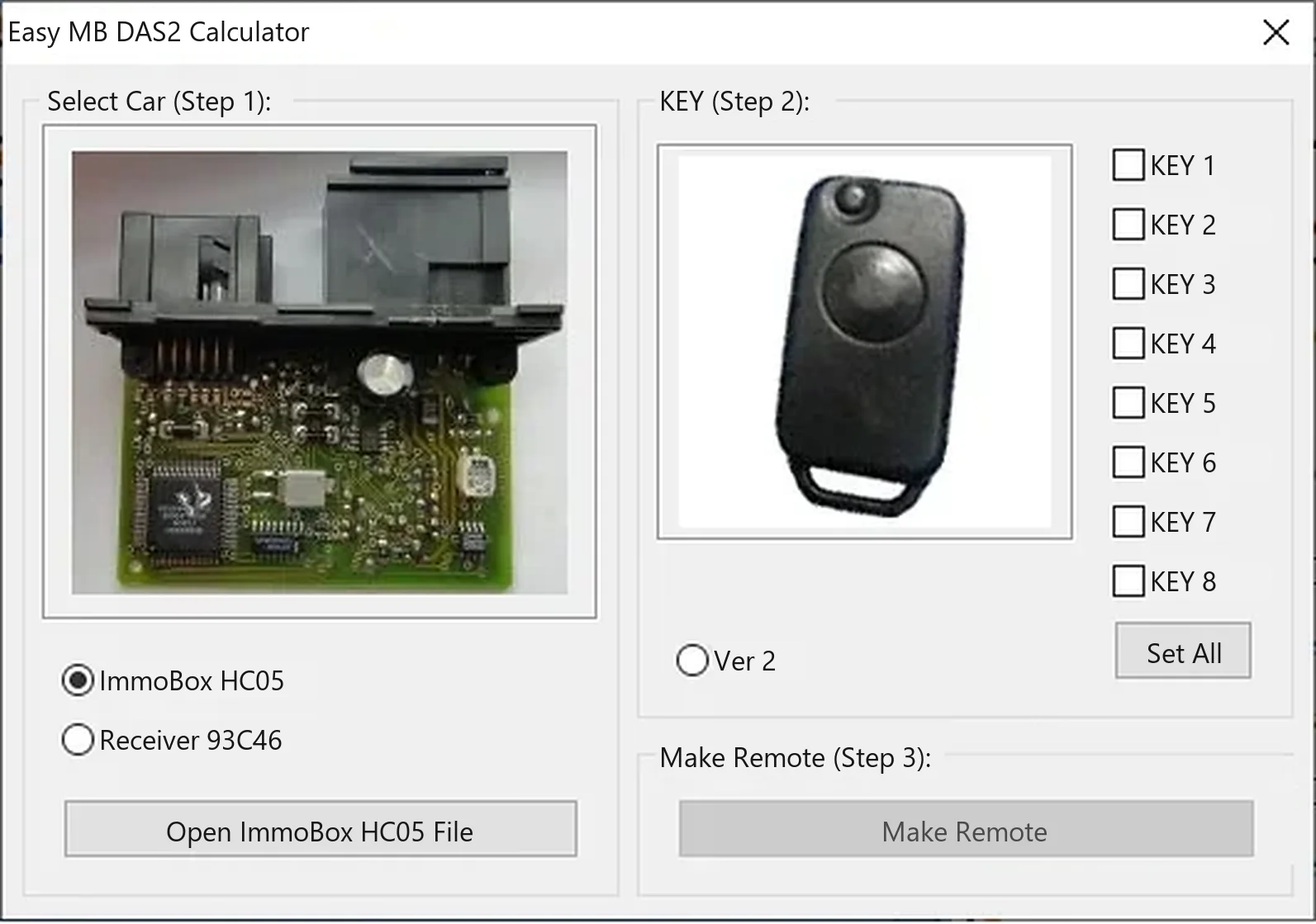
Offline Windows utility for authorized Mercedes DAS2/FBS2 remote-key repair using supported ImmoBox HC05 or Receiver 93C46 memory dumps.
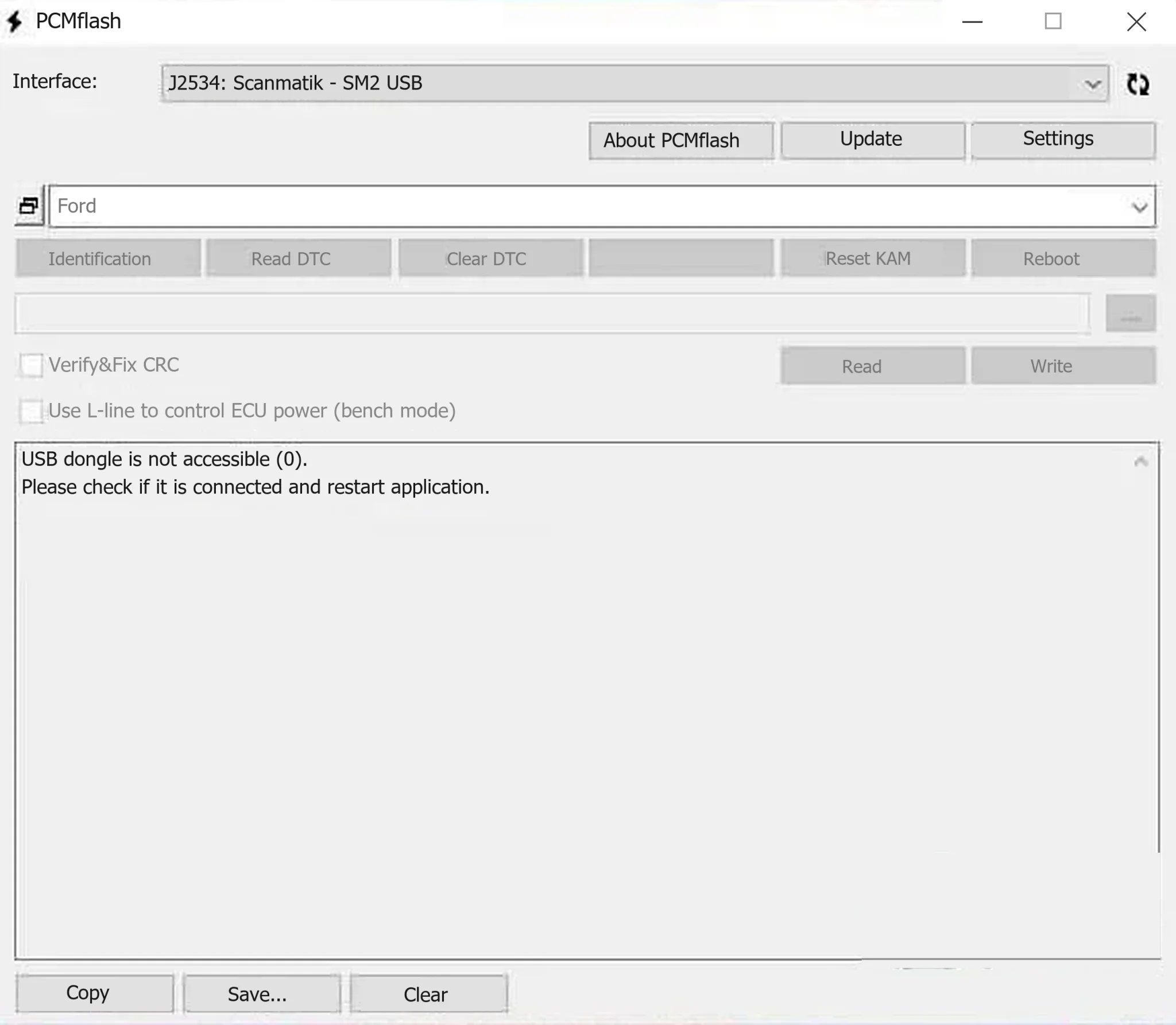
Modular Windows ECU and TCU programming through J2534 interfaces, with licensed protocol-dependent identification, diagnostics, flash/EEPROM access and OBD, bench or boot workflows.
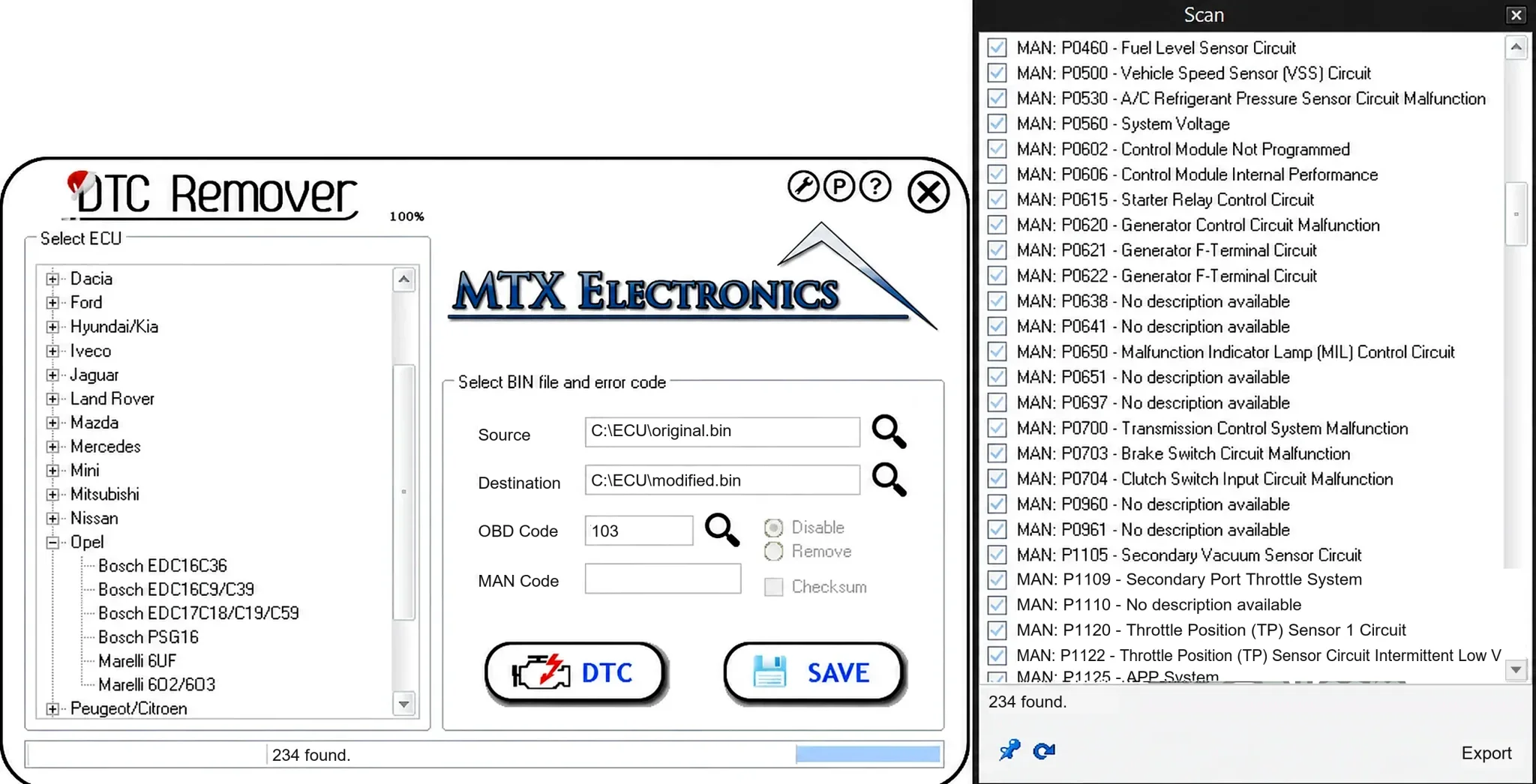
Windows BIN-file editor for locating and modifying supported ECU diagnostic trouble-code entries, with ECU-specific Disable/Remove actions and checksum validation requirements.
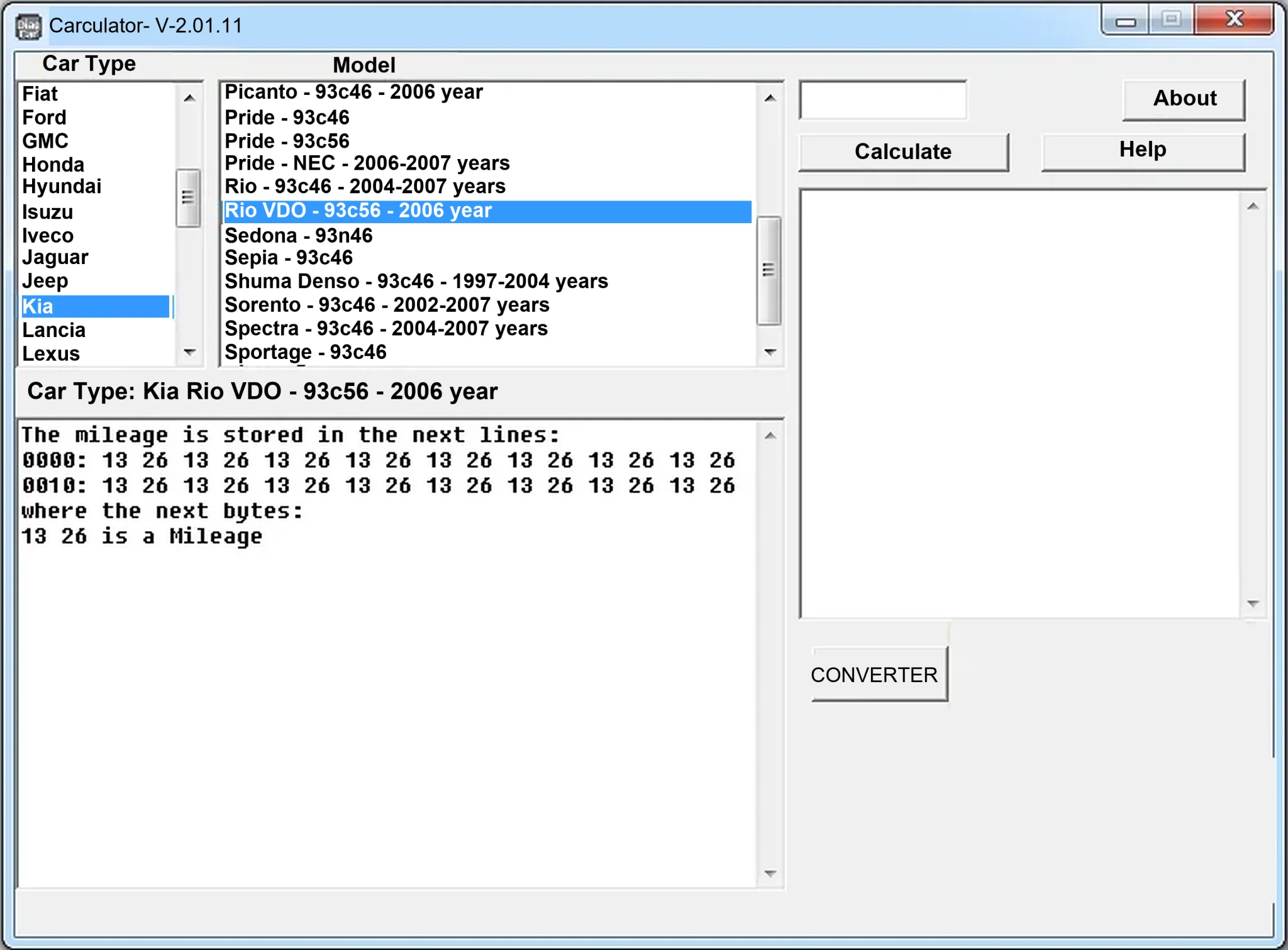
Offline Windows reference and calculation tool for supported dashboard, body-module and EEPROM/MCU mileage profiles, with memory information, byte locations and repair calculations.