
SOFTWARE DATABASE / RELEASE RECORD
VERSION UnspecifiedEasy MB DAS2 Calculator - Mercedes HC05 and 93C46 Remote Key Utility
Offline Windows utility for authorized Mercedes DAS2/FBS2 remote-key repair using supported ImmoBox HC05 or Receiver 93C46 memory dumps.
Categories
Vehicle references
Overview
Easy MB DAS2 Calculator is an offline file utility for authorized repairs to early Mercedes-Benz DAS2/FBS2 keys and infrared remotes. It checks a memory dump from the immobilizer or receiver and prepares remote-key data for a selected position. Reading the module, writing memory and diagnosing the vehicle require separate equipment.
DAS2 and FBS2 system context
DAS2 was part of the mid-1990s transition from infrared remote systems to transponder-based drive authorization. DAS2, DAS2a and DAS X use different service procedures. Identify the fitted IFZ or infrared receiver, its memory marking and the dump length before choosing between the calculator’s HC05 and 93C46 paths.
Supported input paths and functions
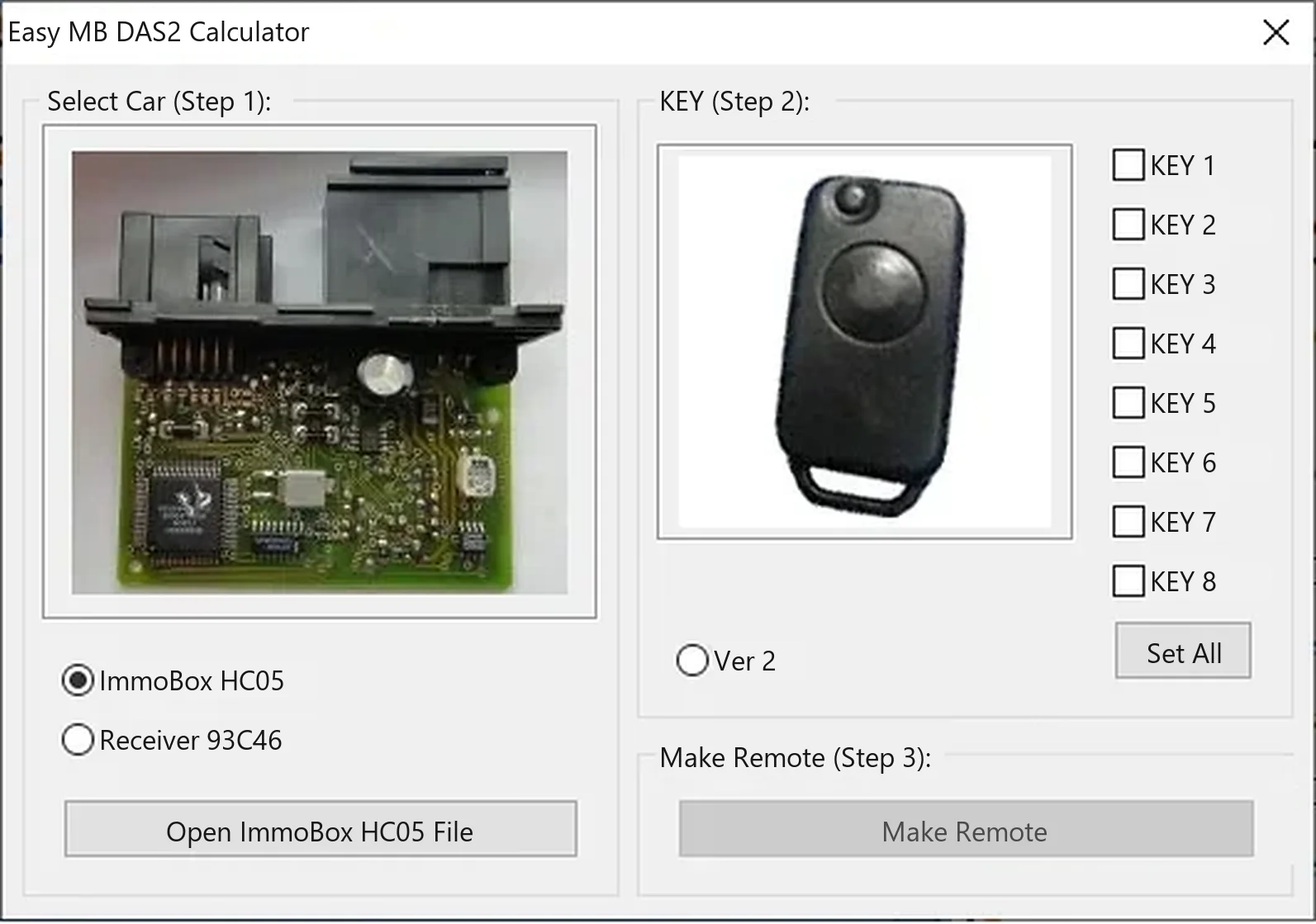
- ImmoBox HC05 opens a binary read from a supported Motorola HC05 immobilizer or IFZ.
- Receiver 93C46 accepts a read from the infrared receiver’s 93C46 EEPROM.
- KEY 1 through KEY 8 identify the available positions. The interface also shows a Set All control.
- Ver 2 selects an alternate calculation path for the applicable layout.
- The program checks the loaded data before enabling Make Remote, which prepares data from the selected source and position.
The portable package comes without an interface, memory programmer, soldering adapter, remote PCB, transponder or pinout library. It has no automatic model identification, online coding, SCN support or direct Xentry/DAS connection.
Mercedes model coverage to verify
Period references associate this generation with W124, W140, W202, W208 and W210, and mention selected W129, W463 and early W170 applications. Production date, market and equipment affect the system fitted, and later examples may use DAS2a, DAS X or another generation.
Use the module label, the number and location of infrared receivers, and the presence of a transponder ring to guide identification. Check the exact unit against a trusted wiring or locksmith reference. Use the calculator only when the fitted hardware matches the HC05 immobilizer or 93C46 receiver path.
Required hardware and source data
- A memory programmer that supports the exact HC05 derivative or 93C46 fitted to the module.
- The correct supply voltage, adapter, pinout and documented in-circuit or removed-device method.
- A complete repeatable read of the original module.
- A compatible remote board and any separate transponder equipment required by the DAS variant.
- An independent hex viewer or comparison tool for checking the input and output.
Compare at least two reads byte for byte. Incorrect device selection, unstable connections and byte-order errors can produce files that open and still contain invalid data.
Recommended workshop workflow
- Verify authorization and record the VIN privately, along with chassis, production date, module part number and memory marking.
- Identify whether the fitted unit calls for the HC05 or 93C46 path.
- Read the memory twice with the correct equipment, compare the results and retain an untouched backup.
- Open a working copy in the matching section and review the data check.
- Choose the documented position for the repair and protect working key slots.
- Save the generated output separately and inspect each changed region against the original.
- Use the appropriate external equipment for programming and verification, then test both remote locking and drive authorization under the Mercedes workshop procedure.
Keep the only recoverable original protected. Stop and consult module-specific documentation if the input cannot be identified, the output changes unexpected areas or the vehicle uses a different authorization generation.
System requirements
- Windows desktop capable of running legacy native 32-bit software.
- Local read/write access for binary dumps, working files and backups.
- The portable executable requires no installer or vehicle driver.
- Separate memory-reading and key-programming equipment suited to the module.
The executable is documented as unsigned, with no embedded Windows version metadata or confirmed OS version list. Test it on an isolated workshop system. If it fails to launch on 64-bit Windows, use a controlled compatibility environment with platform security enabled.
Troubleshooting and compatibility checks
For a rejected file, check the memory type, exact length, byte order and any programmer headers or metadata. If an accepted output fails in service, check for the wrong DAS variant, an occupied slot, a mismatched remote board, a separate transponder requirement or an unreliable original read.
For support, record chassis and production date, module part number, memory marking, programmer model, read method, byte count and file hash. Keep the customer VIN, complete dumps and generated key data private.
Responsible use
Remote and immobilizer data are security credentials. Work only on authorized vehicles, follow the applicable ownership-verification requirements and document the repair. Confirm the module and verify the result independently before returning the vehicle to service.
Technical Compatibility
Operating Systems
File Formats
System Requirements
- Windows desktop with support for legacy native 32-bit applications.
- Local read/write access for dumps, working files and backups.
- Portable executable, with no installer or vehicle driver.
- Separate memory and key service equipment suited to the module.
Screenshots
Related Software
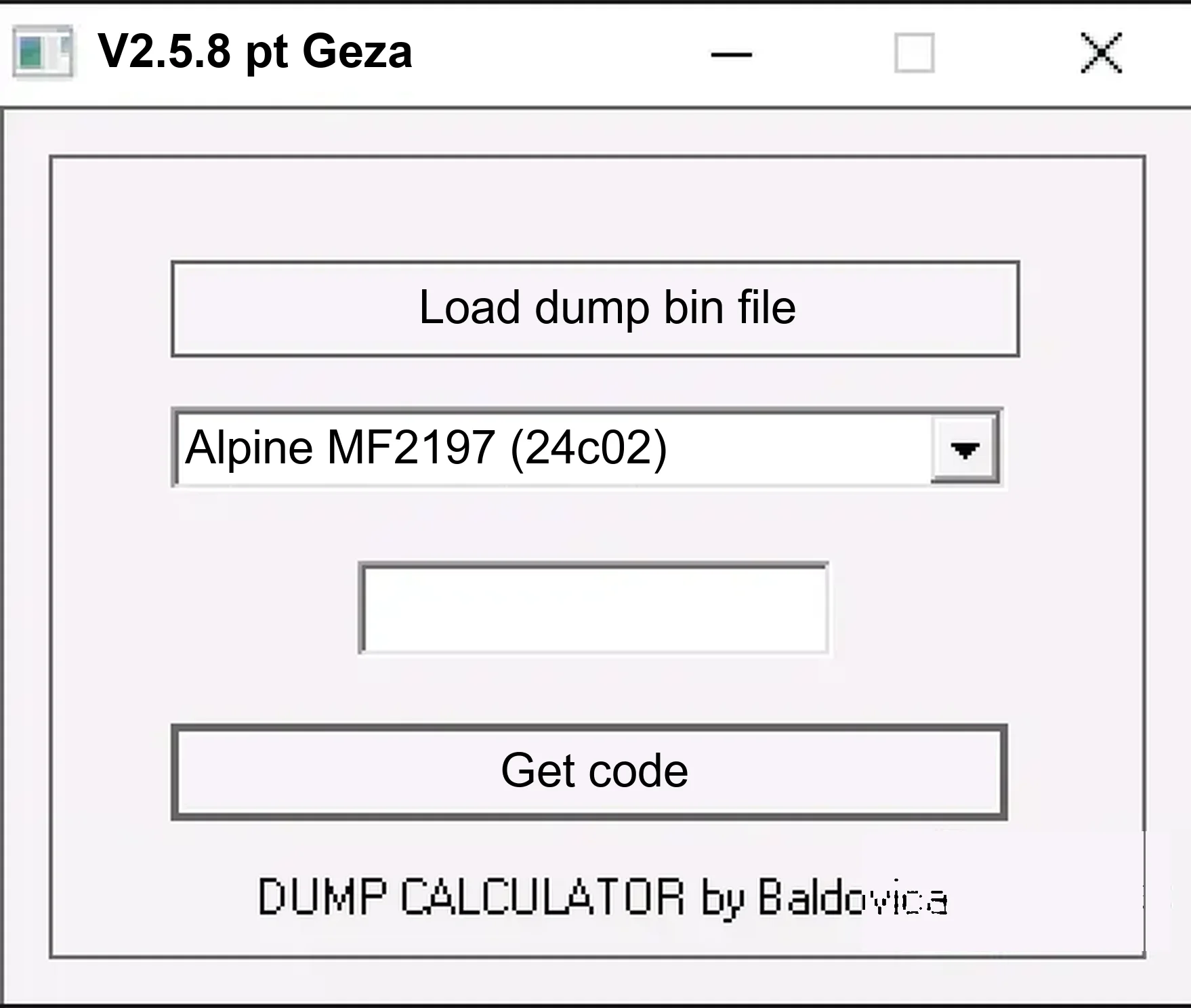
Windows EEPROM BIN dump calculators for supported car-audio head units, including V2.5.8 pt Geza presets and the V2.8.3 calculator build.
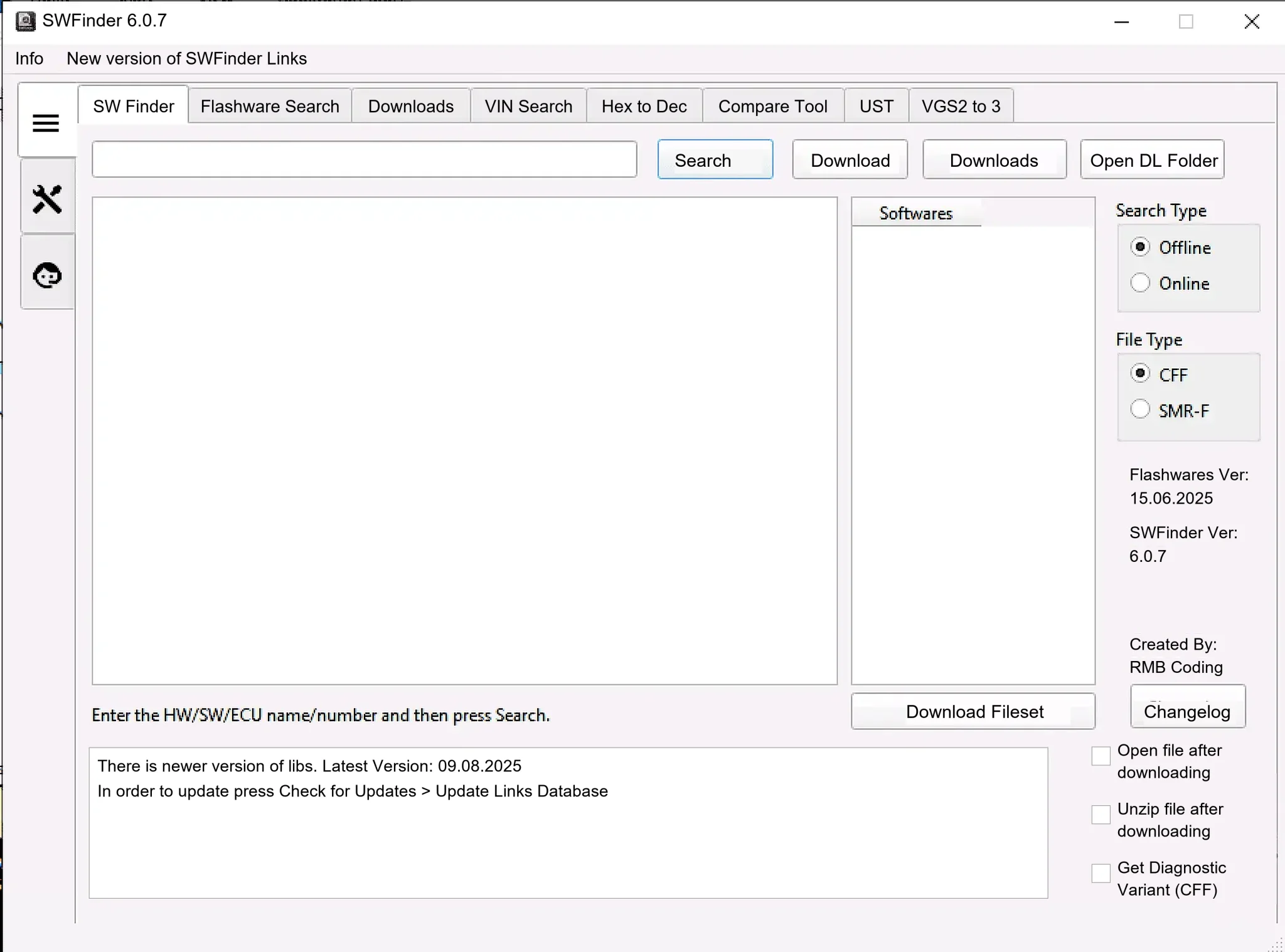
Mercedes-Benz CFF and SMR-F flashware search with offline libraries, online link databases, VIN lookup, coding comparison, SCN helpers and file inspection.

Windows EEPROM and flash-dump toolkit for supported IMMO PIN, IMMO OFF, virgin, radio PIN, MEDC17 checksum and special repair workflows, including BMW EDC15 ISN in 1.0.4.
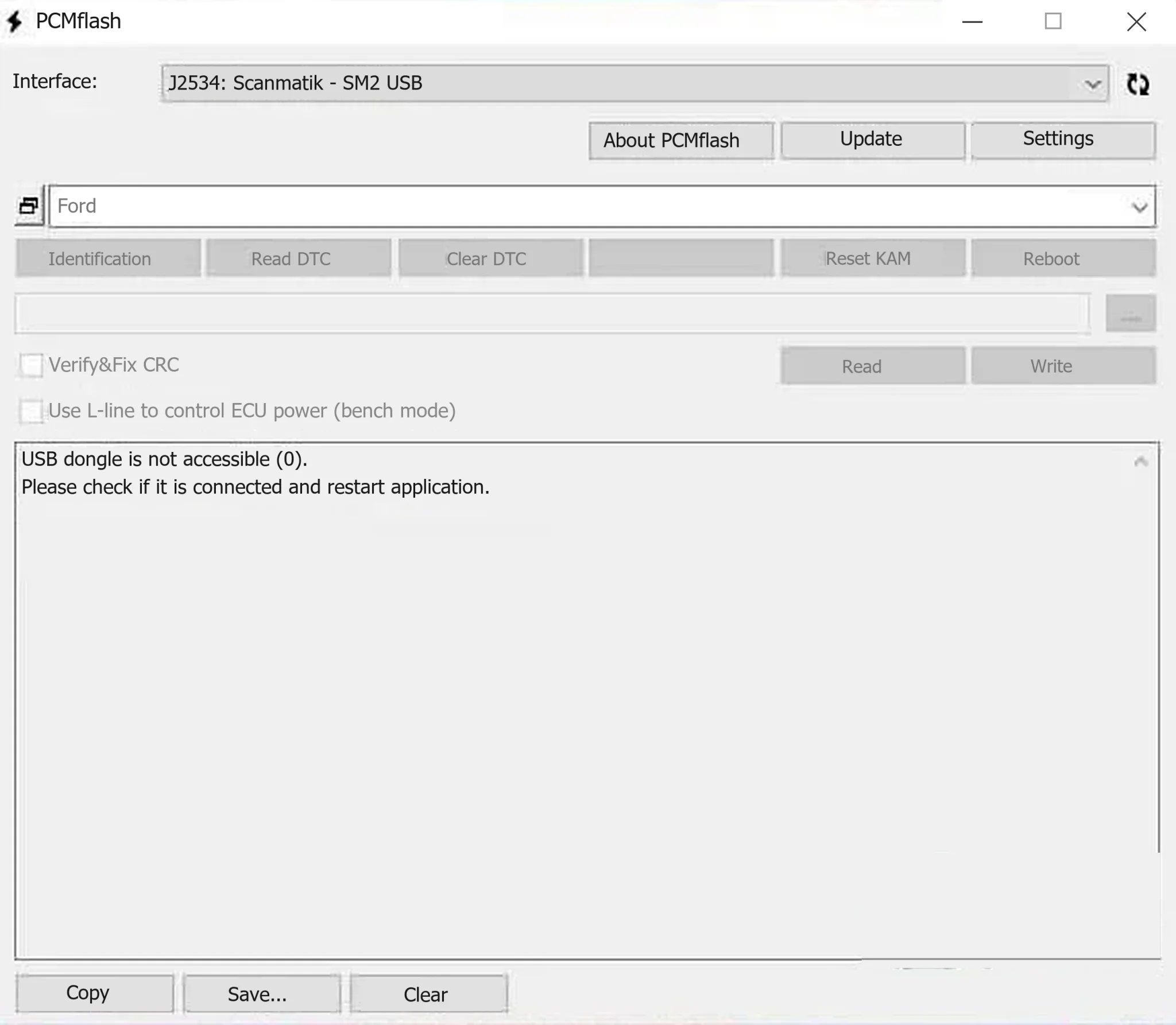
Modular Windows ECU and TCU programming through J2534 interfaces, with licensed protocol-dependent identification, diagnostics, flash/EEPROM access and OBD, bench or boot workflows.
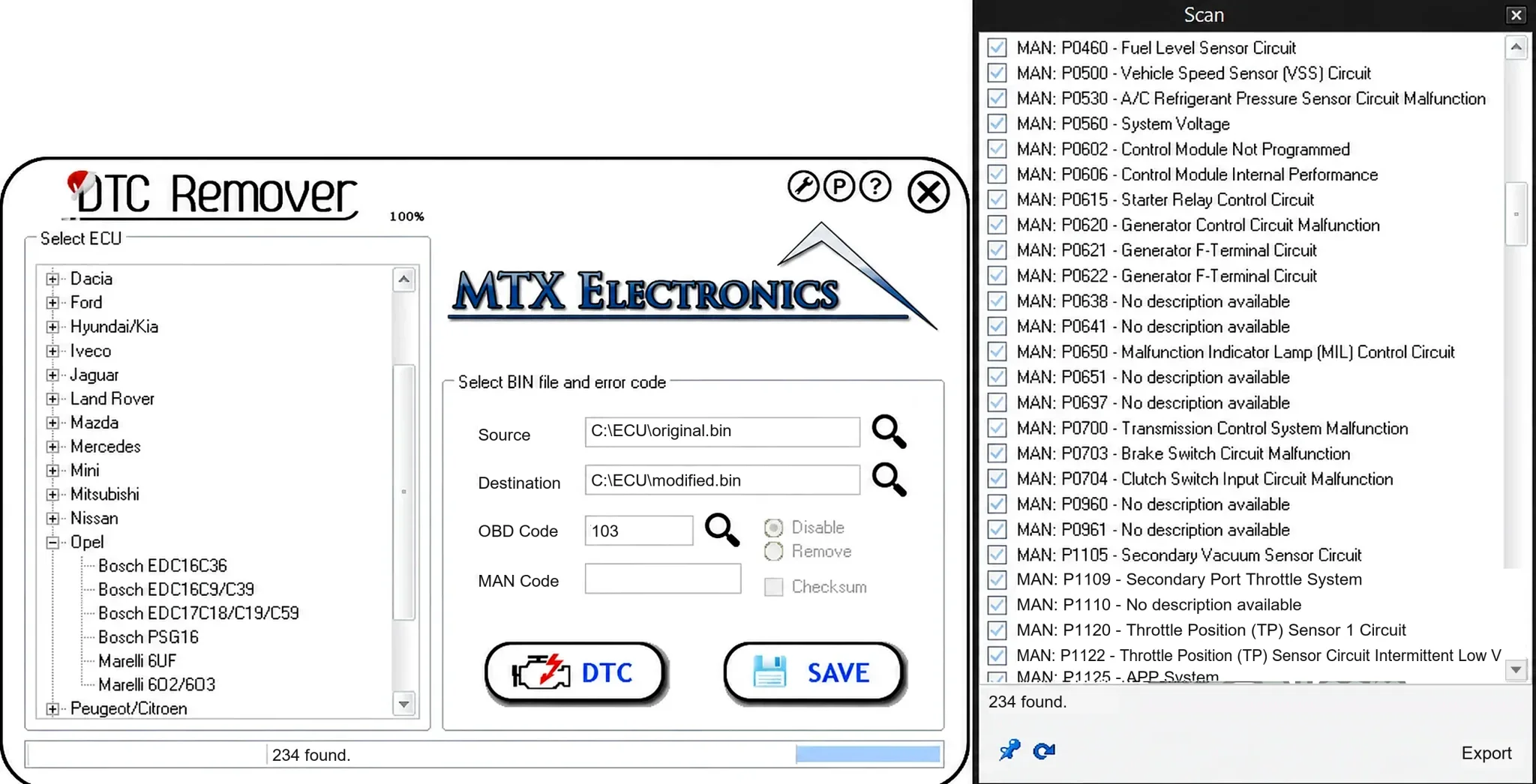
Windows BIN-file editor for locating and modifying supported ECU diagnostic trouble-code entries, with ECU-specific Disable/Remove actions and checksum validation requirements.
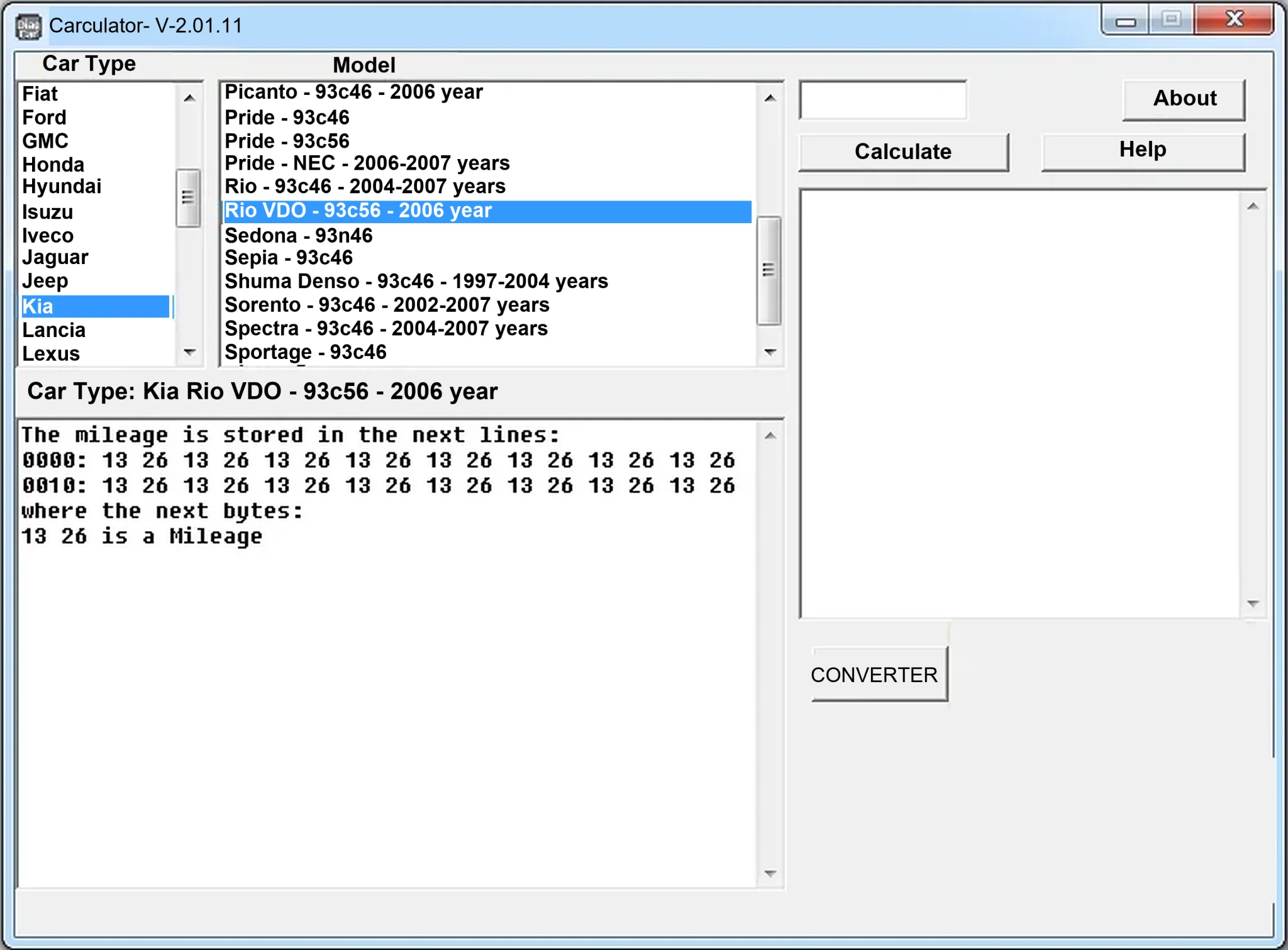
Offline Windows reference and calculation tool for supported dashboard, body-module and EEPROM/MCU mileage profiles, with memory information, byte locations and repair calculations.