
SOFTWARE DATABASE / RELEASE RECORD
VERSION 1.00ETSmart USB Serial EEPROM Programming Utility 1.00
Legacy Windows serial-memory programmer with 24C64 EEPROM handling, a BIN buffer editor, configurable page-write settings and adjustable target VCC.
Categories
Overview
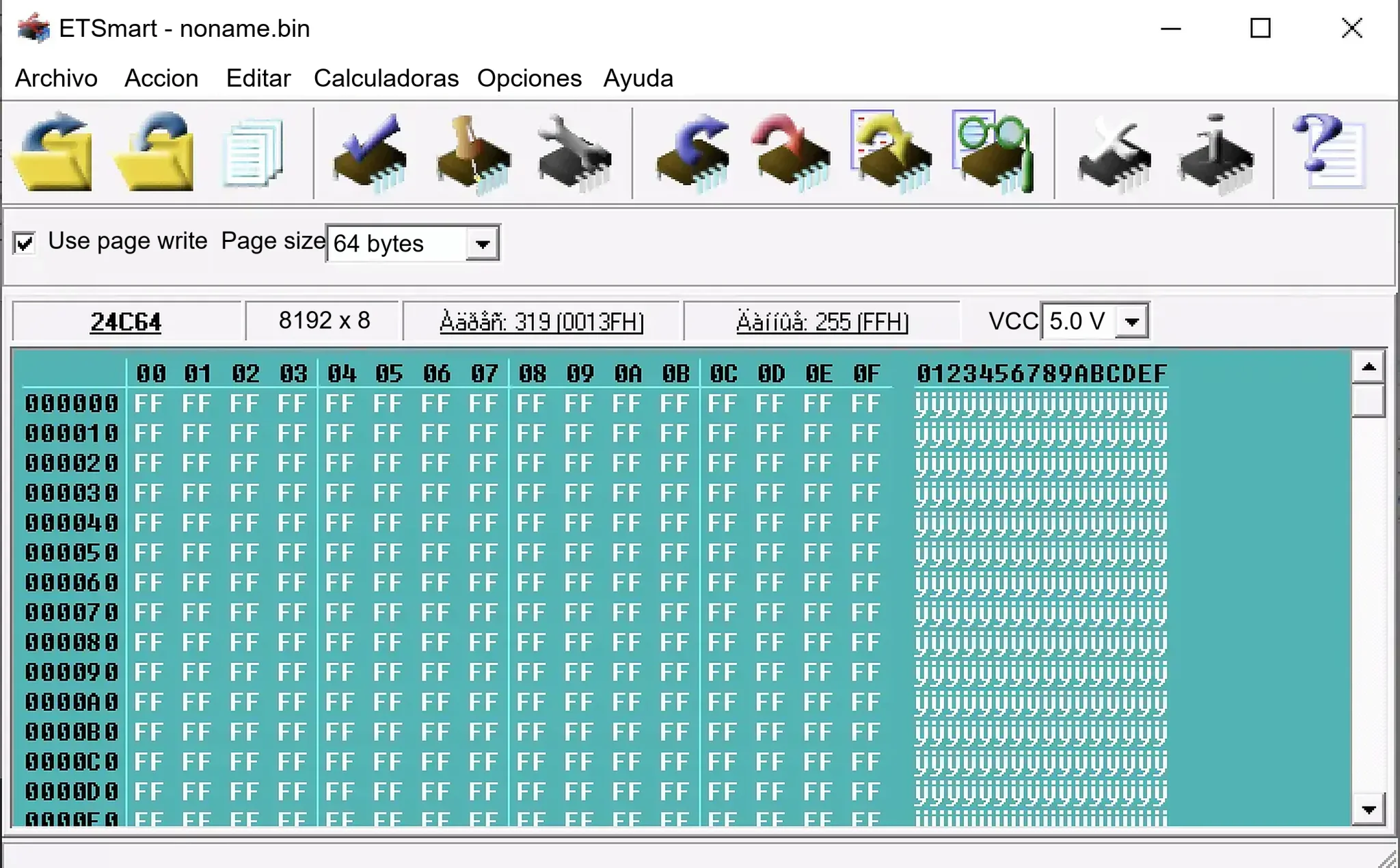
ETSmart USB Version 1.00 is a legacy serial-device programmer and memory-service utility for bench work involving EEPROM contents, binary buffers and common serial-interface operations. Its interface shows support for the 24C64 device, a hexadecimal buffer display, selectable page-write settings and an adjustable VCC output. These functions make it relevant to workshop memory inspection and carefully controlled writing tasks.
This build is intended for technicians who require a compact tool for accessing serial memory, reviewing files and preparing basic EEPROM service work in automotive electronics. Check compatibility before connecting the programmer to live modules or production hardware.
Highlights
- A universal programmer interface for devices that communicate through a serial interface.
- 24C64 EEPROM handling is visible in the application capture.
- A hex-style buffer editor supports inspection and review of
BINdata. - Page-write operation can be selected, with an adjustable page size.
- The target supply voltage is configurable; the programming window shows 5.0 V.
- A file-based workflow allows binary data to be opened and worked on.
Package contents
A complete listing of the original archive was not provided. The supplied reference material is therefore the only package documentation available here.
Compatibility notes
As this is a legacy utility, assess compatibility carefully when using a newer system. Programmer revisions, driver packages, the target memory type and the connection method can all affect hardware behavior. Availability also depends on the device, adapter and memory organization being used.
Basic usage
- Install the application and check that the host computer detects the USB programmer.
- Choose the correct serial-memory family and the exact device profile before opening a file.
- Open the
BINfile and inspect its buffer contents in the hexadecimal editor. - Before starting a read or write, confirm the voltage, page-write configuration and memory settings.
- Save a backup of the original data first, then validate any changes on a bench setup before field use.
Operating systems
Official operating-system support for this particular build could not be established from the available material. Treat it as a legacy Windows utility. Running it on a newer Windows release may require suitable drivers, compatibility-mode settings and a functioning USB interface.
Minimum system requirements
- CPU: A 1 GHz x86 or x64 processor, or faster.
- RAM: At least 1 GB.
- Storage: 100 MB of free space for the application and working data.
- Network: No connection is needed for local operation; internet access is only needed when obtaining drivers or documentation.
- Admin rights: Required for USB-driver installation and initial configuration.
These figures are practical baseline estimates for legacy software. They have not been verified against an official ETSmart USB v1.00 specification sheet.
Disclaimer
This entry provides identification, reference and general workshop information. Application files are not hosted in the article, and product names and trademarks belong to their respective owners. Users are responsible for complying with applicable licensing conditions, safety procedures and local legislation. Do not request or distribute license-bypass methods, keys or modified vendor files. Verify file integrity, keep backups of original data and test on non-production hardware before use.
Technical Compatibility
Operating Systems
File Formats
System Requirements
- Practical baseline estimates; not verified against an official ETSmart USB v1.00 specification
- Windows; exact supported versions unconfirmed
- CPU: 1 GHz x86 or x64 processor or faster
- RAM: 1 GB minimum
- Free storage: 100 MB for application files and working data
- Network: Not needed locally; internet for drivers or documentation when required
- Administrator rights: Required for USB-driver installation and initial setup
- Compatible USB programmer, suitable drivers and target-memory profile required
Screenshots
Related Software
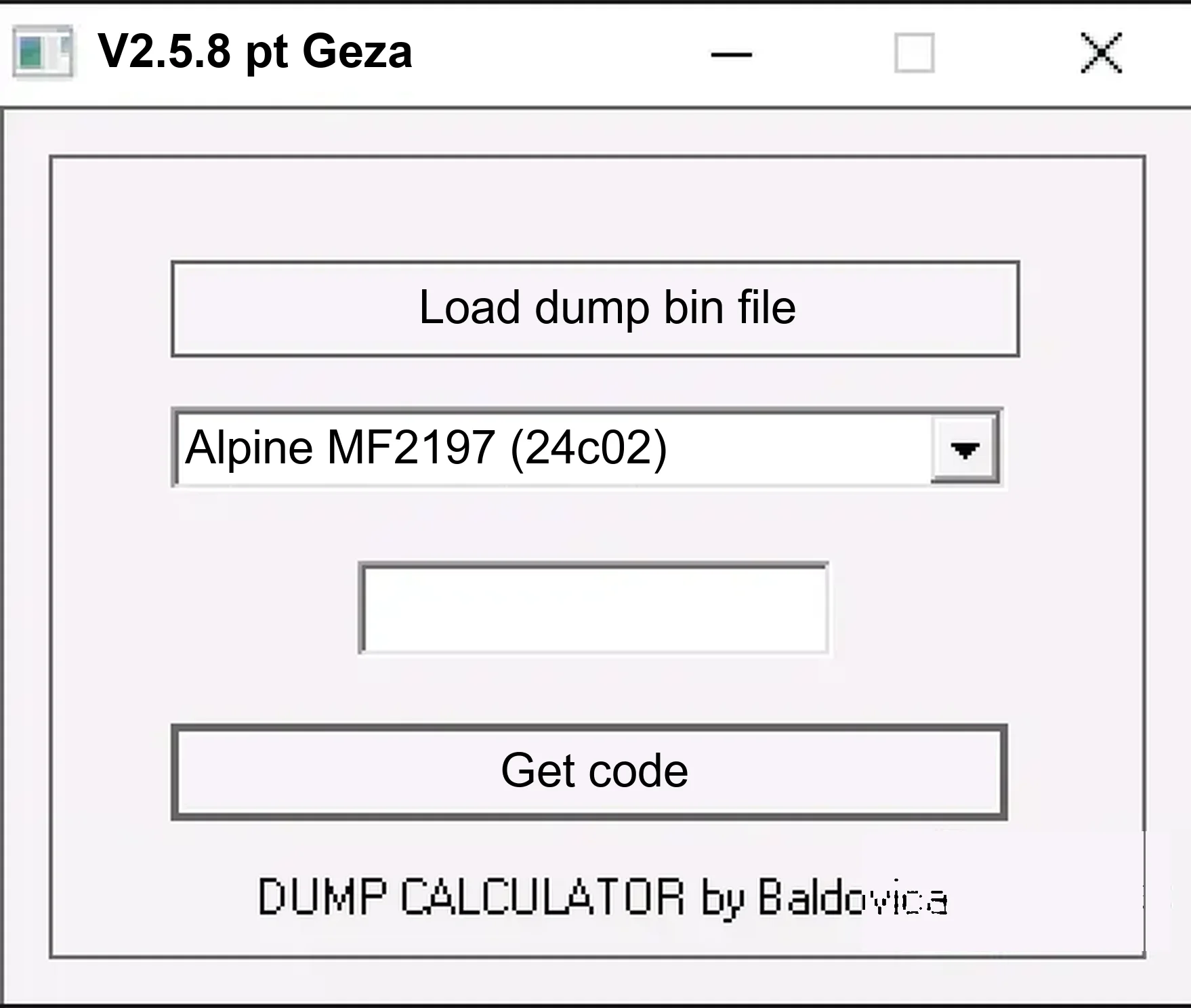
Windows EEPROM BIN dump calculators for supported car-audio head units, including V2.5.8 pt Geza presets and the V2.8.3 calculator build.

Collection of 1,350+ UPA-USB scripts for EEPROM and MCU work, covering odometer, IMMO, airbag reset, radio codes, PIN extraction and ECU virginization.
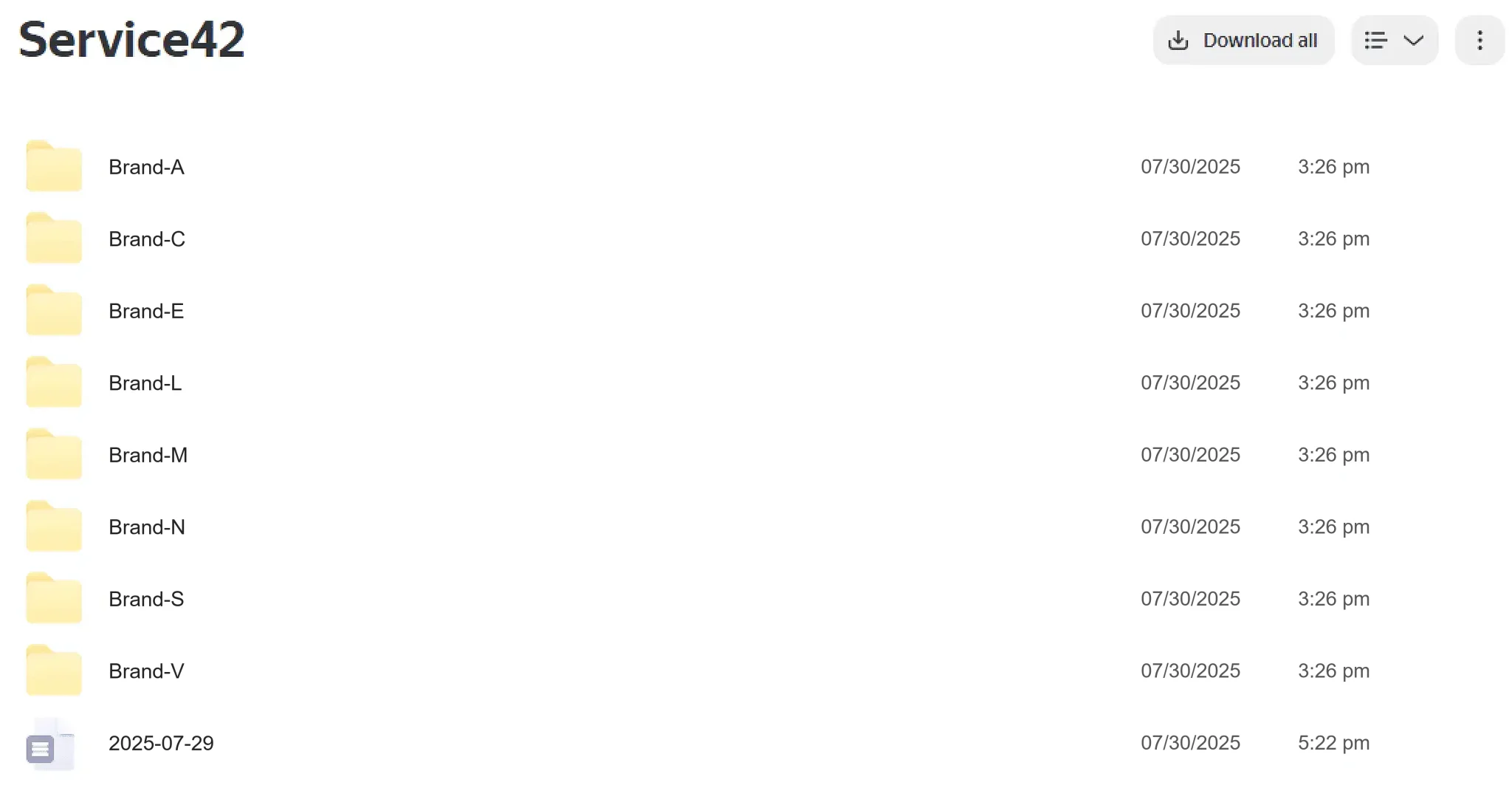
VAG factory flash-data archive with over 184 GB and 35,341 files, organised by brand for ODIS Engineering ECU updates, repair, programming and retrofit work.
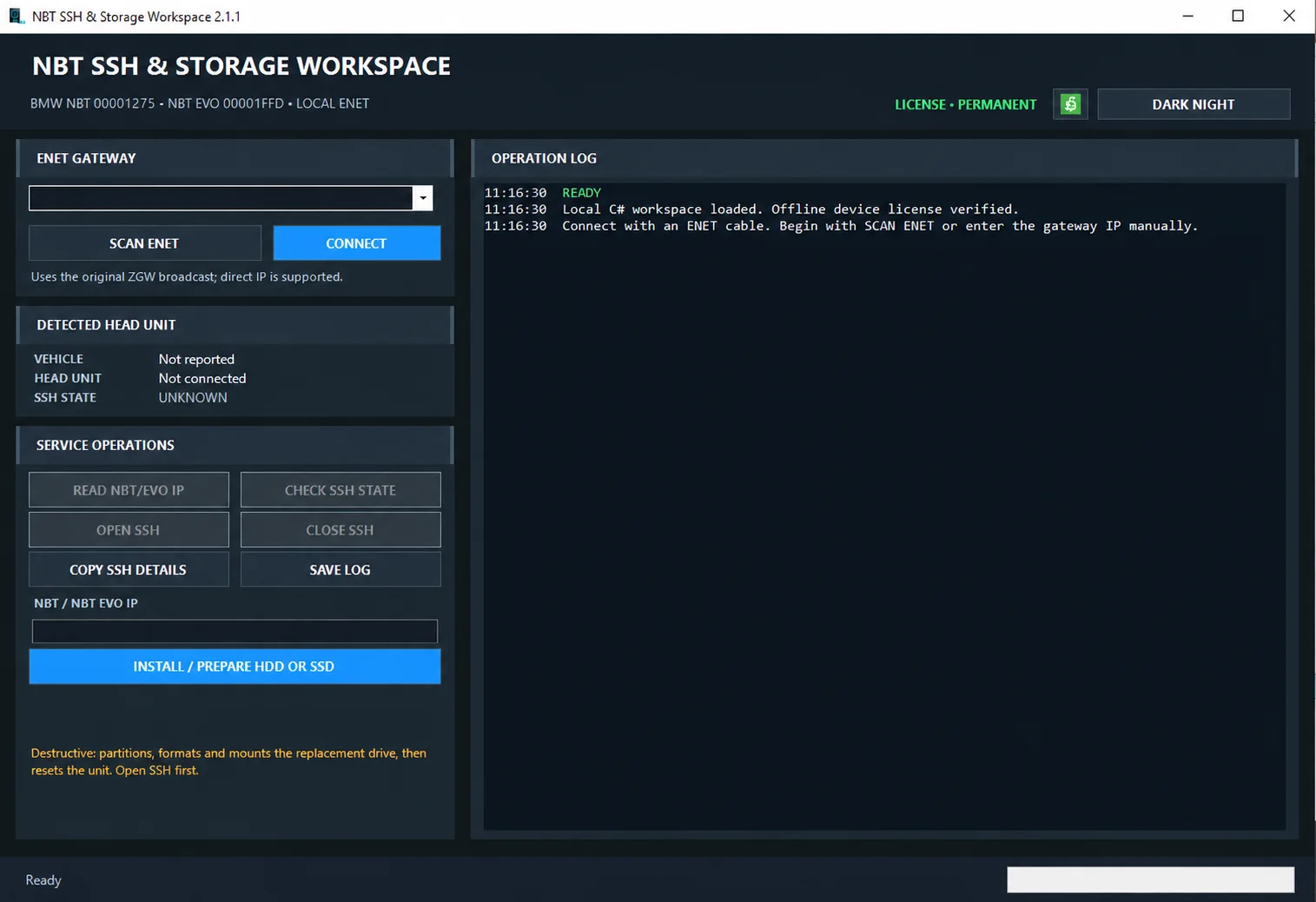
Windows ENET utility for identifying supported BMW head units, managing SSH access and preparing replacement HDD/SSD storage.

Windows calibration-file utility with manufacturer and ECU selection menus for EGR, flap, Hotstart, DTC and related service functions.

Volvo VIDA 2015A workshop environment for vehicle identification, guided fault tracing, wiring diagrams, service documentation and parts reference.