
SOFTWARE DATABASE / RELEASE RECORD
VERSION 4.6T-Jet Fueling Suite - Injector Calculators 4.6
Windows reference calculators for Fiat Group 1.4 T-Jet fueling: KRKTE, reverse hardware checks, MAP sensors, pump capacity, injector duty cycle, FNSSM and TVUB logs.
Categories
Vehicle references
Overview
Description
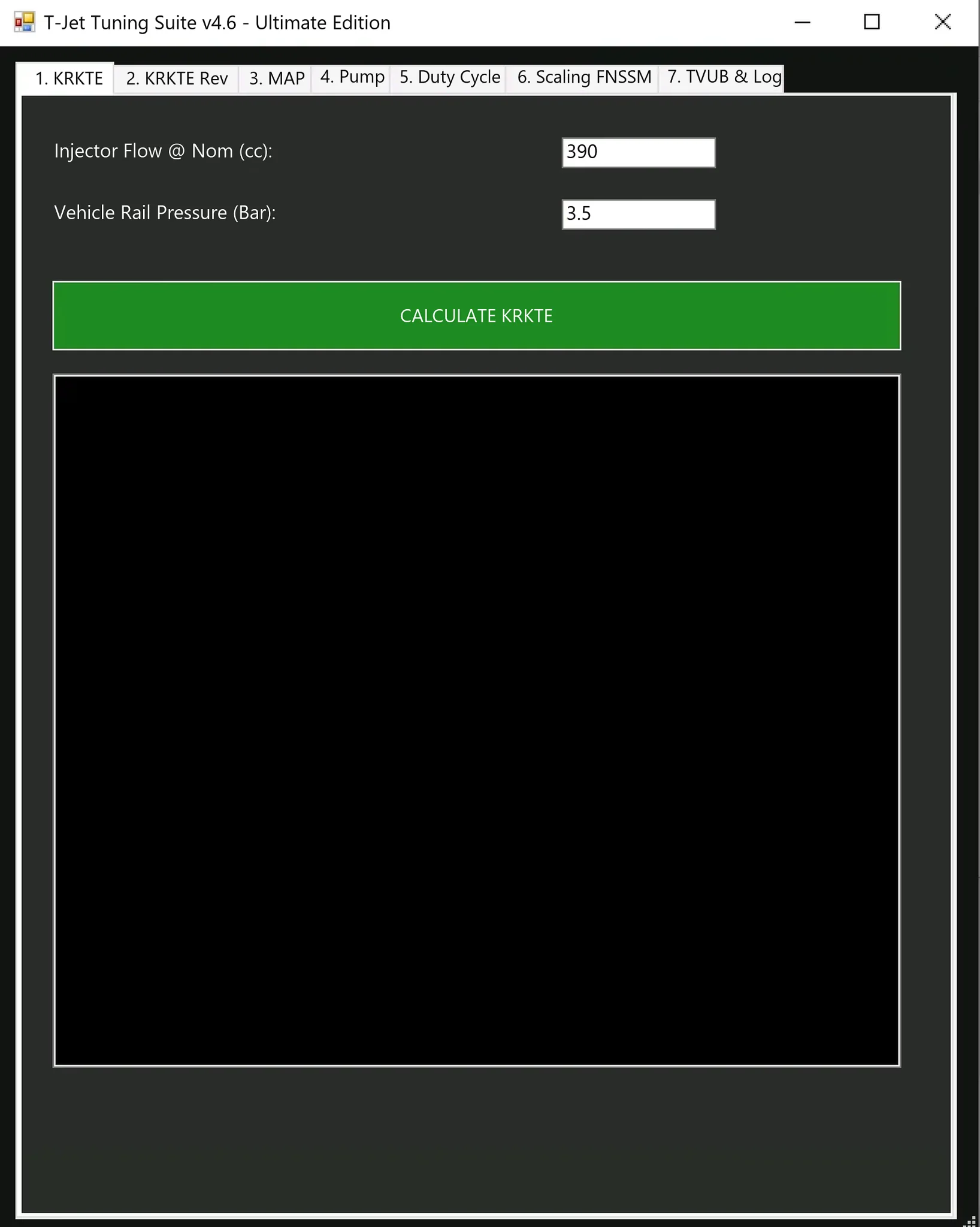
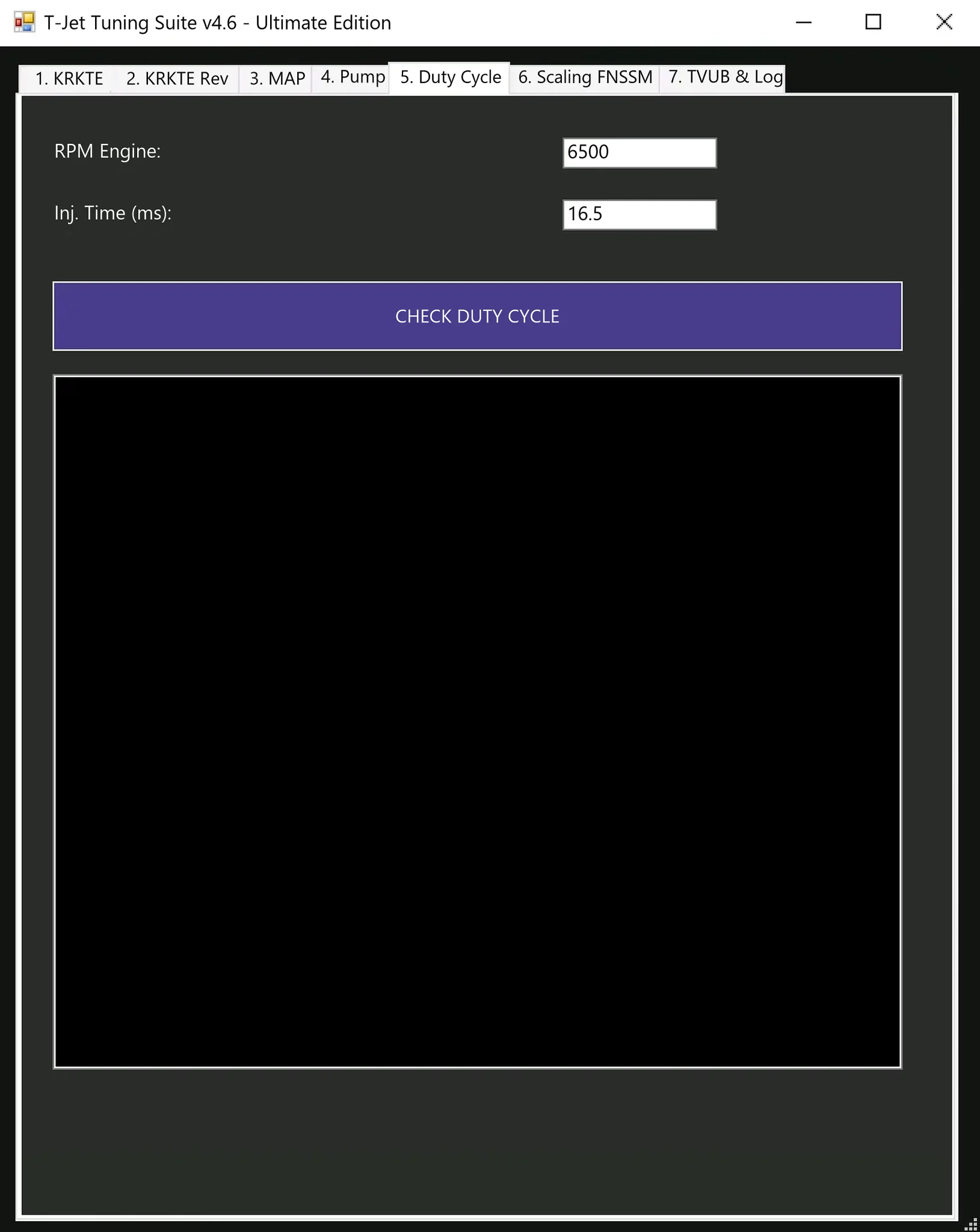
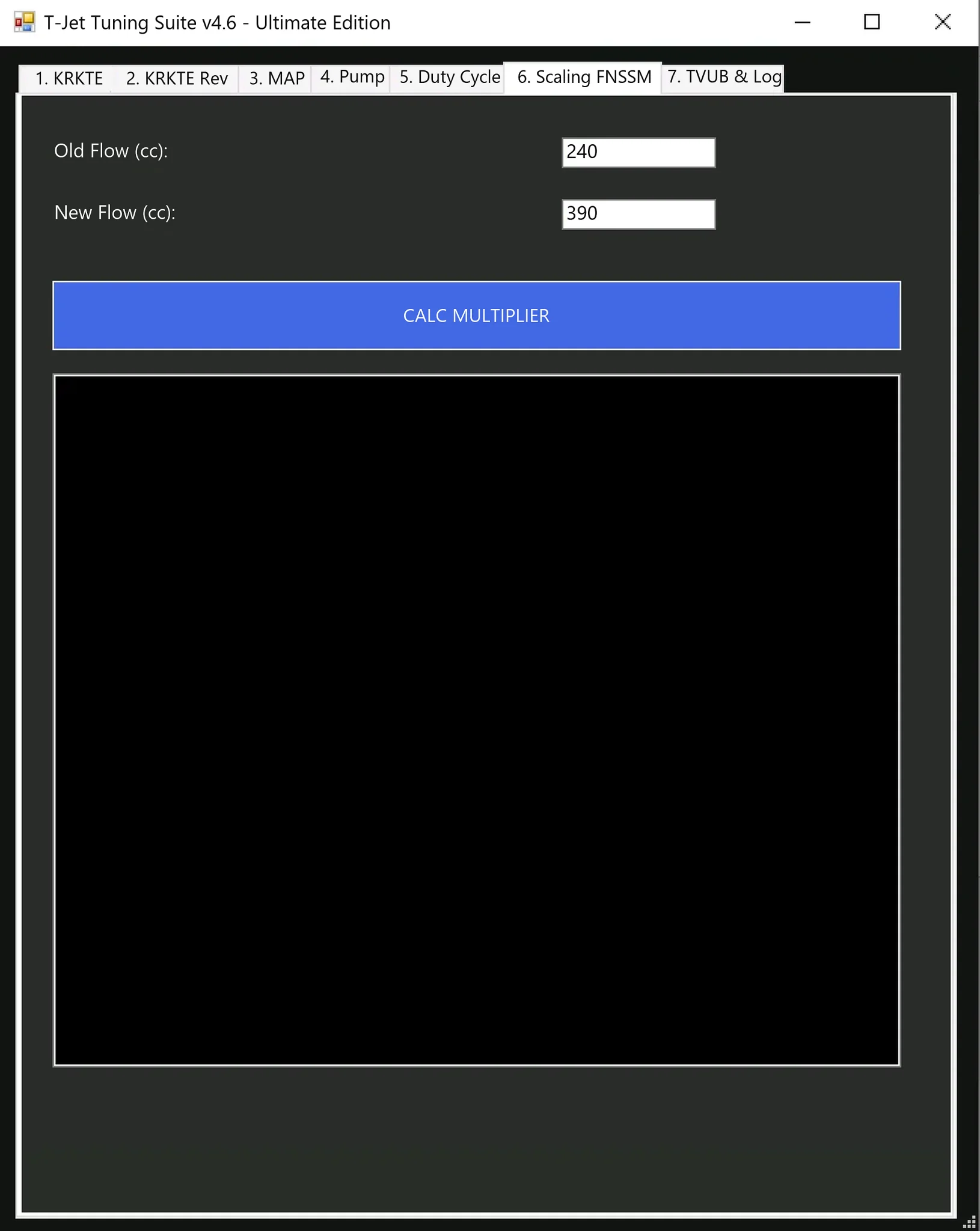
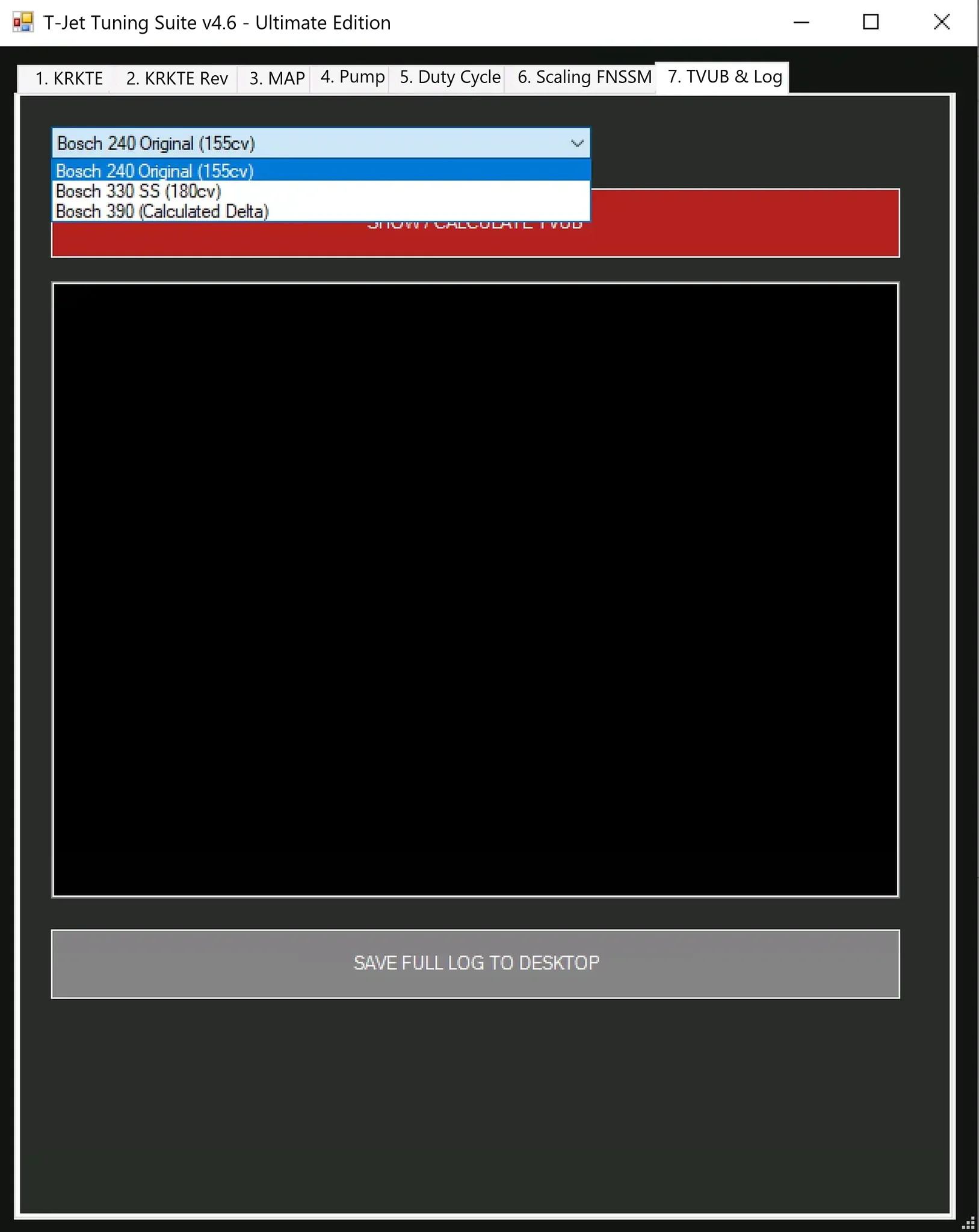
T-Jet Fueling Suite is a desktop calculation and hardware-reference utility focused on Fiat Group 1.4 T-Jet petrol applications. The 4.6 interface brings together injector-flow and rail-pressure calculations, MAP-sensor selection, pump-capacity checks, injector duty-cycle estimates, FNSSM scaling and a TVUB/log workspace. It is intended to help technicians document reference values, compare hardware combinations and plan fueling calibrations for supported applications.
Highlights
- A KRKTE calculator using injector-flow and fuel-rail-pressure inputs.
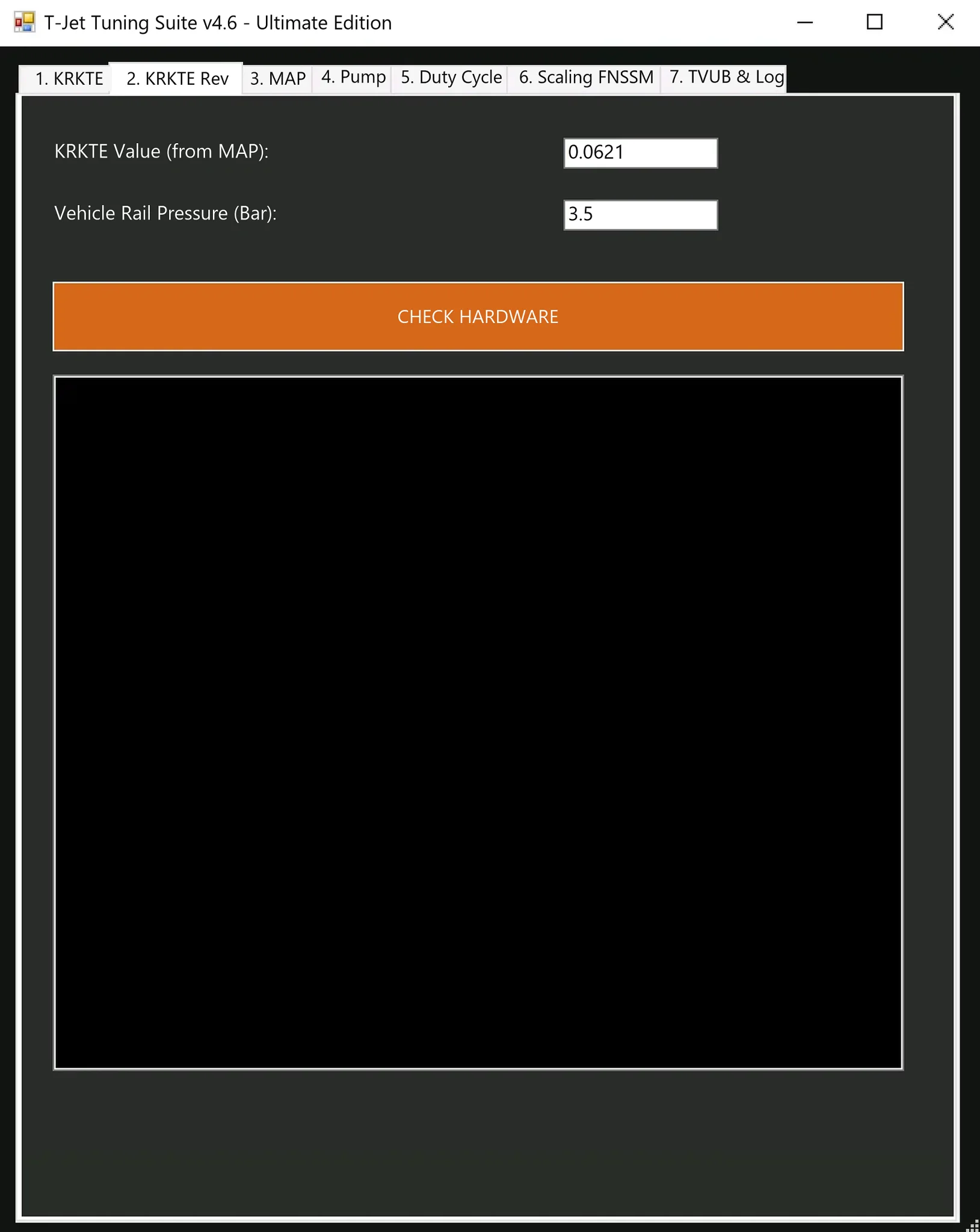
- A reverse KRKTE hardware check for comparing a calibration value with the intended hardware.
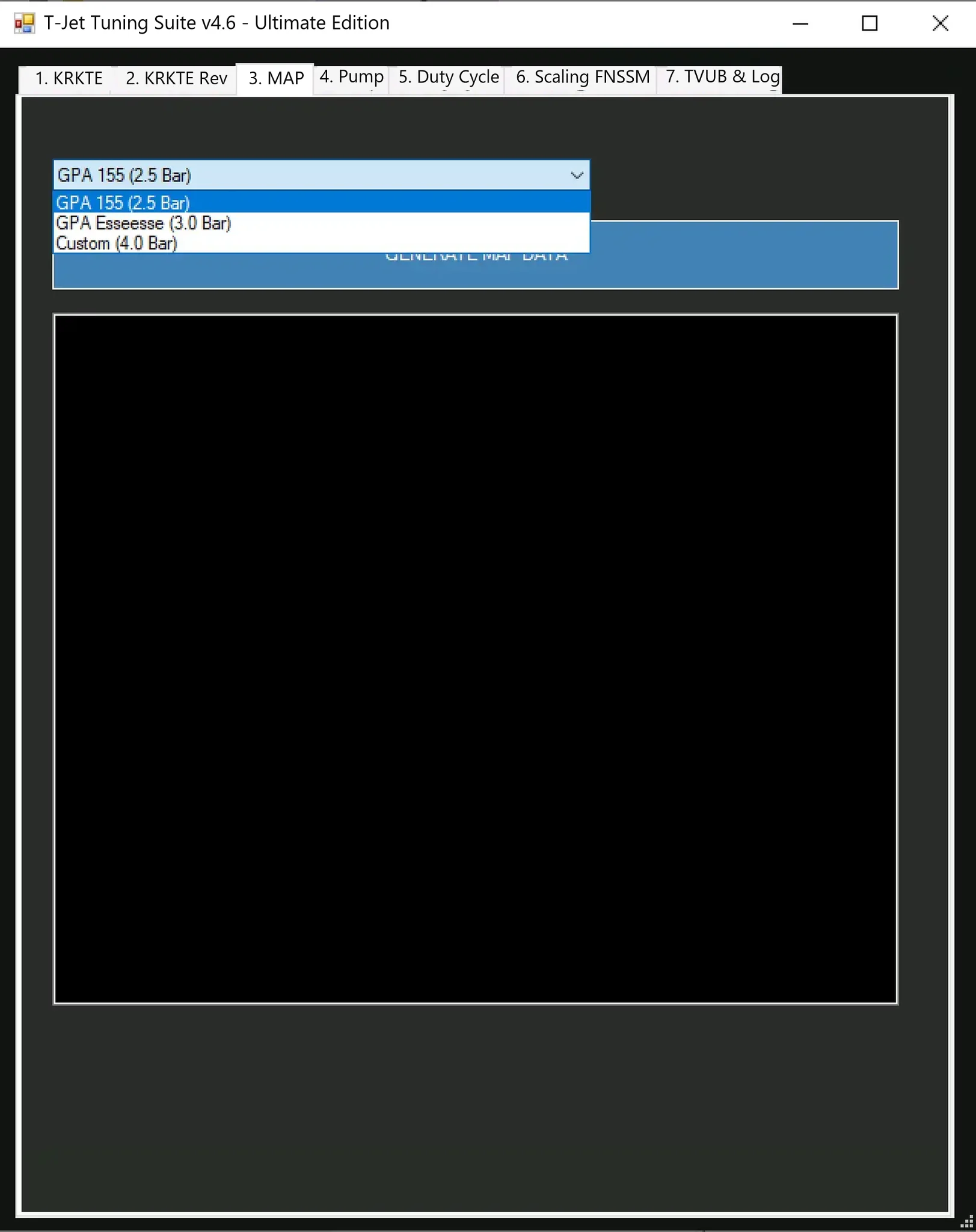
- MAP-sensor presets covering several pressure ranges.
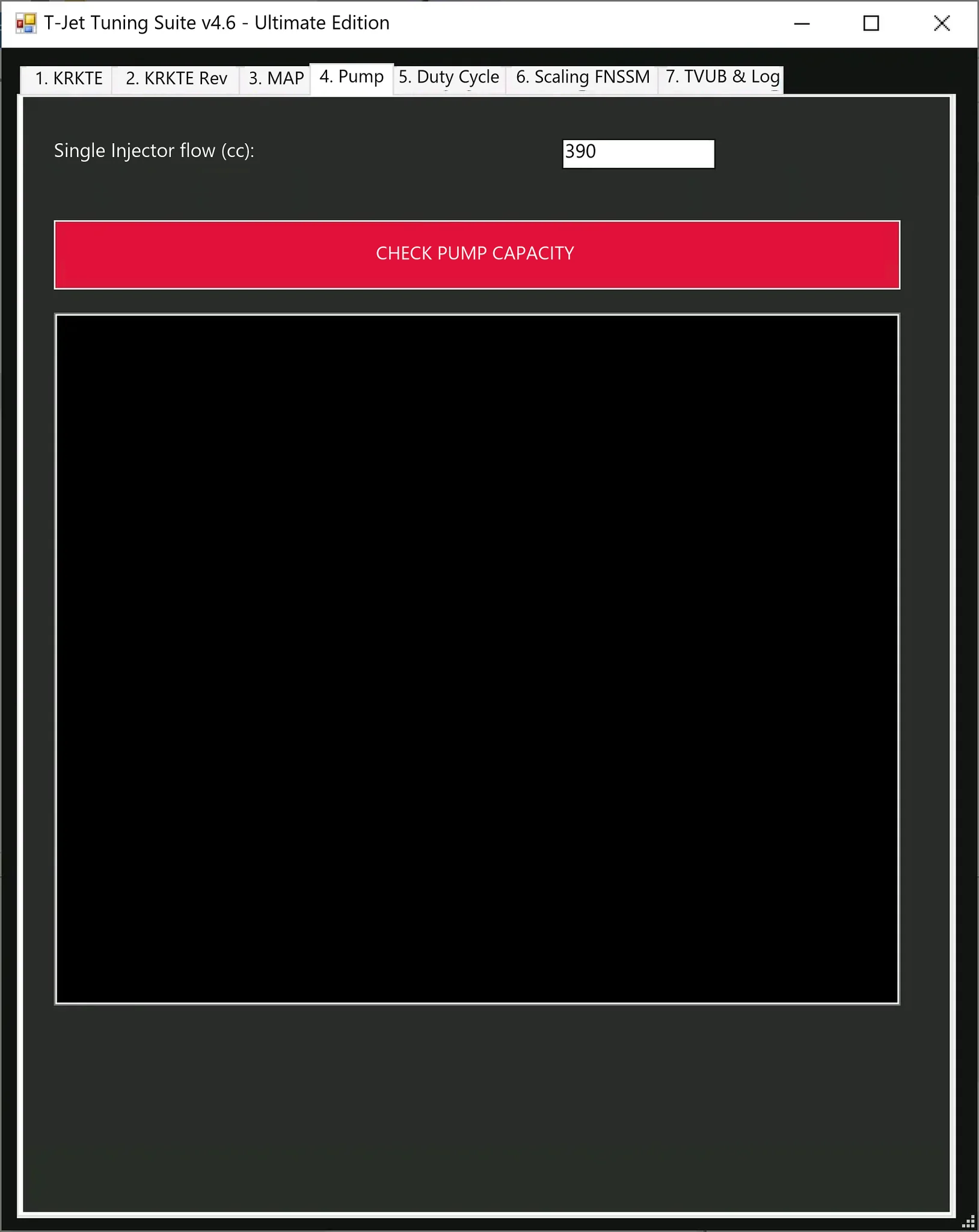
- A dedicated pump-capacity review tab for checking injector and fuel-supply matching.
- An injector duty-cycle calculator for estimating load.
- FNSSM scaling and a TVUB/log workspace for reference analysis.
Package contents
TJET Tuning Tool.exe
Compatibility notes
The documented intended application is Fiat Group 1.4 T-Jet petrol fueling, apparently following Bosch ME7.9.10-style logic on selected Fiat, Abarth, Alfa Romeo and Lancia platforms. This is an intended scope rather than a definitive compatibility list. Suitability depends on the exact ECU software, installed hardware, injector specification, MAP-sensor range and calibration strategy; available functions can vary between vehicles and firmware versions.
Basic usage
- Start the application on a non-production Windows workstation.
- Select the tab corresponding to the parameter group you need to examine.
- Enter verified reference values from the existing calibration or service documentation.
- Review the calculated output and compare it with the planned hardware setup.
- Save the session log for documentation and subsequent offline review.
Operating systems
A Windows desktop environment is required. Exact supported Windows releases and architectures are not published, so evaluate the application on a dedicated workstation before adopting it for regular work.
Minimum system requirements
- CPU: dual-core desktop processor or better.
- RAM: at least 2 GB; 4 GB recommended.
- Storage: 100 MB of free space.
- Network: not needed for local calculation workflows.
- Admin rights: recommended for the initial launch and file access.
Disclaimer
This resource is intended solely for lawful diagnostic work, documentation and calibration reference. All product names, vehicle names and trademarks remain the property of their respective owners. Compatibility must be established from the ECU data, hardware specifications and professional validation. Do not use the application or calibration data to disable safety functions, defeat emissions controls or act outside applicable laws and regulations. Retain original-data backups and validate any changes in a controlled test environment before deployment.
Technical Compatibility
Operating Systems
System Requirements
- Windows desktop environment; exact release and architecture support not published
- Documented CPU requirement: dual-core desktop processor or better
- Documented RAM: 2 GB minimum; 4 GB recommended
- Documented storage: 100 MB free
- No network connection required for local calculations
- Administrator rights recommended for first launch and file access
- Dedicated non-production workstation for initial evaluation
Screenshots
Related Software

Windows calibration-file utility with manufacturer and ECU selection menus for EGR, flap, Hotstart, DTC and related service functions.

Uconnect regional navigation archives for EU, NA and ROW, with backup and restore bundles, service utilities, splash assets and reference PDFs.
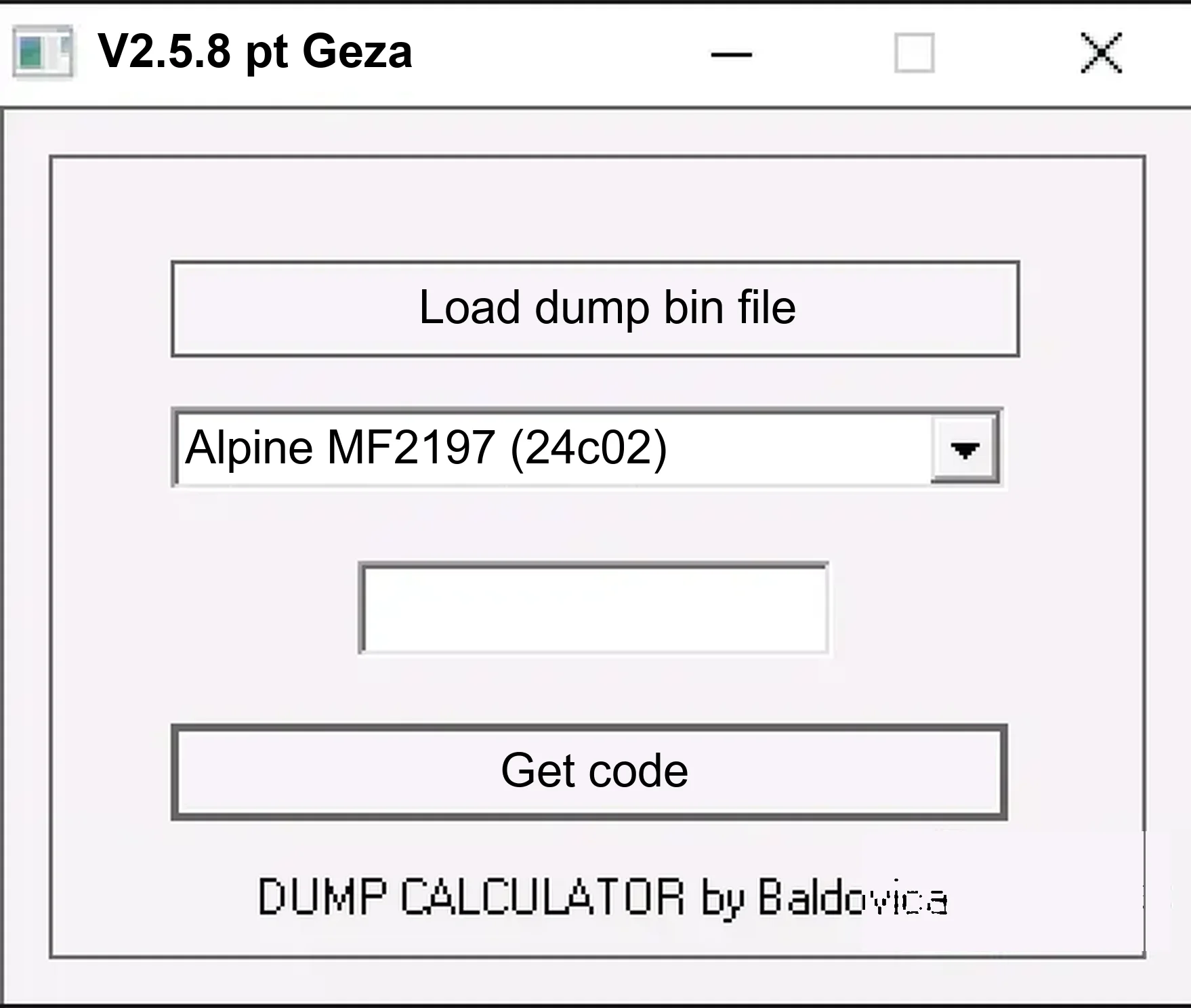
Windows EEPROM BIN dump calculators for supported car-audio head units, including V2.5.8 pt Geza presets and the V2.8.3 calculator build.

Windows workshop utility for calculating PIN and key-related service data from supported ECU, dashboard and body-module dumps, with a searchable coverage database.

Collection of 1,350+ UPA-USB scripts for EEPROM and MCU work, covering odometer, IMMO, airbag reset, radio codes, PIN extraction and ECU virginization.

Windows EEPROM and flash-dump toolkit for supported IMMO PIN, IMMO OFF, virgin, radio PIN, MEDC17 checksum and special repair workflows, including BMW EDC15 ISN in 1.0.4.