
SOFTWARE DATABASE / RELEASE RECORD
VERSION 3.9SMART-PROG AirBag Service Tool 3.9
Offline Windows SRS crash-data service application with a module database indexed by vehicle, manufacturer, part number, processor and EEPROM.
Categories
Vehicle references
Overview
SMART-PROG AirBag Service Tool is an offline application for SRS crash-data service, organised around an extensive control-unit database. An authorised automotive electronics technician can identify an airbag module by vehicle, manufacturer, part number, processor or EEPROM, then use the dump-processing procedure associated with that record.
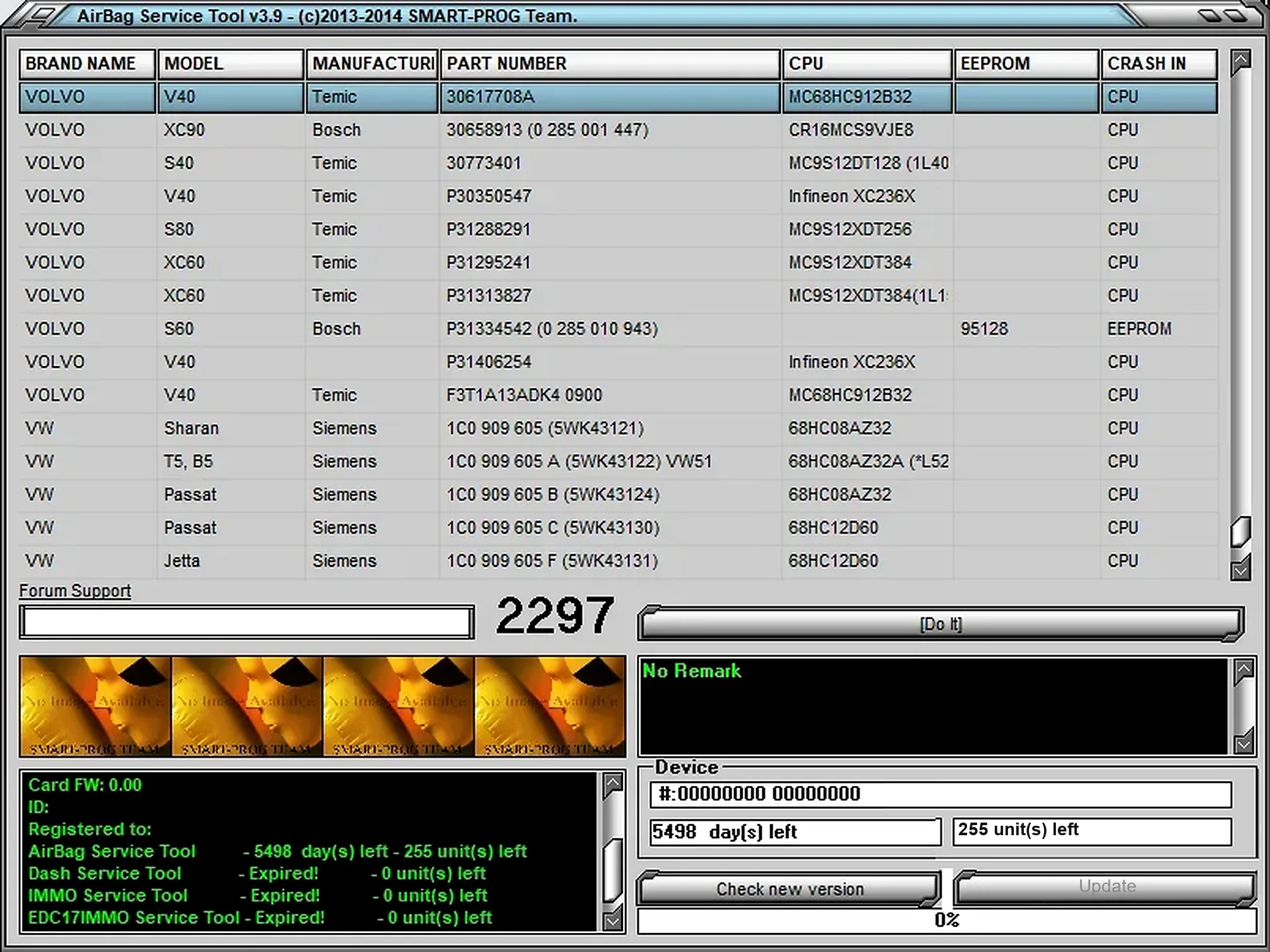
Supported vehicles, ECUs and files
The local database contains thousands of individual module records rather than providing compatibility through a single list of vehicle brands. Examples visible in the interface include Volvo V40, S40, S60, S80, XC60 and XC90, together with Volkswagen Sharan, T5, Passat and Jetta. Module manufacturers include Bosch, Siemens and Temic.
Listed processor and memory families include MC68HC912B32, CR16, MC9S12, Infineon XC236X and serial EEPROM devices such as 95128. Compatibility is ultimately determined by the exact module part number, not by the vehicle name alone.
- Supported SRS records are indexed by make, model, module manufacturer, part number, MCU or EEPROM and the location of crash data.
- The selected database entry describes the applicable EEPROM, microcontroller or module-specific dump workflow.
- Some methods require hardware-assisted access using a SMART-PROG card/interface or a separate memory programmer.
Functions
- Database lookup: search or filter records to find the exact SRS control-unit entry.
- Memory identification: display the expected processor or EEPROM and the memory region holding crash information.
- Supported dump processing: apply the method assigned to a compatible read and retain the resulting file for verification.
- Module differentiation: keep vehicle and electronics information together to distinguish units with similar names.
System and hardware requirements
- A Windows PC and the matching SMART-PROG security card/hardware wherever required by the application.
- An appropriate EEPROM/MCU programmer, the correct pinout and a safe procedure for opening and accessing the module for offline reads.
- The module's exact label and part number, plus a complete original dump whose read has been verified.
- Professional SRS diagnostic equipment and service information for validating the completed repair.
Recommended workflow
- Diagnose and correct the physical restraint-system fault before making changes to stored crash information.
- Photograph the module label, identify its memory device and obtain several reads that match each other.
- Select the exact database record and process a copy of the read. Compare the output and preserve the untouched original.
- After reinstallation, perform OEM-level diagnostics and check fault codes, configuration and the behaviour of the warning lamp.
Package contents
The documented package comprises the main application and its matching data file. A programmer, interface drivers, wiring diagrams and a universal hardware licence are not supplied. Package preparation was described as a static review; the executable was not run during that review.
Important limits
SRS is a safety-critical system. Removing stored crash information does not restore deployed restraints or repair damaged wiring, sensors or control-unit hardware. Follow legally permitted repair procedures and complete a full restraint-system test before returning the vehicle to service.
Technical Compatibility
Operating Systems
System Requirements
- Windows PC and matching SMART-PROG security card/interface where required.
- Suitable EEPROM/MCU programmer, correct pinout and safe module-opening procedure for offline reads.
- Exact module label and part number; complete, verified original dump.
- Professional SRS diagnostics and service information for post-repair validation.
Screenshots
Related Software

Windows calibration-file utility with manufacturer and ECU selection menus for EGR, flap, Hotstart, DTC and related service functions.

Volvo VIDA 2015A workshop environment for vehicle identification, guided fault tracing, wiring diagrams, service documentation and parts reference.
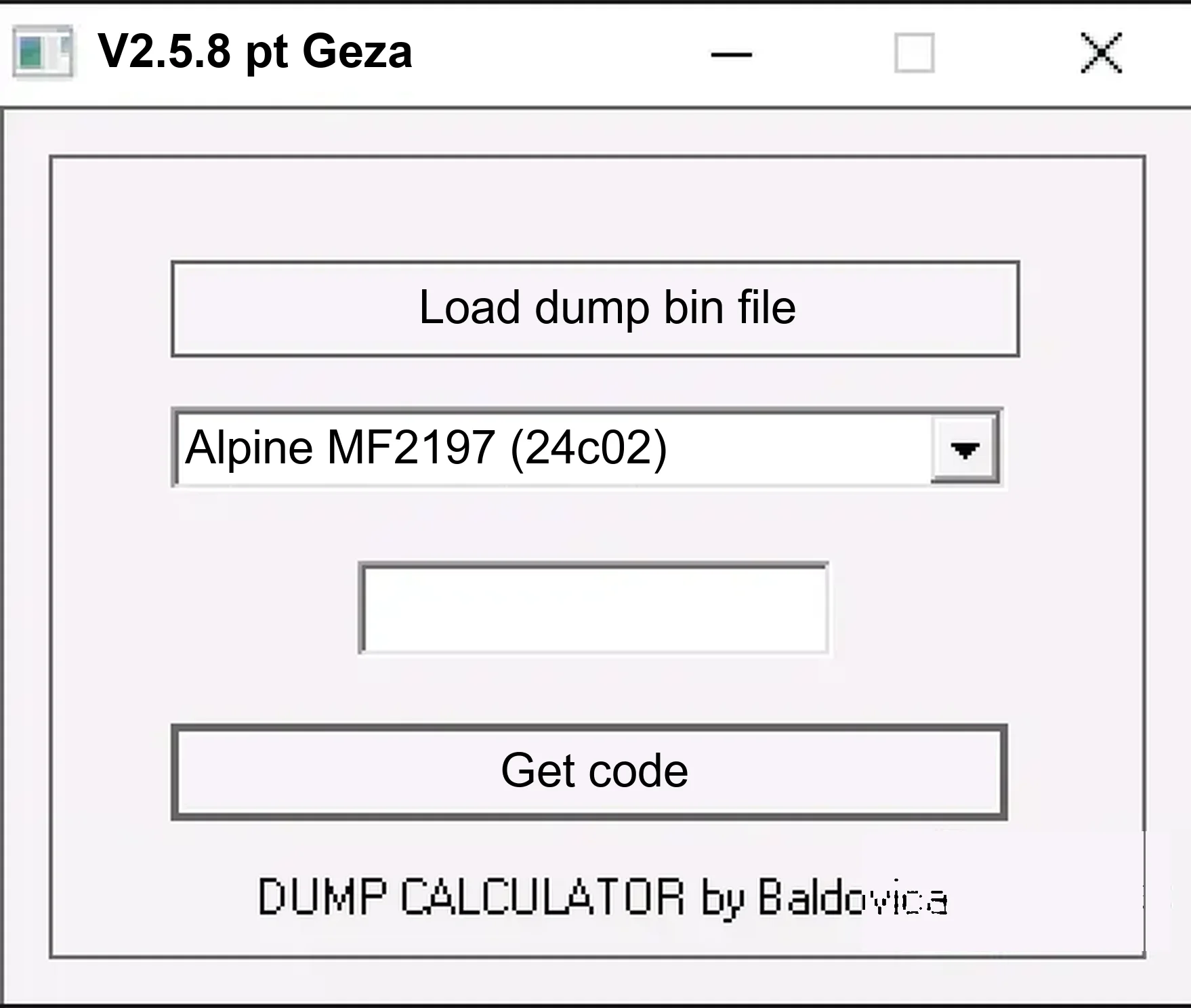
Windows EEPROM BIN dump calculators for supported car-audio head units, including V2.5.8 pt Geza presets and the V2.8.3 calculator build.

Windows workshop utility for calculating PIN and key-related service data from supported ECU, dashboard and body-module dumps, with a searchable coverage database.
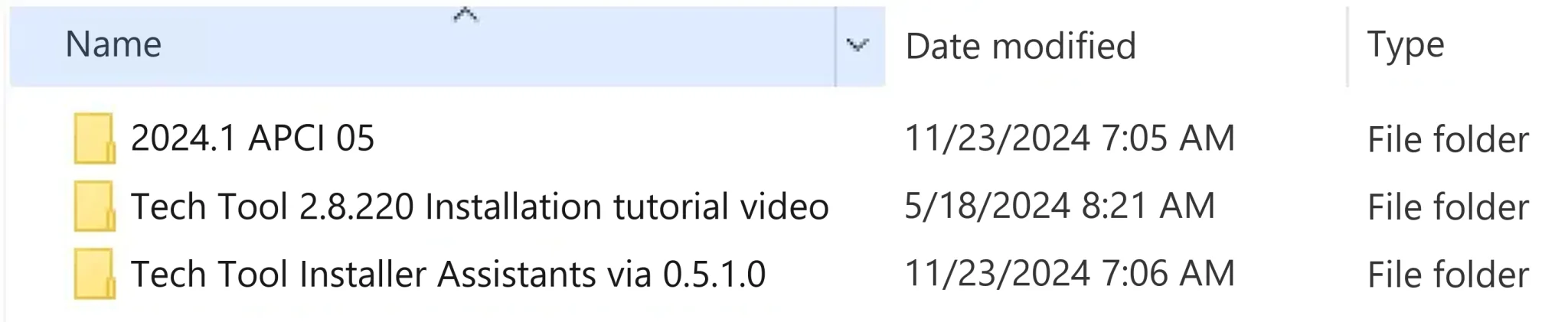
Offline Volvo Group diagnostic package with Tech Tool, APCI data, control-unit programming, parameter editing and a two-part installation tutorial.
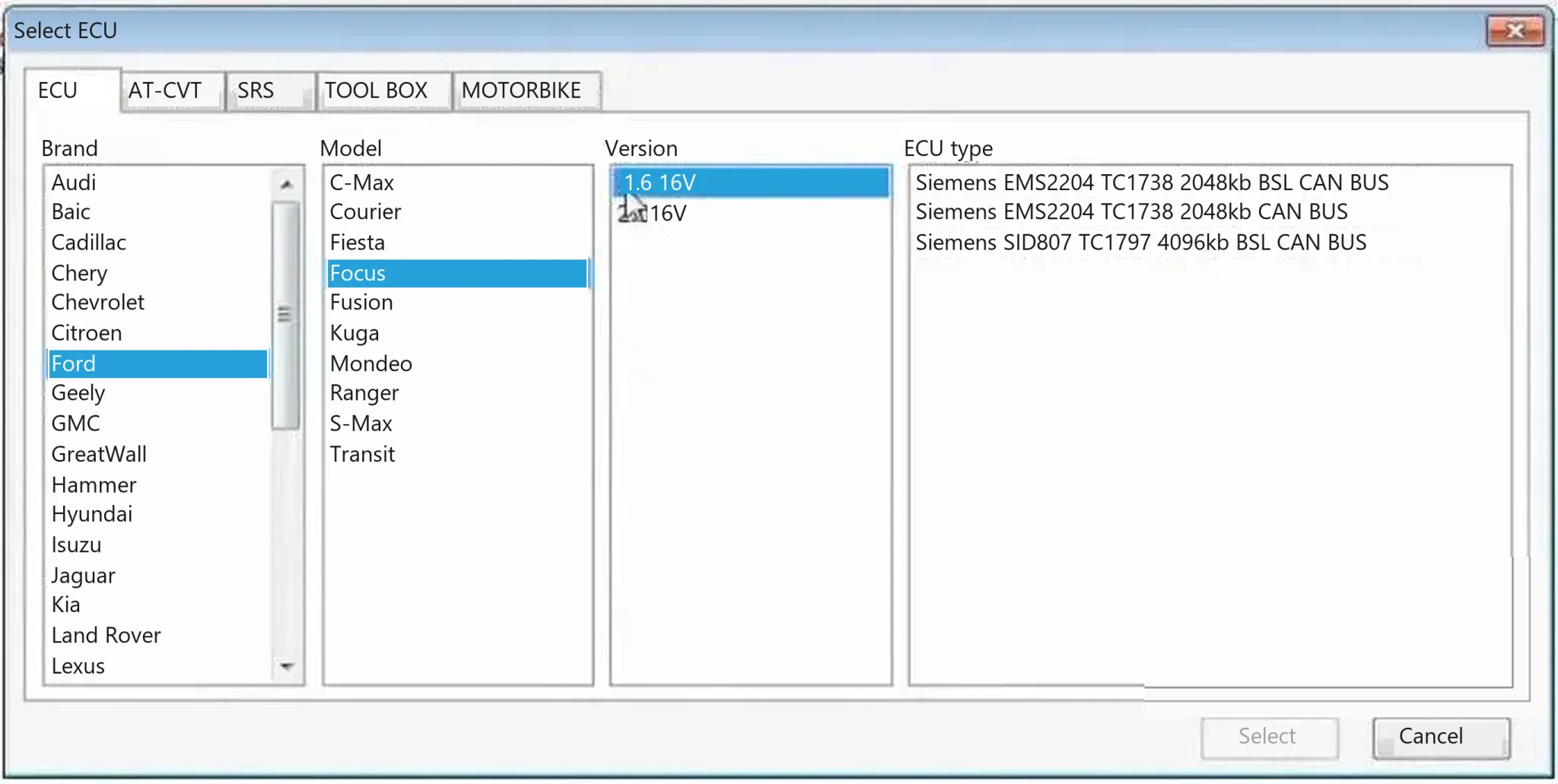
Multi-brand Windows ECU service utility with a Brand/Model/Version selector, ECU protocol hints, backup/restore workflows and ECU, AT-CVT and SRS tabs.