
SOFTWARE DATABASE / RELEASE RECORD
VERSION 2026-03-20Porsche PIWIS PIDT 2 for Scanmatik Integration
Prepared Windows PIDT2 deployment for Scanmatik 2 and 3, with D-PDU operation, automated setup, J2534 VIN-detection configuration and a desktop shortcut.
Categories
Vehicle references
Overview
Porsche PIWIS PIDT 2 for Scanmatik is a prepared diagnostic deployment package for workshop computers, test systems and bench installations using a Scanmatik 2 or Scanmatik 3 passthru interface. A single installer deploys a preconfigured PIDT2 environment for D-PDU operation, automates the setup process, creates a desktop shortcut and handles a prepared J2534 config.xml for VIN-detection workflows.
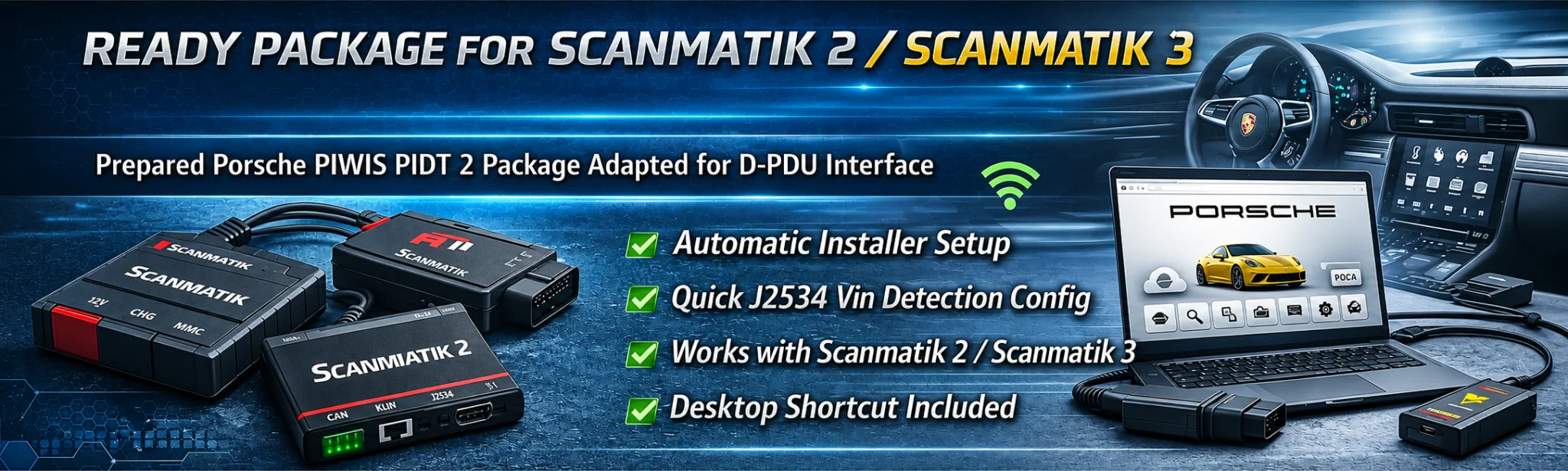
The package offers a simpler PIDT2 installation route for Scanmatik hardware, reducing the need for a fully manual configuration. The drivers must nevertheless be ready before installation and the first launch.
Highlights
- Prepared PIDT2 environment for Scanmatik passthru operation.
- Support for Scanmatik 2 and Scanmatik 3 hardware.
- Automated installation from one setup file.
- Prepared J2534
config.xmlhandling for VIN detection during installation. - A desktop shortcut is created for convenient access after setup.
- Suitable for workshop PCs, test installations and diagnostic benches.
Package contents
PIWIS_PIDT2_Scanmatik_Setup.exe
Supplied as a single installation package of approximately 1.3 GB.
Compatibility notes
This package targets Scanmatik 2 and Scanmatik 3 environments set up for passthru operation. Scanmatik drivers are not included. Install and configure a compatible driver stack before using the software; older drivers may stop the interface from being detected. Results can differ according to the adapter revision, driver build, wireless setup and intended diagnostic workflow.
Basic usage
- Install current, compatible Scanmatik drivers and check that the device is recognised correctly.
- Connect the Scanmatik hardware and confirm USB or wireless communication before starting the installer.
- Run the setup file with administrator privileges and complete the prepared installation process.
- Launch the desktop shortcut, then check interface recognition, VIN detection and basic communication on a test system.
- Use the package in a controlled workshop or bench environment and validate its operation before working on a live vehicle.
Operating systems
Treat this as a Windows-only deployment. Official Scanmatik PC requirements list Windows 7, 8, 10 and 11 as host operating systems. Actual behaviour depends on the driver version, adapter generation, wireless configuration and particular PIDT2 environment.
Minimum system requirements
- CPU: 1 GHz processor or faster.
- RAM: At least 1 GB; 4 GB or more is recommended for a smoother deployment.
- Storage: 4 GB of free space for the unpacked installation.
- Network: Local installation does not require a network connection. Configure wireless connectivity if the Scanmatik wireless mode will be used.
- Admin rights: Required for installation, driver configuration and initial launch validation.
Hardware note: A Scanmatik 2 or Scanmatik 3 device with compatible drivers already installed is required.
Disclaimer
This article provides product identification, reference material and general workshop information. It does not host files, and all product names and trademarks remain the property of their respective owners. Users are responsible for complying with the relevant licence terms, safety procedures and local laws. Do not request or distribute licence-bypass methods, keys or modified vendor files. Check file integrity, verify driver compatibility and test on non-production systems before deployment.
Technical Compatibility
Operating Systems
System Requirements
- Windows host environment; Scanmatik PC requirements list Windows 7 / 8 / 10 / 11
- 1 GHz CPU or better
- 1 GB RAM minimum; 4 GB or more recommended
- 4 GB free disk space unpacked
- Scanmatik 2 or Scanmatik 3 with compatible drivers installed separately
- USB or configured wireless connection to the interface
- No network required for local installation
- Administrator rights for installation, driver setup and initial validation
Screenshots
Related Software

Windows workshop utility for calculating PIN and key-related service data from supported ECU, dashboard and body-module dumps, with a searchable coverage database.
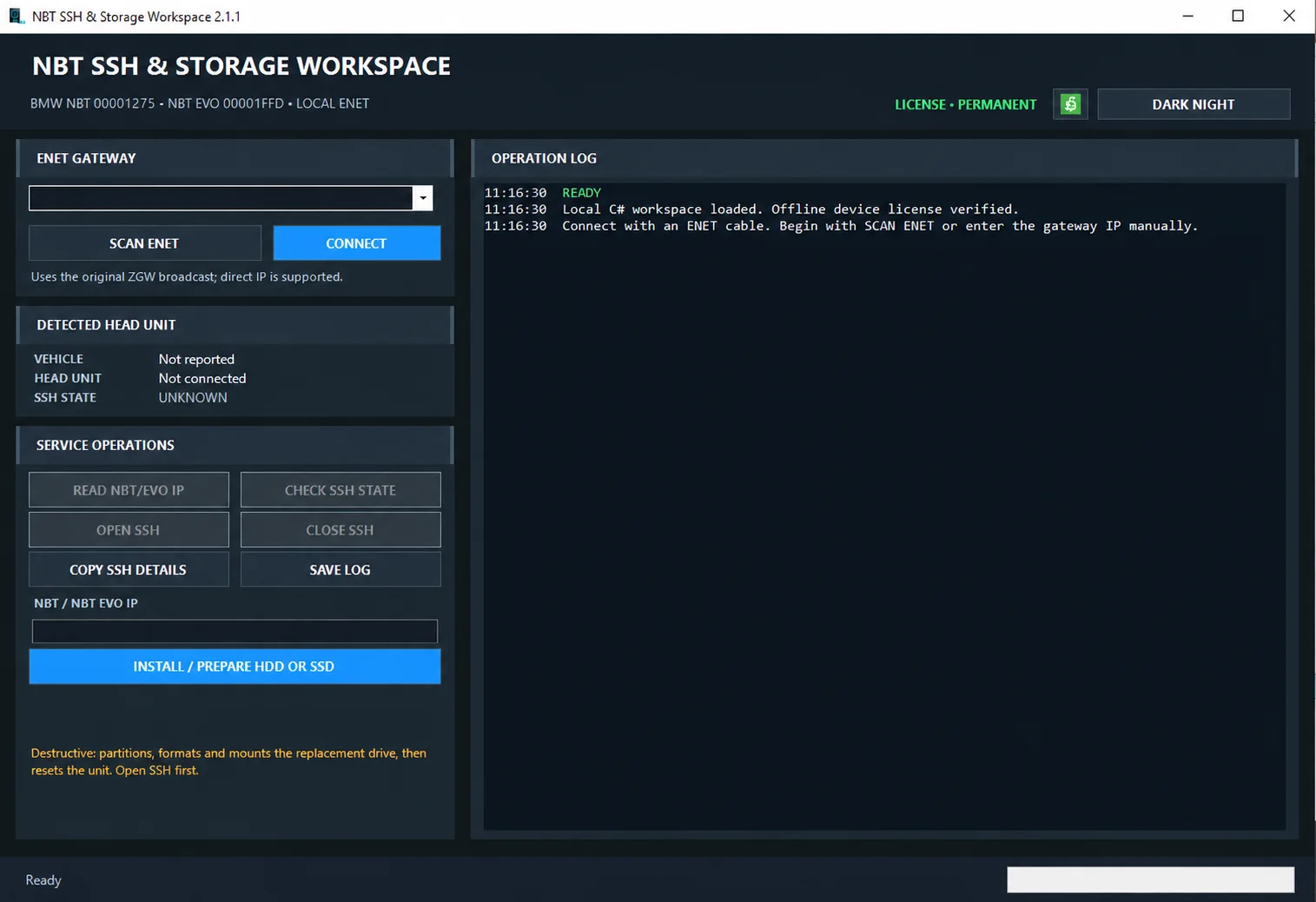
Windows ENET utility for identifying supported BMW head units, managing SSH access and preparing replacement HDD/SSD storage.

Windows calibration-file utility with manufacturer and ECU selection menus for EGR, flap, Hotstart, DTC and related service functions.

Volvo VIDA 2015A workshop environment for vehicle identification, guided fault tracing, wiring diagrams, service documentation and parts reference.

Detroit Diesel Diagnostic Link (DDDL) Full Suite 6.5 / 8.19 / DRS 6.31
v6.5 / 8.19 / DRS 6.31Detroit Diesel and Mercedes-Benz MBE workshop suite combining DDDL legacy and modern diagnostics, DRS reprogramming, live data, service tests and parameter functions.
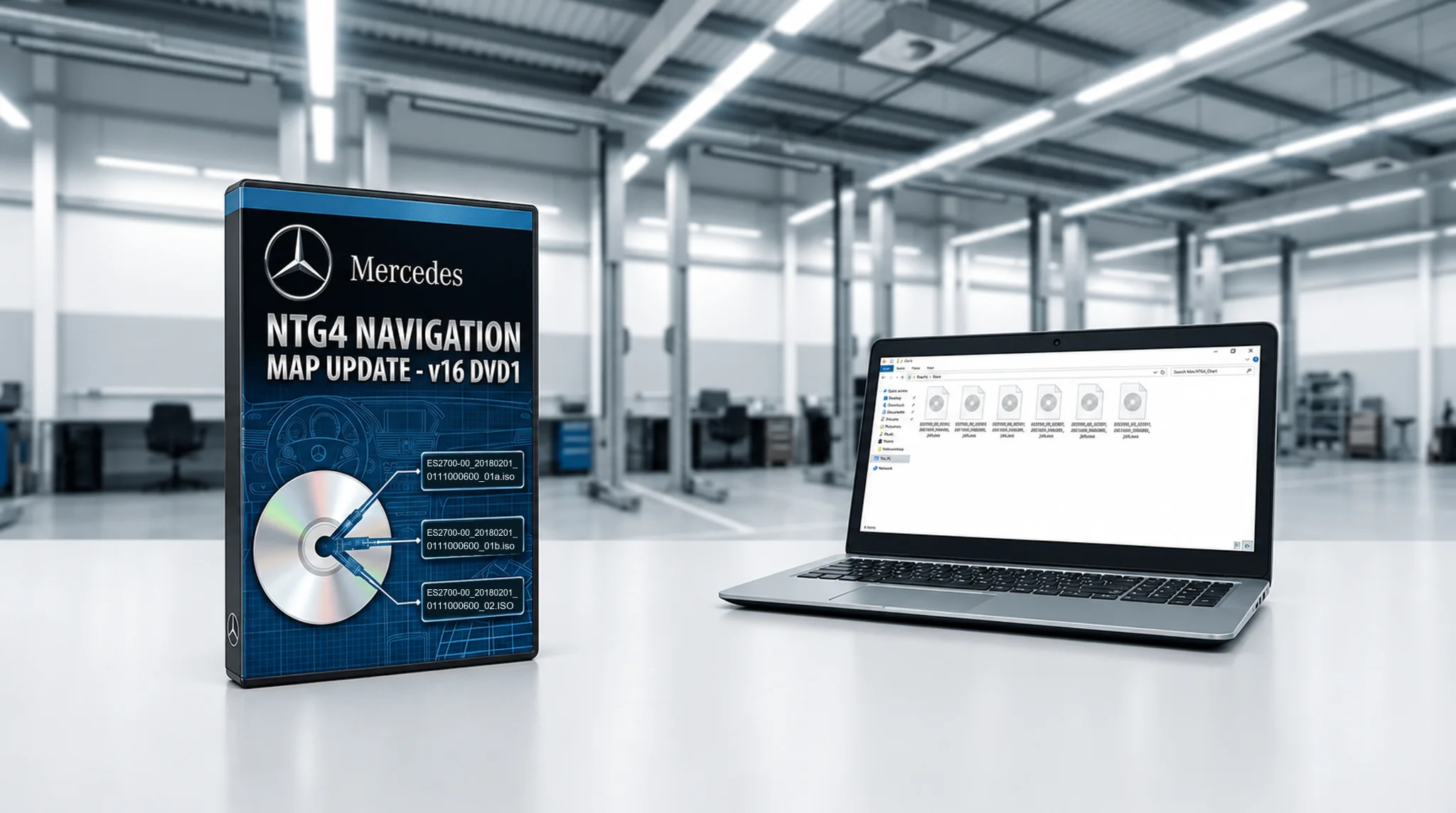
NTG4 v16 DVD1 split ISO package for preparing navigation map media for compatible Mercedes-Benz infotainment systems, with three original image filenames and media-handling guidance.