
SOFTWARE DATABASE / RELEASE RECORD
VERSION 1.0Mercedes MR-FR EEPROM Pairing and Code Utility 1.0
Windows EEPROM-file utility for Mercedes MR and FR module pairing and data service after repair, replacement or recovery, with selectable memory profiles.
Categories
Vehicle references
Overview
Mercedes Benz MR-FR Code Remover is a compact Windows utility for handling data from MR and FR control units during authorized service work. It is typically used to align module data following repairs, control-unit replacement or EEPROM recovery. Compatibility depends on the specific control-unit hardware and the EEPROM fitted to it.
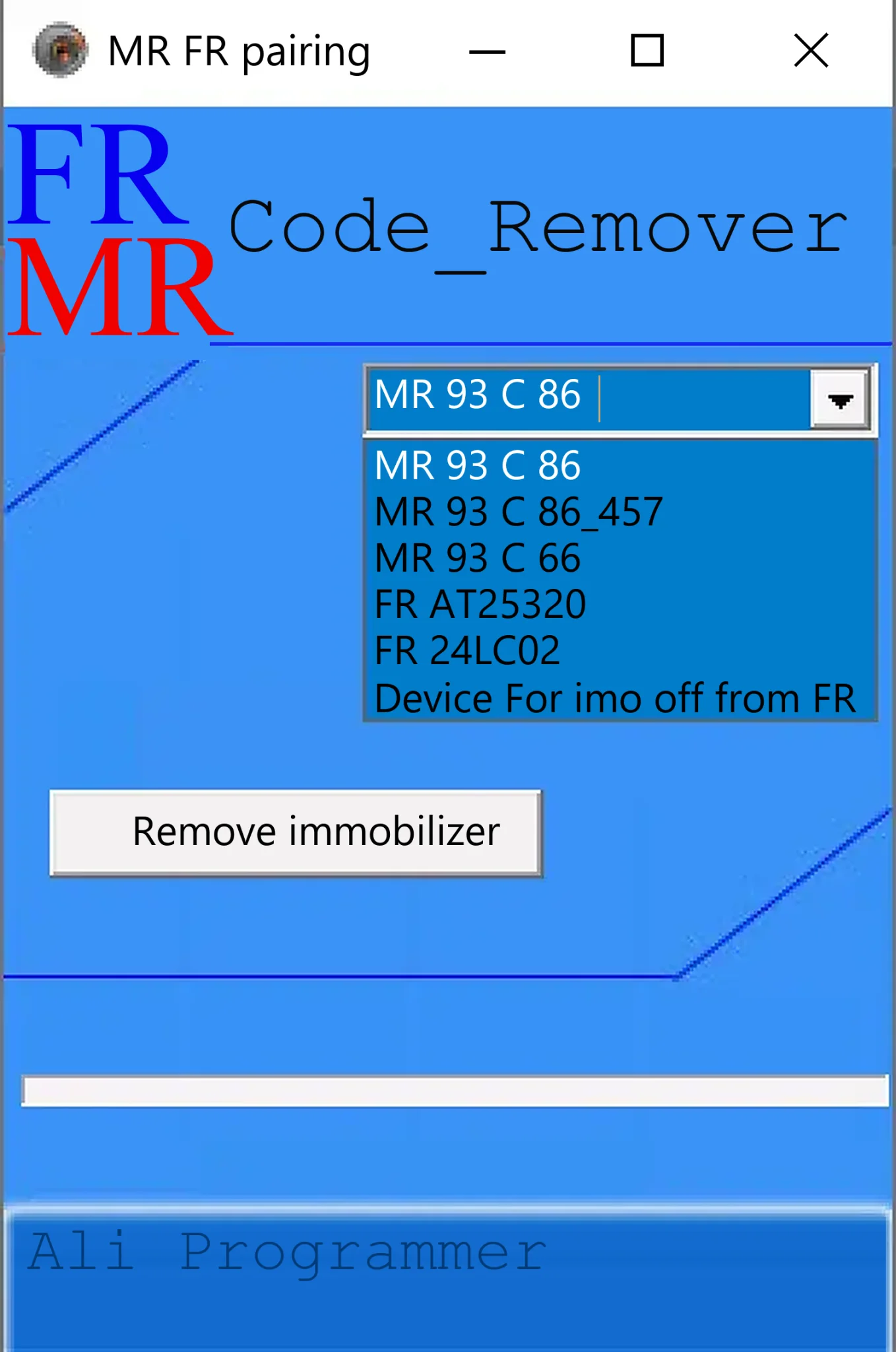
Supported memory types shown in the tool
93C0693C06_45793C56AT2532024LC02
Highlights
- Processes MR and FR module data according to the selected EEPROM profile.
- Uses a straightforward workflow centered on EEPROM dump files.
- Supports pairing-related operations following module servicing.
- Provides a dropdown containing several common automotive serial EEPROM families.
Package contents
Mercedes Benz MR-FR Code Remover.exe
Compatibility notes
- Function availability depends on the vehicle, model year and control-unit version.
- Correct EEPROM identification and a complete, valid dump are essential to obtaining a suitable result.
- Maintain stable power and follow appropriate ESD precautions when handling ECUs and EEPROM devices.
Basic usage
- Establish that you are authorized to work on both the vehicle and its control unit.
- Read the EEPROM using a suitable programmer, then preserve an untouched backup of the original data.
- Choose the corresponding EEPROM profile and process the dump for the required service operation.
- Write the processed data only after checking the target module and confirming the file's integrity.
- After reinstalling the module, verify correct operation using standard diagnostic procedures.
Operating systems
- Windows 7, Windows 10 and Windows 11.
Minimum system requirements
- CPU: A dual-core processor running at 2.0 GHz or faster.
- RAM: At least 2 GB; 4 GB is recommended.
- Storage: 50 MB of available space.
- Network: An internet connection is not required.
- Admin rights: Administrator privileges are recommended.
Disclaimer
- Reference only: The description and screenshot serve identification and educational purposes.
- Licensing and laws: Users must follow the software vendor's terms and applicable local regulations.
- No bypass guidance: This article does not provide instructions for defeating security systems or access controls.
- Risk notice: Improper ECU handling can damage equipment or result in unsafe vehicle operation. Use the utility only for lawful servicing and repairs.
Technical Compatibility
Supported Modules
Operating Systems
System Requirements
- Windows 7, Windows 10 or Windows 11
- CPU: Dual-core 2.0 GHz or better
- RAM: 2 GB minimum; 4 GB recommended
- Storage: 50 MB free
- Network: Not required
- Administrator rights: Recommended
Screenshots
Related Software

Windows calibration-file utility with manufacturer and ECU selection menus for EGR, flap, Hotstart, DTC and related service functions.
Detroit Diesel Diagnostic Link (DDDL) Full Suite 6.5 / 8.19 / DRS 6.31
v6.5 / 8.19 / DRS 6.31Detroit Diesel and Mercedes-Benz MBE workshop suite combining DDDL legacy and modern diagnostics, DRS reprogramming, live data, service tests and parameter functions.

Windows workshop utility for calculating PIN and key-related service data from supported ECU, dashboard and body-module dumps, with a searchable coverage database.

Windows EEPROM and flash-dump toolkit for supported IMMO PIN, IMMO OFF, virgin, radio PIN, MEDC17 checksum and special repair workflows, including BMW EDC15 ISN in 1.0.4.
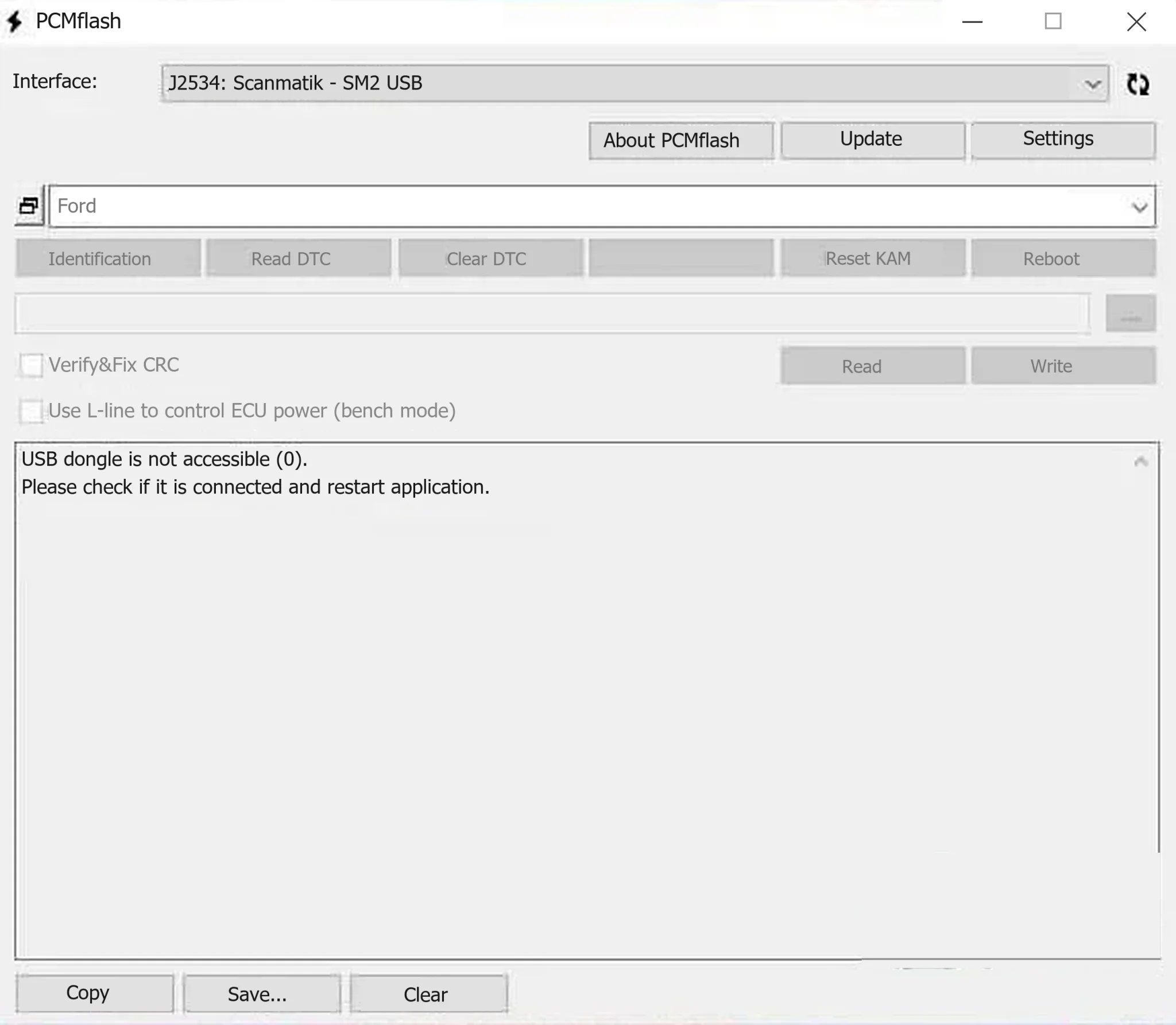
Modular Windows ECU and TCU programming through J2534 interfaces, with licensed protocol-dependent identification, diagnostics, flash/EEPROM access and OBD, bench or boot workflows.
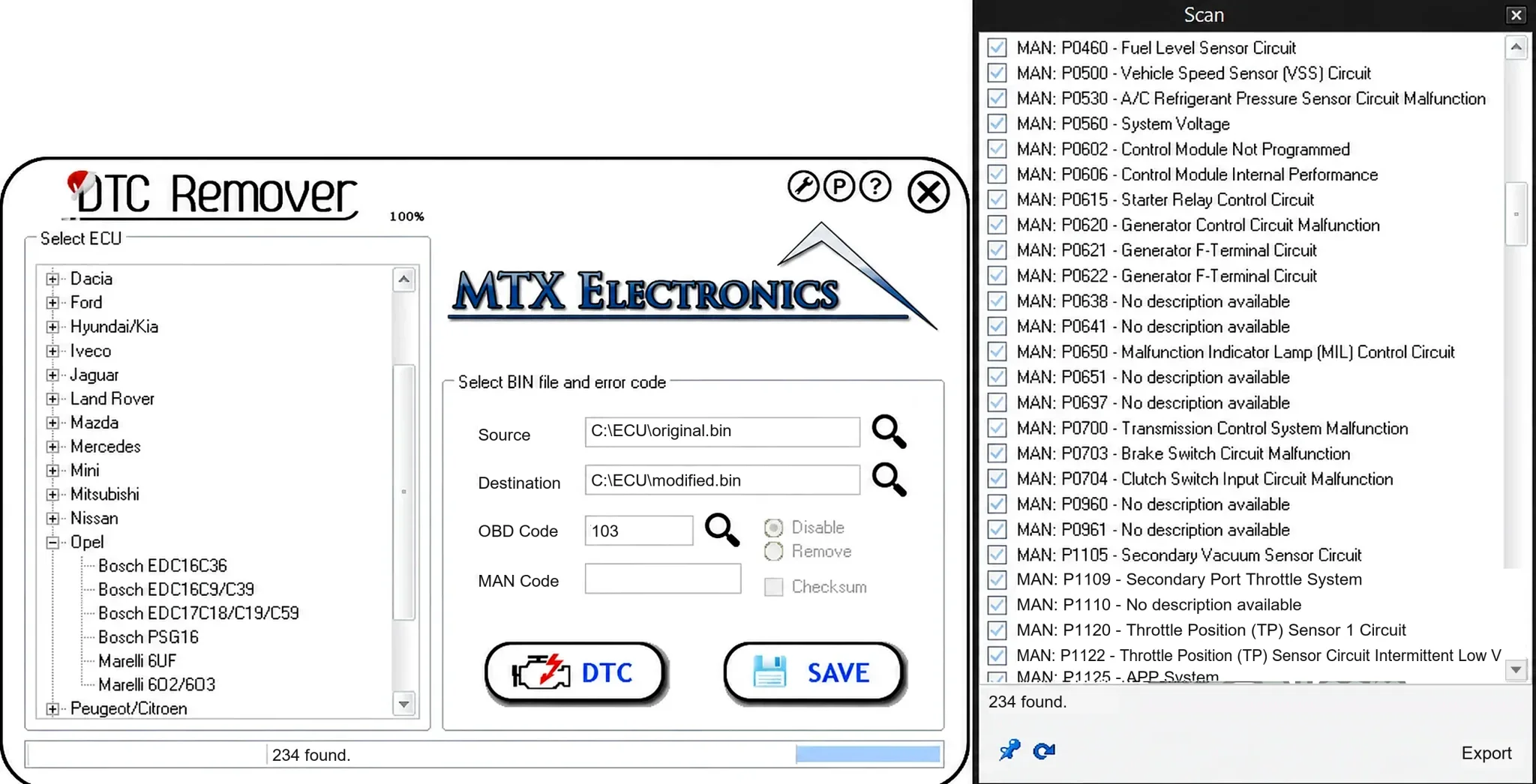
Windows BIN-file editor for locating and modifying supported ECU diagnostic trouble-code entries, with ECU-specific Disable/Remove actions and checksum validation requirements.