
SOFTWARE DATABASE / RELEASE RECORD
VERSION 1.0.0.0MDscan - ECU Mileage Reader for Opel, Chevrolet & Renault 1.0.0.0
Windows J2534 utility for reading mileage-related information from selected Opel, Chevrolet and Renault/Dacia-platform controllers, with model-specific Read Info routines.
Categories
Vehicle references
Overview
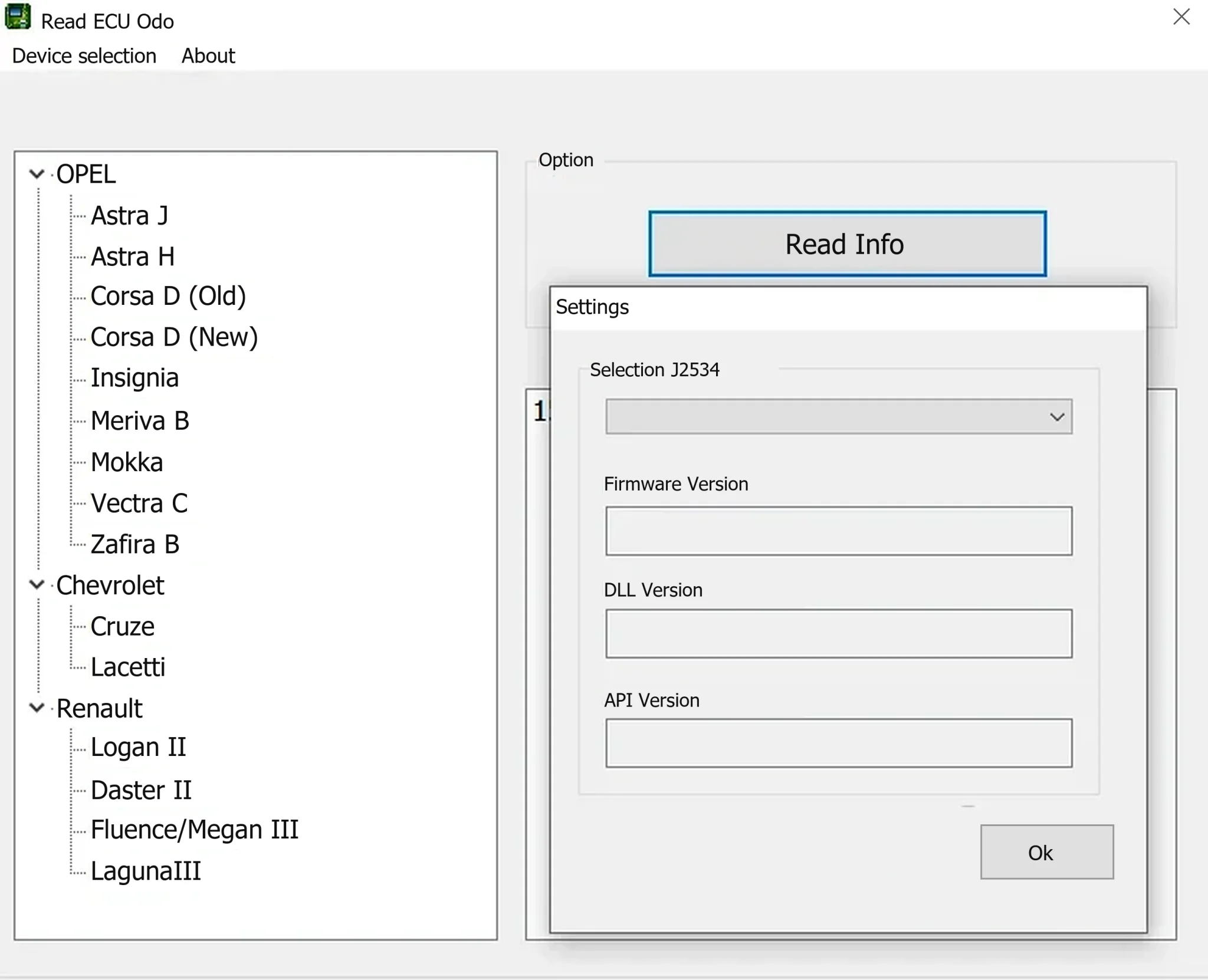
MDscan 1.0.0.0 is a Windows utility for reading mileage-related information from selected vehicle controllers through a J2534 PassThru interface. Its vehicle tree covers particular Opel, Chevrolet and Renault platforms. It can assist with diagnostic comparisons between an ECU-stored distance and the instrument display, documented cluster replacement checks and vehicle-history assessment.
The main operation is Read Info. This release is not presented as a mileage-writing program, ECU flasher or comprehensive fault-code scanner. A listed model does not establish support for every controller revision. Compare any returned value with the dashboard, service history and other available diagnostic evidence.
What MDscan reads
The program's documented internal identity is Read ECU Odo. After selecting the vehicle routine and configuring a J2534 adapter, the operator requests information and reviews the response.
- Retrieve mileage-related ECU information for supported platform/controller combinations.
- Choose separate vehicle-generation routines where electronic architectures differ.
- Configure the PassThru device through a selector with firmware, vendor DLL and API version fields.
- Compare a controller's distance information with the instrument-cluster indication during authorized diagnostics.
- Use a compact reading workflow without claiming calibration writing or full scan-tool coverage.
Counters may differ in update frequency, rounding, units or replacement history. A discrepancy alone cannot establish tampering. Replaced modules, interrupted programming, cluster repairs and controllers recording only particular operating data all need to be considered.
Supported Opel models
The Opel branch contains these selections:
- Astra J
- Astra H
- Corsa D — Old and New, as separate entries
- Insignia
- Meriva B
- Mokka
- Vectra C
- Zafira B
Choose the Corsa D entry that matches the actual electronic generation instead of blindly trying both. Astra, Vectra and Zafira configurations can differ in engine ECU, BCM, ABS and instrument electronics according to engine, year and market. The main window does not provide an exhaustive ECU part-number matrix. Verify communication without writing and record the controller identification returned by the vehicle.
Supported Chevrolet models
- Cruze
- Lacetti
A related GM platform or regional badge does not necessarily use the same controller software. Aveo, Orlando and Captiva are not entries in this application's tree; successful adapter communication is insufficient to extend this release's coverage to them or other GM models.
Supported Renault and Dacia-platform models
Under Renault, the program lists:
- Logan II
- Duster II
- Fluence / Megane III
- Laguna III
Logan and Duster may carry Renault or Dacia badges in different markets, while the application groups them under Renault. Match the generation and electronic architecture rather than the badge. A combined Fluence/Megane routine does not establish support for every engine controller or facelift. The capture retains the program's original model-label spellings.
ECU and module context
The window title describes an ECU odometer-reading operation; the selected vehicle determines its communication routine. Distance or operating counters may also exist in the instrument panel, engine controller, BCM, ABS/ESP, transmission or other units. Do not assume MDscan reads all of them: rely only on the controller addressed by its implemented routine.
- Start with Read Info and preserve the returned controller identity alongside the distance.
- Normalize units before comparison; miles and kilometres can appear inconsistent when compared directly.
- Review replacement and adaptation records for the ECU or cluster.
- Corroborate a result with another diagnostic tool and manufacturer service history where available.
- Do not write, reset or reprogram other modules merely to make their values match.
The wider M&D diagnostic product range includes commercial GM BCM, ABS, instrument-panel and engine-controller modules. Those broader functions are not included in this single Read ECU Odo executable. Assess this reader by its own interface and documented behavior.
J2534 PassThru interface requirements
Open Device selection before attaching the vehicle. An installed adapter should be selectable and expose its firmware, DLL and API information. An empty selector can indicate missing driver installation or PassThru registration even when Windows Device Manager lists the hardware.
Scanmatik and DiaLink are documented within the related M&D interface ecosystem. This does not independently confirm every combination with this legacy MDscan release. Another J2534 adapter appearing in the selector still needs compatible CAN/K-line timing and DLL behavior. Use a genuine device, its matching vendor driver and a single diagnostic application at a time.
System requirements
- A Windows workshop computer capable of running legacy 32-bit applications.
- Windows 10 or later as the documented baseline for the broader contemporary M&D platform, rather than a verified minimum for this older standalone reader.
- An Intel Core i5-class processor or equivalent and 8 GB RAM as a conservative workshop baseline.
- 5 GB available storage for interface drivers, logs and evidence; this is workstation headroom, not the utility's download size.
- The selected PassThru manufacturer's J2534 driver and DLL.
- A stable direct USB connection without hubs or aggressive power saving.
- A supported Opel, Chevrolet or Renault/Dacia-platform vehicle with access to the diagnostic connector.
- Battery support suitable for an ignition-on diagnostic session.
The package is documented as an unsigned legacy x86 executable. A dedicated workshop laptop or isolated test environment is appropriate for assessment. If a VM is used, direct USB pass-through must remain reliable; adapter detachment can invalidate the reading session. No particular VM configuration or newer Windows version has been independently tested here.
Recommended reading workflow
- Privately record VIN, model year, engine, transmission, displayed mileage and known controller replacements.
- Connect suitable vehicle battery support and external laptop power.
- Install the exact adapter package and run its vendor self-test.
- Open MDscan's Device selection and confirm adapter, firmware, DLL and API details.
- Choose the precise make/model/generation, including the Old/New distinction where offered.
- Run Read Info with other diagnostic applications closed.
- Save the controller identity, returned distance and unit in a screenshot or written service record.
- Repeat after an ignition cycle only when the vehicle procedure permits it, then compare readings.
- Investigate differences using the cluster, service records and a second tool or module before reaching a conclusion.
Keep customer VINs and mileage evidence private. For support, share only redacted identification information, relevant vehicle configuration, adapter model, DLL/API versions and the precise error message.
Troubleshooting
- J2534 list is empty: install the correct x86/x64 adapter package and verify PassThru DLL registration.
- Firmware/DLL/API fields are blank: close MDscan, reconnect directly, complete the adapter self-test and reopen the reader.
- Vehicle does not respond: check ignition, diagnostic connector power, electronic generation and adapter protocol support.
- Corsa D gives no data: establish whether Old or New is the correct entry instead of repeatedly polling both.
- Distance is zero or implausible: confirm units, controller identity and replacement history. A failed interpretation is not a confirmed real mileage.
- Result differs from the cluster: repeat the reading, compare another module and review repairs before making a finding.
- Application is blocked by Windows: independently inspect it in isolation; do not disable protection across the workstation.
Package audit and responsible use
The package documentation reports a tested RAR containing one executable, matching PE file/product versions, and the internal identity ReadECU_v1 from M&D Tool. It describes an unsigned 32-bit Windows application that underwent static inspection without execution during preparation; the supplied real screenshot already showed its vehicle tree and J2534 settings. These are documented observations, not independent ECUDB binary tests.
Static inspection cannot certify a file as malware-free. Use MDscan only on vehicles you own or are authorized to diagnose, retain an auditable service record and comply with applicable odometer-disclosure requirements. Its purpose here is accurate diagnosis and documented cluster-replacement verification, never concealment or falsification of vehicle history.
Technical Compatibility
Supported Modules
Operating Systems
System Requirements
- Windows PC capable of running legacy 32-bit desktop applications.
- Recommended workshop baseline: Windows 10 or later, Core i5-class processor or equivalent, and 8 GB RAM; not verified minimums for this archived standalone build.
- Recommended 5 GB free storage for interface drivers, logs and diagnostic evidence; not the utility download size.
- Compatible J2534 PassThru adapter with its manufacturer driver and DLL.
- Stable direct USB connection and reliable pass-through if assessing in a VM.
- Supported vehicle generation, diagnostic connector access and suitable ignition-on battery support.
- Confirm actual operating-system and interface compatibility before a diagnostic session.
Screenshots
Related Software

Windows BIN-file editor for locating and modifying supported ECU diagnostic trouble-code entries, with ECU-specific Disable/Remove actions and checksum validation requirements.
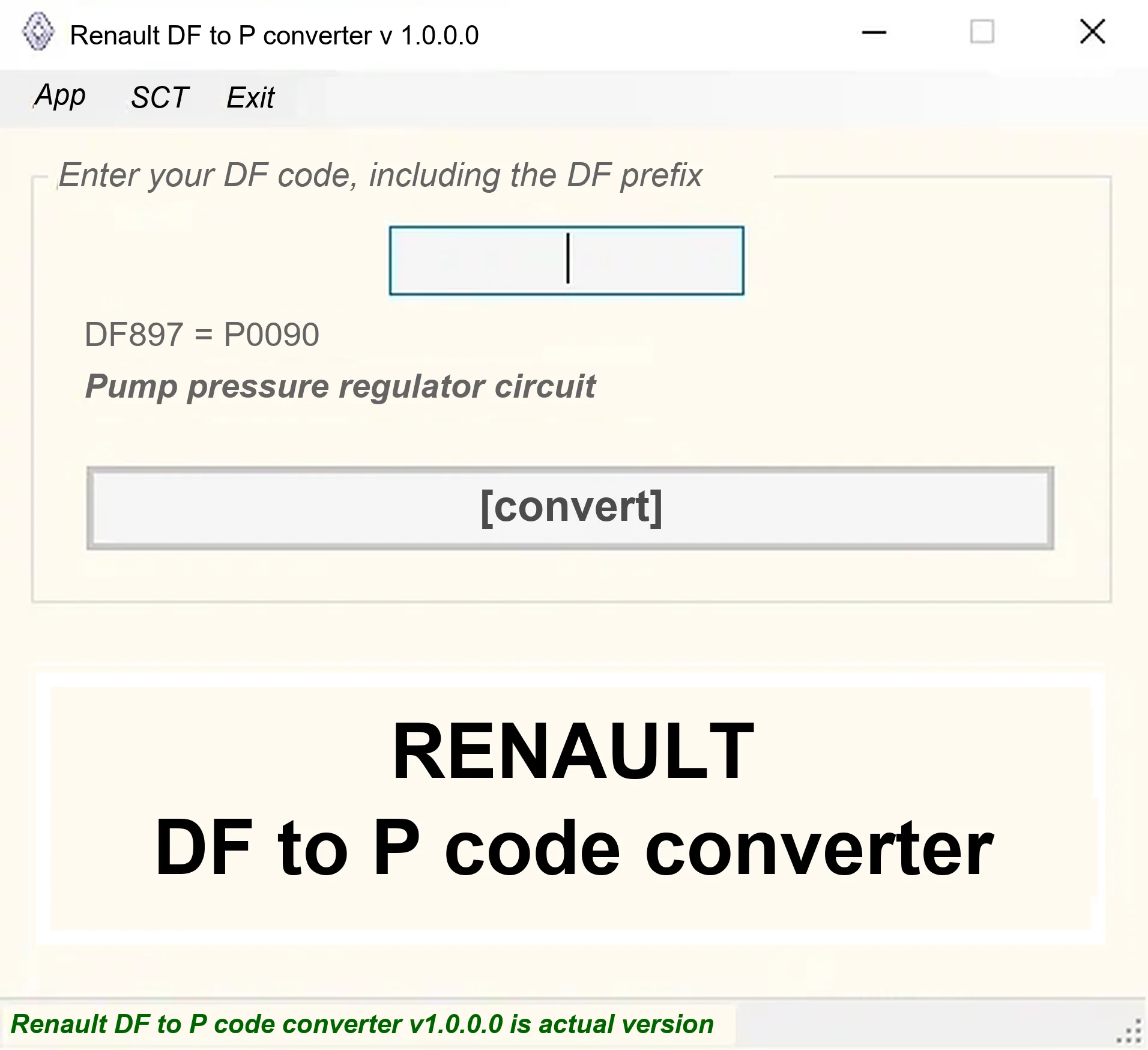
Offline Windows DF-to-P fault-code lookup for Renault diagnostic reports, with descriptions and a companion ECU Info number-prefix reference utility.

Offline Windows reference tool for Bosch ECU part numbers, controller families and OE cross-references, with exact, wildcard, prefix and binary-dump identifier searches.
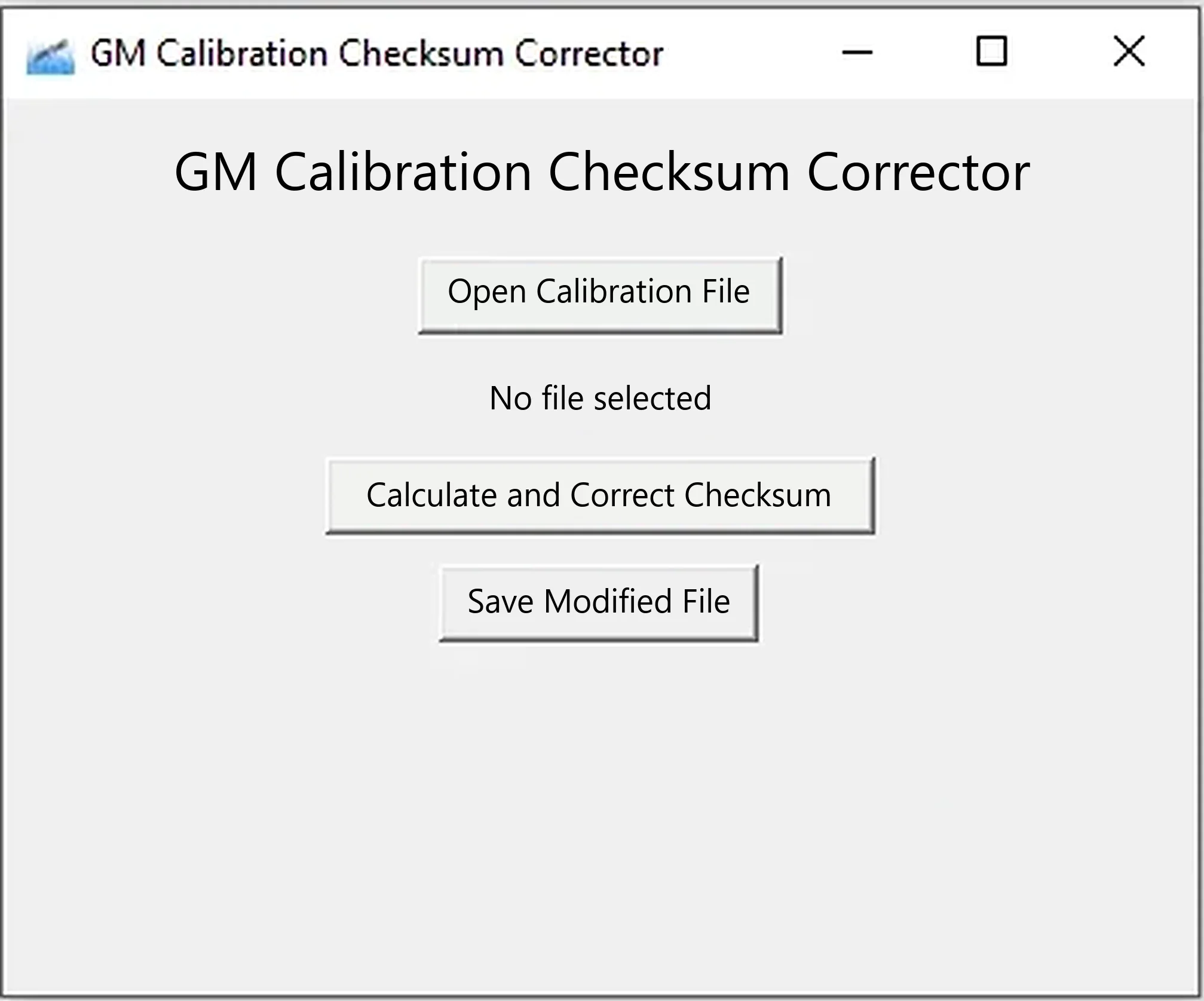
Offline Windows x64 utility for recalculating segment checksums in compatible GM calibration BIN files and saving a separate corrected copy.
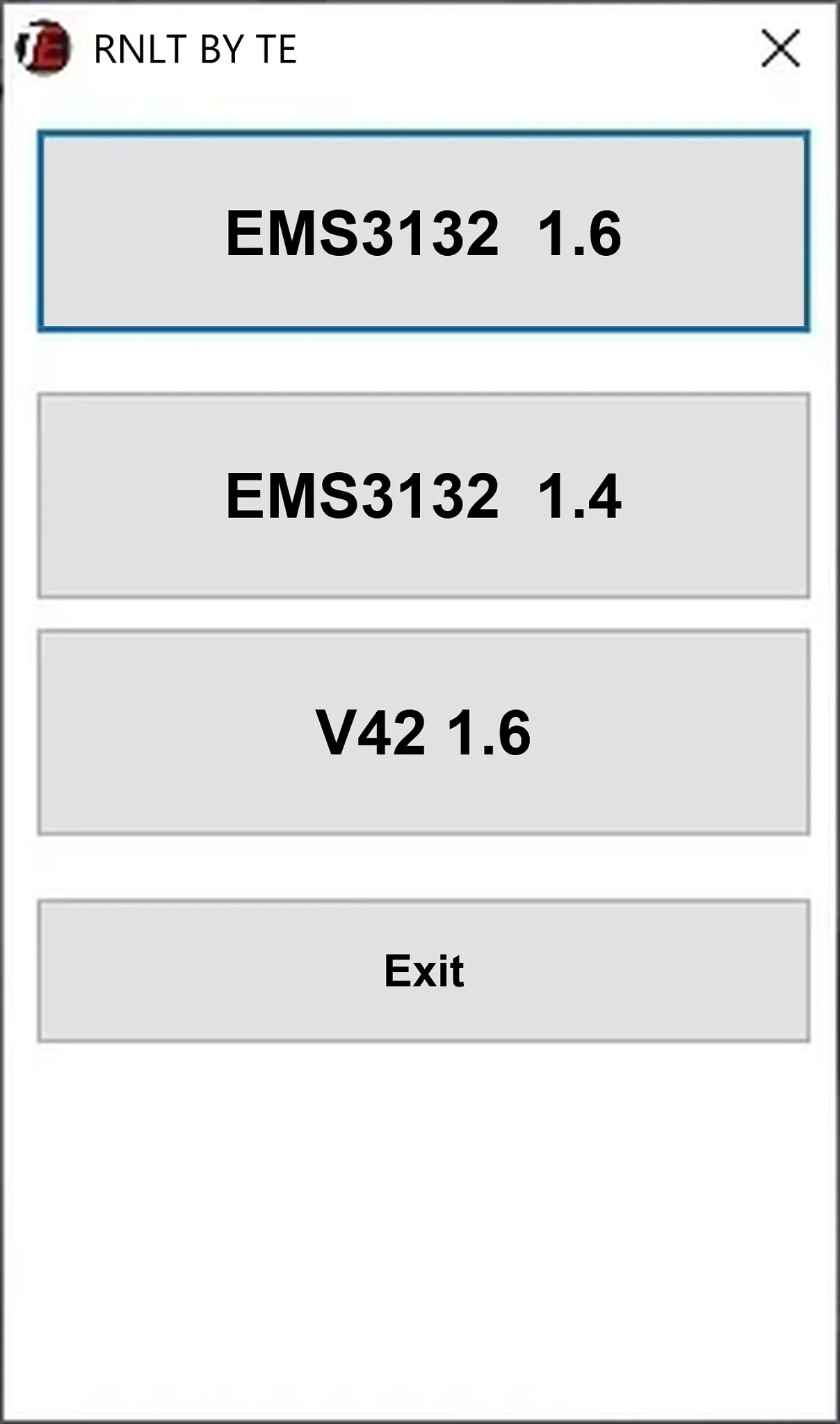
Offline Windows cold-start calibration file utility for Renault EMS3132 1.6, EMS3132 1.4 and V42 1.6 ECU reads.
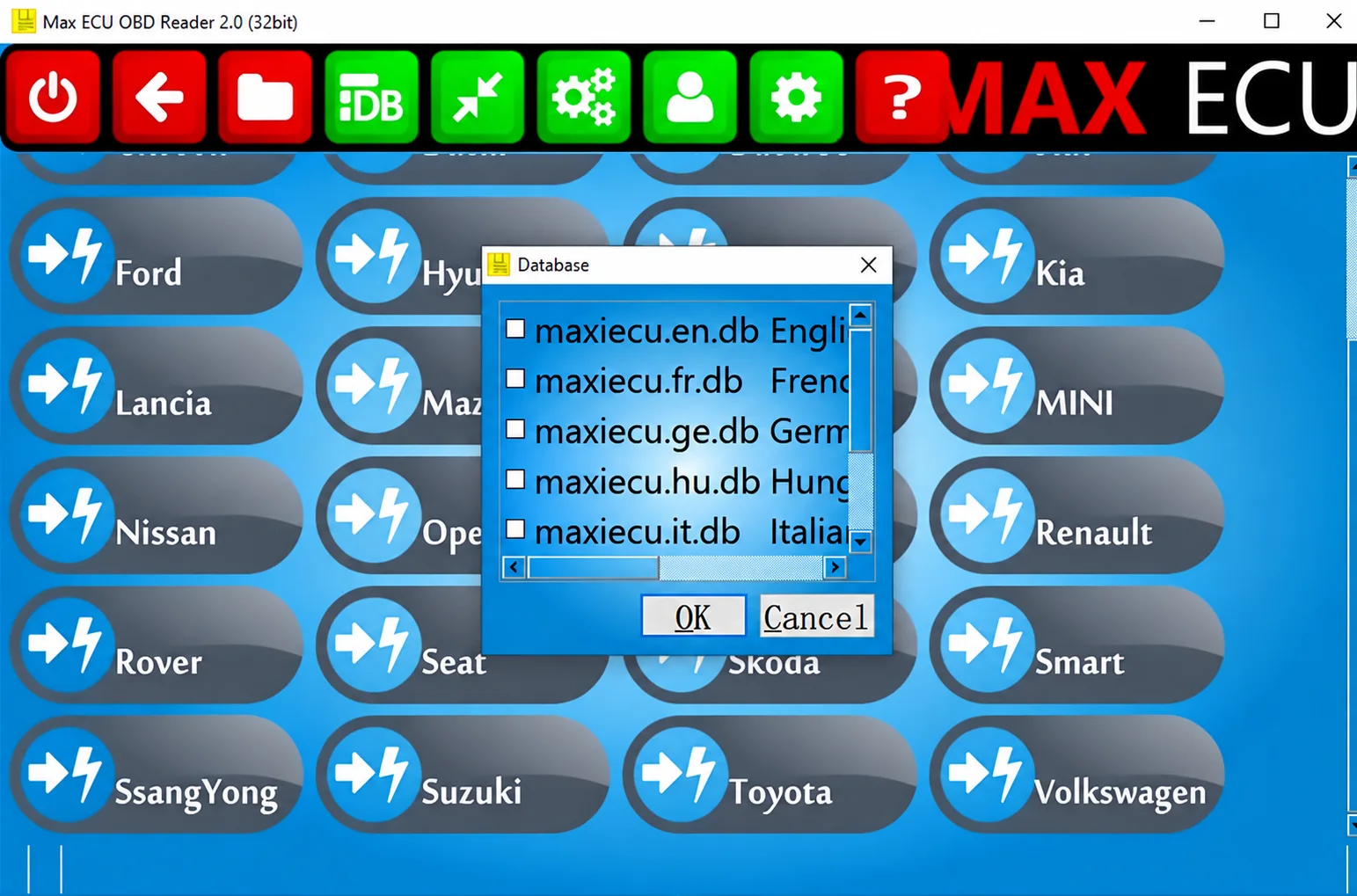
Legacy Windows multi-brand diagnostics with generic OBD, licensed manufacturer modules, live data and supported service functions using compatible MaxiECU hardware.