
SOFTWARE DATABASE / RELEASE RECORD
VERSION 1.0GM Calibration Checksum Corrector - Segmented BIN Repair Tool 1.0
Offline Windows x64 utility for recalculating segment checksums in compatible GM calibration BIN files and saving a separate corrected copy.
Categories
Vehicle references
Overview
GM Calibration Checksum Corrector is an offline Windows utility that recalculates checksums in compatible General Motors calibration files stored as raw binary data. It is designed for segmented calibration layouts, where each supported segment has its own checksum that must be updated after its data is edited.
Open a calibration BIN, calculate and correct the recognized segment checksums, then save a separate modified copy. The application does not connect to a vehicle, automatically identify every GM controller, or flash an ECM or TCM. The interface shows file selection, calculation/correction and save-as controls, together with the current file-selection status.
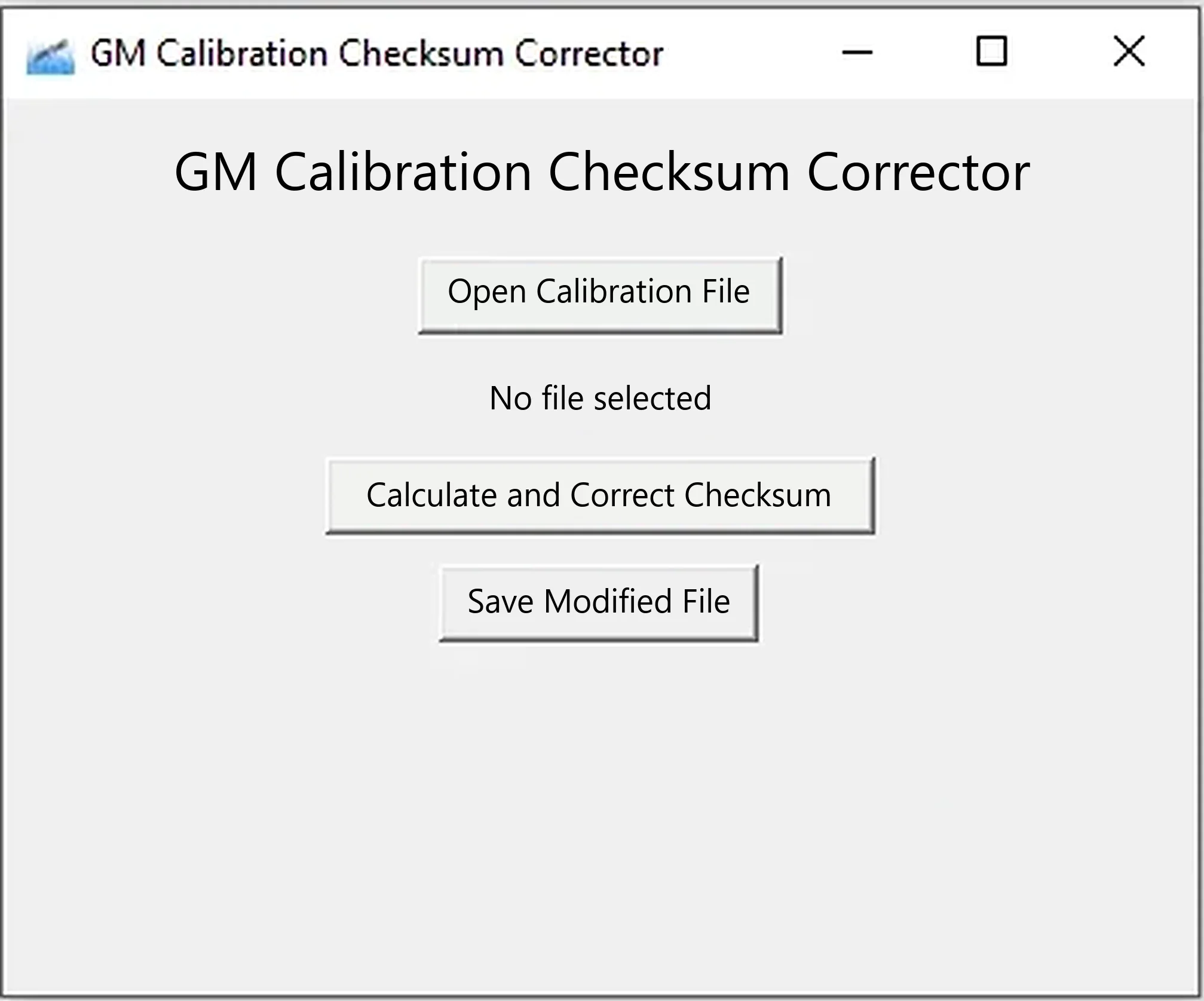
What the Utility Changes
A segmented GM calibration can contain multiple sections, each with an identifier, address range and integrity value. Changes within a section alter the bytes used by its checksum. The utility attempts to recognize supported sections, calculate their expected values and write the corrected checksum bytes to the output.
It is intended for calibration data in binary form, not arbitrary firmware. Each segment has its own checksum. Opening a file successfully does not prove that its layout is supported.
Typical Use Cases
- Repair segment checksums following an authorized calibration edit.
- Prepare a working copy for comparison with an original BIN.
- Check whether a segment modification changes its integrity bytes.
- Keep checksum repair separate from map editing.
- Validate a calibration before transferring it to the appropriate programming tool.
This is not a CVN-matching service. Correcting internal checksums does not make an aftermarket calibration identical to a factory file, restore its original Calibration Verification Number, or establish regulatory approval. It only addresses consistency under the implemented checksum calculation.
Calibration Checksum Versus CVN
- Internal segment checksum: a value stored in or associated with a calibration section to detect data corruption.
- Calibration Verification Number (CVN): a value reported through supported OBD diagnostics to identify calibration content.
- Calibration ID: the identifier associated with a software or calibration release.
Editing a map changes the data and can change its verification result even after the required internal checksum is corrected. Do not use this resource to conceal unauthorized tuning or evade inspection.
Vehicle and Controller Coverage
No definitive supported-model or controller list is documented for Chevrolet, GMC, Cadillac, Buick, Opel/Vauxhall, Holden, Saturn or other GM vehicles. Compatibility is based on the file layout, rather than the vehicle name. Use only calibrations from a workflow known to produce a compatible segmented GM BIN.
Record the following identification and read information:
- Vehicle make, model, year, engine and transmission.
- Controller type and service number.
- Hardware and operating-system numbers.
- Calibration IDs and segment names.
- The original reading tool and read mode.
- Exact input length and SHA-256 hash.
Do not assume support for E39, E41, E46, E67, E78, E80, E82, E90, E92, E98, T43, T76, T87 or another controller simply because it belongs to GM. Controller generations differ in containers, segment tables, signatures and checksum algorithms.
Input-File Requirements
- Raw binary calibration data, rather than HP Tuners, EFILive, SPS, DPS, Intel HEX or another proprietary container.
- A complete, untruncated file from an identified read operation.
- A layout understood by the application's segment parser.
- A working copy, with the verified original excluded as a save destination.
- Enough file-origin and identification information to establish the ECU/TCM and software release.
Changing a proprietary tune file's extension to BIN does not convert it. Obtain or export the appropriate raw calibration using an authorized tool and verify its byte length before processing.
Safe Checksum-Correction Workflow
- Read the controller using a tool and procedure documented for that exact module.
- Repeat the read and compare the results byte-for-byte.
- Preserve one untouched original and record its SHA-256 hash.
- Perform calibration edits only on a separate working file.
- Open that working BIN in the checksum corrector.
- Run Calculate and Correct Checksum.
- Save with a new filename, preserving the original.
- Compare input and output in a hex editor and identify every changed range.
- Reopen the result in the calibration editor and a second checksum validator where available.
- Write only with stable power and a recovery-capable programming method.
- Read back the controller and compare the programmed calibration.
Stop if no recognizable segments are found or the result contains broad unexplained changes. A successful save without an error message is not sufficient reason to flash the output.
How to Review the Binary Diff
Checksum correction would normally change a small number of integrity bytes associated with the edited segment. Review the comparison for:
- Changes outside expected checksum fields.
- Unexpected changes to file length.
- Large zero-filled or repeated byte ranges.
- Changes in bootloader, operating-system or EEPROM regions.
- Segment boundaries that disagree with the calibration definition.
- Differences in calibration sections that were not edited.
Keep a reproducible work report with hashes for the untouched original, edited file before checksum correction and corrected output, together with the exact tool release. This also preserves a recovery trail.
Why an Incorrect Checksum Matters
Control modules may test software and calibration integrity continuously or periodically. A mismatch can lead to programming refusal, P0601/P0602-type faults, no-start, restricted operation or recovery programming. The actual response depends on the controller and writing tool.
A valid checksum cannot resolve an incompatible operating system, incorrect segment address, damaged read or unsafe calibration values. File integrity and compatibility must both be established.
System Requirements
- 64-bit Windows 10 or Windows 11: the main bundled executable is x64.
- 2 GHz processor and 2 GB RAM.
- At least 250 MB free storage for the application, input and comparison copies.
- Write permission in the working folder.
- A hex editor or binary-comparison utility.
- A suitable GM calibration editor and definition matching the exact software.
- A licensed, recovery-capable reading/programming tool for any vehicle programming.
Python and the GUI dependencies are bundled in the internal application directory, so no separate Python installation is required. The checksum calculator itself uses neither an internet connection nor a vehicle interface.
Package Contents
The documented package contains the checksum application and its complete runtime/dependency tree. A separate XDF Address Adjuster is excluded because it is a different product.
Package preparation is documented as including integrity checks of the input archive, bundled ZIP component and extracted files, followed by static inspection of the executable and runtime libraries without launching the application. These are documented preparation details, not independently repeated ECUDB tests. The main executable is unsigned; standard Microsoft/Python runtime components retain their original signatures where present.
Limitations and Troubleshooting
- File does not open: confirm raw BIN data rather than a proprietary tuning container.
- No checksum changes: the recognized segments may already be correct, or the layout may be unsupported. Validate with a second tool.
- Many bytes change: do not flash. Confirm the selected file and compare it with the original.
- Flasher rejects the output: its workflow may require a particular container, signature, metadata or checksum process.
- P0601/P0602 after programming: restore the verified original using the documented recovery procedure, then recheck every segment.
- CVN differs from factory data: internal checksum repair does not restore the factory calibration identity.
- Application fails to start: use 64-bit Windows and retain the complete internal dependency folder beside the executable.
- Security software flags the executable: quarantine it, verify the expected hash and obtain an independent scan before use.
Professional-Use Warning
Support for every GM file is not guaranteed, and the author disclaims corruption caused by incorrect use. Treat output as untrusted until its structure, checksum fields and binary diff have been independently checked. Emissions, safety, warranty and road-use rules continue to apply to every calibration change.
Technical Compatibility
Supported Modules
Operating Systems
File Formats
System Requirements
- 64-bit Windows 10 or Windows 11; x64 application
- 2 GHz processor and 2 GB RAM
- At least 250 MB free storage for the application and comparison files
- Writable working directory
- Hex editor or binary-comparison utility
- Compatible GM calibration editor and exact software definition
- Licensed recovery-capable read/write tool for vehicle programming
- Complete bundled internal runtime/dependency folder; no separate Python installation required
- Checksum calculation itself requires no internet connection or vehicle interface
Screenshots
Related Software

Offline Windows reference tool for Bosch ECU part numbers, controller families and OE cross-references, with exact, wildcard, prefix and binary-dump identifier searches.
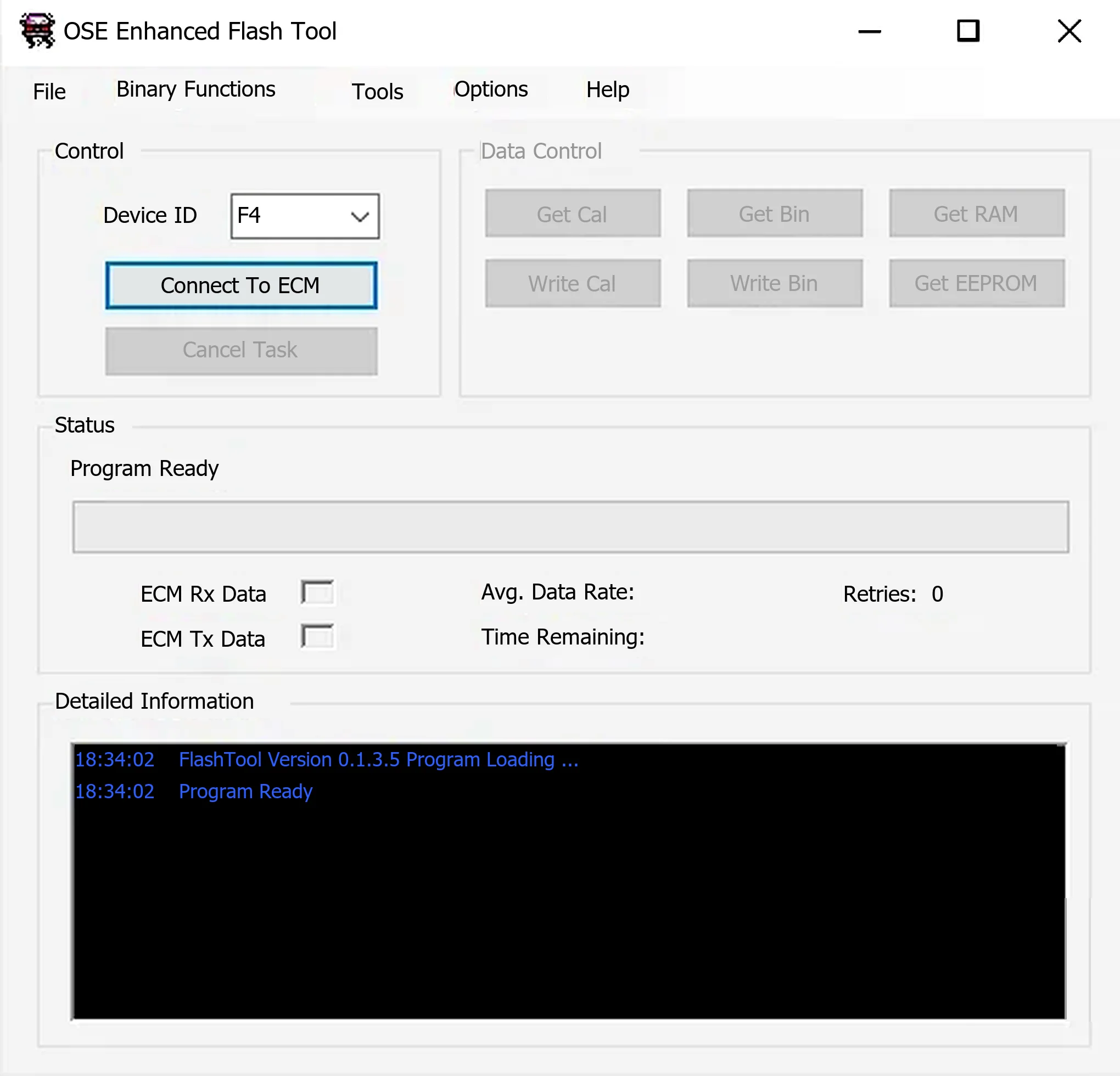
Windows ALDL utility for supported Holden/GM Delco controllers, with calibration, binary, RAM and EEPROM reads, compatible writes and OSE calibration migration.
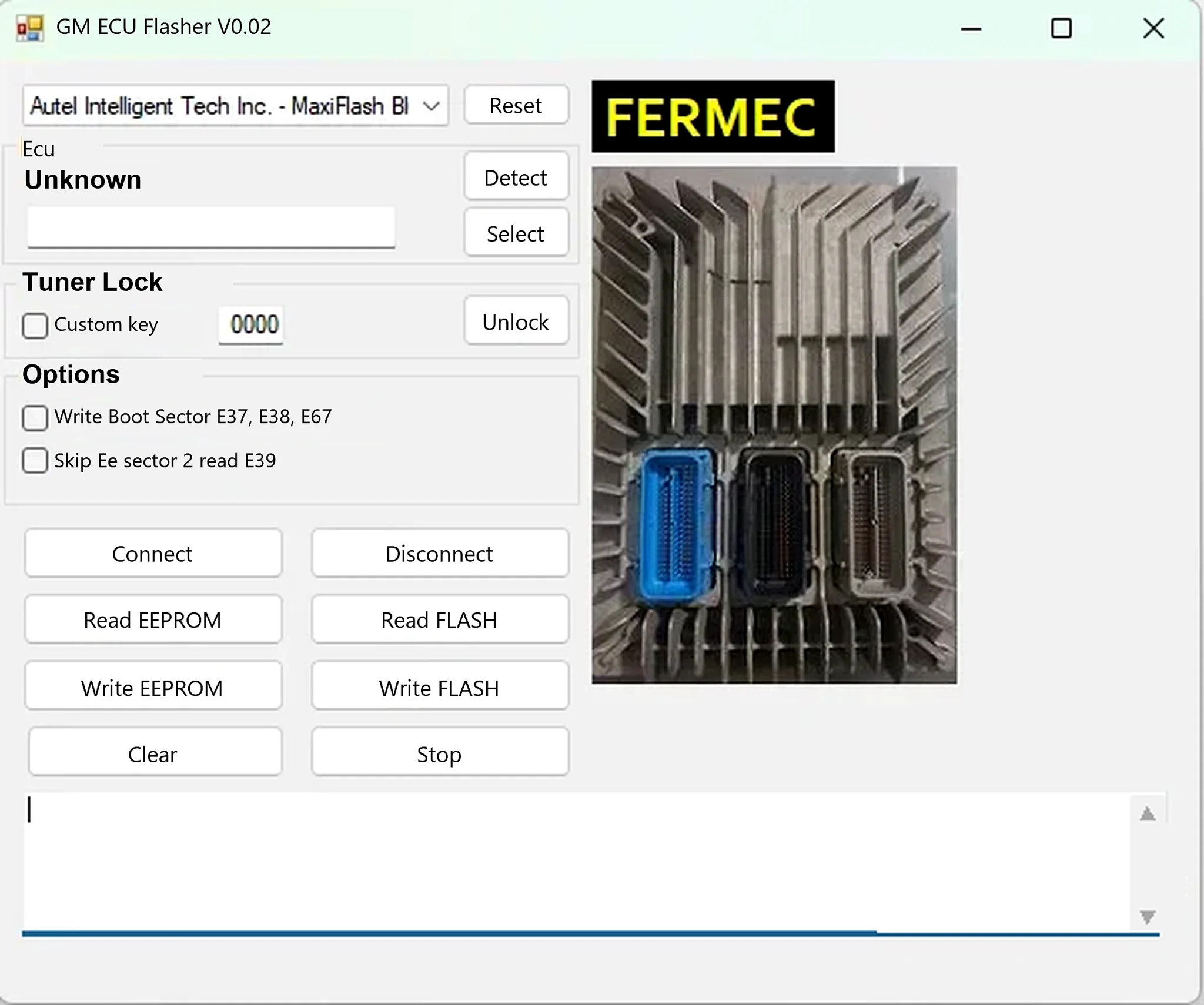
Windows J2534 ECU read/write utility for supported GM E37, E38, E39 and E67 controllers, with separate FLASH and EEPROM operations.
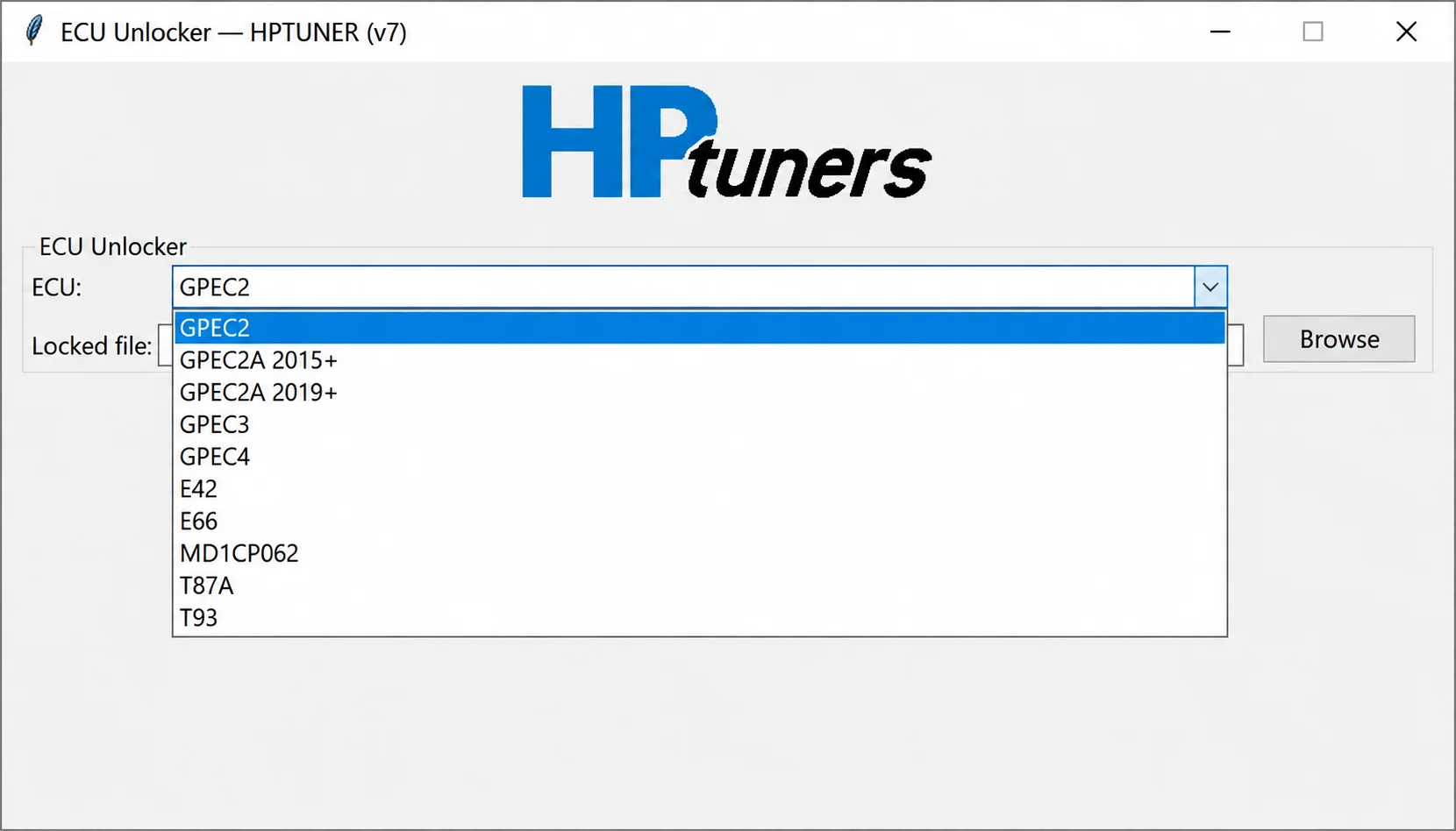
Offline controller-file processing for supported GPEC, E42, E66, MD1CP062, T87A and T93 reads, preparing working files for compatible calibration workflows.
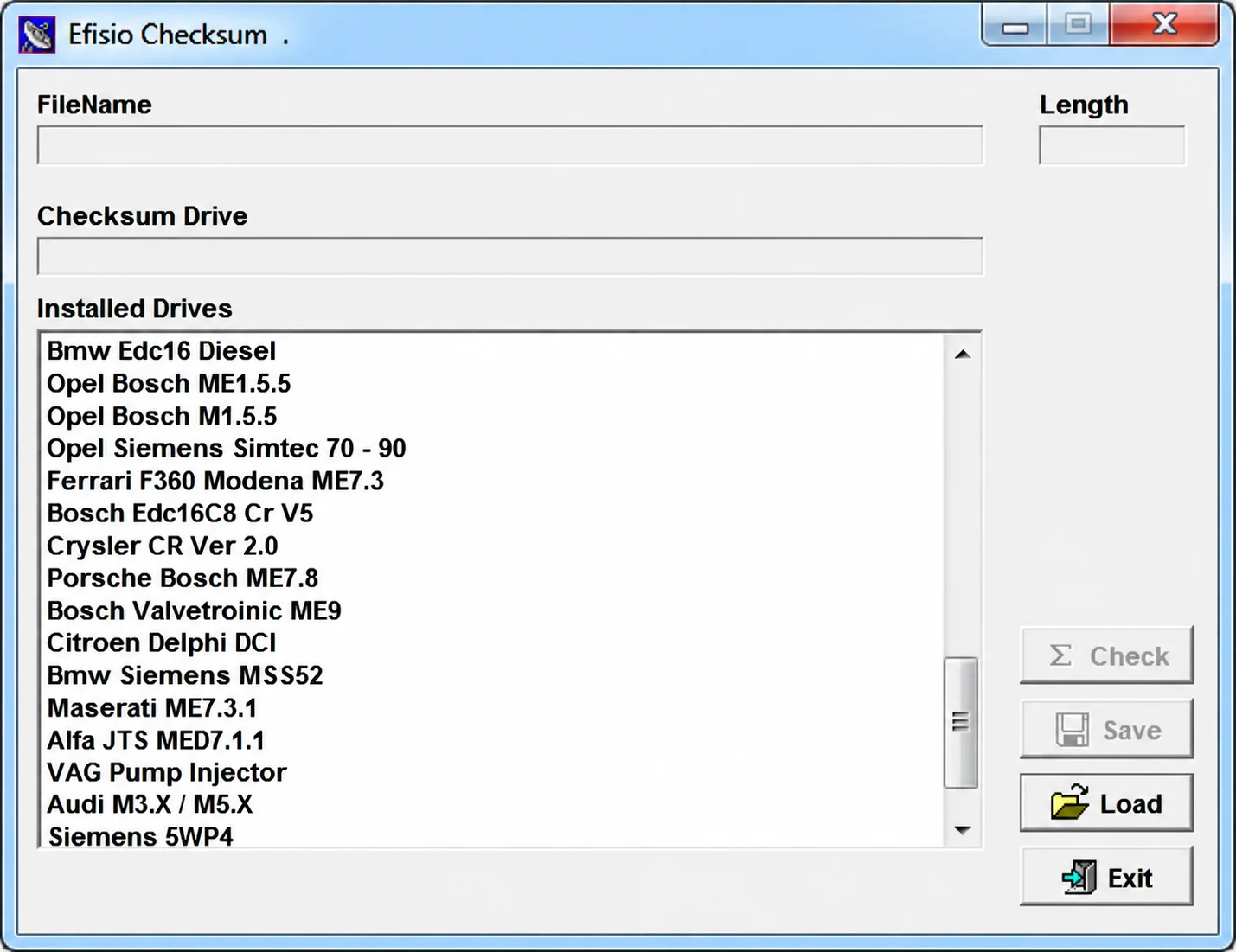
Modular Windows checksum utility for supported ECU binary files, with controller-specific DLL drivers, file-length display, checksum checking and corrected-copy saving.
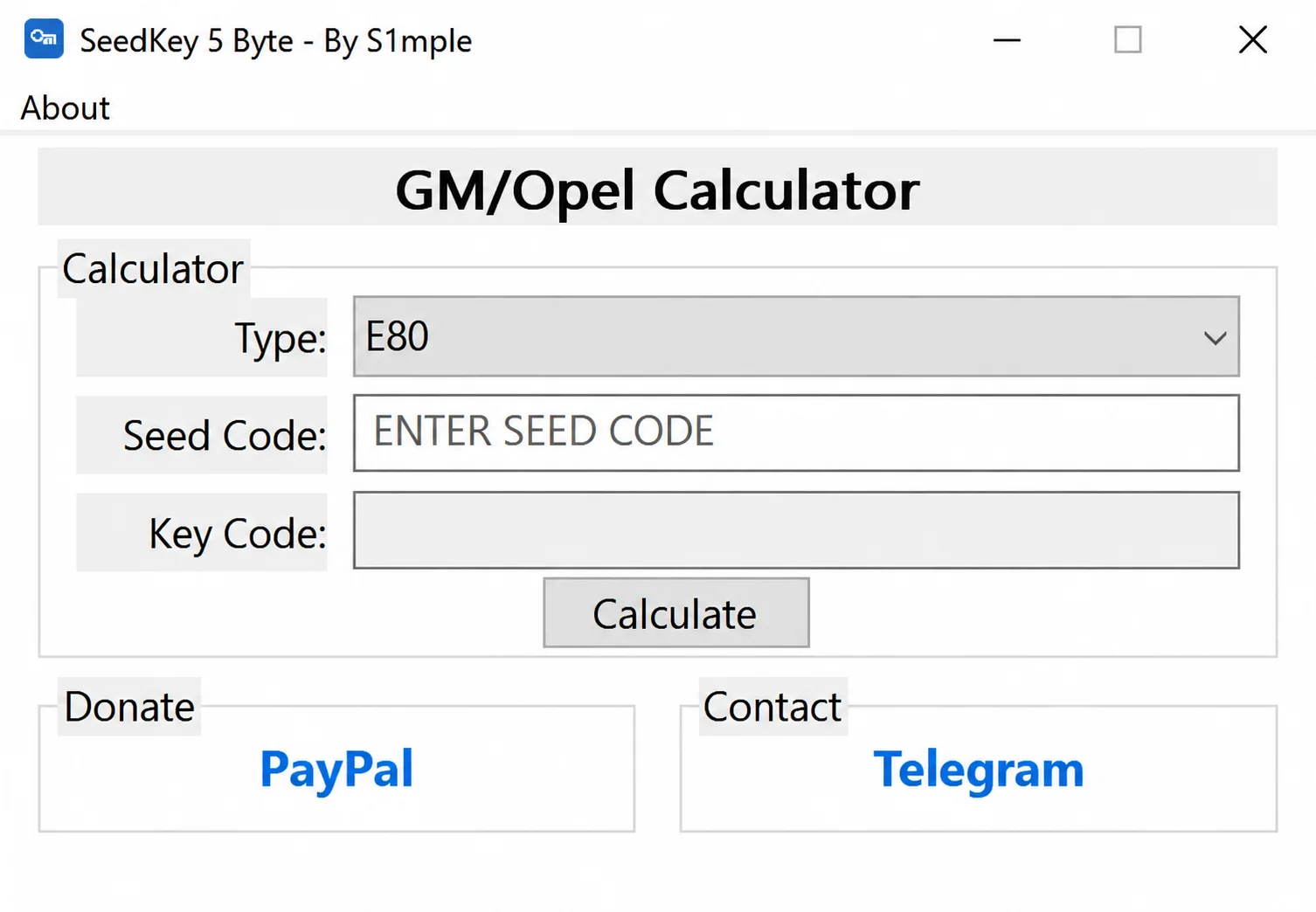
Windows 5-byte Seed-Key calculator for supported GM / Opel E39 / E39A, E78, E80, E82, E84, E90, E92 and E98 ECUs, with automatic Key Code calculation.