
SOFTWARE DATABASE / RELEASE RECORD
VERSION 1.1.0Kia Hyundai IMMO OFF Studio - SIM2K, Bosch ME17, EDC17 & Checksum Tool 1.1.0
Windows ECU-file utility covering 39 Kia and Hyundai variants, with dedicated full FLASH, EEPROM, MPC and BOOT READ solutions and separate checksum tools.
Categories
Vehicle references
Overview
KIA HYUNDAI IMMO OFF STUDIO
KIA HYUNDAI IMMO OFF STUDIO is an offline file-processing application for supported Kia and Hyundai engine control units. It provides dedicated IMMO OFF solutions for selected Siemens/Continental, Bosch and other ECU families, using compatible full FLASH, EEPROM, MPC and FLASH BOOT READ files.
The package also supplies separate Bosch/Ultimo and L-Suite utilities for checksum correction. These complement the main file-processing workspace rather than guaranteeing that every IMMO OFF result is already checksum-corrected.
The application works on ECU data read beforehand with separate equipment. It does not communicate directly with a vehicle or read and write the physical ECU itself.
Main Functions
- Process supported Kia and Hyundai ECU files for IMMO OFF.
- Work with full FLASH, EEPROM, MPC and FLASH BOOT READ inputs.
- Select the exact ECU family through a dedicated list.
- Check the required file size automatically for supported solutions.
- Apply additional internal-signature or IMMO-area checks for selected ECU types.
- Access a separate Bosch checksum-correction utility.
- Open the included Ultimo checksum tool from the interface.
- Use the supplied L-Suite checksum-correction package.
- Save a processed file without directly changing the physical ECU.
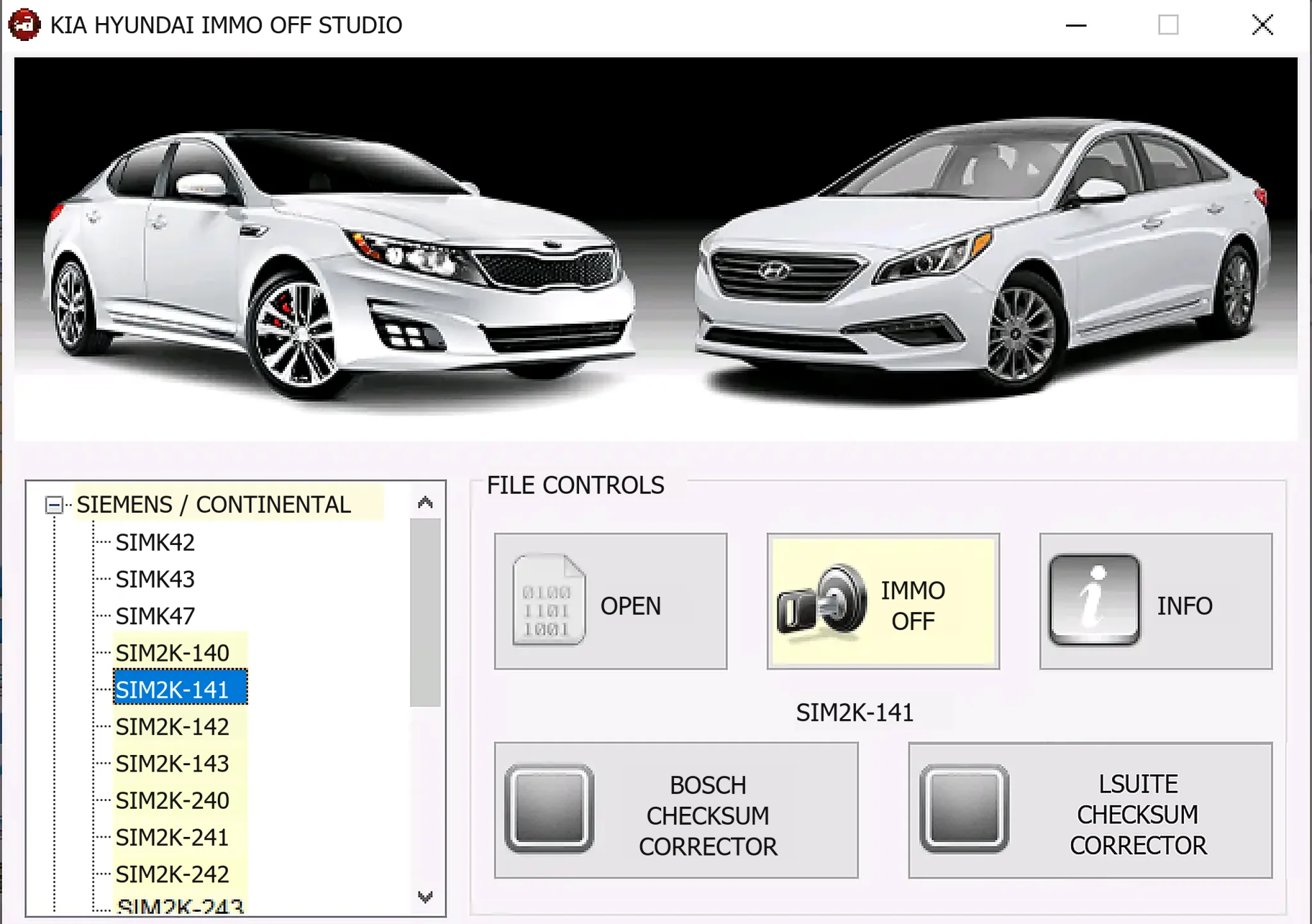
The main window provides these controls:
- OPEN: load the original ECU file.
- IMMO OFF: process the file using the selected supported ECU solution.
- INFO: view information about the chosen solution.
- BOSCH CHECKSUM CORRECTOR: open the Bosch/Ultimo utility.
- LSUITE CHECKSUM CORRECTOR: open the included L-Suite utility.
Supported ECU and File Coverage
The package documents 39 ECU/file variants: 33 full FLASH variants and 6 partial or special memory-area variants.
Full FLASH means that the complete FLASH file required by that solution must be supplied. It does not mean that checksum correction is automatically performed.
Full FLASH — 33 Variants
Siemens / Continental SIM2K — 2,097,152 bytes
- SIM2K-140
- SIM2K-141
- SIM2K-142
- SIM2K-143
- SIM2K-341
- SIM2K-240
- SIM2K-241
- SIM2K-242
- SIM2K-243
- SIM2K-245
These solutions primarily check the required file size. Confirm that the chosen ECU type and its software match the loaded data.
Siemens / Continental SIM2K — 2,621,440 bytes
- SIM2K-250
- SIM2K-251
- SIM2K-253
- SIM2K-258
- SIM2K-259
Validation for this group is primarily based on the required file size.
Other Siemens / Continental ECU Families
- MT38: full FLASH,
2,097,152 bytes. - MT86: full FLASH,
1,540,096 bytes.
These solutions also rely primarily on the expected file size for validation.
Bosch EDC15
- EDC15C7: full FLASH,
524,288 bytes.
The EDC15C7 solution checks the file size and supported IMMO data blocks identified as versions 60/70.
Bosch ME17 / MED17 — 1,540,096 bytes
- ME(G)17.9.11
- ME17.9.11.1
- ME(G)17.9.12
- ME(G)17.9.13
These solutions check both the file size and an internal signature.
Bosch MED17.9.8 Family — 2,097,152 bytes
- MED17.9.8
- MEG17.9.8
- MEDG17.9.8
File-size and internal-signature validation apply to this group.
Bosch ME17.9.21 Family — 1,572,864 bytes
- MEG17.9.21
- ME17.9.21.1
- MEG17.9.21.1
These solutions likewise validate the expected size and internal signature.
Additional Bosch ME17 ECU Families
- MEG17.9.2: full FLASH,
2,097,152 bytes; file-size and signature checks. - ME17.9.2: full FLASH; uses a common handler with internal-signature validation.
- ME17.9.20: full FLASH,
2,621,440 bytes; file-size and signature checks.
Bosch EDC17
- EDC17CP14: full FLASH,
2,097,152 bytes; file-size and signature validation. - EDC17C08: full FLASH,
1,540,096 bytes; file-size and signature validation.
Partial and Special Memory Areas — 6 Variants
These solutions require the particular memory area listed below, rather than a complete full FLASH read.
Siemens SIMK — FLASH BOOT READ
- SIMK42:
524,288-byteFLASH BOOT READ. - SIMK43:
524,288-byteFLASH BOOT READ. - SIMK47:
524,288-byteFLASH BOOT READ.
Each of these inputs is checked by size and internal signature.
Bosch M7.9.8 / MG7.9.8 — MPC
- M7.9.8:
851,968-byteMPC file. - MG7.9.8:
851,968-byteMPC file.
These MPC files use file-size and internal-signature validation.
Bosch EDC16C39 — EEPROM
- EDC16C39:
95320EEPROM of4 KBor8 KB.
The EDC16C39 solution primarily checks the required EEPROM size.
File Validation Information
The validation method depends on the selected solution:
- File size only: the program confirms the expected length, while the operator must still verify the precise ECU and software version.
- Size and signature: both the required length and a supported internal file signature are checked.
- Size and IMMO block: the program checks the length and a recognized immobilizer-data area.
A matching size alone does not establish compatibility. Select the exact ECU family and verify the origin and suitability of the file before processing it.
Checksum Correction
An IMMO OFF operation does not automatically guarantee a corrected checksum. Depending on the ECU family and input structure, checksum correction must be carried out separately using one of the included tools:
- Bosch Checksum Corrector / Ultimo.
- L-Suite Checksum Corrector.
Choose the utility appropriate to the ECU and file structure. Do not run multiple correction methods on the same result unless their compatibility has been confirmed. Always verify the final file before writing it back to the ECU.
Package Contents
The documented package contains:
KIA_HYUNDAI_IMMO_OFF_STUDIO.exe— the main application.Dlls— the required application libraries.L-Suite_1.03 checksum— the L-Suite checksum-correction package.ultimo.exe— the included checksum utility.kia-kеуg**.dll— a required application component.options.ini— application configuration.a2.BIN— a supporting BIN file supplied with the package.
Retain the complete directory structure. Do not move the main executable on its own or remove the bundled DLL, BIN, INI or checksum files.
Installation
- Obtain the complete ZIP archive.
- Create this directory directly on drive C:
C:\KIA_HYUNDAI_IMMO_OFF_STUDIO\ - Extract the entire archive into that directory.
- Check that the main executable is located at:
C:\KIA_HYUNDAI_IMMO_OFF_STUDIO\KIA_HYUNDAI_IMMO_OFF_STUDIO.exe - Do not start the application from inside the ZIP archive.
- Avoid a duplicated directory level such as:
C:\KIA_HYUNDAI_IMMO_OFF_STUDIO\KIA_HYUNDAI_IMMO_OFF_STUDIO\ - For L-Suite checksum functionality, install the bundled 32-bit Visual C++ runtime once:
C:\KIA_HYUNDAI_IMMO_OFF_STUDIO\L-Suite_1.03 checksum\vcredist_x86.exe - After completing setup, launch
KIA_HYUNDAI_IMMO_OFF_STUDIO.exe.
License Activation
On first launch, the registration window displays a hardware identifier. Activation uses a personal key associated with the supplied registration details and HWID.
The activation-request identifier is entered in this format:
HWID:- Copy the complete HWID exactly as shown in the application.
- Supply your name, email address and HWID through the software's licensing process when requesting activation.
- Wait for your personal activation key.
- Open the registration window again.
- Enter the same name and email address used for the request, without changing them.
- Paste the supplied key into its activation field.
- Choose Activate.
After a successful activation, the main window opens with the ECU list and its OPEN, IMMO OFF, INFO and checksum controls.
The key is tied to the submitted registration information and hardware identifier. A different name, email address or computer can cause activation to be rejected.
Working with ECU Files
- Read the required ECU memory area with compatible professional equipment.
- Store the untouched original in a secure backup location.
- Create a separate copy for processing.
- Launch KIA HYUNDAI IMMO OFF STUDIO.
- Select the exact ECU family from the list on the left.
- Choose OPEN and load the required full FLASH, EEPROM, MPC or FLASH BOOT READ file.
- Confirm that the selected ECU and file size are correct.
- Choose IMMO OFF.
- Save the result with a new, clearly identifiable filename.
- Never overwrite the only original file available.
- When required, correct the checksum separately with Bosch/Ultimo or L-Suite.
- Verify the final result before programming it back to the ECU.
Treat the output as a new working result. Keep both the untouched read and the processed version.
File Missing Error
If the application displays File missing!, check the following:
- Extraction location: the complete package should be extracted directly to
C:\KIA_HYUNDAI_IMMO_OFF_STUDIO\. - Main executable: it must not have been moved into a different directory.
- Libraries: the
Dllsfolder must be present. - Checksum package: the
L-Suite_1.03 checksumdirectory must be present. - Supporting files: check that
kia-kеуg**.dll,options.ini,a2.BINandultimo.exehave not been removed or quarantined. - Launch method: do not run the application from the compressed archive.
Do not obtain replacement DLL or EXE files from unrelated websites.
Important Notes
- Always keep the original ECU read untouched.
- Read the exact memory area specified by the chosen solution.
- Do not substitute a virtual read when full FLASH, MPC or EEPROM data is required.
- Do not assume that IMMO OFF processing includes checksum correction.
- Confirm the ECU-family selection before processing a file.
- Verify every processed result before programming.
- Maintain a stable vehicle power supply during ECU writing.
- Use compatible professional reading and programming equipment.
- Use the software only for authorized ECU replacement, immobilizer repair and vehicle recovery.
- Do not work on a vehicle without its owner's permission.
Technical Compatibility
Supported Modules
Operating Systems
File Formats
System Requirements
- Windows; exact supported versions are not specified
- Keep the complete package in C:\KIA_HYUNDAI_IMMO_OFF_STUDIO\
- L-Suite support requires the bundled 32-bit Visual C++ runtime
- Activation key matched to the registration details and HWID
- Compatible ECU read of the exact required memory area and size
- Separate compatible professional equipment for ECU reading and writing
Screenshots
Related Software
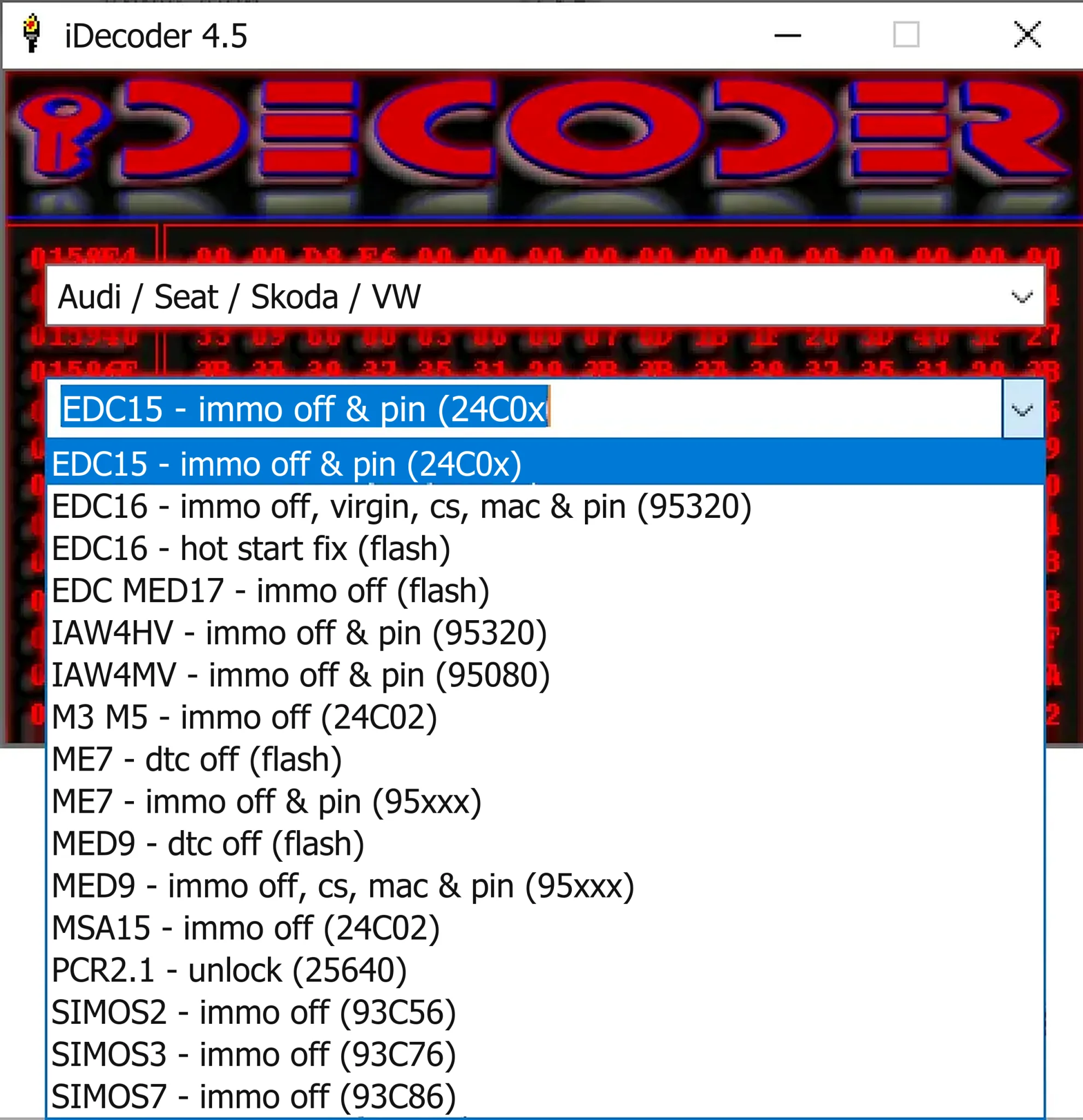
Offline Windows dump-processing utility for supported ECU, immobilizer, dashboard and body modules, with IMMO, PIN/VIN, virgin, ISN and DPF/EGR/DTC functions.

Windows EEPROM and flash-dump toolkit for supported IMMO PIN, IMMO OFF, virgin, radio PIN, MEDC17 checksum and special repair workflows, including BMW EDC15 ISN in 1.0.4.
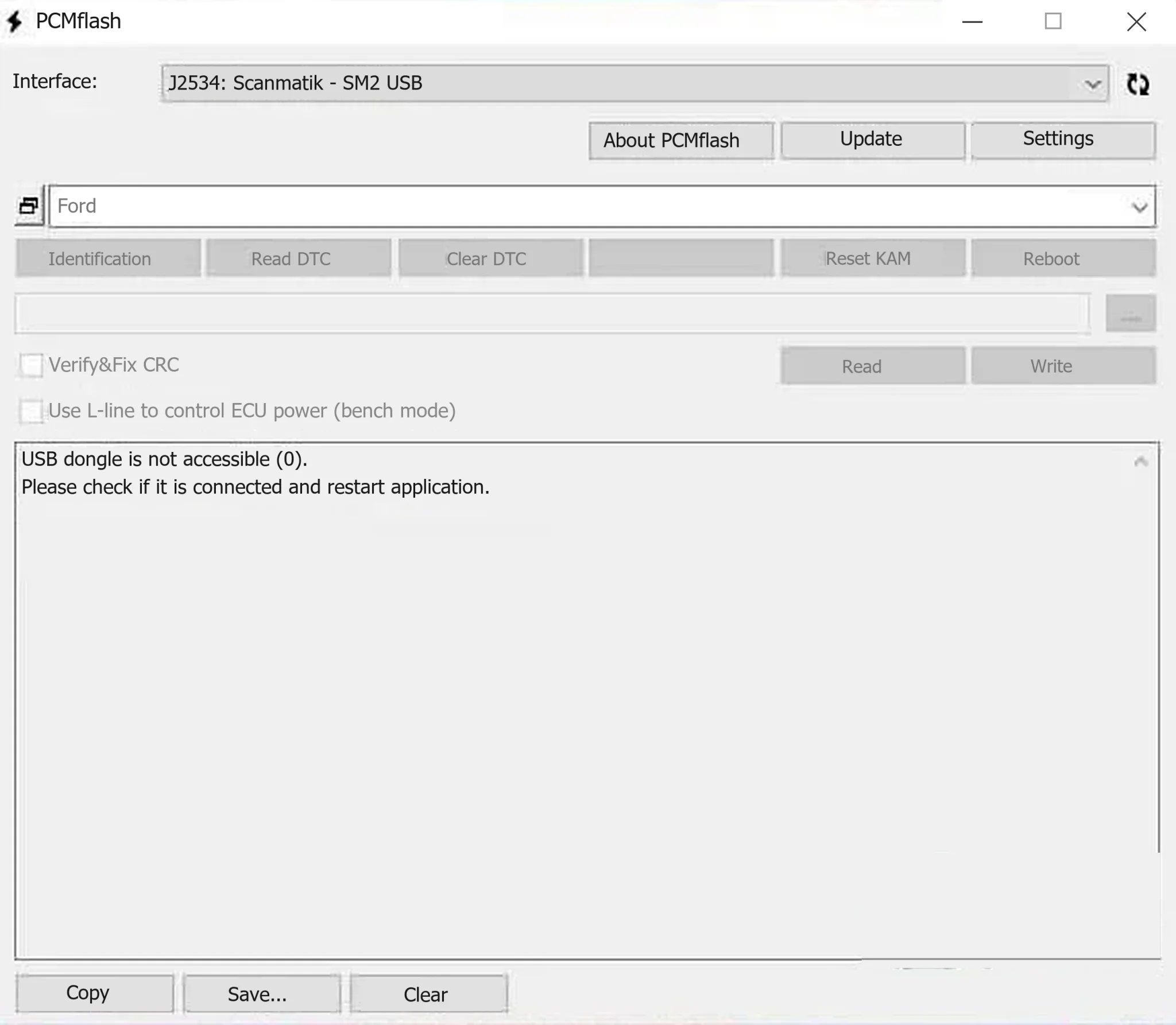
Modular Windows ECU and TCU programming through J2534 interfaces, with licensed protocol-dependent identification, diagnostics, flash/EEPROM access and OBD, bench or boot workflows.
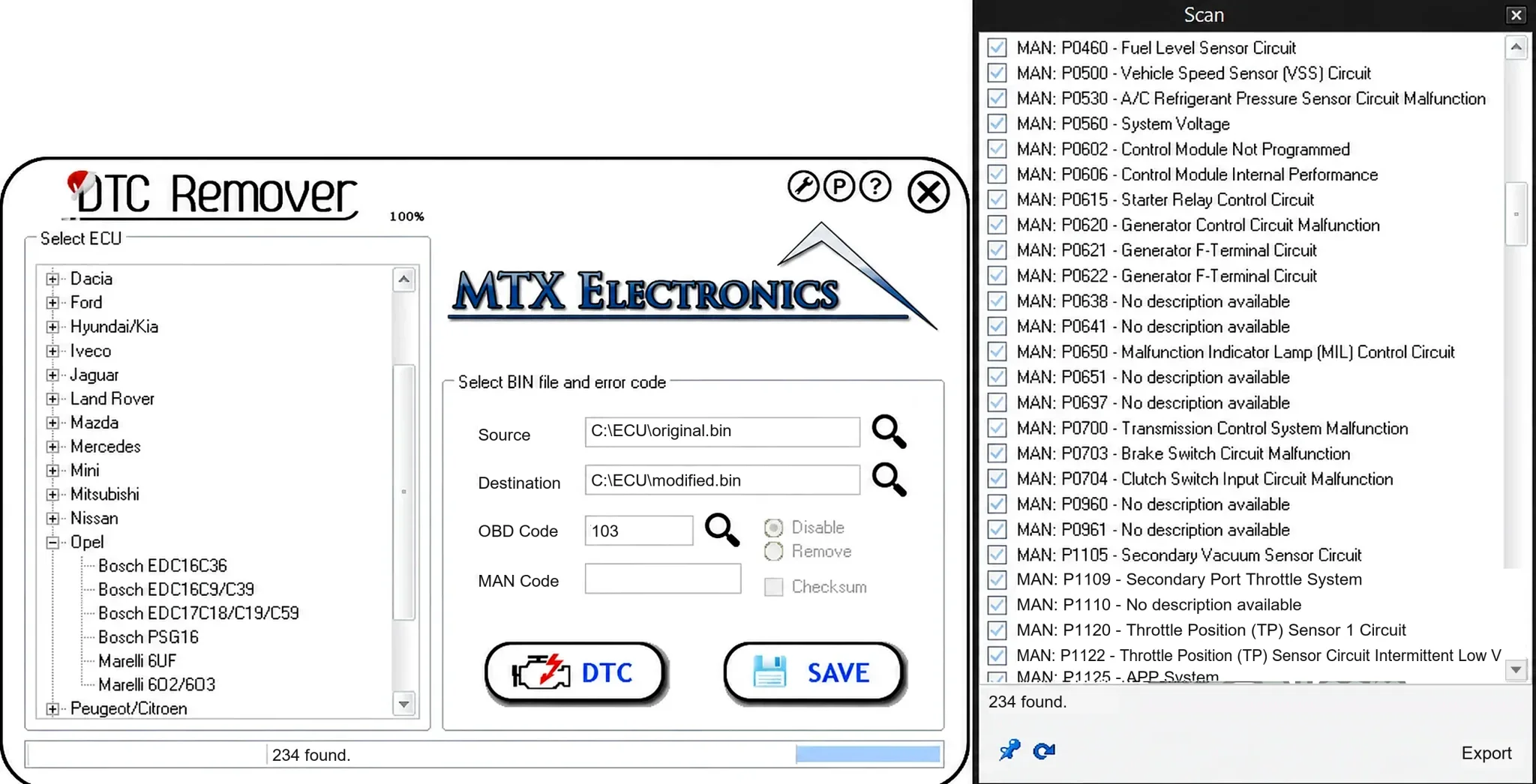
Windows BIN-file editor for locating and modifying supported ECU diagnostic trouble-code entries, with ECU-specific Disable/Remove actions and checksum validation requirements.
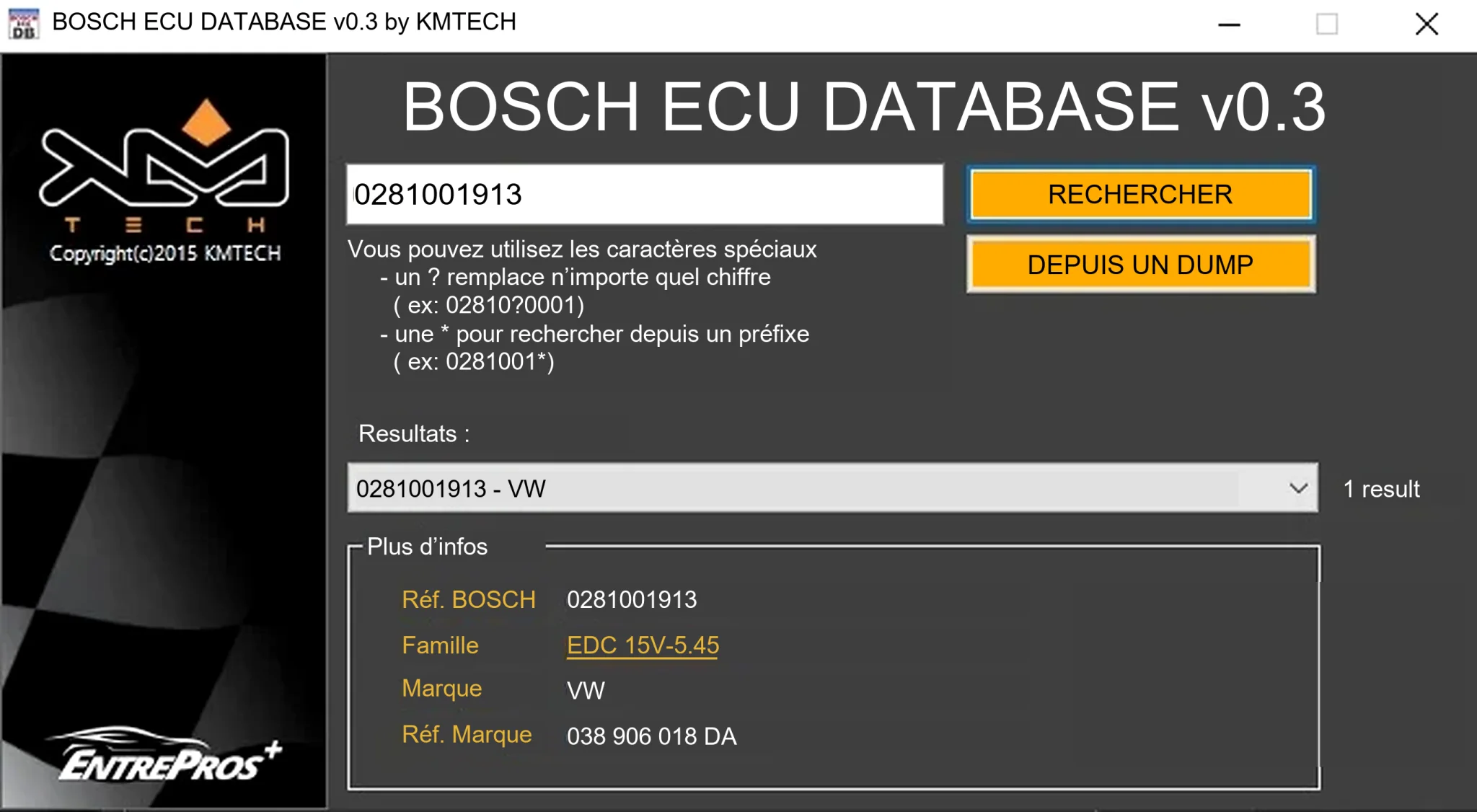
Offline Windows reference tool for Bosch ECU part numbers, controller families and OE cross-references, with exact, wildcard, prefix and binary-dump identifier searches.
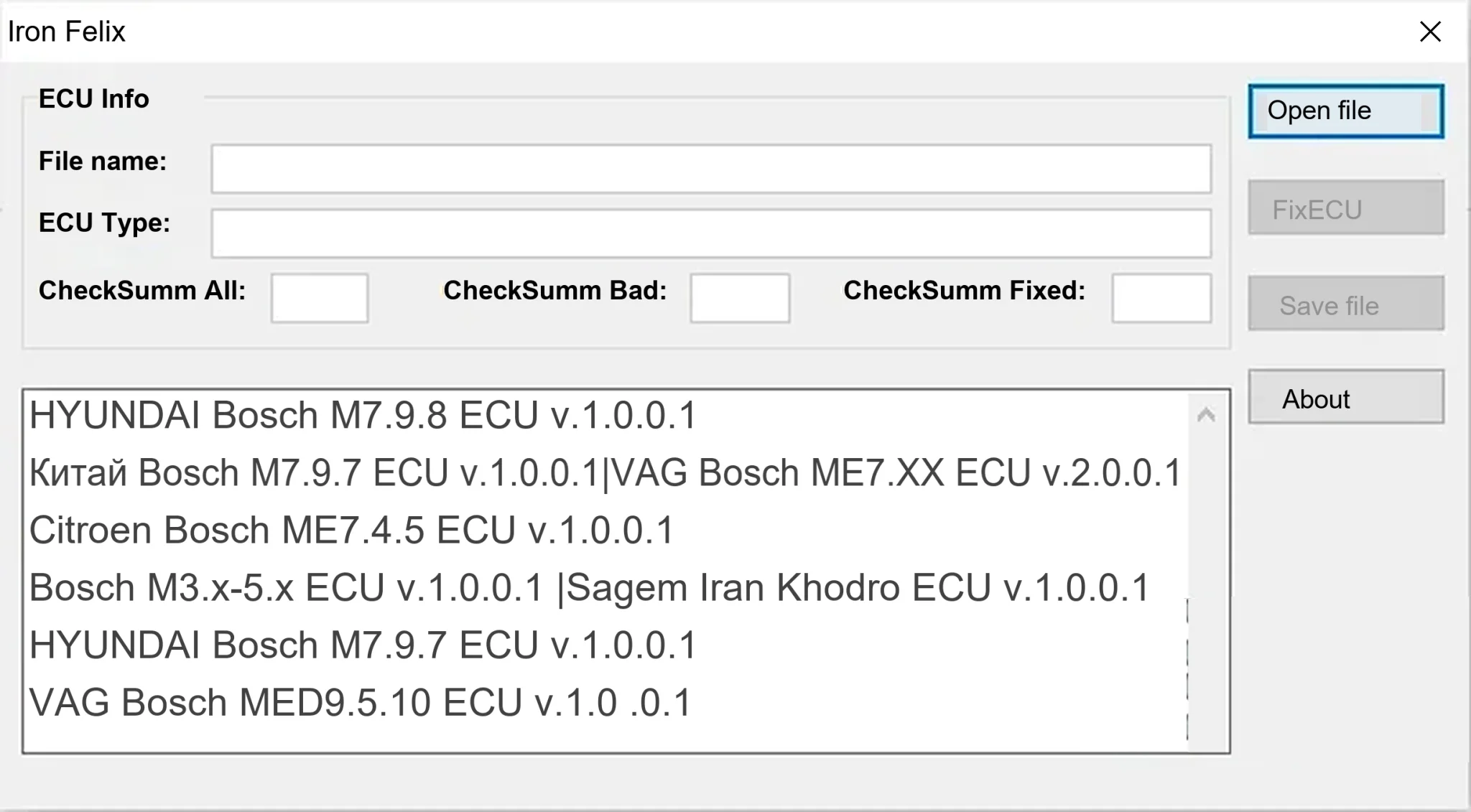
Offline Windows checksum inspection and correction for recognized Bosch and Sagem petrol ECU binaries, with eight supplied modules and All, Bad and Fixed counters.