
SOFTWARE DATABASE / RELEASE RECORD
VERSION 0.3FindStringsInBin - ECU Binary String Scanner 0.3
Read-only Windows ASCII scanner for ECU binaries, with minimum-length and character filters, file-offset results and clipboard copying for further analysis.
Categories
Overview
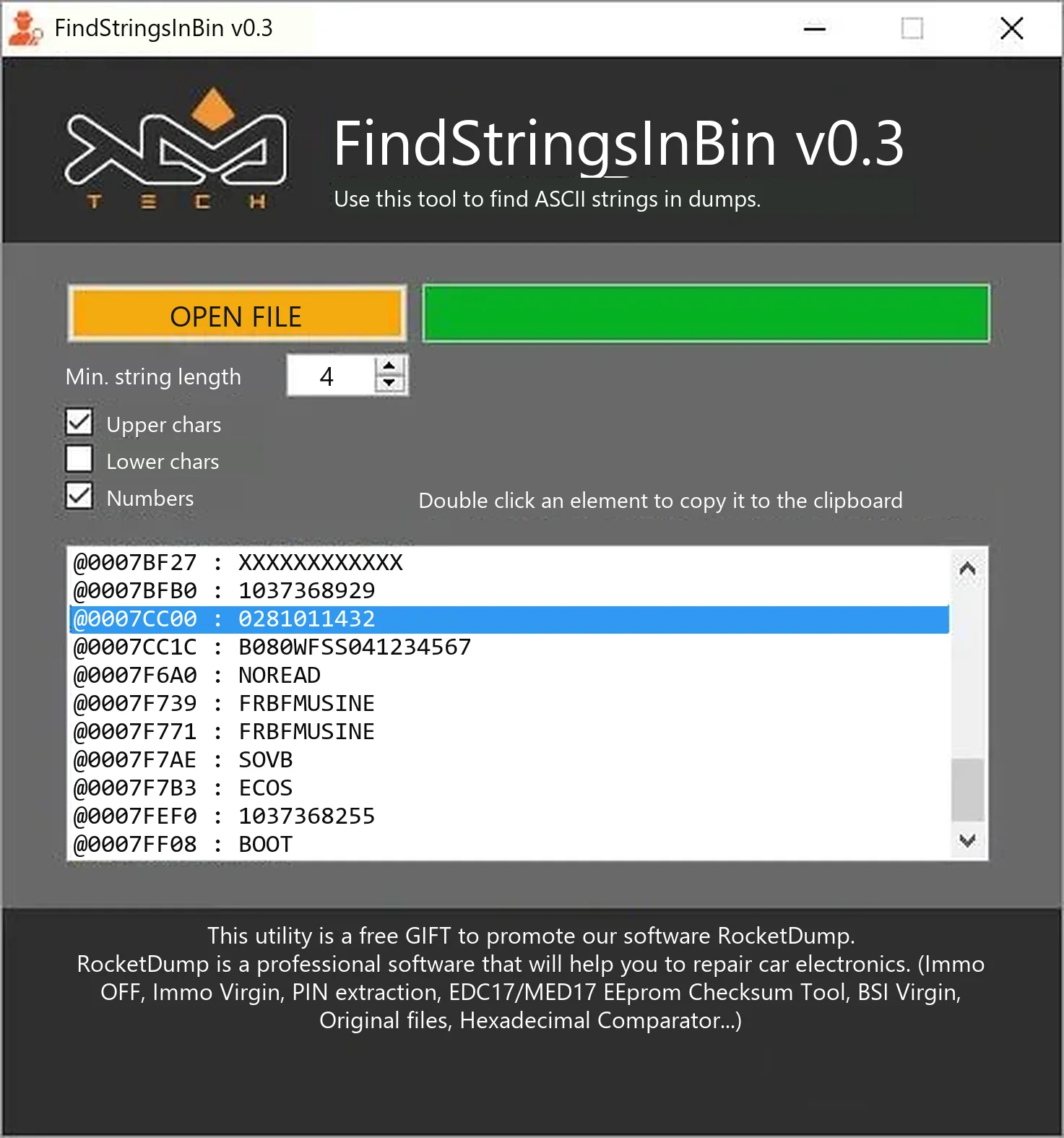
FindStringsInBin 0.3 is a read-only Windows utility for finding human-readable ASCII sequences in ECU dumps and other binary files. It lists each matching sequence with its byte offset, providing a starting point for locating software references, calibration labels, part numbers, VIN-like text or diagnostic messages.
The scanner helps narrow the area to inspect next. A technician can take a candidate from the results list, open its location in a hex editor and examine the surrounding bytes before deciding what the text represents.
Supported vehicles, ECUs and files
The scan searches for character sequences, so its scope is based on readable binary content rather than a controller-specific decoder. Raw firmware, EEPROM and calibration files can be inspected when they can be opened as ordinary binary data. A vehicle or ECU definition database is unnecessary for this search.
Interpret results as candidates. Printable bytes can occur coincidentally, while data stored in compressed, encrypted, UTF-16 or packed-decimal form may escape an ASCII search. Checksummed structures also need their own interpretation. A readable value alone does not establish its role in the controller.
- Raw binary input. Use an ECU firmware, EEPROM or calibration file available in a form the scanner can open.
- Selectable characters. Choose uppercase letters, lowercase letters and numeric characters according to the search.
- Memory-dependent file handling. The Windows/.NET environment and available RAM determine the size of file that can be loaded.
- File offsets. The displayed position identifies a byte location within the file. Establish file-to-memory mapping separately when working with ECU addresses.
Functions
- Minimum string length. Set the minimum number of consecutive characters required for a match. A longer value can reduce short, noisy results.
- Character filters. Include or exclude uppercase, lowercase and numeric characters to focus the search.
- Addressed results. Review each candidate together with its offset for follow-up in a hex editor.
- Clipboard copy. Double-click an individual result to copy it for a further search or private job documentation.
- Read-only inspection. The intended scanning workflow leaves the input binary unmodified.
System and hardware requirements
- Windows and .NET. Available descriptions specify .NET Framework 3.5 or later and report use on both 32-bit and 64-bit Windows.
- Working memory and source copy. Provide enough RAM for the chosen binary and retain a working copy of the original file.
- Independent analysis. Use a hex editor or ECU-analysis tool to review the offset and surrounding data structure.
- Controller documentation. Consult the relevant technical reference before treating text as an identifier or calibration field.
Recommended workflow
- Preserve the original. Calculate its hash and work with a copy, including when using the scanner’s read-only workflow.
- Start with a focused search. Use a longer minimum length and suitable alphanumeric filters, then broaden the criteria if needed.
- Inspect interesting locations. Open each relevant offset in a hex editor and check the encoding, terminators and nearby structure.
- Confirm the meaning. Independently verify a candidate VIN, PIN, software number or label before using it to make a service decision.
Package contents
The documented package contains the portable scanner and runtime guidance. Controller definitions, checksum algorithms and flashing functionality require separate tools. Preparation involved static inspection without executing the application.
Important limits
A readable match may appear more than once or serve a different purpose from the one expected. Equally, an unsuccessful scan does not establish that the information is absent, since its encoding or storage format may fall outside the selected criteria.
Before any later edit in another tool, establish the role of the data and account for duplicated areas, checksums, encoding and address mapping. A string match is an inspection lead, and the surrounding structure must support its interpretation.
Technical Compatibility
Operating Systems
File Formats
System Requirements
- Windows PC with Microsoft .NET Framework 3.5 or later, as specified in available descriptions.
- Reported use on 32-bit and 64-bit Windows.
- Enough RAM for the chosen binary and a working copy of the original.
- Independent hex editor or ECU-analysis tool.
- Controller documentation for interpreting identifiers and calibration fields.
Screenshots
Related Software
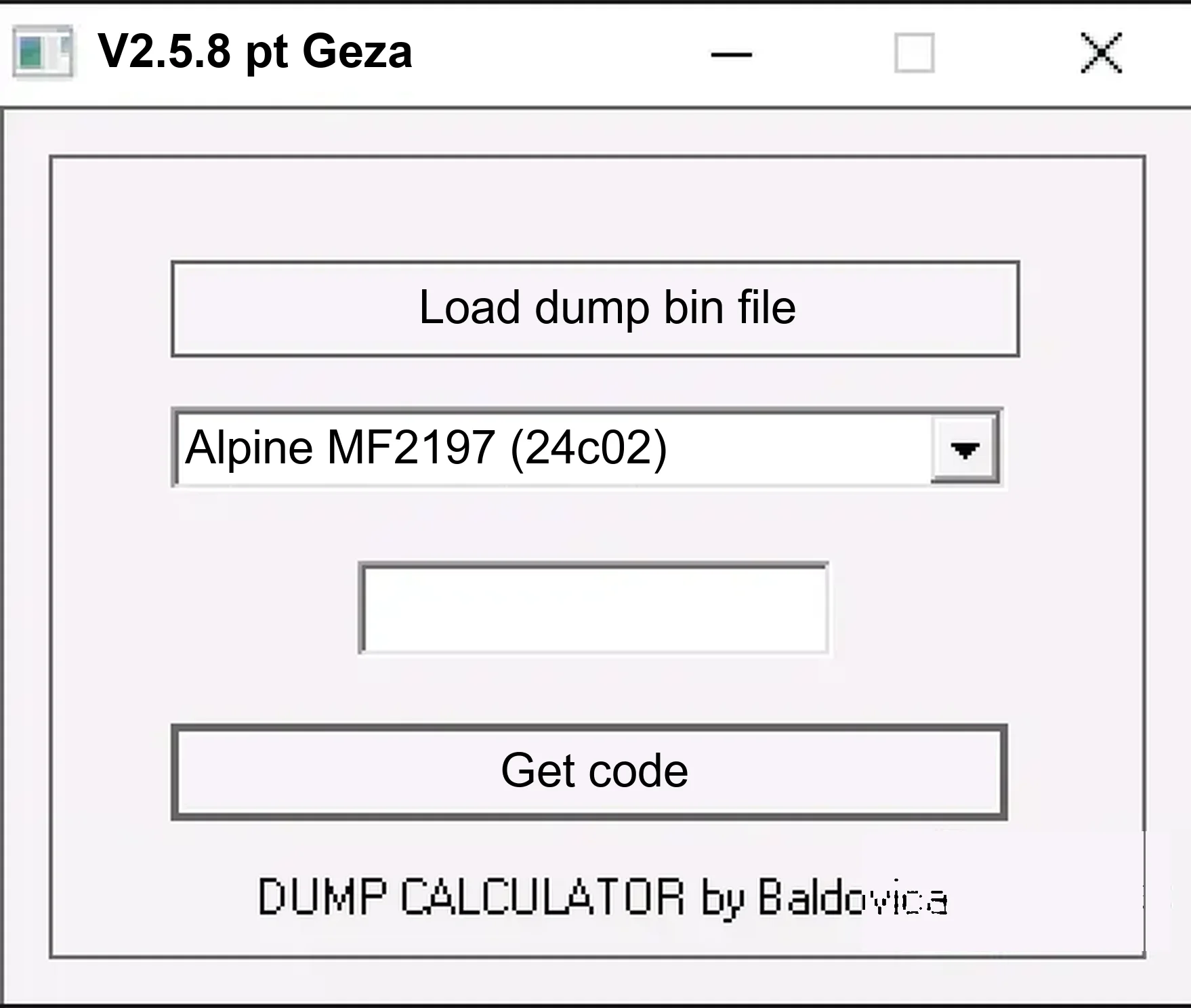
Windows EEPROM BIN dump calculators for supported car-audio head units, including V2.5.8 pt Geza presets and the V2.8.3 calculator build.

Collection of 1,350+ UPA-USB scripts for EEPROM and MCU work, covering odometer, IMMO, airbag reset, radio codes, PIN extraction and ECU virginization.
Legacy Windows serial-memory programmer with 24C64 EEPROM handling, a BIN buffer editor, configurable page-write settings and adjustable target VCC.
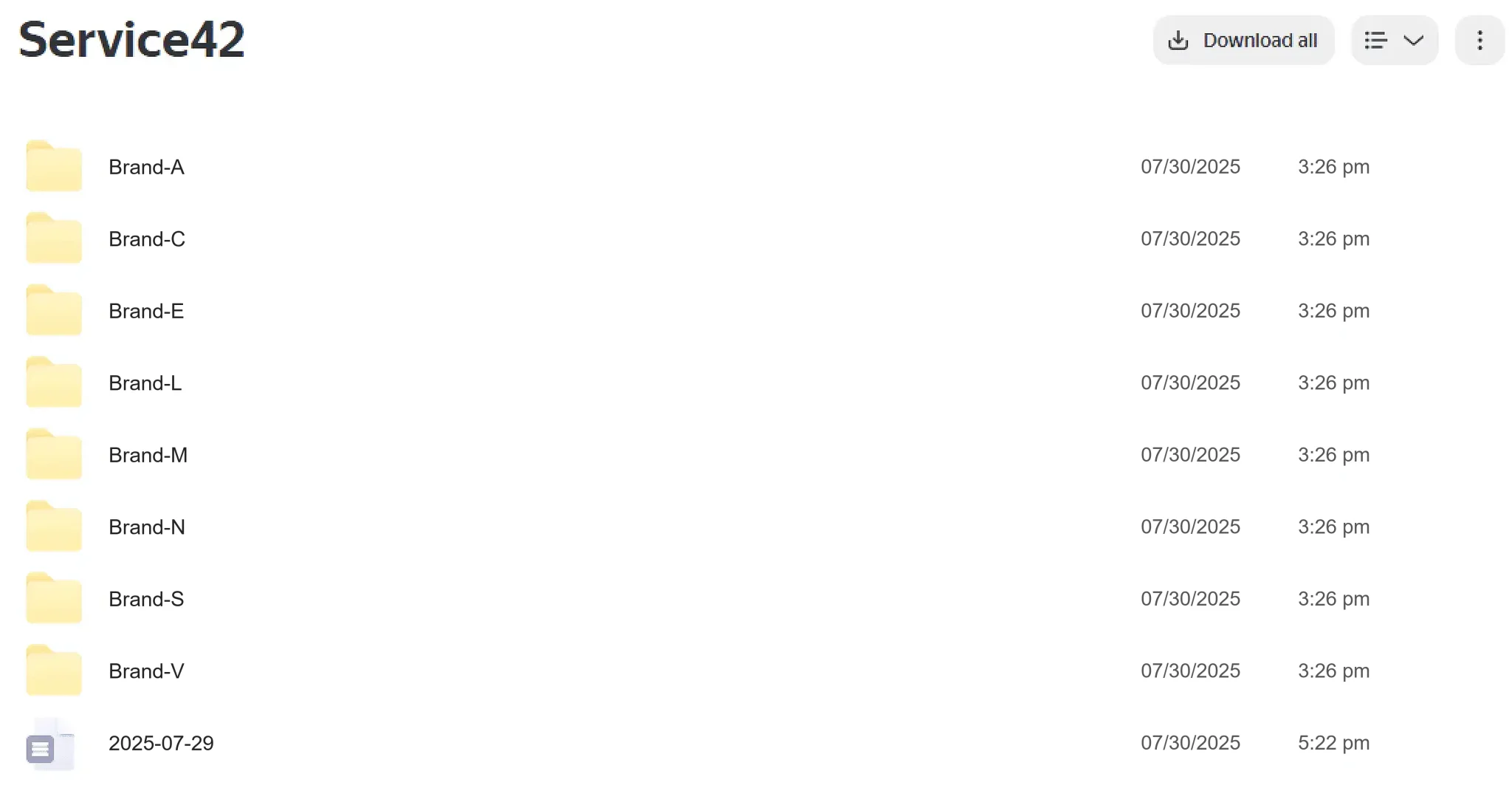
VAG factory flash-data archive with over 184 GB and 35,341 files, organised by brand for ODIS Engineering ECU updates, repair, programming and retrofit work.
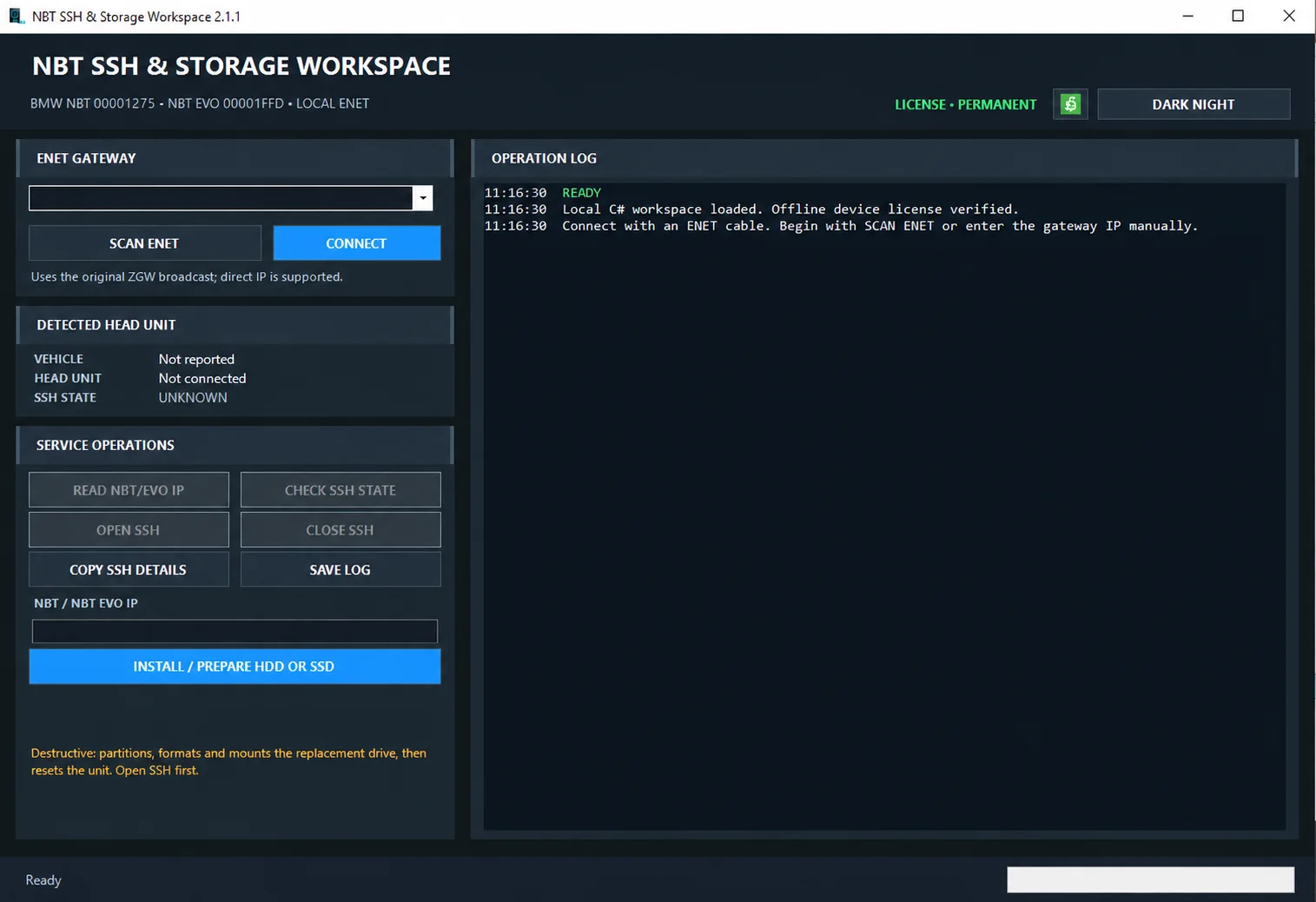
Windows ENET utility for identifying supported BMW head units, managing SSH access and preparing replacement HDD/SSD storage.

Windows calibration-file utility with manufacturer and ECU selection menus for EGR, flap, Hotstart, DTC and related service functions.