
SOFTWARE DATABASE / RELEASE RECORD
VERSION 1.0Fiat Navi Programmer TravelPilot RNS 3 EEPROM Code Utility 1.0
Windows EEPROM file utility for supported Fiat TravelPilot RNS 3 navigation units, with FIS 24C32 code calculation, code programming and error-counter reset.
Categories
Vehicle references
Overview
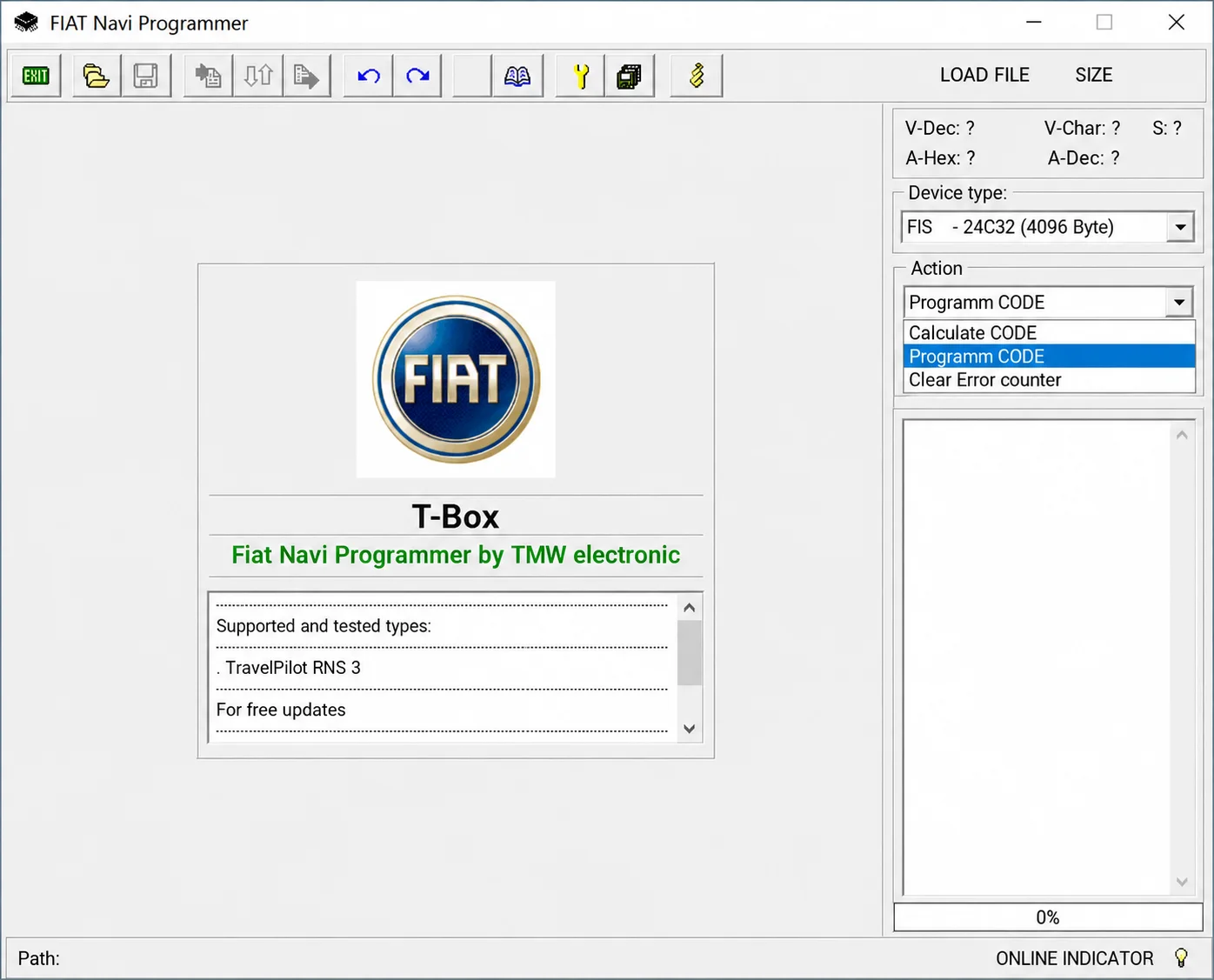
Fiat Navi Programmer 1.0 is a file-based service utility for supported Fiat navigation units. Its interface lists TravelPilot RNS 3 as a supported and tested device family and works with a FIS 24C32 EEPROM dump of 4096 bytes. Available operations calculate the stored security code, write a chosen code into a working dump and clear the error counter.
The application does not read the navigation unit directly. EEPROM access requires a suitable programmer, verified backups and an appropriate electronics-service workflow for writing the processed memory image back to the device.
What this resource is for
Use the utility for lawful head-unit repair, replacement or security-code recovery after establishing ownership and obtaining the exact memory contents. It can assist with restoring a known code following EEPROM replacement or recovering access after repeated incorrect code entries have locked the unit.
Confirmed functions
- Open a navigation-unit EEPROM dump.
- Calculate the security code from a recognized memory file.
- Write a selected code into a copy of the dump.
- Reset the stored error counter.
- Show decoded values and the loaded file's size before processing.
Supported controllers, files and vehicles
- TravelPilot RNS 3, identified by the application as supported and tested; this is the interface's coverage statement, not an ECUDB hardware test.
- FIS 24C32 memory, with the 4096-byte dump option shown in the device selector.
- Compatibility depends on the precise unit and EEPROM layout; support does not extend automatically to every Fiat radio or navigation system.
- Other TravelPilot generations and memory sizes require separate confirmation.
Package contents
- The main T-Box Fiat Navi Programmer executable.
- Startup instructions and a readme.
- An application manifest.
- A screenshot documenting the selected device type and available operations.
System and interface requirements
- A Windows workshop computer or isolated virtual machine.
- An EEPROM programmer with the correct clip or adapter, or a suitable desoldering procedure, for 24C32 memory.
- At least two identical reads from the original EEPROM.
- A stable bench power supply and anti-static handling of the navigation electronics.
Recommended workshop workflow
- Photograph the head-unit label and document its serial number and hardware identifiers.
- Read the EEPROM twice and compare the file hashes.
- Open a working copy, choose the correct device and check that the decoded information is plausible.
- Calculate or program only the code required for the repair, then save a new file.
- Compare the output, write it to a spare or properly backed-up device, and carry out a bench test.
Compatibility limits and responsible use
- A file length of 4096 bytes alone does not establish the correct memory layout.
- The program cannot generate a code using only the radio's serial number.
- An incorrect EEPROM write can leave the head unit locked or unable to operate.
- Use these functions only on units you own or are authorized to service.
Troubleshooting
- Dump rejected: confirm that its length matches the selected memory and that its bytes have not been swapped.
- Implausible security code: recheck the device family and take another EEPROM read.
- The unit stays locked: observe any manufacturer-defined lockout period and verify that the error-counter change was written correctly.
- Write verification fails: inspect the memory chip, adapter contacts and supply voltage before trying again.
File integrity and safety notes
Package documentation describes archive testing and extraction, opening nested containers where present, and static executable inspection without launching the files. These are documented preparation claims, not independently performed ECUDB binary or hardware tests.
Keep original ECU, EEPROM and calibration reads immutable and work on copies. Check output size and applicable checksum requirements, provide stable power and prepare a proven recovery procedure before writing. An unsigned executable is not established as malware-free; inspect files in a dedicated analysis environment using current security tools.
Technical Compatibility
Operating Systems
System Requirements
- Windows workshop PC or isolated virtual machine; exact Windows editions and architecture are unspecified.
- EEPROM programmer and the correct clip, adapter or desoldering workflow for 24C32 memory.
- At least two matching original EEPROM reads.
- Stable bench power supply and anti-static handling for the navigation electronics.
Screenshots
Related Software

Windows automotive key database and cutting-control software for compatible Miracle machines, with profile search, bitting entry, blade preview and saved cutting jobs.

Offline Windows reference and calculation tool for supported dashboard, body-module and EEPROM/MCU mileage profiles, with memory information, byte locations and repair calculations.

Offline Windows reference tool for Bosch ECU part numbers, controller families and OE cross-references, with exact, wildcard, prefix and binary-dump identifier searches.
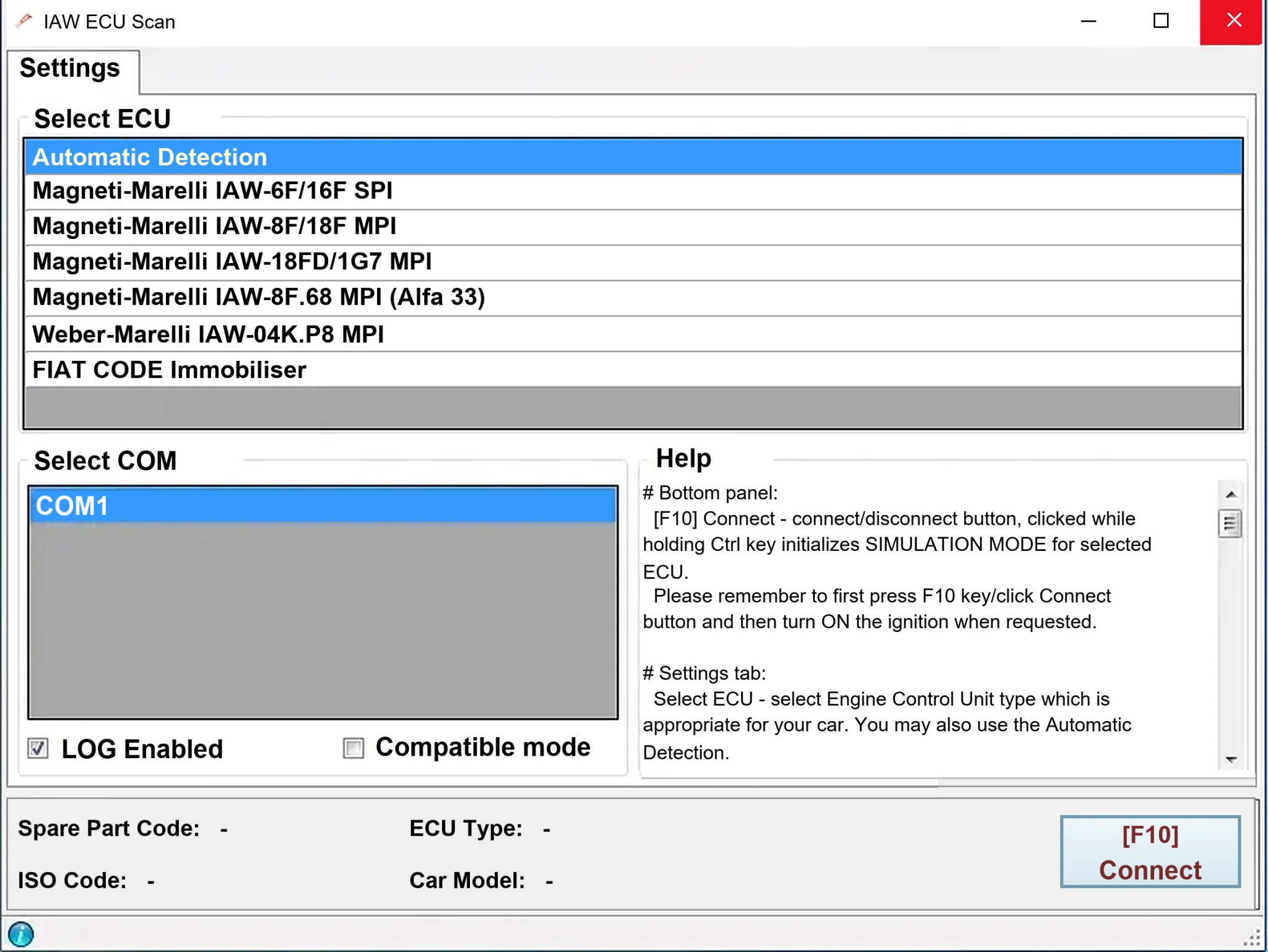
Windows diagnostics for selected legacy Magneti Marelli IAW ECUs in Fiat, Lancia and Alfa Romeo vehicles, using a KKL K-line interface for identification, faults and live data.
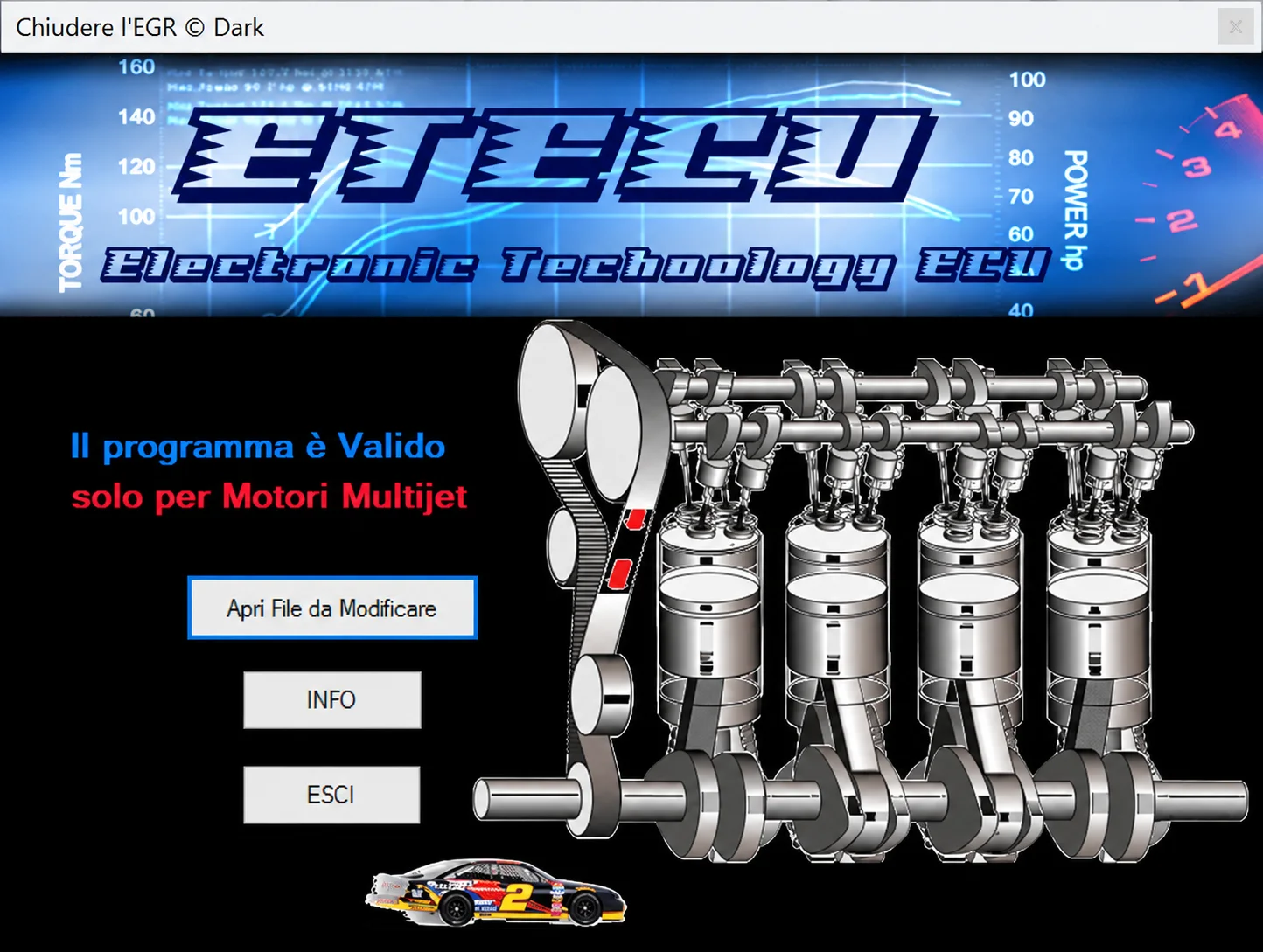
Offline Windows utility for EGR-related file processing on supported Fiat Group Multijet ECU binaries, with separate output for comparison and programming.
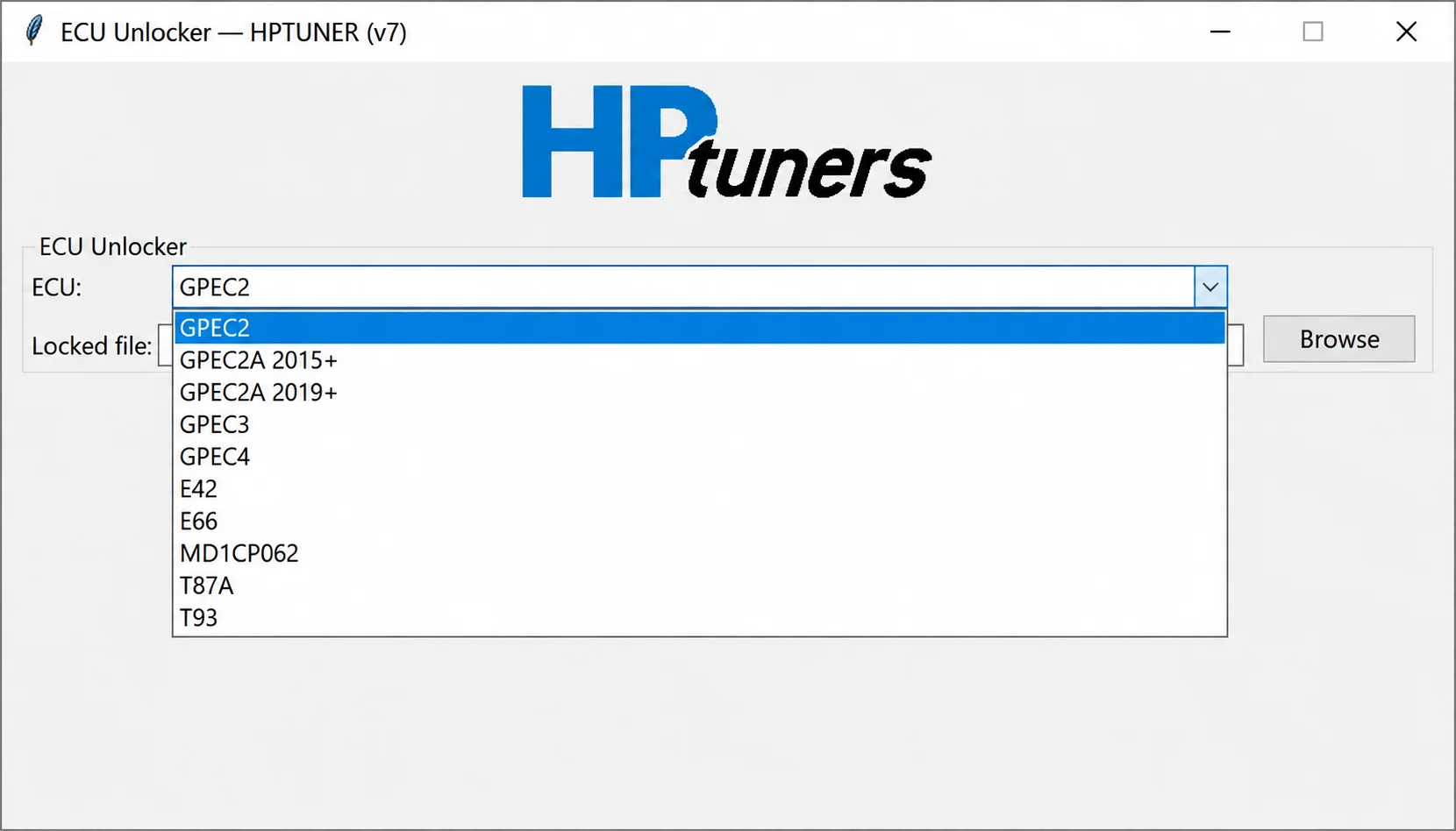
Offline controller-file processing for supported GPEC, E42, E66, MD1CP062, T87A and T93 reads, preparing working files for compatible calibration workflows.