
SOFTWARE DATABASE / RELEASE RECORD
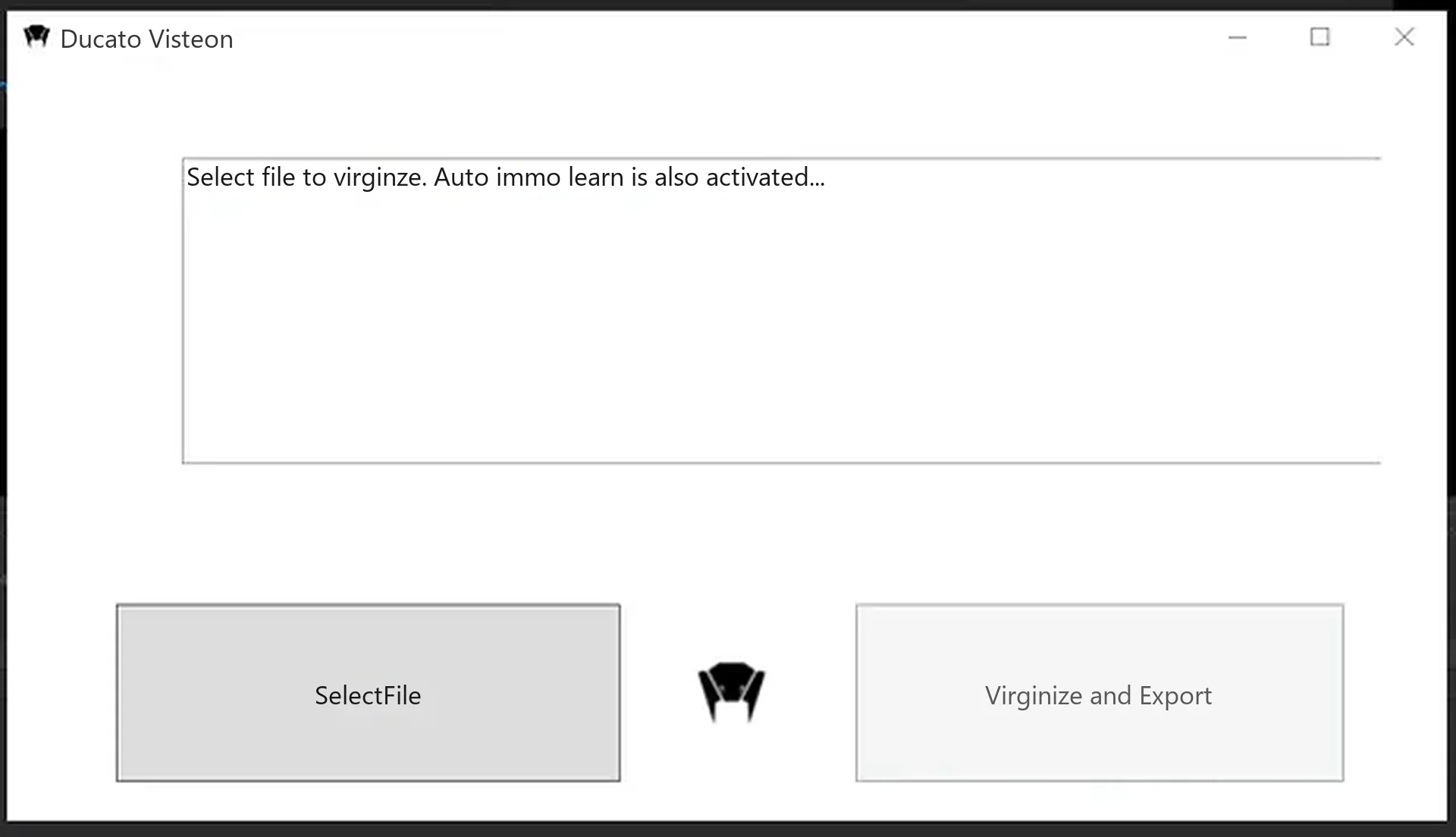
VERSION 1.0.0Fiat Ducato Visteon DCU-102 Virginizer - ECU Auto-Sync File Tool 1.0.0
Offline Windows utility for checking supported Visteon DCU-102 ECU reads and preparing a separate auto-sync binary for authorized Fiat Ducato ECU replacement.
Categories
Vehicle references
Overview
Fiat Ducato Visteon DCU-102 Virginizer 1.0.0 is an offline file utility for authorized replacement of a compatible used engine ECU. It checks an existing DCU-102 read, indicates whether the immobilizer data appears to be in its original or virgin state, and saves a separate binary prepared for automatic learning.
Vehicle communication, ECU reading, flashing and diagnostics require separate equipment. The technician must identify the controller, obtain a complete repeatable read, verify the programmed result and confirm that the vehicle completes the correct synchronization procedure.
Target ECU and vehicle context
The target is the Visteon DCU-102 diesel ECU on the third-generation Fiat Ducato. Application references commonly place it in the 250-series 2.2 Multijet around 2006–2010, including the 74 kW (100 PS) variant. Related Peugeot Boxer and Citroën Jumper applications also used DCU-102 hardware. This release targets Ducato, and use with those models requires independent confirmation of the exact hardware and software numbers.
Identifiers such as the Visteon/Ford-style 6C1U prefix and the Fiat/PSA 9661256980 family are examples for identification. Confirm the label, processor and full read size against the programmer’s documented protocol for the specific ECU.
Processor and file-layout considerations
Service references describe ST10F275 and ST10F276 variants. Programmer and read-mode choices can affect whether reserved or register data is included. Documented ST10F276 read examples include 832 KiB and 896 KiB. These sizes describe read layouts and do not by themselves confirm application support.
The software rejects lengths it does not recognize. Passing the check establishes only that the length is accepted. Verify the origin and completeness separately, and avoid padding, truncating or renaming a file to force acceptance.
What the utility does
- Opens a local
BINorHEXselected by the operator. - Checks its length against the layouts implemented in the program.
- Reports whether the relevant data appears to be virgin.
- Prepares the supported immobilizer data for automatic learning in a compatible vehicle.
- Saves the result to a new binary file.
Its scope is replacement preparation and auto-sync. Immobilizer-off, cloning, checksum tuning, VIN and calibration editing, and DTC removal are outside the documented feature set.
Required workshop hardware
- A programmer with explicit DCU-102 support and the required bench, boot or BDM mode.
- The confirmed pinout, regulated supply and appropriate breakout or adapter.
- A stable full read of the relevant original or donor ECU, including the correct processor region.
- Vehicle diagnostics for checking the engine ECU, body computer and immobilizer after installation.
- Battery support for vehicle-side programming or learning.
The package comes without interface hardware, cables, drivers, pinout or programming manual. Determine the read mode from the hardware and programmer documentation.
Recommended replacement workflow
- Document the VIN, engine, model year, hardware and software identifiers, and donor history.
- Take at least two donor reads with the same verified protocol and compare them byte for byte.
- Keep untouched original and donor reads in protected storage.
- Open a working copy. Confirm the accepted length and inspect the reported state.
- Export under a fresh filename and compare the changes with the input and a trusted reference for the exact hardware.
- Use the separate programmer to write and verify the working file before fitting or powering the ECU in the vehicle.
- Follow the applicable manufacturer learning procedure, scan the related modules and confirm normal starting and operation.
If synchronization fails, investigate before writing again. Check the body computer or BSI state, key authorization, ECU identifiers, supply voltage, CAN communication and DCU-102 generation.
System requirements
- 64-bit Windows capable of running a Windows Presentation Foundation application.
- Microsoft Windows Desktop Runtime for .NET 5. The runtime configuration requests
Microsoft.WindowsDesktop.App 5.0. - A local folder with read/write access for original, working and verified files.
- Keep the four application files together in the same directory.
The 64-bit application host depends on an installed framework. Microsoft has ended support for .NET 5. Use a controlled legacy workstation or isolated virtual machine and limit its network exposure.
Package contents and cleanup
The documented package retains four files for launch: the executable host, managed library, dependency manifest and runtime configuration. A development PDB was omitted because it exposed an irrelevant build path and was unnecessary for launch. The original archive was retained separately for audit.
The two PE binaries are documented as unsigned. Package preparation involved static inspection only. Scan the package with current security tools and use an isolated environment for testing.
Compatibility limits and responsible use
Use this utility only for documented, authorized replacements. Confirm the exact hardware and software combination, keep a recoverable donor backup, and protect customer dumps and immobilizer data.
Validate the write, confirm correct auto-learning and matching ECU and body identifiers, scan the vehicle and perform a controlled start and run test under the manufacturer’s procedure.
Technical Compatibility
Supported Modules
Operating Systems
File Formats
System Requirements
- 64-bit Windows desktop capable of running a Windows Presentation Foundation application.
- Microsoft .NET 5 Windows Desktop Runtime (x64).
- Local read/write access for source, working and verified files.
- Keep the executable host, managed library, dependency manifest and runtime configuration together.
Screenshots
Related Software

Collection of 1,350+ UPA-USB scripts for EEPROM and MCU work, covering odometer, IMMO, airbag reset, radio codes, PIN extraction and ECU virginization.
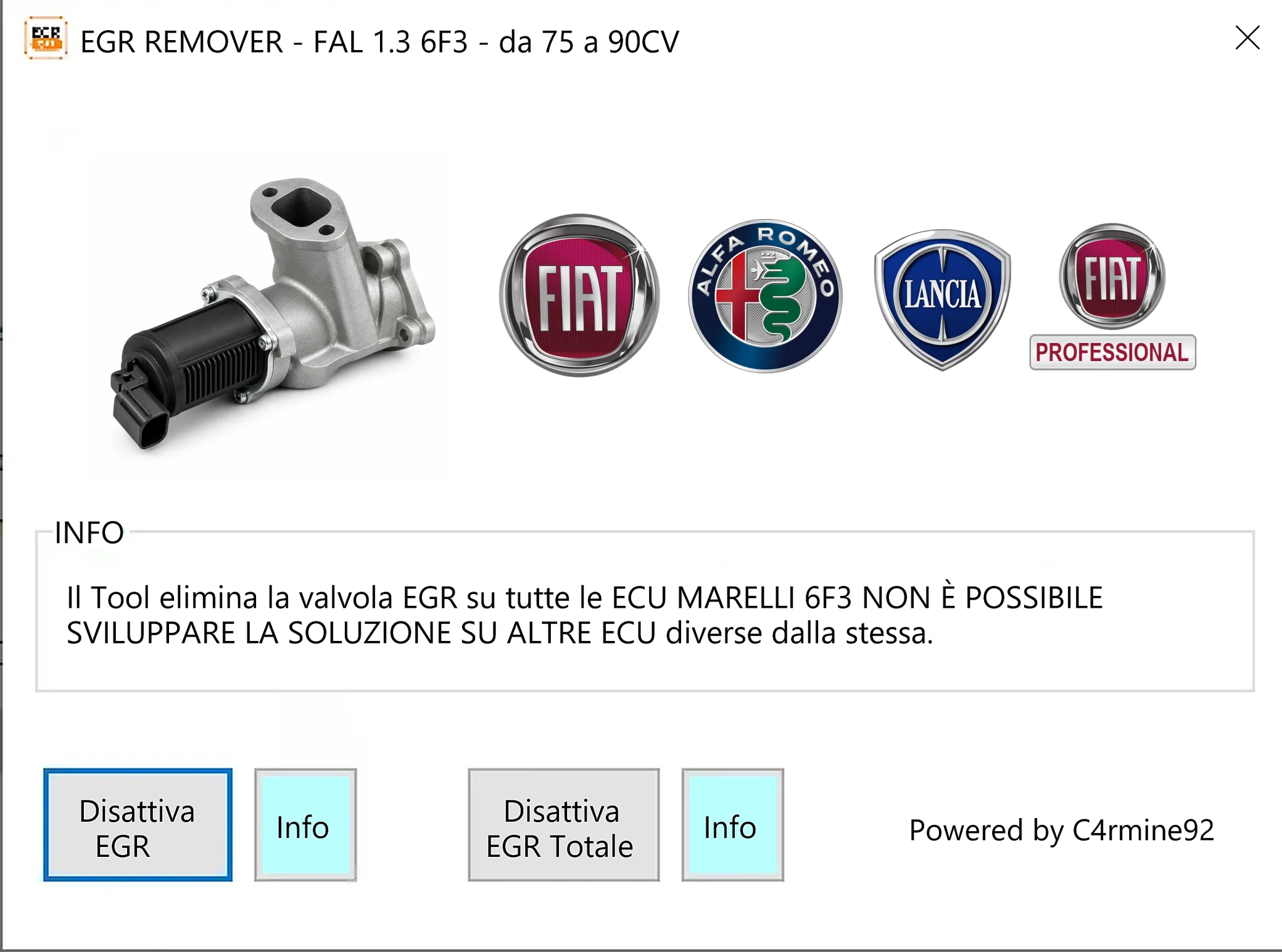
Offline binary-file EGR utility for FCA 1.3 Multijet Marelli 6F3 engines rated 75–90 CV, with standard and total-disable modes.
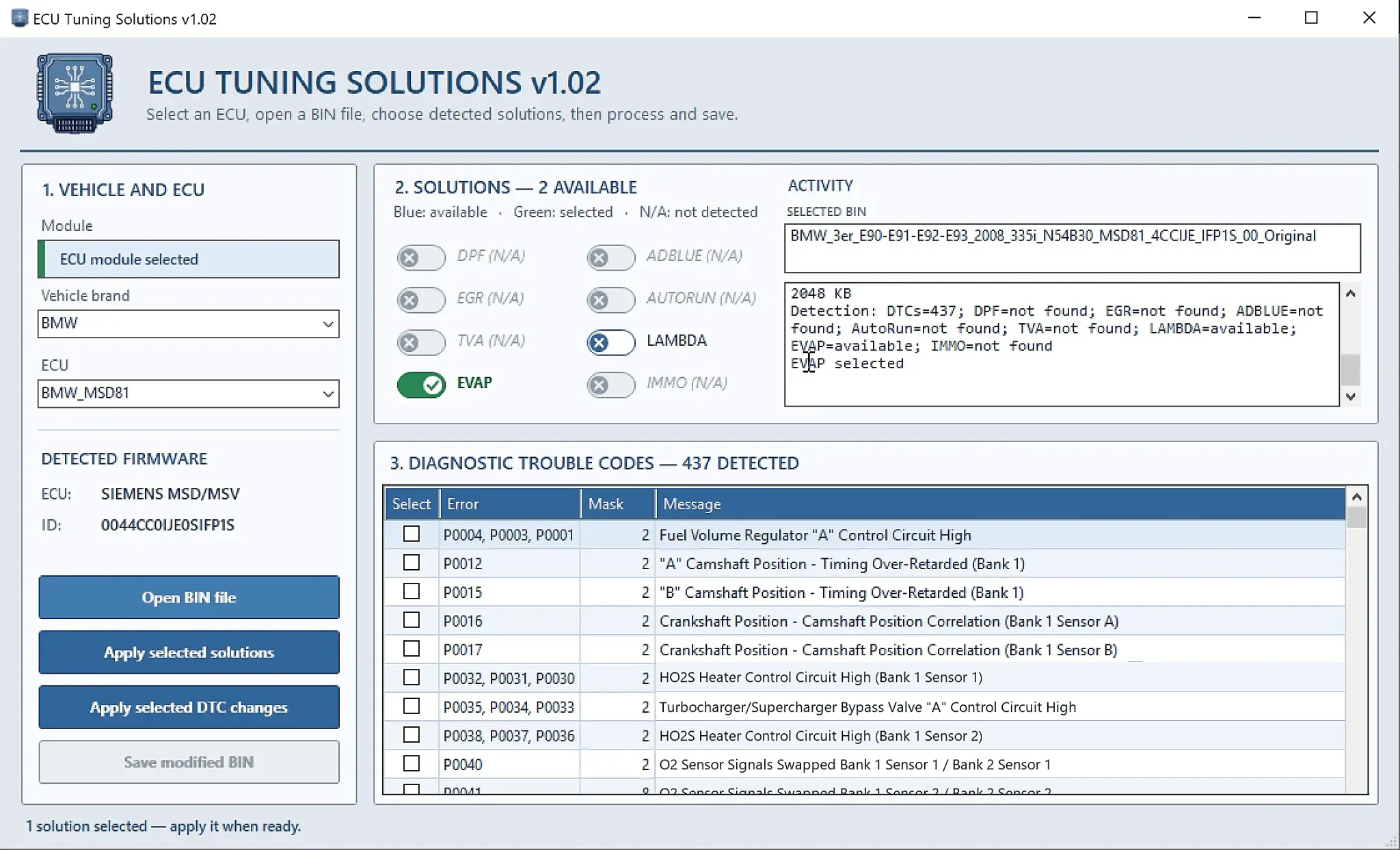
Offline Windows ECU-file processing and DTC handling for supported multi-brand controllers, with eight solution types and HWID-based activation in version 1.02.
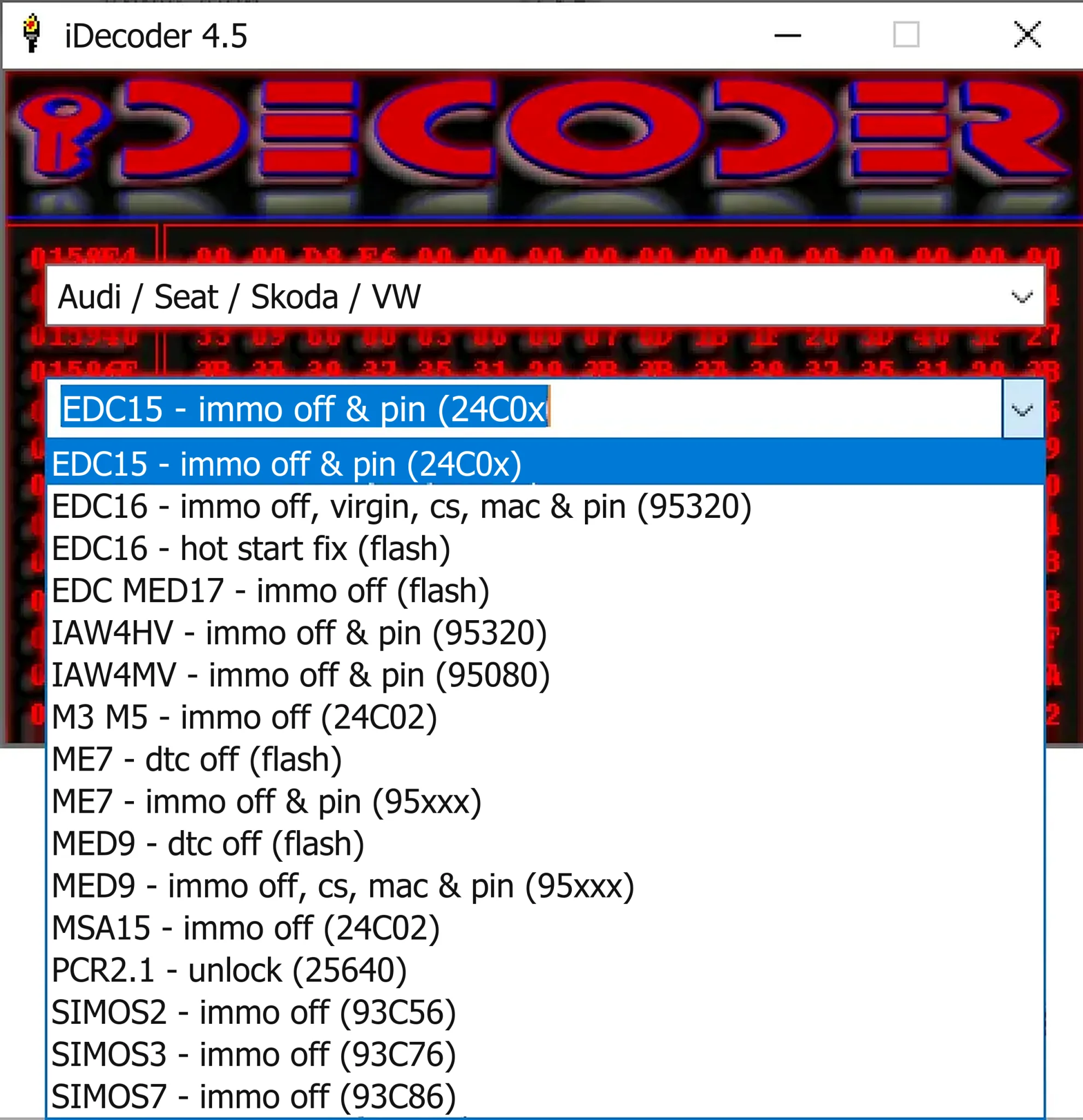
Offline Windows dump-processing utility for supported ECU, immobilizer, dashboard and body modules, with IMMO, PIN/VIN, virgin, ISN and DPF/EGR/DTC functions.

Windows EEPROM and flash-dump toolkit for supported IMMO PIN, IMMO OFF, virgin, radio PIN, MEDC17 checksum and special repair workflows, including BMW EDC15 ISN in 1.0.4.
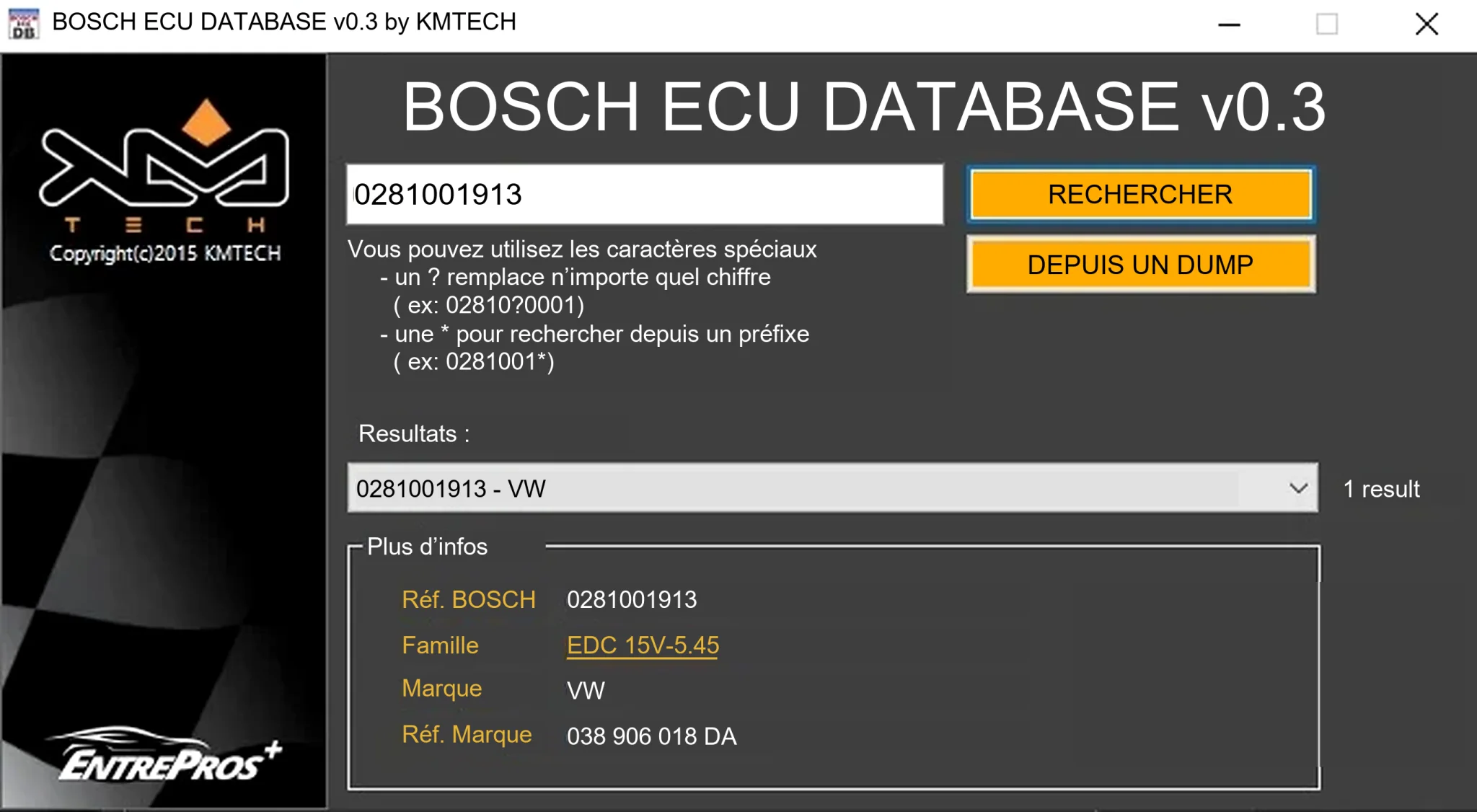
Offline Windows reference tool for Bosch ECU part numbers, controller families and OE cross-references, with exact, wildcard, prefix and binary-dump identifier searches.