
SOFTWARE DATABASE / RELEASE RECORD
VERSION 1.0.0.1Caterpillar ET Factory Password Generator Protected ECM Service Utility 1.0.0.1
Offline Windows companion for supported Cat ET factory-password requests, displaying ECM and service context and producing the paired response fields for the originating session.
Categories
Vehicle references
Overview
Caterpillar ET Factory Password Generator 1.0.0.1 is an offline companion for supported protected service operations in Cat Electronic Technician.
It opens the request information produced by Cat ET, displays the service-tool, engine and ECM identifiers together with tattletale, reason, interlock, diagnostic clock and software part number, and produces the two password fields associated with that active request.
Factory passwords are session-specific security responses, not reusable master credentials. A different pair is needed after leaving the current factory-password screen. Protected changes must match the exact ECM, requested reason and technician authorization.
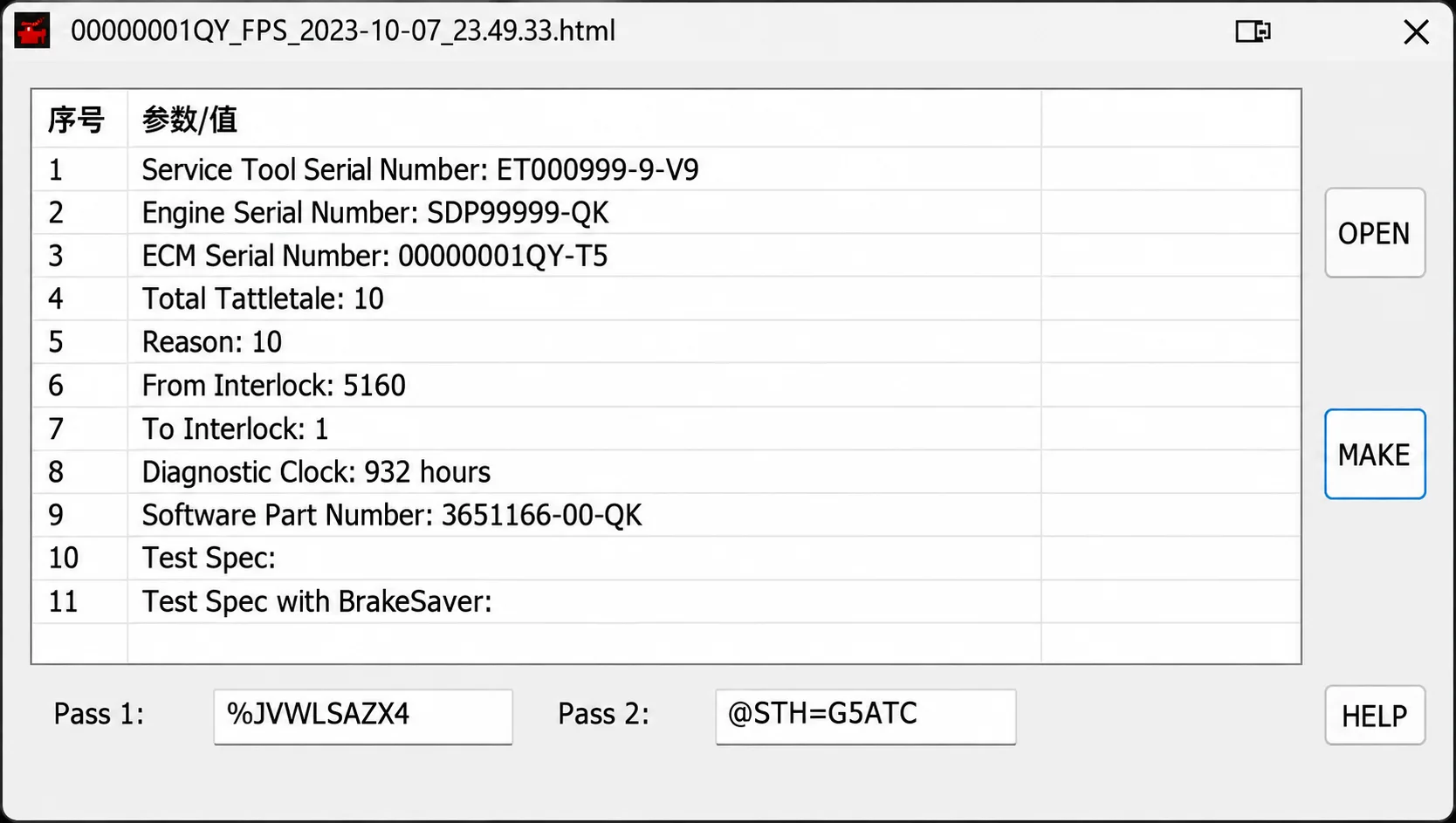
Request preview with identifiers and service context, OPEN / MAKE / HELP controls and paired Pass 1 / Pass 2 fields. The displayed sample does not provide reusable credentials for other equipment or sessions.
What This Resource Is For
Use with a complete factory-password request generated by an authorized Cat ET session for a machine or engine the workshop is entitled to service.
Documented protected workflows can include ECM replacement, interlock or configuration changes, rating programming and selected event clearing after the underlying fault has been repaired. The official procedure must require factory passwords for the intended operation.
Confirmed Functions
- Open a Cat ET factory-password HTML request.
- Parse the service-tool, engine and ECM serial identifiers.
- Read total tattletale, reason code, from/to interlock and diagnostic-clock fields.
- Display the software part number and other request context.
- Generate the paired password values for the same active request.
- Retain the supplied sample request and short licence-password note with the package.
- Keep password calculation separate from Cat ET communication and programming.
Request Information and Interface
The captured request table contains the following fields:
- Service Tool Serial Number
- Engine Serial Number
- ECM Serial Number
- Total Tattletale
- Reason
- From Interlock
- To Interlock
- Diagnostic Clock
- Software Part Number
- Test Spec
- Test Spec with BrakeSaver
OPEN opens the request, MAKE is the calculation control, and HELP provides the interface help action. The paired output fields are labelled Pass 1 and Pass 2. The preview preserves the original request example; its filename timestamp is not the software release date.
Supported Vehicles, Controllers and Files
- Cat ET request layouts recognized by the included utility.
- Engine and machine ECM workflows that display a matching factory-password screen in Cat ET.
- Protected configuration, interlock, rating, flash or event-clear operations only when the official procedure calls for factory passwords.
- Machine Security System operations may require product ID, ECM serial, service-tool serial, tattletale and reason information.
- Exact support depends on the Cat ET generation, ECM family, request format and password scheme.
Package Contents
- Factory-password generator executable.
- Sample Cat ET request document illustrating the required fields.
- Reference image supplied with the tool.
- Short licence-password note used by the packaged application workflow.
- The package notes report four extracted, hash-recorded files and an unsigned executable inspected without launch. These are attributed preparation claims, not independent ECUDB extraction, hash or execution tests.
System, Hardware and Interface Requirements
- Windows workshop PC or isolated virtual machine; exact supported Windows editions and architecture are unspecified.
- Installed and licensed Caterpillar Electronic Technician appropriate to the target product.
- Compatible Caterpillar communication adapter and current drivers.
- Complete, untouched request file exported from the active Cat ET factory-password screen.
- Authorized dealer or owner approval, stable equipment power and the correct service documentation.
Recommended Workshop Workflow
- Identify the exact machine, engine and ECM through Cat ET.
- Start the authorized protected procedure and save its generated request without editing it.
- Compare serials, tattletale, reason, interlock and diagnostic-clock information with the live request screen.
- Open that same request in the calculator and store both returned fields securely.
- Return the pair only to the originating active Cat ET session.
- Complete the procedure, verify the resulting parameters and remove request/password data from public locations.
Compatibility Limits and Responsible Use
- A password pair applies only to its matching request context and current session.
- The package does not replace Cat ET, a communication adapter or official authorization.
- Incorrect reason, clock, serial or interlock data makes the result unusable.
- Protected parameter changes can affect engine rating, emissions, security and machine safety.
- Do not clear events until their cause has been repaired and documented.
Troubleshooting
- Request will not open: export a fresh, untouched HTML request from the exact Cat ET screen.
- Blank fields: confirm the request format and inspect the file without changing its encoding.
- Passwords rejected: do not reuse an old pair; compare every displayed field and obtain responses for the live session.
- Interlock change fails: verify the old and new interlock details required by the service procedure.
- Cat ET remains blocked: check licensing, ECM compatibility, communication quality and authorization.
File Integrity and Safety Notes
The package-preparation notes describe archive testing and extraction, testing of nested containers where present and static inspection of native executables without launching them. These are attributed claims; ECUDB has not independently run the automotive application.
Preserve immutable originals, use an isolated workstation with current independent security checks and maintain a proven recovery route before protected or programming work. Audited hashes and file structure alone do not establish that an unsigned executable is malware-free.
Technical Compatibility
Operating Systems
System Requirements
- Windows workshop PC or isolated virtual machine; exact supported Windows editions and architecture are unspecified.
- Installed and licensed Caterpillar Electronic Technician appropriate to the target product.
- Compatible Caterpillar communication adapter and current drivers.
- Complete, untouched request file exported from the active Cat ET factory-password screen.
- Authorized dealer or owner approval, stable equipment power and the correct service documentation.
Screenshots
Related Software
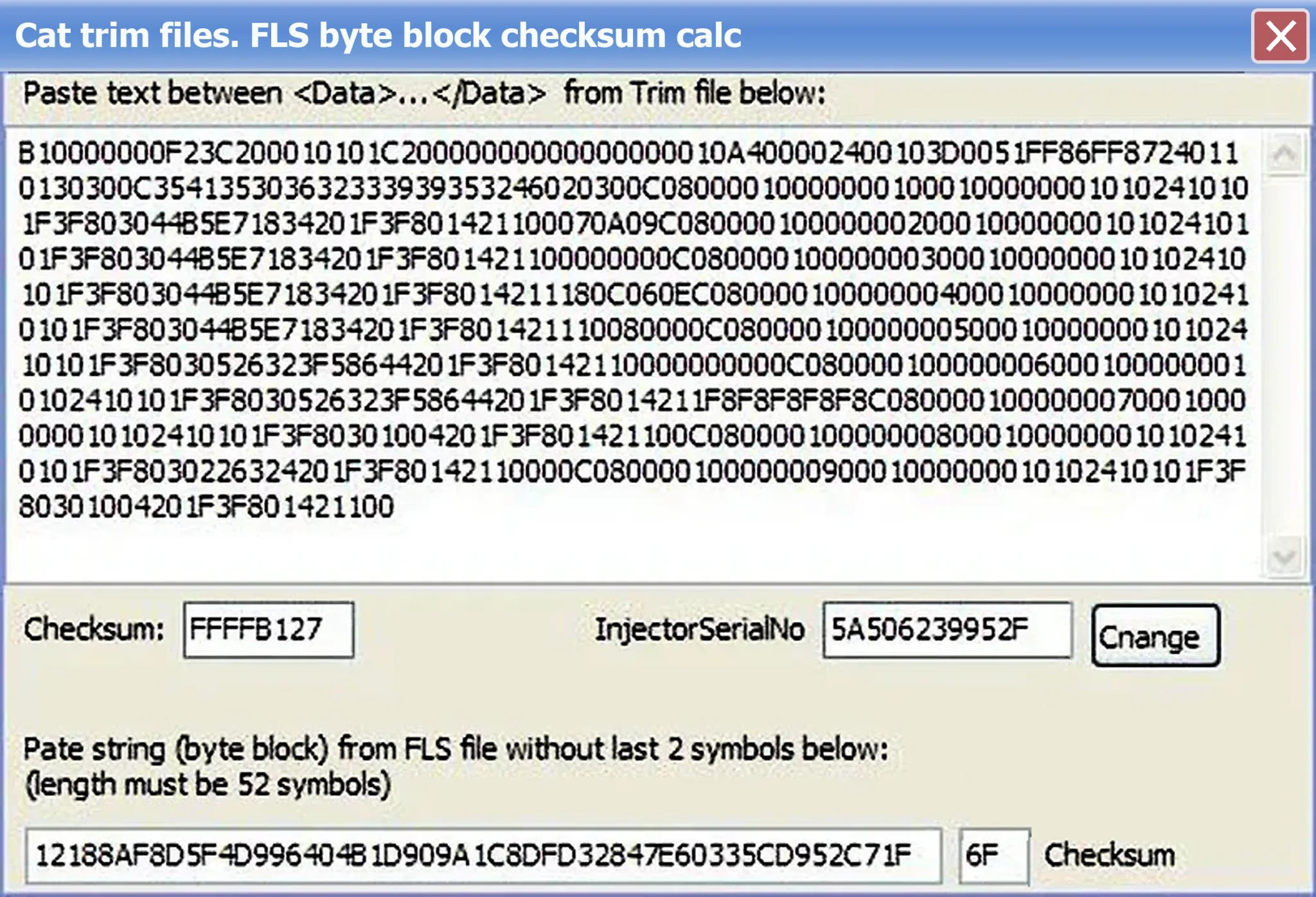
Caterpillar Injector Trim Checksum Calculator
vUnspecifiedOffline Windows calculator for supported Cat injector-trim Data records, injector serial-number changes and fixed-length FLS byte-block checksums.
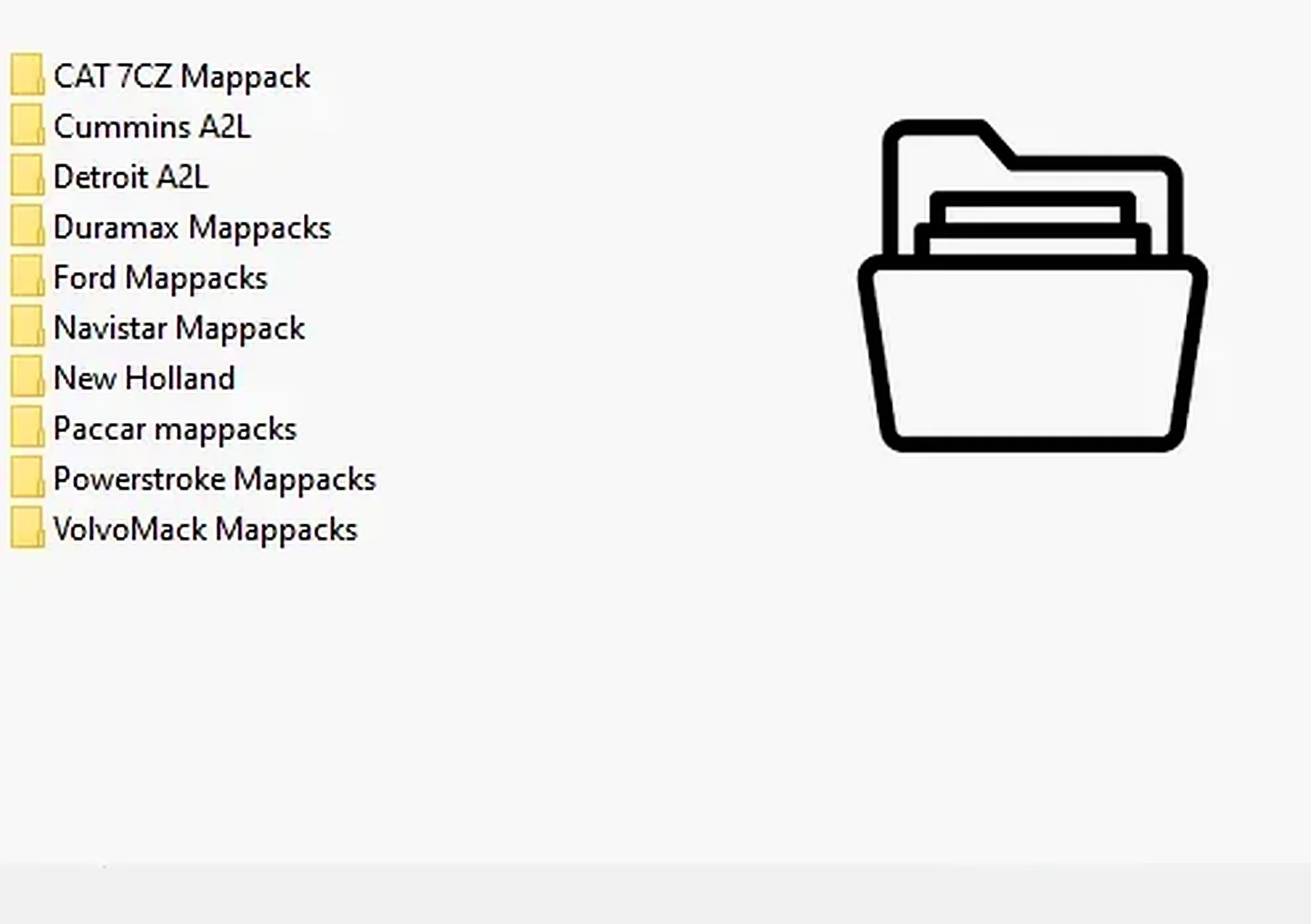
Collection of 28 heavy-duty and industrial ECU definitions in A2L, WinOLS KP and OLS-associated formats for software-specific calibration projects.
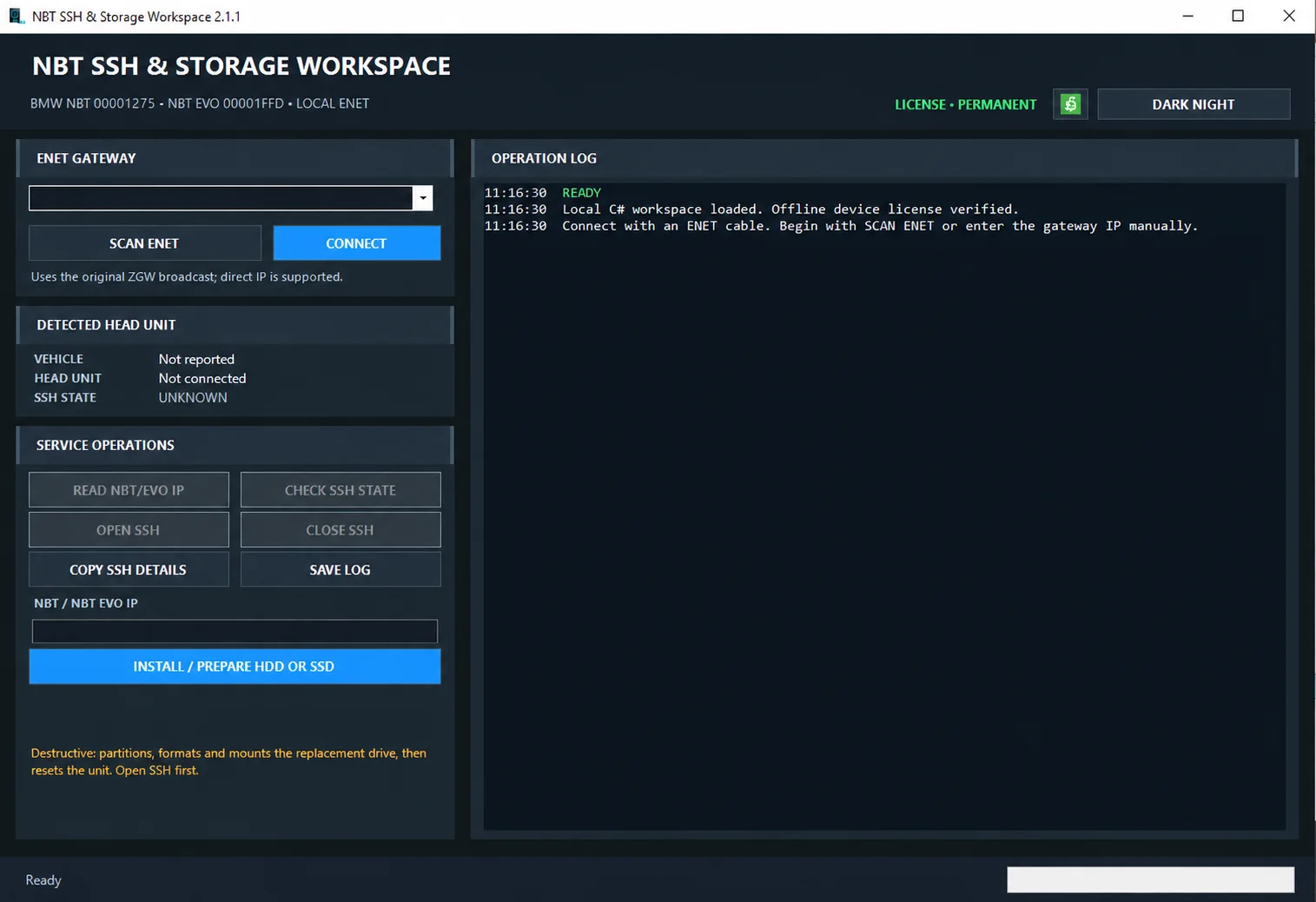
Windows ENET utility for identifying supported BMW head units, managing SSH access and preparing replacement HDD/SSD storage.

Windows BIN-file editor for locating and modifying supported ECU diagnostic trouble-code entries, with ECU-specific Disable/Remove actions and checksum validation requirements.

Windows automotive key database and cutting-control software for compatible Miracle machines, with profile search, bitting entry, blade preview and saved cutting jobs.
Offline Windows DF-to-P fault-code lookup for Renault diagnostic reports, with descriptions and a companion ECU Info number-prefix reference utility.