
SOFTWARE DATABASE / RELEASE RECORD
VERSION UnspecifiedCaterpillar Injector Trim Checksum Calculator
Offline Windows calculator for supported Cat injector-trim Data records, injector serial-number changes and fixed-length FLS byte-block checksums.
Categories
Vehicle references
Overview
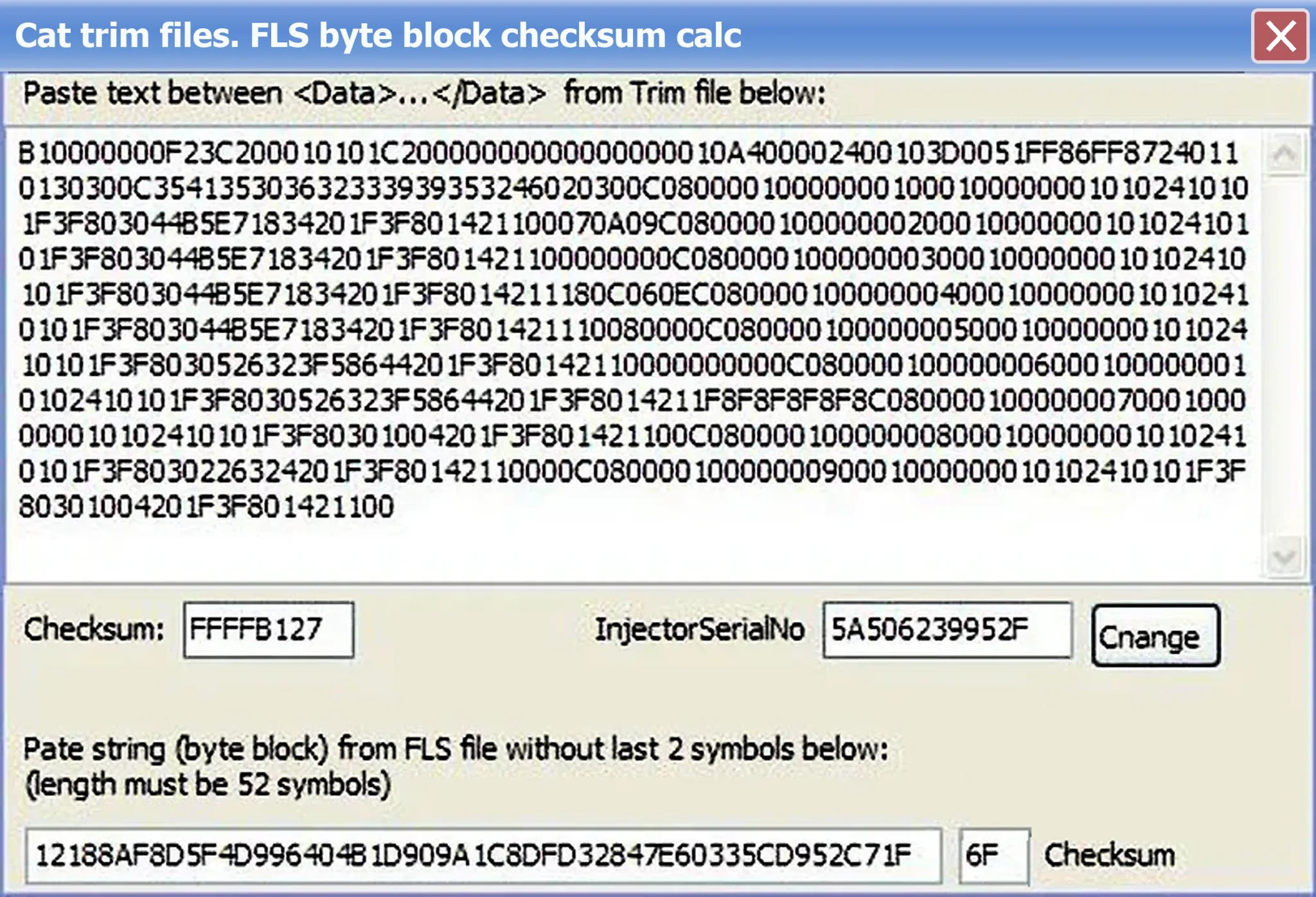
Caterpillar Injector Trim Checksum Calculator is an offline utility for supported Cat injector-trim data and FLS byte-block checksums after a controlled edit. The upper workflow accepts text from a trim file's Data section, displays its checksum and injector serial number and provides an identity-change control. The lower workflow calculates the checksum for a fixed-length FLS block.
It does not communicate with an ECM or generate measured calibration data for an injector.
Confirmed Functions in the Interface
- Accept the text between a trim file's opening and closing Data tags.
- Display the current checksum and InjectorSerialNo value.
- Change the injector serial number within a supported data structure.
- Accept an FLS byte-block string with its final two checksum characters omitted.
- Check the expected 52-character input length.
- Calculate a replacement FLS checksum.
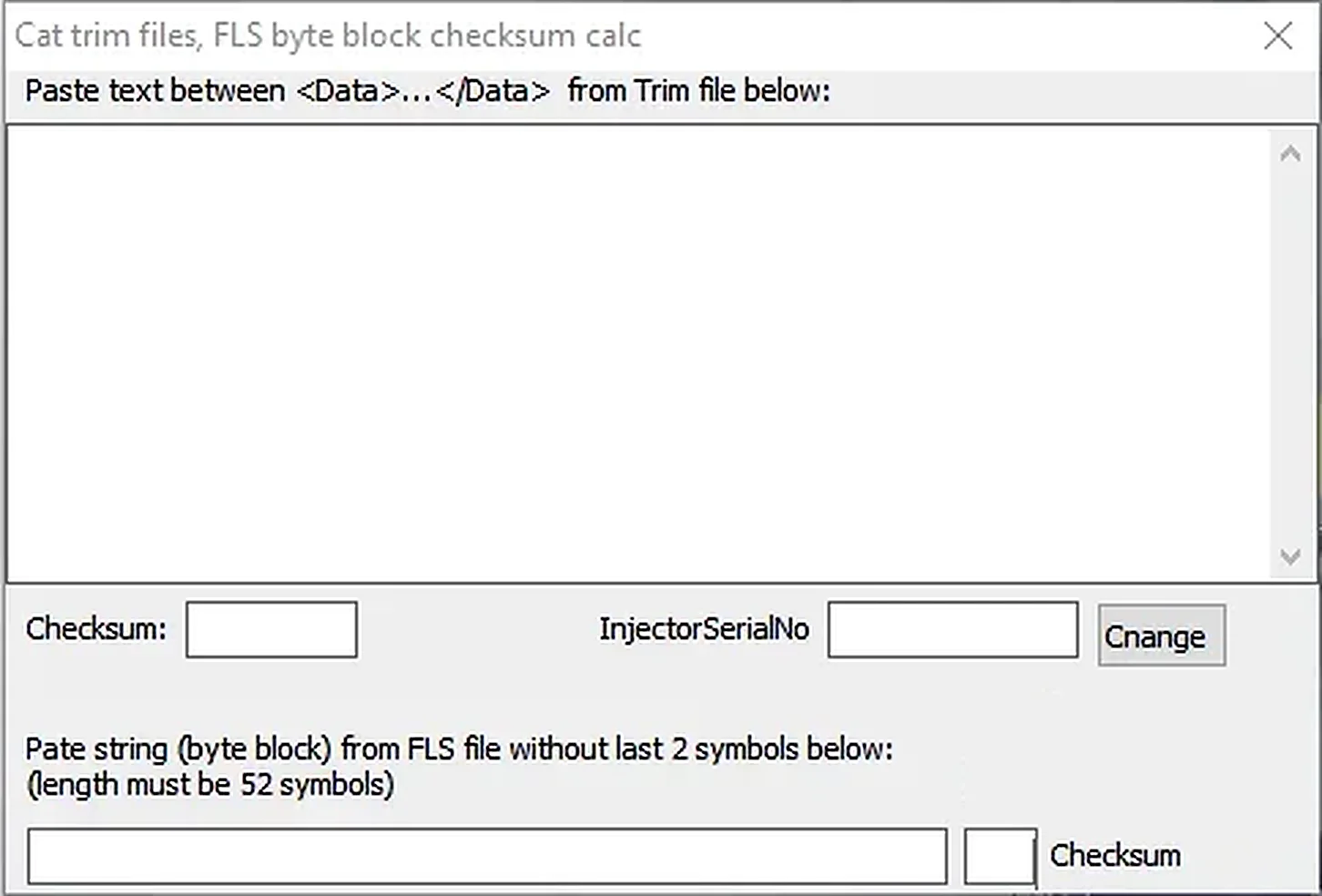
The populated screenshot illustrates both workflows. The second screenshot below shows the empty workspace before any Data or FLS values are entered.
What Injector Trim Data Represents
Injector trim information reflects unique calibration characteristics established through end-of-line measurement. The engine-control system uses that information to account for the measured behavior of an individual injector. A checksum helps detect corruption of the record; recalculating it only restores internal consistency after an edit.
A valid checksum does not establish a correct injector calibration. This calculator cannot measure an injector, derive calibration for unknown hardware or verify that a serial number belongs to the installed component. Use only authorized service information and verified documentation for the actual injector.
Required Tools and Input Data
- A Windows computer for the portable calculator.
- An original Cat trim file or verified FLS block obtained through an authorized service workflow.
- A plain-text editor that preserves character encoding and line structure.
- The exact injector serial number and calibration identity for the installed part.
- Caterpillar-compatible service software and a communication adapter for subsequent ECM work.
- A protected, untouched copy of the original file.
Cat service software, ECM drivers, communication hardware and injector calibration measurements are not included. Package documentation lists a small original registration file retained with the application; its contents are not reproduced here.
Recommended Trim-File Workflow
- Identify the engine, ECM and physical injector position using authorized service records.
- Create a read-only backup of the original trim file and record its hash.
- Copy only the text inside the Data element into the upper calculator field.
- Check that the displayed serial number corresponds to the file being edited.
- Change the identity only when the replacement value has been verified.
- Save the recalculated data to a new file, preserving the original structure.
- Compare original and output to confirm that only the intended fields and checksum changed.
- Load or register the file using the documented Caterpillar service procedure, then check status and fault information.
FLS Byte-Block Workflow
For the lower calculator, supply the byte-block text without the final two checksum characters. The interface specifies a 52-character input. Preserve hexadecimal character order; do not insert spaces, line breaks or prefixes. Place the returned checksum only in the location required by the original format.
A mathematically valid checksum does not verify the remainder of the FLS data. Confirm that the block belongs to the correct engine and calibration context before use.
Troubleshooting
Input rejected: exclude XML tags from the Data paste, check hidden spaces or line breaks and confirm the FLS string length.
Finished file rejected by service software: restore the original and compare encoding, XML structure, serial number, checksum placement and filename. Do not invent padding or delete fields whose purpose is unknown.
For support, provide engine/ECM families, a redacted structural example, input length and non-sensitive error text. Keep proprietary calibration data, customer serial records and complete licensed trim files private.
Package and Safety Notes
The documented package contains the native checksum application and its original small registration file. The executable is reported as unsigned, with no trustworthy embedded release metadata. Preparation notes describe static inspection without launching it; these are documented package observations, not an independent ECUDB binary test.
Use a dedicated environment and perform your own local security scan. No malware-free claim is made.
Technical Compatibility
Supported Modules
Operating Systems
System Requirements
- Windows computer for the portable utility; exact supported Windows versions and architecture are unspecified.
- Original Cat trim file or verified FLS block from an authorized service workflow.
- Plain-text editor preserving original encoding and line structure.
- Exact injector serial number and verified calibration identity.
- Caterpillar-compatible service software and communication adapter for subsequent ECM work.
- Protected untouched original backup.
- Service software, ECM drivers, communication hardware and calibration measurements are not included.
Screenshots
Related Software
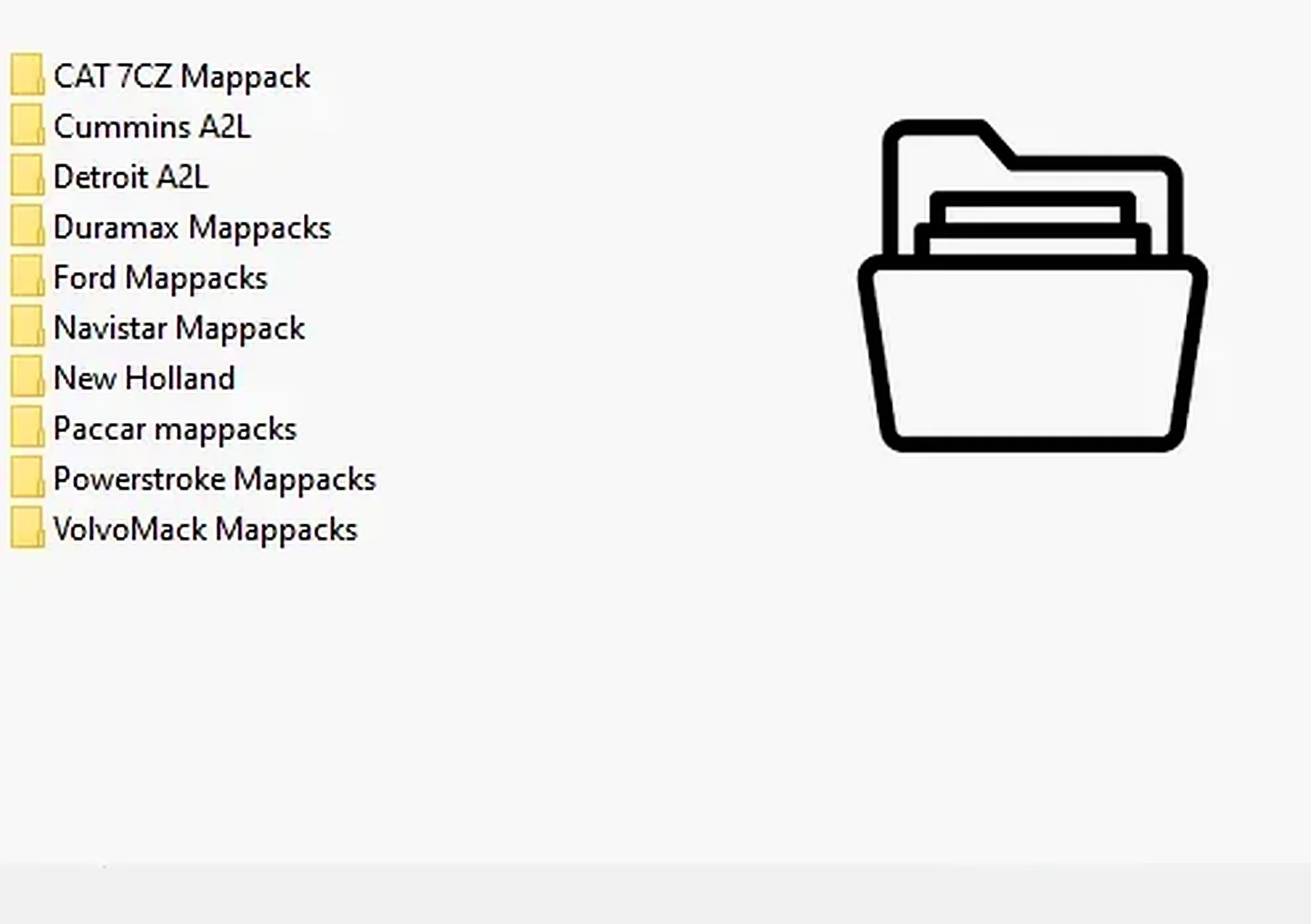
Collection of 28 heavy-duty and industrial ECU definitions in A2L, WinOLS KP and OLS-associated formats for software-specific calibration projects.

Legacy Windows ECU service software for supported VAG EDC15/ME7, PSA EDC15C2 and Opel Delco controllers, with profile-dependent PIN, identity and EEPROM functions through a matching interface.
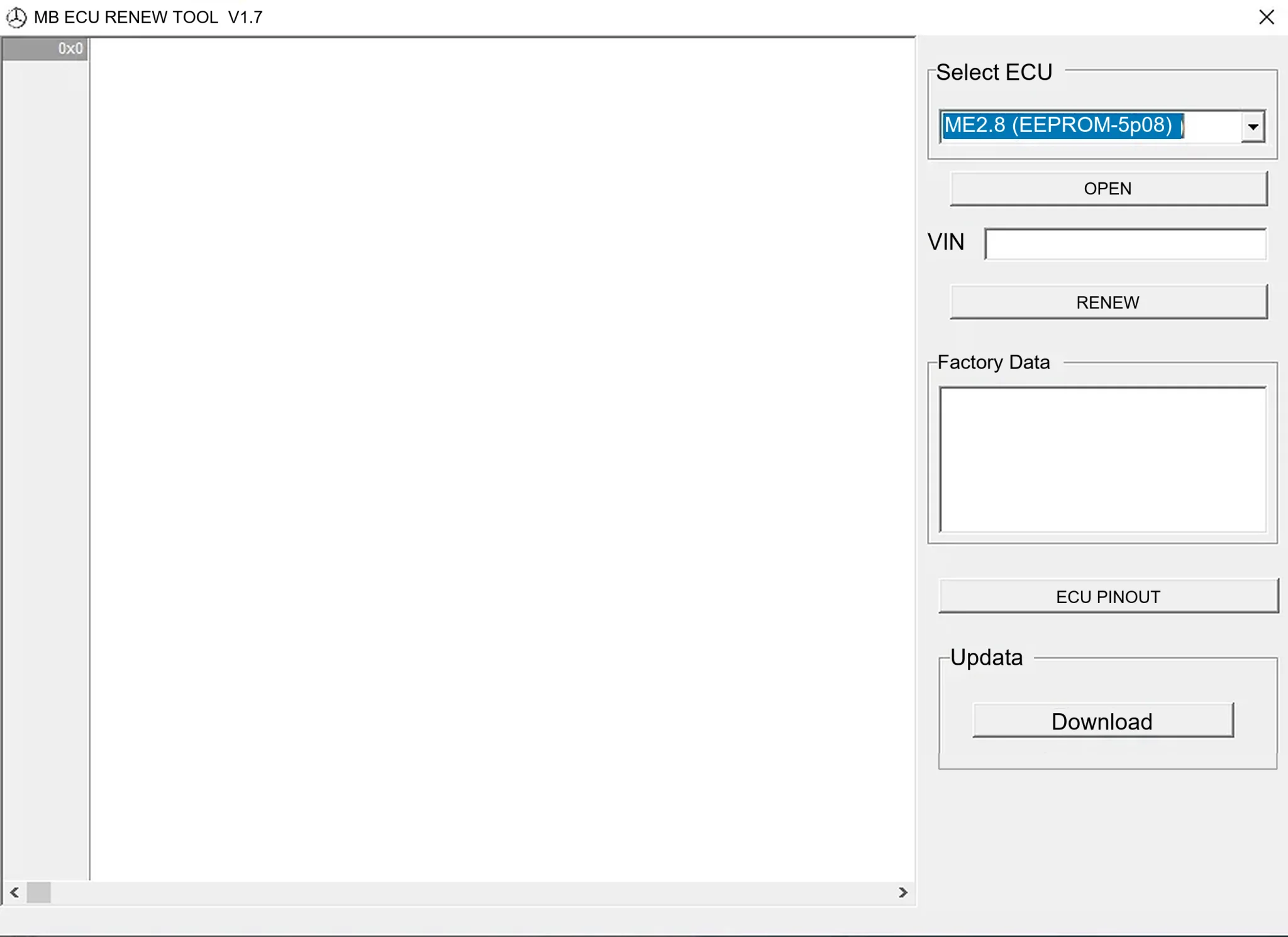
Offline Windows renew and virgin dump editor for selected Mercedes-Benz Bosch ME, EDC15 and Siemens SIM4 ECU profiles, with memory-specific processing and connector diagrams.

Offline Windows reference tool for Bosch ECU part numbers, controller families and OE cross-references, with exact, wildcard, prefix and binary-dump identifier searches.

Windows map and axis detection for supported Siemens PPD/SID full BDM binaries, with table and 3D views, DTC analysis and XDF/A2L definition export.

Offline Windows checksum inspection and correction for recognized Bosch and Sagem petrol ECU binaries, with eight supplied modules and All, Bad and Fixed counters.