
SOFTWARE DATABASE / RELEASE RECORD
VERSION 3.6CarTool - Immo, Airbag Reset and Radio Code Utility 3.6
Offline automotive-electronics utility with airbag crash reset, IMMO processing, radio and PIN calculators, repair references and emulator documentation.
Categories
Overview
Description
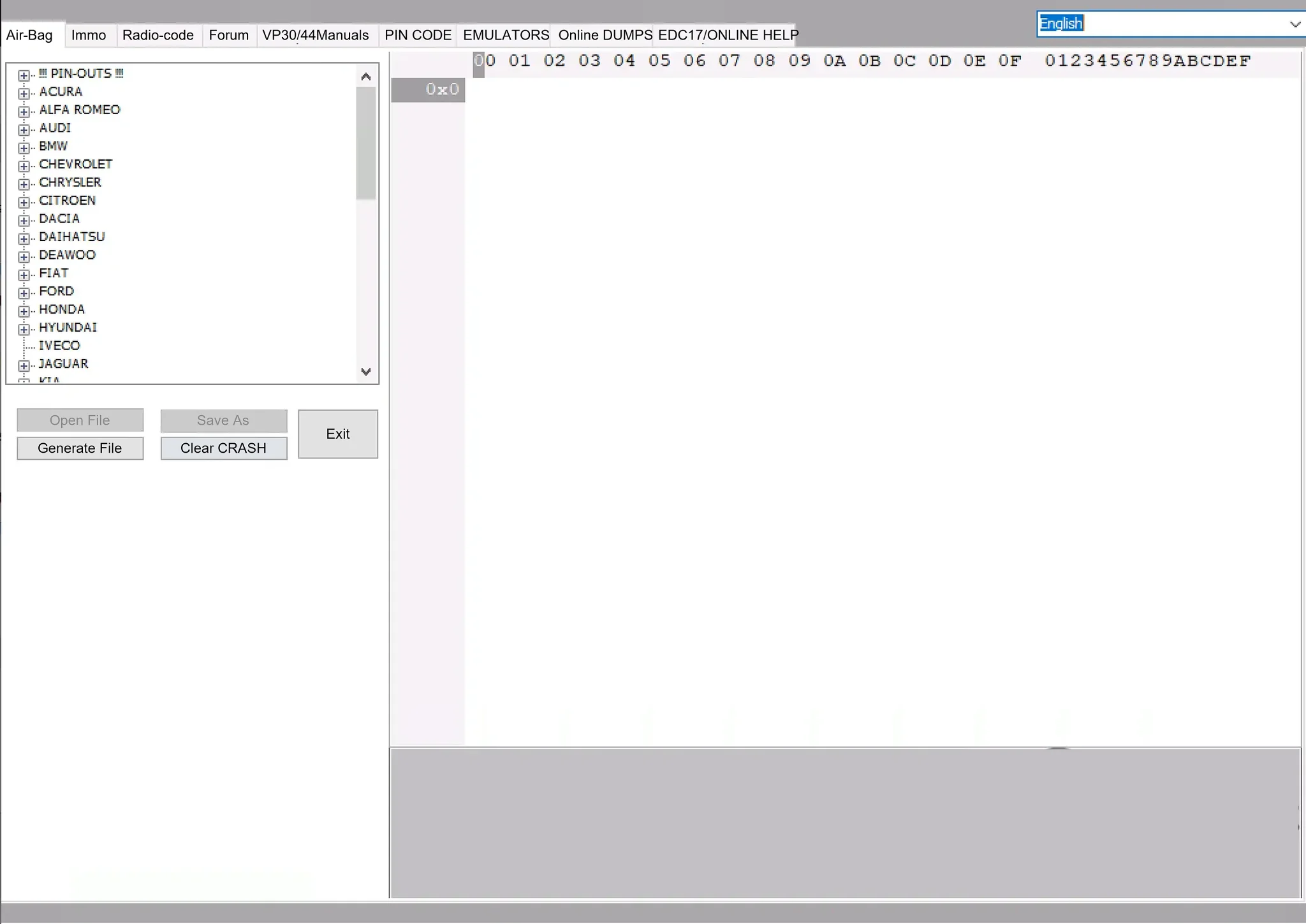
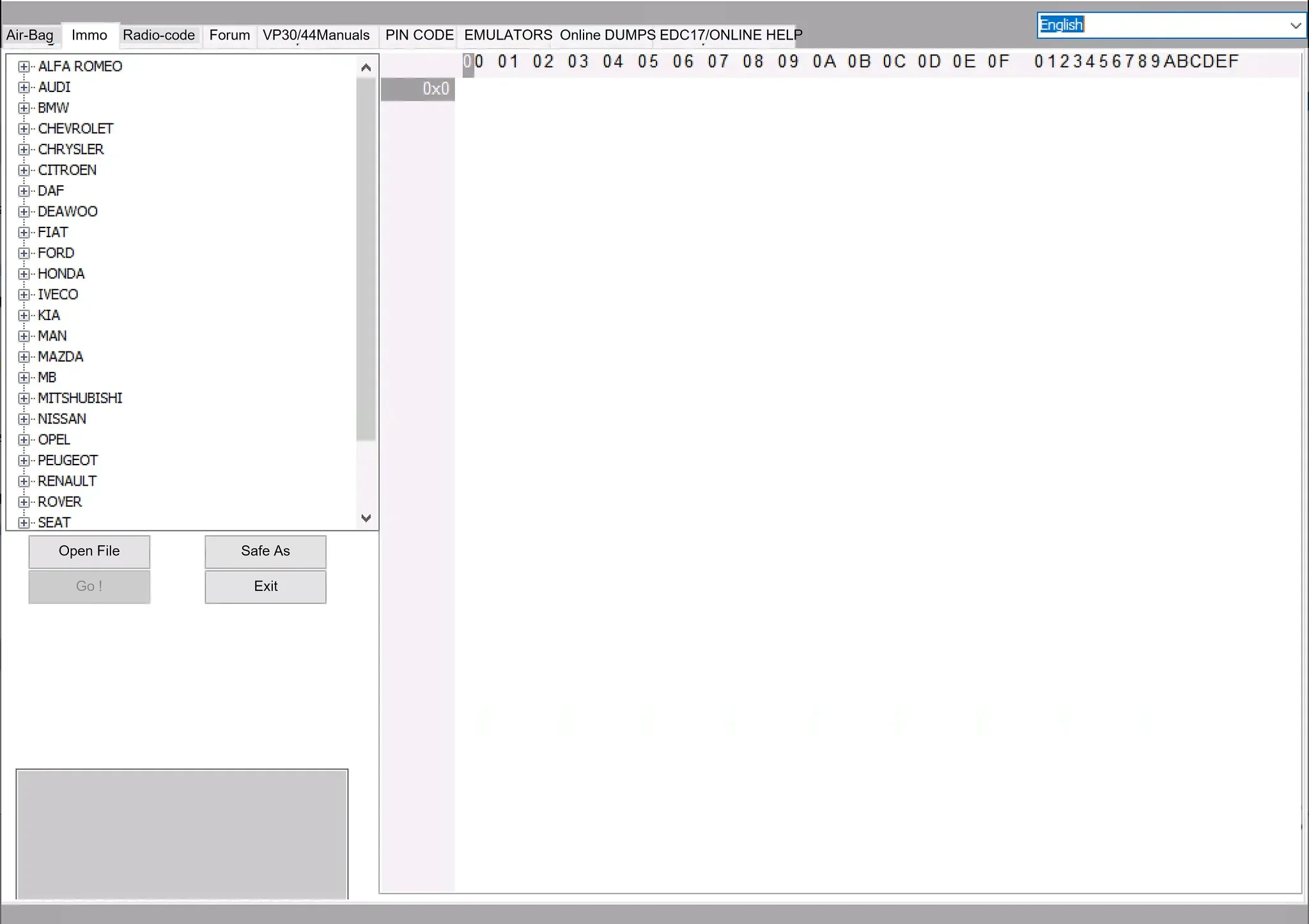
CarTool is a multifunction automotive-electronics database and offline service utility. Its modules support airbag crash-data clearing, immobilizer disabling, radio-code retrieval and PIN-code extraction across a range of vehicle brands. Alongside dump-processing and calculator functions, it provides hardware repair documentation, emulator schematics and component-level assembly instructions for bench work.
Highlights
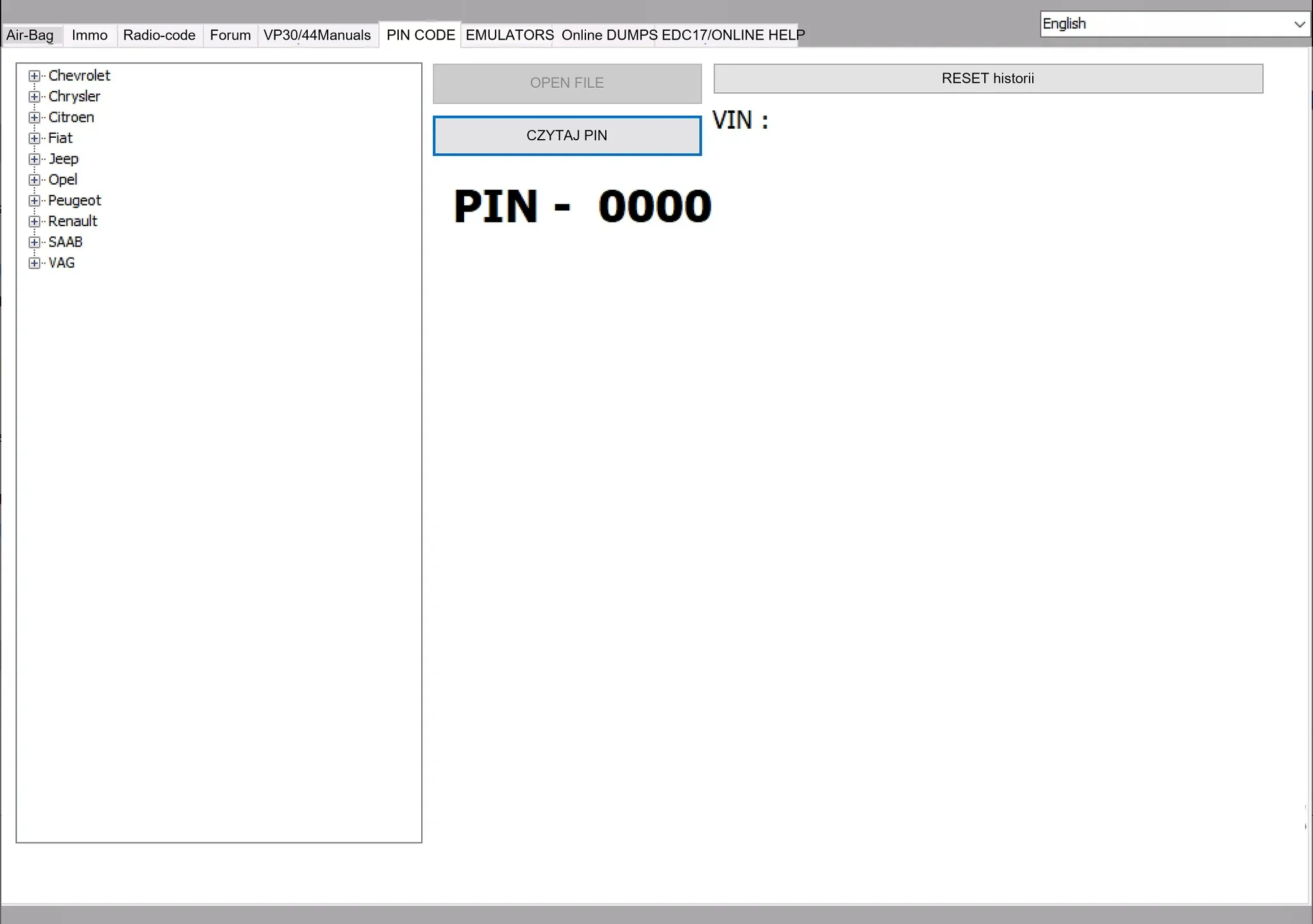
- A database of Air-Bag crash-reset and IMMO-disable applications.
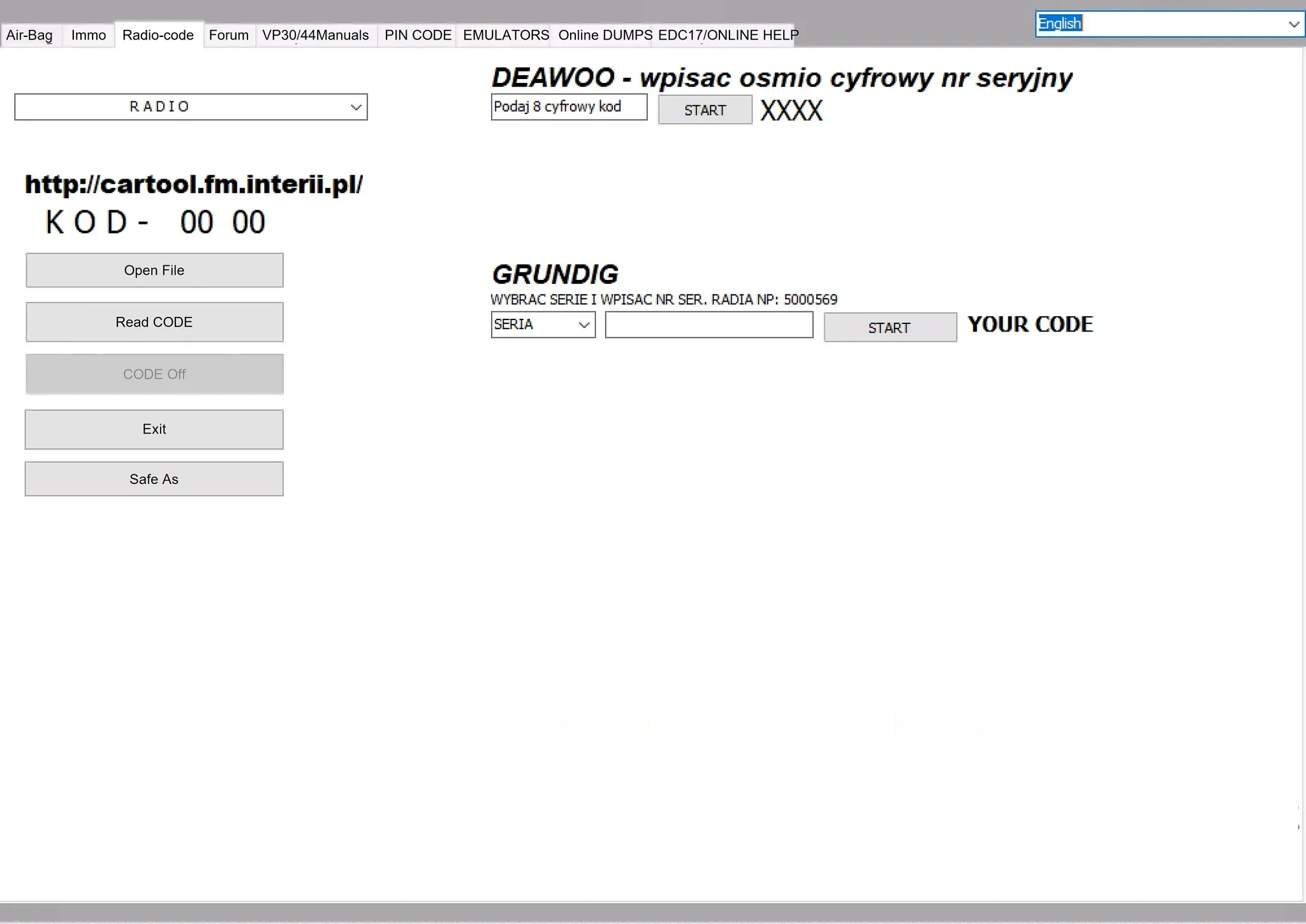
- Radio-code calculation for Daewoo, Grundig and other supported audio systems.
- Integrated electronics repair references, including Bosch VP30/VP44 diesel-pump electronics.
- PIN-code extraction functions for supported vehicle modules.
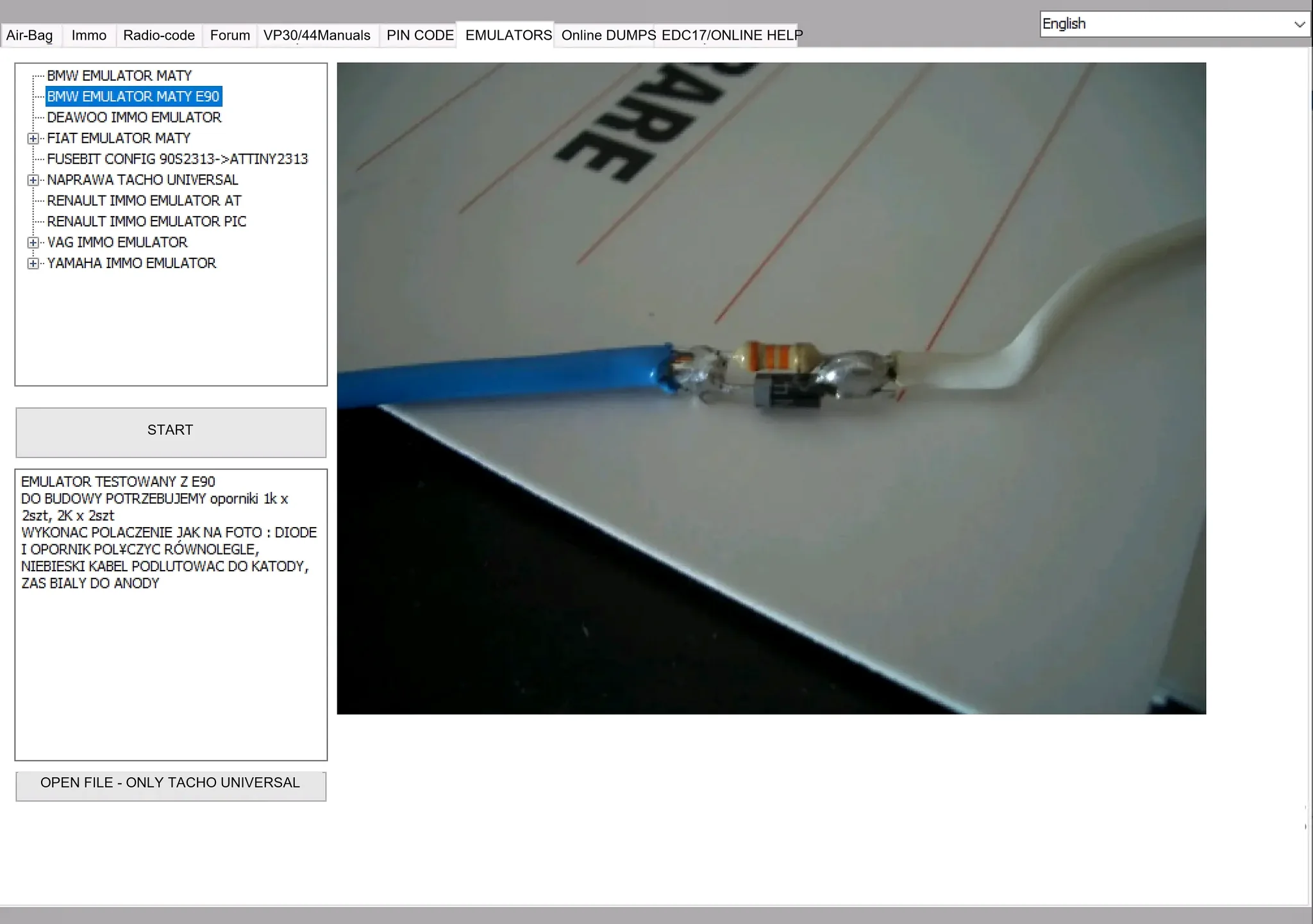
- Emulator hardware diagrams and component-level build instructions.
Supported Hardware
CarTool works offline as a dump-processing utility, calculator and reference database; it does not require a particular vehicle interface. A separate bench programmer, such as Xprog, TL866 or UPA-USB, is needed to read and write the EEPROM or MCU data used by its file-based functions.
Supported Languages
English and Polish.
Package contents
EMULATORS— folder.foto— folder.USB DRIVERS— folder.CarTool.dllCarTool.exedata.datftd2xx.dllunins000.datunins000.exe
Compatibility notes
The described coverage concerns older vehicle platforms, extending approximately to 2015. Support for an individual module depends on the vehicle brand and its internal EEPROM or MCU architecture.
Basic usage
- The extraction instructions recommend temporarily disabling real-time antivirus to avoid file removals attributed to false positives. That characterization has not been independently verified.
- Extract the archive to a folder at the root of the system drive, for example
C:\CarTool. - Start
CarTool.exefrom the extracted directory. - Select the required tab, such as Air-Bag, Immo or Radio-code, then choose the vehicle brand in the left-hand menu.
- Load the relevant EEPROM dump for crash-data or immobilizer processing, or open the repair references for hardware service work.
Operating systems
Windows 7, Windows 10 and Windows 11, with x86 and x64 architectures.
Minimum system requirements
- CPU: Intel Core 2 Duo or equivalent.
- RAM: 1 GB.
- Storage: 200 MB of available space.
- Network: offline operation is supported.
- Admin rights: required to run the software.
Disclaimer
This entry provides educational and reference information; no software files are hosted here. License keys, patches and protection-bypass methods are not supplied. Users are responsible for legal compliance, vehicle safety and any resulting equipment damage. Use is at your own risk.
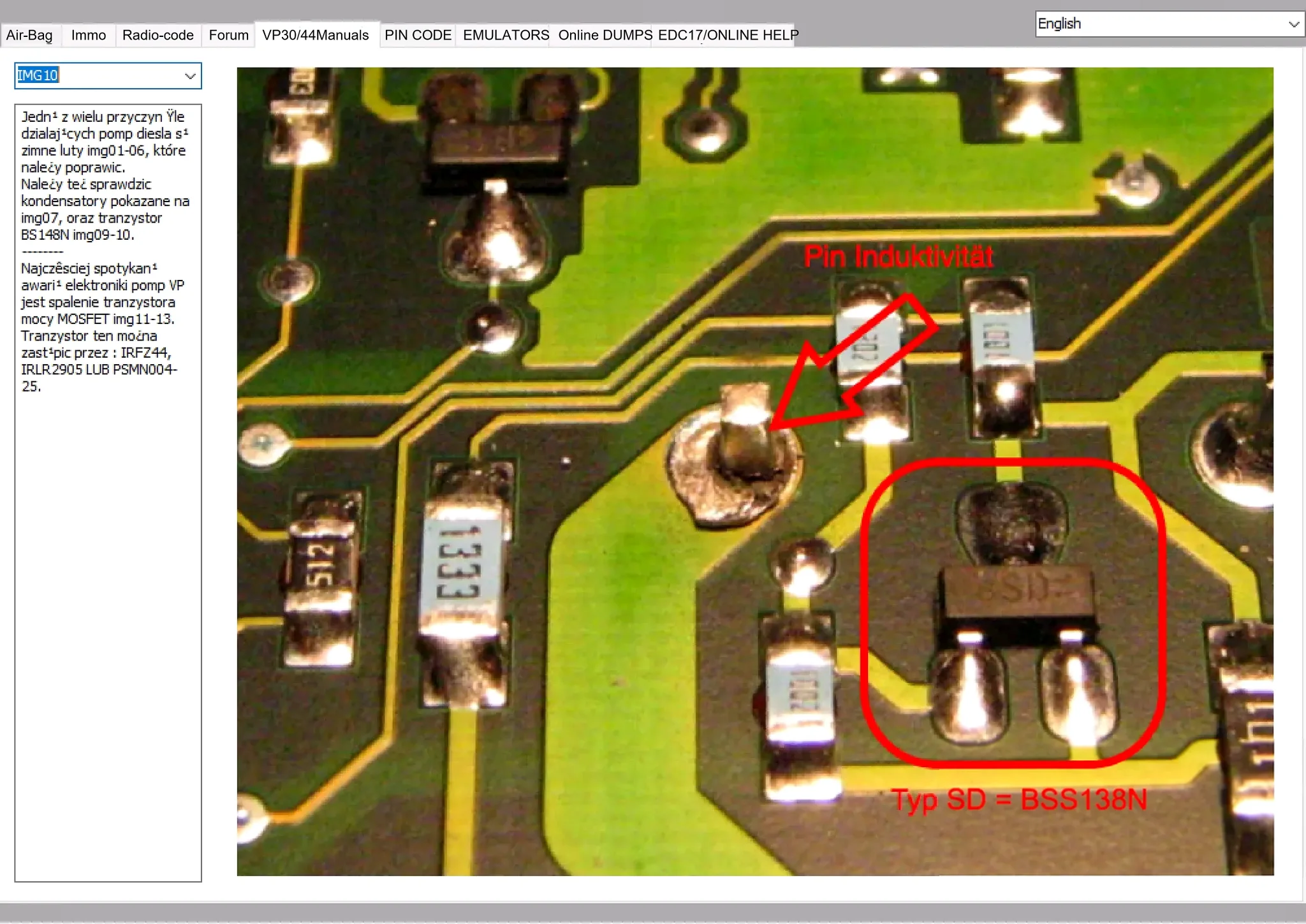 VP30/VP44 repair reference: the obscured lower-right photo area was visually reconstructed and is illustrative.
Technical Compatibility
Operating Systems
File Formats
Screenshots
Related Software
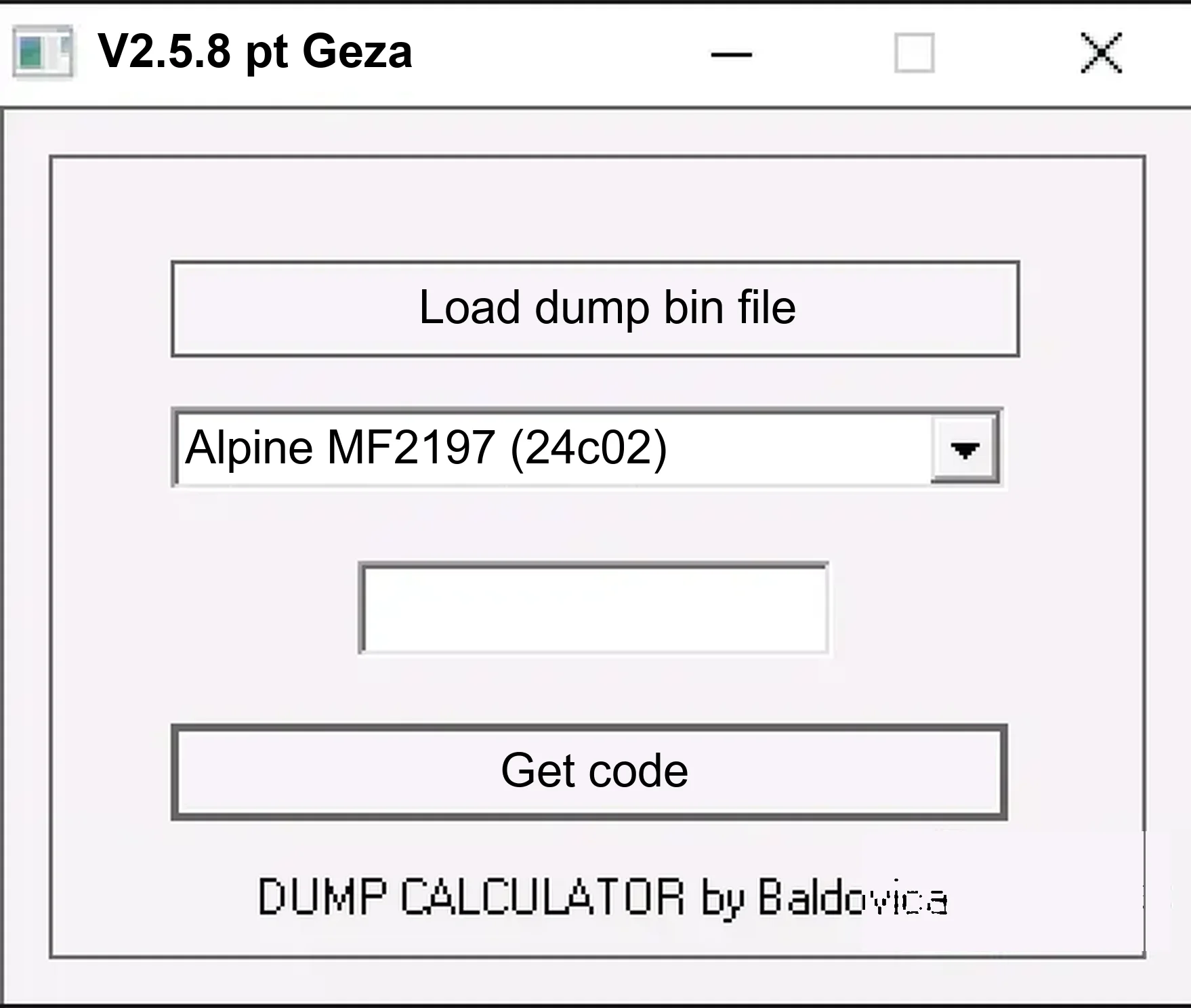
Windows EEPROM BIN dump calculators for supported car-audio head units, including V2.5.8 pt Geza presets and the V2.8.3 calculator build.

Collection of 1,350+ UPA-USB scripts for EEPROM and MCU work, covering odometer, IMMO, airbag reset, radio codes, PIN extraction and ECU virginization.

Legacy Windows serial-memory programmer with 24C64 EEPROM handling, a BIN buffer editor, configurable page-write settings and adjustable target VCC.
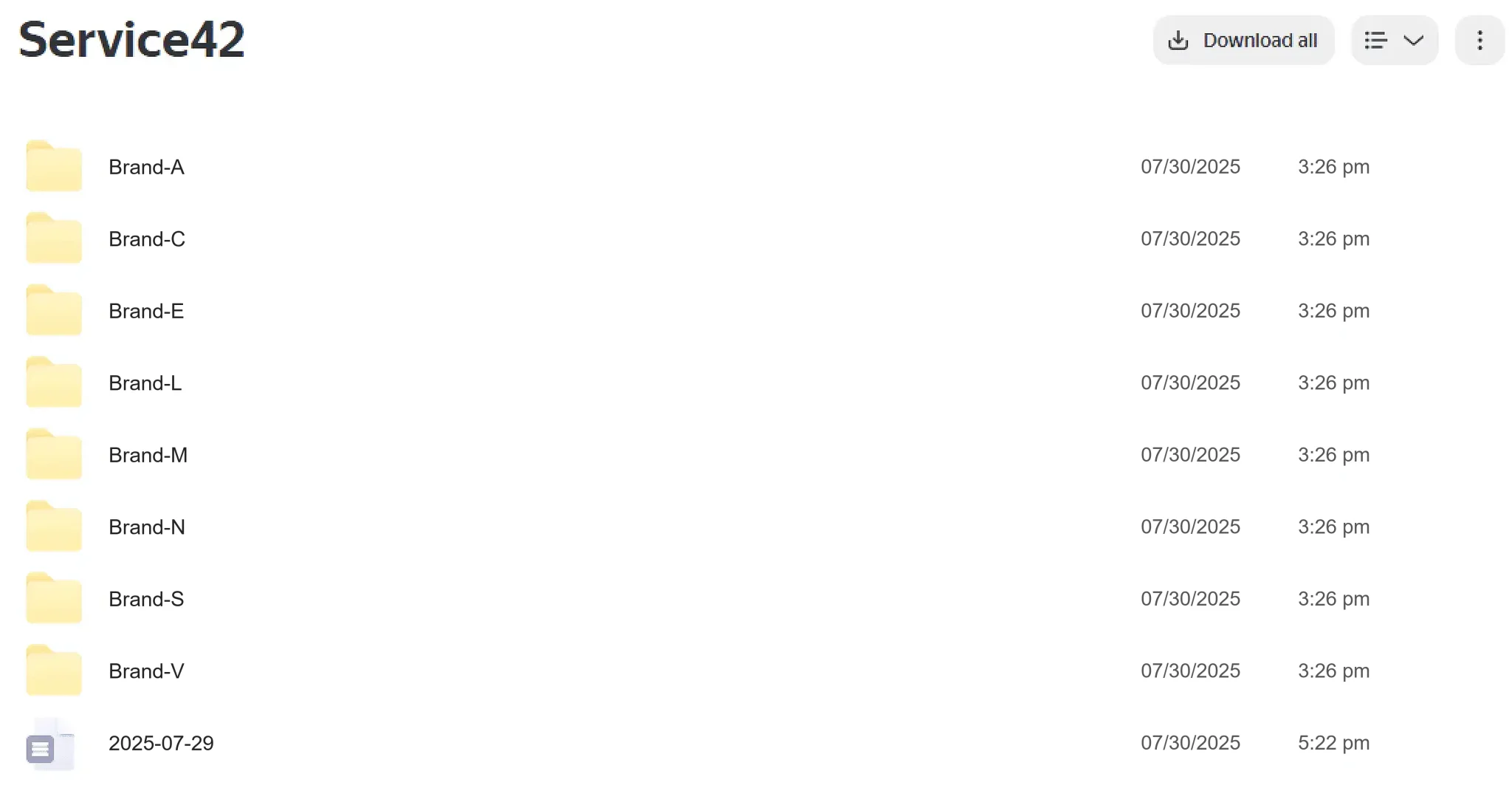
VAG factory flash-data archive with over 184 GB and 35,341 files, organised by brand for ODIS Engineering ECU updates, repair, programming and retrofit work.
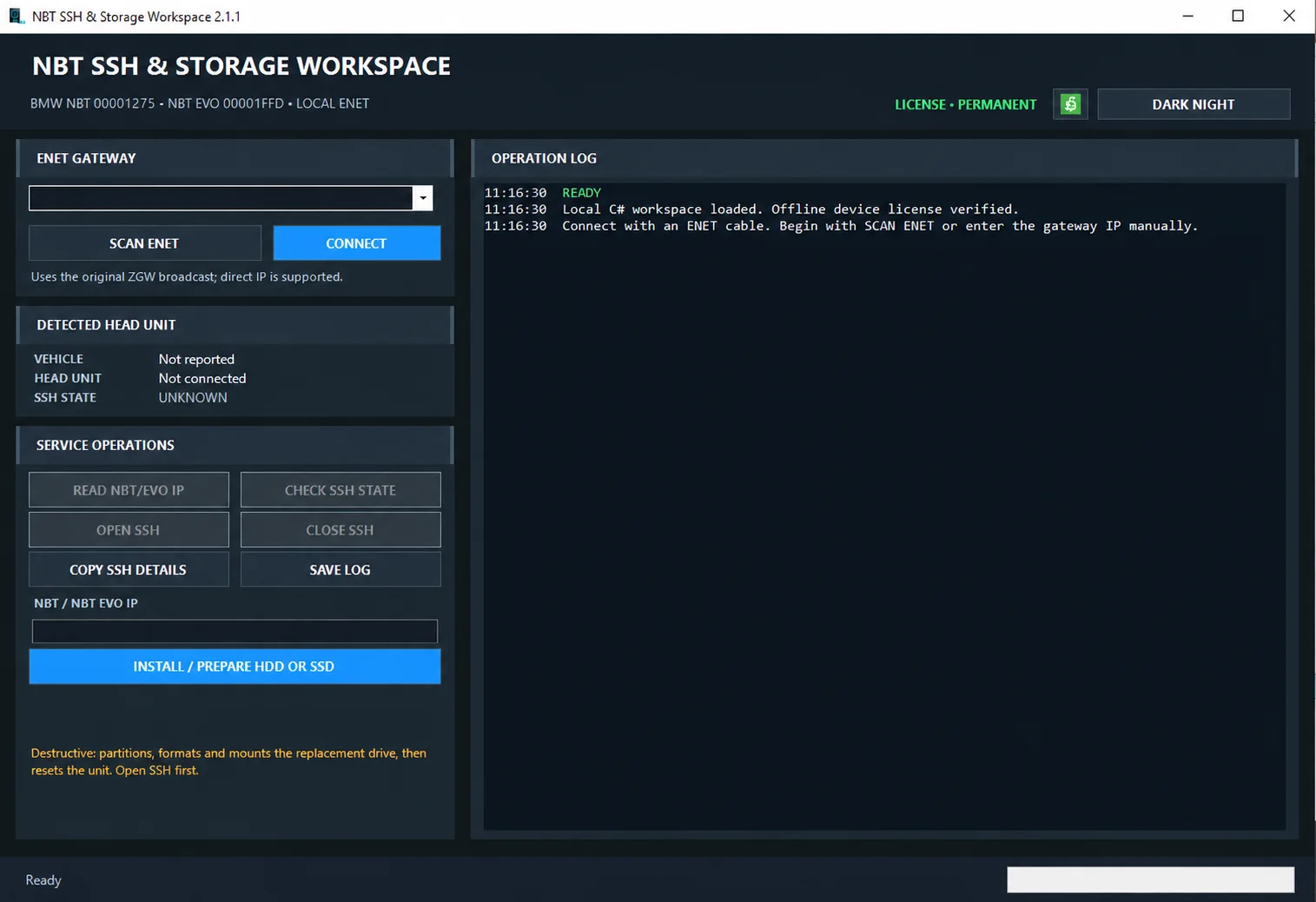
Windows ENET utility for identifying supported BMW head units, managing SSH access and preparing replacement HDD/SSD storage.

Windows calibration-file utility with manufacturer and ECU selection menus for EGR, flap, Hotstart, DTC and related service functions.