
SOFTWARE DATABASE / RELEASE RECORD
VERSION 1.0.0.0Bosch ME7.4.5 IMMO OFF - PSA 95320 EEPROM File Utility 1.0.0.0
Offline Windows utility for supported Bosch ME7.4.5 ECUs in Peugeot and Citroën vehicles. Processes raw 95320 EEPROM files for authorized immobilizer service.
Categories
Vehicle references
Overview
Bosch ME7.4.5 IMMO OFF 1.0.0.0 is a portable Windows utility for processing a raw EEPROM read from a supported Peugeot or Citroën petrol engine ECU. It edits a local file for authorized immobilizer service. A separate programmer is required to acquire or write EEPROM data.
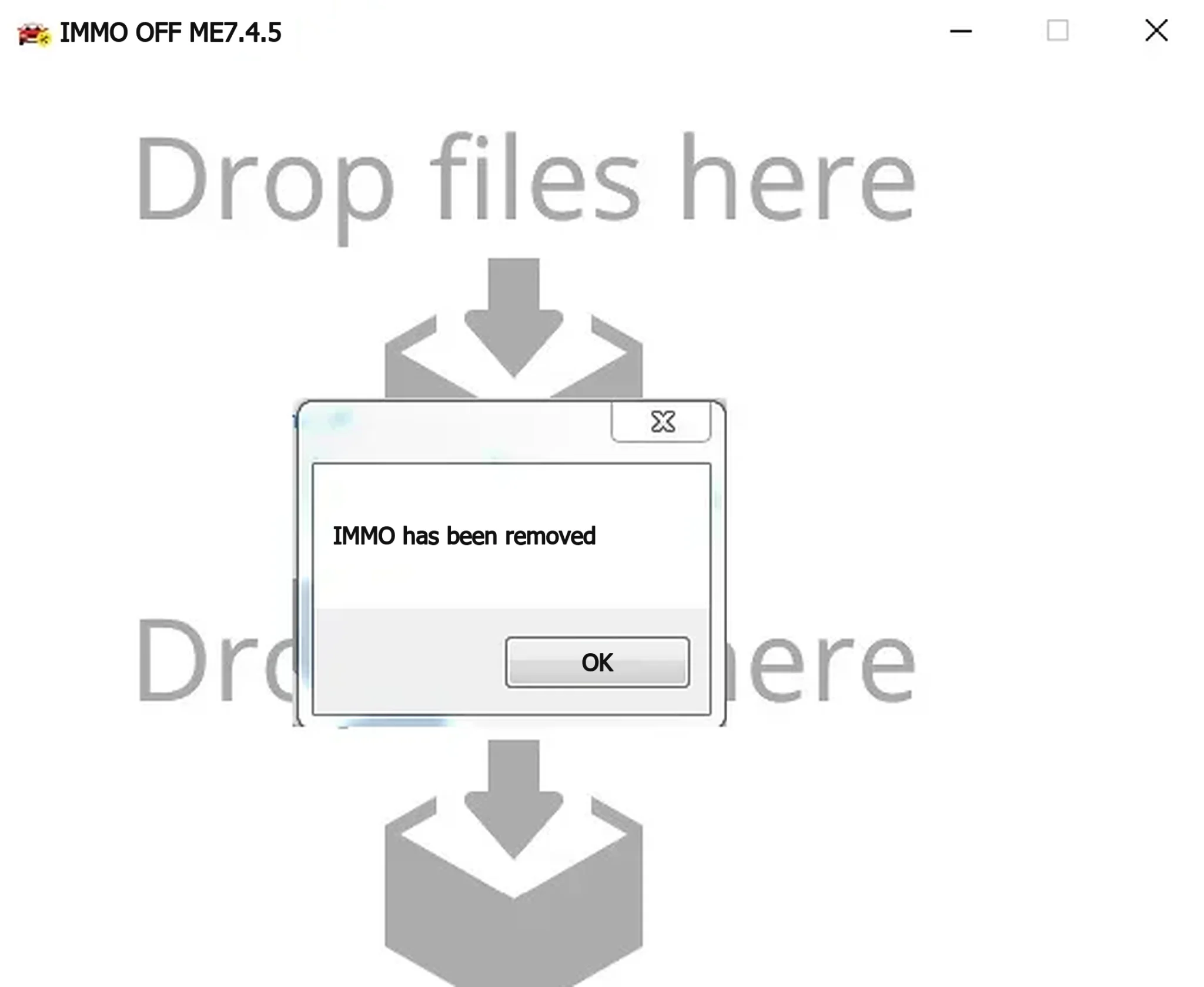
What the program does
The interface accepts a working copy by drag and drop and displays a completion dialog after processing. The documented edit range is 00–60; this has not been independently tested. The program does not communicate over OBD, CAN or K-Line, load programmer drivers, or identify the ECU. A success dialog confirms a file operation only.
ECU family and EEPROM requirements
Confirm Bosch ME7.4.5 on the module label and identify the actual memory on the board. A standard 95320 memory array holds 4,096 bytes. The correct length does not establish the origin or integrity of the file. ME7.4.4, ME7.4.6 and ME7.4.9 are different families.
- Use a complete raw EEPROM image in the programmer's correct byte order.
- Reject partial reads, programmer containers, full flash and calibration-only exports.
- Reject padded, truncated, byte-swapped, all-zero and all-
FFdumps. - Record the full Bosch and PSA numbers, VIN, engine code and initial immobilizer state privately.
Representative Citroën applications
- C2 1.6 16V: documented 80 kW and higher-output variants.
- C3 / C3 II 1.6i: selected N6A and NFU installations.
- C4 / C4 Picasso 1.6i: documented N6A or NFU applications.
- Xsara Picasso 1.6 petrol: match the full module reference.
Representative Peugeot applications
- 1007 1.6 16V
- 206 1.6i 16V with documented N6A/NFU variants
- 207 1.6i where the physical ECU matches
- 307 1.6i 16V
Other PSA 1.6 petrol applications may use this ECU. A shared model, connector or 0 261 208 xxx prefix is insufficient: compare the full suffix, hardware and board layout. Some versions use a different Bosch or Marelli ECU.
Workshop equipment
Use a programmer that supports the exact EEPROM and its voltage, with the appropriate SOIC clip, adapter or rework setup. Work at an ESD-safe bench with magnification, and use a regulated, current-limited supply where the ECU needs bench power. Keep a binary comparison or hashing tool, PSA diagnostics and stable vehicle battery support available.
File verification and service workflow
- Record the symptom, ECU identity and authorized repair scope. Identify the memory and confirm pin 1 before connecting equipment.
- Obtain two independent reads that match byte for byte. Record the accepted original's checksum in the job file and store an untouched copy outside the working folder.
- Check file length and content before processing a separately named copy. Treat the working copy as disposable in case it is overwritten.
- Compare the result with the accepted original. Stop if the differences fall outside the expected area or the input cannot be identified.
- For an authorized write, use stable power and verify the readback against the intended file. Check start status, faults and configuration after refitting.
Immobilizer, BSI and key-system boundaries
Diagnose the ECU, BSI and transponder key together. A non-start may instead involve power, communication, crank sensing, fuel pressure, starter authorization or a mechanical fault. For replacement, the manufacturer-approved pairing or virginization procedure may be appropriate. Keep the original ECU and dump available for recovery.
System requirements
- Windows desktop capable of running an unsigned x86 executable. Windows 7, 10 and 11 are documented workshop environments; exact compatibility is untested here.
- About 10 MB for local working files, plus separate backup storage. This is not a download size.
- Permission to use drag and drop and write in the working folder.
- The editor itself is offline and does not require an account or vehicle interface. Programming and commissioning require separate equipment.
Troubleshooting
- File ignored: confirm a raw dump rather than an archive or programmer project.
- Wrong size: check the memory and programmer settings; never pad a read to make it fit.
- Unrepeatable reads: follow the programmer manufacturer's method for the exact board and resolve in-circuit interference.
- Unexpected differences: stop and compare against the untouched original.
- No communication after writing: check power, grounds, connections and EEPROM orientation or soldering. Recover from the verified backup where safe.
- Still immobilized: check BSI, ECU and key recognition, then follow the approved matching procedure.
- Application blocked: use an isolated Windows environment and scan the executable independently.
Package and responsible use
The package documentation lists one unsigned portable executable and reports archive extraction and static inspection. ECUDB reviewed the catalog information without executing the binary. Use only on vehicles and modules you are authorized to repair, preserve the original data, and keep the repair traceable.
Technical Compatibility
Supported Modules
Operating Systems
File Formats
System Requirements
- Windows desktop with support for unsigned x86 software.
- Approximately 10 MB of working space, plus separate backup storage.
- Permission to write in the working folder.
- A compatible 95320 programmer and PSA diagnostic equipment for workshop service.
Screenshots
Related Software
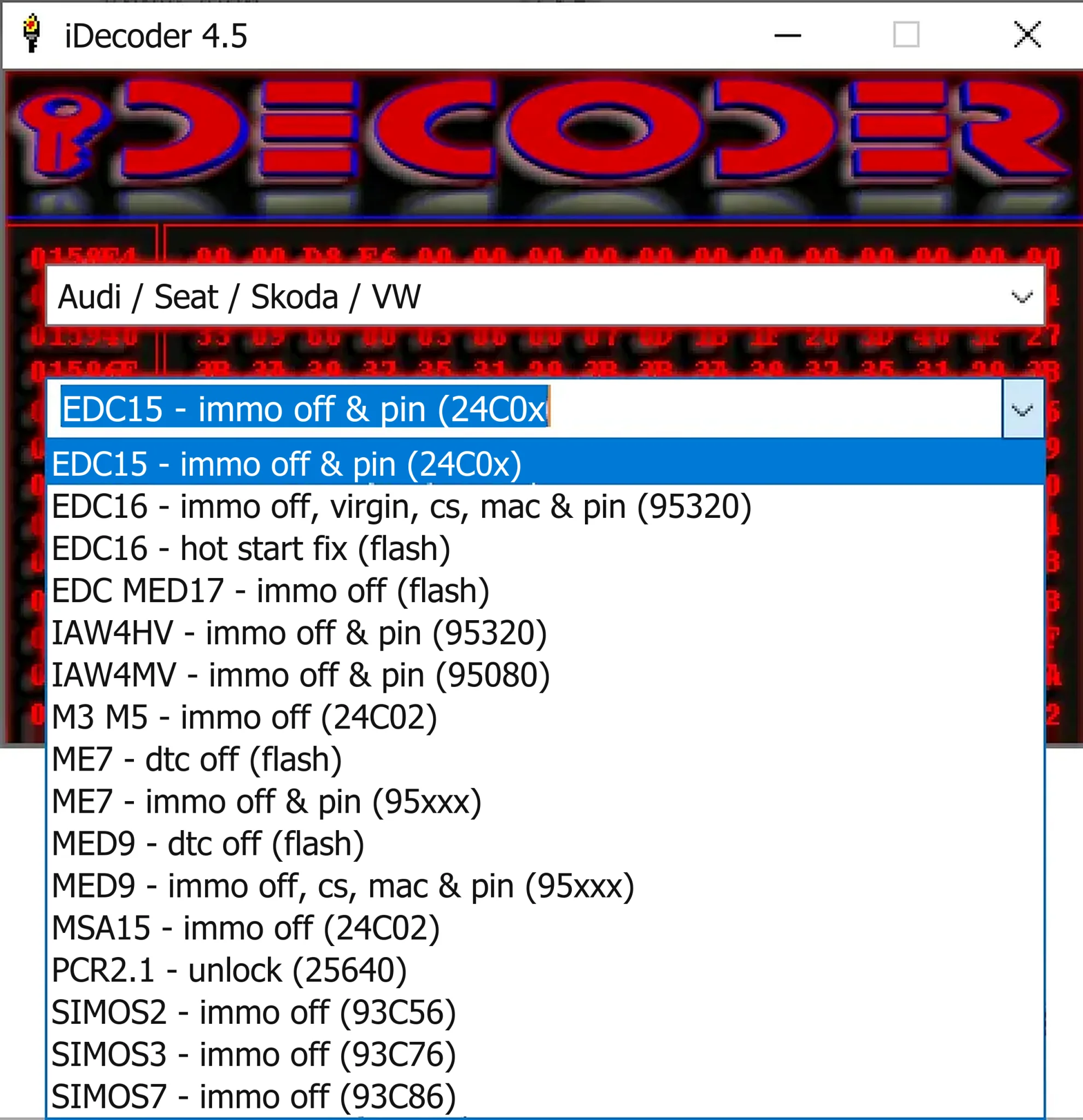
Offline Windows dump-processing utility for supported ECU, immobilizer, dashboard and body modules, with IMMO, PIN/VIN, virgin, ISN and DPF/EGR/DTC functions.

Windows EEPROM and flash-dump toolkit for supported IMMO PIN, IMMO OFF, virgin, radio PIN, MEDC17 checksum and special repair workflows, including BMW EDC15 ISN in 1.0.4.
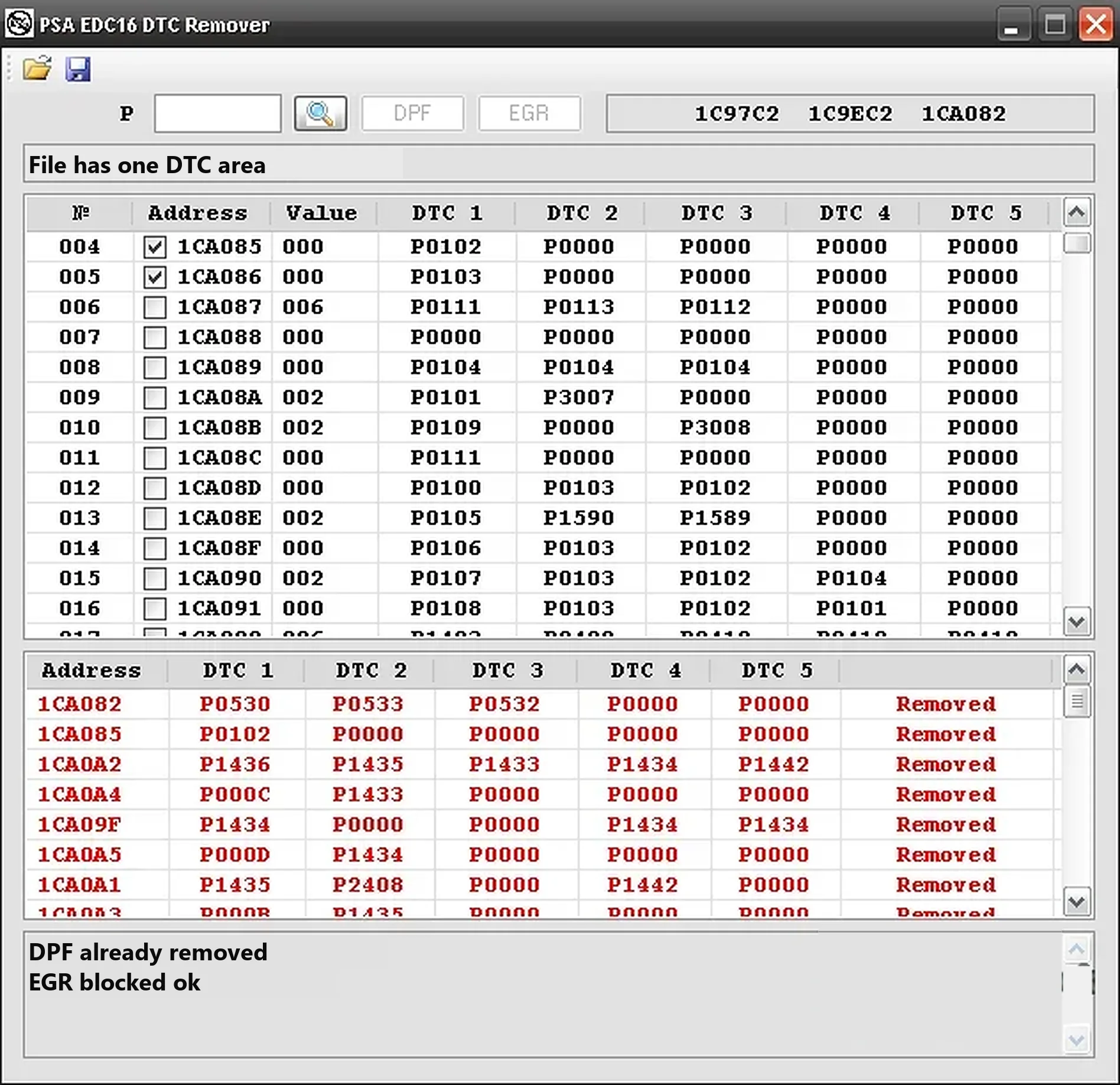
Offline Windows editor for recognized Peugeot and Citroen Bosch EDC16 binaries, with DTC table addresses, selected-record removal and separate output files.
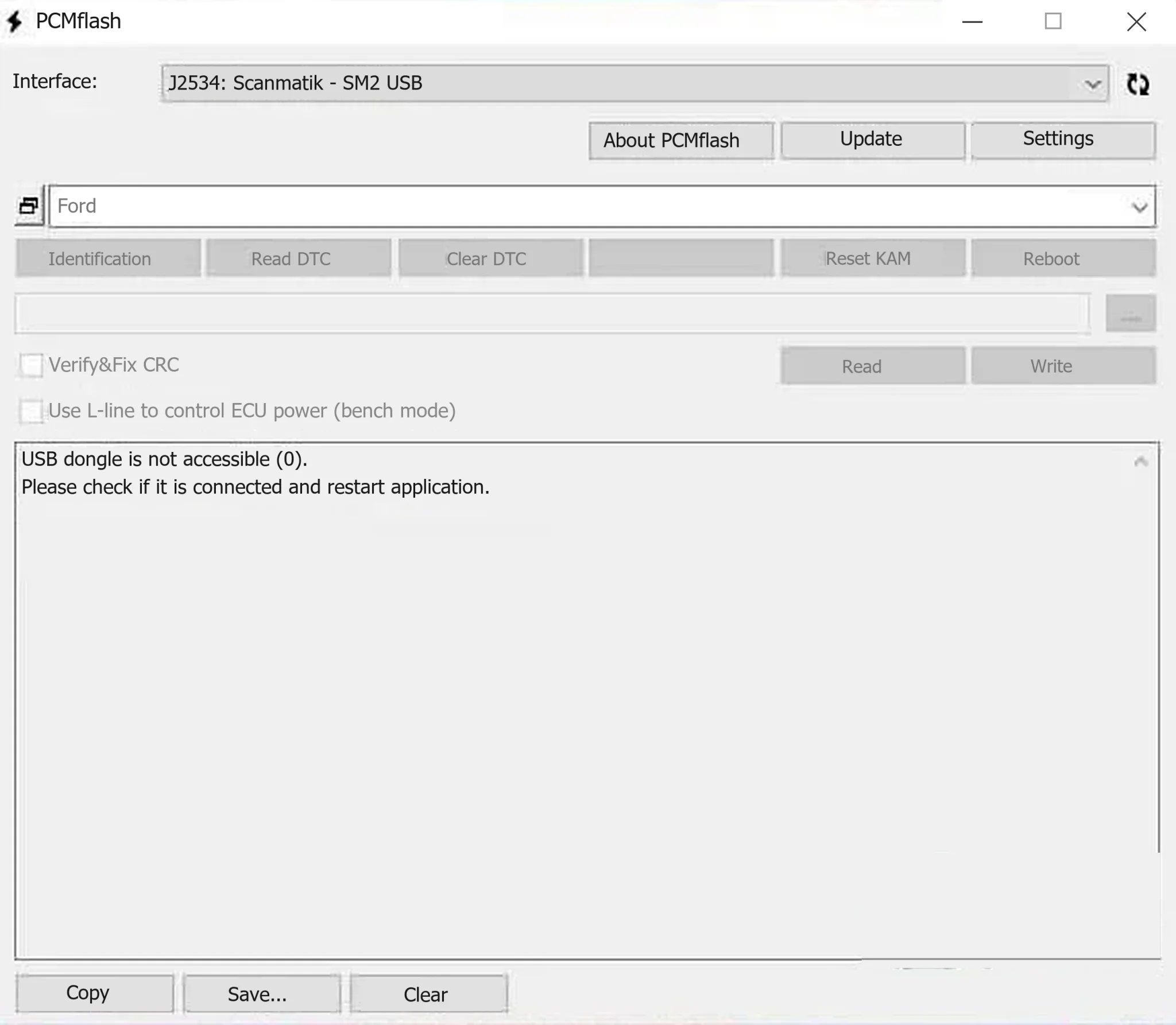
Modular Windows ECU and TCU programming through J2534 interfaces, with licensed protocol-dependent identification, diagnostics, flash/EEPROM access and OBD, bench or boot workflows.
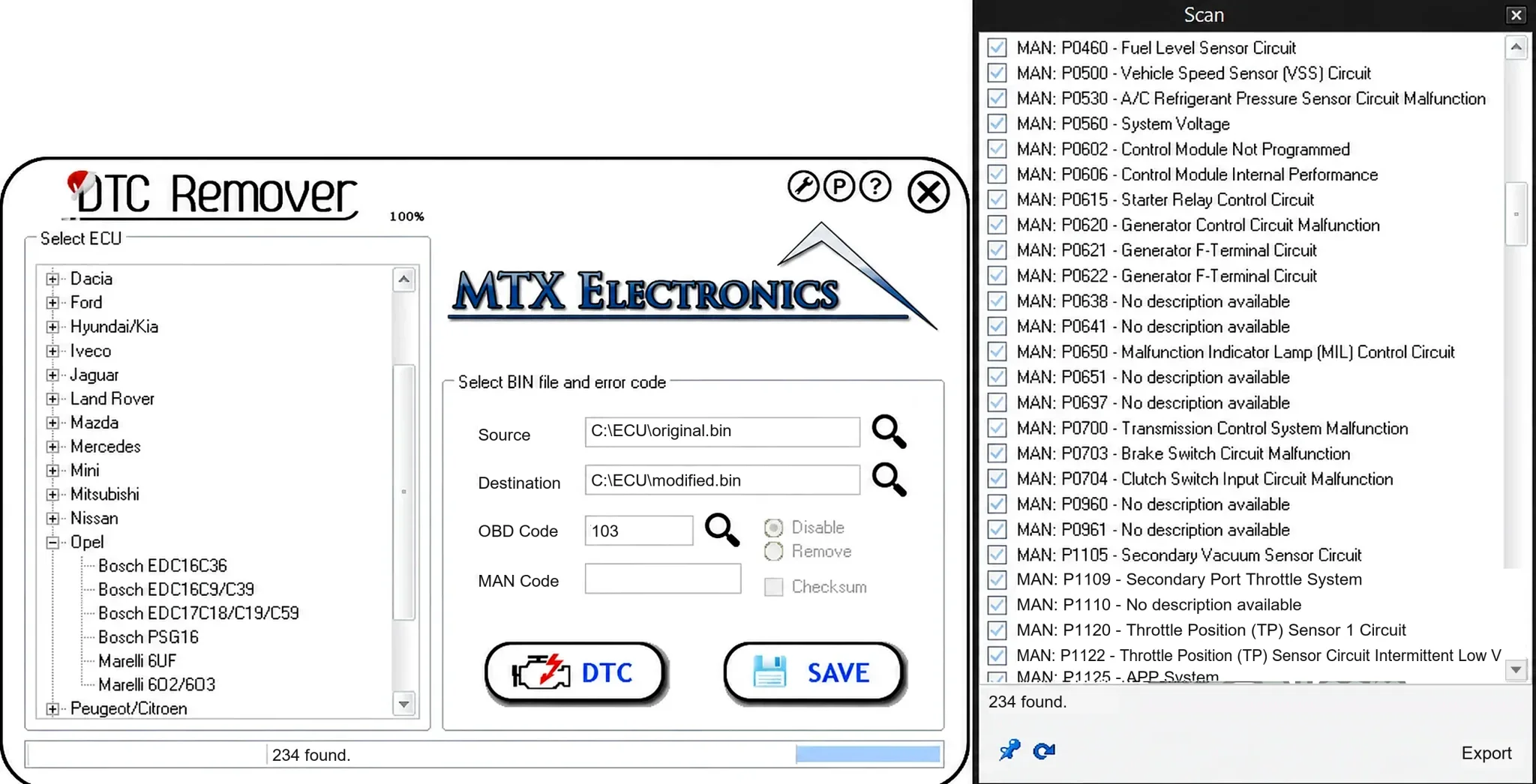
Windows BIN-file editor for locating and modifying supported ECU diagnostic trouble-code entries, with ECU-specific Disable/Remove actions and checksum validation requirements.
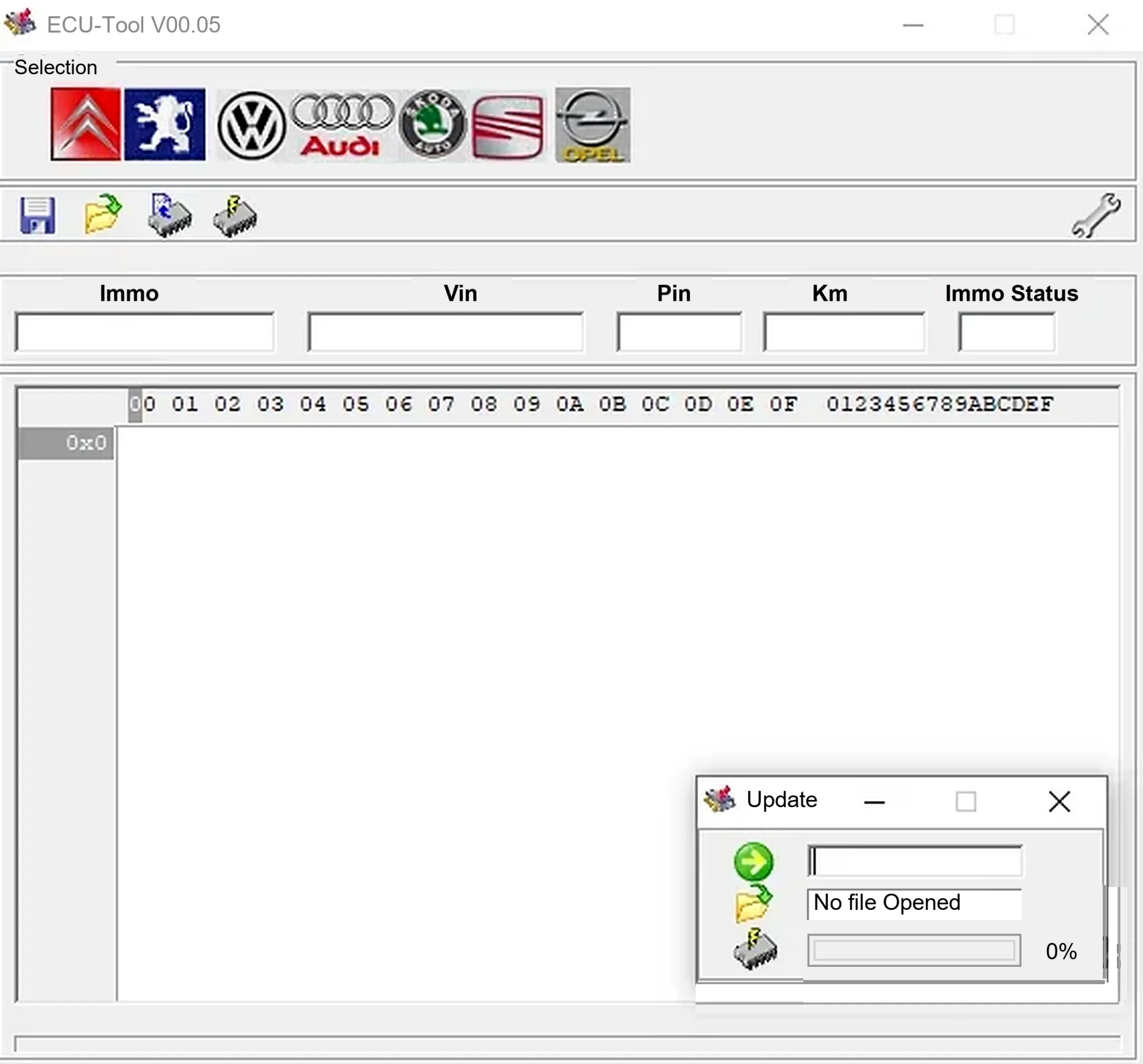
Legacy Windows ECU service software for supported VAG EDC15/ME7, PSA EDC15C2 and Opel Delco controllers, with profile-dependent PIN, identity and EEPROM functions through a matching interface.