
SOFTWARE DATABASE / RELEASE RECORD
VERSION 1.0BMW Software Fixes Utility - ISTA+ and Standard Tools Manager 1.0
Windows configuration helper for BMW Standard Tools and ISTA+, with EDIABAS mode switching, system-variable management and E-Sys PSdZData linking.
Categories
Vehicle references
Overview
Description
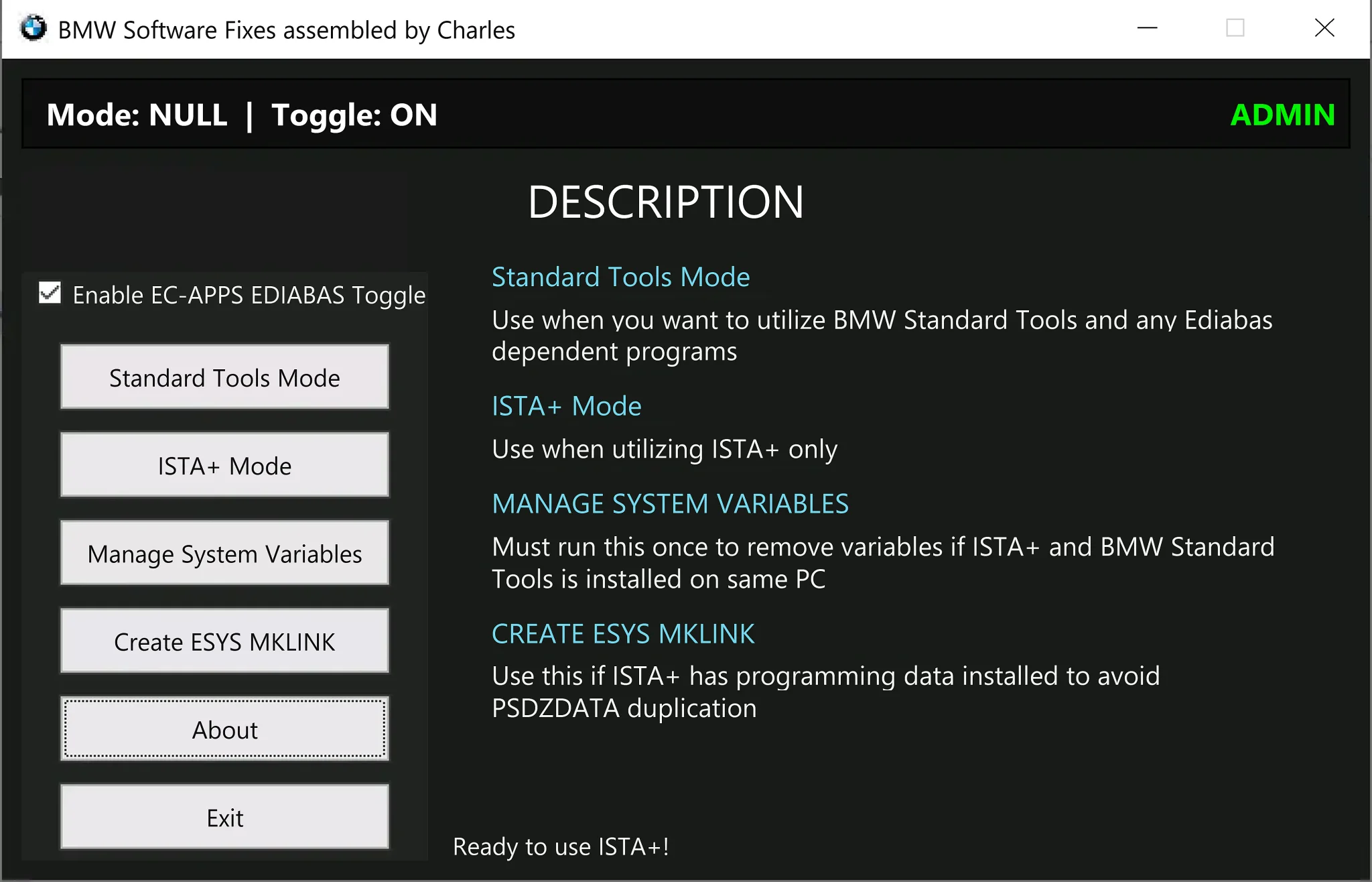
BMW Software Fixes Utility, assembled by Charles, is a Windows configuration helper for computers running both BMW Standard Tools and ISTA+. It addresses conflicts involving environment variables and software paths, allowing the EDIABAS configuration to be switched for the application being used. Its data-linking function also lets applications share programming data instead of keeping duplicate copies on disk.
Highlights
- Switch between BMW Standard Tools Mode and ISTA+ Mode with a button press.
- Manage system variables to address conflicts between EDIABAS-dependent applications.
- Create an E-Sys MKLINK automatically so PSdZData can be shared without duplicating the data files.
- Use the integrated EC-APPS EDIABAS toggle.
- Apply the supported configuration changes without manually editing registry entries or paths.
Supported Hardware
This is a PC configuration utility for diagnostic software environments. It can be used in computer setups working with standard BMW diagnostic interfaces, including K+DCAN cables, ENET cables and ICOM interfaces.
Supported Languages
English.
Package contents
BMW Software Fixes.exe
Compatibility notes
The utility is intended for Windows installations where BMW Standard Tools—including INPA, NCS Expert and WinKFP—are installed alongside ISTA+. To use the MKLINK function, ISTA+ programming data (SDP) must already be installed.
Basic usage
- Run the utility with administrator privileges so it can make the required system-path changes.
- During initial setup, run Manage System Variables once to remove conflicting paths between ISTA+ and Standard Tools.
- Select Standard Tools Mode or ISTA+ Mode to prepare the environment for the diagnostic application you plan to use.
- For E-Sys, select Create ESYS MKLINK to link the existing ISTA+ programming data into the E-Sys directory and reduce duplicate disk usage.
Operating systems
Windows 10 and Windows 11.
Minimum system requirements
- CPU: Intel Core i3 or equivalent.
- RAM: 2 GB.
- Storage: 10 MB available for the utility itself.
- Network: offline operation is supported.
- Admin rights: required for path modifications and symbolic-link creation.
Disclaimer
This entry is provided for educational and reference purposes; no software files are hosted here. License keys, patches and protection-bypass methods are not supplied. The operator is responsible for legal compliance, vehicle safety and any damage to equipment. Use is at your own risk.
Technical Compatibility
Operating Systems
Screenshots
Related Software
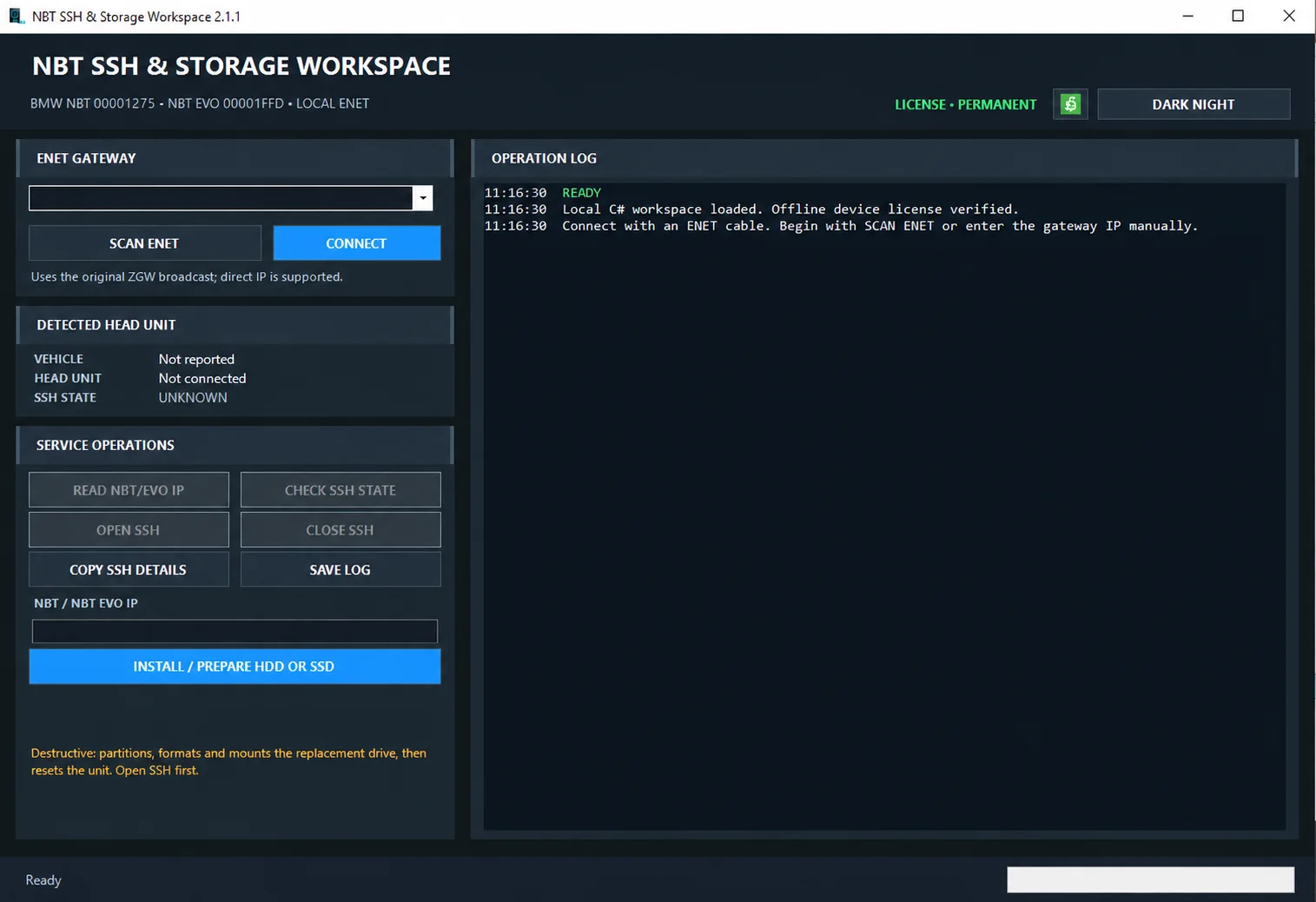
Windows ENET utility for identifying supported BMW head units, managing SSH access and preparing replacement HDD/SSD storage.

Windows calibration-file utility with manufacturer and ECU selection menus for EGR, flap, Hotstart, DTC and related service functions.
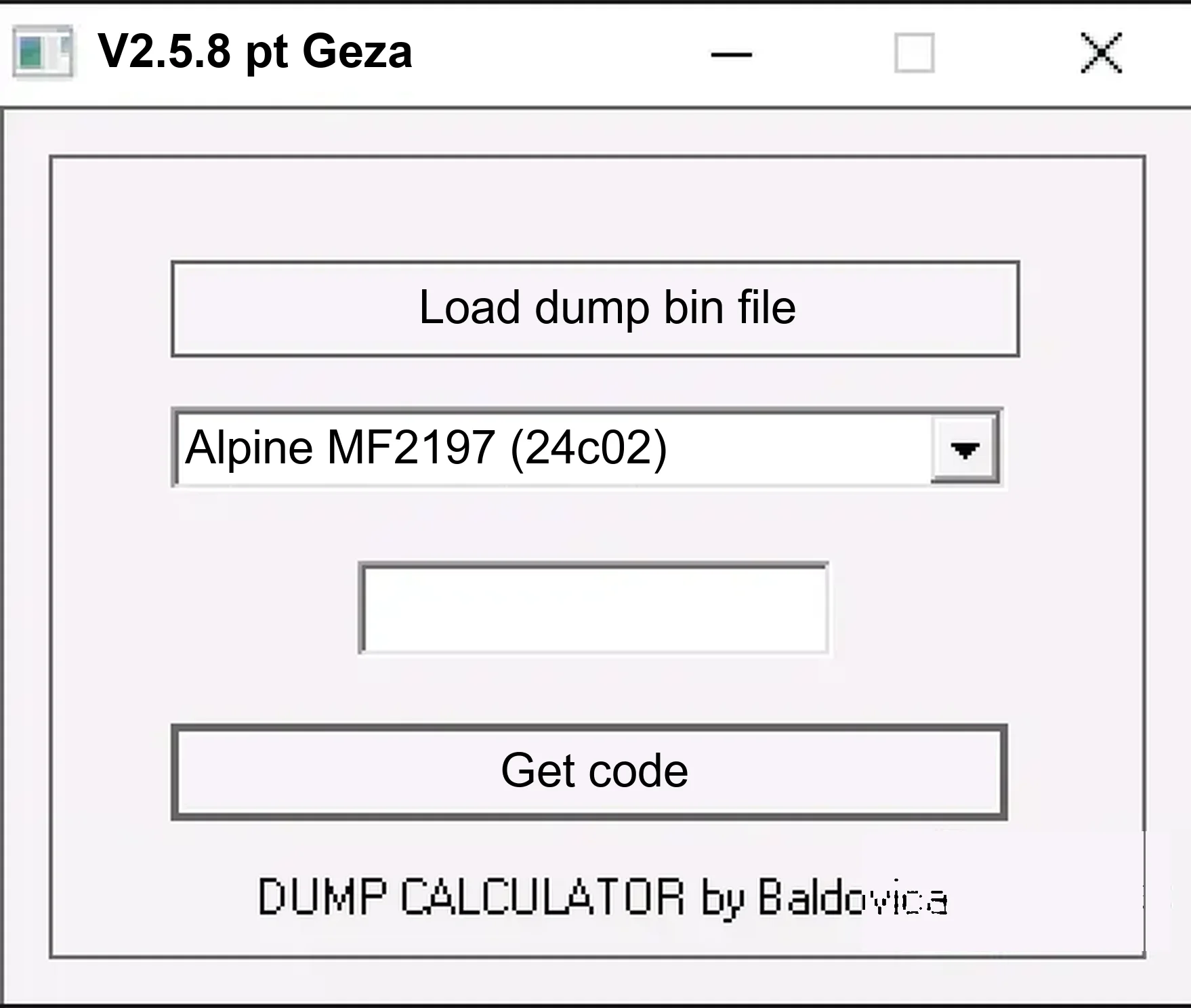
Windows EEPROM BIN dump calculators for supported car-audio head units, including V2.5.8 pt Geza presets and the V2.8.3 calculator build.
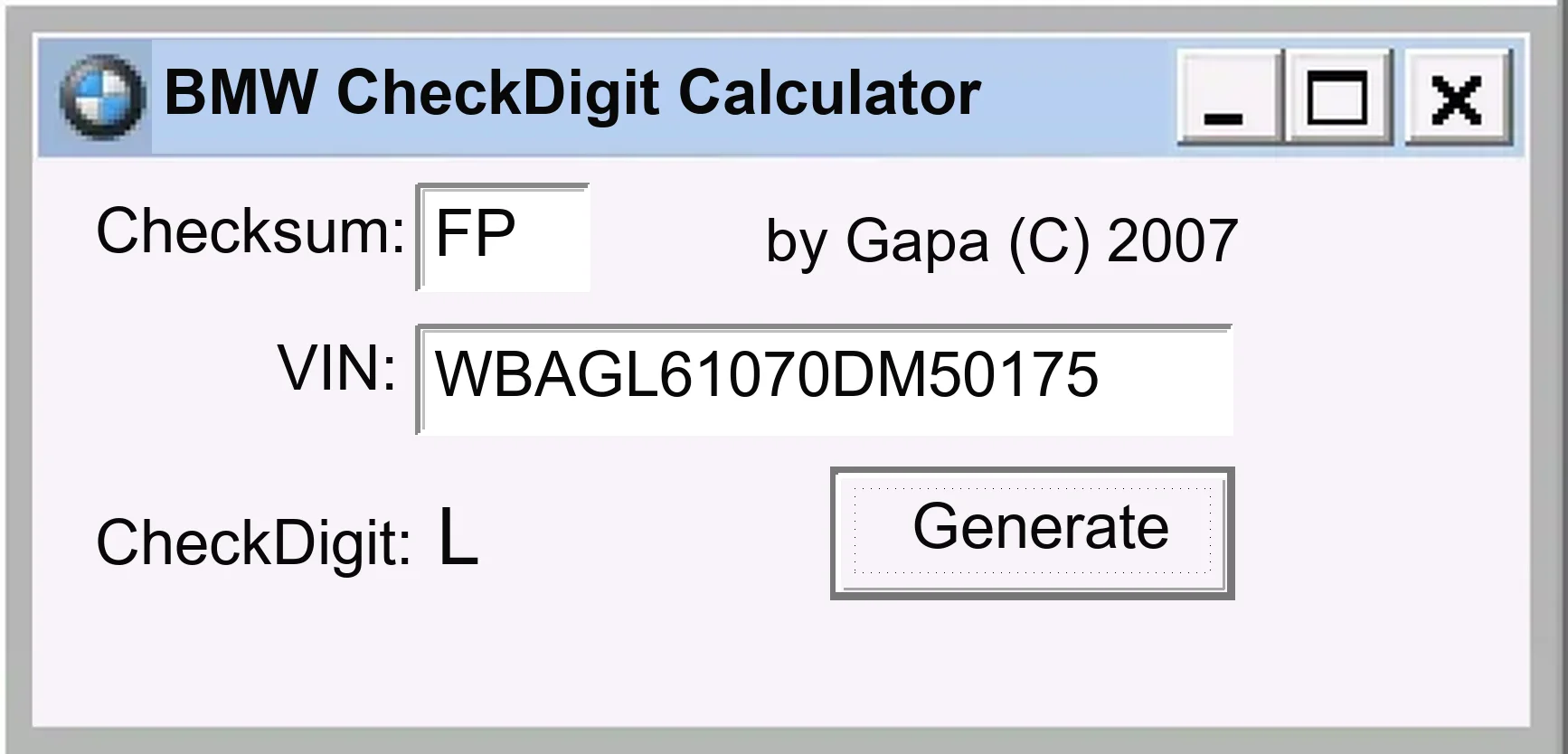
Standalone Windows utility for calculating the checksum and check digit of standard 17-character BMW and MINI VINs.
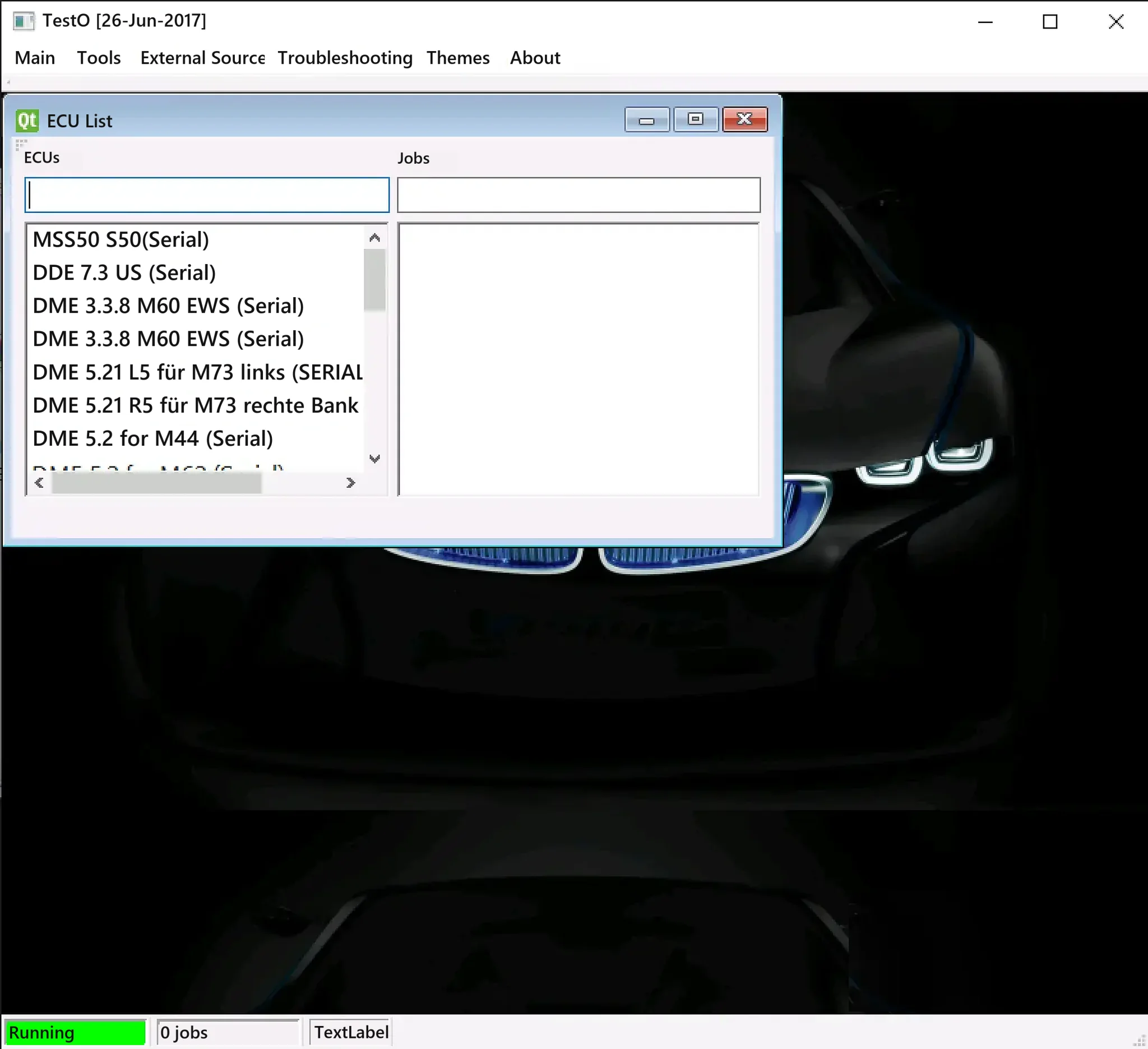
BMW ECU job runner and configurable data logger with custom job sets, CSV-style export, event markers and multichannel graphs for repeatable diagnostic testing.

Windows workshop utility for calculating PIN and key-related service data from supported ECU, dashboard and body-module dumps, with a searchable coverage database.