
SOFTWARE DATABASE / RELEASE RECORD
VERSION 1.7.1BMW ISTA Support Utility for Configuration and Service Setup 1.7.1
Windows workstation helper for licensed BMW ISTA environments, with configuration, integrity, cryptographic, iLean and local service maintenance functions.
Categories
Vehicle references
Overview
Description
BMW ISTA Support Utility is a workstation helper for service environments running a properly licensed BMW ISTA installation. ISTA, short for Integrated Services Technical Application, is the OEM service suite used for BMW Group vehicle diagnostics, guided test plans, repair instructions and workshop service functions.
The graphical utility concentrates on local configuration and installation-integrity tasks. Technicians can review an ISTA installation, inspect machine identifiers used by certain components, carry out local encryption-related operations and maintain application files within a controlled service setup.
Highlights
- A graphical BMW ISTA environment helper for workshop computers and virtual machines.
- Cryptographic tools for integrity checks and controlled encryption or decryption where required by the local configuration.
- iLean utilities for examining machine-information parameters used by some ISTA components.
- Key-pair generation options for supported cryptographic workflows.
- Local service-server controls, including host binding and port selection.
- Application and library maintenance functions for controlled recovery work.
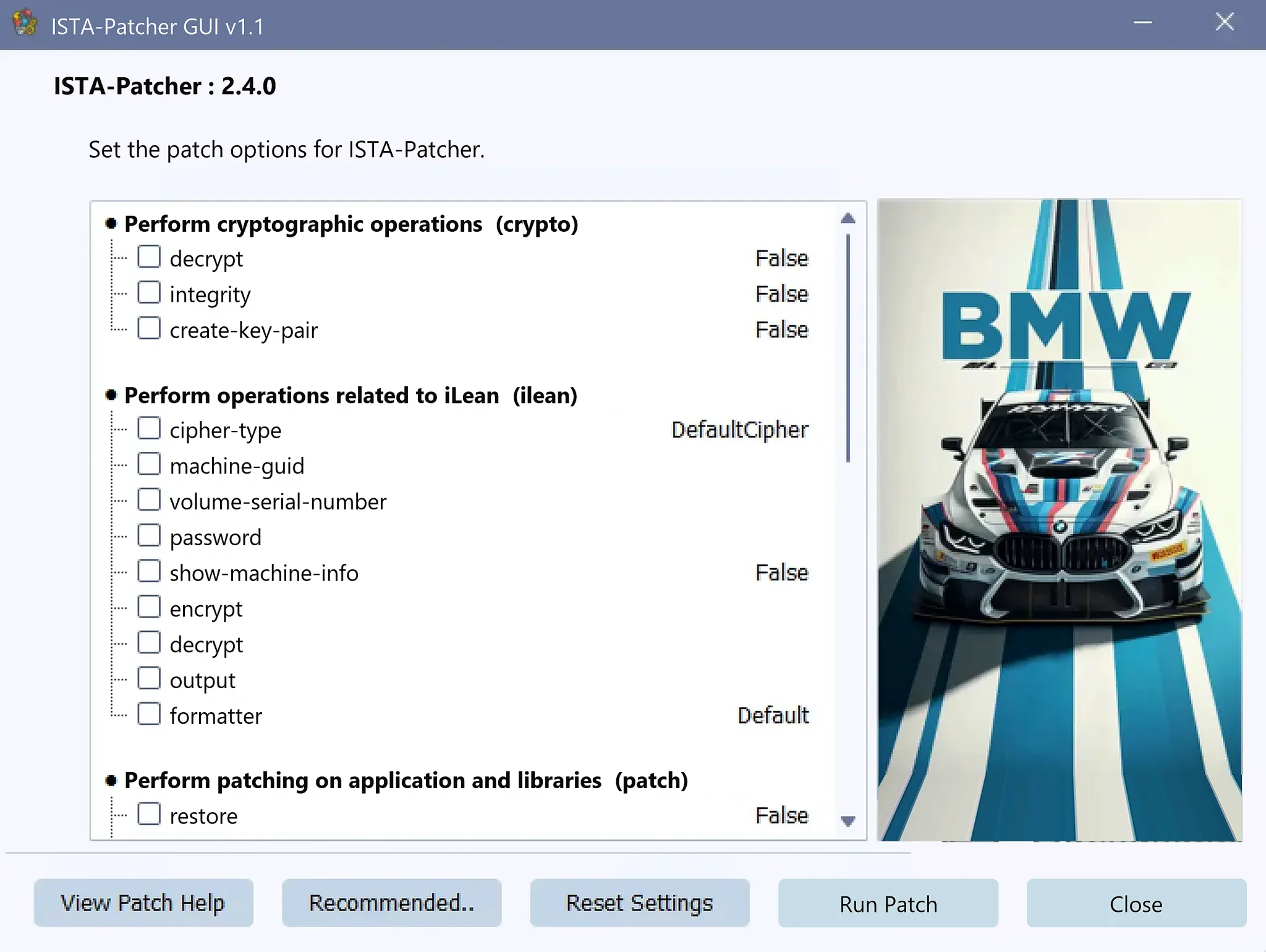
The current GUI 1.7.1 uses ISTA-Patcher core 2.5.1. Its refreshed BMW-themed interface groups patch-configuration controls, crypto operations and service setup options. The crypto section exposes decryption, integrity and key-pair operations; the iLean group includes machine GUID, volume serial number, password, encryption, decryption and output-formatting parameters.
Package contents
The initial package documentation lists these archives:
ISTA-Patcher GUI 1.0.zipISTA-Patcher GUI 1.1.zip
Later release documentation identifies GUI 1.6 with core 2.5.0, followed by GUI 1.7.1 with core 2.5.1. The 1.6 file set contains the front-end GUI executable, the underlying core executable and preview assets showing the interface and supplied files. Its revisions focus on clearer navigation, better option grouping and improved visibility for diagnostic, workshop, bench and service environments.
The separately documented ISTA Updater GUI Utility Collection contains ISTA Updater 1.0, ISTA Updater GUI 1.1, ISTA Updater GUI 1.2 and ISTA-Updater GUI 1.3. Version 1.3 is the collection's latest listed build and improves installation-path detection.
This updater automates patches, fixes and delta updates for an existing standalone ISTA installation. Its GUI replaces the manual workflow of exchanging files in TesterGUI\bin\Release, moving databases and applying registry scripts. The updater collection is distinct from the current 1.7.1 configuration GUI.
Compatibility notes
The utility targets BMW ISTA workstation builds. Results depend on the installed ISTA version, data packages and associated BMW service components. Some functions need administrator privileges or particular prerequisites, and availability can vary with the vehicle and firmware.
The updater is an update tool, not a complete ISTA installer. It searches the Windows Registry and default installation locations for the base ISTA directory. If ISTA has not been installed or the standalone registry entries are missing, the “ISTA is not found” message indicates that the tool has stopped to avoid applying changes to an unsuitable environment.
Basic usage
- Install BMW ISTA from an official source and confirm that licensing and authorization are in place.
- Create a restore point or a virtual-machine snapshot before changing workstation settings.
- Open the utility, inspect the environment parameters and carry out the required integrity or maintenance checks.
- Where service components use local networking, check that the configured server host and port comply with workshop policy.
- Start ISTA and confirm operation with a basic diagnostic scan using a compatible interface.
For the separately listed Updater collection:
- Begin with a working ISTA Standalone installation.
- Extract the required Updater version; the collection recommends v1.3.
- Run
ISTA-Updater GUI.exewith administrator privileges. - Follow the displayed instructions to apply the required patches or updates automatically.

Operating systems
- Windows, as commonly used for BMW ISTA workstations and virtual machines.
- Exact Windows-version support depends on the ISTA release and the installed interface-driver stack.
Minimum system requirements
- CPU: At least 2 cores; 4 cores recommended.
- RAM: 8 GB minimum; 16 GB recommended.
- Storage: 120 GB of free space recommended.
- Network: Optional; needed only for applicable official online features.
- Admin rights: Required for driver installation, prerequisites and certain maintenance tasks.
Disclaimer
This entry is provided for identification and reference. Software, keys, accounts and methods for bypassing licensing or protections are not hosted here. Trademarks remain the property of their respective owners.
Use the utility only for lawful diagnostics, maintenance, research and workshop service within a correctly licensed, controlled environment. Users are responsible for compatibility checks, vendor EULA compliance, local and regional requirements and correct deployment. These tools are best suited to people already familiar with BMW ISTA environments.
Maintain backups, verify the configuration before making operational changes and follow official BMW documentation. Incorrect vehicle diagnostics or programming may damage modules or invalidate warranties; use remains at the operator's own risk.
Technical Compatibility
Operating Systems
System Requirements
- Windows; exact supported versions depend on the ISTA release and interface drivers.
- CPU: 2 cores minimum; 4 cores recommended.
- RAM: 8 GB minimum; 16 GB recommended.
- Storage: 120 GB free space recommended.
- Network: optional; required only for applicable official online functions.
- Administrator rights for drivers, prerequisites and some maintenance operations.
- Properly licensed and compatible BMW ISTA workstation installation.
Screenshots
Related Software
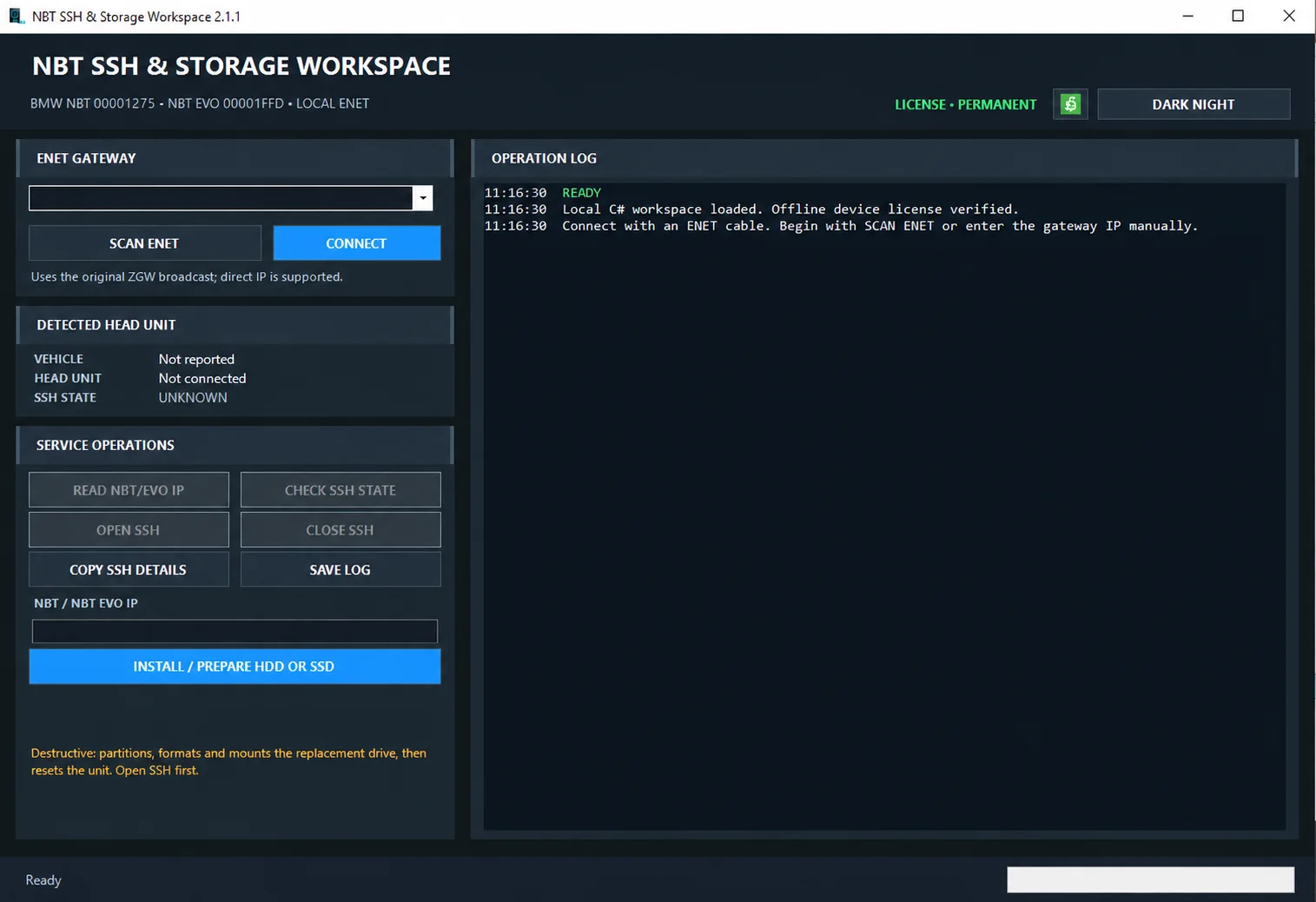
Windows ENET utility for identifying supported BMW head units, managing SSH access and preparing replacement HDD/SSD storage.

Windows calibration-file utility with manufacturer and ECU selection menus for EGR, flap, Hotstart, DTC and related service functions.
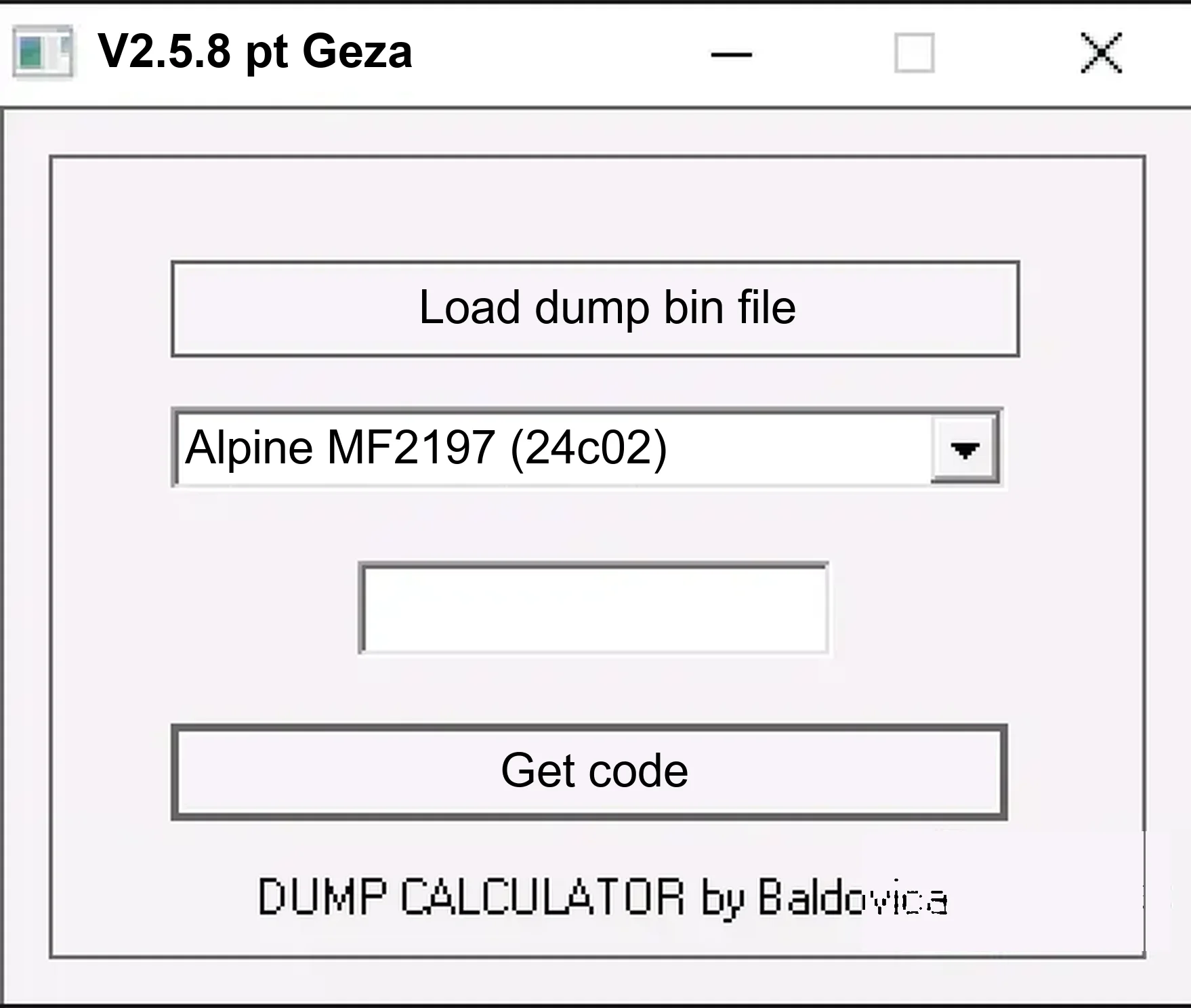
Windows EEPROM BIN dump calculators for supported car-audio head units, including V2.5.8 pt Geza presets and the V2.8.3 calculator build.
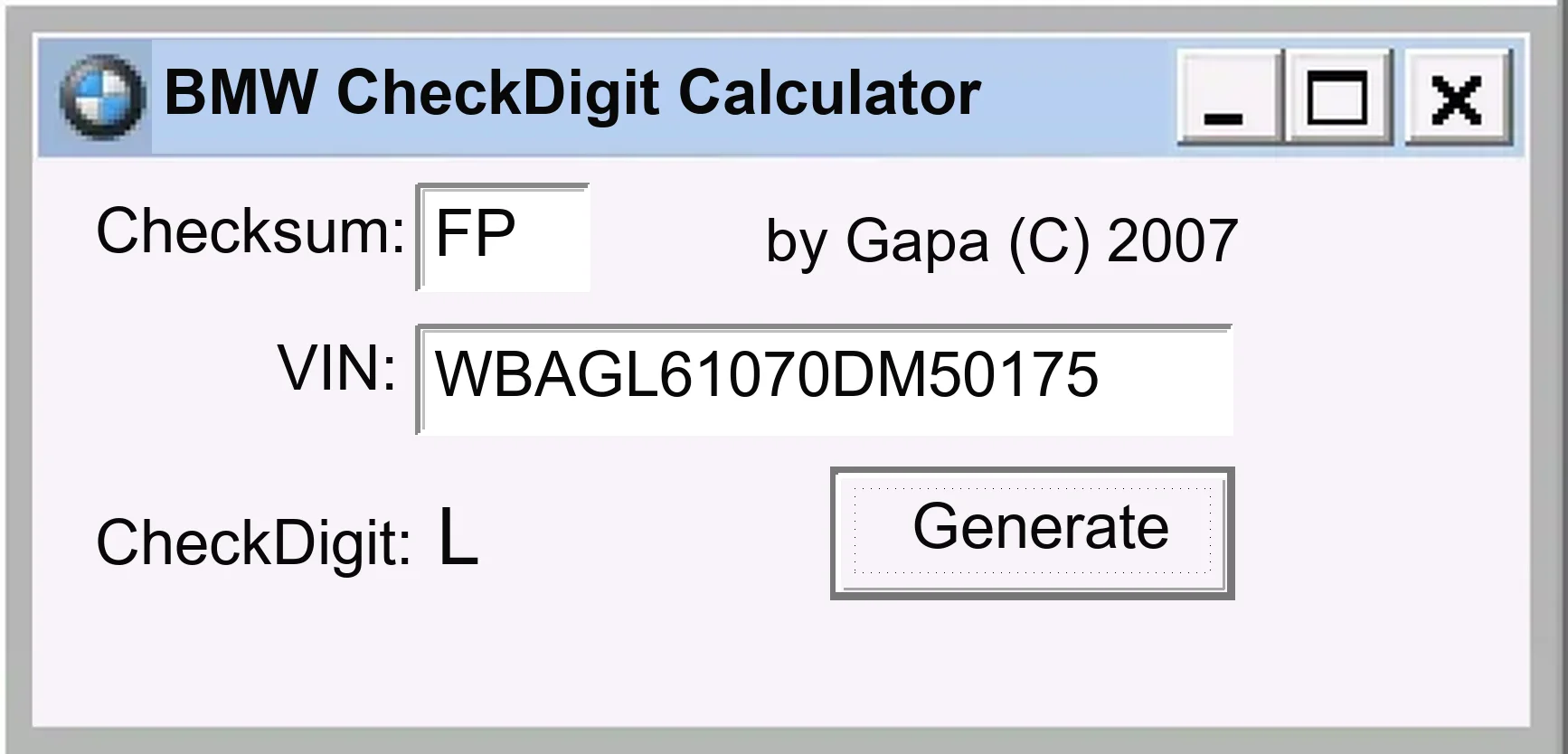
Standalone Windows utility for calculating the checksum and check digit of standard 17-character BMW and MINI VINs.
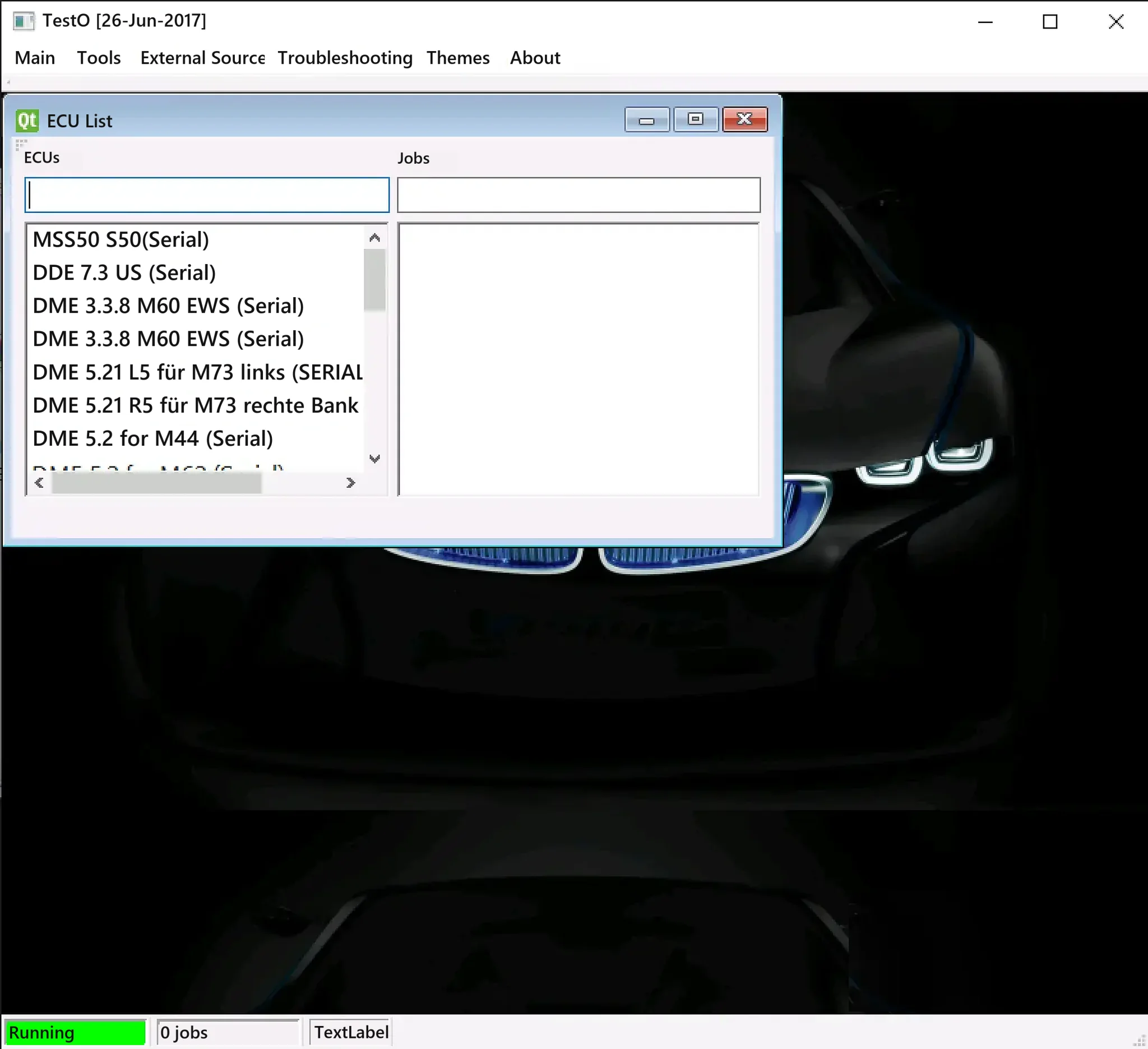
BMW ECU job runner and configurable data logger with custom job sets, CSV-style export, event markers and multichannel graphs for repeatable diagnostic testing.

Windows workshop utility for calculating PIN and key-related service data from supported ECU, dashboard and body-module dumps, with a searchable coverage database.