
SOFTWARE DATABASE / RELEASE RECORD
VERSION 1.0BMW ECC for EDIABAS Interface Setup 1.0
Windows setup utility for BMW EDIABAS communication profiles, with ENET/ZGW, REMOTE, RPLUS/ICOM and STD selection, editable parameters and Check/Test controls.
Categories
Vehicle references
Overview
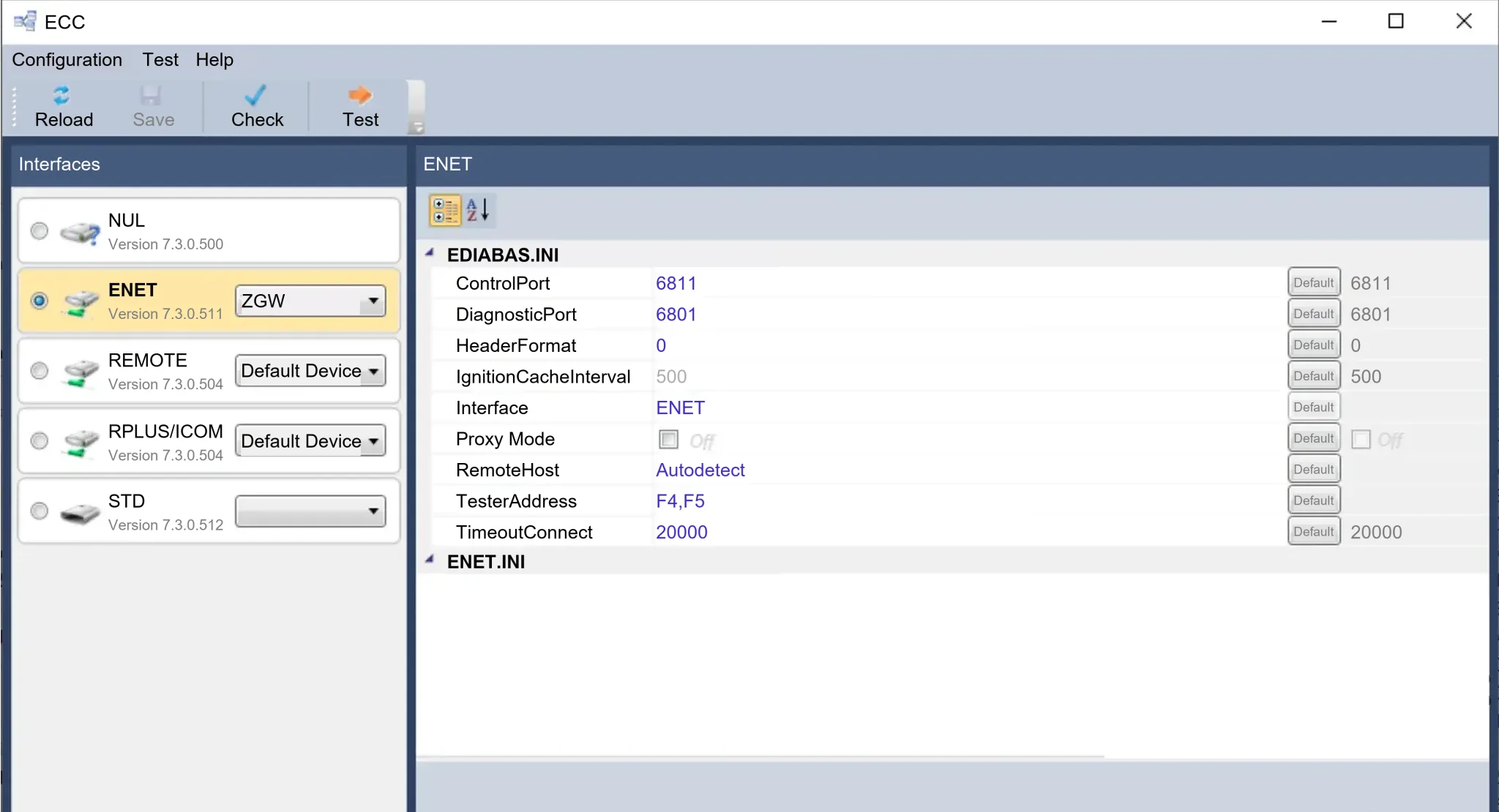
BMW ECC is a compact setup utility for configuring communication between BMW diagnostic applications and supported vehicle interfaces. The illustrated workspace centres on EDIABAS connection profiles, providing quick selection of ENET, ZGW, REMOTE, RPLUS/ICOM and STD communication modes.
Highlights
- Select between ENET, REMOTE, RPLUS/ICOM, STD and NUL interfaces.
- Use the ENET configuration area to choose a ZGW target.
- Edit communication parameters for EDIABAS and ENET configurations.
- Run the built-in Check and Test controls for a quick validation.
- Save and reload connection settings through a straightforward interface.
Package contents
ECC.exeXEdic.datXEdicC.inixtract.exe
Compatibility notes
- Designed for BMW diagnostic environments that communicate through EDIABAS.
- The configuration shown concentrates on ENET and ZGW-style connection profiles.
- Compatibility in practice depends on the diagnostic suite, vehicle generation and interface hardware.
- Certain communication modes may need further setup within the main BMW software environment.
- Function availability varies with the vehicle, interface type and software environment.
Basic usage
- Start ECC and choose the interface type required for the setup.
- Open the active configuration page and check the values currently displayed.
- Change only the communication parameters needed for the intended connection.
- Use Check or Test to verify that the interface responds.
- Save the settings, then confirm communication in the BMW diagnostic application.
Operating systems
- A Windows desktop environment.
- Best used on a system already prepared for BMW EDIABAS-based applications.
- Validate operation on both older and newer Windows versions before deploying the tool in a workshop.
- Administrator privileges may be necessary to access protected directories and store configuration files.
Minimum system requirements
- CPU: Dual-core processor.
- RAM: At least 2 GB.
- Storage: 100 MB of available space.
- Network: Ethernet connectivity where required for ENET operation.
- Admin rights: Recommended when saving configuration files.
Disclaimer
- This article is intended for reference and product identification.
- Product names and trademarks remain the property of their respective owners.
- The user is responsible for lawful operation, appropriate licensing and safe servicing practices.
- Back up existing configuration files before making changes.
- Check the connection settings before attaching the system to a vehicle.
Technical Compatibility
Operating Systems
System Requirements
- Windows desktop environment prepared for BMW EDIABAS-based tools
- Dual-core processor
- 2 GB RAM minimum
- 100 MB free storage
- Ethernet access where required for ENET use
- Administrator rights recommended for saving configuration files
Screenshots
Related Software
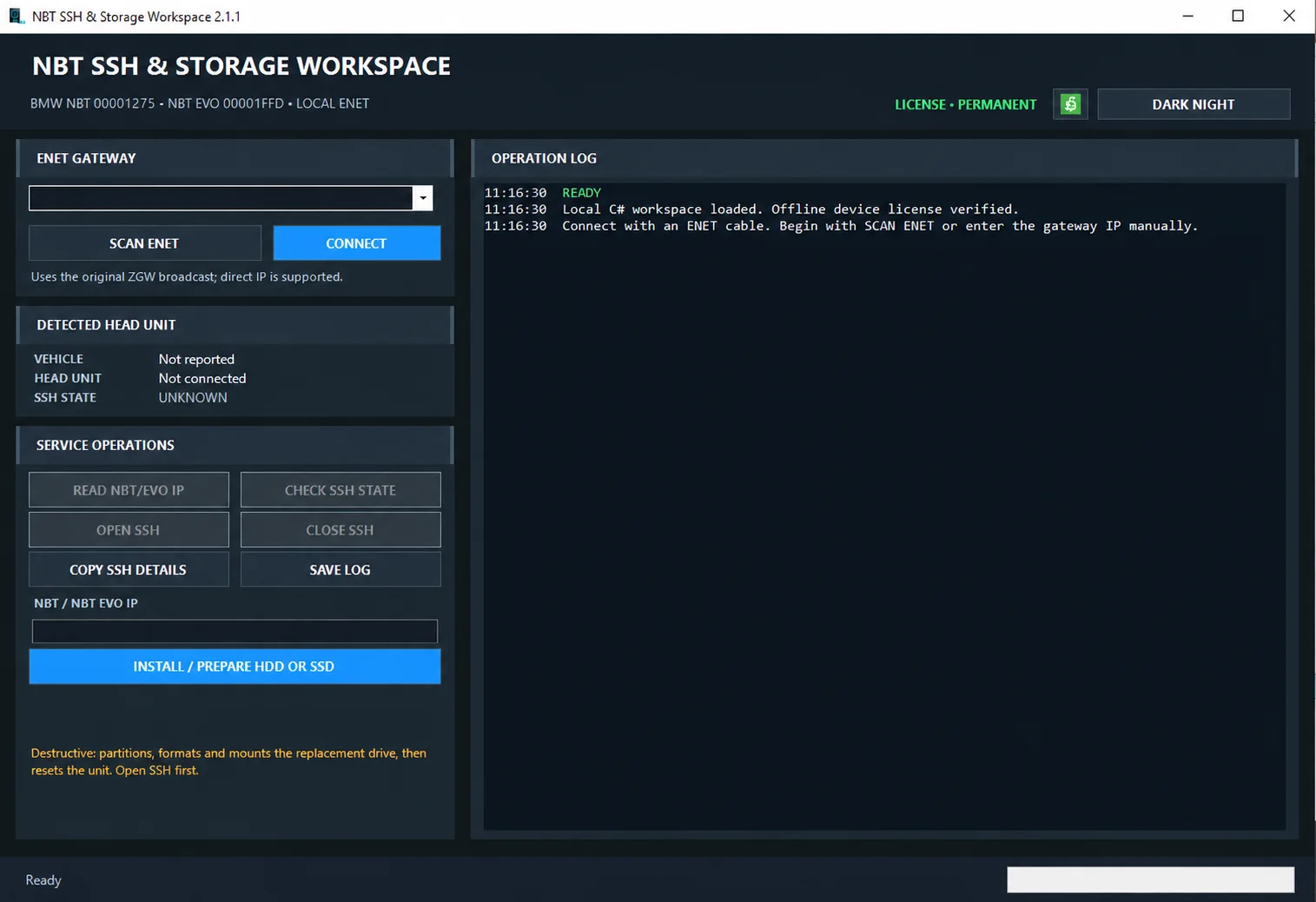
Windows ENET utility for identifying supported BMW head units, managing SSH access and preparing replacement HDD/SSD storage.

Windows calibration-file utility with manufacturer and ECU selection menus for EGR, flap, Hotstart, DTC and related service functions.
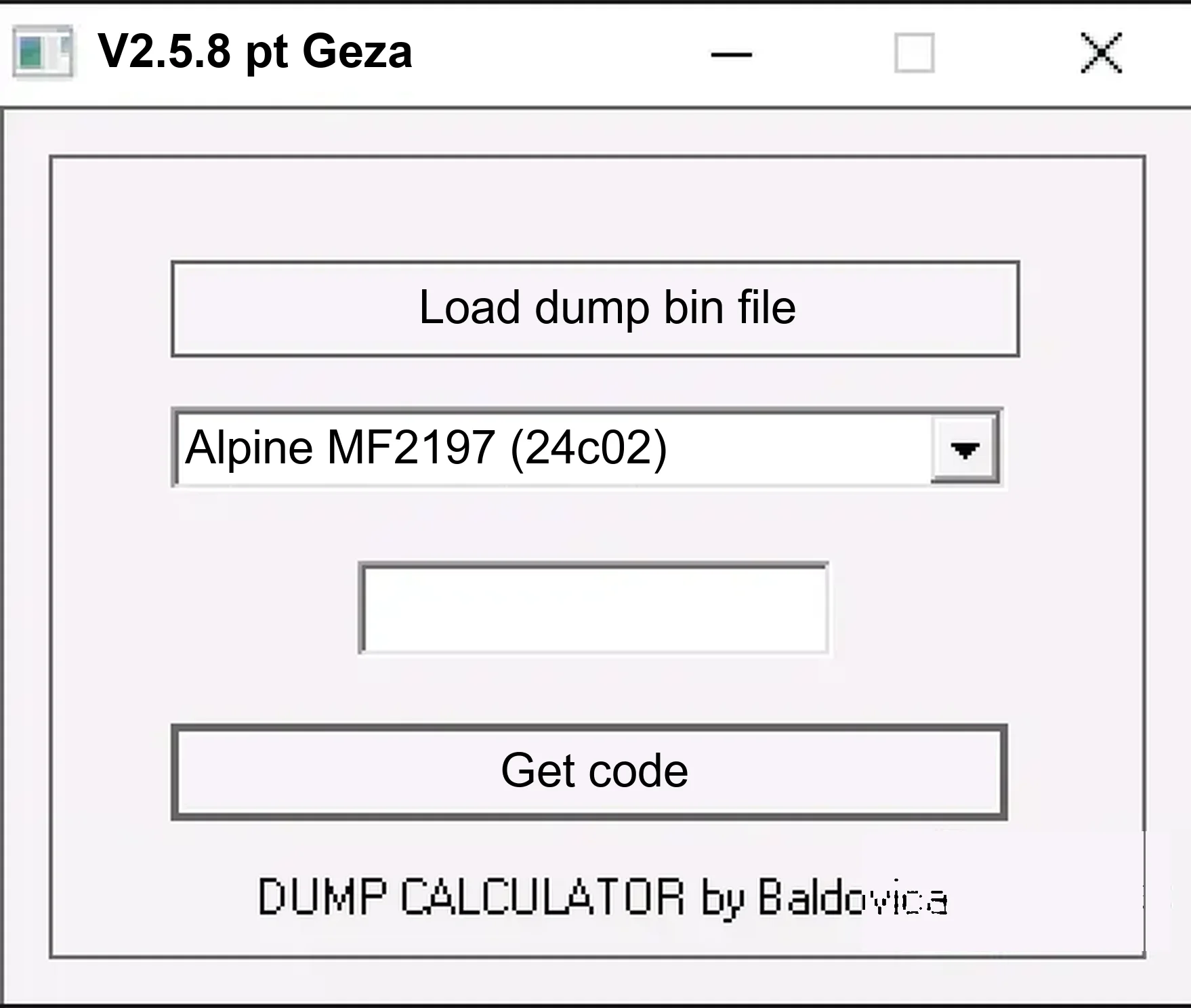
Windows EEPROM BIN dump calculators for supported car-audio head units, including V2.5.8 pt Geza presets and the V2.8.3 calculator build.
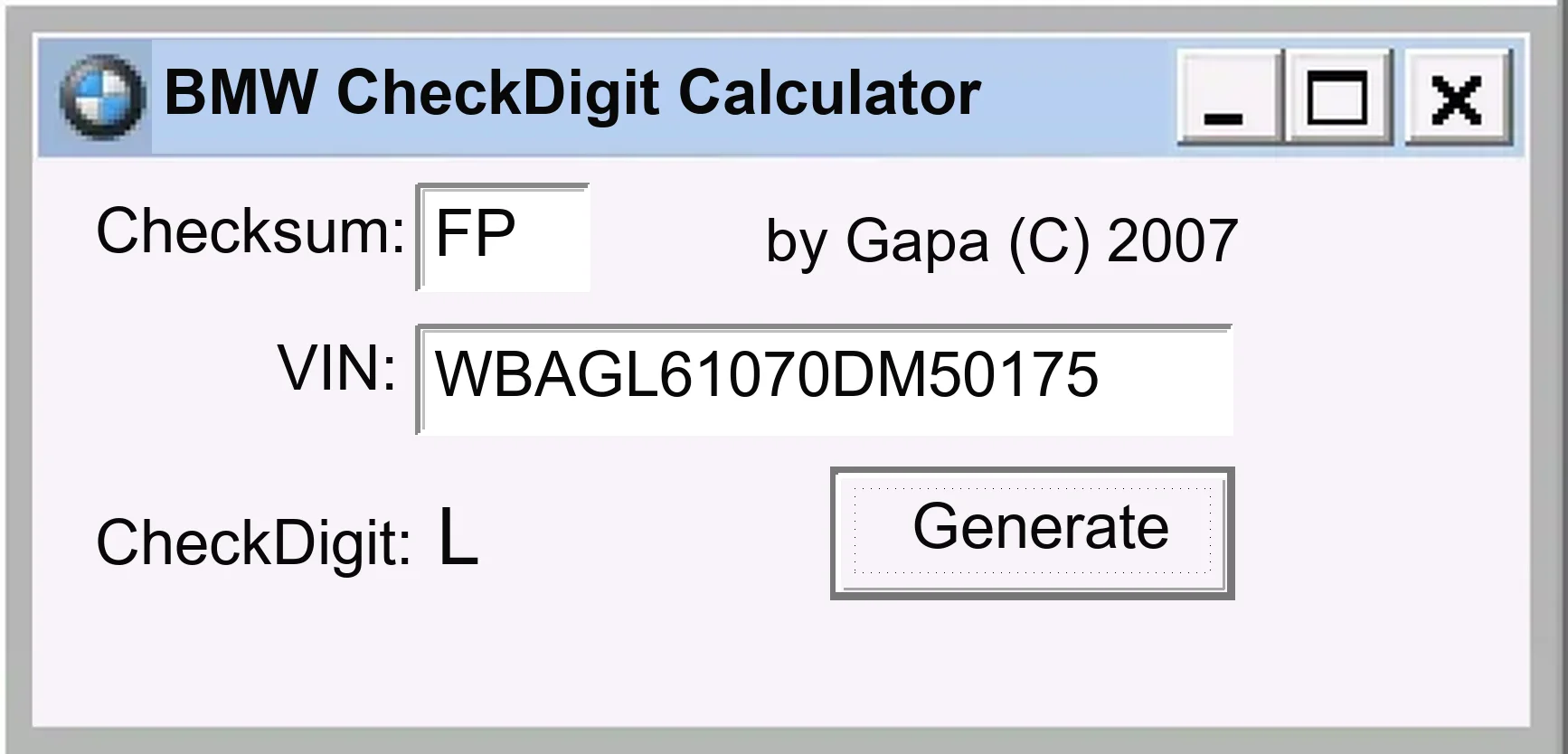
Standalone Windows utility for calculating the checksum and check digit of standard 17-character BMW and MINI VINs.
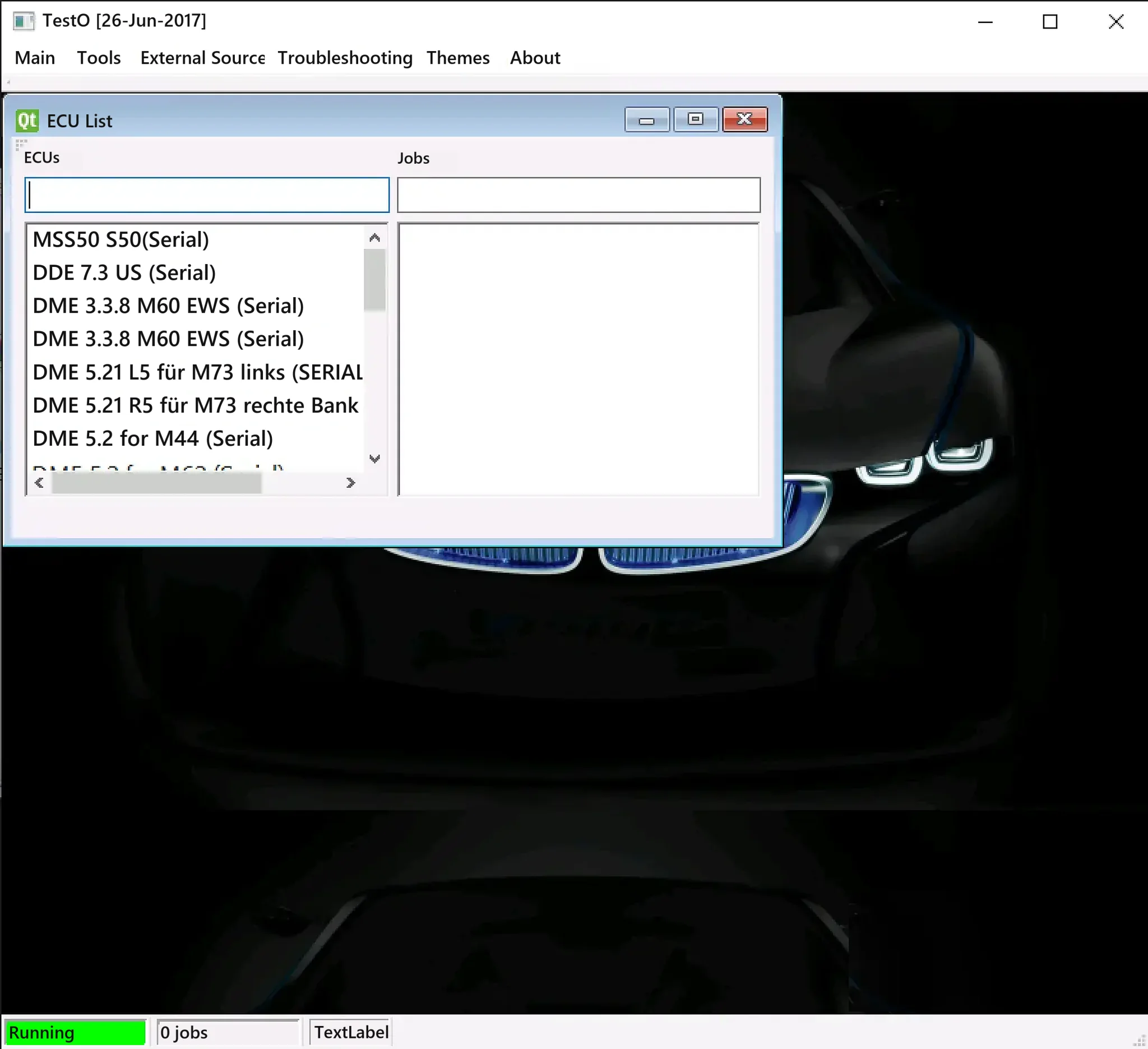
BMW ECU job runner and configurable data logger with custom job sets, CSV-style export, event markers and multichannel graphs for repeatable diagnostic testing.

Windows workshop utility for calculating PIN and key-related service data from supported ECU, dashboard and body-module dumps, with a searchable coverage database.