
SOFTWARE DATABASE / RELEASE RECORD
VERSION 2.5Aston Martin Mileage Decoder - DB9 and Rapide Cluster File Utility 2.5
Offline Windows utility for reading stored distance from supported Aston Martin DB9 and Rapide cluster dumps and exporting a corrected copy for documented repairs.
Categories
Overview
Aston Martin Mileage Decoder 2.5 processes instrument cluster binary files locally on Windows. It reads the distance stored in a compatible DB9 or Rapide dump, shows the result in miles and kilometres, and can produce a separate file for documented odometer restoration following cluster repair or replacement.
Acquire the binary with a separate programmer. The decoder has no OBD connection, automatic cluster identification or means of linking a dump to a specific vehicle. Establish that link from the original odometer reading, VIN, module identifiers and repair order before working on the file.
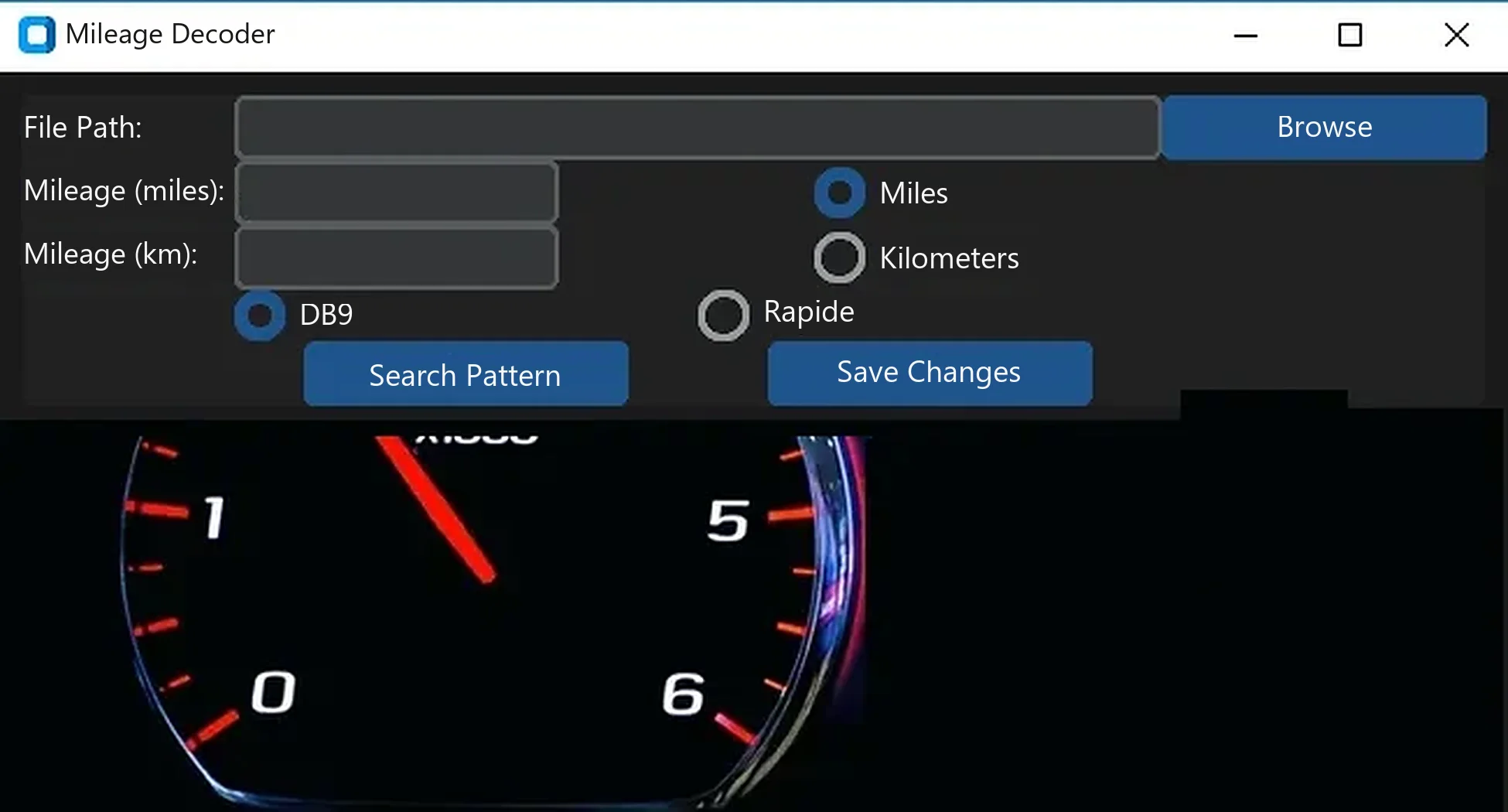
Verified functions in the program
- Open a local binary and choose the DB9 or Rapide profile.
- Search the fixed file region associated with the chosen profile.
- Interpret a four-byte distance counter in big-endian order.
- Display both distance units and accept an entry in either unit, with automatic conversion.
- Copy the input before applying changes and export a sibling file with the
_modifiedsuffix. The program is designed to preserve the selected input.
DB9 and Rapide compatibility boundaries
The instrument cluster odometer displays the vehicle's accumulated distance. This tool works on the stored binary data behind that reading. The two radio buttons point to distinct search regions, so matching file lengths do not make the profiles interchangeable.
Confirm the full cluster part number, board revision, processor or memory type and dump structure. Identical connectors and housings can conceal different electronics, especially with donor units. The package has no comprehensive application matrix by year or part number. References to Vantage, DBS, Virage and 9S12 hardware in the package folder label do not establish coverage. The inspected interface exposes DB9 and Rapide only.
How the stored value is located
The reported bytecode inspection found a search for a four-byte value repeated 20 times within the selected region. Four-byte sequences filled entirely with FF or 00 are excluded. The next four bytes are interpreted as a big-endian counter and converted to miles with the application's internal factor. An unrelated file, incomplete read or different cluster revision can prevent a match.
On export, the program derives a replacement counter from the distance entered and repeats its four-byte encoding in the copy. The completion dialog reports the file operation. Verify checksum validity, vehicle identity, physical readback and repair documentation separately.
Required hardware and source information
- A programmer for the exact memory or MCU and the matching board pinout, adapter and voltage settings.
- Stable bench power, ESD protection and the appropriate soldering or in-circuit access equipment.
- Two independent reads of the original cluster that match byte for byte.
- A hex editor or binary comparison tool to check file size, fill patterns and changes.
- A diagnostic system for Aston Martin module identification, fault scanning and cluster commissioning.
- A job record with the VIN, displayed distance, units, cluster part number and repair reason.
Work from a verified read of the vehicle's original cluster. Keep that read in read-only storage and record its SHA-256 before processing so that any output can be traced back to it.
Recommended repair workflow
- Photograph the original odometer. Record the value, units, VIN, date and repair order.
- Check the label and PCB to identify the cluster and memory hardware.
- Compare at least two reads. Stop if they differ, are shorter than expected or contain implausible regions filled with
FFor00. - Archive an untouched backup and open a separately named working copy.
- Select the DB9 or Rapide profile that matches the hardware. Use Search Pattern and compare the reported distance with the odometer record.
- Enter the documented true distance in the intended unit. Use Save Changes and keep the
_modifiedoutput separate. - Compare input and output. Investigate any difference outside the expected repeated data region before proceeding.
- During authorized programming, maintain stable power. Read the memory back and compare it byte for byte with the intended output.
- Refit the cluster and scan the vehicle. Check the odometer, warning lamps, message centre, gauges and vehicle configuration.
- Keep the original dump and the repair and disclosure records with the vehicle's service history.
Miles, kilometres and rounding
The application uses a fixed conversion factor and shows kilometres to two decimal places. On export it converts kilometre input to integer miles, so a small rounding difference is possible. Compare the cluster's units with those used in the service record. Switching units in the vehicle menu changes the display, while a repair file changes the stored distance. Use conversion only to represent the same documented total.
System requirements
- 64-bit Windows desktop. Windows 10 or 11 is the documented target for the x64 package.
- Approximately 120 MB for installation, working files and backups.
- Desktop graphics capable of displaying the 650 × 350 application window.
- Permission to use the unsigned Inno Setup installer and run the installed application.
- Bundled Python, CustomTkinter, Tcl/Tk, NumPy and support libraries supply the runtime.
- Local operation. The inspected application logic requires no network connection.
Use a dedicated workshop computer or disposable environment, scan the installer with current security tools and keep endpoint protection enabled.
Troubleshooting
- No pattern found. Recheck profile, part number, read method and file completeness. Avoid replacing arbitrary byte patterns.
- Distance looks wrong. Confirm units, dump provenance and hardware selection against the original display and service history.
- Entry rejected. Use a plain number in the intended unit, without text or unsupported separators.
- Output missing. Confirm that the working folder is writable and check whether security software blocked or quarantined the process.
- Cluster fails after programming. Stop repeated writes. Restore the verified backup where safe, read the memory again and diagnose power, communication, configuration and hardware.
- Warnings or configuration are incorrect. Check the donor hardware and use the applicable diagnostic commissioning procedure.
Recursive package audit and safety notes
The package documentation reports testing and extracting the RAR, then unpacking the Inno Setup installer without installing it. It lists 1,027 bundled files. The embedded PyInstaller archive was unencrypted. The reported review of the main Python bytecode found GUI and local file imports and found no network client or URL in the application-specific code.
The unsigned installer includes standard Python and OpenBLAS components and image libraries. The reported inspection was static, and the existing interface capture was used without launching the application. Assess the executable independently before workshop use.
Legal and professional use
Restrict use to restoring the vehicle's documented true distance after authorized repair or replacement. Follow the odometer and disclosure requirements applicable to the vehicle. If its true distance cannot be established, use the applicable unknown-mileage disclosure procedure. Do not use this utility to reduce recorded mileage for resale or conceal vehicle history.
Close the repair after verifying that the cluster works, the displayed total agrees with the records and diagnostic faults have been addressed. Document and disclose the repair and retain the records with the vehicle.
Technical Compatibility
Supported Modules
Operating Systems
File Formats
System Requirements
- 64-bit Windows desktop. Windows 10 or 11 is the documented target.
- About 120 MB for installation and working copies, plus backup storage.
- Writable working directory.
- A separate compatible programmer is required to obtain cluster dumps.
- Offline operation with the Python runtime bundled in the installer.
Screenshots
Related Software

Collection of 1,350+ UPA-USB scripts for EEPROM and MCU work, covering odometer, IMMO, airbag reset, radio codes, PIN extraction and ECU virginization.
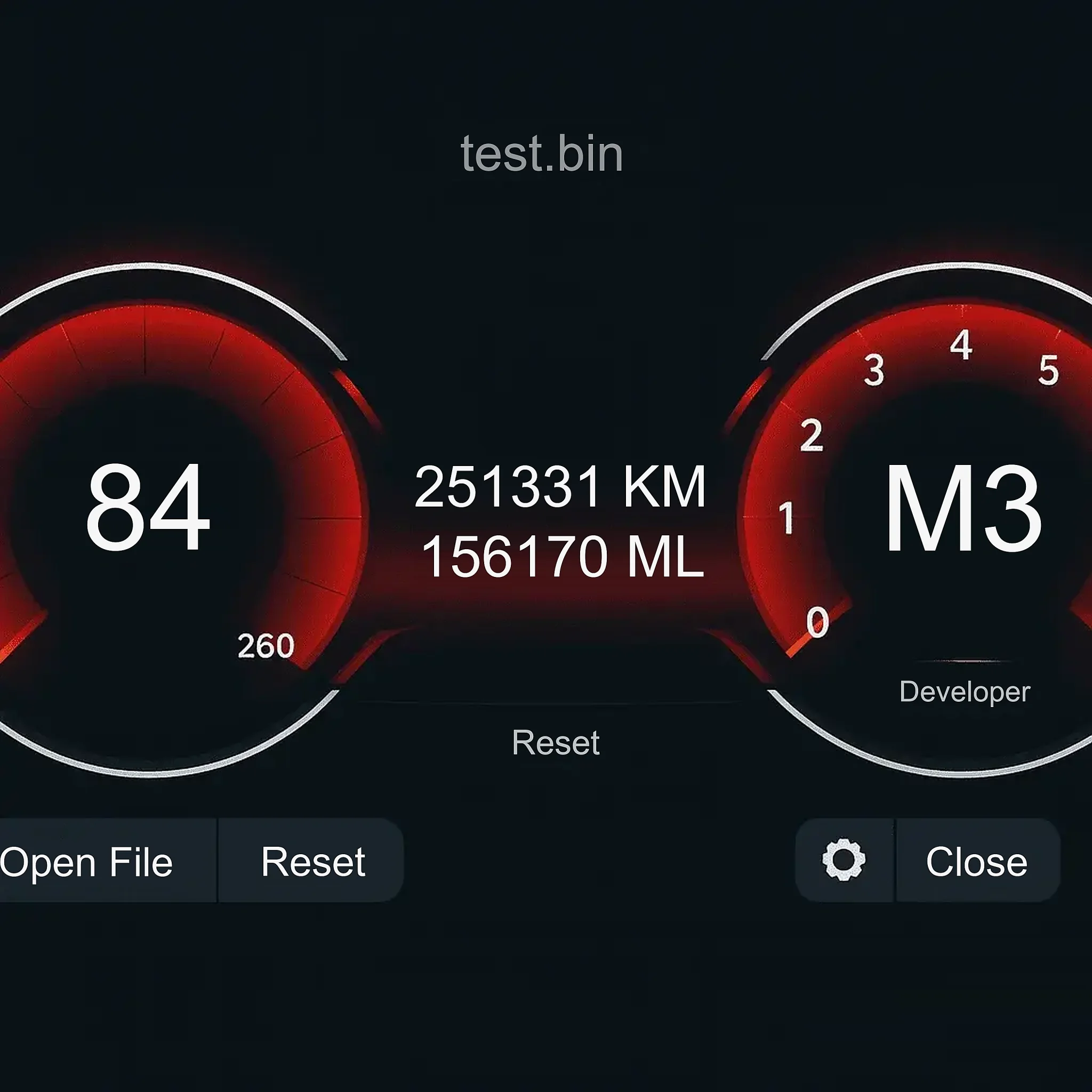
BMW KOMBI EEPROM utility for mileage reading and authorized cluster replacement, with E/F/G-Series editing, VIN changes and F-Series virginization in version 1.1.
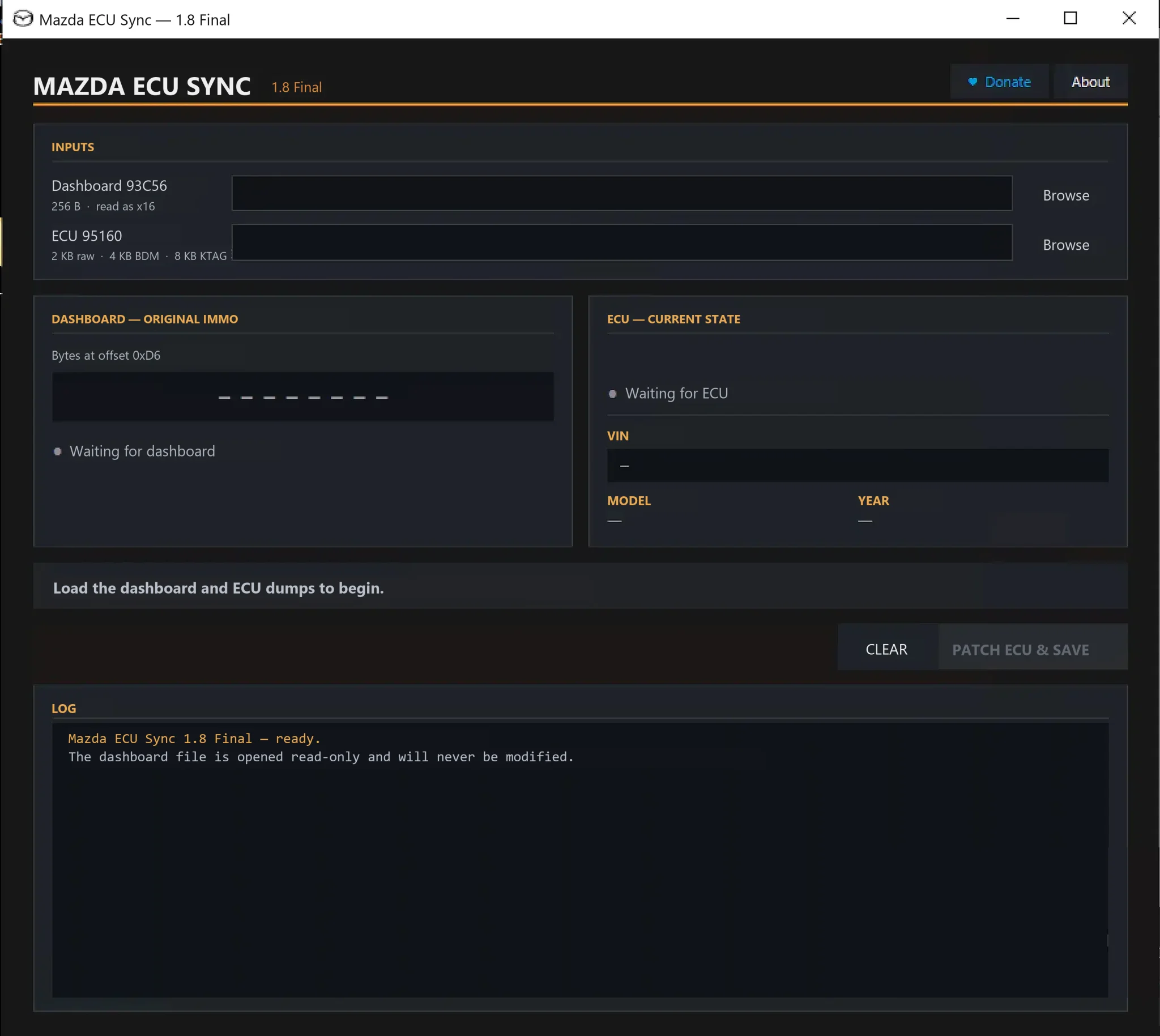
Windows immobilizer synchronization utility for compatible Mazda 93C56 dashboard and 95160 ECU dumps, with read-only dashboard analysis and separate ECU output.
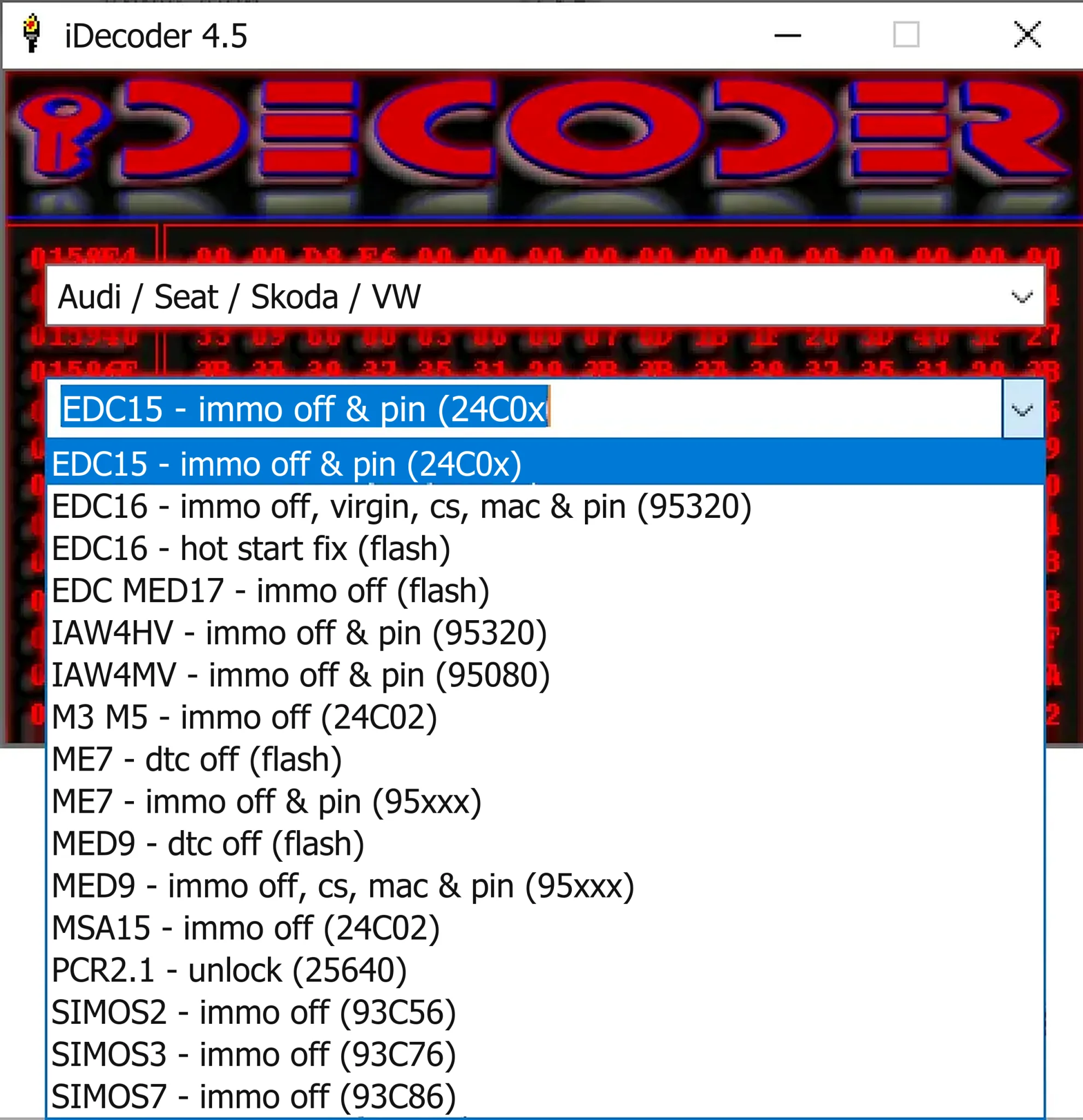
Offline Windows dump-processing utility for supported ECU, immobilizer, dashboard and body modules, with IMMO, PIN/VIN, virgin, ISN and DPF/EGR/DTC functions.
Offline Windows x64 utility for extracting a security PIN from supported Opel/Vauxhall Corsa D instrument-cluster EEPROM files.
Offline Windows reference and calculation tool for supported dashboard, body-module and EEPROM/MCU mileage profiles, with memory information, byte locations and repair calculations.