
SOFTWARE DATABASE / RELEASE RECORD
VERSION 1.0.0Opel Corsa D Dashboard PIN Extractor 1.0.0
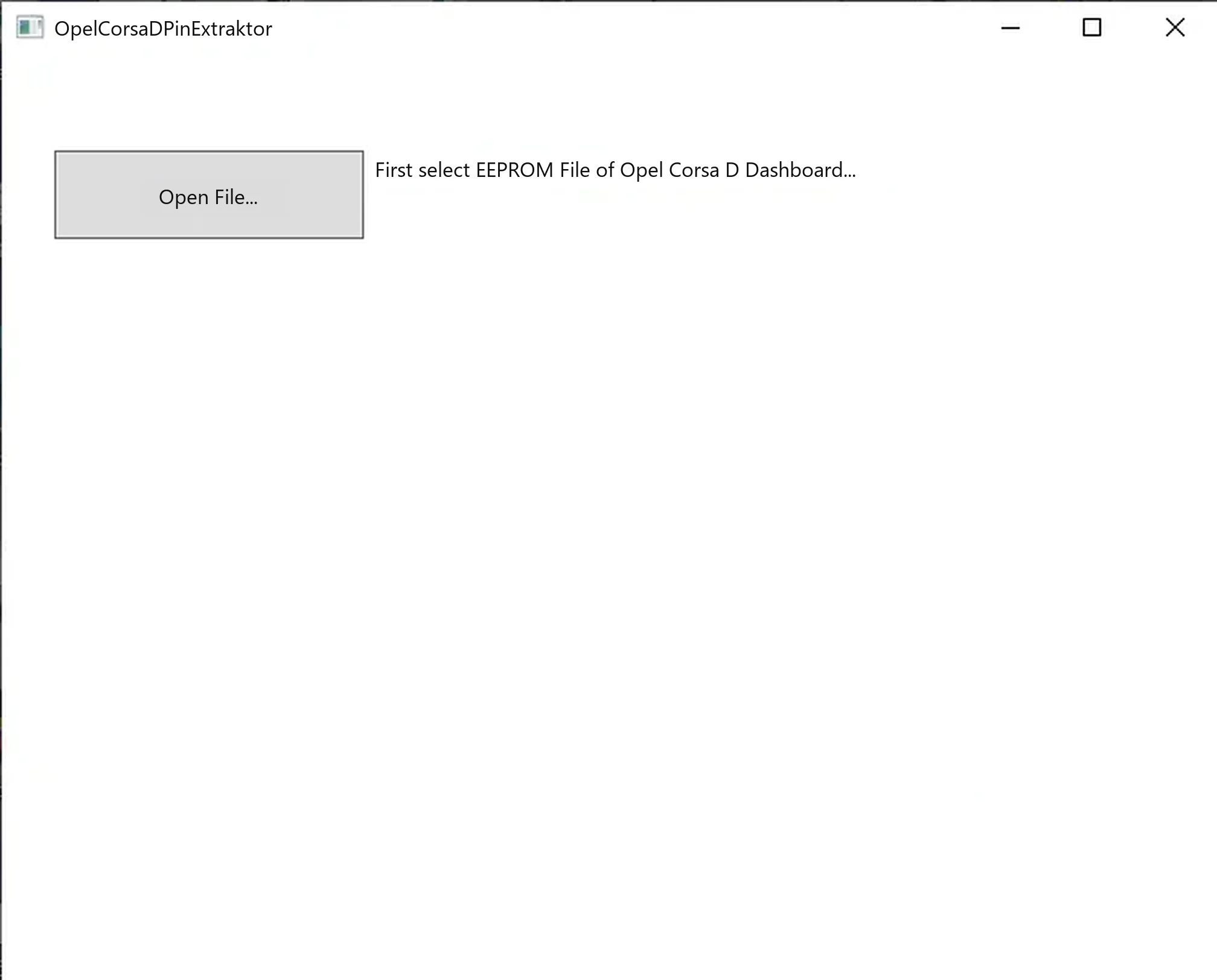
Offline Windows x64 utility for extracting a security PIN from supported Opel/Vauxhall Corsa D instrument-cluster EEPROM files.
Categories
Vehicle references
Overview
Opel Corsa D Dashboard PIN Extractor is a Windows application that works offline to retrieve the immobilizer security PIN from a compatible instrument-cluster EEPROM file. It analyzes data previously read from the dashboard, while vehicle communication, key programming and subsequent diagnostic procedures are handled separately with the appropriate equipment.
Supported vehicles, ECUs and files
Scope covers recognized Opel/Vauxhall Corsa D cluster dumps. Exact part-number and memory lists are unavailable. Confirm file acceptance and a plausible result. BCM, CIM, ECU, transponder and OBD communication require separate equipment.
Functions
Open a binary, decode its PIN and display it. Packaged dependencies support the managed application. Perform subsequent diagnostics and key programming separately.
System and hardware requirements
- Windows x64 and Microsoft Windows Desktop Runtime 5 x64.
- Compatible programmer, cluster pinout and stable read.
- Dashboard part number and service authorization.
- Separate Opel diagnostic/key equipment.
Recommended workflow
- Photograph the label and compare two reads.
- Hash and archive originals. Load a copy.
- Validate the recorded PIN against service context.
- For rejection or implausible output, recheck memory, byte order and read quality.
Package contents
Application, managed library, dependency/runtime configurations and runtime note. Installer, programmer, interface and wiring guide are supplied separately. Inspection was static.
Important limits
Use only with authorization. Dashboard results require the matching architecture. Incorrect attempts can lock security sessions or modules.
Technical Compatibility
Supported Modules
Operating Systems
File Formats
System Requirements
- 64-bit Windows.
- Microsoft Windows Desktop Runtime 5 x64.
- Compatible EEPROM programmer, correct cluster pinout and stable repeat reads.
- Confirmed dashboard part number and service authorization.
- Separate Opel diagnostic or key-programming equipment for subsequent work.
Screenshots
Related Software
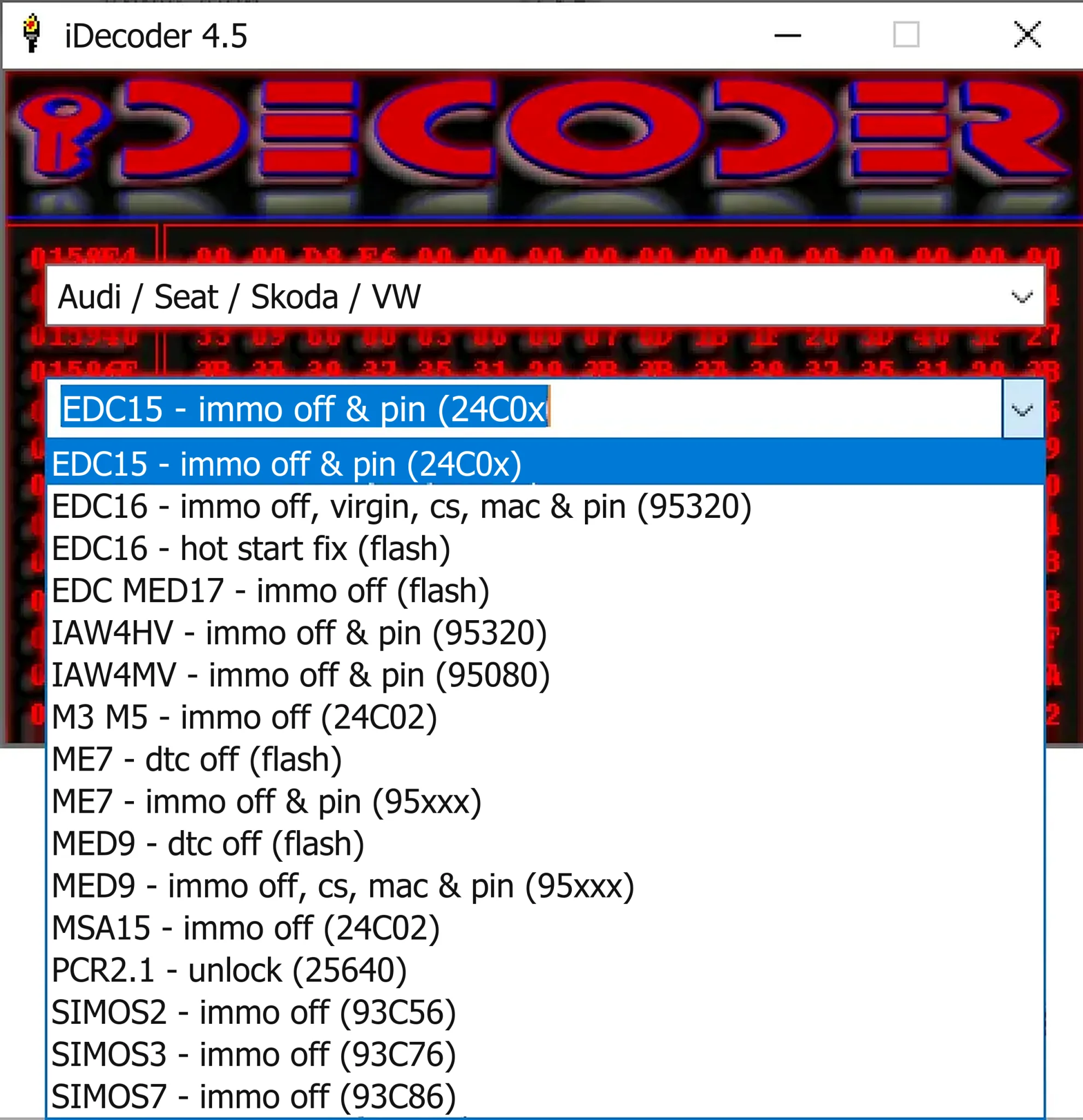
Offline Windows dump-processing utility for supported ECU, immobilizer, dashboard and body modules, with IMMO, PIN/VIN, virgin, ISN and DPF/EGR/DTC functions.
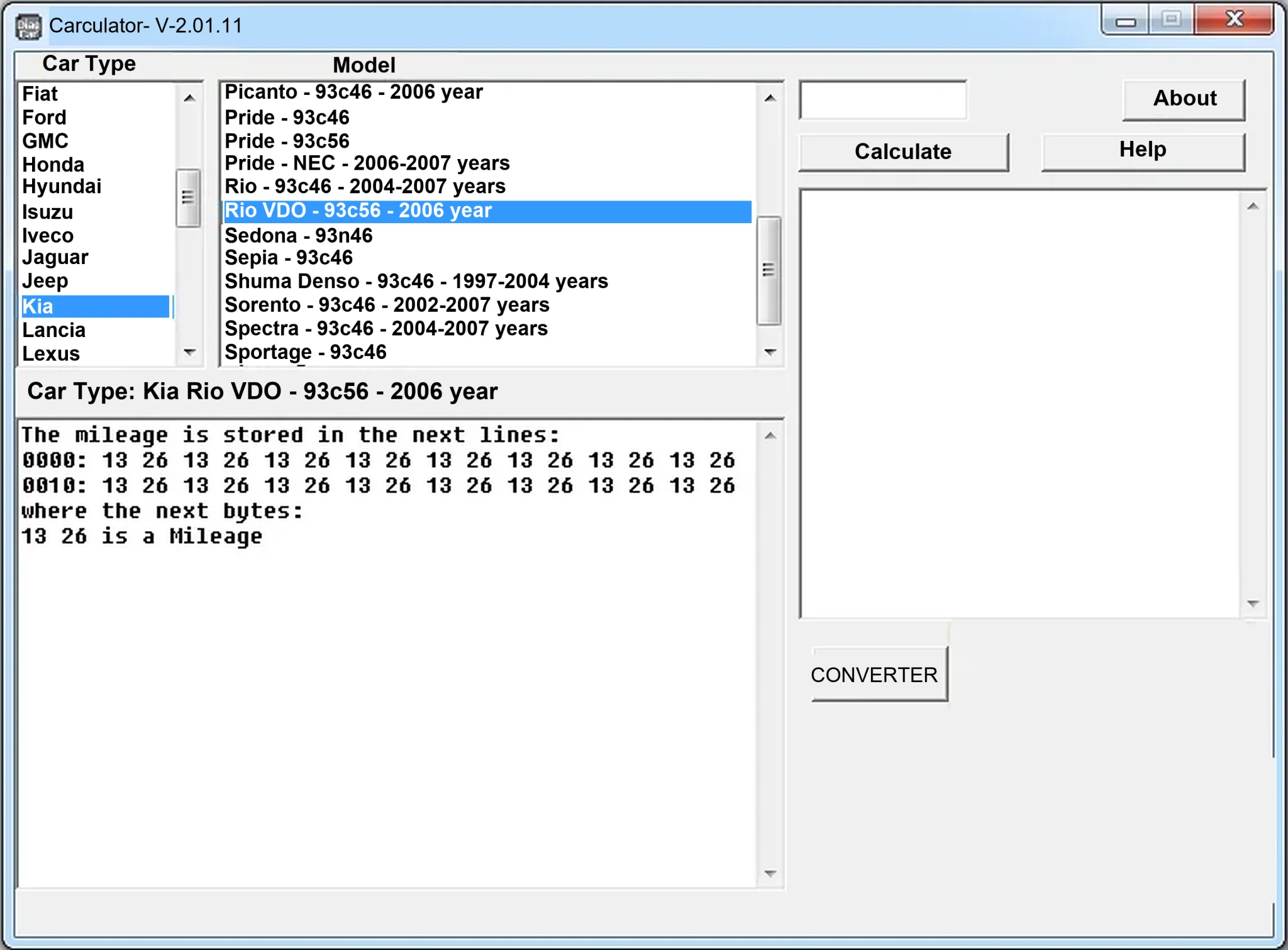
Offline Windows reference and calculation tool for supported dashboard, body-module and EEPROM/MCU mileage profiles, with memory information, byte locations and repair calculations.

Windows workshop utility for calculating PIN and key-related service data from supported ECU, dashboard and body-module dumps, with a searchable coverage database.

Collection of 1,350+ UPA-USB scripts for EEPROM and MCU work, covering odometer, IMMO, airbag reset, radio codes, PIN extraction and ECU virginization.
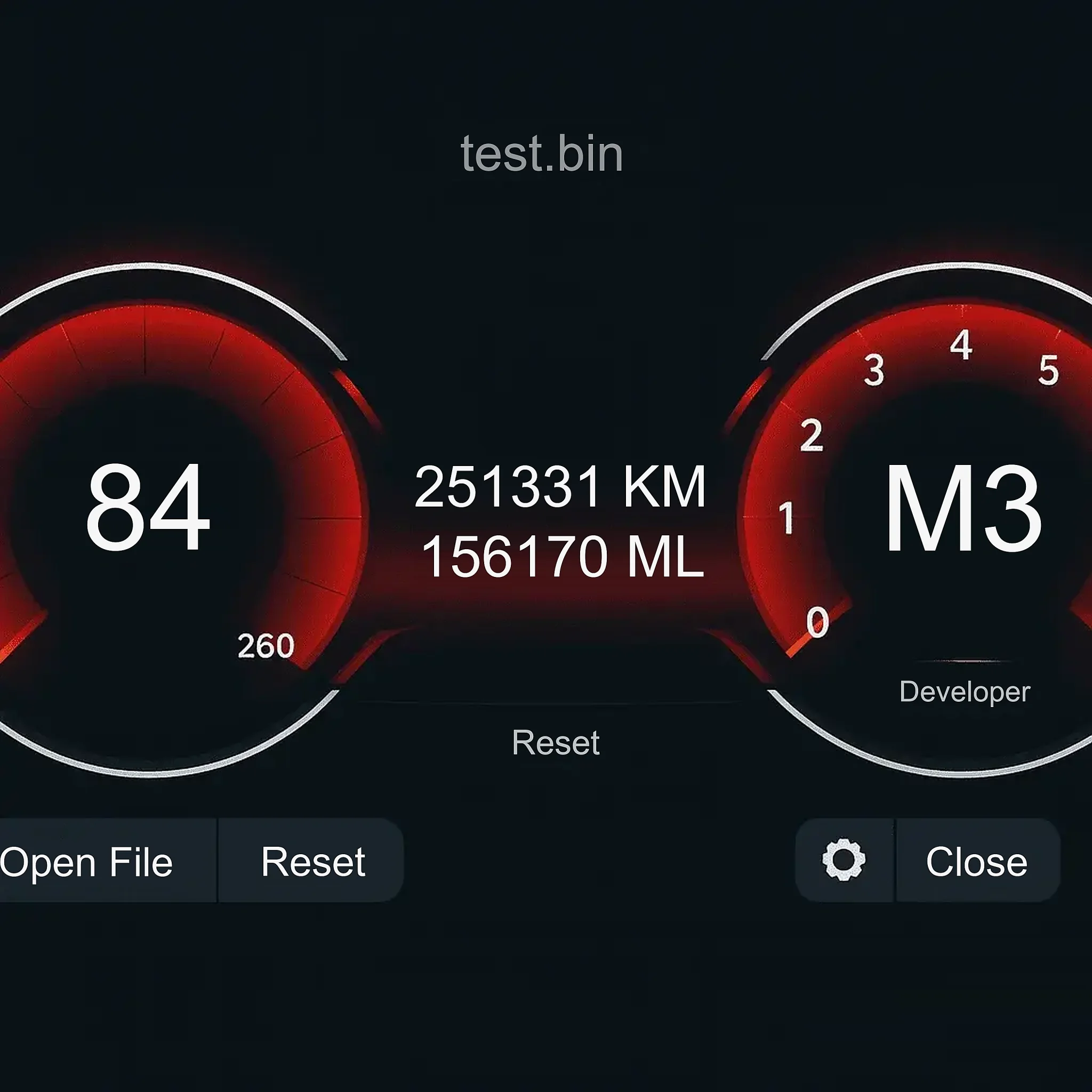
BMW KOMBI EEPROM utility for mileage reading and authorized cluster replacement, with E/F/G-Series editing, VIN changes and F-Series virginization in version 1.1.
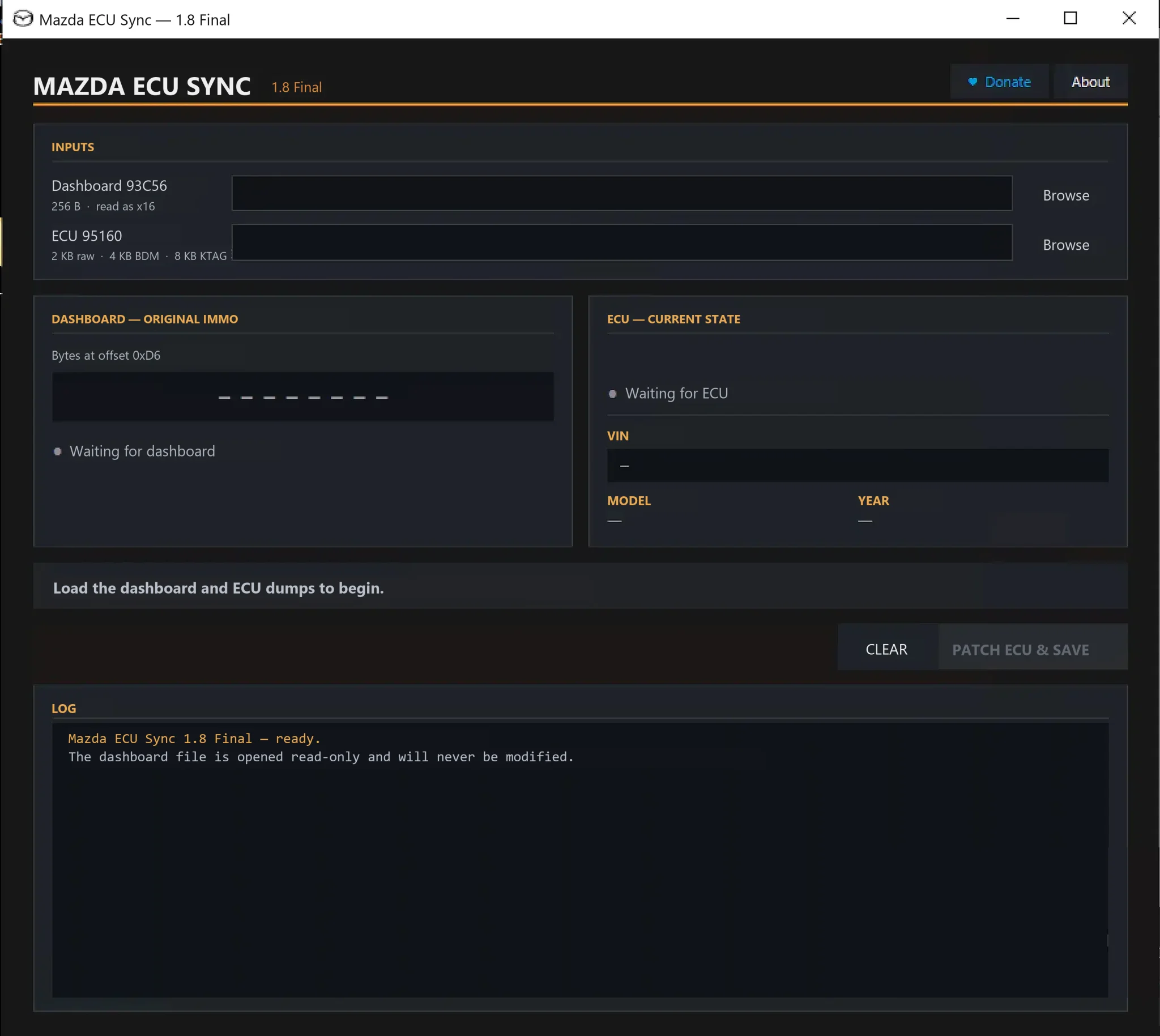
Windows immobilizer synchronization utility for compatible Mazda 93C56 dashboard and 95160 ECU dumps, with read-only dashboard analysis and separate ECU output.