
SOFTWARE DATABASE / RELEASE RECORD
VERSION 1.00ABS Dump Tool - Renault and Dacia ABS EEPROM Editor 1.00
Offline Windows editor for supported Renault and Dacia ABS EEPROM dumps, with ST-95320-ABS and ST-95640-ABS distance profiles for documented module repairs.
Categories
Vehicle references
Overview
ABS Dump Tool 1.00 is an offline EEPROM editor for supported Renault and Dacia ABS modules. For documented repairs or replacements, it reads the stored distance from an existing dump, displays kilometres and saves a separately edited copy with the verified repair value.
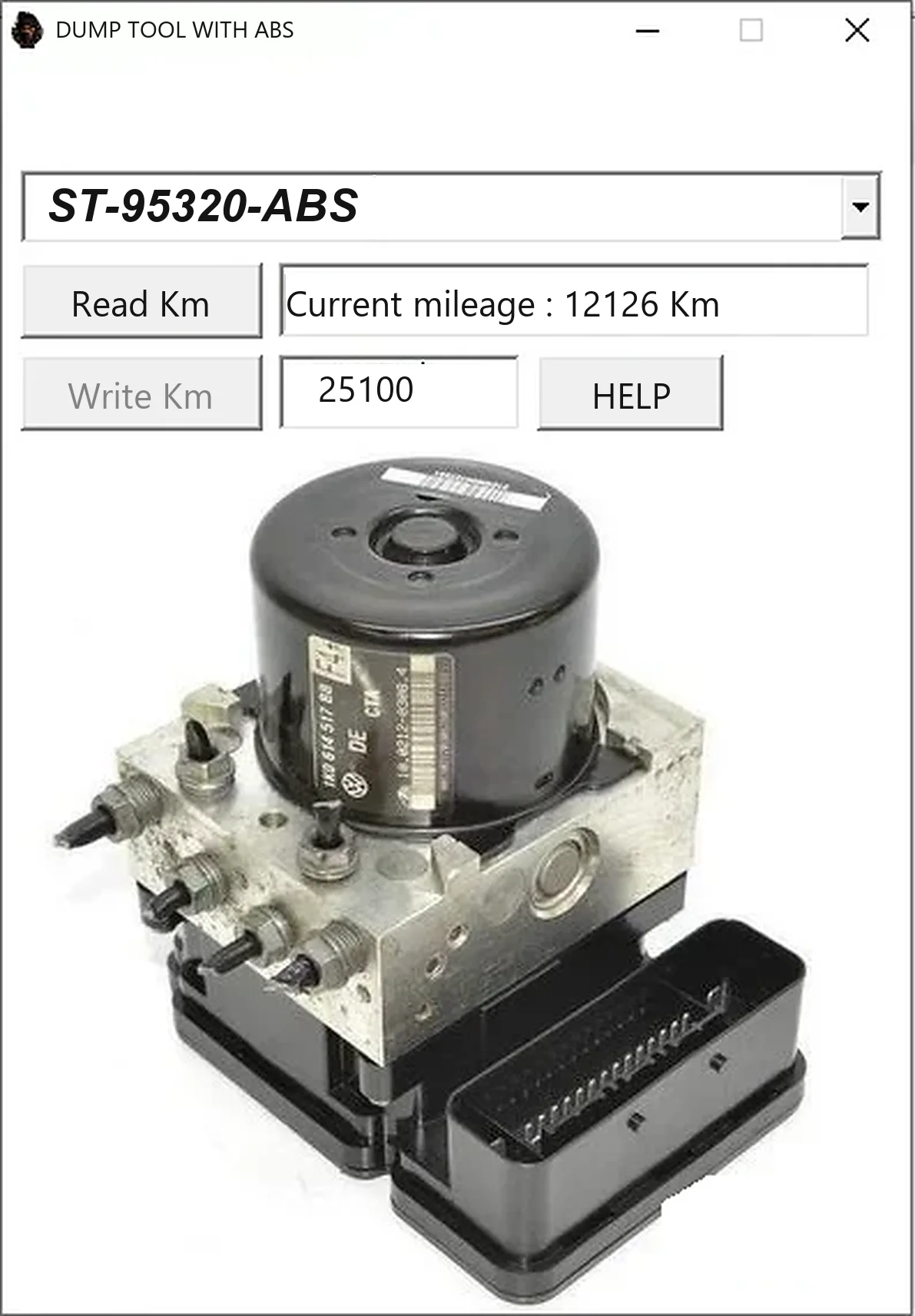
Supported ABS and memory profiles
The interface offers ST-95320-ABS and ST-95640-ABS layouts. Embedded text identifies Renault and Dacia applications. Confirm the module manufacturer, part number, memory marking and exact read length. Different ABS/ESP generations can share an EEPROM family, so the selected layout must match the actual unit.
What the utility can do
- Load an ABS EEPROM file acquired with separate equipment.
- Select either supported memory profile.
- Display stored distance in kilometres.
- Accept a verified value for lawful repair or synchronization.
- Save edited data for independent checking.
Vehicle communication and physical EEPROM reading require external tools. Pinouts, wiring diagrams, programmers, clips and diagnostic interfaces are outside the supplied package.
Required hardware and source data
Use a programmer that supports the fitted device, with the correct voltage, adapter and connection method. The unit-specific procedure determines whether in-circuit access, a clip, an adapter or removal of the memory is appropriate.
Take at least two complete reads from the target module and compare bytes or hashes. Resolve differences by checking connections, power and device selection. Store the untouched read outside the working directory.
Recommended repair workflow
- Record the VIN privately, ABS part number, hardware label, memory marking and legally verified odometer reading.
- Repeat the read with suitable equipment and confirm identical data.
- Select the matching profile and open a copy.
- Use Read Km and compare its result with service history and other modules.
- Confirm module identity and units before entering the repair value.
- Use Write Km, save separately and compare the output byte by byte.
- Program and verify with the external tool, then scan the vehicle and confirm ABS function and distance consistency.
Compatibility limits
A model-by-model support table is unavailable. The memory designation alone cannot establish compatibility. Confirm the exact ABS layout independently and check that the decoded value agrees with the vehicle’s documented distance.
Automatic checksum correction, VIN adaptation, coding, variant configuration, immobilizer processing and fault diagnostics are outside the advertised functions. After fitting a replacement, use appropriate manufacturer diagnostics for any required coding, calibration, bleeding or steering-angle procedure.
System requirements
- Windows with native 32-bit application support.
- A local folder with read/write access for original, working and verified files.
- A compatible EEPROM programmer and the correct module connection equipment.
- An independent hex or checksum tool where required by the layout.
The documented package has one unsigned portable executable, with no installer or driver. Test it in an isolated workshop environment, retain a recoverable original and independently establish module compatibility.
Responsible use and verification
Change mileage only for lawful, documented repair, replacement or synchronization. Follow applicable record requirements. Before returning the vehicle, check the displayed distance, scan related modules for inconsistencies, clear faults caused by the repair as appropriate and complete the manufacturer’s ABS road-test procedure.
Technical Compatibility
Operating Systems
File Formats
System Requirements
- Windows desktop with native 32-bit application support.
- Local read/write access for dumps and backups.
- Compatible EEPROM programmer and module adapter or connection equipment.
- Independent hex or checksum tool where required by the layout.
Screenshots
Related Software
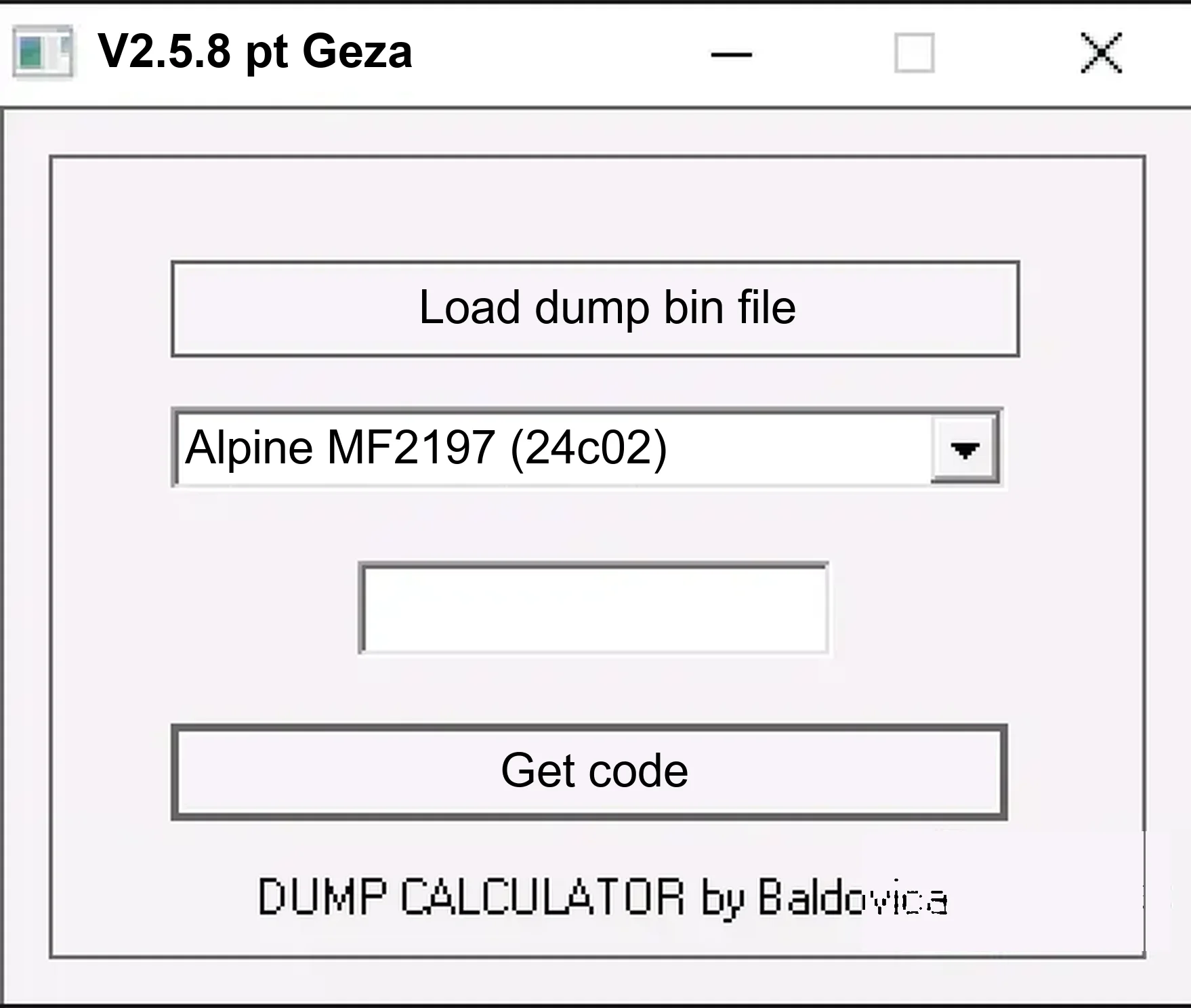
Windows EEPROM BIN dump calculators for supported car-audio head units, including V2.5.8 pt Geza presets and the V2.8.3 calculator build.
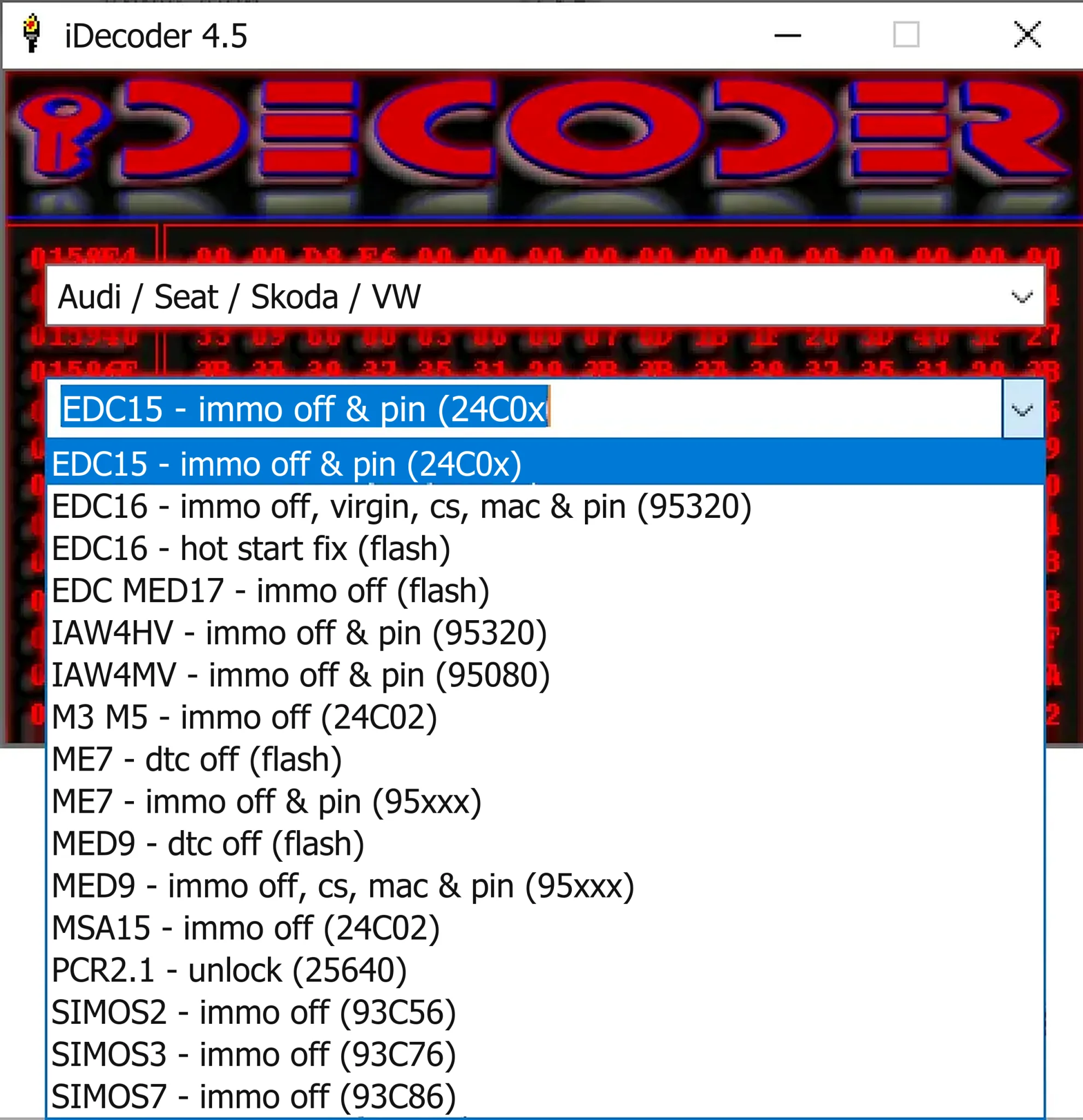
Offline Windows dump-processing utility for supported ECU, immobilizer, dashboard and body modules, with IMMO, PIN/VIN, virgin, ISN and DPF/EGR/DTC functions.

Windows EEPROM and flash-dump toolkit for supported IMMO PIN, IMMO OFF, virgin, radio PIN, MEDC17 checksum and special repair workflows, including BMW EDC15 ISN in 1.0.4.
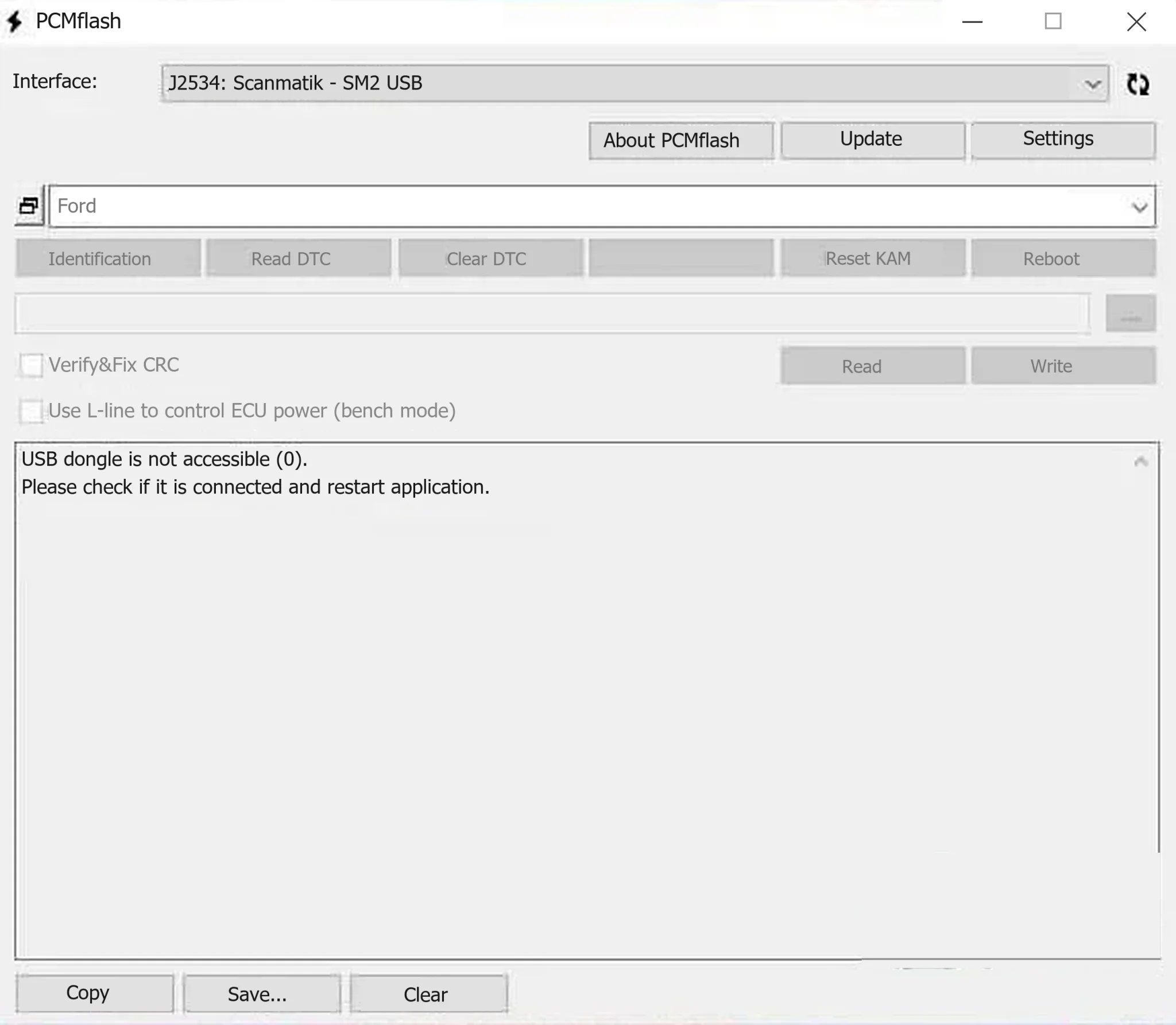
Modular Windows ECU and TCU programming through J2534 interfaces, with licensed protocol-dependent identification, diagnostics, flash/EEPROM access and OBD, bench or boot workflows.
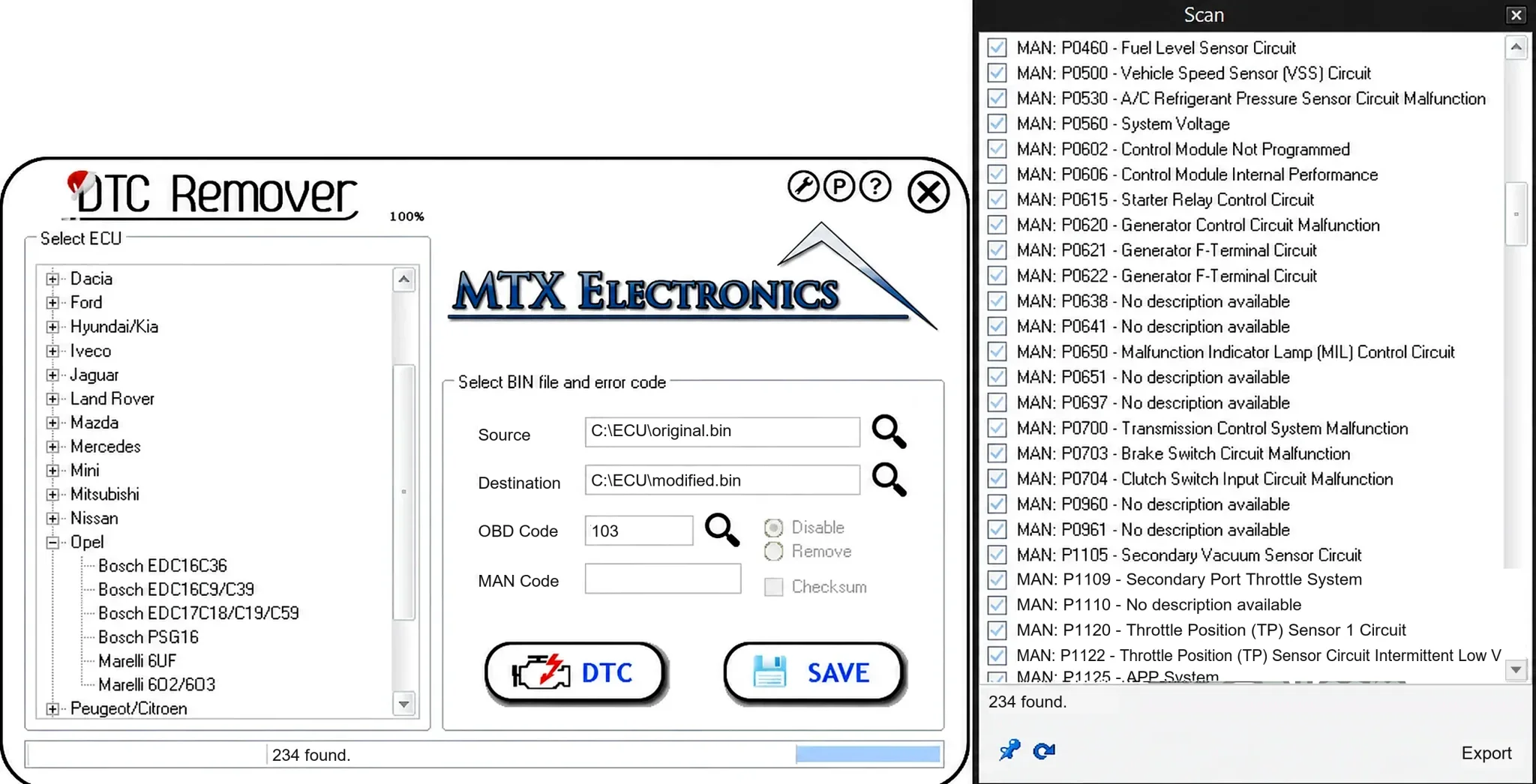
Windows BIN-file editor for locating and modifying supported ECU diagnostic trouble-code entries, with ECU-specific Disable/Remove actions and checksum validation requirements.
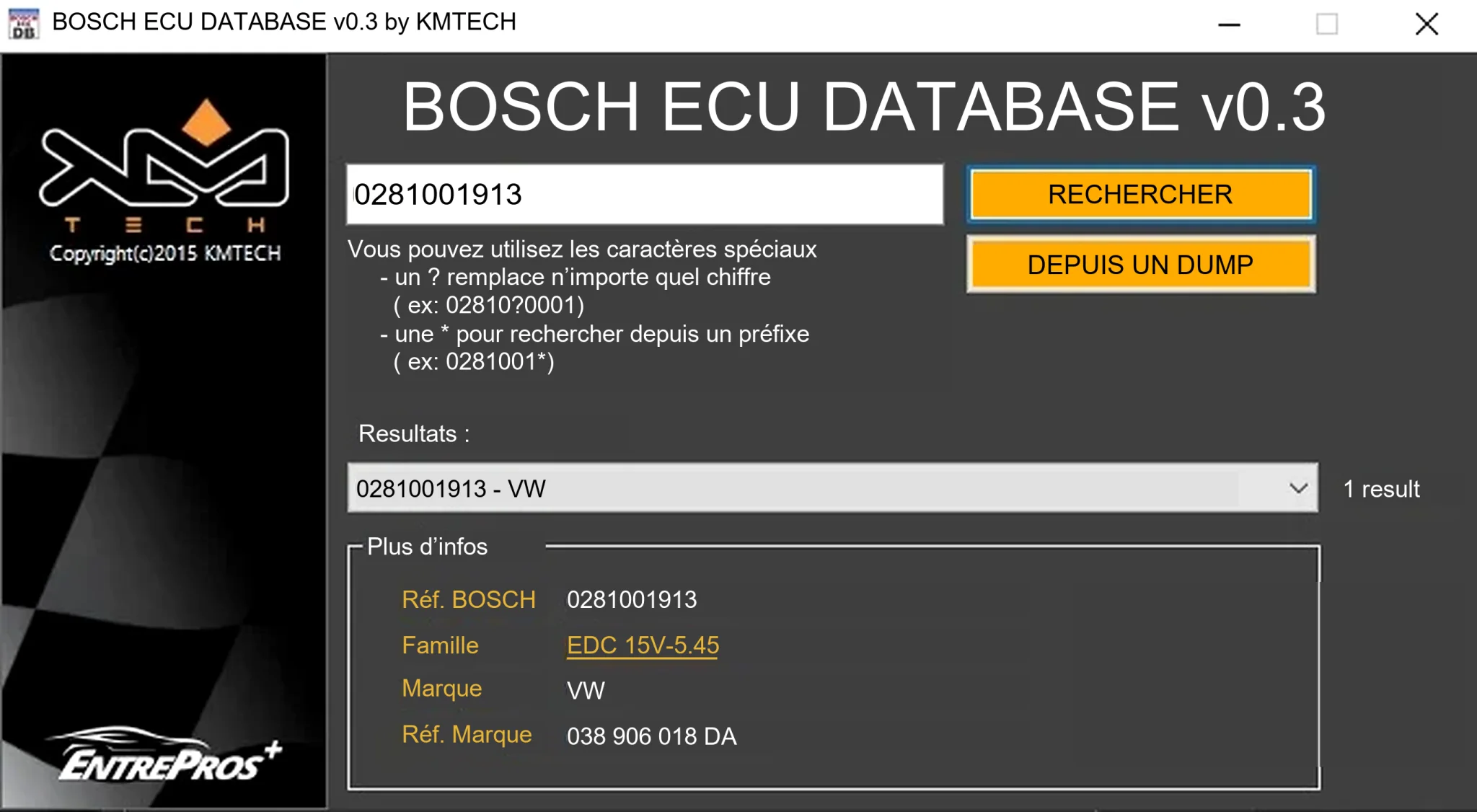
Offline Windows reference tool for Bosch ECU part numbers, controller families and OE cross-references, with exact, wildcard, prefix and binary-dump identifier searches.