
SOFTWARE DATABASE / RELEASE RECORD
VERSION 1.0VAG SFD Calculation Tool Diagnostic Unlock Token Companion 1.0
Windows 64-bit companion for supported Volkswagen Group SFD session queries, with separate input and result areas, query processing, copy control and an English manual.
Categories
Vehicle references
Overview
VAG SFD Calculation Tool 1.0 is a compact Windows companion for supported SFD query data in Volkswagen Group diagnostic sessions. Separate SFD input and result areas, a query button and a copy action accompany an English manual and the required cryptographic/network libraries.
SFD means Vehicle Diagnostics Protection. In the authorized process, the diagnostic system requests a token from the Volkswagen backend, which signs it; the controller then validates it and access is logged centrally. This utility does not replace technician authorization, an approved diagnostic platform or backend access.
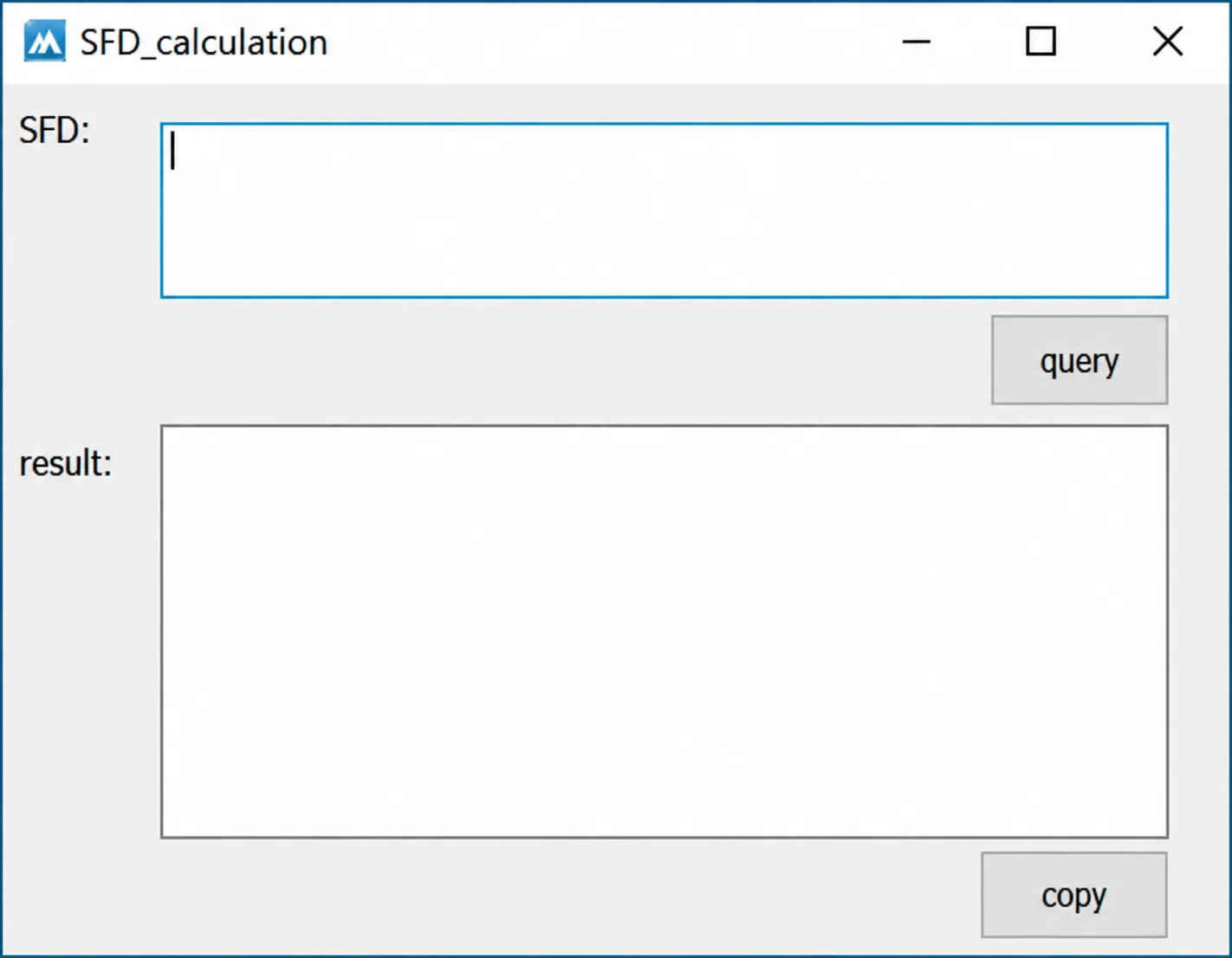
SFD_calculation interface with the original empty input and result fields, query action and copy control.
What This Resource Is For
Assist a legitimate repair session in which the technician holds the required SFD role and an approved diagnostic platform supplies the exact query. Supported session data can be formatted or processed, but acceptance remains with the controller and backend.
Confirmed Functions
- Accept supported SFD input from the active diagnostic workflow.
- Submit or process a query through the application's packaged workflow.
- Show the returned result separately from the input.
- Copy a result for the same authorized session.
- Provide an English manual for the packaged process.
- Use the bundled OpenSSL, cURL and zlib runtime libraries.
Supported Vehicles, Controllers and Files
- Intended for supported SFD-protected Volkswagen Group diagnostic functions and controllers.
- Protection depends on the exact vehicle, brand, diagnostic address and control unit.
- ODIS Service and ODIS Engineering follow role- and account-based access processes.
- Approved third-party diagnostic providers may offer their own authorized SFD integration.
- The package does not establish offline support for every vehicle or SFD generation.
Package Contents
- SFD calculation application.
- English SFD manual.
- OpenSSL cryptographic library.
- cURL networking library and zlib runtime.
- Five files are described in the package-preparation notes as extracted and statically inspected; this is not an ECUDB binary-safety certification.
- No ODIS installer, VAS driver, user account or backend entitlement is included.
System, Hardware and Interface Requirements
- 64-bit Windows workstation; exact supported Windows editions are unspecified.
- Authorized Volkswagen Group or approved third-party diagnostic system.
- Personal SFD permissions and the required two-factor authentication, where applicable.
- Compatible VAS or validated J2534 interface for the vehicle session.
- Stable vehicle power, accurate system time and internet connectivity when required by the authorized backend.
Recommended Workshop Workflow
- Identify the vehicle and controller using the approved diagnostic application.
- Confirm the repair order and the technician's SFD permissions.
- Obtain a fresh query for the specific protected operation.
- Process it once and return its result to that same session.
- Carry out only the documented diagnostic change while access remains active.
- Complete a full scan and retain the official access log with the repair record.
Compatibility Limits and Responsible Use
- SFD credentials are personal and must not be shared.
- A token or result belongs to its original context; do not reuse it for another vehicle or session.
- The utility cannot grant authorization or hide backend access logs.
- Later SFD revisions or server-policy changes can prevent a legacy companion from working.
- Protected coding must follow OEM procedures and applicable legal requirements.
Troubleshooting
- Rejected query: obtain a fresh query and check the vehicle, controller and operation context.
- No result: check authorized connectivity, the packaged runtime files and system time.
- ODIS still reports protection: ensure the result was returned to the same active session.
- Blocked account: follow the official administrator or diagnostic-provider recovery process.
- Operation unavailable after access: check role permissions and vehicle-specific prerequisites.
File Integrity and Safety Notes
The package-preparation notes describe archive extraction/testing and static enumeration of executables, libraries and nested containers without launching the software. These are documented preparation claims, not independent ECUDB execution or controller tests.
Preserve original hashes and backups, use working copies, independently check legacy or unsigned binaries, and retain a verified recovery route before controller writes or live-equipment changes.
Technical Compatibility
Operating Systems
System Requirements
- 64-bit Windows workstation; exact supported Windows editions are unspecified.
- Authorized Volkswagen Group or approved third-party diagnostic system.
- Personal SFD permissions and the required two-factor authentication, where applicable.
- Compatible VAS or validated J2534 interface for the vehicle session.
- Stable vehicle power, accurate system time and internet connectivity when required by the authorized backend.
Screenshots
Related Software

Windows automotive key database and cutting-control software for compatible Miracle machines, with profile search, bitting entry, blade preview and saved cutting jobs.

Offline Windows reference and calculation tool for supported dashboard, body-module and EEPROM/MCU mileage profiles, with memory information, byte locations and repair calculations.

Offline Windows reference tool for Bosch ECU part numbers, controller families and OE cross-references, with exact, wildcard, prefix and binary-dump identifier searches.

Windows map and axis detection for supported Siemens PPD/SID full BDM binaries, with table and 3D views, DTC analysis and XDF/A2L definition export.

Offline Windows checksum inspection and correction for recognized Bosch and Sagem petrol ECU binaries, with eight supplied modules and All, Bad and Fixed counters.
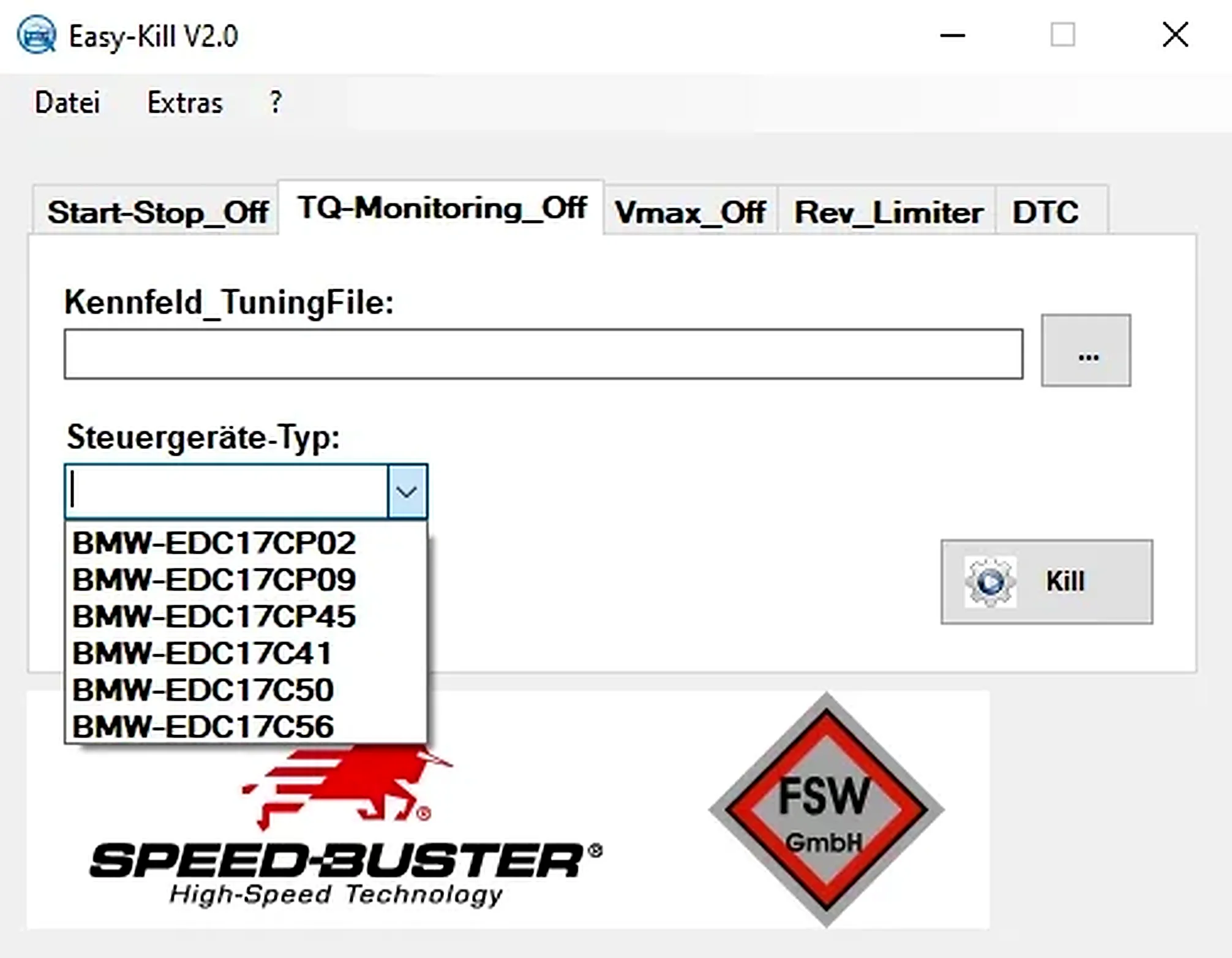
Offline Windows file editor for selected BMW and VAG Bosch ECU profiles, with separate start-stop, torque monitoring, Vmax, rev-limiter and DTC functions.