
SOFTWARE DATABASE / RELEASE RECORD
VERSION 1.0.0Tesla 16V Battery Repair Tool for BMS EEPROM Dumps
Windows BIN-file utility for supported Tesla 16V Li-ion battery BMS data, with MM9Z1J638 dump loading, exact battery-label code verification and separate repaired output.
Categories
Vehicle references
Overview
Tesla 16V Battery Repair Tool 1.0.0 is a Windows application for repairing supported battery-management dump data from Tesla 16V Li-ion batteries. It works with a complete MM9Z1J638 dump saved as a local BIN file.
File-processing features
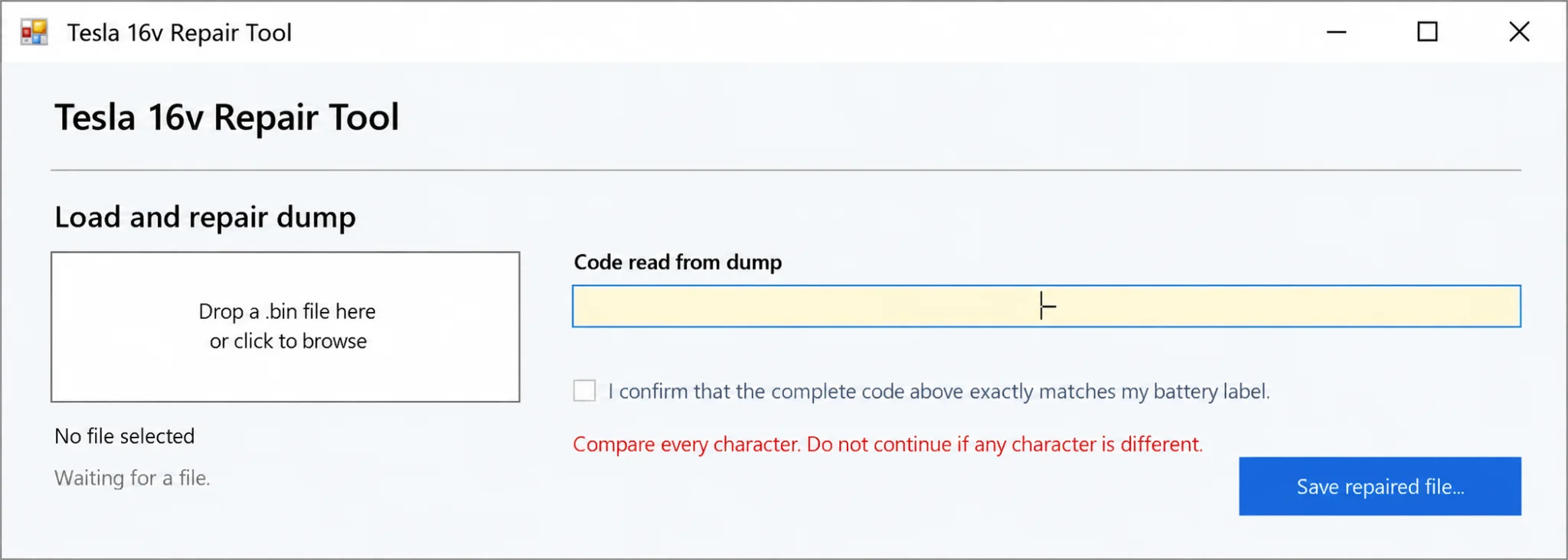
- Local BIN loading through a drop area or file browser.
- Automatic extraction of the battery identification code from the dump.
- Explicit confirmation that the complete extracted code matches the physical battery label.
- A separate repaired output file, preserving the original read as a backup.
- Integrated repair and activation guidance with a battery-label reference example.
Compatibility and input data
| Item | Documented scope |
|---|---|
| Battery | Supported Tesla 16V Li-ion battery BMS applications |
| Controller dump | Complete MM9Z1J638 data from the battery being serviced |
| File input | Local .bin file |
| Platform | Windows |
A detailed vehicle-model, battery-part-number and firmware compatibility matrix is not documented. Required dump byte length and minimum Windows or runtime versions are also unspecified. This 16V battery utility does not establish support for Tesla traction-battery BMS data.
Battery identity verification
The full code extracted from the dump must match the physical battery label character for character before repaired output is created. Use the original data from the battery being serviced. A file from another battery or any code mismatch must not be accepted.
Service scope
The software processes stored data. Separate compatible programming equipment is required for memory reading and writing, and physical battery condition, electrical servicing and activation must be assessed independently by trained technicians.
Lithium-battery servicing can cause fire, burns or equipment damage. Follow the appropriate professional battery-service procedures and retain an untouched original dump. Creating a repaired file is not confirmation that a battery is physically safe or that a repair has succeeded.
Technical Compatibility
Supported Modules
Operating Systems
File Formats
System Requirements
- Windows PC; minimum Windows/runtime versions are not documented
- Complete supported MM9Z1J638 BMS dump saved as a .bin file
- Readable physical battery label with an exact match to the extracted code
- Compatible memory-programming equipment and trained battery-service personnel
Screenshots
Related Software
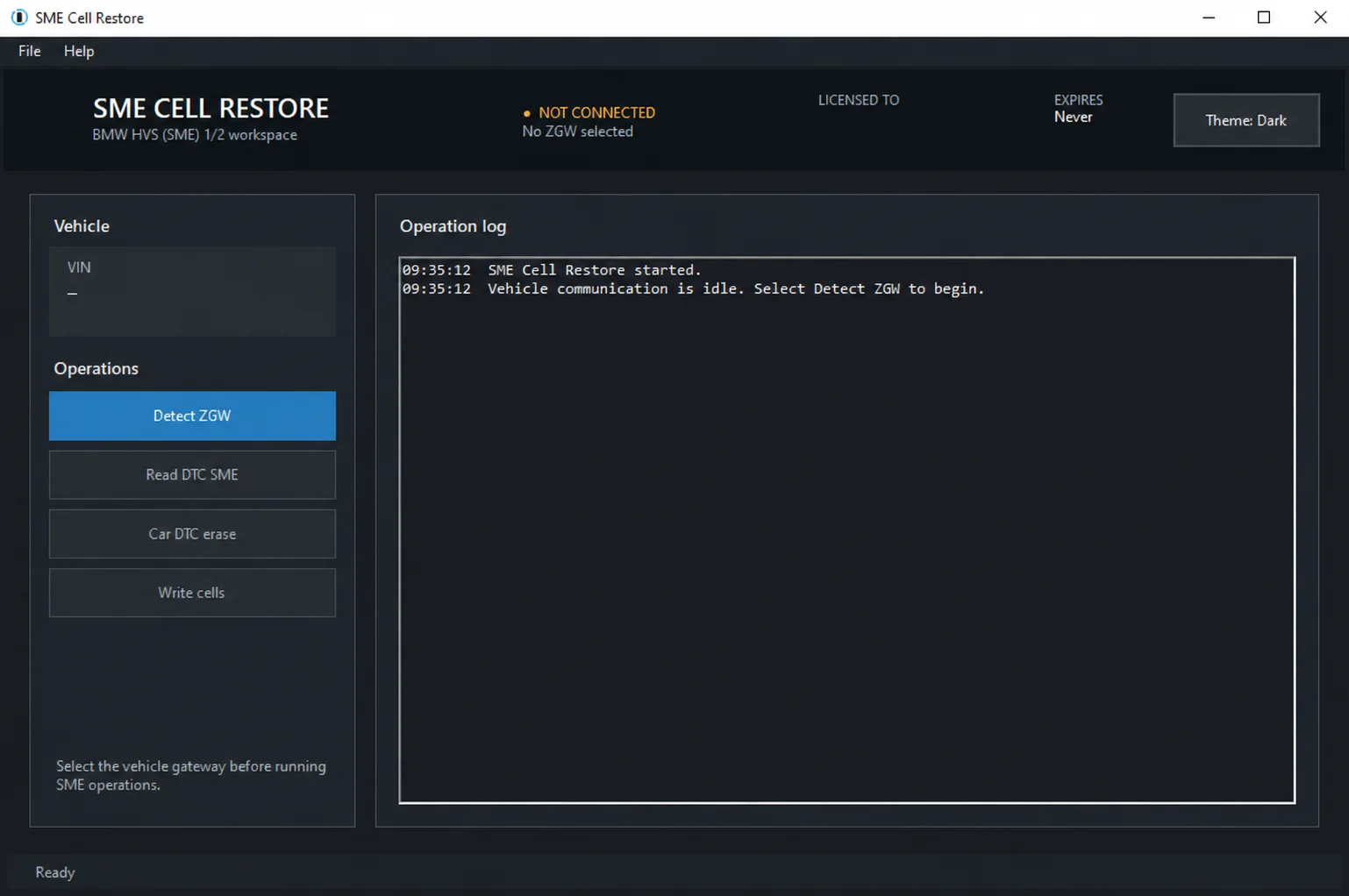
Windows service utility for supported BMW HVS 01/02 and SME 1/2 systems, with ZGW discovery, normal and shadow DTC diagnostics and guarded cell-data restoration.

Legacy Windows ECU service software for supported VAG EDC15/ME7, PSA EDC15C2 and Opel Delco controllers, with profile-dependent PIN, identity and EEPROM functions through a matching interface.

Offline Windows reference and calculation tool for supported dashboard, body-module and EEPROM/MCU mileage profiles, with memory information, byte locations and repair calculations.
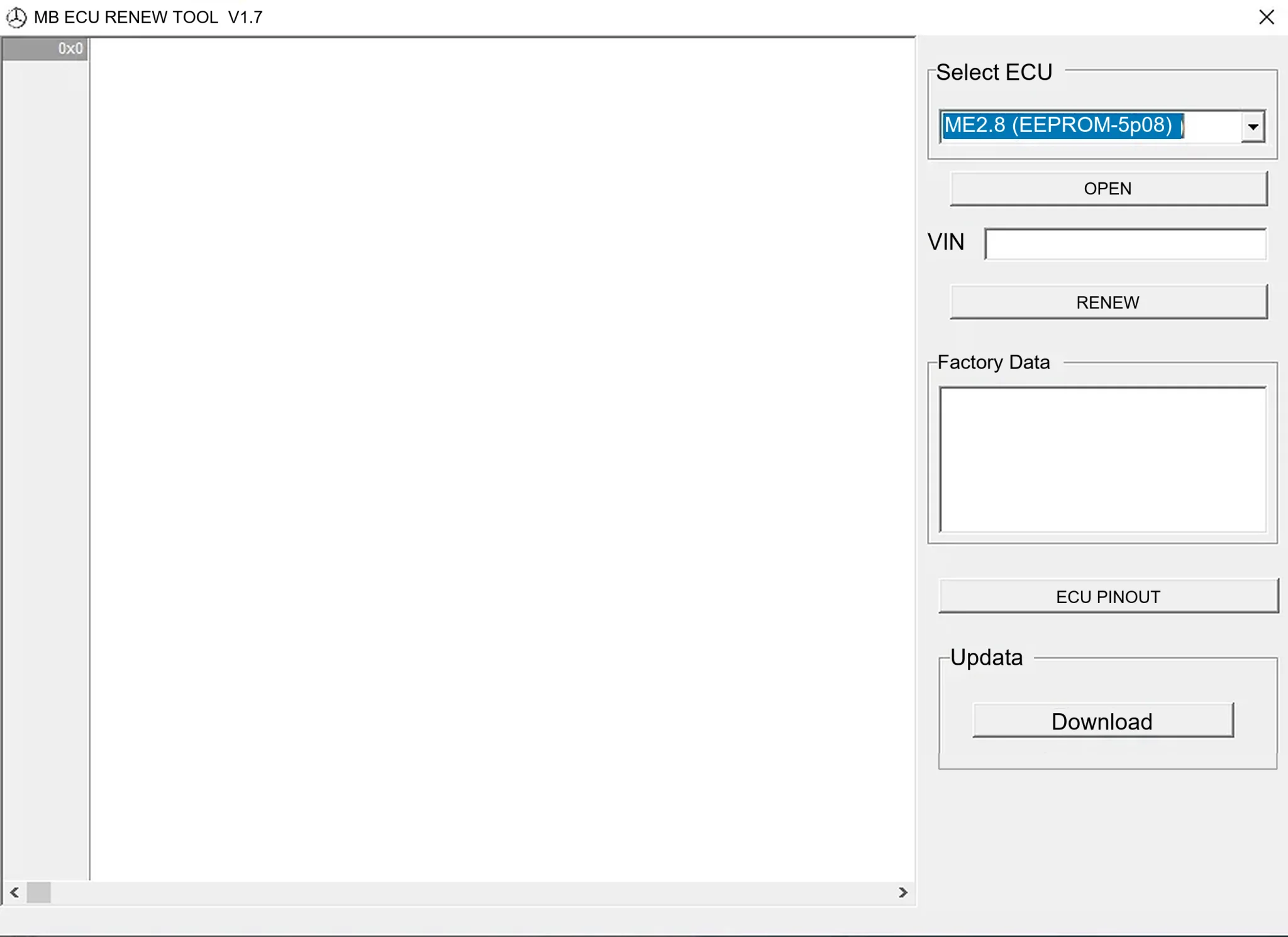
Offline Windows renew and virgin dump editor for selected Mercedes-Benz Bosch ME, EDC15 and Siemens SIM4 ECU profiles, with memory-specific processing and connector diagrams.

Offline Windows reference tool for Bosch ECU part numbers, controller families and OE cross-references, with exact, wildcard, prefix and binary-dump identifier searches.

Windows map and axis detection for supported Siemens PPD/SID full BDM binaries, with table and 3D views, DTC analysis and XDF/A2L definition export.