
SOFTWARE DATABASE / RELEASE RECORD
VERSION 1.0.0.1Scania SOPS Editor Suite Encrypt, Decrypt and Edit Vehicle Configuration 1.0.0.1
Offline Windows utilities for supported Scania SOPS-to-XML conversion, configuration review, XML editing and controlled re-encryption.
Categories
Vehicle references
Overview
Scania SOPS Editor Suite is a Windows collection for offline conversion of supported SOPS vehicle-configuration containers into XML, inspection and editing with text or structured editors, and encryption of a controlled revision back into SOPS.
It is intended for experienced commercial-vehicle technicians who can establish the original file’s identity and validate the finished configuration. SOPS contains product-configuration information exchanged through SDP3 and Scania central systems. These local utilities do not replace SDP3, a compatible Scania VCI, valid licensing or the official check-and-adjust procedure. Reading and applying vehicle files are separate authorized workshop operations.
What This Resource Is For
Inspect a saved SOPS file, compare its XML representation and record a narrowly defined configuration repair. Retain the original SOPS, the current product identity held by Scania systems and an independent backup so that every change can be demonstrated before returning a file to the vehicle.
Confirmed Functions
- Convert a recognized SOPS container into inspectable XML.
- Load, search and edit XML using the included structured and text editors.
- Encrypt checked XML into a SOPS container.
- Compare parameter states before and after an intended change.
- Consult supplied language resources and illustrated help.
- Use the two packaged instructional videos for the included utilities.
- Keep offline file editing separate from official SDP3 export and upload operations.
Visible Editors and Component Versions
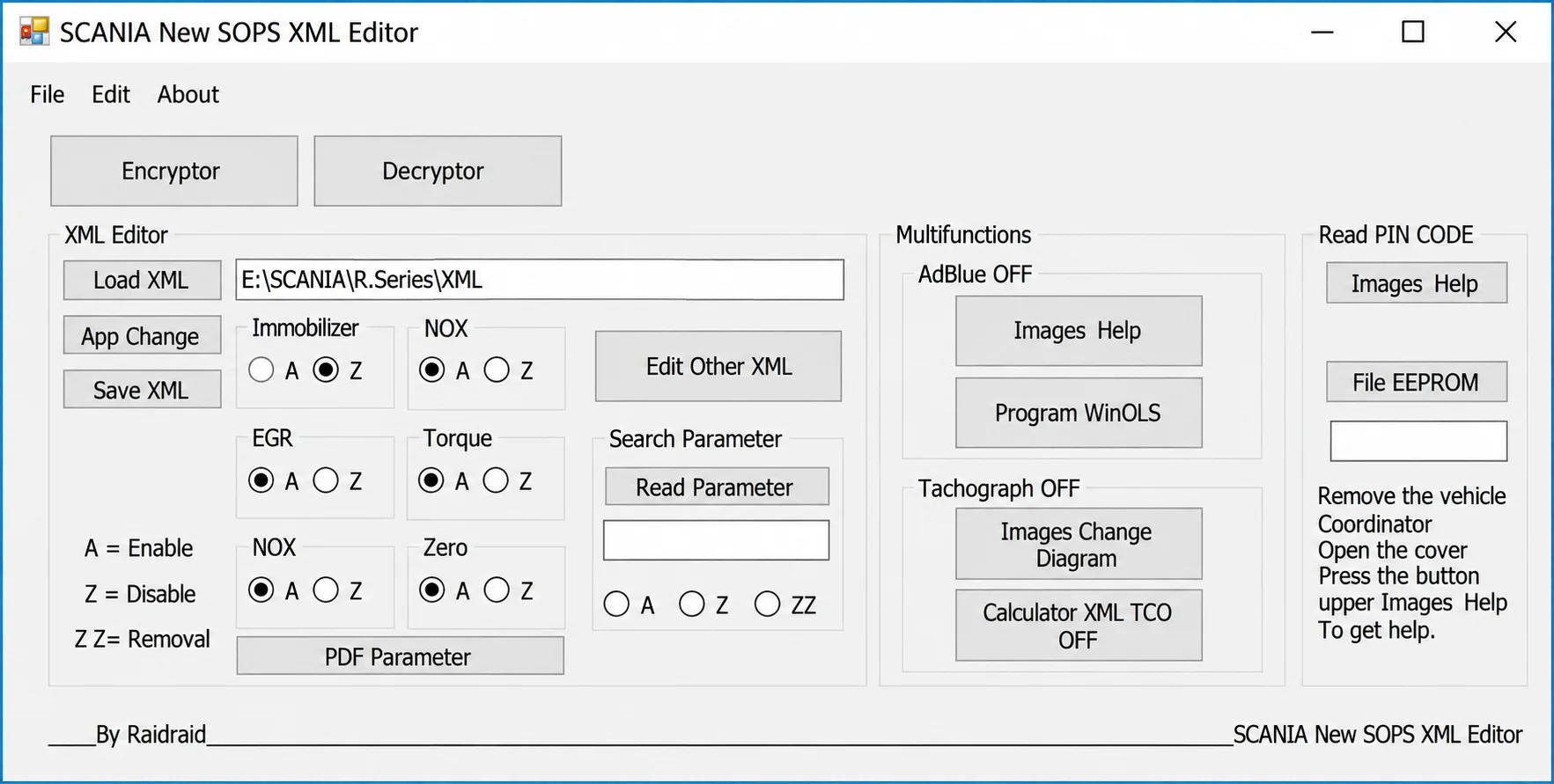
The parameter-editor interface shows XML loading and saving, parameter search, PDF help and areas labelled Immobilizer, NOX, EGR, Torque and Zero, alongside AdBlue, tachograph and PIN-code work areas. These labels describe the interface; they do not establish that every operation is supported or permitted for a particular vehicle.
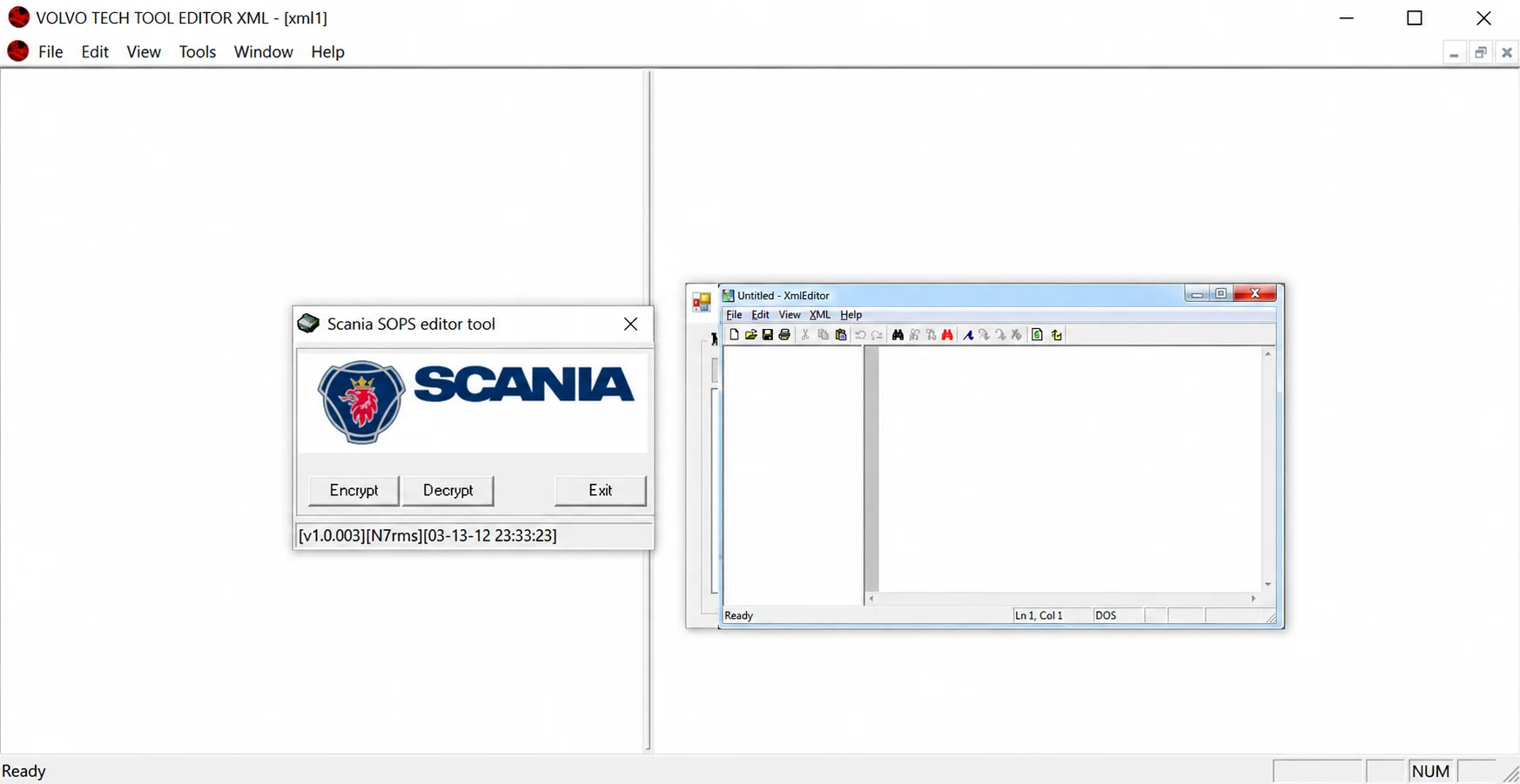
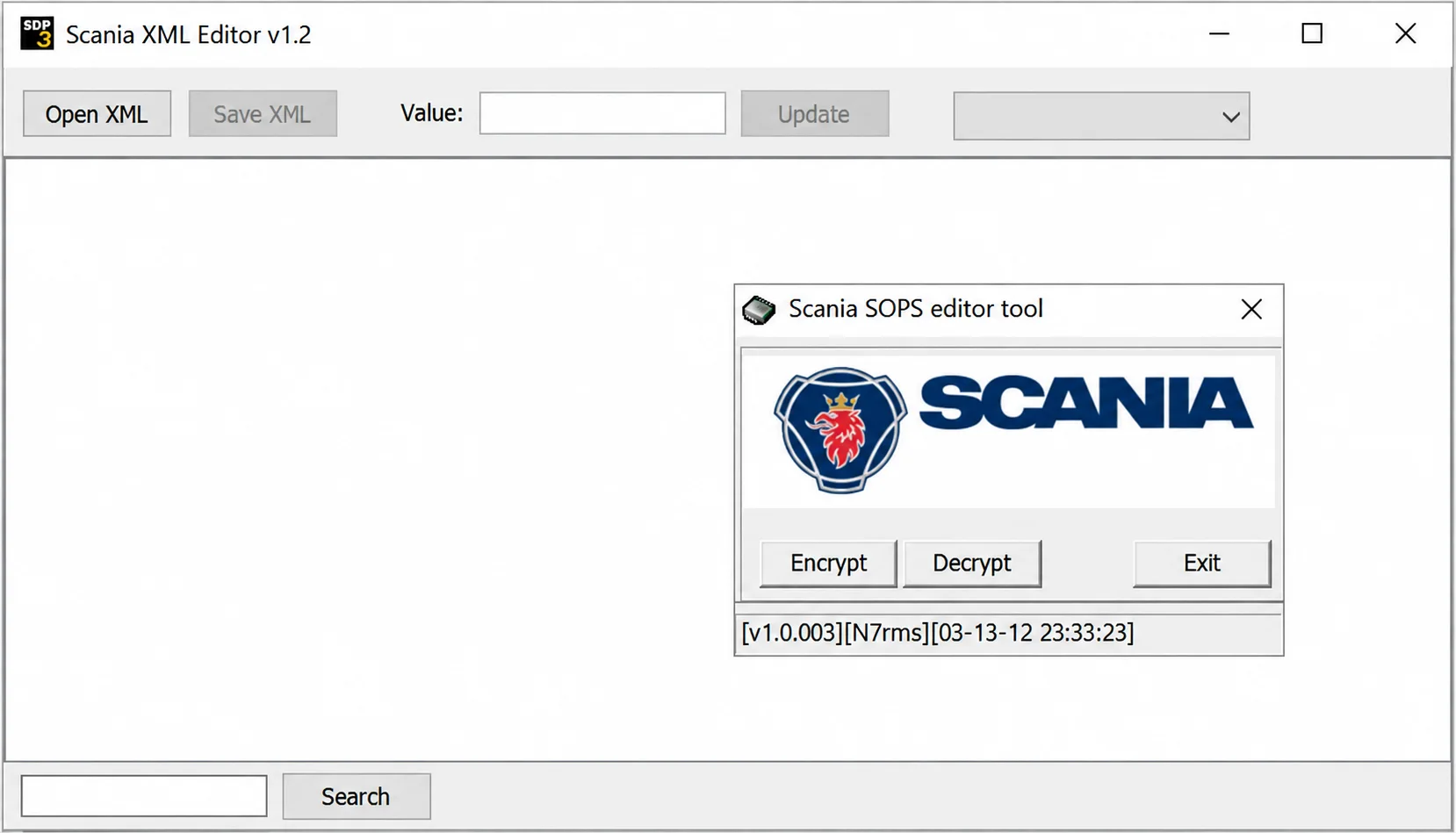
The package release is 1.0.0.1. Individual windows display their own component identifiers, including Scania XML Editor v1.2 and Scania SOPS editor tool v1.0.003. A bundled XML-editor window also carries a Volvo title; this does not establish Volvo SOPS compatibility.
Supported Vehicles, Controllers and Files
- Scania trucks, buses and industrial applications are relevant only where the included converter recognizes their SOPS format.
- The documented Scania process can save a local SOPS through SDP3 and submit it through Conversion Workshop.
- SDP3 coverage from the 3-series through the 6-series does not imply that this editor supports every SOPS revision from those generations.
- File structure and parameter interpretation depend on product generation and server-held configuration data.
- Vehicle-specific example SOPS and edited XML files are documented as excluded from the package.
Package Contents
- SOPS encryption and decryption utilities.
- Multiple XML editors, including PSPad and firstobject-based components.
- Supporting language, icon and runtime resources.
- Two instructional video files and PDF/help documentation.
- Activation-related components are documented as retained as supplied and inspected statically; this is not an ECUDB execution or safety test.
- Vehicle-specific SOPS/XML examples and shortcut artifacts are documented as removed from the package.
System, Hardware and Interface Requirements
- A Windows workstation separated from everyday email and web browsing.
- The official SDP3/SWS workflow and a compatible Scania VCI when reading or applying product configuration.
- A valid Scania licence and authorization for the target vehicle.
- An untouched original SOPS and matching server-side or diagnostic-session records.
- XML comparison facilities, stable programming power and an established recovery procedure.
Recommended Workshop Workflow
- Identify the product in SDP3 and save its original SOPS using the documented procedure.
- Calculate a hash of the original and retain a read-only backup.
- Decrypt a working copy and check parameter names and values against the applicable service information.
- Limit the revision to a confirmed parameter and preserve a readable comparison of the change.
- Encrypt the revised copy, then decrypt it again to verify that the expected XML is recovered.
- Apply the result only through the authorized Scania process, followed by check-and-adjust and a full fault scan.
Compatibility Limits and Responsible Use
- The editor cannot establish that a parameter change is legal, safe or supported by the target product.
- Well-formed XML can still describe an invalid vehicle configuration.
- Immobilizer, emissions, torque and tachograph modifications can be restricted or prohibited.
- Never substitute another vehicle’s SOPS for the original.
- A product-identity mismatch can cause server synchronization to reject or overwrite local changes.
Troubleshooting
- Decryption fails: check that the input is complete and belongs to a generation supported by the utility.
- XML values are absent: review character encoding and use the appropriate editor branch.
- Encryption produces unexpected differences: first test an unchanged original through the complete decrypt/encrypt/decrypt cycle.
- SDP3 rejects the file: restore the original and check product identity, SOPS revision and server synchronization.
- Configuration becomes inconsistent: stop further edits, retain diagnostic logs and follow the official Scania recovery process.
File Integrity and Safety Notes
Package documentation describes archive extraction and container checks, with static examination of native executables without launching them. These are documented package-review claims, not independently performed ECUDB software tests. No executable safety certification is implied.
Keep immutable originals, edit copies and use current independent security scanning. Stable power and a proven recovery route are necessary before any vehicle or module write. Structural checks or recorded hashes alone cannot establish that an unsigned or activation-modified executable is malware-free.
Technical Compatibility
Operating Systems
System Requirements
- Windows workstation isolated from routine web browsing and email
- Official SDP3/SWS workflow and compatible Scania VCI for vehicle read/apply operations
- Valid Scania licence and authorization for the target product
- Untouched original SOPS, matching product identity and diagnostic-session records
- XML comparison tool, stable power and an established recovery procedure
Screenshots
Related Software

Offline Windows reference tool for Bosch ECU part numbers, controller families and OE cross-references, with exact, wildcard, prefix and binary-dump identifier searches.
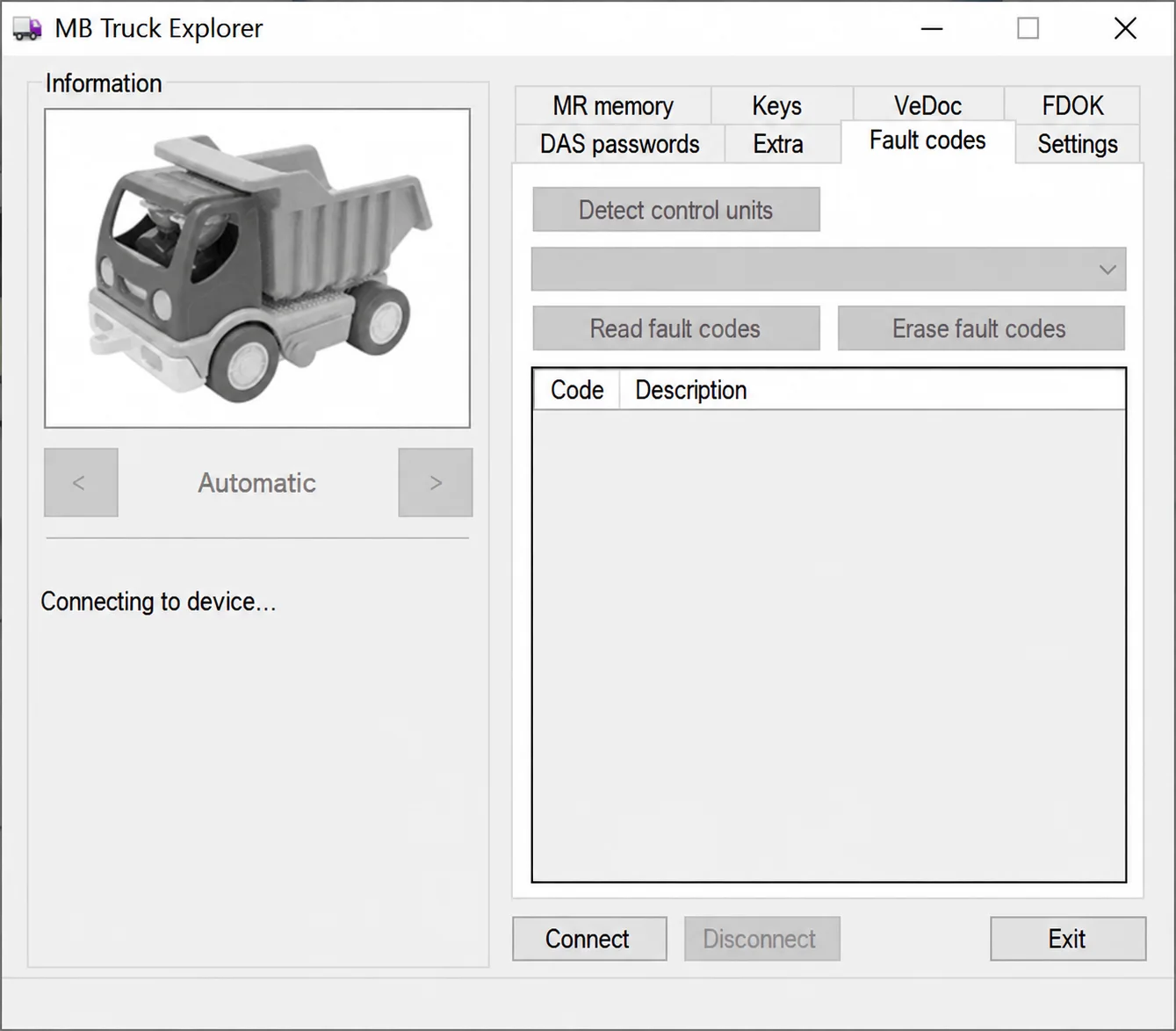
Legacy Windows heavy-vehicle service software for compatible VEI hardware, with licensed MR/PLD memory, key, VeDoc, FDOK, DAS and fault-code functions.
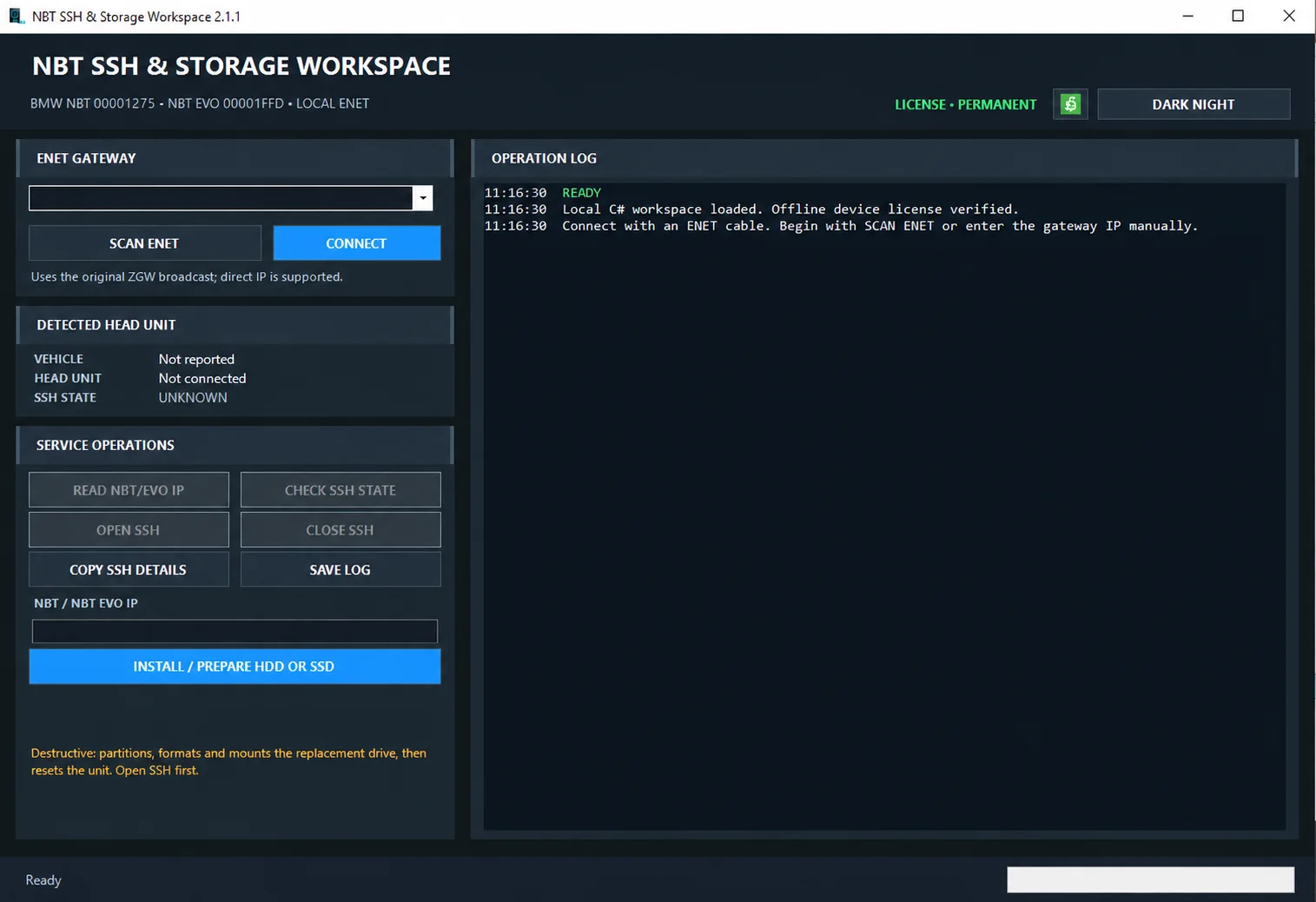
Windows ENET utility for identifying supported BMW head units, managing SSH access and preparing replacement HDD/SSD storage.

Windows BIN-file editor for locating and modifying supported ECU diagnostic trouble-code entries, with ECU-specific Disable/Remove actions and checksum validation requirements.

Windows automotive key database and cutting-control software for compatible Miracle machines, with profile search, bitting entry, blade preview and saved cutting jobs.
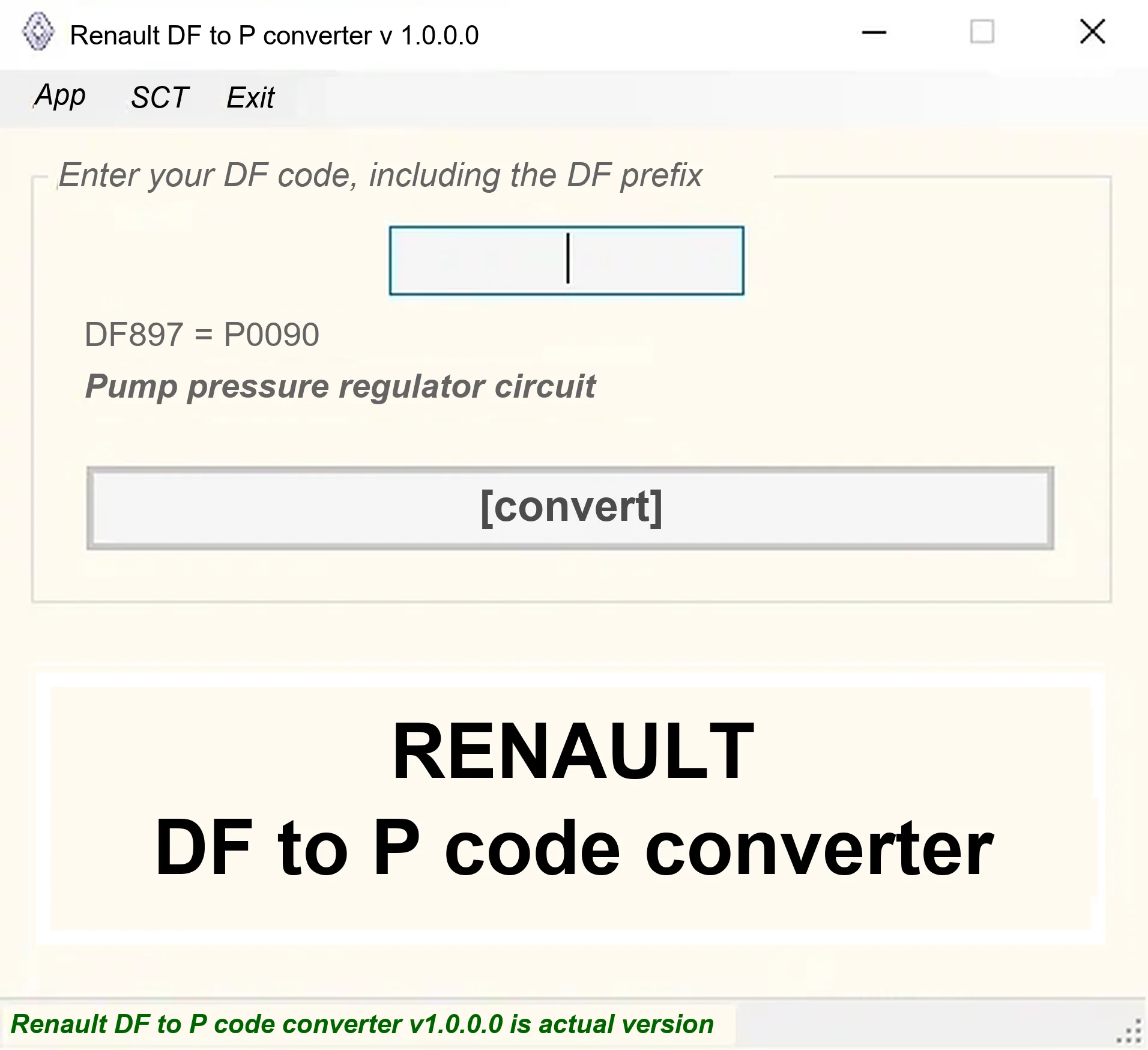
Offline Windows DF-to-P fault-code lookup for Renault diagnostic reports, with descriptions and a companion ECU Info number-prefix reference utility.