
SOFTWARE DATABASE / RELEASE RECORD
VERSION 1.0.0.0Moose Calculator - Volvo Truck ECU Checksum Tool 1.0.0.0
Portable Windows checksum utility for compatible Volvo truck ECU binaries, intended for correction after controlled file edits and independent validation.
Categories
Vehicle references
Overview
Moose Calculator is a compact offline checksum utility for compatible Volvo truck ECU binary files. It is intended to open a working calibration file, recognize its supported checksum structure and produce a corrected result after an authorized edit.
It is not a diagnostic suite, vehicle database, map editor or flashing application. It does not communicate with a truck or automatically identify a controller from its VIN. The minimal start screen provides little guidance for incompatible files, so the technician must establish the correct ECU family independently.
The screenshot shows the original application start screen and its “Let's checksum it!” control.

Purpose in an ECU Workflow
ECU calibrations normally contain integrity values calculated over defined memory ranges. Editing a map or code region can invalidate those values and cause the ECU or programming tool to reject a file. Moose is intended to recalculate the Volvo truck checksum structure it recognizes once editing is complete.
Use it as a validation stage between editing and programming. A corrected checksum does not establish that every other aspect of the binary is correct.
Compatibility Boundaries
The documented package does not provide a reliable model-year, engine or ECU application list. Establish compatibility using a known-good workshop job or an independently verified file:
- Confirm the truck model, engine family and installed ECU.
- Record the controller manufacturer and hardware and software numbers.
- Determine whether the input is calibration-only, full flash or a different memory region.
- Check the expected byte count for the reading protocol.
- Compare with a file from the same controller family and software layout.
The name does not establish support for Volvo passenger cars, construction equipment or all Volvo truck controllers.
Recommended Checksum Workflow
- Store the original read in an immutable directory and calculate its SHA-256.
- Create a separate working copy for map editing.
- Make controlled changes using a definition matched to the exact software number.
- Save the edited copy without altering the required length or address alignment.
- Process that edited copy with Moose and save the corrected result under a new filename.
- Compare the files before and after checksum processing to locate every change made by the calculator.
- Verify the result with the programming tool or another checksum method where available.
- Retain the original, edited and corrected files with the job documentation.
How to Judge a Successful Result
- An output file is produced with the expected byte size.
- Identification strings and calibration data remain readable.
- Calculator changes are confined to plausible checksum regions.
- Repeated processing does not keep changing unrelated file areas.
- The ECU writer accepts the file for the same controller and protocol.
- An independent checksum checker reports validity when one is available.
Treat the input as unsupported if no output is created, the program crashes or broad calibration regions are changed.
Common Failure Causes
- A partial OBD read is used when the algorithm requires a complete memory region.
- The file comes from another Volvo controller generation.
- A tuning tool has wrapped, compressed or encrypted the data.
- The read has subsequently been resized, padded or truncated.
- Another checksum application has used a different correction method.
- The software number or memory layout differs despite an identical file size.
System Requirements
- A Windows PC supporting 32-bit desktop applications.
- The documented OS list includes Windows 7, 8.1, 10 and 11; a clean virtual machine is recommended for a legacy unsigned utility.
- A .NET Framework desktop runtime accessible to the application; the exact required version is unspecified.
- At least 1 GB RAM and 100 MB free space, plus storage for several copies of the binary.
- Write access to a dedicated local working directory.
- A separate hex editor, hashing utility and compatible ECU programmer for validation.
The checksum calculation itself requires neither internet access nor a vehicle interface.
Programming and Recovery Planning
A valid checksum does not guarantee a safe flash. Before writing, confirm the memory region, byte order, length, hardware and software identity and writer protocol. Use regulated battery support, avoid unstable remote sessions and retain a proven boot or bench recovery method where the ECU supports it.
Keep the only original read untouched. Stop if the writer reports an unexpected ECU identity or file length rather than forcing the operation.
Package Contents and Integrity
The documented prepared package contains one portable Windows executable. Preparation notes describe successful full testing and extraction of the original encrypted RAR, followed by recording the executable's exact byte count, SHA-256 and PE metadata before repacking.
The program is described as an unsigned x86 application examined statically without execution. These are documented packaging details, not a claim of independent ECUDB executable hashing or execution.
Limitations and Responsible Use
The calculator cannot assess whether an edit is mechanically safe, emissions-compliant or suitable for the vehicle. It does not repair damaged calibration maps, recover missing data or replace an OEM recovery file.
Use it only with vehicles and binaries you own or are authorized to service, and document every change in the workshop record.
Technical Compatibility
Supported Modules
Operating Systems
File Formats
System Requirements
- Windows with 32-bit desktop application support
- Documented OS list: Windows 7, 8.1, 10 and 11
- .NET Framework desktop runtime; exact version unspecified
- At least 1 GB RAM and 100 MB free space plus multiple binary copies
- Writable dedicated local working directory
- Separate hex editor, hashing utility and compatible ECU programmer for validation
- No internet or vehicle interface needed for checksum calculation
Screenshots
Related Software

Windows map and axis detection for supported Siemens PPD/SID full BDM binaries, with table and 3D views, DTC analysis and XDF/A2L definition export.
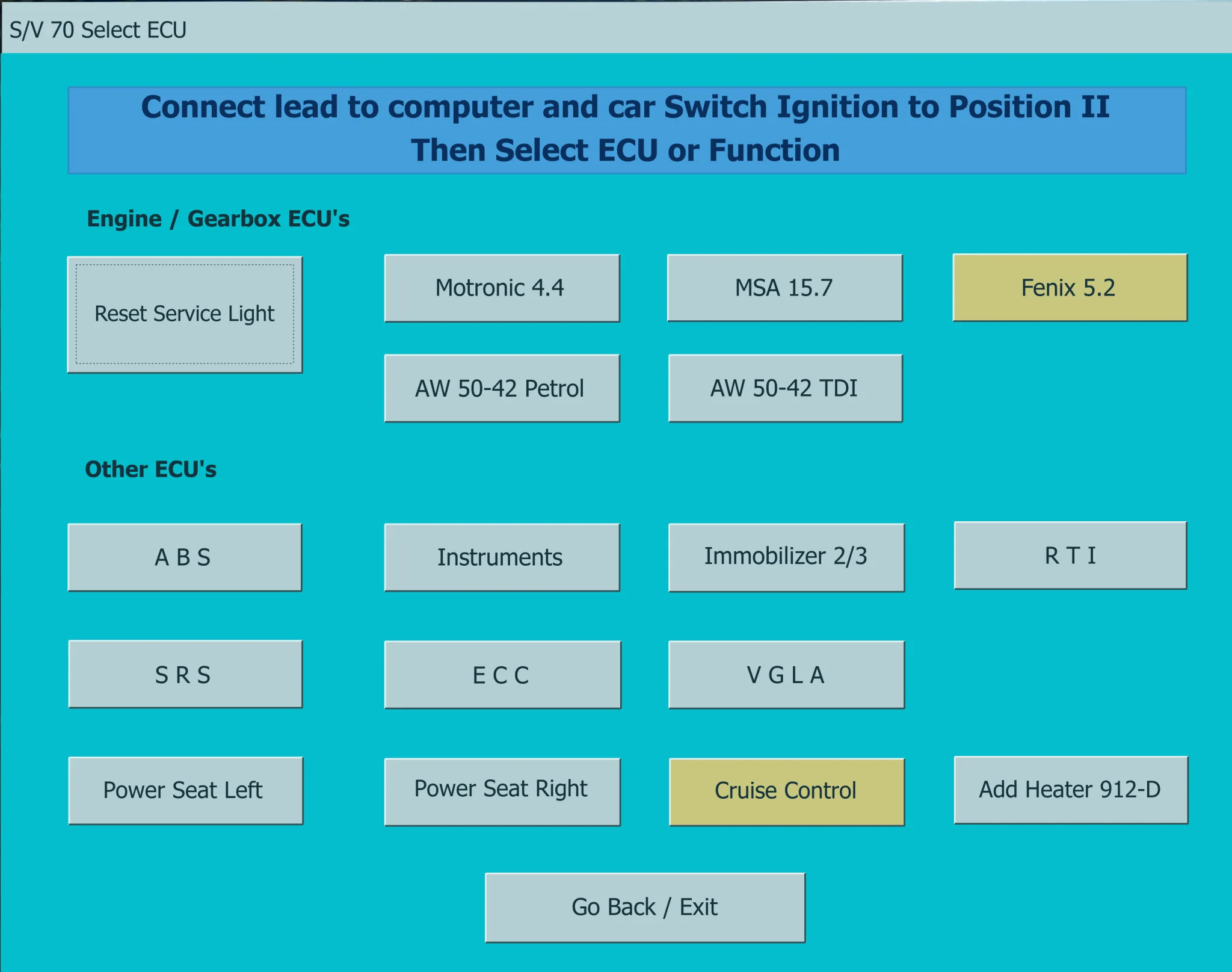
Legacy Windows diagnostics for supported pre-CAN Volvo vehicles, with fault-code reading and clearing, control-unit selection and selected service functions.

Windows BIN-file editor for locating and modifying supported ECU diagnostic trouble-code entries, with ECU-specific Disable/Remove actions and checksum validation requirements.

Legacy Windows ECU service software for supported VAG EDC15/ME7, PSA EDC15C2 and Opel Delco controllers, with profile-dependent PIN, identity and EEPROM functions through a matching interface.
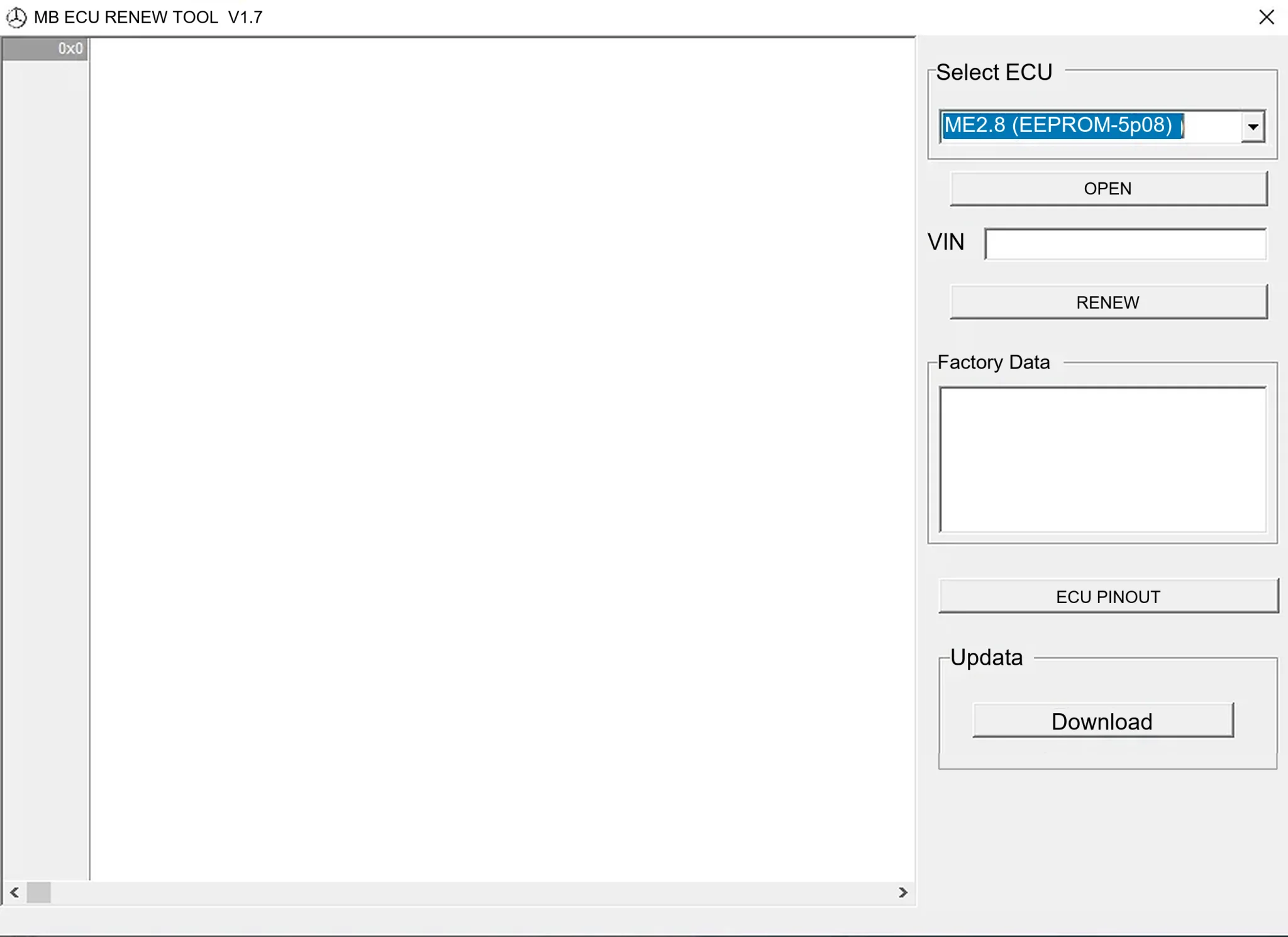
Offline Windows renew and virgin dump editor for selected Mercedes-Benz Bosch ME, EDC15 and Siemens SIM4 ECU profiles, with memory-specific processing and connector diagrams.

Offline Windows reference tool for Bosch ECU part numbers, controller families and OE cross-references, with exact, wildcard, prefix and binary-dump identifier searches.