
SOFTWARE DATABASE / RELEASE RECORD
VERSION 1.1.1.26MAN Offline Programming Set EOL Flash Editor and Immo Calculator 1.1.1.26
Offline MAN VDF, UDF and CDF EOL file editing with vehicle identification fields and a separate immobilizer calculator for supported service workflows.
Categories
Vehicle references
Overview
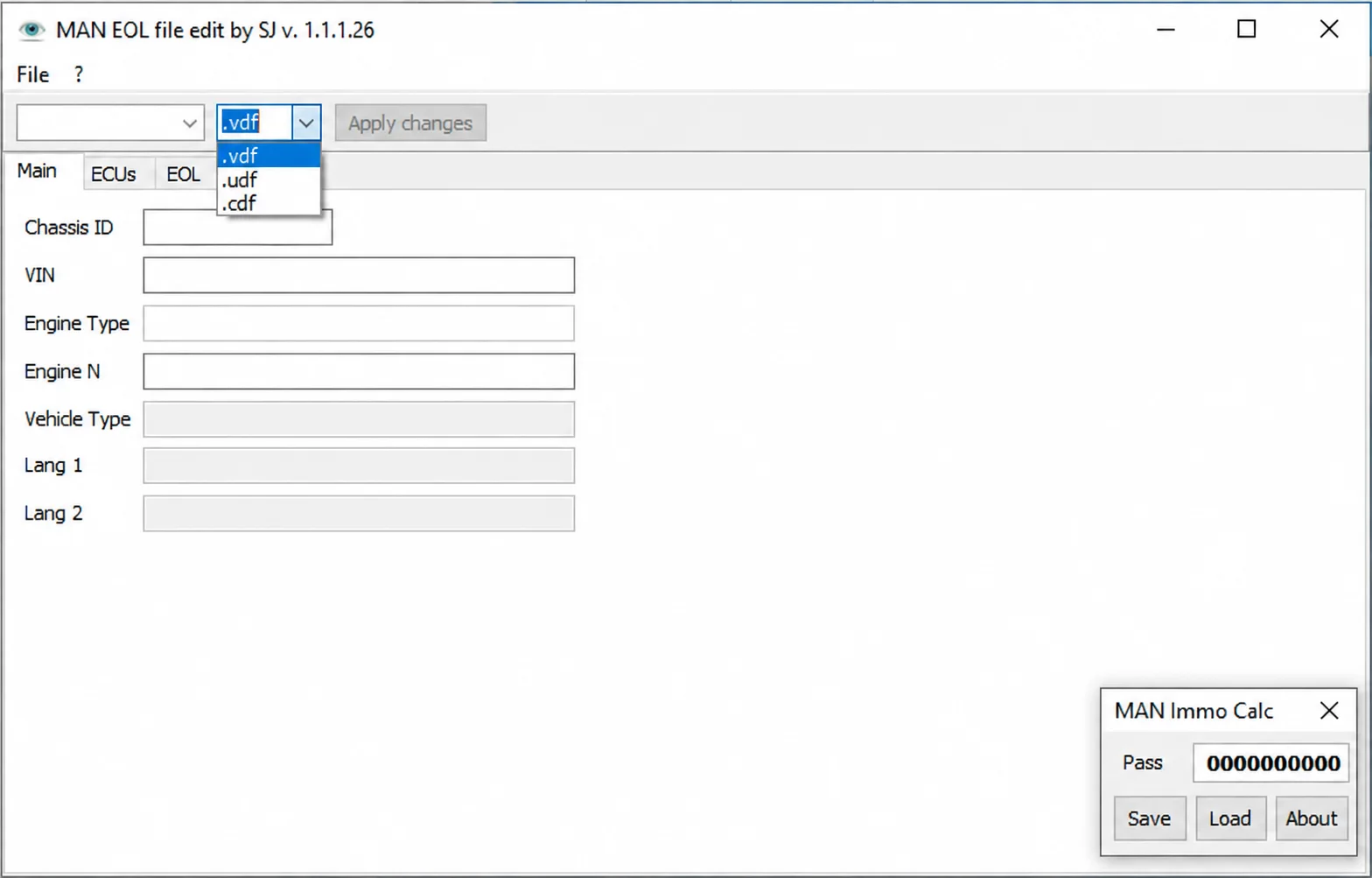
MAN Offline Programming Set combines an EOL file editor with a separate MAN immobilizer calculator. The editor provides chassis ID, VIN, engine type, engine number, vehicle type and language fields, together with ECU and EOL pages.
This is an offline, file-based preparation and inspection workflow for compatible MAN service environments. It does not replace MAN-cats communication hardware, diagnostic authorization or a validated programming procedure.
What This Resource Is For
The set supports authorized controller replacement and configuration work where EOL data needs to be reviewed before using the normal diagnostic and programming system. The compact immobilizer calculator is a separate application for supported calculation tasks.
Confirmed Functions
- Open supported VDF, UDF and CDF files.
- Review and edit chassis, VIN, engine and vehicle identification fields.
- Navigate the editor's ECU and EOL sections.
- Apply edits to a new working file.
- Load and save values in the companion MAN immobilizer calculator.
Supported Controllers, Files and Vehicles
- MAN data files recognized by the VDF, UDF and CDF parsers.
- Controller and EOL data used in compatible MAN offline programming workflows.
- Compatibility depends on the file structure and the generation of MAN service software that created the file.
- Support for every MAN truck or controller is not established.
Package Contents
The documented package contains:
- The MAN EOL file editor, extracted from the checked inner archive.
- The separate MAN immobilizer calculator from the same inner archive.
- An offline programming video guide.
- A cleaned package with the redundant wrapper archive, screenshots and Thumbs.db excluded.
The video guide is listed as a package component; an independently playable demonstration is not supplied on this page.
System and Interface Requirements
- A Windows workshop PC or an isolated Windows virtual machine.
- A compatible MAN diagnostic and programming environment for subsequent vehicle work.
- An original VDF, UDF or CDF file with a documented source module.
- A stable truck power supply and a supported communication interface when applying the prepared changes.
Recommended Workshop Workflow
- Preserve the original programming file, record its hash and create a working copy.
- Open the copy and compare the VIN, chassis and engine fields with the vehicle.
- Edit only the required field and save under a new filename.
- Compare the output with the original and document every changed field.
- Import or program the result through the manufacturer's workflow, including its recovery precautions.
Compatibility Limits and Responsible Use
- The editor does not establish that a file belongs to a specific truck.
- Incorrect EOL or immobilizer data can prevent module communication or vehicle starting.
- Online functions, dealer authorization and hardware licensing are outside this package.
- Use the calculator only for authorized service; it does not replace ownership or security checks.
Troubleshooting
- File not accepted: check its extension and the service system that exported it.
- Blank or shifted fields: stop editing, because the file layout may be unsupported.
- Programming failure: restore the untouched original through the approved MAN recovery process.
File Integrity and Safety Notes
Package documentation reports complete archive testing and extraction, inspection of nested containers where present, and static inspection of executable files without launching them. This describes the documented package review; it is not an independent executable or vehicle test by ECUDB.
Keep the original ECU or module read immutable and work on copies. Check the output size and any applicable checksum requirements. Before writing, provide stable power and a proven recovery method.
An unsigned executable should not be assumed malware-free. Use a dedicated analysis environment and your own current security tools.
Technical Compatibility
Supported Modules
Operating Systems
System Requirements
- Windows workshop PC or isolated Windows virtual machine
- Compatible MAN diagnostic/programming environment for subsequent vehicle work
- Original VDF, UDF or CDF file with a documented source module
- Supported communication interface and stable truck programming power when applying changes
Screenshots
Related Software

Offline Windows reference tool for Bosch ECU part numbers, controller families and OE cross-references, with exact, wildcard, prefix and binary-dump identifier searches.
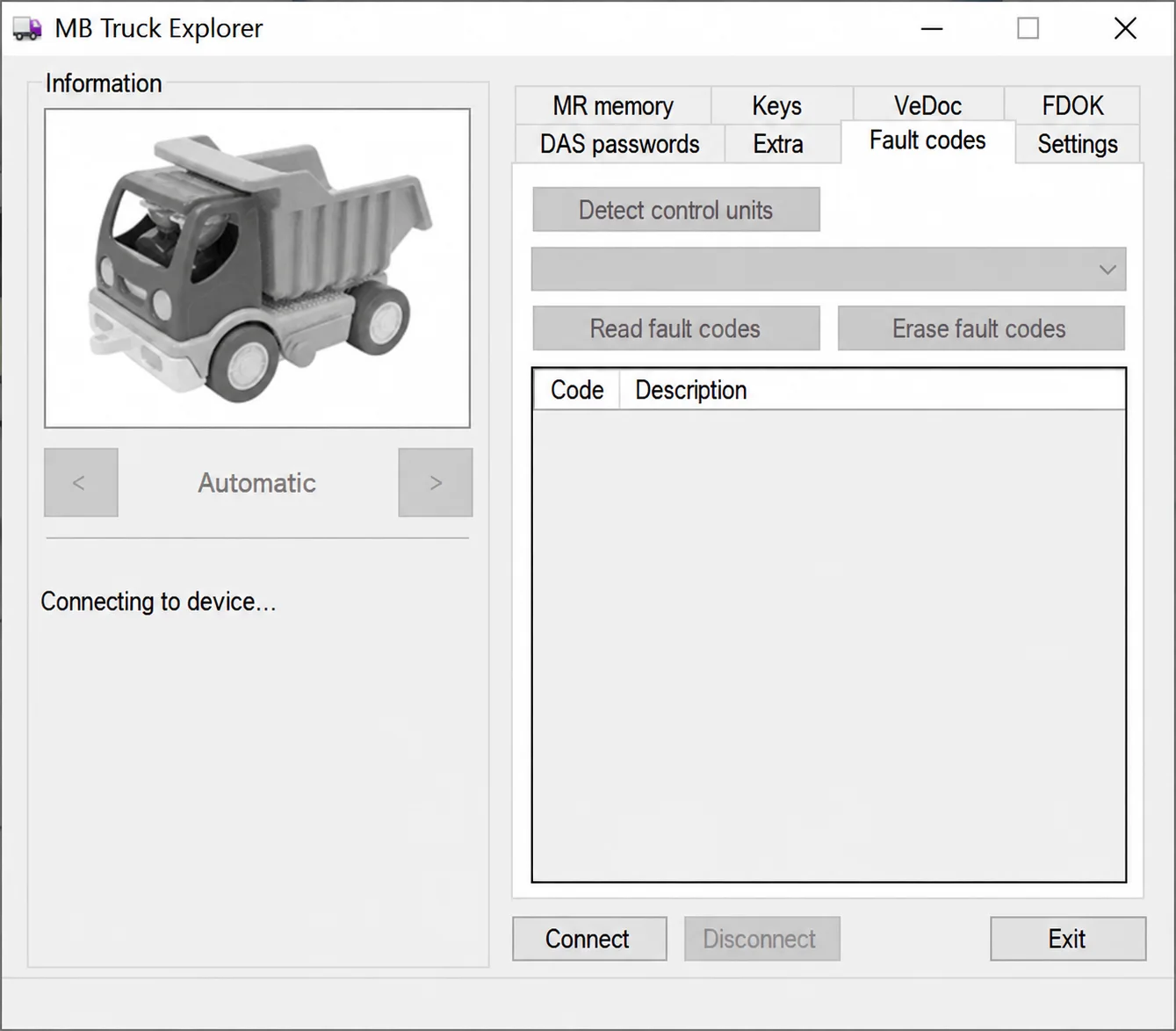
Legacy Windows heavy-vehicle service software for compatible VEI hardware, with licensed MR/PLD memory, key, VeDoc, FDOK, DAS and fault-code functions.

Windows BIN-file editor for locating and modifying supported ECU diagnostic trouble-code entries, with ECU-specific Disable/Remove actions and checksum validation requirements.

Legacy Windows ECU service software for supported VAG EDC15/ME7, PSA EDC15C2 and Opel Delco controllers, with profile-dependent PIN, identity and EEPROM functions through a matching interface.
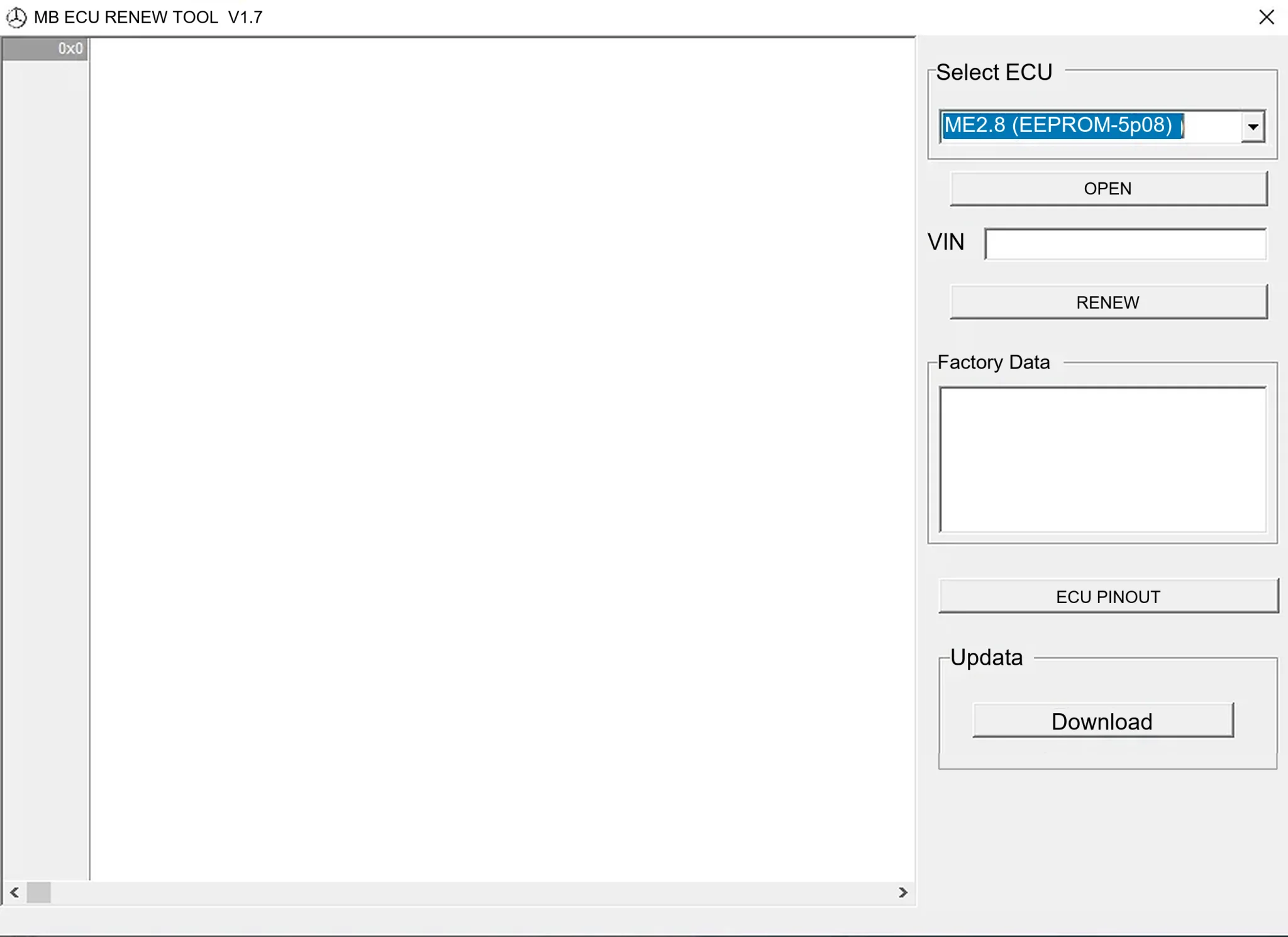
Offline Windows renew and virgin dump editor for selected Mercedes-Benz Bosch ME, EDC15 and Siemens SIM4 ECU profiles, with memory-specific processing and connector diagrams.

Windows map and axis detection for supported Siemens PPD/SID full BDM binaries, with table and 3D views, DTC analysis and XDF/A2L definition export.