
SOFTWARE DATABASE / RELEASE RECORD
VERSION 5.1KSG Easy Coder for VAG Comfort Module Coding 5.1
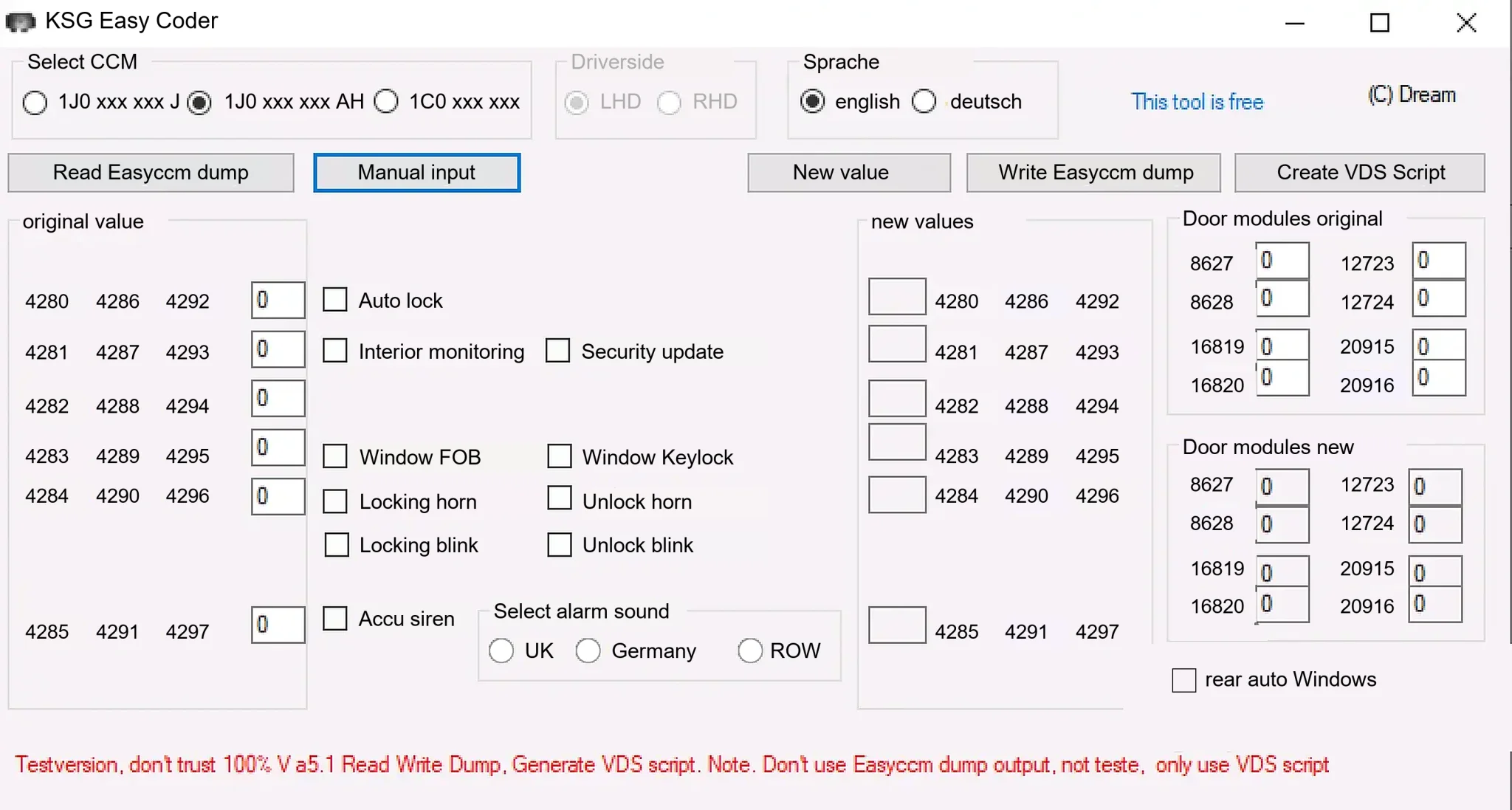
Windows CCM/KSG coding helper for supported VAG comfort modules, with EasyCCM dump input, LHD/RHD options, door-module values and VDS Pro script output.
Categories
Vehicle references
Overview
KSG Easy Coder is a compact workshop utility for VAG comfort control modules, also known as CCM or KSG. It helps technicians prepare changes to comfort-feature coding from a saved module dump. The program works with EasyCCM dumps and can create a VDS Pro script containing the selected settings, allowing the configuration to be applied through a controlled service workflow.
The interface covers common CCM families encountered on Volkswagen, Audi, SEAT and Skoda platforms. It provides choices for different CCM part-number groups and for LHD or RHD vehicle layouts. Typical settings concern automatic locking, alarm and siren behavior, window operation and door-module parameter sets. Hardware revisions and the existing coding base affect how a vehicle or module responds, so check the exact CCM part number and vehicle configuration before making changes.
Highlights
- A coding helper for configuring comfort features in CCM/KSG modules.
- Loads an EasyCCM dump and prepares revised values from the options selected.
- Creates a VDS Pro script for applying the chosen configuration.
- Offers LHD and RHD selection to match the vehicle's layout.
- A dedicated door-module values section helps keep door-related parameters consistent.
- Includes familiar comfort settings such as automatic locking, interior monitoring, window behavior and regional alarm-sound selection.
Package contents
KSG Easy Coder.exe
Compatibility notes
The utility is designed for VAG comfort-module workflows that prepare CCM coding through dumps and scripts. The supported CCM family and available functions depend on the precise module part number and revision. Save the original dump before changing anything; availability differs between vehicles and firmware versions. The warning shown in the interface advises using the VDS script and not the untested EasyCCM dump output.
Basic usage
- Identify the CCM or KSG part number and check that it belongs to a family supported by the application.
- Use your established reading procedure to create and verify a backup of the original dump.
- Open the dump or enter the values manually, then choose the comfort features you want to configure.
- Inspect the new values carefully before exporting the script for the service workflow.
- Check the results on the vehicle and retain the original backup so that the previous configuration can be restored.
Operating systems
- A Windows PC is required. Reported workshop use spans both older and newer Windows systems, with operation depending on the particular setup.
Minimum system requirements
- CPU: Any modern x86 processor.
- RAM: 2 GB minimum; 4 GB recommended.
- Storage: 50 MB of free space.
- Network: Not required.
- Admin rights: Recommended for consistent file access and application execution.
Disclaimer
This entry serves as an editorial index for software identification and reference. It does not host or provide keys, accounts or methods for bypassing licensing conditions or protections. Product names and trademarks remain the property of their respective owners. Users must observe vendor terms, local legislation and safe workshop procedures. Always preserve original-data backups and confirm compatibility before writing changes.
Technical Compatibility
Operating Systems
System Requirements
- Windows PC; operation depends on the workshop setup
- CPU: Any modern x86 processor
- RAM: 2 GB minimum; 4 GB recommended
- Free storage: 50 MB
- Network: Not required
- Administrator rights: Recommended for consistent file access and application execution
Screenshots
Related Software

Windows calibration-file utility with manufacturer and ECU selection menus for EGR, flap, Hotstart, DTC and related service functions.
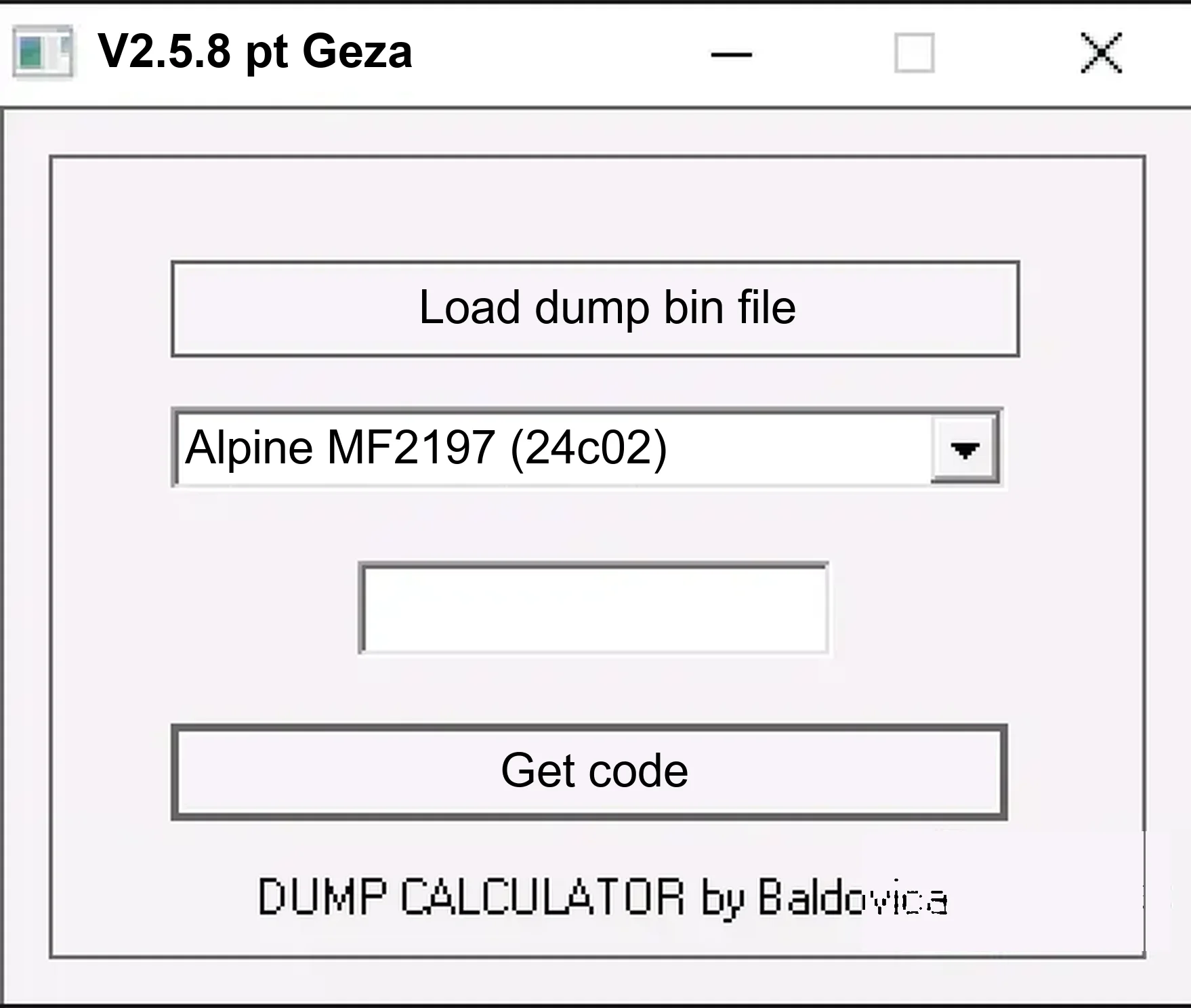
Windows EEPROM BIN dump calculators for supported car-audio head units, including V2.5.8 pt Geza presets and the V2.8.3 calculator build.

Windows workshop utility for calculating PIN and key-related service data from supported ECU, dashboard and body-module dumps, with a searchable coverage database.
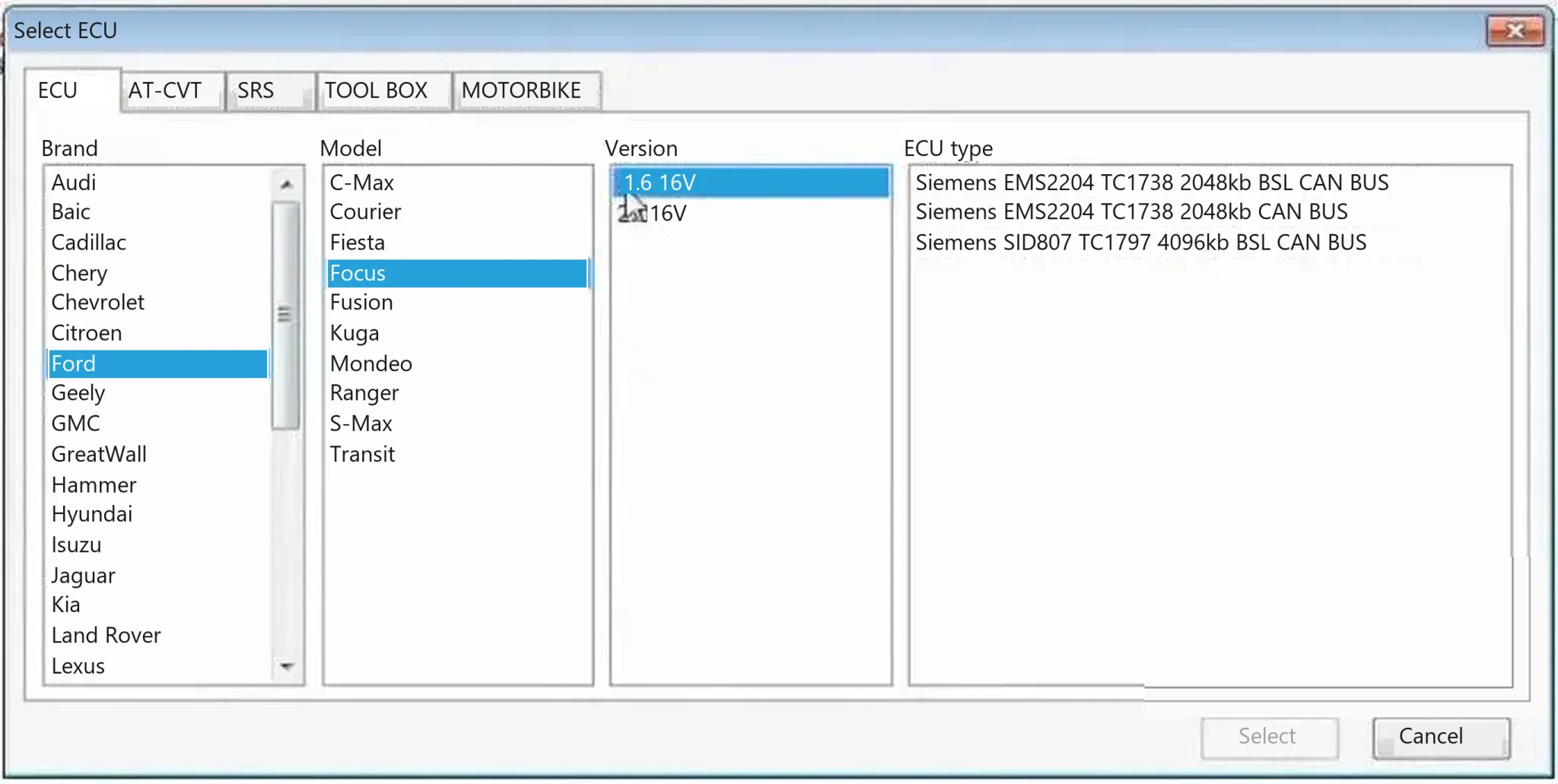
Multi-brand Windows ECU service utility with a Brand/Model/Version selector, ECU protocol hints, backup/restore workflows and ECU, AT-CVT and SRS tabs.

Collection of 1,350+ UPA-USB scripts for EEPROM and MCU work, covering odometer, IMMO, airbag reset, radio codes, PIN extraction and ECU virginization.
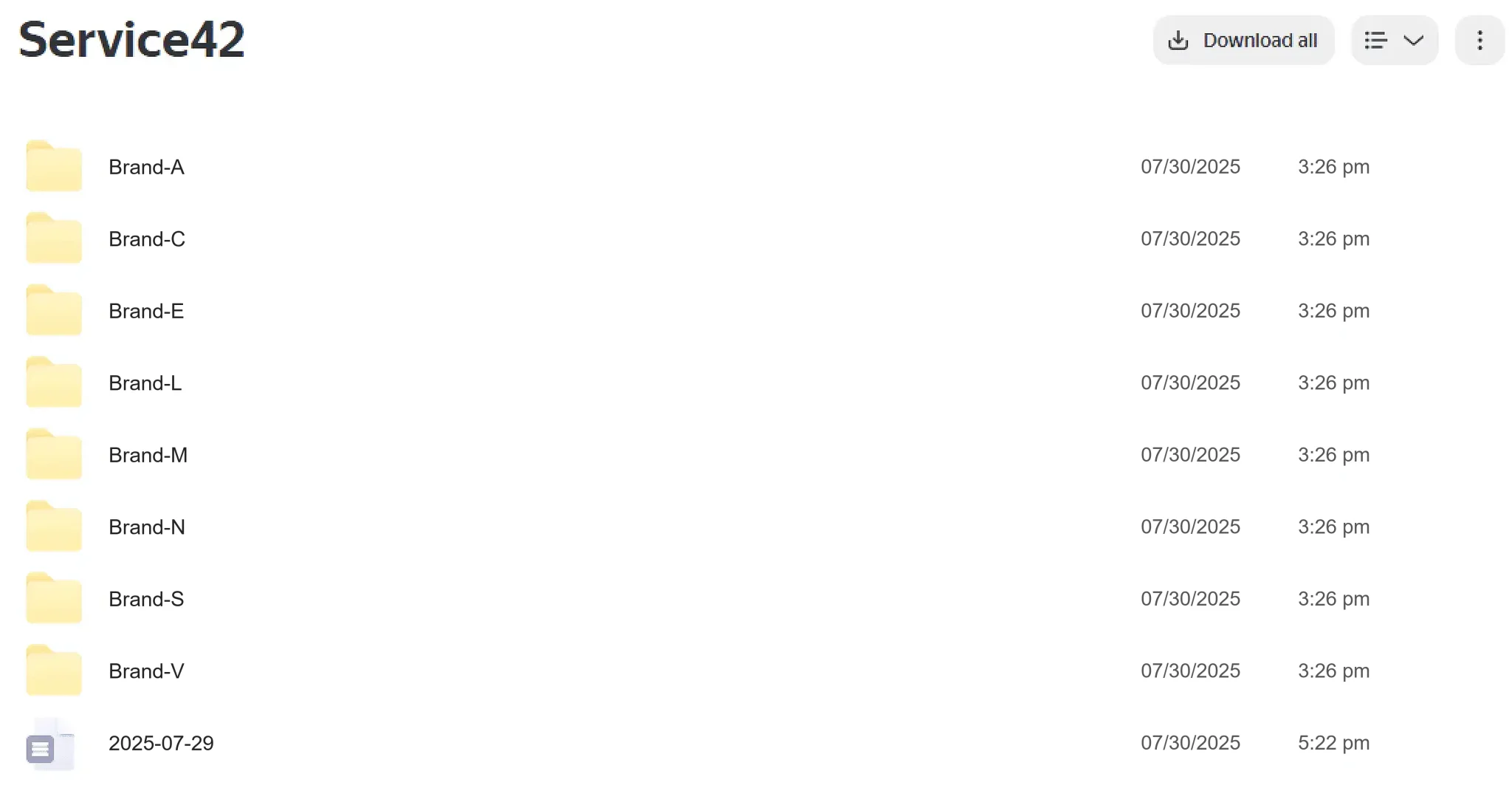
VAG factory flash-data archive with over 184 GB and 35,341 files, organised by brand for ODIS Engineering ECU updates, repair, programming and retrofit work.