
SOFTWARE DATABASE / RELEASE RECORD
VERSION 2.9.0100EvoScan - Mitsubishi, Subaru & OBD-II Data Logger 2.9.0100
Windows live-data logger for supported Mitsubishi MUT, Subaru SSM, generic OBD-II and CAN systems, with CSV logs, gauges, graphs, DTCs and selected actuators.
Categories
Vehicle references
Overview
EvoScan is a Windows diagnostic and tuning data logger centered on Mitsubishi MUT and Subaru SSM communication, with additional generic OBD-II and CAN logging modes. Through a compatible vehicle interface it records ECU parameters, displays gauges and graphs, reads diagnostic trouble codes and performs selected actuator operations.
It can help diagnose intermittent faults or validate a calibration under load by recording a focused selection of RPM, airflow, boost, ignition, knock, fuel trims, temperatures and throttle channels. Its main role is logging and diagnostics; map editing normally uses a separate application such as EcuFlash. Any supported MapTracer or reflash workflow still depends on the exact vehicle, ROM definition and interface.
The interface includes protocol and cable selection, configurable parameter channels, an event log, actuator controls, DTC buttons, graphing, virtual dyno and MapTracer functions.
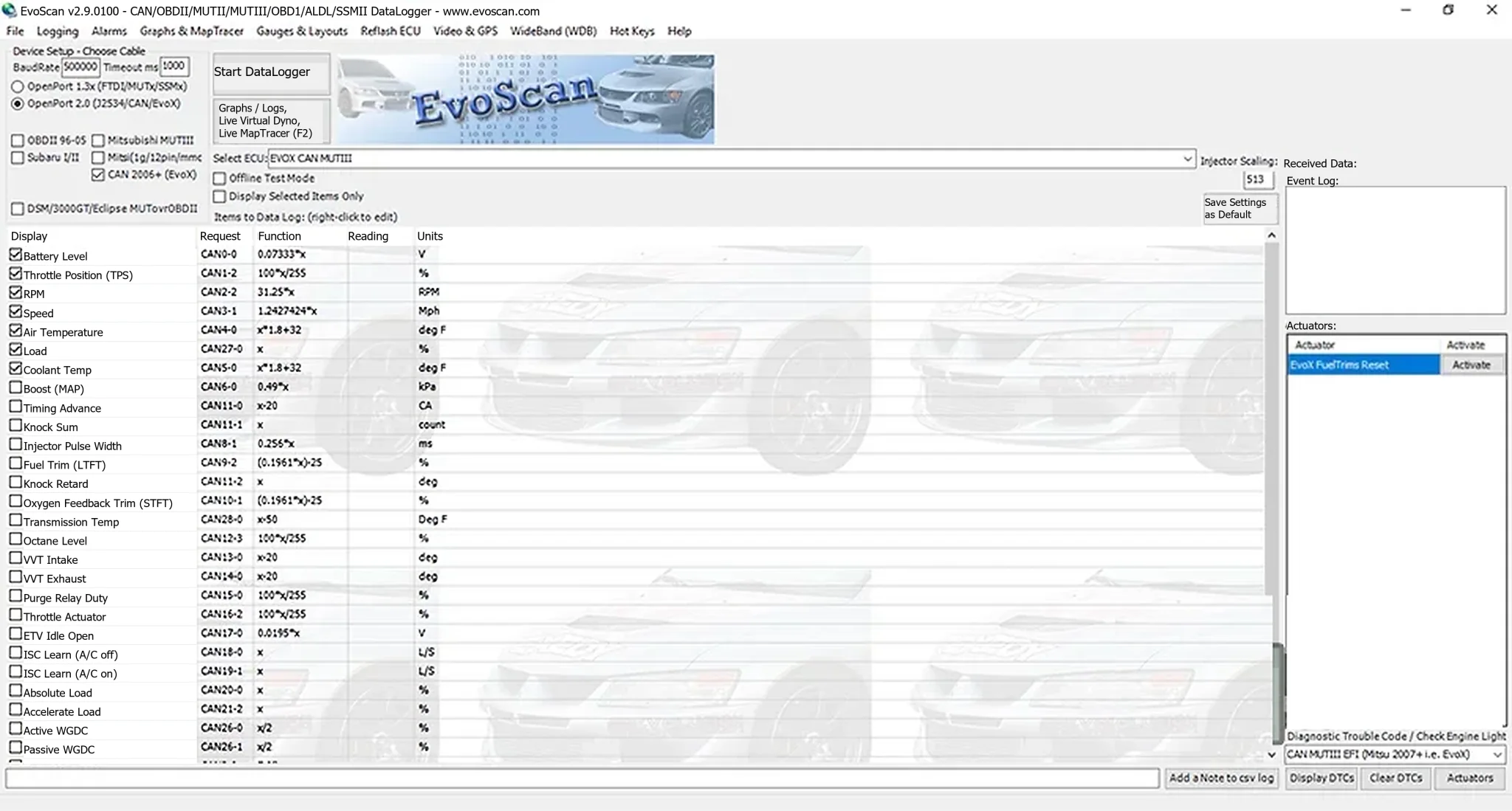
Core Diagnostic and Logging Functions
- Configurable channels with display names, requests, readings and engineering units.
- High-speed logging on supported Mitsubishi MUT and CAN controllers.
- CSV recording for spreadsheets or specialist analysis.
- Graphs, log playback, virtual dyno tools and live MapTracer views.
- Alarm thresholds with visual or sound notifications.
- DTC display and clearing where the selected system supports them.
- Selected actuator commands exposed by the actuator panel.
- Custom gauge layouts, hot keys and wideband integration options.
Available channels and actions vary with ECU definition, protocol, interface and vehicle. A listed actuator is not necessarily safe or supported on every model.
Supported Vehicle Groups
- Mitsubishi: Lancer Evolution generations, Ralliart, DSM, Eclipse and 3000GT platforms, plus other Mitsubishi applications covered by the appropriate MUT or generic OBD-II definitions.
- Subaru: selected older and newer vehicles using Subaru Select Monitor modes and compatible OpenPort hardware.
- Generic OBD-II: vehicles with a standard 16-pin connector and supported parameter IDs.
- Legacy connectors: older Mitsubishi 12-pin and Subaru 9-pin applications require the correct dedicated cable or adapter.
Check connector type, ECU protocol, region, cable revision and definition file before connecting. Model year alone does not establish compatibility.
Interfaces and Protocols
The interface exposes OpenPort 1.3-series FTDI / MUT / SSM modes, OpenPort 2.0 J2534 / CAN operation, generic OBD-II, Mitsubishi MUT-III, Subaru modes and legacy DSM / 3000GT / Eclipse logging.
Some older logging modes can perform better with a compatible 1.3-series cable, while particular Mitsubishi reflash workflows require OpenPort 2.0. Install the correct FTDI or J2534 driver for the physical interface. Detection in Windows Device Manager does not establish support for the chosen vehicle protocol.
Recommended Setup Workflow
- Install the interface driver and verify its COM port or J2534 device assignment.
- Provide stable battery support for long sessions or actuator testing.
- Select the exact cable family, vehicle protocol and ECU definition.
- Start with a small channel group such as RPM, load, battery voltage and coolant temperature.
- Check that key-on readings are plausible before starting the engine.
- Add only channels needed for the diagnostic question; excessive polling reduces sample rate.
- Capture a short baseline before changing a component or calibration.
- Name the log using vehicle, date, ECU ID and test conditions, preserving the raw CSV.
Useful Channels for Calibration Validation
- Engine speed, calculated load and throttle position.
- Mass airflow, manifold pressure and requested / actual boost.
- Ignition timing and ECU-supported knock sum or correction channels.
- Injector pulse width, fuel trims and correctly configured wideband air-fuel ratio.
- Coolant, intake-air and exhaust-related temperatures.
- Vehicle speed, gear and clutch or neutral-switch state where available.
- Battery voltage during cranking, idle and high electrical load.
Definitions can use different channel names. Verify units and scaling against known physical conditions before making tuning decisions.
System Requirements
The documented EvoScan Windows compatibility list includes XP, 7, 8, 8.1, 10 and 11, with .NET Framework 2.0 or newer. A practical workshop configuration includes:
- A Windows laptop with reliable USB and administrator access for driver installation.
- At least 2 GB RAM and 500 MB free space for the application, definitions and logs.
- A compatible OpenPort or vehicle-specific logging cable.
- The correct FTDI or J2534 driver for that cable.
- A stable vehicle battery and charger suitable for the test.
- Licensed software access where the vendor requires it.
This is a legacy installer set. Validate installation on an isolated workshop PC or virtual machine before relying on it during a vehicle session.
Package Contents
The documented prepared package retains the installer bootstrapper, main MSI installer and three PDF guides covering gauge layouts, MapTracer and power graphing.
A small registry file and associated installation note were excluded from the prepared package because they described an unofficial registration method rather than functional documentation.
An OpenPort cable, driver subscription, EcuFlash installation and vendor license are not included. Obtain required hardware, software and licensing through legitimate channels.
Troubleshooting
- No connection: check ignition, driver, COM / J2534 selection, connector and protocol.
- Readings remain zero: choose the matching ECU definition and test a minimal known channel group.
- Slow logging: request fewer parameters and confirm the interface mode.
- Implausible readings: verify scaling, units and regional decimal settings before interpreting the log.
- DTC commands fail: generic OBD-II and manufacturer-specific modes offer different services.
- Actuator unavailable: the ECU definition or protocol may not support the operation; do not force another profile.
- Installer fails on modern Windows: evaluate compatibility mode or a clean legacy Windows VM with the required .NET runtime.
Safety and Scope
Do not operate a laptop while driving. Use a second trained person, a properly restrained chassis dynamometer or a controlled stationary test whenever possible.
Logging does not replace mechanical inspection. Actuator commands can produce movement, heat or pressure. Use EvoScan only on vehicles you own or are authorized to diagnose.
Technical Compatibility
Supported Modules
Operating Systems
System Requirements
- Windows XP, 7, 8, 8.1, 10 or 11 as documented
- .NET Framework 2.0 or newer
- Practical baseline: 2 GB RAM and 500 MB free space plus log storage
- Reliable USB port; administrator access for interface driver installation
- Compatible OpenPort or vehicle-specific logging cable
- Correct FTDI or J2534 interface driver
- Stable vehicle battery and suitable support charger
- Vendor license where required
Screenshots
Related Software

Windows BIN-file editor for locating and modifying supported ECU diagnostic trouble-code entries, with ECU-specific Disable/Remove actions and checksum validation requirements.

Offline Windows reference tool for Bosch ECU part numbers, controller families and OE cross-references, with exact, wildcard, prefix and binary-dump identifier searches.
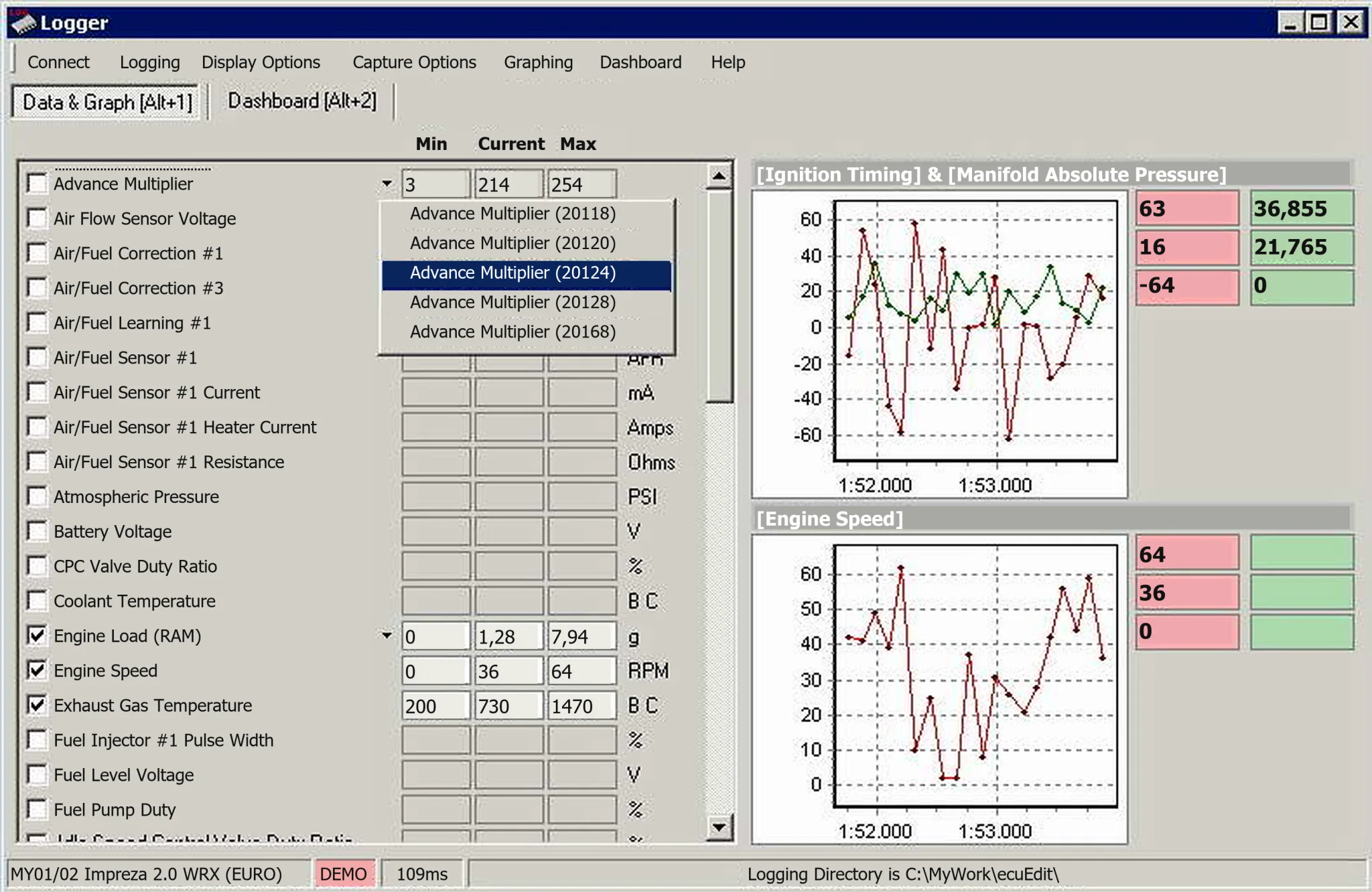
Windows diagnostics, logging, ROM/XML editing and log analysis for supported Subaru SSM II, Mitsubishi MUT II/III and compatible general OBD-II systems.
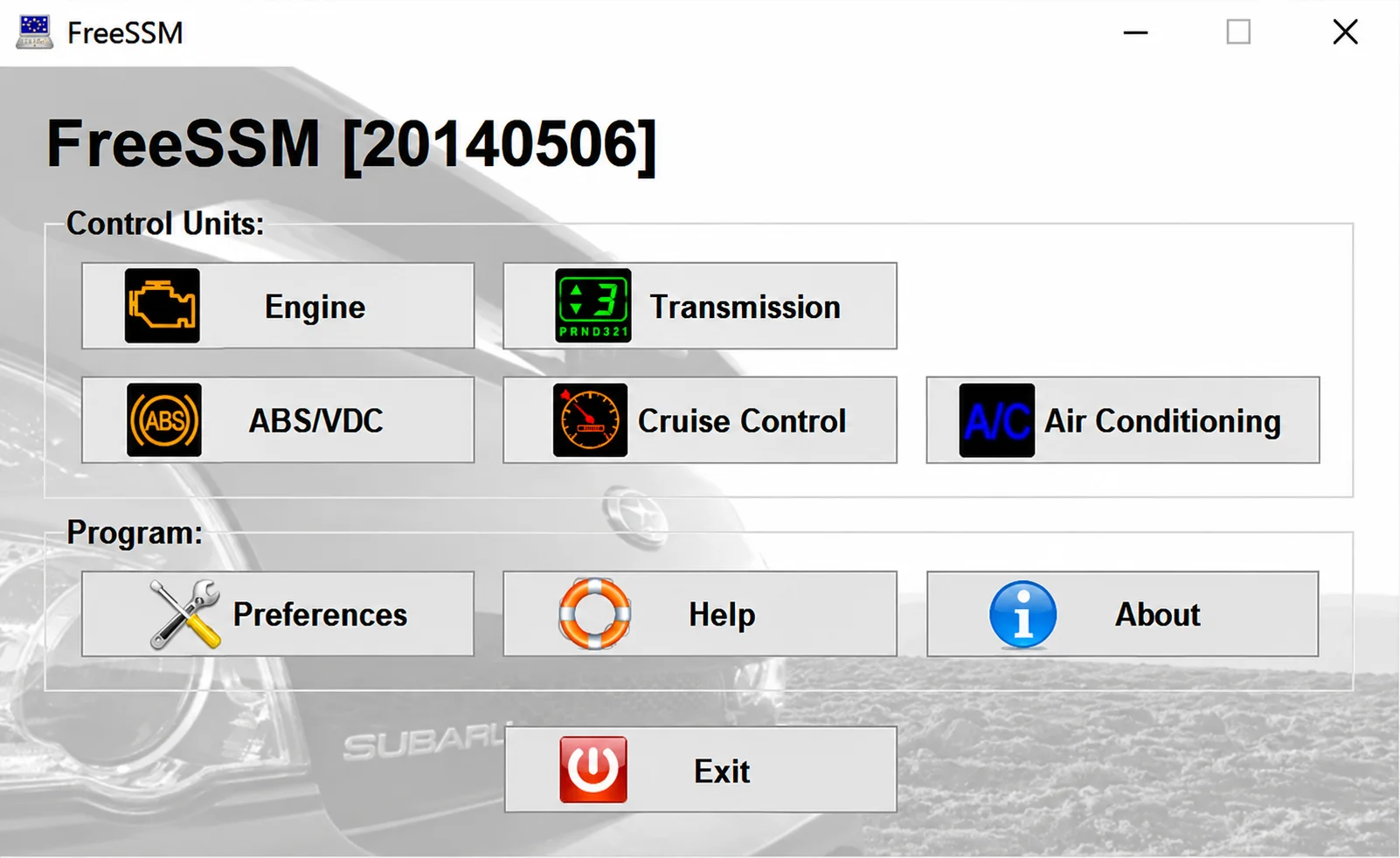
Windows diagnostic client for supported Subaru SSM/K-line systems, with engine and transmission sessions, fault-code functions, live parameters and a module-specific menu.
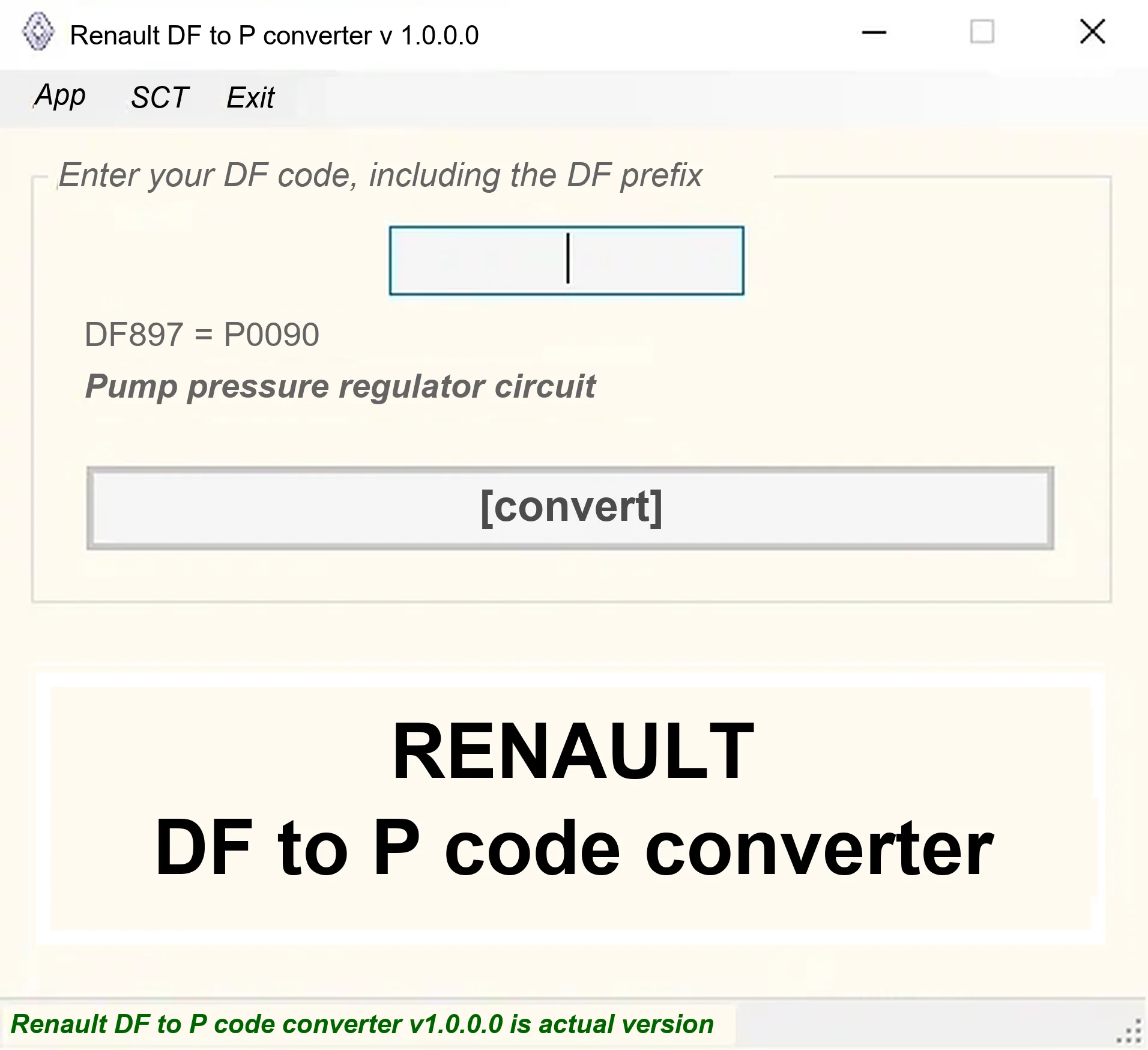
Offline Windows DF-to-P fault-code lookup for Renault diagnostic reports, with descriptions and a companion ECU Info number-prefix reference utility.
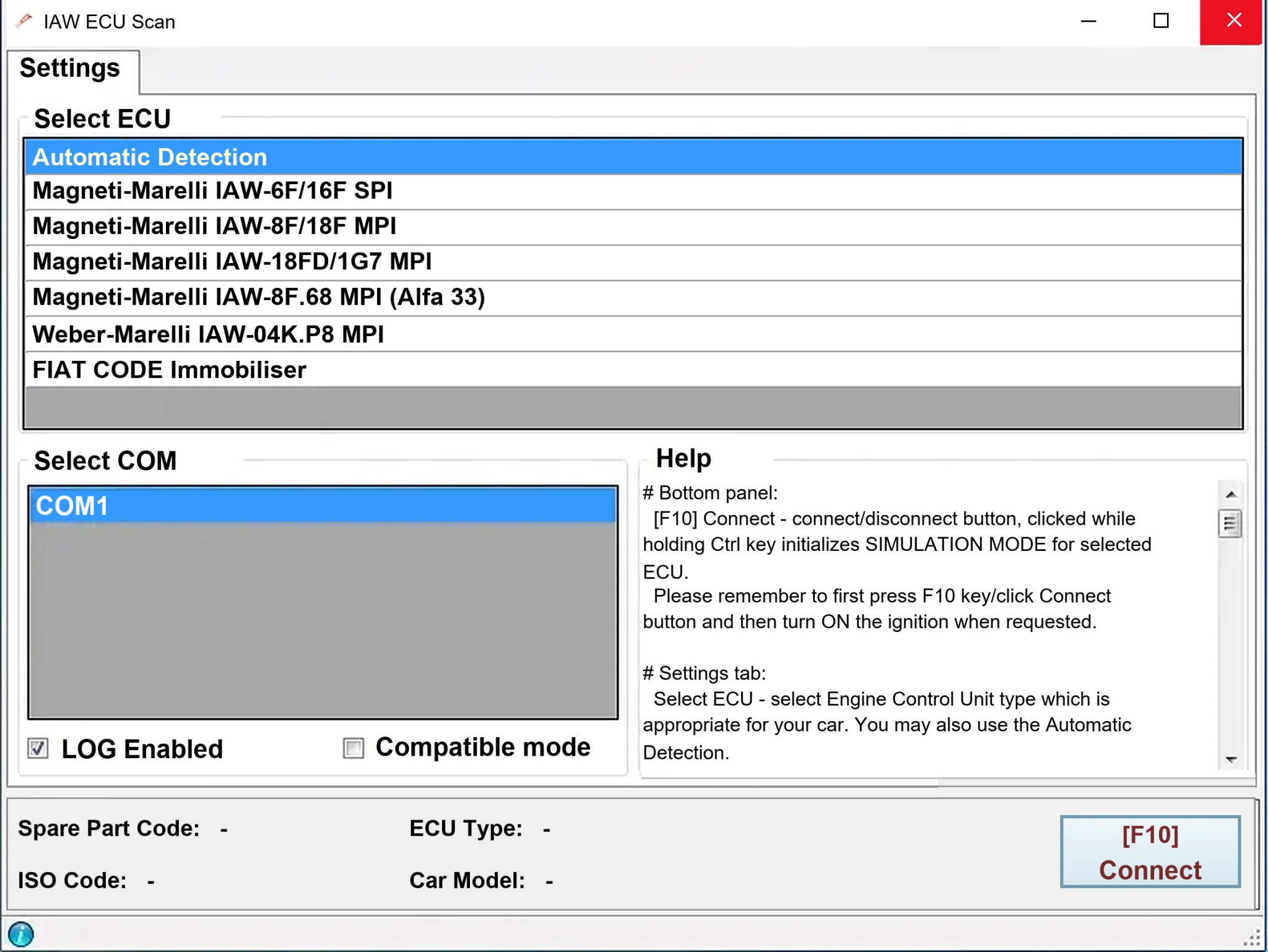
Windows diagnostics for selected legacy Magneti Marelli IAW ECUs in Fiat, Lancia and Alfa Romeo vehicles, using a KKL K-line interface for identification, faults and live data.