
SOFTWARE DATABASE / RELEASE RECORD
VERSION 3.16ECUEdit - Subaru SSM and Mitsubishi MUT Diagnostics 3.16
Windows diagnostics, logging, ROM/XML editing and log analysis for supported Subaru SSM II, Mitsubishi MUT II/III and compatible general OBD-II systems.
Categories
Vehicle references
Overview
ECUEdit brings together diagnostics, data logging, ROM-file editing and log analysis for supported Subaru and Mitsubishi vehicles. Diagnostic modules use Subaru Select Monitor, Mitsubishi MUT and general OBD-II protocols. The editor and viewer work with firmware binaries, XML definitions and recorded logs. A compatible interface and accurate identification of the ECU family are essential.
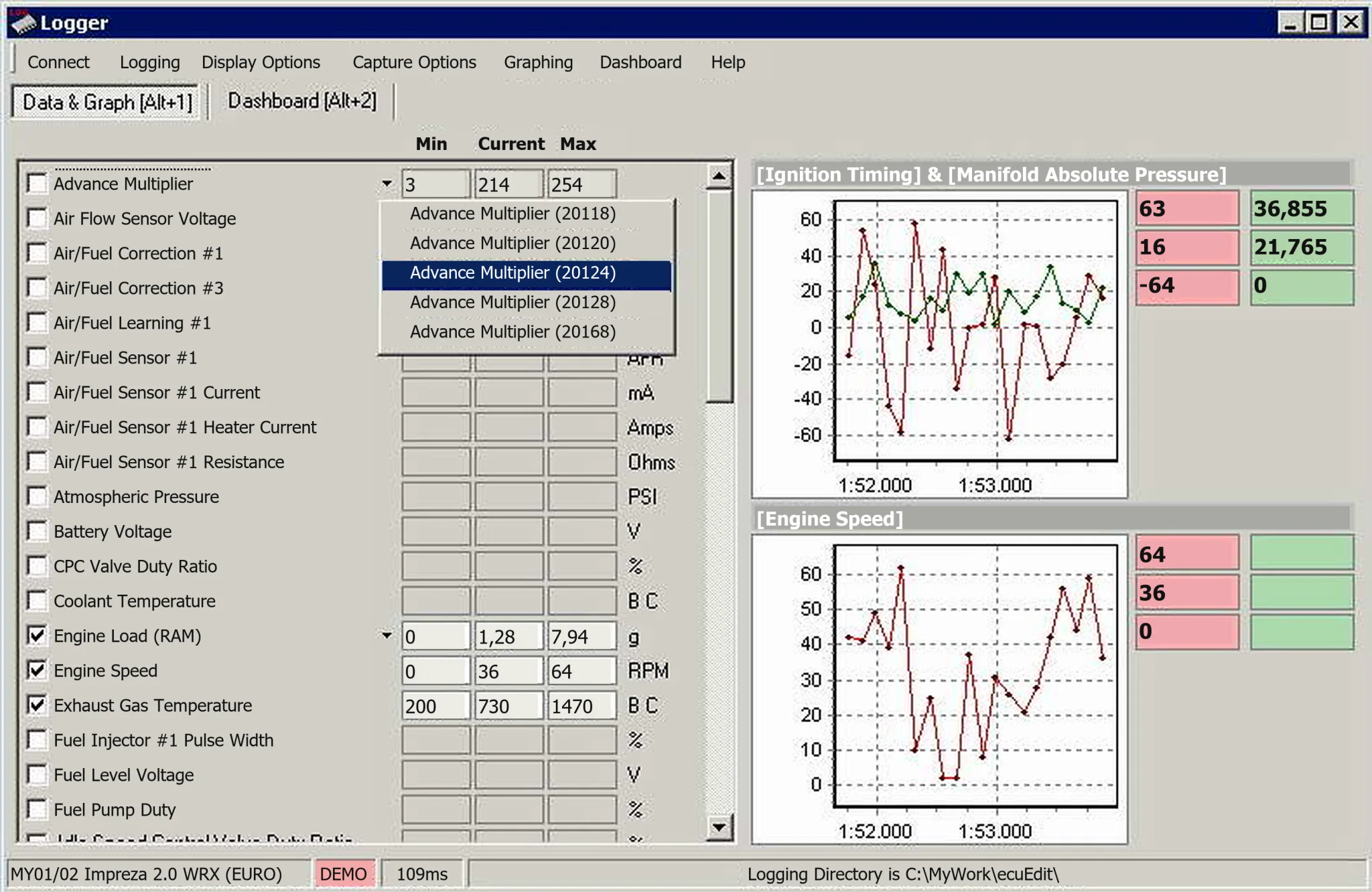
Diagnostic and Logging Functions
- Subaru SSM II diagnostics.
- Mitsubishi MUT II and MUT III diagnostics.
- General OBD-II over ISO 9141, ISO 14230 and CAN when supported by both vehicle and interface.
- Read and clear DTCs and examine freeze-frame information.
- Choose live parameters, record logs, set warnings and display graphs or dashboards.
- Read supported ECU memory ranges with Memory Logger.
Access depends on the interface and exact controller, rather than universal model coverage. Confirm the ECU protocol and cable before connection. The supplied logger illustration retains its original DEMO status and sample values.
Supported Interfaces and Representative Coverage
The manual lists OpenPort 1.2, 1.3M, 1.2S and 1.3U cables. Its representative notes associate OpenPort 1.2 with early-2000s Subaru 2.0 Turbo read/write workflows, 1.2S with Subaru 2.5 Turbo, 1.3M with Mitsubishi Lancer Evolution 7–9, and 1.3U with the wider supported set. These notes do not establish support for every market, hardware variant or ECU software revision.
Diagnostic connection can automatically select an FTDI COM port or use a manually selected port and baud rate. The wider application also supports Innovate, Zeitronix and Tech Edge external-sensor integrations when the required components are installed.
ROM and Map Work
ECUEdit opens ROM files, uses XML-based ECU descriptions, displays one-, two- and three-dimensional maps, and launches its flash utility where the installed edition and ECU definition allow it. Description-folder conversion from Enginuity or EcuFlash formats and specific Subaru turbo firmware file-size conversions are documented functions.
Opening a binary is not proof of support. Before editing or flashing, establish the correct XML definition, ROM revision, address layout and checksum strategy.
Log Analysis
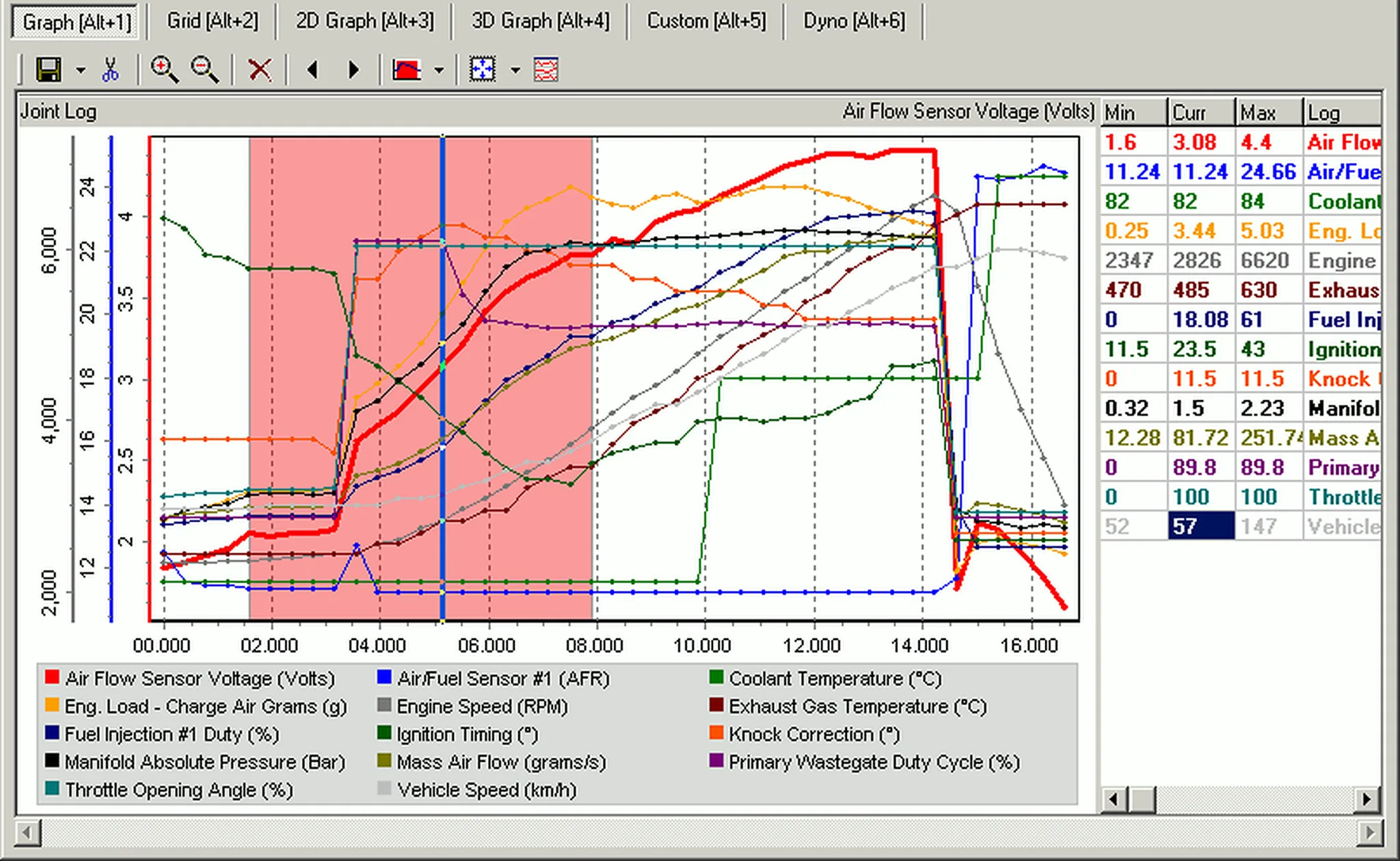
CSV logs can be examined in grids, table views and two- or three-dimensional graphs. Available analysis functions include selection, merging, playback, custom calculated parameters and power/torque estimation. Such estimates depend on accurate vehicle, gearing, mass and environmental inputs; they are not calibrated dynamometer measurements.
System Requirements
- A Windows computer capable of running the supplied native application.
- A compatible OpenPort cable or another interface explicitly supported by the selected module.
- The correct FTDI or interface-vendor driver and an available COM port where applicable.
- Write permission for ROM, XML, log and dashboard files.
- Stable vehicle voltage during diagnostic or flash operations.
The main application and included activation utility are documented as unsigned. Package-preparation notes describe static inspection without launching them; ECUDB has not independently executed or certified the software. Use an isolated workshop computer, scan locally and keep customer logs separate from unrelated files. Exact Windows-version and architecture requirements are unspecified.
Recommended Diagnostic Workflow
- Identify the vehicle, ECU, protocol and interface before connection.
- Install the correct driver and verify the communication port.
- Start with identification and a small set of low-rate live parameters.
- Record a baseline log before altering warnings, dashboards or calibration.
- Preserve the original ROM and XML definition before editing.
- Independently examine changed regions and checksum requirements before flashing.
- After programming, check ECU identification, fault status and a controlled log before road testing.
Package Contents and Cleanup
The documented cleaned package contains the main application, a concise installation note and an expanded activation utility. Preparation notes describe excluding the release-group NFO, file-identification text and unrelated nested-wrapper artwork, while retaining the functional key generator referenced by the included installation instructions. No nested archive remains in the documented user-facing package.
Troubleshooting and Safe Reporting
For failed connections, check ignition state, protocol, interface type, driver, COM port and baud rate. Missing or incorrect parameter readings require verification of the logger definition for the exact ECU. For ROM errors, provide vehicle details, ECU ROM ID, interface, operation, precise file size and a non-sensitive error message. Keep customer VINs, complete commercial ROM files and security data private.
Technical Compatibility
Supported Modules
Operating Systems
File Formats
System Requirements
- Windows computer capable of running the native application; exact Windows versions and architecture are unspecified. OpenPort or another interface explicitly supported by the chosen diagnostic module, correct FTDI/vendor driver and COM port where applicable, write access for ROM/XML/log/dashboard files and stable vehicle voltage. Flash operations additionally require an edition and ECU definition that support the exact ROM, layout and checksum strategy. External-sensor integrations require their respective components.
Screenshots
Related Software

Windows BIN-file editor for locating and modifying supported ECU diagnostic trouble-code entries, with ECU-specific Disable/Remove actions and checksum validation requirements.

Offline Windows reference tool for Bosch ECU part numbers, controller families and OE cross-references, with exact, wildcard, prefix and binary-dump identifier searches.
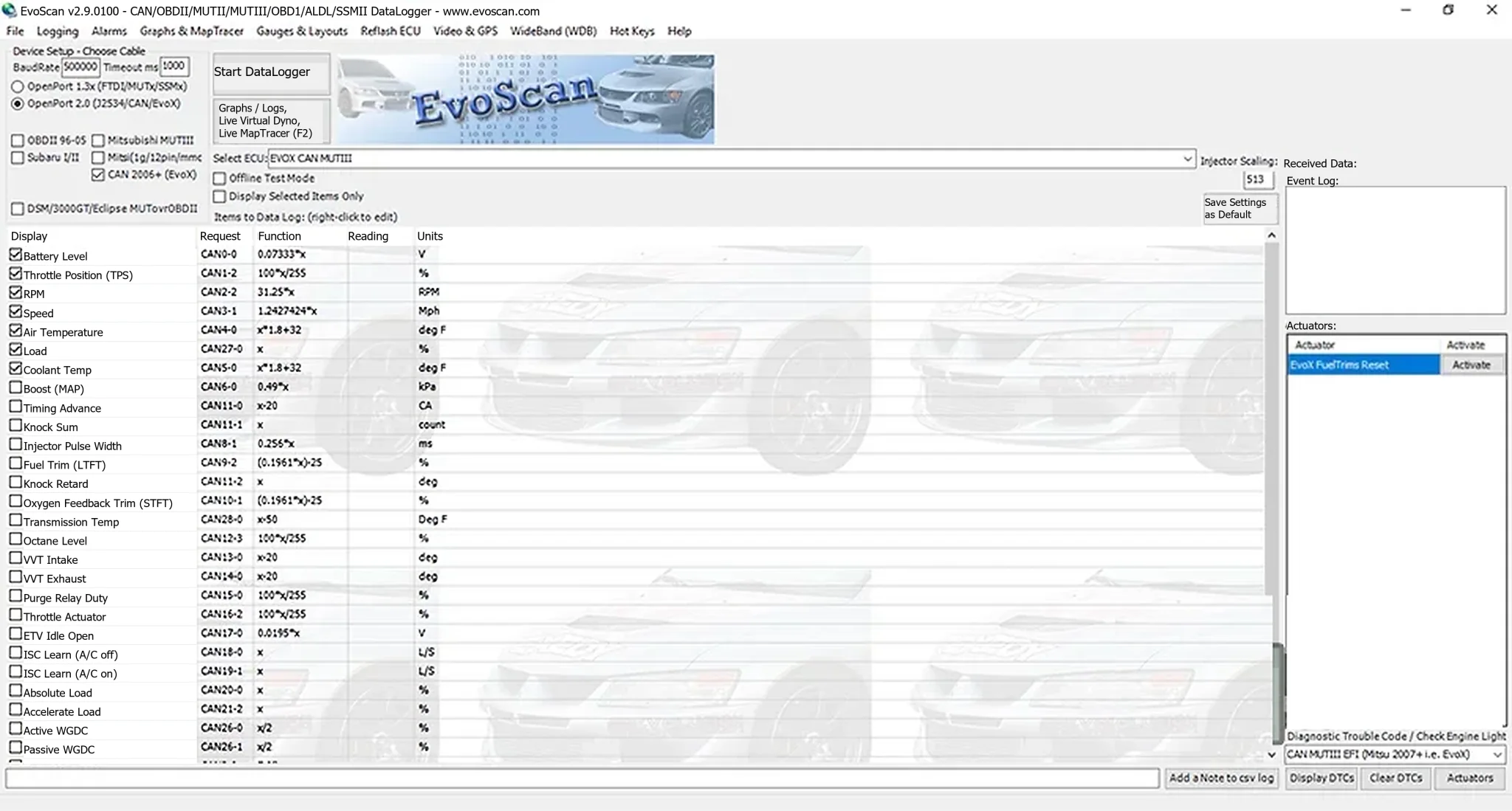
Windows live-data logger for supported Mitsubishi MUT, Subaru SSM, generic OBD-II and CAN systems, with CSV logs, gauges, graphs, DTCs and selected actuators.
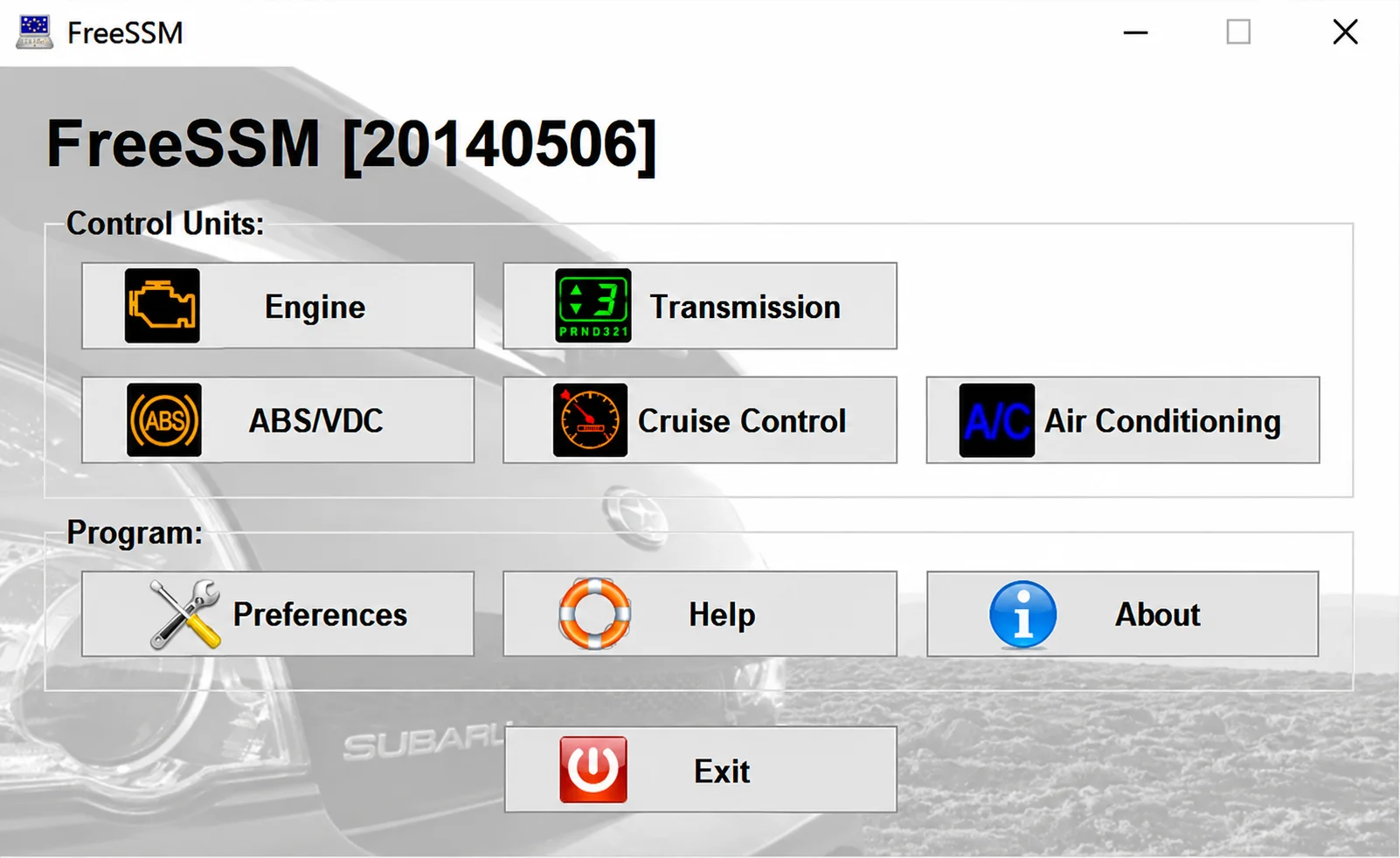
Windows diagnostic client for supported Subaru SSM/K-line systems, with engine and transmission sessions, fault-code functions, live parameters and a module-specific menu.

Legacy Windows ECU service software for supported VAG EDC15/ME7, PSA EDC15C2 and Opel Delco controllers, with profile-dependent PIN, identity and EEPROM functions through a matching interface.
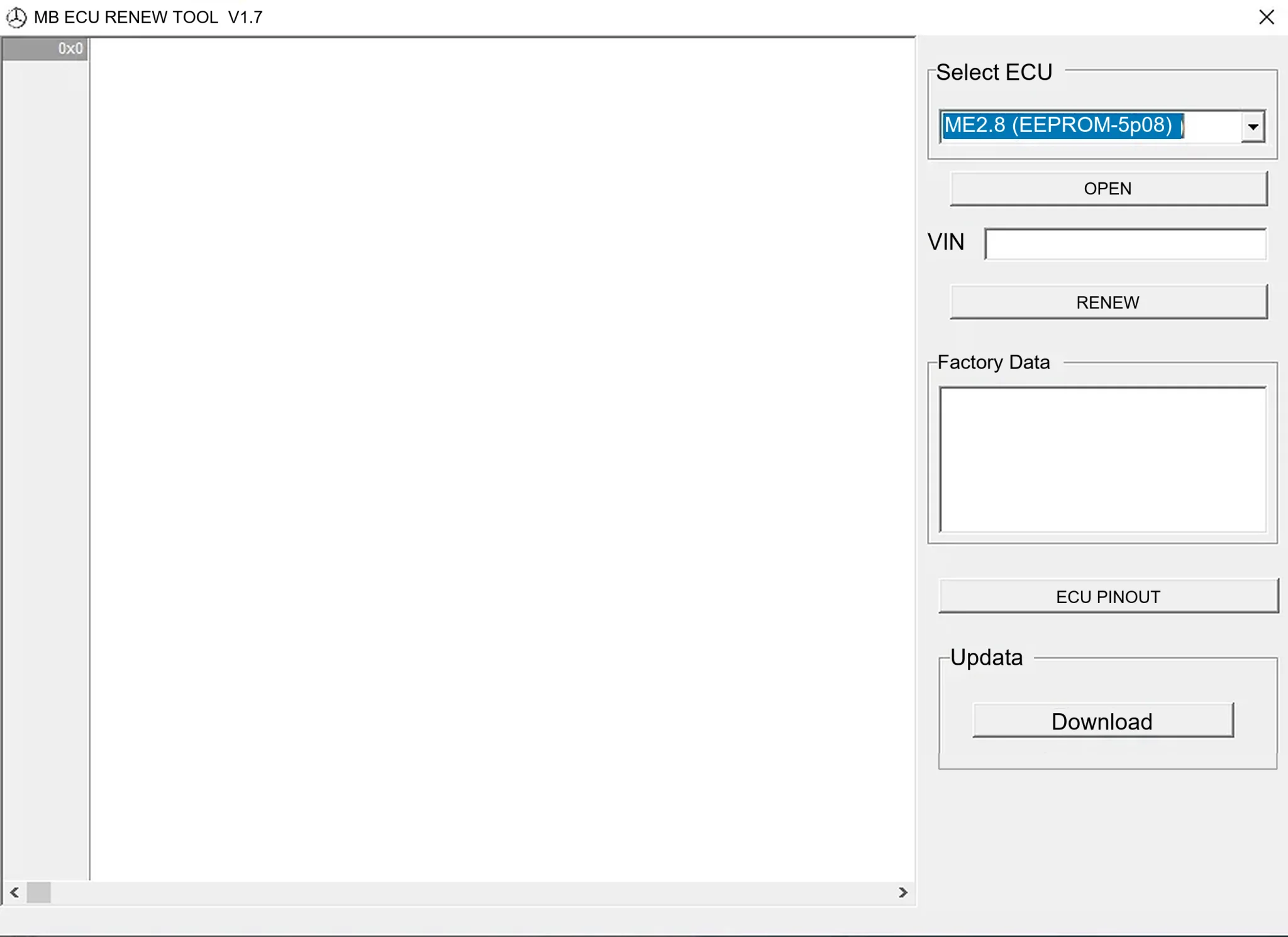
Offline Windows renew and virgin dump editor for selected Mercedes-Benz Bosch ME, EDC15 and Siemens SIM4 ECU profiles, with memory-specific processing and connector diagrams.