
SOFTWARE DATABASE / RELEASE RECORD
VERSION 1.0.0.0EDC15P Rev Limiter Editor VAG Popcorn Limiter Utility 1.0.0.0
Offline Windows utility for editing the single-value RPM limiter in compatible Bosch EDC15P VAG diesel binaries, with detected-value display and save-as output.
Categories
Vehicle references
Overview
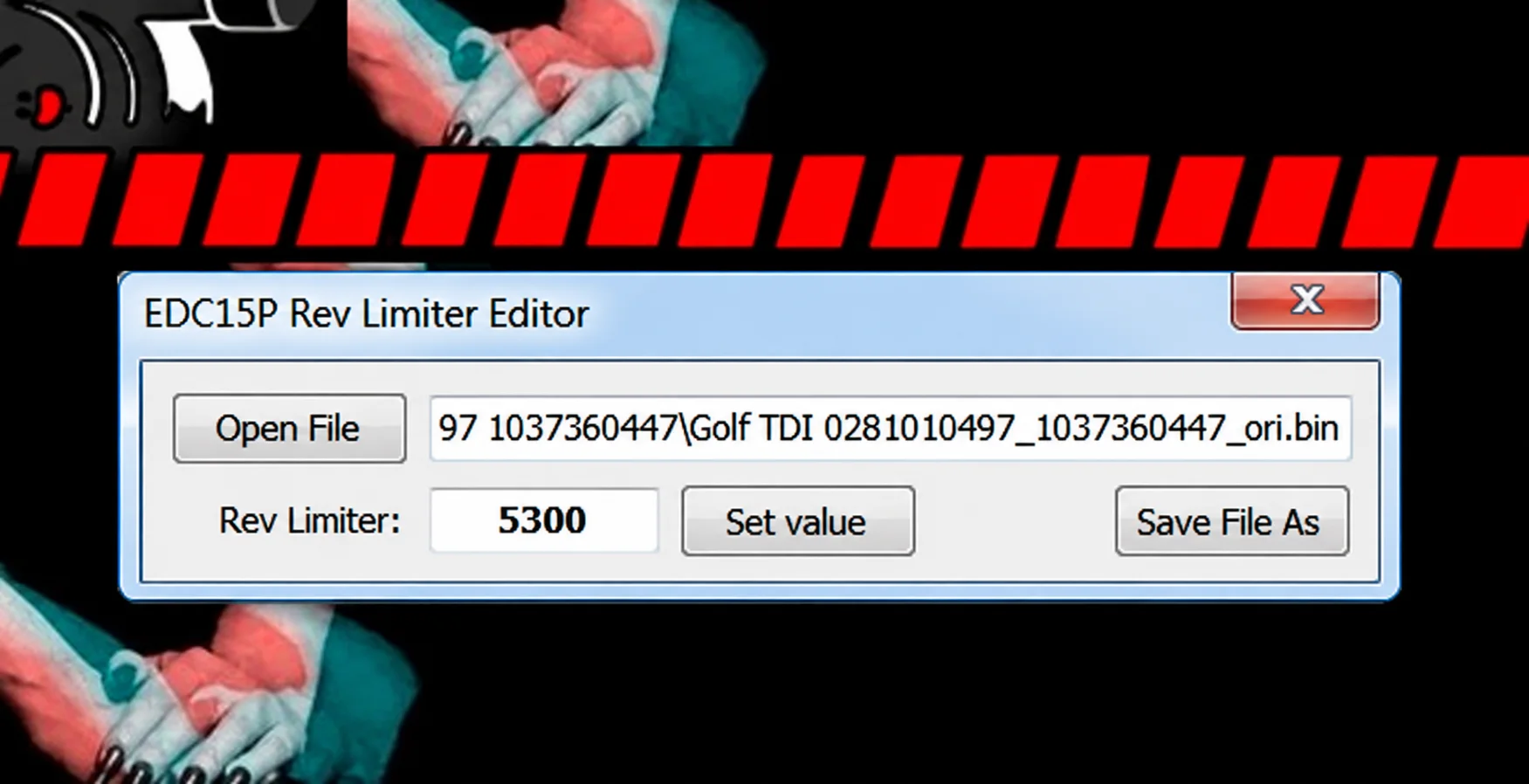
EDC15P Rev Limiter Editor is a focused binary-file utility for locating and editing the single-value engine-speed limiter in compatible Bosch EDC15P firmware. Its compact workflow is to open a binary, review the detected limiter, enter an RPM target and save a new file.
It offers a narrow alternative to a full map editor. Use it only after confirming the file's EDC15P identity and the expected limiter location.
What This Resource Is For
The utility is intended for VAG diesel calibration work involving the stationary or single-value rev limiter associated with a popcorn or hard-cut effect. It edits a local binary only; it does not read or flash an ECU.
Confirmed Functions
- Open a compatible EDC15P binary.
- Display the detected rev-limiter value.
- Set a requested RPM target.
- Save the processed binary under a new filename.
- Work through one portable application.
Supported Controllers, Files and Vehicles
- Bosch EDC15P diesel firmware from supported Volkswagen Group applications.
- The illustrated interface shows a Golf TDI binary; this does not establish compatibility with every Golf or TDI calibration.
- Support depends on the exact software layout and the presence of the expected limiter pattern.
- Other EDC15 variants and later EDC16 or EDC17 families are outside the documented scope.
Package Contents
- One portable EDC15P rev-limiter editor executable.
- No drivers, flashing interface or checksum plugin.
- Product identity documented through static inspection of the executable without launching it.
System and Interface Requirements
- A Windows PC or isolated Windows virtual machine.
- A verified original EDC15P binary read using appropriate hardware.
- A hexadecimal comparison tool to review the modified bytes.
- Checksum correction through a suitable editor or programming tool whenever required by the target software; do not assume this utility provides it.
Recommended Workshop Workflow
- Confirm Bosch EDC15P identification and record the software number.
- Read the ECU twice and preserve an immutable original.
- Open a working copy and compare the displayed limiter with the expected calibration value.
- Set a conservative, documented RPM target and save under a new filename.
- Review every byte change, correct applicable checksums and program only with stable power and a recovery plan.
Compatibility Limits and Responsible Use
- The application does not tune torque, smoke, boost, injection or protection maps.
- Changing a rev limiter may increase mechanical stress and must not be used to conceal an engine fault.
- Unsupported binaries may produce an incorrect location or no useful result.
- The operator remains responsible for applicable road-use, emissions and noise restrictions.
Troubleshooting
- Implausible limiter value: close the file without saving and verify the ECU family.
- Changes across many regions: do not program the output.
- Incorrect engine behaviour after programming: restore the original file before further diagnosis.
File Integrity and Safety Notes
Package documentation reports complete archive testing and extraction, inspection of nested containers where present, and static inspection of executable files without launching them. These are documented package-review claims, not independent executable or vehicle tests by ECUDB.
Keep original ECU and module reads immutable and work on copies. Check the output size and checksum requirements, then use stable power and a proven recovery method before any write operation with separate programming equipment.
An unsigned executable should not be assumed malware-free. Use a dedicated analysis environment and your own current security tools.
Technical Compatibility
Supported Modules
Operating Systems
File Formats
System Requirements
- Windows PC or isolated Windows virtual machine
- Verified original Bosch EDC15P binary read with appropriate hardware
- Hexadecimal comparison tool for reviewing modified bytes
- Suitable external checksum correction when required
- Separate programming interface, stable power and a recovery procedure for ECU writing
Screenshots
Related Software

Legacy Windows ECU service software for supported VAG EDC15/ME7, PSA EDC15C2 and Opel Delco controllers, with profile-dependent PIN, identity and EEPROM functions through a matching interface.

Offline Windows reference tool for Bosch ECU part numbers, controller families and OE cross-references, with exact, wildcard, prefix and binary-dump identifier searches.

Windows map and axis detection for supported Siemens PPD/SID full BDM binaries, with table and 3D views, DTC analysis and XDF/A2L definition export.

Offline Windows checksum inspection and correction for recognized Bosch and Sagem petrol ECU binaries, with eight supplied modules and All, Bad and Fixed counters.

Offline Windows command-line decoder and editor for supported Bosch ME7.5 ECU and VAG instrument-cluster EEPROM files, primarily 1.8T Immobilizer III.
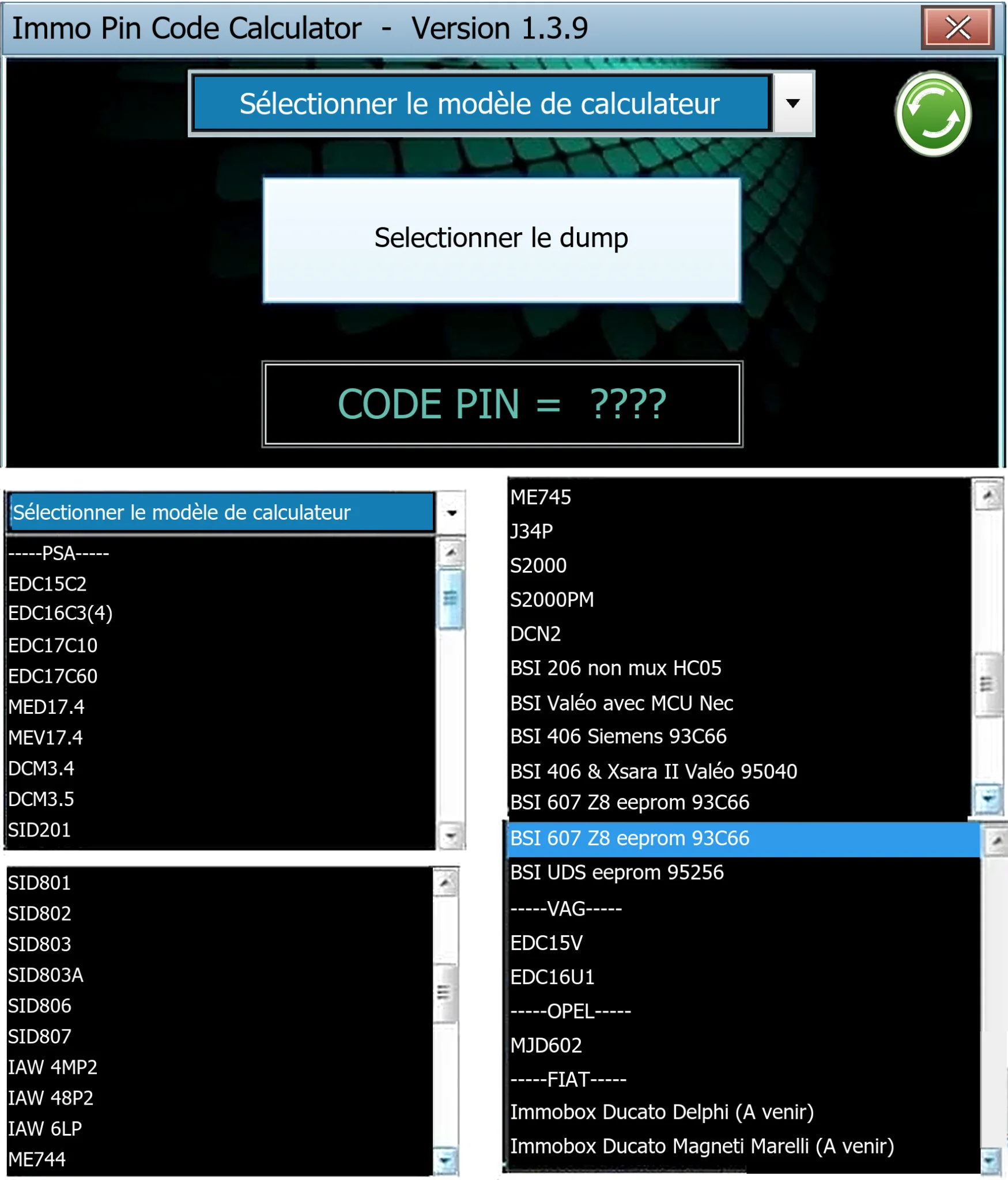
Offline Windows PIN decoder for supported Peugeot/Citroën ECU and BSI dumps, with additional Volkswagen EDC15V/EDC16U1 and Opel MJD602 profiles.