
SOFTWARE DATABASE / RELEASE RECORD
VERSION 2.1.1DPS Files - GM SPS VIN and PIN Data Utility 2.1.1
Offline Windows utility for GM SPS/Techline file analysis, VIN/PIN records, Type 4 and calibration data, GMLAN seed-key calculations and saved sessions.
Categories
Vehicle references
Overview
DPS Files is an offline Windows utility for examining files associated with General Motors Service Programming System workflows. It searches SPS-related data, displays available VIN and PIN information, handles utility and calibration entries, offers GMLAN seed-key calculations and saves or reloads analysis sessions. It does not replace SPS, communicate with a vehicle or independently authorize programming.
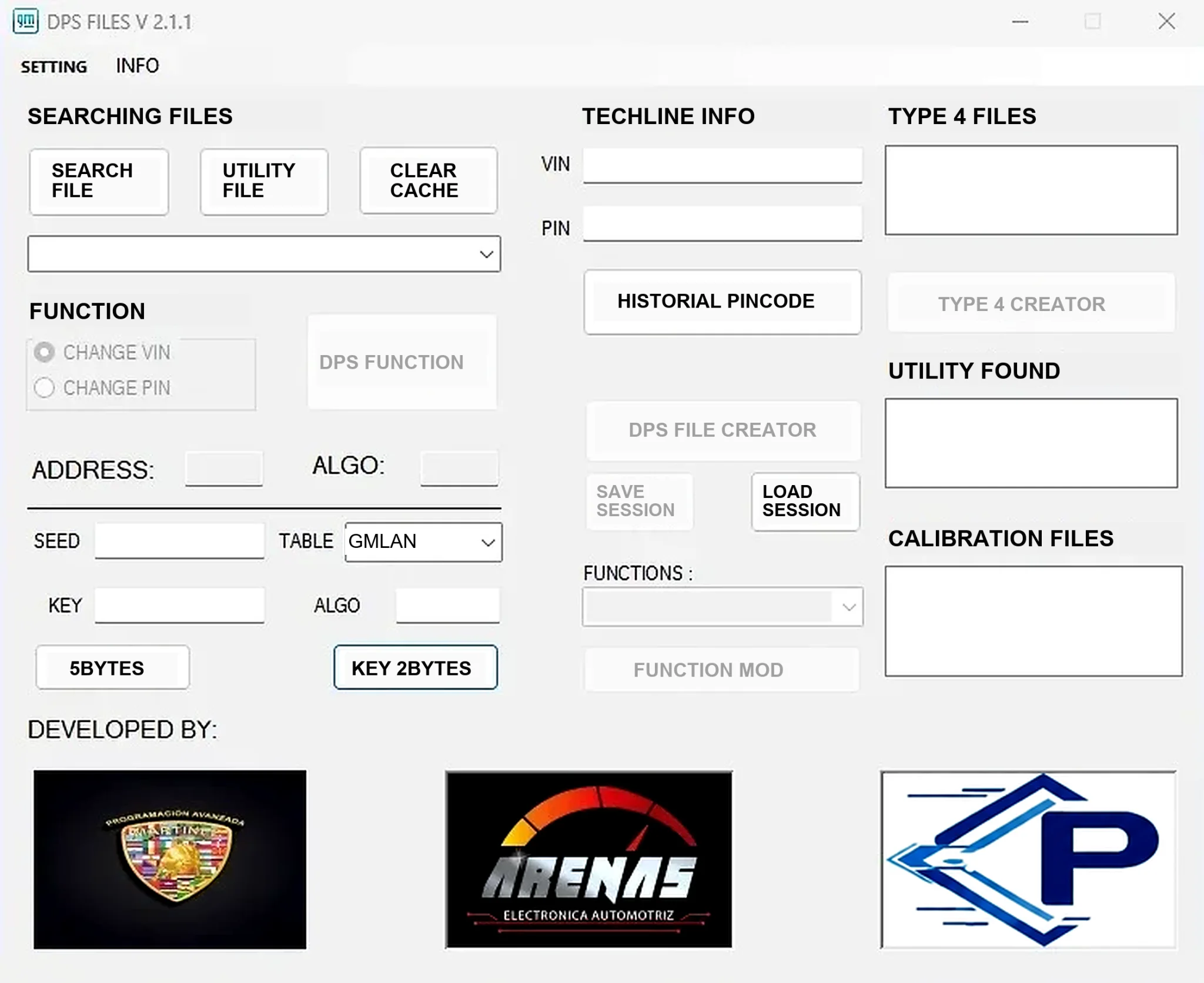
Confirmed Interface Functions
- Search a selected file and locate associated utility data.
- Clear the working cache before starting another analysis.
- Display VIN and PIN fields when recoverable from the selected data.
- Review historical PIN-code information.
- List detected Type 4 files, utilities and calibration files.
- Create or process DPS data where the relevant controls are enabled.
- Calculate five-byte and two-byte key values using the chosen GMLAN table.
- Save and load analysis sessions.
SPS files do not necessarily contain every record. Empty lists or fields may indicate an unsupported file type, incomplete input or an absent record rather than an application fault. Controls shown as inactive in the supplied interface should not be assumed available for every input.
GM Data Scope
The utility focuses on GM SPS/Techline file analysis, including calibration and utility information. It can organize authorized research or recovery work when the relevant files are already available from a legitimate service session. Current calibration subscriptions, server access, vehicle-data packages and a model-by-model ECU compatibility matrix are not included.
A VIN alone does not establish vehicle support. Match calibration identifiers, module address, service number and SPS session context to the exact controller.
Included Utilities
The documented cleaned archive retains the primary setup application, seed-key helper, key generator, CRC helper and small configuration library. Several components are unsigned, and one is explicitly described as a key generator. Package-preparation notes report static inspection without executing the components; ECUDB has not independently run or certified them. No malware-clean claim is made.
Keep the supplied components together in a dedicated folder. Matching filenames do not justify exchanging DLLs or configuration files with another release.
System Requirements
- A Windows desktop with permission to read the relevant SPS working or exported files.
- Enough local storage for copies of calibration, utility and session data.
- Legitimate GM SPS or Techline access when obtaining or applying official service data; access is not supplied with this utility.
- Separate diagnostic or J2534 hardware for a subsequent vehicle procedure, not for offline file inspection.
Analyze copies instead of altering the only SPS session directory. An isolated virtual machine for legacy unsigned utilities helps separate them from workshop credentials and customer information. Exact supported Windows versions and architecture are unspecified.
Recommended Analysis Workflow
- Copy the relevant SPS files into a case-specific offline working folder.
- Record original paths, dates, file sizes and hashes.
- Clear the program cache and examine one source set at a time.
- Privately record the VIN, PIN, utility, Type 4 and calibration findings.
- Save the session when additional comparison is needed.
- Cross-check every identifier against the vehicle, controller and official service record.
- Use a calculated key only within the authorized diagnostic procedure that supplied the matching seed.
Security and Privacy
VINs, PINs, seed-key values and calibration-session data can be sensitive. Verify ownership and service authorization, protect working folders and redact results before requesting support. Seeds and keys depend on the active session and algorithm; values from a different module or vehicle should not be reused.
Do not use the utility to circumvent access controls or obtain vehicle credentials without permission.
Troubleshooting
If a search returns no results, confirm that the file is complete and originated from the expected SPS workflow. Check for compression, encoding or additional files in the parent session directory. For calculation problems, record the selected table, seed length, module context and redacted error instead of repeatedly trying different algorithms.
If a VIN is detected without calibration entries, examine related utility files and the session directory structure. Keep unrelated sessions separate rather than merging them to force an output.
Limitations
DPS Files is a data-analysis helper, not official GM software or a universal VIN/PIN extractor. It cannot validate calibration suitability, supply online subscriptions, flash a controller or recover an ECU after an interrupted or failed write. Follow official GM procedures and maintain stable programming power for any later vehicle operation.
Technical Compatibility
Operating Systems
System Requirements
- Windows desktop with read access to the SPS working/export files and sufficient storage for copied calibration, utility and session data. Exact Windows versions and architecture are unspecified. An isolated compatibility VM is appropriate for legacy unsigned utilities. GM SPS/Techline subscriptions or server access are not included. Diagnostic/J2534 hardware is needed only for a separate subsequent vehicle procedure, not offline analysis.
Screenshots
Related Software

Windows automotive key database and cutting-control software for compatible Miracle machines, with profile search, bitting entry, blade preview and saved cutting jobs.

Offline Windows reference and calculation tool for supported dashboard, body-module and EEPROM/MCU mileage profiles, with memory information, byte locations and repair calculations.

Offline Windows reference tool for Bosch ECU part numbers, controller families and OE cross-references, with exact, wildcard, prefix and binary-dump identifier searches.
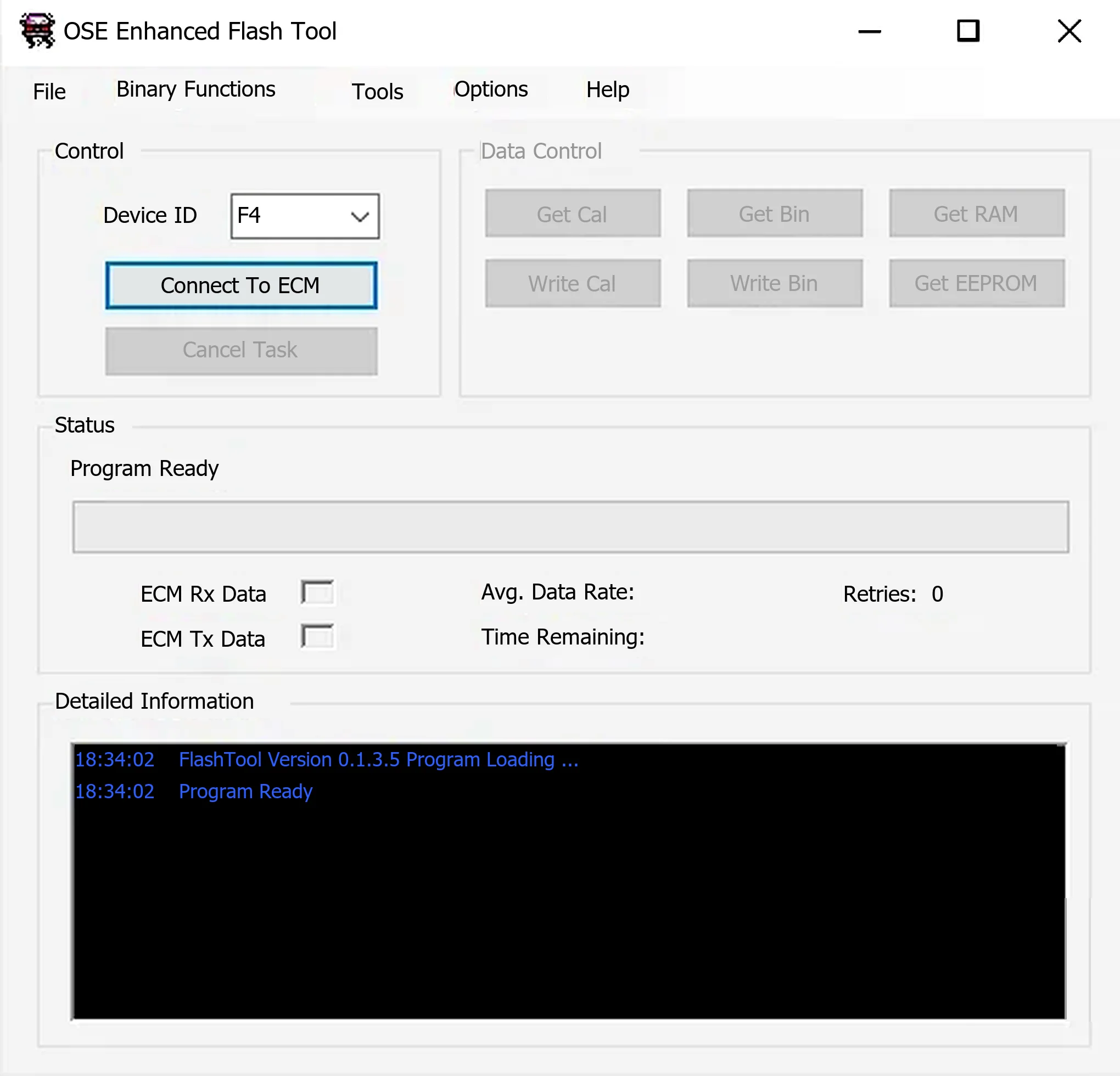
Windows ALDL utility for supported Holden/GM Delco controllers, with calibration, binary, RAM and EEPROM reads, compatible writes and OSE calibration migration.
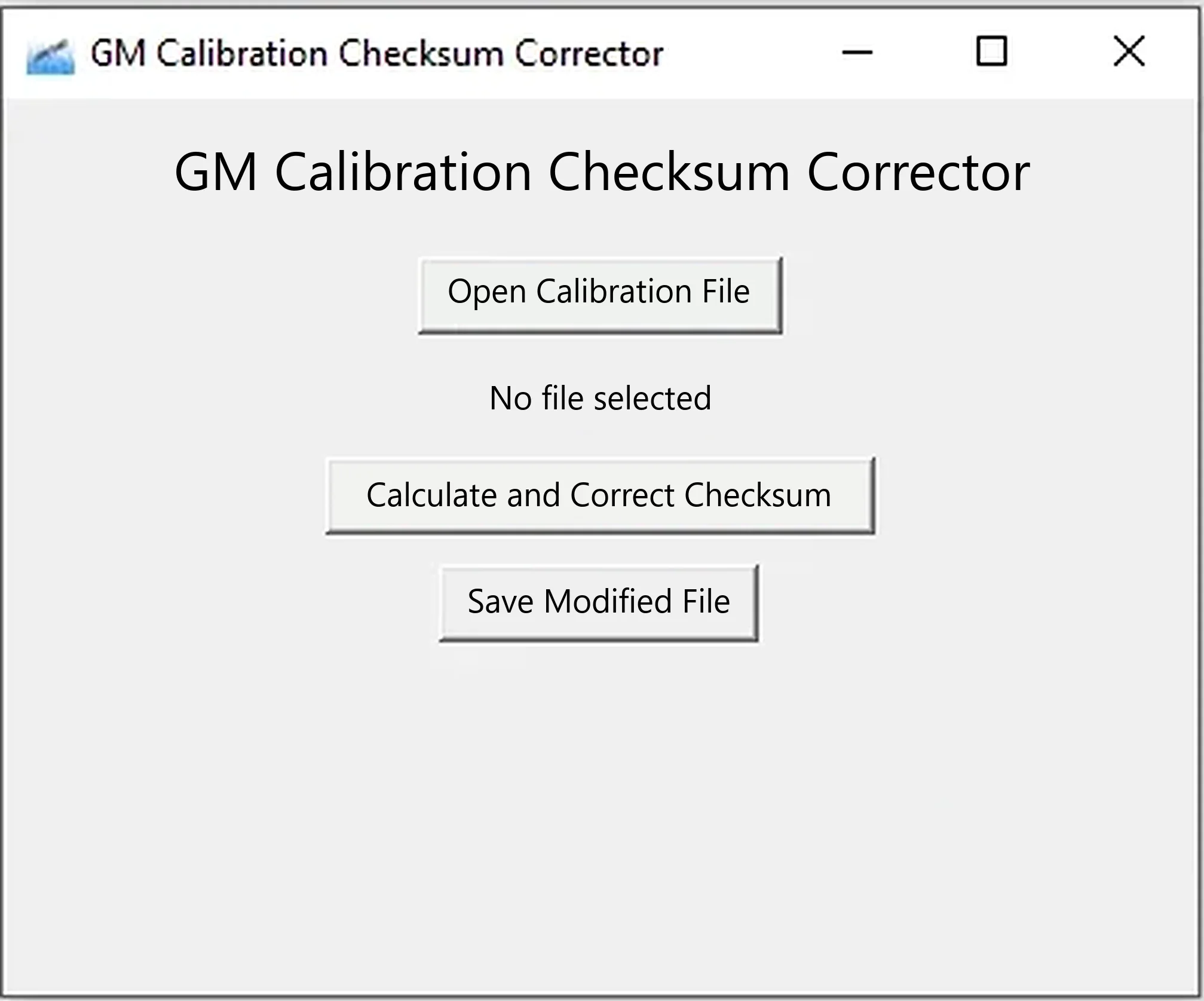
Offline Windows x64 utility for recalculating segment checksums in compatible GM calibration BIN files and saving a separate corrected copy.
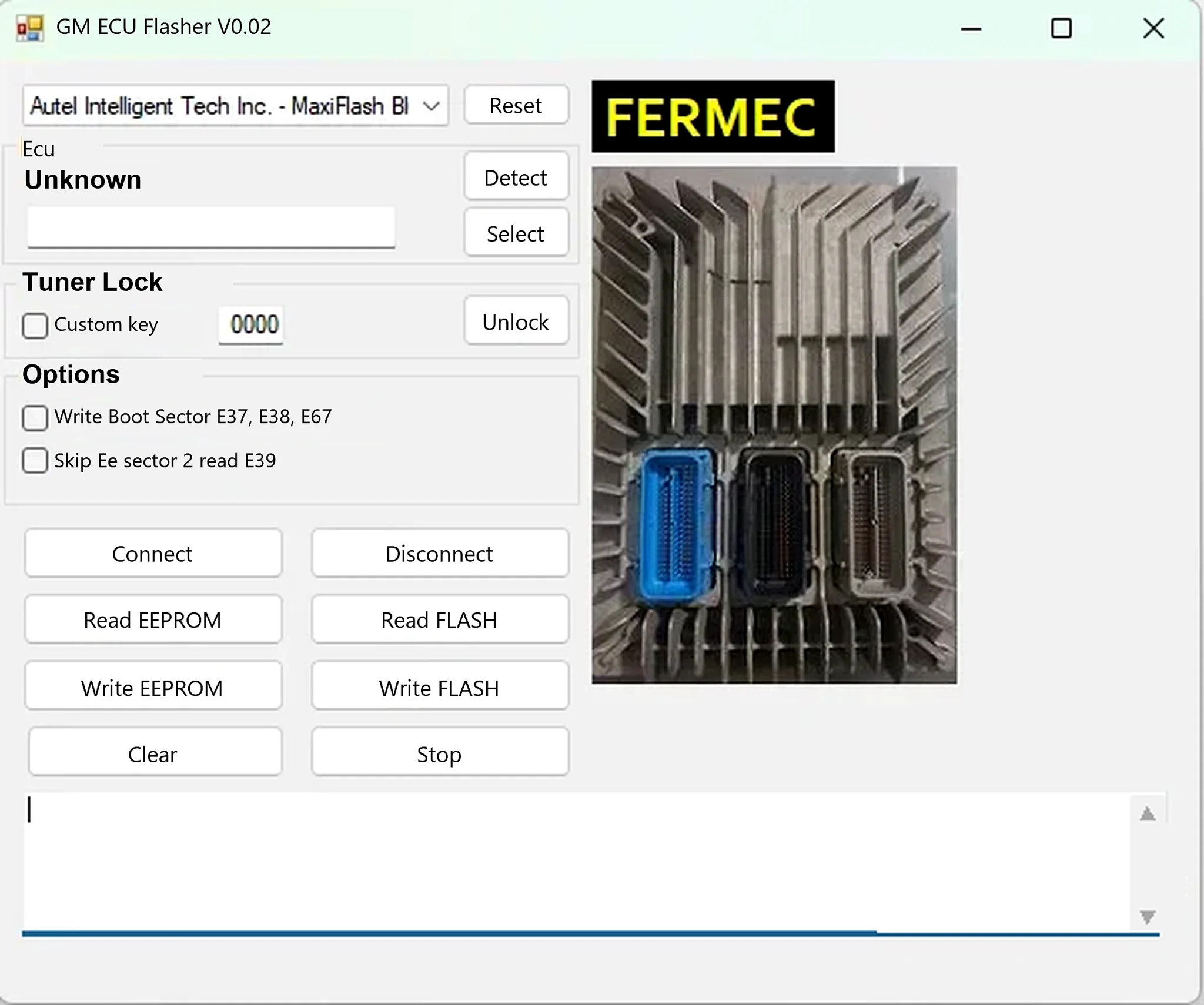
Windows J2534 ECU read/write utility for supported GM E37, E38, E39 and E67 controllers, with separate FLASH and EEPROM operations.