
SOFTWARE DATABASE / RELEASE RECORD
VERSION 11.2022Bosch ECU Hardware Cross-Reference Replacement Lookup 11.2022
Offline Windows lookup for Bosch ECU hardware references, with a bundled database and hardware-model results for initial donor ECU comparison.
Categories
Overview
Bosch ECU Hardware Cross-Reference is an offline Windows application that searches a bundled database using a Bosch hardware number and returns its associated hardware-model entry.
It helps organize ECU-label references and narrow the initial search for a donor unit. A matching database entry does not establish that the donor can replace the original ECU.
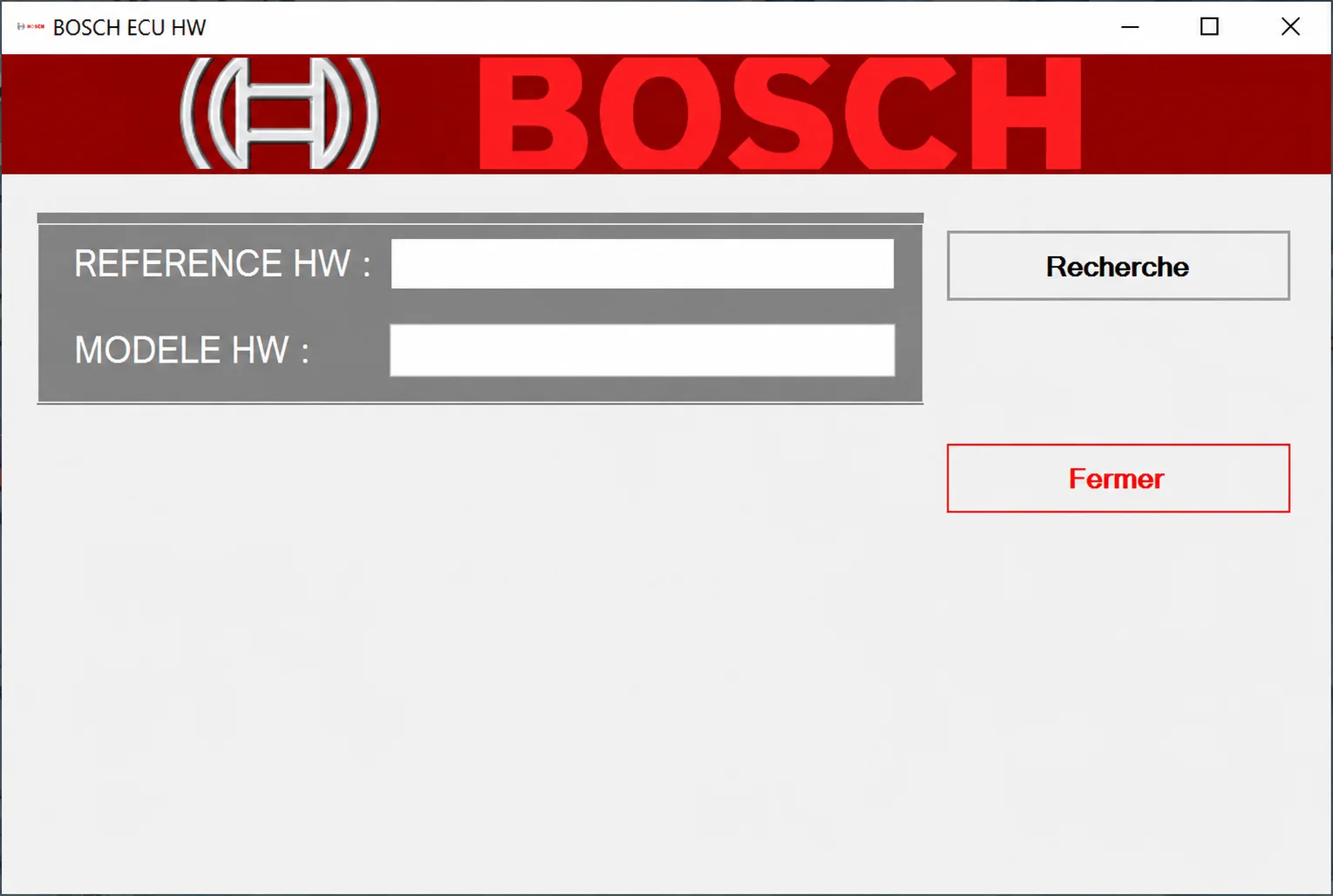
Bosch ECU HW hardware-reference lookup interface.
What This Resource Is For
Use a complete label number to identify a normalized hardware family or related model, then compare the full identities of the donor and original units. Final replacement decisions require current OEM part-supersession data, connector and circuit checks, software compatibility and any necessary adaptation procedure.
Confirmed Functions
- Enter a Bosch hardware reference.
- Look up that reference in the supplied offline database.
- Display the corresponding hardware-model entry.
- Normalize hardware labels when organizing workshop stock.
- Establish a consistent starting point for comparing donor ECUs.
Application Interface
The BOSCH ECU HW window uses French labels: REFERENCE HW : is the hardware-reference input and MODELE HW : is the hardware-model output. Recherche starts a search, and Fermer closes the window. Both fields are empty in the illustrated interface; no lookup result is shown.
Supported Vehicles, Controllers and Data
- Lookup coverage is limited to Bosch ECU references actually contained in the packaged database.
- No complete entry count or verified database-update range is documented.
- Vehicle application, engine, transmission and market must be checked separately.
- This application does not read, flash or clone controllers and does not perform immobilizer operations.
Similar Bosch housings and related numbers can still conceal different processors, memory, output stages, bootloaders, calibration, immobilizer relationships or connector populations. The version identifier is 11.2022; it does not establish a precise software release date or the coverage of later part supersessions.
Package Contents
- One Windows installer containing the lookup program and its database.
- An application-interface screenshot.
- No firmware or calibration files, wiring documentation, ECU programmer or driver bundle.
The package notes describe an unsigned installer examined through static inspection without installing it. This is not an independent ECUDB installation or execution test.
System, Hardware and Interface Requirements
- A dedicated Windows workshop PC or isolated virtual machine, with administrator privileges if the legacy installer requires them.
- Storage for the extracted package, untouched originals, working copies and verification records.
- A trusted second application or manufacturer document for independently checking identifiers and results.
- The complete Bosch reference, OEM part number and photographs of both ECU labels.
- Current OEM electronic parts-catalog or manufacturer service information for supersession checks.
- Reliable bench identification or diagnostic identification before any later programming operation.
- Backups and a documented recovery plan before subsequent configuration, EEPROM or flash changes.
- Stable bench or vehicle power if connected diagnosis or programming follows the offline lookup.
Lookup itself is offline. Diagnostic equipment, a programmer and vehicle-side procedures are separate from this application. Exact Windows versions, architecture and runtime dependencies are not specified.
Recommended Workshop Workflow
- Photograph the original and donor labels and record every identifier.
- Enter the complete Bosch hardware reference accurately and run the lookup.
- Record the returned model and cross-check its OEM vehicle application.
- Compare processor, memory, pinout, output stages and software family.
- Establish compatibility before planning any separate cloning, virginization or programming process.
- Confirm the module identity and test it on the bench or vehicle with suitable stable power.
Compatibility Limits and Responsible Use
- A shared family name does not guarantee matching hardware revisions, software branches, memory layouts or regional applications.
- Do not purchase or install a donor on the strength of one lookup result.
- The offline database can contain older records or omit subsequent supersessions; current OEM information takes precedence.
- The utility supplements qualified diagnosis, manufacturer instructions, ownership checks and a tested recovery method.
- Any separate security or immobilizer work requires ownership or customer authorization.
- Keep unsigned legacy executables isolated and independently scanned; no malware-free certification is implied.
- Keep VINs, keys, PINs, diagnostic seeds and responses, customer files and proprietary controller dumps private.
Troubleshooting
- No result: check the full label number and cautiously remove formatting spaces before searching again.
- Several similar labels: compare every Bosch and OEM suffix rather than relying on the common prefix.
- Model conflicts with the OEM catalog: follow the current manufacturer parts data.
- Installer fails: check it in an isolated, compatible Windows environment.
- Donor does not communicate during a separate test: stop and verify pinout, boot state and hardware identity before attempting programming.
Package Integrity and Safe Handling
The package-preparation notes describe archive testing and extraction, an inventory and static review of executables, libraries and nested containers without launching the automotive software, followed by rebuilding with encrypted headers and a separate extraction check. These are documented packaging steps, not tests independently performed by ECUDB.
Preserve original checksum records and untouched files, use working copies and scan unsigned legacy software independently in an isolated environment. Archive integrity does not prove donor compatibility or successful vehicle-side operation.
Technical Compatibility
Supported Modules
Operating Systems
System Requirements
- Windows workshop computer or isolated virtual machine
- Administrator access if required by the legacy installer
- Storage for extracted files, originals and verification records
- Complete Bosch and OEM part numbers and donor/original ECU-label photographs
- Current OEM parts catalog or manufacturer service information
- Separate diagnostic identification, stable power and recovery plan before subsequent vehicle-side work
Screenshots
Related Software
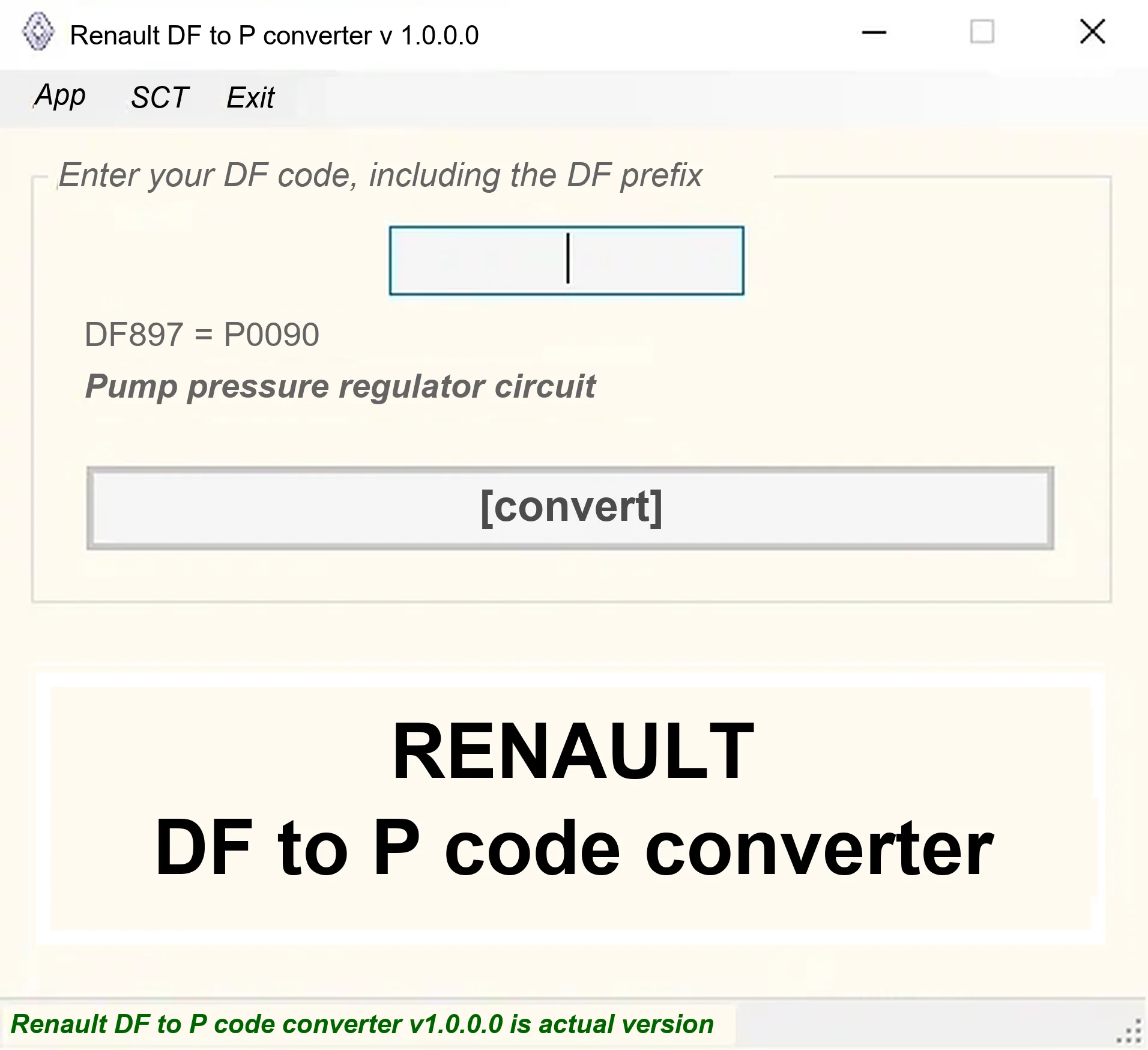
Offline Windows DF-to-P fault-code lookup for Renault diagnostic reports, with descriptions and a companion ECU Info number-prefix reference utility.

Offline Windows reference tool for Bosch ECU part numbers, controller families and OE cross-references, with exact, wildcard, prefix and binary-dump identifier searches.
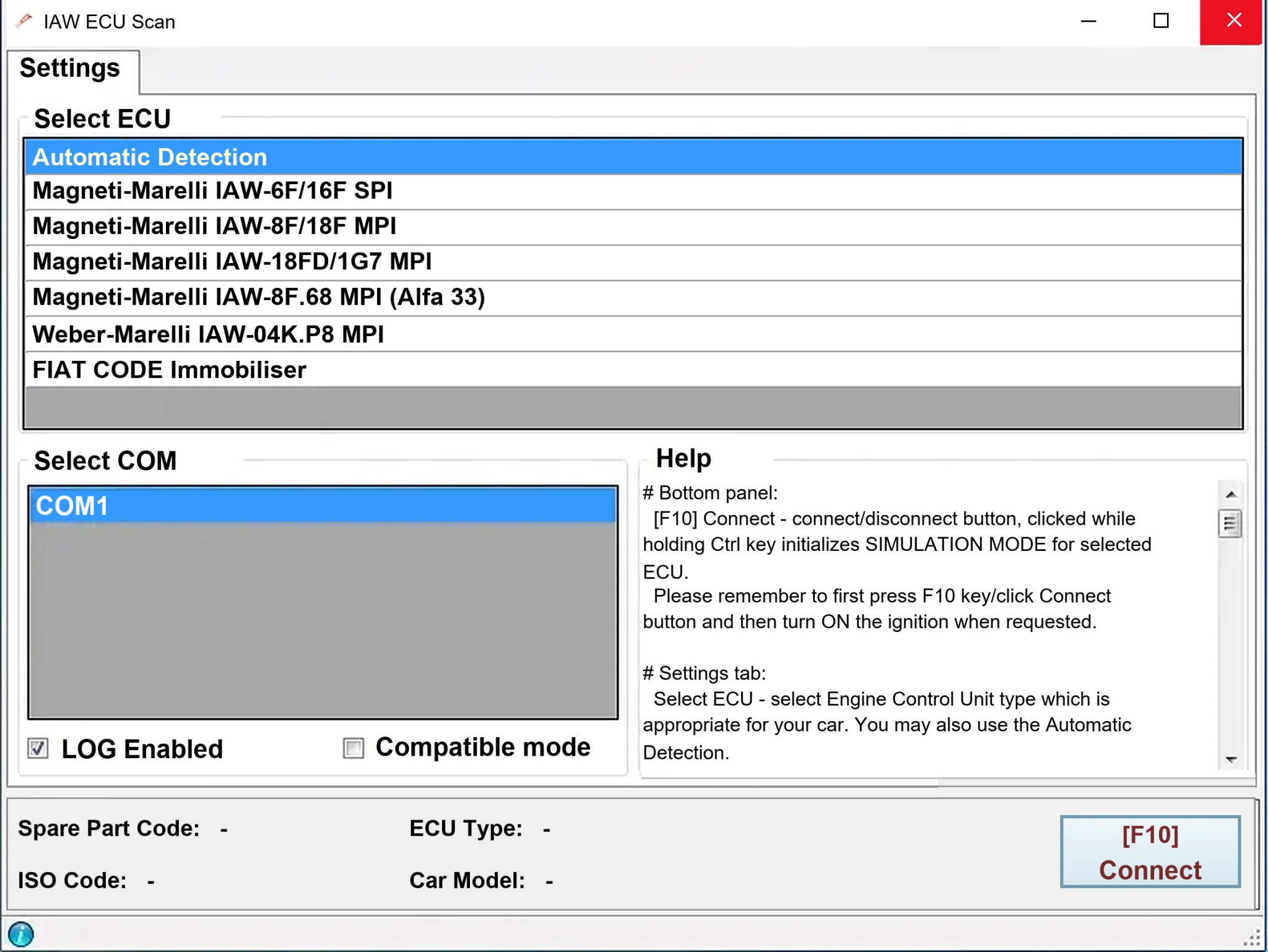
Windows diagnostics for selected legacy Magneti Marelli IAW ECUs in Fiat, Lancia and Alfa Romeo vehicles, using a KKL K-line interface for identification, faults and live data.

Windows map and axis detection for supported Siemens PPD/SID full BDM binaries, with table and 3D views, DTC analysis and XDF/A2L definition export.

Offline Windows checksum inspection and correction for recognized Bosch and Sagem petrol ECU binaries, with eight supplied modules and All, Bad and Fixed counters.
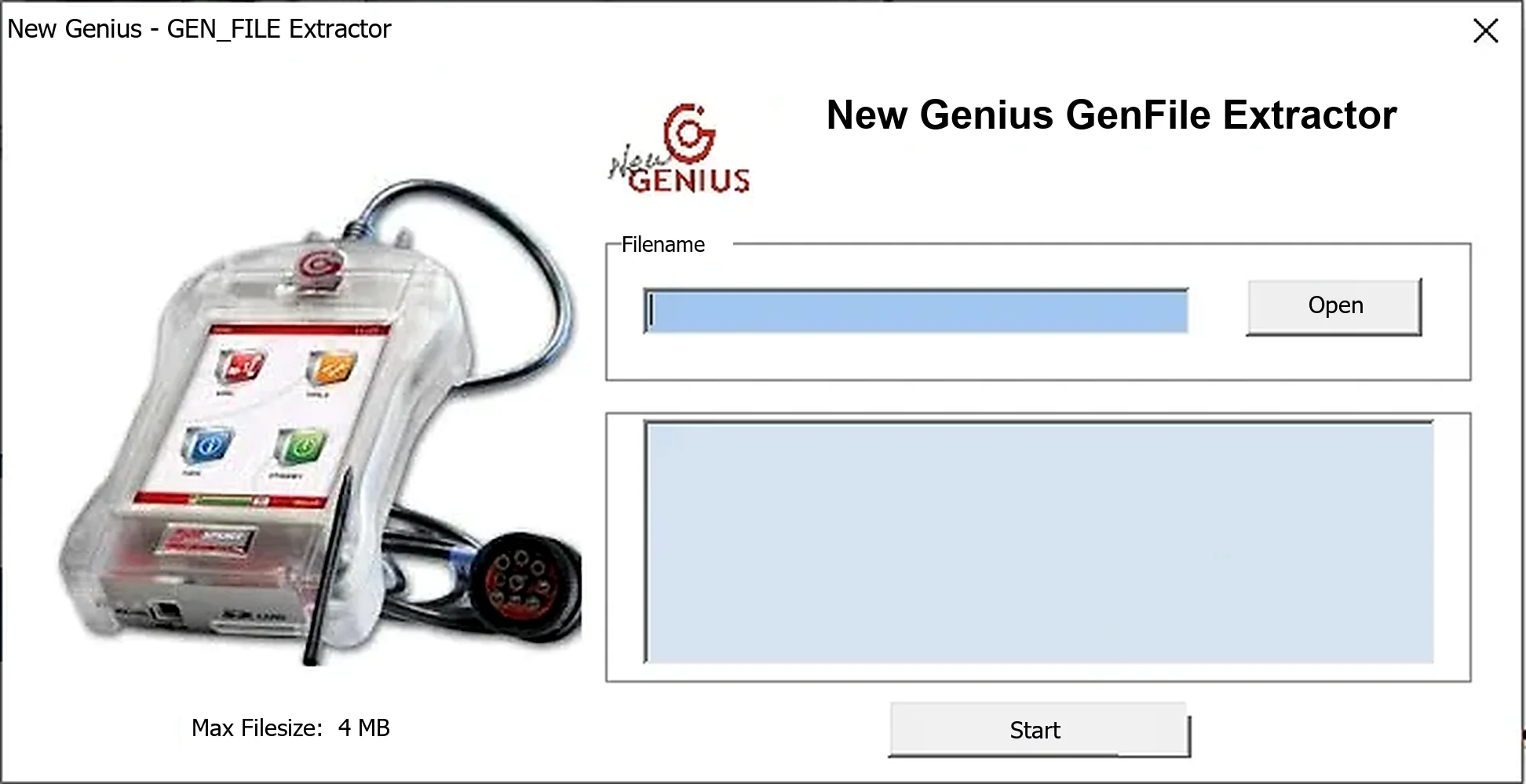
Offline Windows utility for extracting calibration data from compatible New Genius/K-Touch GEN_FILE containers, with a stated 4 MB input limit.