
SOFTWARE DATABASE / RELEASE RECORD
VERSION 1 (2026)Autocinetorum SeedKey Calculator for Hyundai / Kia SA2, Chery and China EV
Windows diagnostic seed-to-key calculator with Hyundai/Kia SA2, Chery OLD, Chinese EV, China Gas ECU and parameter-based calculation profiles.
Categories
Overview
Autocinetorum SeedKey Calculator is a Windows utility for diagnostic security-access calculations on selected automotive controllers. Its profiles cover Hyundai / Kia SA2, older Chery modules, selected Chinese EV brands and Chinese controller families. It is intended for authorized diagnostic, configuration and programming service work.
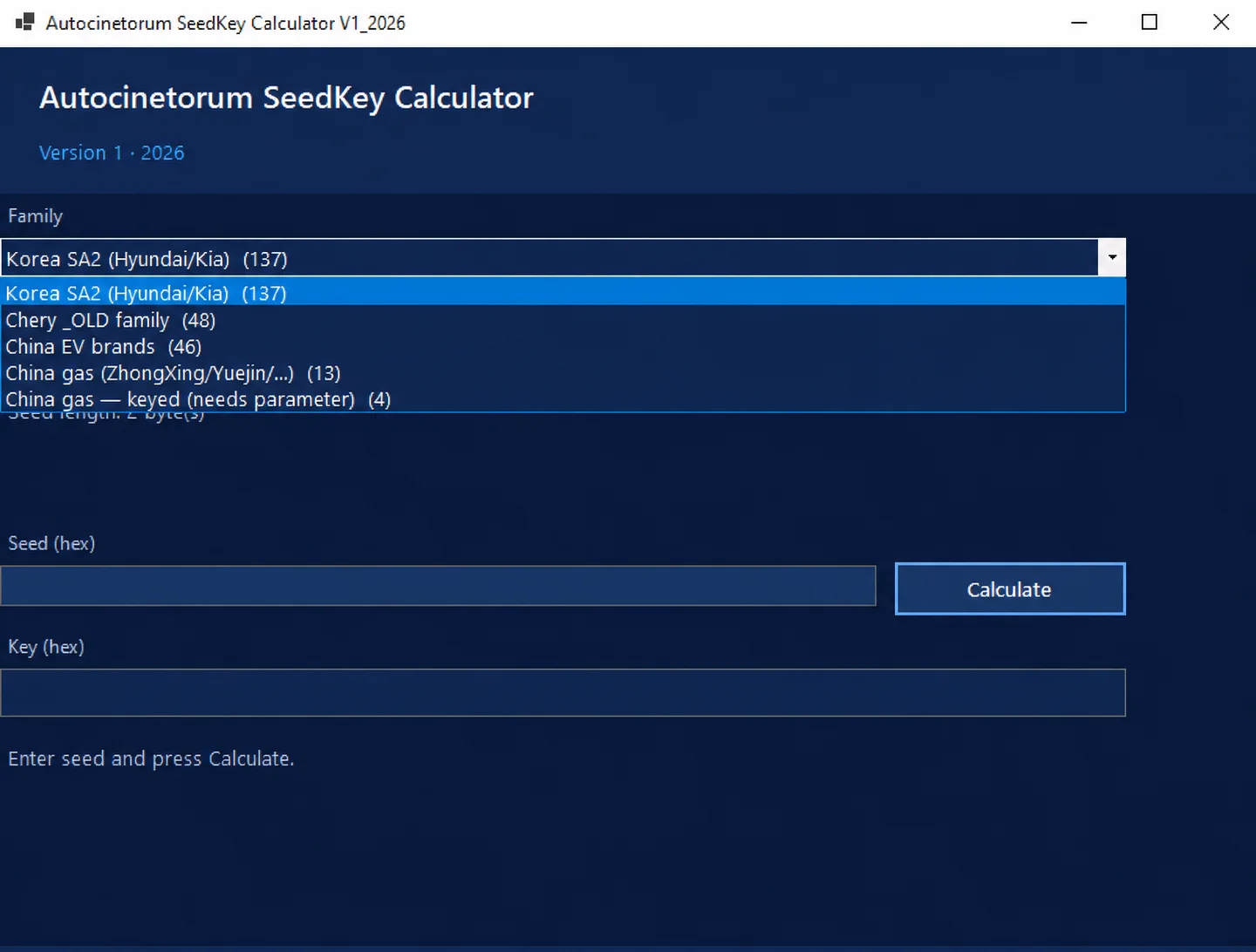
Calculation family menu in Autocinetorum SeedKey Calculator V1_2026.
What Is Seed-to-Key Calculation?
A supported ECU supplies a hexadecimal seed and expects a corresponding key. This utility calculates a hexadecimal response from manually supplied data using the selected profile. It does not include an OBD interface or communicate with a vehicle independently.
Available Calculation Families
1. Korea SA2 — Hyundai / Kia
The menu offers 137 selectable SA2 identifiers. Depending on the selected ID, the required seed length is 2, 4 or 8 bytes. Documented examples are:
- SA2 020200
- SA2 020201
- SA2 030300
- SA2 040400
- SA2 040401
- SA2 080800
- SA2 080801
- SA2 080880
Selection is based on algorithm IDs rather than vehicle model or year. The available list does not contain every known SA2 identifier.
2. Chery OLD Family
This family contains 48 module-specific entries for older Chery applications. The documented module groups are:
- Engine management (EMS / ECM)
- Body control (BCM)
- Instrument clusters (ICM)
- ABS and brake control
- Transmission control (TCU)
- Electric power steering (EPS)
- Tire pressure monitoring (TPMS)
- Passive entry / start (PEPS)
Internal definitions include Chery A13, A16, A19, A21, B-series, M-series, T-series and other module identifiers. Most entries require a 2-byte seed; particular exceptions require 4 bytes.
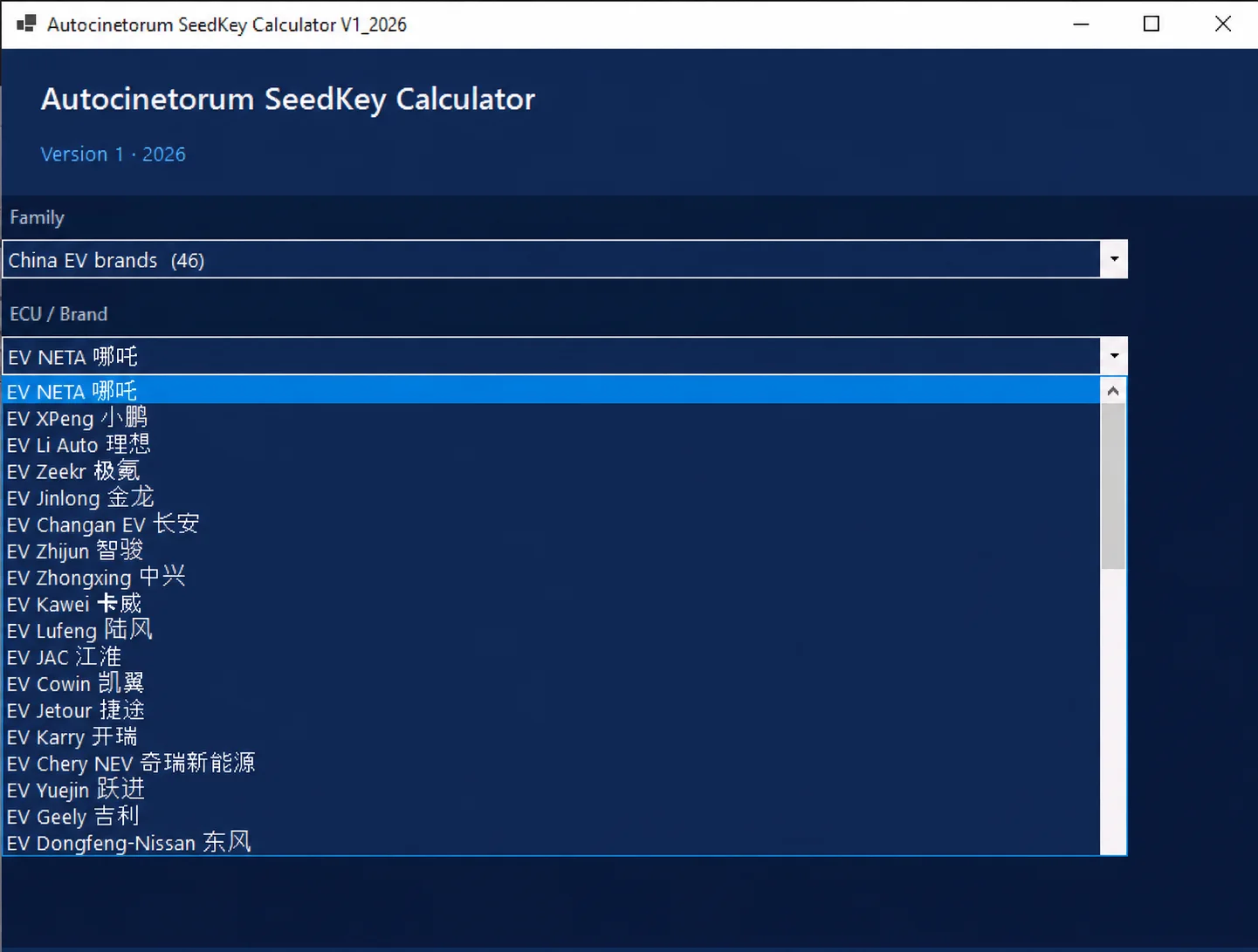
3. China EV Brands
There are 46 selectable EV entries, with local calculation routines implemented for 31 entries. These use 4-byte seed input. The implemented group includes profiles labelled for:
- NETA
- Li Auto
- Zeekr
- Changan EV
- JAC
- Geely
- Chery NEV
- Jetour
- Dongfeng-Nissan EV
- FAW
- Kandi
- Other Chinese vehicle manufacturers
Fifteen additional entries have no implemented local calculation in this build. Examples include XPeng, NIO, Leapmotor, WM Motor and Seres, together with other menu entries. A brand appearing in the menu does not imply support for all of its vehicles or controllers.
4. China Gas — ECU Families
The China gas (ZhongXing/Yuejin/...) family contains 13 calculation profiles. Documented examples include:
- Bosch EDC17 ECM
- Bosch EDC17 ECM (v2)
- Delphi Engine ECM
- Union EMS ME788
- SIDA BCM / Engine
- AVM 360-degree Camera
- DVD / Head Unit
- Generic Seed2Key
- Chery 2-byte ECU
These names describe individual calculation variants. They do not establish universal support for every controller sharing a manufacturer or family name.
5. China Gas — Keyed Algorithms
The keyed family contains four profiles that need an extra input:
- ZZNissan calc_key — Security Mask
- Dorcen ECU — Configuration parameter
- Spec ESP — Mode selection
- Bootloader (Comm) — Additional hexadecimal parameter
The correct parameter must already be known for the intended application; it is not determined automatically by the calculator.
Main Features
- Hexadecimal seed-to-key calculation from manually entered data.
- Family and ECU/profile selection in a Windows interface.
- 137 selectable Hyundai / Kia SA2 algorithm identifiers.
- 48 definitions in the Chery OLD family.
- Chinese EV profiles, with a distinction between menu entries and implemented calculations.
- Selected Bosch, Delphi and other controller calculation variants.
- Profile-dependent seed lengths.
- Supplementary input for the four keyed profiles.
- A hexadecimal Key result field.
How to Use
- Open Autocinetorum SeedKey Calculator.
- Choose the relevant calculation family.
- Select the matching ECU, brand entry or SA2 identifier.
- Enter the hexadecimal seed supplied by the authorized diagnostic session.
- Supply the required supplementary parameter when the selected profile needs one.
- Select Calculate.
- Review the hexadecimal output in the Key field.
Compatibility Notes
- Availability is determined by the exact selected calculation profile.
- An SA2 identifier does not establish support for a particular model or production year.
- Some EV brands appear in the interface without a local calculation implementation.
- Certain EV routines process only part of the supplied seed; validate the result for the intended controller.
- Some algorithms need information in addition to the seed; the program does not infer that information automatically.
- A calculated key is not a guarantee that the target ECU will accept it.
Important
This is a diagnostic security-access calculator. It is not a complete ECU programmer or vehicle-key programming application. Match the algorithm and input format to the exact controller, and use it only for vehicles or control units you are authorized to service.
Technical Compatibility
Supported Modules
Operating Systems
System Requirements
- Windows PC; exact supported versions and architecture are not documented
- Hexadecimal seed matching the selected algorithm and required byte length
- Known supplementary parameter for profiles that require it
- Separate compatible diagnostic equipment for vehicle communication
- Authorization to service the target vehicle or controller
Screenshots
Related Software
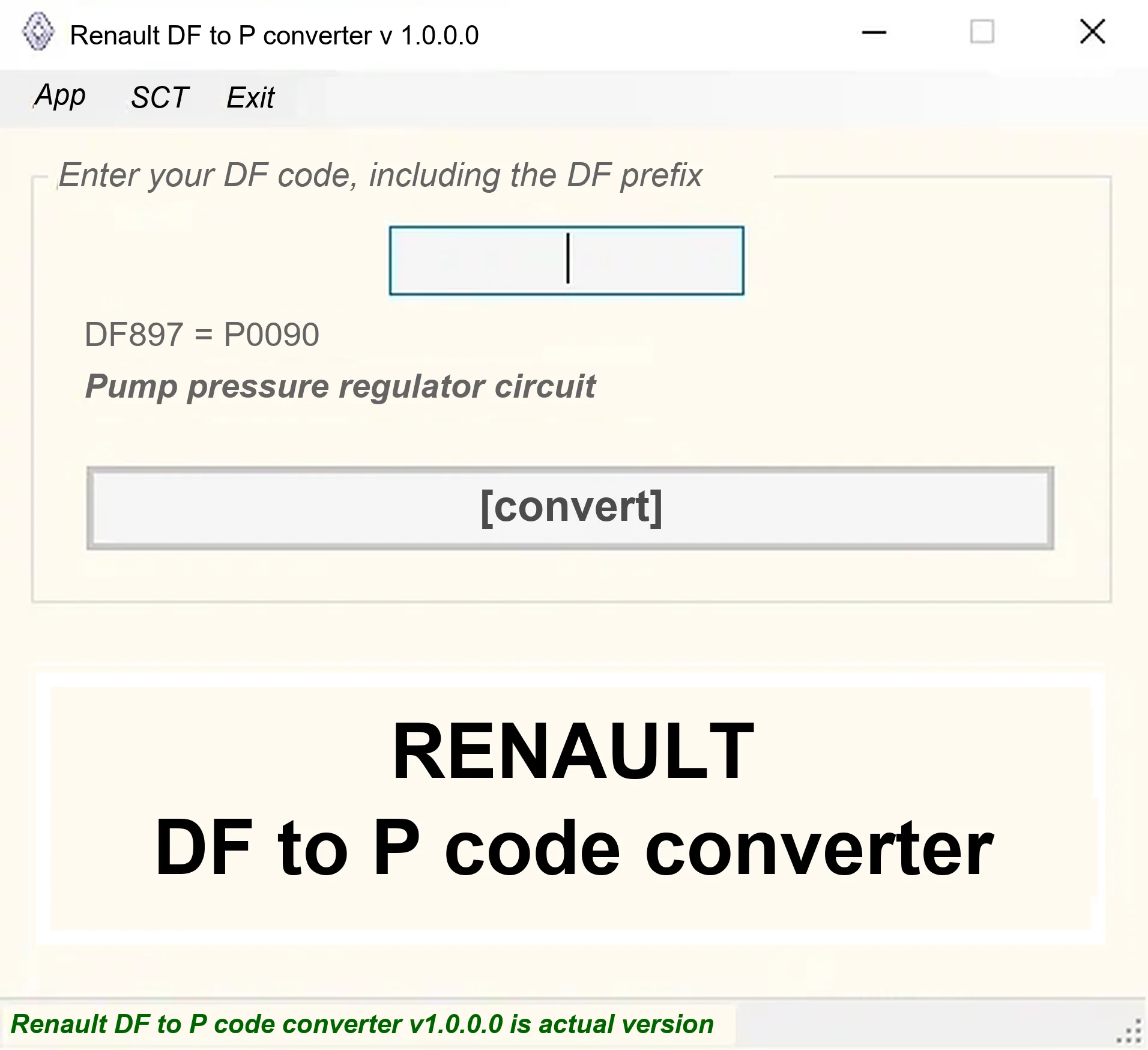
Offline Windows DF-to-P fault-code lookup for Renault diagnostic reports, with descriptions and a companion ECU Info number-prefix reference utility.

Offline Windows reference tool for Bosch ECU part numbers, controller families and OE cross-references, with exact, wildcard, prefix and binary-dump identifier searches.
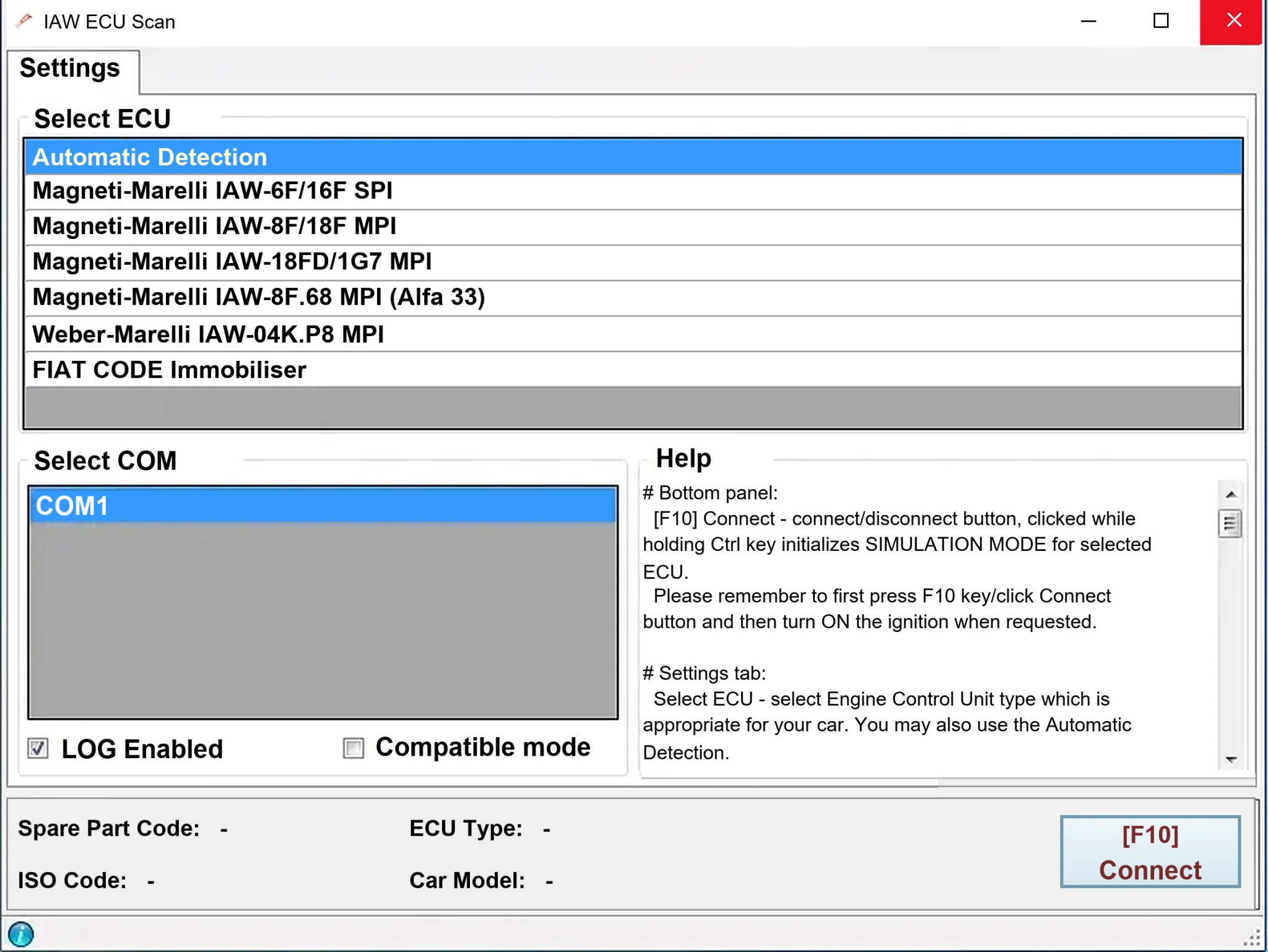
Windows diagnostics for selected legacy Magneti Marelli IAW ECUs in Fiat, Lancia and Alfa Romeo vehicles, using a KKL K-line interface for identification, faults and live data.

Windows map and axis detection for supported Siemens PPD/SID full BDM binaries, with table and 3D views, DTC analysis and XDF/A2L definition export.

Offline Windows checksum inspection and correction for recognized Bosch and Sagem petrol ECU binaries, with eight supplied modules and All, Bad and Fixed counters.
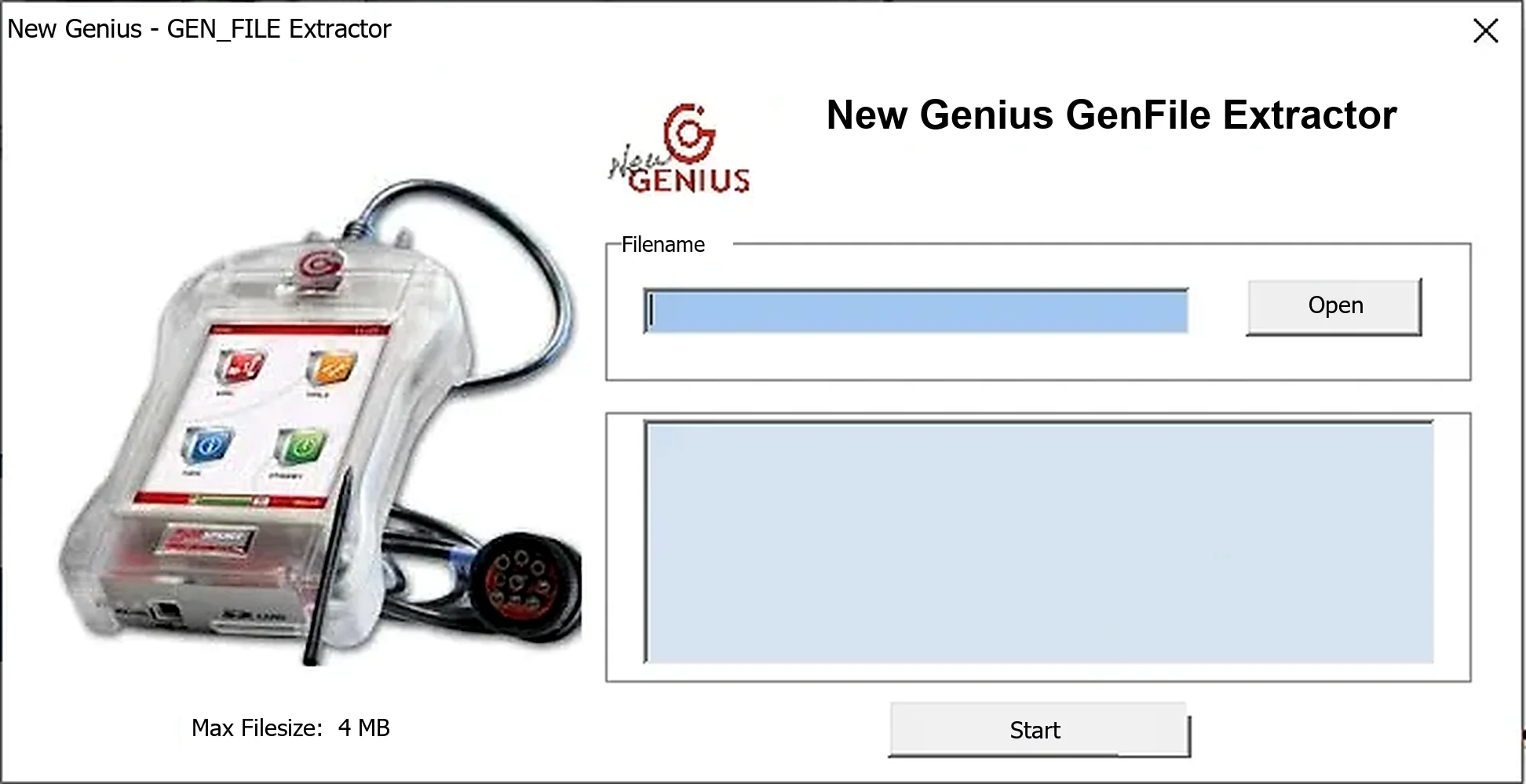
Offline Windows utility for extracting calibration data from compatible New Genius/K-Touch GEN_FILE containers, with a stated 4 MB input limit.