
SOFTWARE DATABASE / RELEASE RECORD
VERSION 1.0.0Audi J518 ELV EEPROM Dump Converter - 2KB and 4KB Format Tool 1.0.0
Offline Windows converter for supported Audi J518 ELV EEPROM dumps between the 2 KB 3L40K and 4 KB 0L01Y layouts.
Categories
Vehicle references
Overview
Audi J518 ELV EEPROM Dump Converter 1.0.0 is an offline workshop utility that converts supported access/start authorization EEPROM data between the 3L40K (2 KB) and 0L01Y (4 KB) layouts. It is intended for authorized J518 steering lock and immobilizer repairs where a technician has a verified read from the original module and needs the alternate layout for compatible service equipment.
The utility handles file conversion only. It cannot run OBD diagnostics, read EEPROM directly, flash a module or perform online component adaptation. It also cannot identify the vehicle automatically or verify that the dump matches the hardware. The technician must identify the module, obtain a stable bench read, keep backups and carry out the final programming and adaptation with the appropriate equipment.
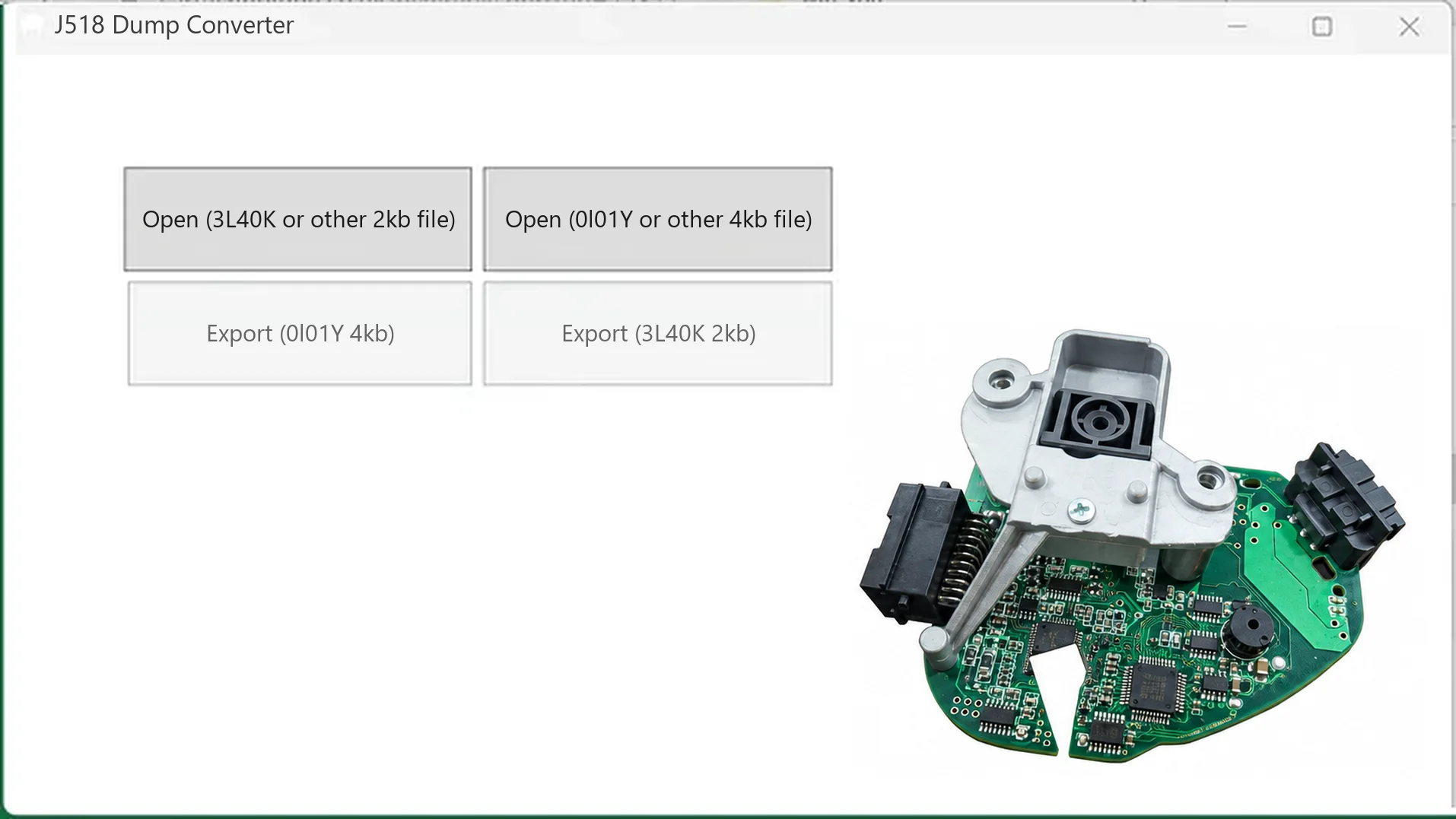
What the converter does
Import a 2,048-byte 3L40K dump to produce the corresponding 4,096-byte 0L01Y file, or import a 4,096-byte 0L01Y dump for a 2,048-byte 3L40K output. The program reports loading, corruption and generation states. It works locally without a vehicle interface or internet connection. Retain the untouched input for repeatability and audit. The interface's generic 2 KB and 4 KB labels still require a matching mask, board and programmer layout.
J518 module and vehicle context
J518 is the Immobilizer IV access/start authorization controller at diagnostic address 05. Audi service information places this generation in the A8 D3 from model year 2004, A6 C6 from 2005 and Q7 from 2007. On relevant A6 and Q7 installations, J518 is associated with the steering column. The A8 uses a different arrangement with a separate N360 lock actuator.
Match the exact part number, MCU mask, PCB revision and read size. Model names alone do not establish file compatibility. Later Audi platforms, BCM2, unrelated KESSY units and generic ELV emulators are outside the documented coverage.
Supported EEPROM layouts and MCU masks
- 3L40K uses the 2 KB path for input or output.
- 0L01Y uses the 4 KB path for input or output.
- 1L59W is mentioned in broader J518 service documentation, but direct support by this converter is unconfirmed.
These are EEPROM dump sizes. Even a correctly sized file may be incomplete, byte-swapped, filled with repeated data or read from the wrong region or hardware. Full flash images are a separate file type for this workflow.
Required workshop hardware and source data
- Compatible EEPROM or MCU programmer and the verified adapter or connections for the device.
- Stable power, ESD protection and suitable soldering or in-circuit equipment.
- Two repeat reads that agree byte for byte.
- Module part number, PCB revision, MCU mask, VIN and the original diagnostic fault state.
- Binary comparison or hex editor for size, fill patterns and differences.
- OEM-capable diagnostics for the final scan and any authorized online adaptation required by the vehicle.
Start with the original module's verified read. Keep vehicle-specific files private and store an immutable backup outside the working directory.
Recommended conversion workflow
- Record vehicle and module identifiers, part numbers, PCB revision and the physical MCU marking before accessing the chip.
- Compare two or more reads. Stop for differences, truncation, incorrect length or an all-
FFor all-00file. - Make read-only backups. Use a separate working copy named by module and date.
- Choose the import for the confirmed mask and size. Investigate a corruption message before retrying.
- Export under a fresh name and verify the exact target byte count.
- Compare with the original and a known structural reference for the hardware family. Record each file's SHA-256.
- For authorized programming, use stable power and the verified programmer procedure. Compare the readback with the generated file.
- Reassemble and scan the vehicle, then perform only the manufacturer-authorized adaptation for that application.
System requirements
- Windows desktop with support for 32-bit applications.
- Microsoft Windows Desktop Runtime for .NET Core 3.1, as specified by the runtime configuration.
- About 1 MB for the application and working files, plus separate backup storage.
- Permission to run the unsigned portable application and read and write the working folder.
- Offline conversion.
Microsoft ended support for .NET Core 3.1 on 13 December 2022. Use an isolated workshop environment when the legacy runtime is necessary and keep host protection enabled. Check framework compatibility before attempting to substitute a newer runtime.
What the tool does not do
Its scope is file conversion. OBD reads, missing dump recovery, physical relay or motor driver repairs, terminal 15 and 50 diagnostics, fault clearing, key teaching, component protection removal and online Immobilizer IV adaptation require separate processes. The converter does not verify cryptographic data or the vehicle identity embedded in a file.
For loss of ignition, no-crank or steering lock complaints, check power, wiring, the access/start switch, keys, communication and mechanical operation before attributing the fault to EEPROM data.
Troubleshooting file and runtime errors
- File corrupted. Verify the length and import path, repeat the read and check for a damaged or encrypted wrapper.
- Application fails to launch. Check the Windows Desktop Runtime, architecture and presence of all four application files together.
- Incorrect output size. Stop and verify the conversion direction. Avoid manually padding or trimming security data.
- Module still inoperative. Restore the verified backup where safe, re-read, inspect power and hardware, scan related modules and follow OEM adaptation.
- Security software blocks the tool. Scan independently and use an isolated environment if authorized, with protection enabled.
Package contents, verification and responsible use
The documented package retains the host, managed library, dependency manifest and runtime configuration. A symbol file with a personal build path and a text file containing an external runtime link were excluded. Package inspection was static and the unsigned application was not executed during packaging.
Use only for authorized repair. Keep customer EEPROM, converted files, key material and VIN-linked security data private. Confirm the repair by readback, a full diagnostic scan and safe functional testing.
Technical Compatibility
Operating Systems
File Formats
System Requirements
- Windows desktop supporting 32-bit applications.
- Microsoft Windows Desktop Runtime for .NET Core 3.1.
- Approximately 1 MB of working space, plus backup storage.
- Read and write access to the working directory.
- Offline operation.
Screenshots
Related Software
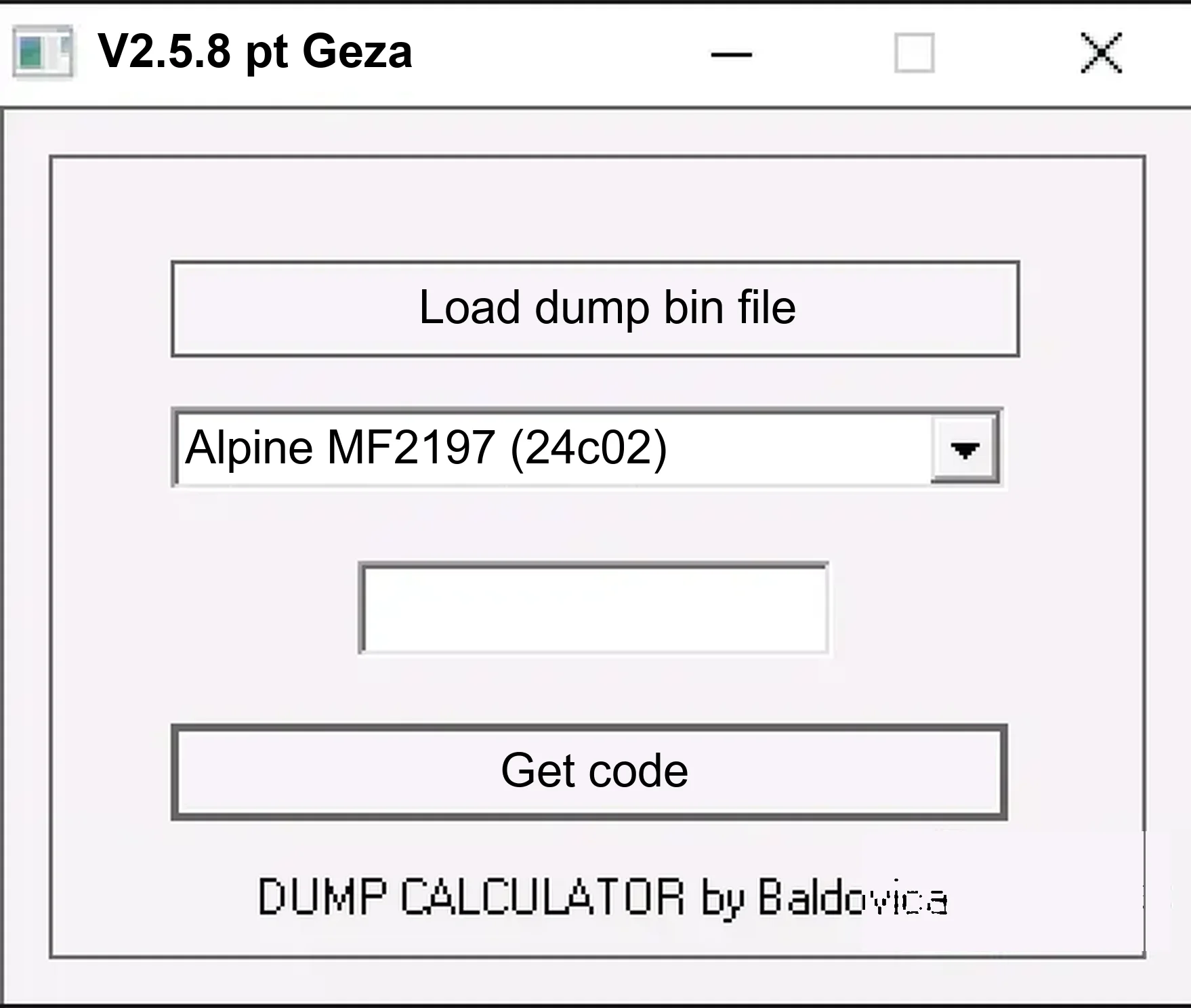
Windows EEPROM BIN dump calculators for supported car-audio head units, including V2.5.8 pt Geza presets and the V2.8.3 calculator build.

Collection of 1,350+ UPA-USB scripts for EEPROM and MCU work, covering odometer, IMMO, airbag reset, radio codes, PIN extraction and ECU virginization.
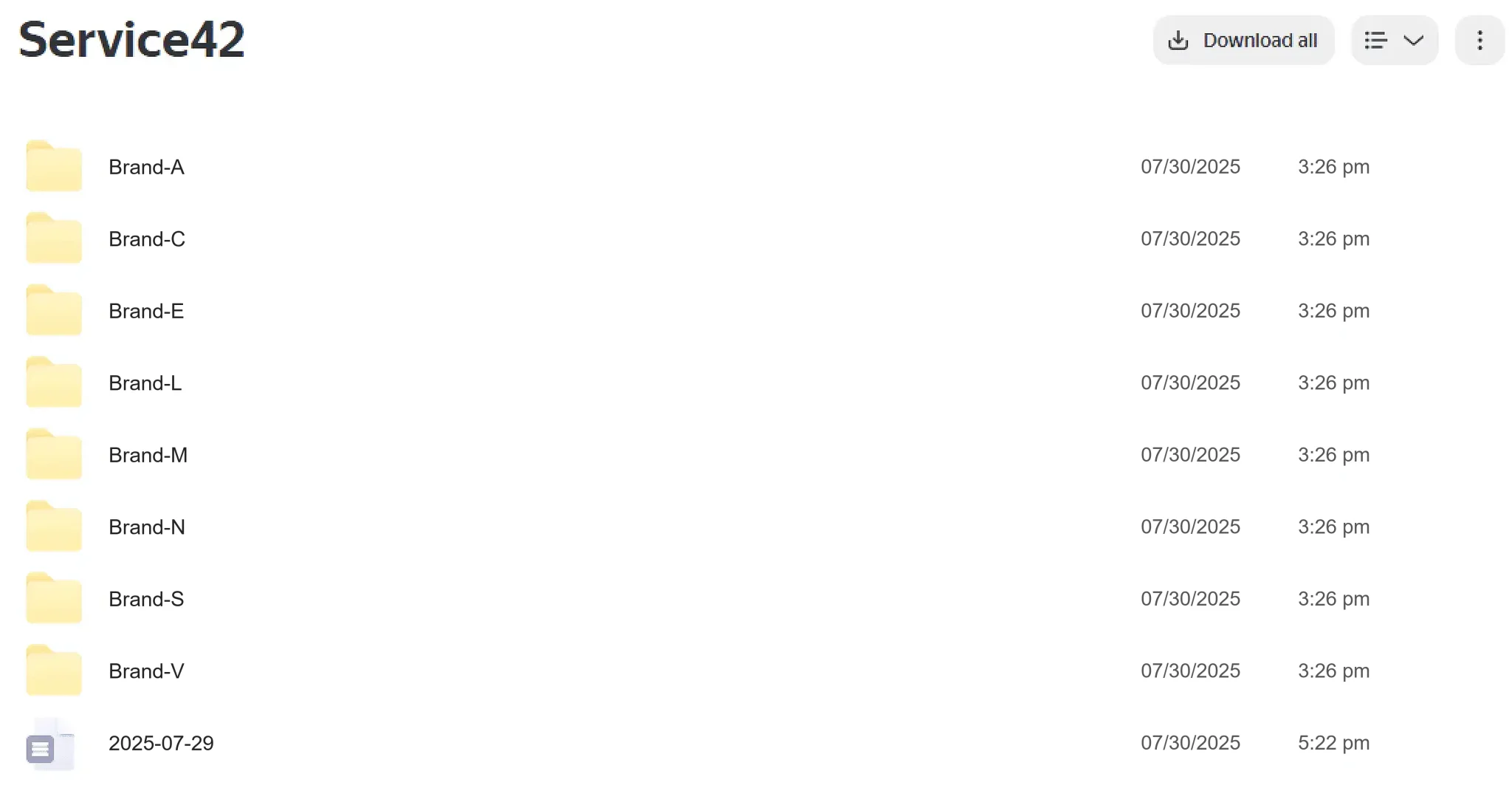
VAG factory flash-data archive with over 184 GB and 35,341 files, organised by brand for ODIS Engineering ECU updates, repair, programming and retrofit work.
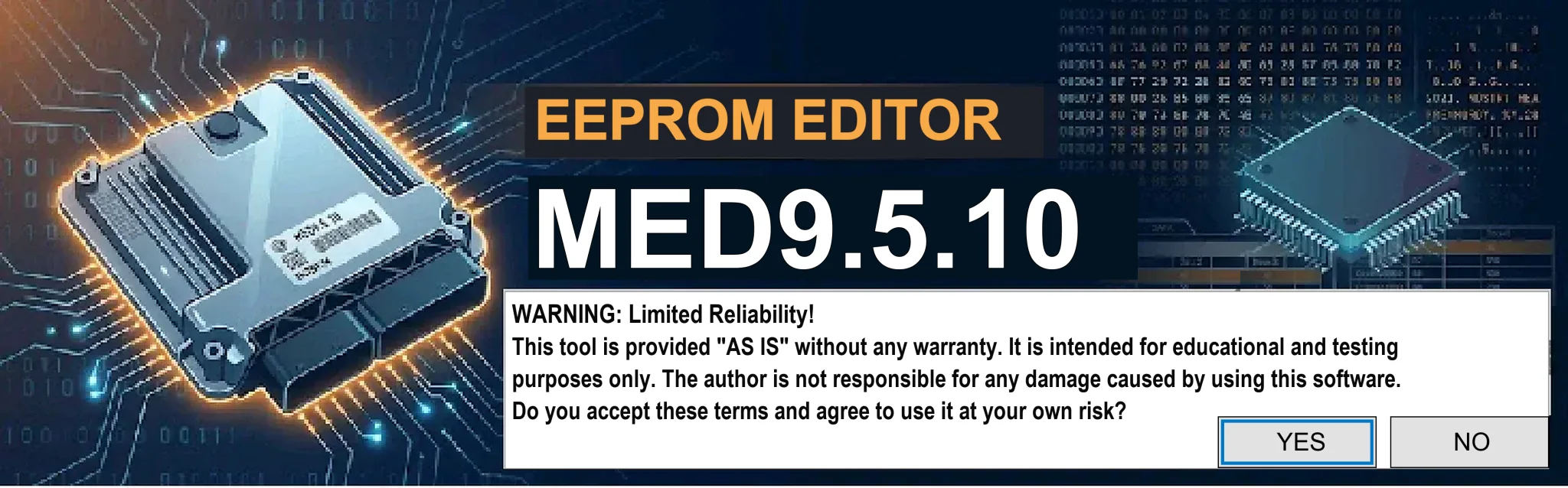
Windows EEPROM-file utility for Bosch MED9.5.10 petrol ECUs, with CRC/P0601 checksum repair, 95080/95320 dump editing, ECU identifiers and backup/restore.
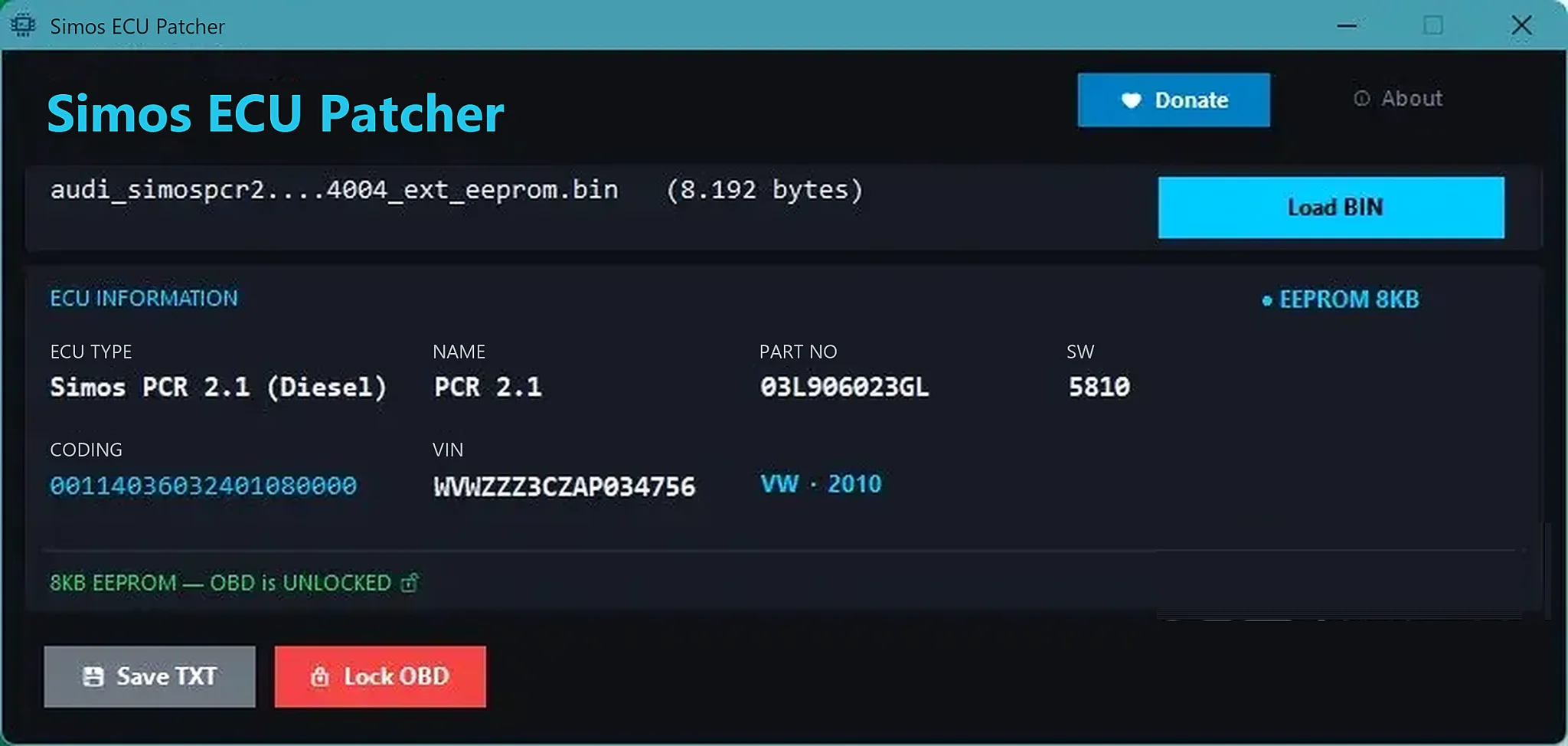
Windows file utility for compatible Simos PCR2.1, Simos 10 and Simos 11 full bench reads, with IMMO OFF patching, ECU identification and OBD/Virtual Read detection.
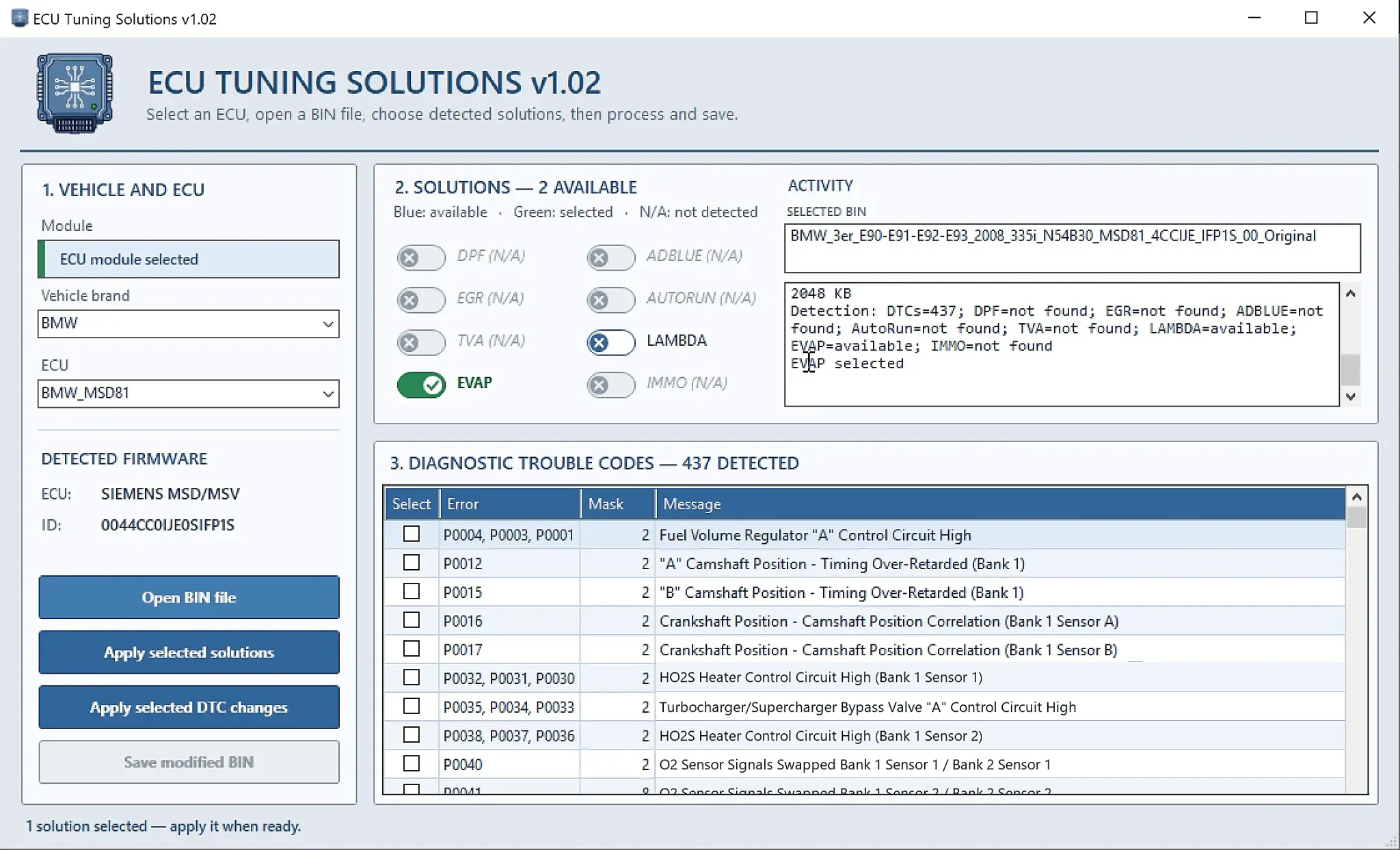
Offline Windows ECU-file processing and DTC handling for supported multi-brand controllers, with eight solution types and HWID-based activation in version 1.02.