
SOFTWARE DATABASE / RELEASE RECORD
VERSION UnspecifiedMercedes and VAG Immobilizer Tool
Portable Windows dump-file utility for supported Mercedes and VAG immobilizer data, key positions, key-record creation and separate infrared workflows.
Categories
Vehicle references
Overview
Mercedes and VAG Immobilizer Tool is a portable Windows dump-file utility for authorized immobilizer and key-data repair. It works on memory files read beforehand with external equipment. The interface provides dump opening and saving, a hexadecimal view, supported key positions, key-record creation and an unlock operation. The package does not supply an EEPROM programmer, diagnostic interface, pinout database or automatic vehicle identification.
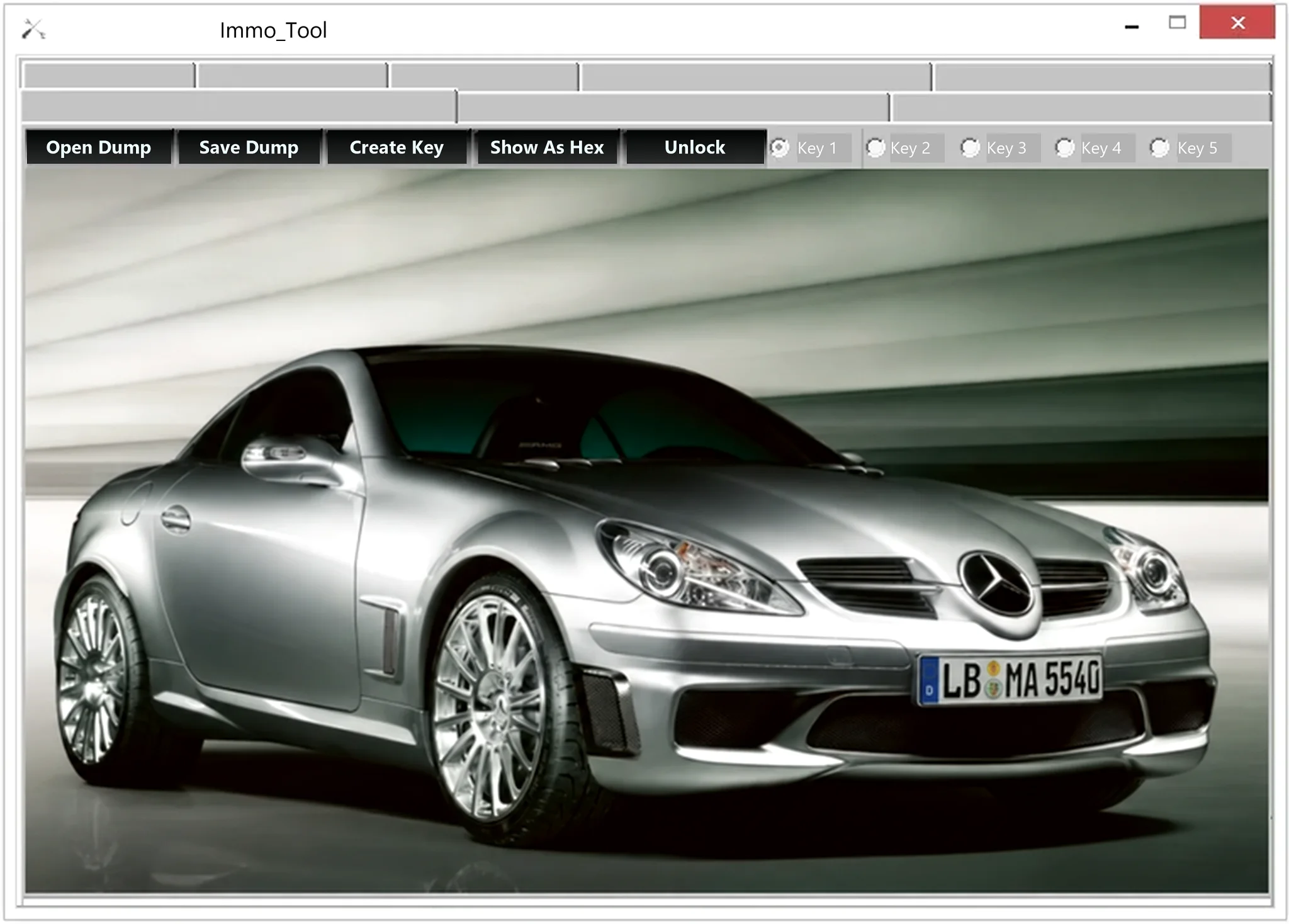
Confirmed Interface Functions
- Open a memory dump and save a separate working copy.
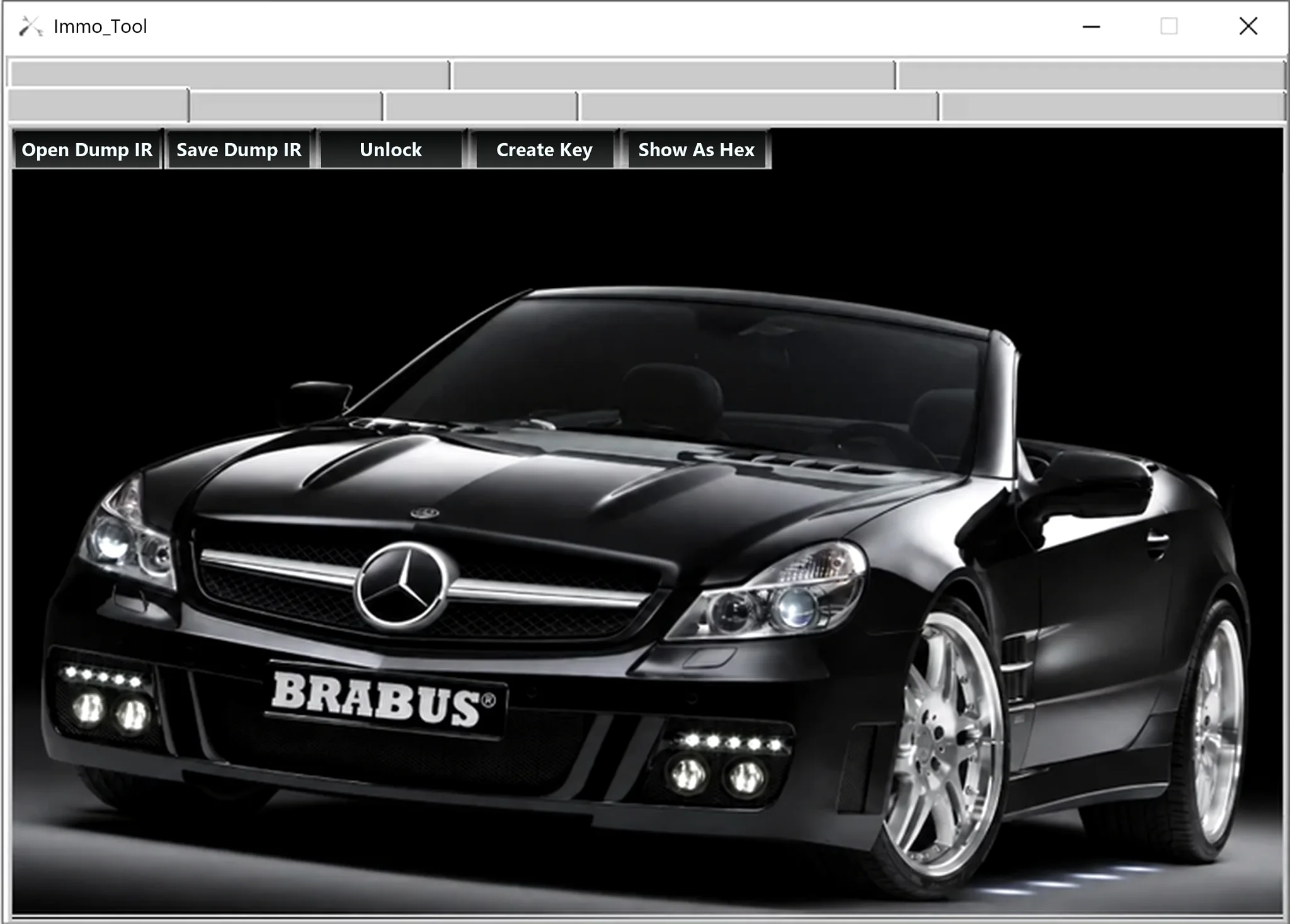
- Open and save dumps through the separate infrared-oriented workspace.
- Display loaded file data in hexadecimal form.
- Select a supported key position; the pictured main workspace shows Key 1 through Key 5.
- Create key data using the corresponding supported workflow.
- Apply the application's unlock operation to a compatible dump.
The product name refers to Mercedes and VAG, but the documented package includes no model-by-model list of supported ECUs, immobilizers, EEPROMs or MCUs. The visible controls do not establish universal support for either vehicle group; key-position availability depends on the actual file layout.
How to Establish Compatibility
Identify the immobilizer, steering lock, instrument cluster, key module or infrared receiver by its part number and memory device. Record the programmer profile, read voltage, byte order and exact dump length. Acceptance of a file by the application does not establish that the module, checksums or security regions are correct.
Different Mercedes and VAG immobilizer generations use different transponders, key-slot layouts and cryptographic processes. Match the module family against a trusted workshop or locksmith reference. If the hardware and memory layout cannot be positively identified, stop rather than trying an output file on a vehicle.
Required Equipment
- A Windows computer suitable for a legacy native portable application.
- An EEPROM or MCU programmer explicitly supporting the fitted memory device.
- The correct adapter, pinout, voltage and in-circuit or removed-device reading method.
- A compatible key or transponder programmer for any subsequent hardware operation.
- A separate hex viewer or binary-comparison utility for reviewing changes.
The application does not communicate over OBD and cannot read a module directly. Package information describes a single unsigned executable with no embedded version metadata, so the software version remains unspecified. Check the file locally in an isolated workshop environment before use. ECUDB has not independently executed or certified it.
Recommended Dump Workflow
- Verify service authorization and record the vehicle, module and memory identities.
- Read the original device at least twice and compare the resulting files byte for byte.
- Keep an untouched backup outside the working directory.
- Open a copy in the matching workspace and check that its layout and available controls are plausible for the identified module.
- Record the original key-position or security-region information using the hexadecimal view before processing.
- Generate or unlock only the working copy, save under a new filename and independently inspect every changed range.
- Use the correct external hardware to program and verify the result, then follow the vehicle-specific synchronization procedure.
Never replace the only original dump. Do not write an output with unexplained changes, a different length or modifications outside the intended regions.
What the Package Does Not Provide
The documented package has no supported-vehicle database, wiring diagrams, pinout library, transponder catalogue, automatic checksum report or guided OBD procedure. Vehicle photographs in the interface are decorative and do not demonstrate compatibility. Establish support from the actual memory structure and module documentation.
The utility cannot determine whether a used module can legally be transferred or whether writing must be followed by component-protection work, online authorization or further adaptation.
Troubleshooting
For a dump that will not open, check raw data versus container format, byte count, byte order and programmer settings. If key positions appear empty or implausible, confirm the module and memory before creating data. An unlock operation that does not alter the expected region may indicate an unsupported layout or a state that was already unlocked.
For support, provide the brand, model, production year, module part number, memory marking, programmer, exact byte count and dump hash. Keep full immobilizer dumps, VINs, PINs, key records and customer information private.
Responsible Use
Immobilizer dumps and generated key records contain security-sensitive information. Use the application only for vehicles you are authorized to service, keep a repair log and follow applicable ownership-verification requirements. Independently identify the module and retain a recoverable original before any write.
Technical Compatibility
Operating Systems
System Requirements
- Windows computer suitable for a legacy portable native application; exact supported versions and hardware requirements are unspecified.
- EEPROM or MCU programmer explicitly supporting the installed memory device.
- Correct adapter, pinout, read voltage, byte order and in-circuit or removed-device method.
- Compatible key or transponder programming hardware for subsequent hardware steps.
- Independent hexadecimal viewer or binary-comparison software.
- At least two matching original reads, an untouched backup and a documented recovery/synchronization procedure.
- An isolated workshop environment for checking the unsigned executable.
Screenshots
Related Software

Windows BIN-file editor for locating and modifying supported ECU diagnostic trouble-code entries, with ECU-specific Disable/Remove actions and checksum validation requirements.

Windows automotive key database and cutting-control software for compatible Miracle machines, with profile search, bitting entry, blade preview and saved cutting jobs.

Legacy Windows ECU service software for supported VAG EDC15/ME7, PSA EDC15C2 and Opel Delco controllers, with profile-dependent PIN, identity and EEPROM functions through a matching interface.

Offline Windows reference and calculation tool for supported dashboard, body-module and EEPROM/MCU mileage profiles, with memory information, byte locations and repair calculations.
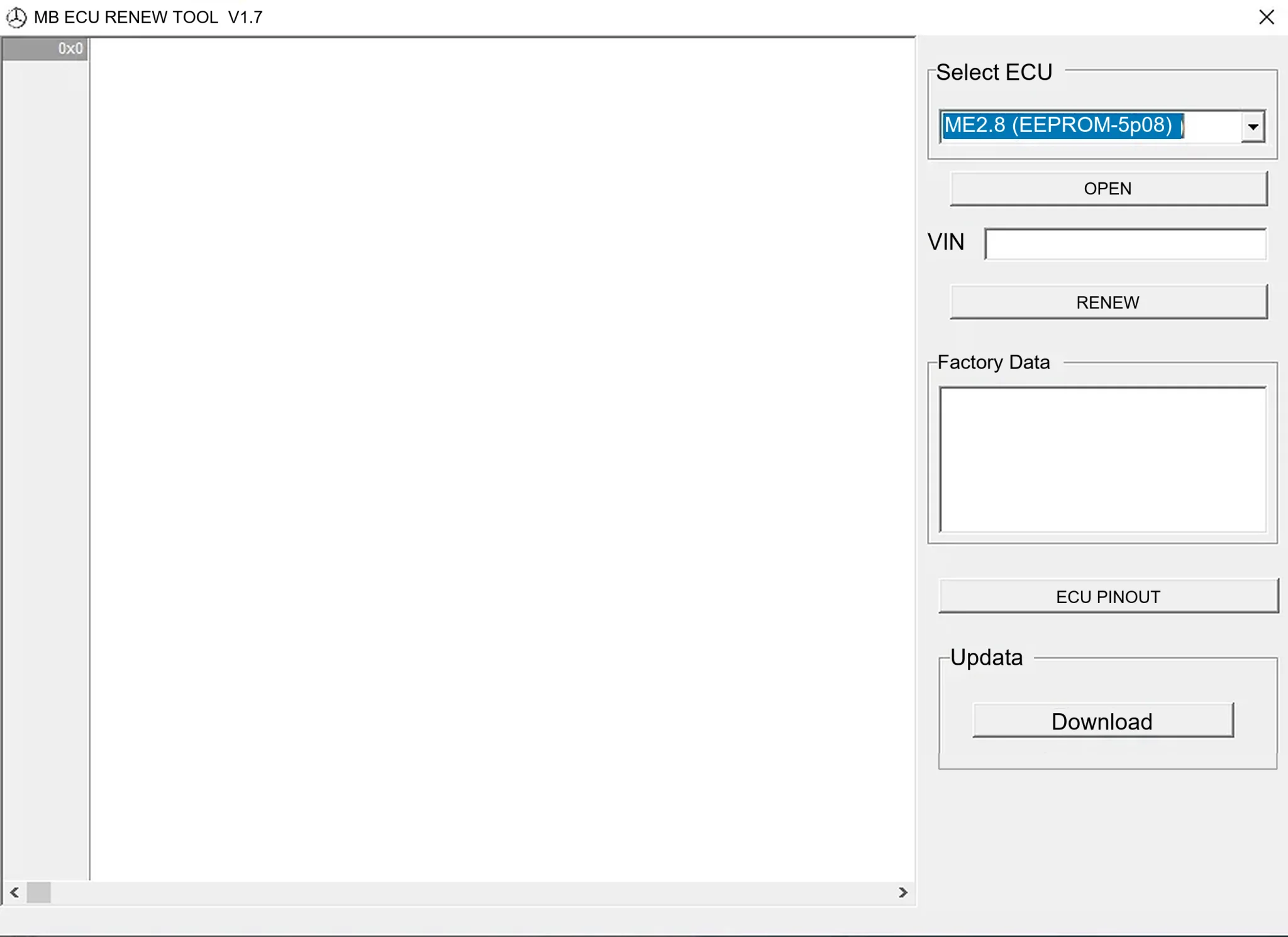
Offline Windows renew and virgin dump editor for selected Mercedes-Benz Bosch ME, EDC15 and Siemens SIM4 ECU profiles, with memory-specific processing and connector diagrams.

Offline Windows reference tool for Bosch ECU part numbers, controller families and OE cross-references, with exact, wildcard, prefix and binary-dump identifier searches.