
SOFTWARE DATABASE / RELEASE RECORD
VERSION 1.0.0.0MEDC17 Immobilizer Utility - Bosch EDC17 and MED17 File Tool 1.0.0.0
Offline Windows binary utility with two immobilizer-processing paths for supported Bosch EDC17 and MED17 ECU files, with separate output for review.
Categories
Overview
MEDC17 Immobilizer Utility is a Windows offline binary editor for authorized Bosch EDC17 and MED17 ECU replacement and recovery work. It provides two processing paths for an ECU file read beforehand and produces a separate output for inspection and subsequent programming. It is not an OBD flashing tool, an automatic ECU identifier or a complete immobilizer-synchronization system.
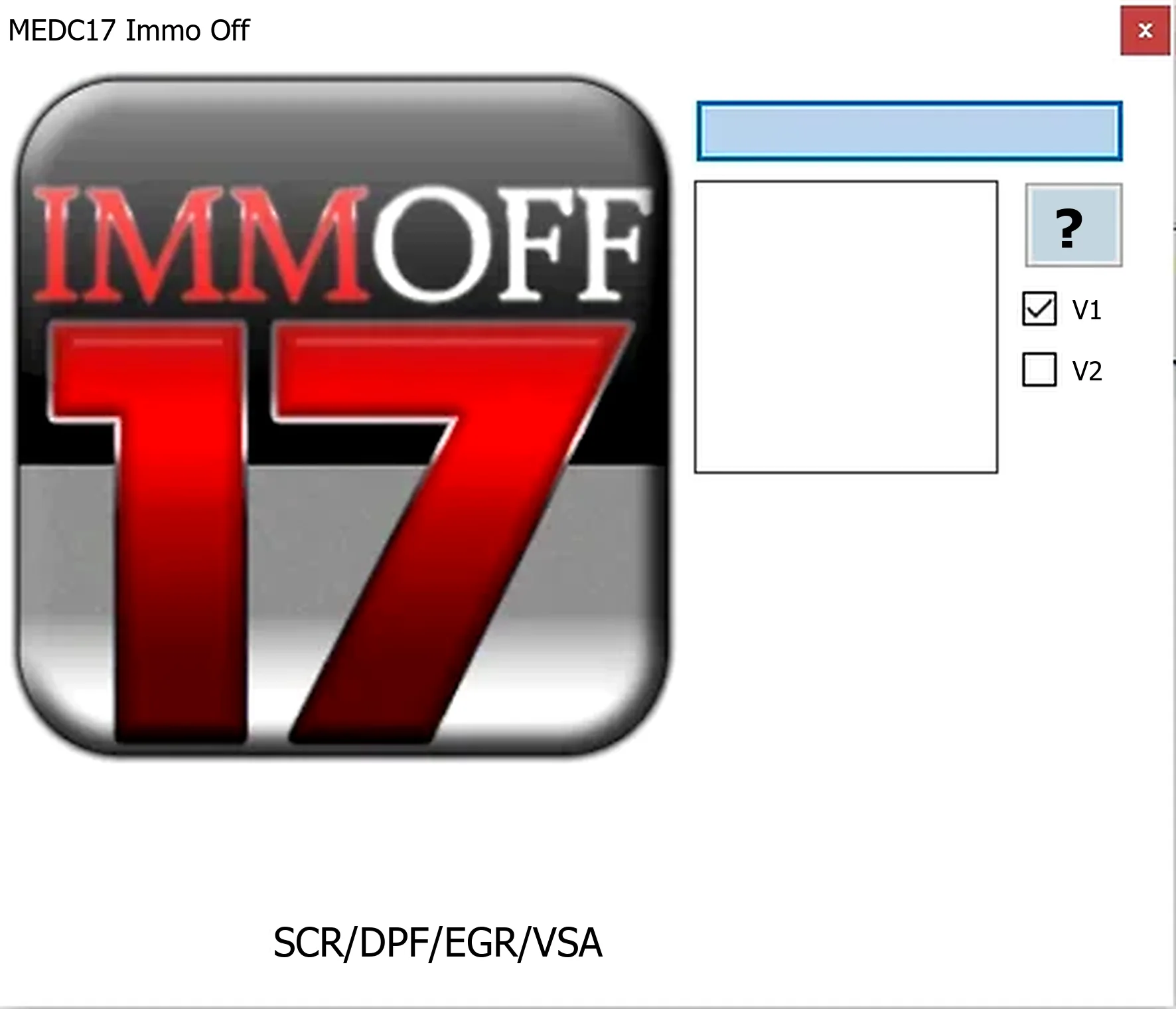
Functions Confirmed in the Supplied Build
- Load an existing Bosch EDC17 or MED17 binary read.
- Select the first or second immobilizer-processing path offered by the interface.
- Generate a modified output for a supported file layout.
- Compare original and output files offline before any programming operation.
The interface also carries SCR, DPF, EGR and VSA labels. These labels do not establish implementation of every emissions or vehicle-stability routine on every ECU. Its documented core purpose is the MEDC17 immobilizer-file workflow; a universal emissions solution is not confirmed.
Bosch Controller Coverage
EDC17 identifies a Bosch diesel-controller family, while MED17 identifies gasoline controllers. Both span numerous European and Asian applications with different processors, EEPROM and flash structures, tuning protection and immobilizer layouts. Identify the precise Bosch number, vehicle part number, hardware revision, software number, microcontroller and full read size before choosing a processing path.
Similarly named commercial MEDC17 products may serve selected VAG, BMW, Mercedes-Benz, PSA, Renault, Fiat, Ford and other applications. That market-level description is not a verified compatibility list for this executable. Treat any ECU/file layout without documentation in the interface or a trusted technical reference as unsupported.
Required Equipment and System Setup
- A Windows computer capable of running a legacy native portable application.
- A bench, boot, BDM or other compatible programmer with explicit support for the exact ECU.
- The correct bench pinout and a regulated, current-limited power supply.
- A complete, verified original read; use a calibration-only fragment only if the chosen routine expressly requires it.
- Suitable hexadecimal-comparison and controller-specific checksum tools.
- Diagnostic equipment for a pre-scan, identification and post-programming adaptation.
Protected microcontrollers are common in EDC17/MED17 systems. An unsuitable boot method or interrupted write can damage a controller. Establish the correct programmer protocol and recovery procedure before opening an ECU or editing its file.
Safe Processing Workflow
- Privately record the VIN, ECU label, Bosch number, hardware/software identifiers and diagnostic faults.
- Read the required flash and EEPROM regions twice and compare their hashes.
- Protect the untouched original and create a clearly named working copy.
- Choose a processing path only when its intended layout matches the exact ECU and input file.
- Save to a separate file, check the output length and examine every changed byte range.
- Establish whether the programmer performs checksum correction or a separate correction step is necessary.
- Program with stable bench or vehicle support voltage, then verify the written memory.
- Finish the required pairing, relearn and diagnostic checks before returning the vehicle to service.
Validation and Limitations
File acceptance or successful export alone does not prove a valid repair. Controllers within one Bosch family may differ in security blocks, OTP regions, checksum arrangements and participating immobilizer modules. Keep full boot reads distinct from calibration-only files, preserve file length and do not transplant another vehicle's data without a documented conversion procedure.
Immobilizer changes affect theft protection and may be unlawful outside legitimate repair, motorsport or controlled testing. Confirm ownership and applicable requirements. Prefer a standard adaptation or component-replacement procedure when available instead of a permanent file modification.
Troubleshooting
If the output is rejected, unchanged or followed by a no-start condition, restore the verified original and review the source read, chosen path, checksum handling and module synchronization. Check power and communication faults before attributing the problem to the immobilizer edit. Do not repeatedly write slightly altered files without a proven recovery method.
For support, provide exact Bosch and vehicle part numbers, microcontroller, reading tool and mode, original/output sizes and redacted DTCs. Keep full customer binaries, VINs, ISN/CS information and other security data private.
Package Notes
The documented final archive contains one unsigned native Windows executable. Package documentation describes a tested package and static inspection without launching the executable during preparation; these statements do not constitute independent ECUDB testing or certification. Use an isolated workshop computer and scan the file locally. No malware-clean claim is made.
Technical Compatibility
Supported Modules
Operating Systems
File Formats
System Requirements
- Windows computer for a legacy native portable application; exact Windows versions and architecture are unspecified. Programmer explicitly supporting the exact ECU and read mode; correct pinout; regulated current-limited power supply; complete verified original flash/EEPROM reads; hex-comparison and appropriate checksum tools; diagnostic equipment for identification, pre-scan and post-write adaptation. Establish recovery support before processing or writing.
Screenshots
Related Software

Windows BIN-file editor for locating and modifying supported ECU diagnostic trouble-code entries, with ECU-specific Disable/Remove actions and checksum validation requirements.

Legacy Windows ECU service software for supported VAG EDC15/ME7, PSA EDC15C2 and Opel Delco controllers, with profile-dependent PIN, identity and EEPROM functions through a matching interface.
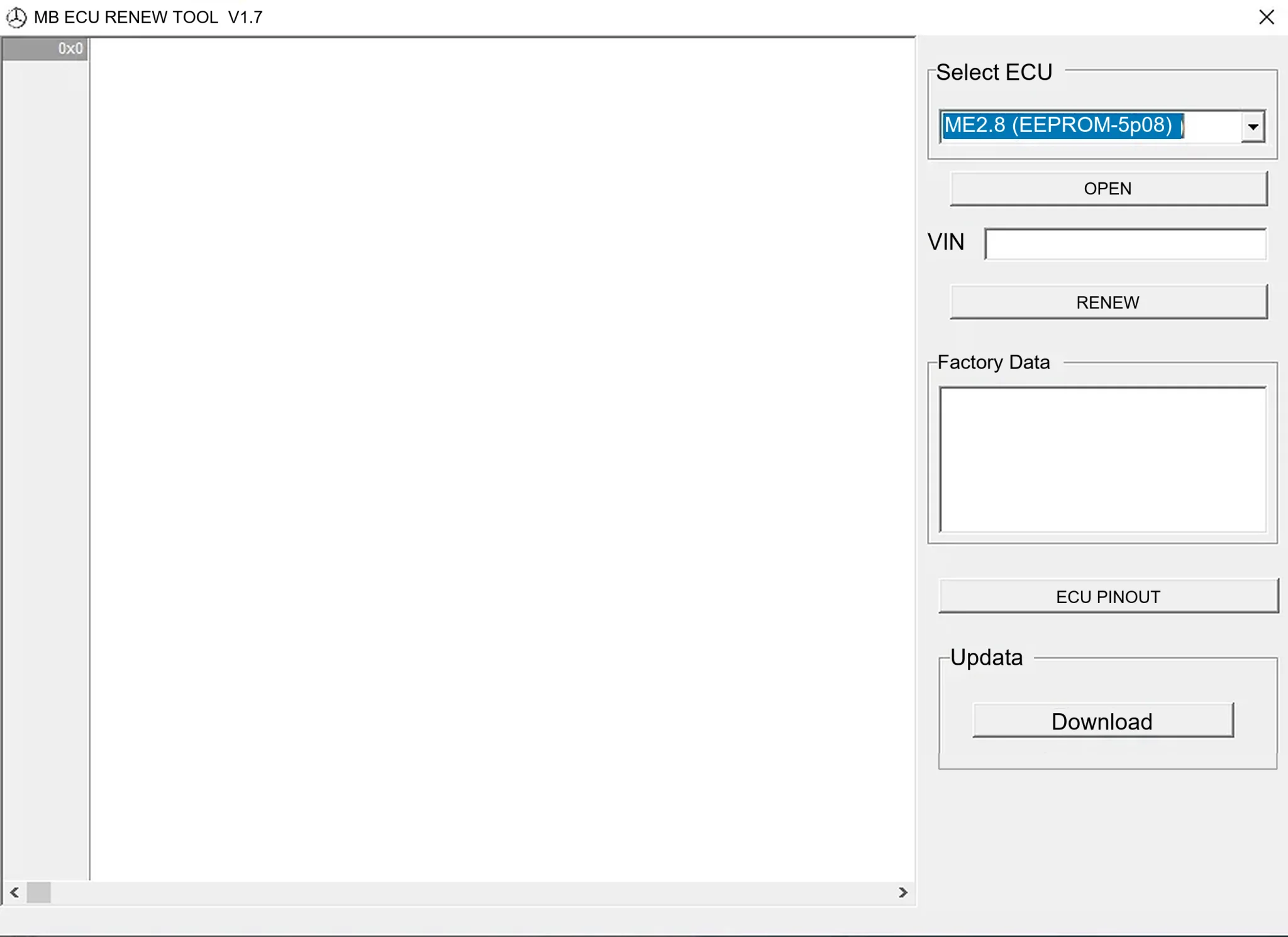
Offline Windows renew and virgin dump editor for selected Mercedes-Benz Bosch ME, EDC15 and Siemens SIM4 ECU profiles, with memory-specific processing and connector diagrams.

Offline Windows reference tool for Bosch ECU part numbers, controller families and OE cross-references, with exact, wildcard, prefix and binary-dump identifier searches.

Windows map and axis detection for supported Siemens PPD/SID full BDM binaries, with table and 3D views, DTC analysis and XDF/A2L definition export.

Offline Windows checksum inspection and correction for recognized Bosch and Sagem petrol ECU binaries, with eight supplied modules and All, Bad and Fixed counters.